AI detector · CompareFace
Face Compare 1:1
Upload two images. The service detects the largest face in each photo and returns a similarity confidence (0–100) with reference false-accept rate thresholds. For assistance only—not a legal or sole identity decision.
Your uploads
One face per image (largest). Clear, well-lit photos; within API limits.
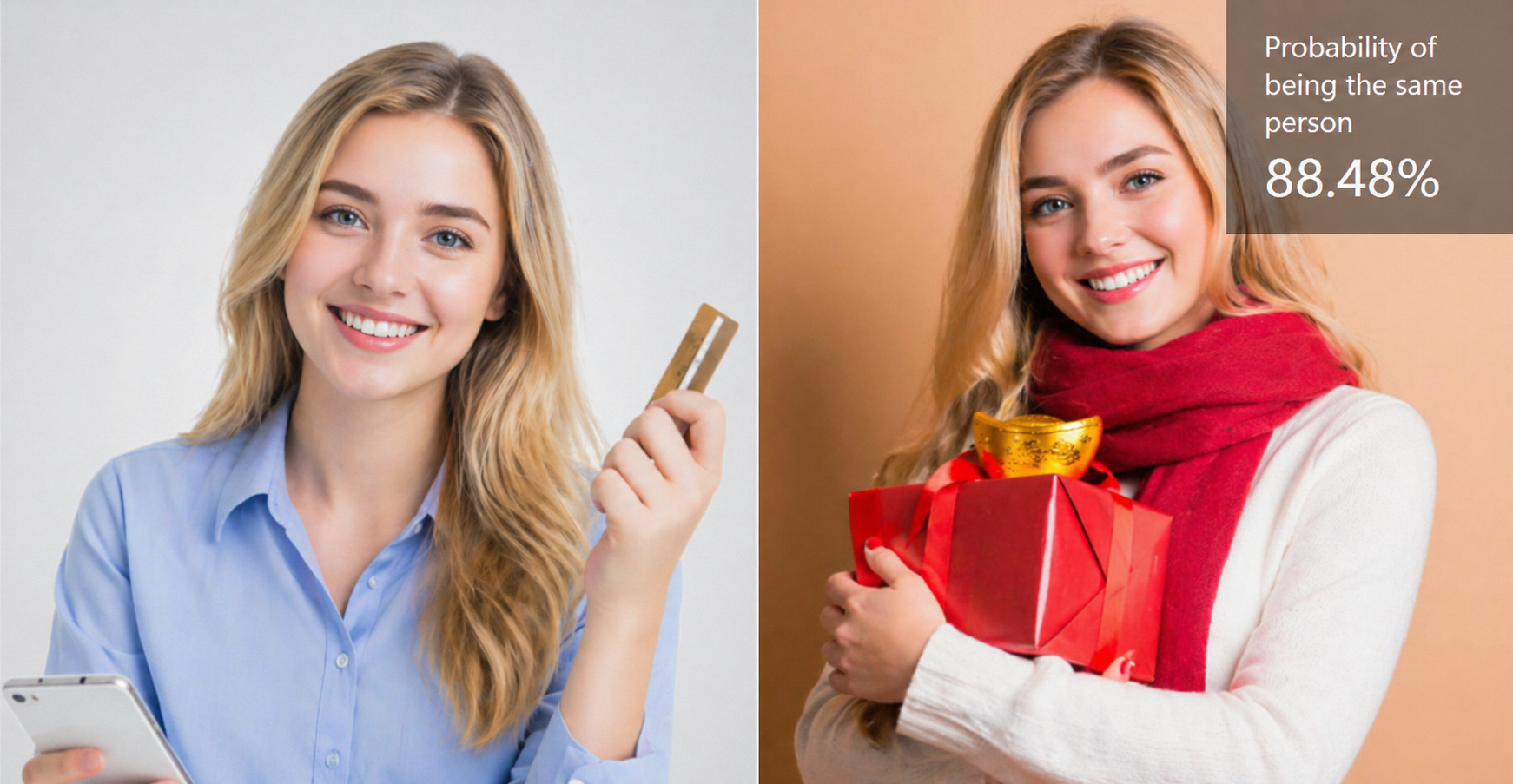
Sample preview
Illustration only—compare on the left with your own pair.
How it works
Built on the CompareFace 1:1 model (facebody line). Each image is analyzed for the largest face region; the pair is scored for same-person confidence. The API also returns three reference thresholds that map to common false-accept rate (FAR) levels (e.g. 1/1,000, 1/10,000, 1/100,000).
Upload two images
JPEG, PNG, BMP, or WEBP, each up to 5 MB after upload handling. Two upload areas keep Image A and Image B separate.
Cloud comparison
Your session sends the images securely. The service returns confidence, quality scores, face boxes, keypoints, and optional quality tips.
Read the result page
Compare the confidence to the three FAR thresholds, read MessageTips, and use the output as one signal in your workflow.
FAQ
Confidence, thresholds, which face is used, file limits, and responsible use.
Compare the next pair
Use well-lit, unobstructed photos when possible. If quality tips appear, try larger faces or less blur.
Back to upload