AI portrait · Before / after
Face Beauty
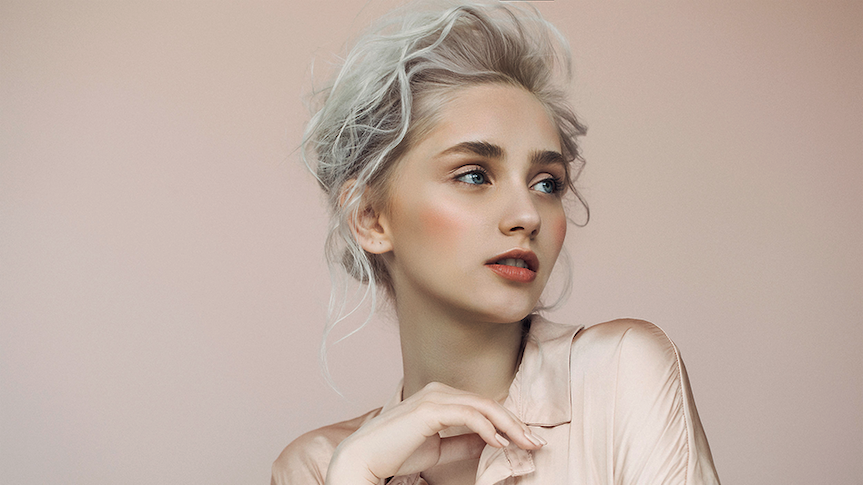
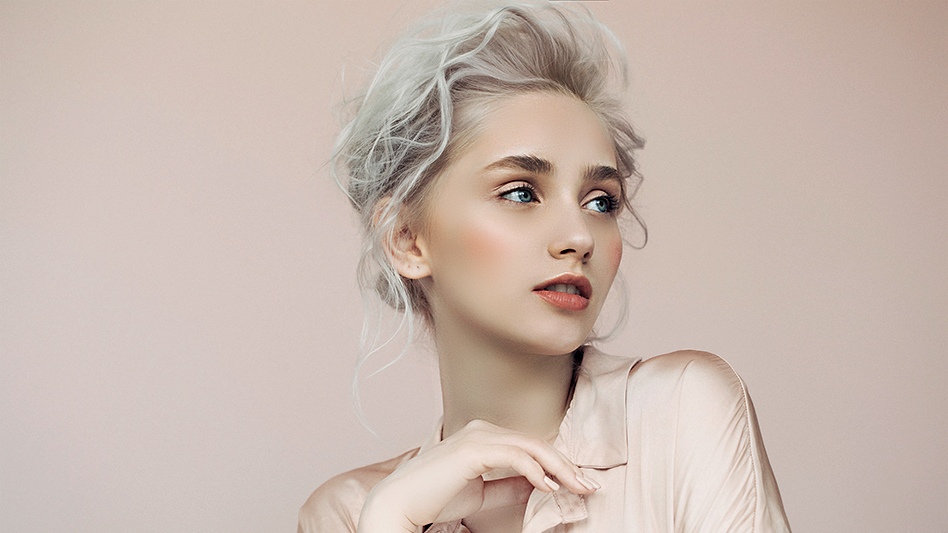
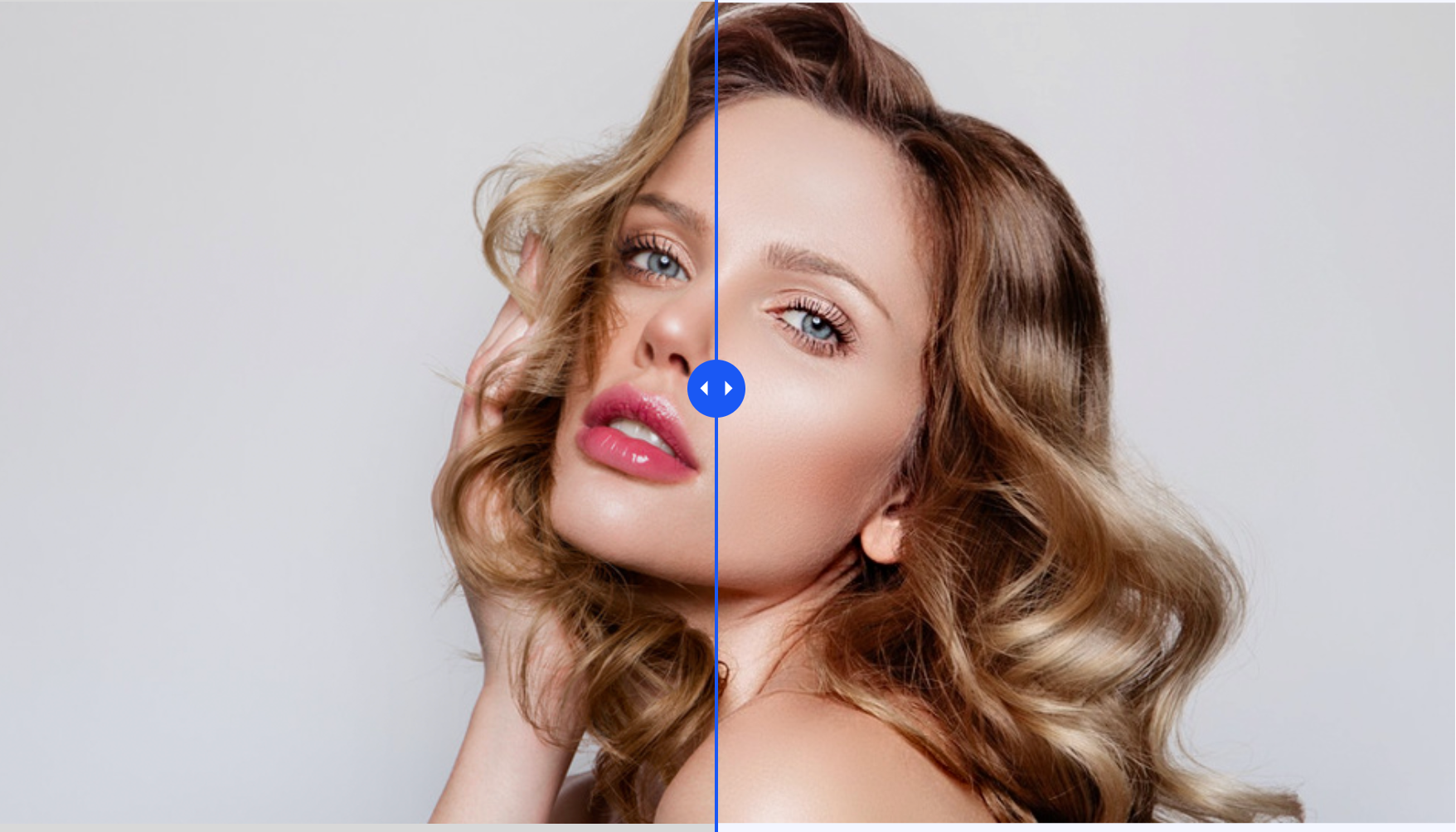
One upload, one click—polished portrait with smoothing, brightening, and sharpening. On the result page, drag the slider: original on the left, beautified on the right.
Your upload
Clear, front-facing portrait—then Generate.
Live demo
Drag: left = more beautified · right = more original.
How it works
Powered by Alibaba Cloud FaceBeauty: your photo is enhanced in the cloud, then you review it with a side-by-side slider—no guesswork, just a clear before and after.
Upload a clear portrait
JPEG, PNG, or BMP · up to 3 MB · 10×10 to 2000×2000 px. A front-facing, well-lit face works best.
Generate in one tap
We apply smoothing, skin brightening, and sharpening tuned for natural-looking portraits—not a heavy filter.
Compare and download
Use the slider on the result page to blend original and beautified, then save the version you like.
What gets enhanced
Three levers, one goal: a cleaner, brighter portrait that still looks like you.
Skin smoothing
Softens texture and minor unevenness while keeping edges and facial structure crisp.
Brightening
Evens and lifts skin tone for a fresh look—without washing out natural color.
Sharpness
Adds clarity so eyes, hair, and details stay defined after beautification.
Perfect for
Polished portraits for everyday sharing—without a full Photoshop workflow.
Social & profile photos
Refresh avatars and cover-style shots where skin and clarity read clearly at small sizes.
Creators & headshots
A quick pass before posting—use the slider to confirm you still look like yourself.
Dating & personal branding
Subtle enhancement that reads natural in good lighting; avoid heavy filters in the source for best balance.
From upload to download
Your image is compressed when needed, sent securely with your account token, and processed by the FaceBeauty model. You land on a dedicated result screen with downloads and the comparison slider.
- Client-side checks on format and size; optional compression to keep requests reliable.
- Authenticated API call—credits are deducted only after a successful run.
- Results and a thumbnail are saved for the result page; compare and download when you are ready.
FAQ
Common questions about credits, privacy, image rules, and the before/after slider.
Tips for better results
Small changes in your source photo can mean a noticeably better output.
Use good, even lighting and a clear view of your face—avoid heavy shadows across the eyes or nose.
Skip extreme filters or heavy makeup in the source image so the AI can read skin and features accurately.
Works for most everyday portraits; very strong blemishes or artifacts may limit how natural the result looks.
Ready to see your portrait glow-up?
Jump back to the tool, upload a photo, and use the slider to judge every detail before you download.
Back to Face Beauty