AI Lipstick Try-On
Try the shade
before the swipe.
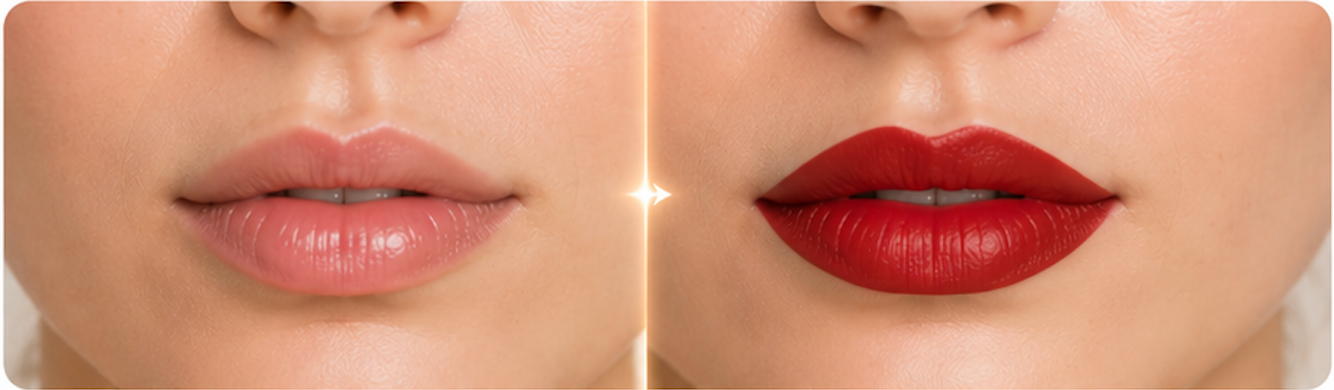
Preview lipstick colors and finishes on your own photo, from soft nude matte to classic red and berry gloss.
How it works
Four steps to
a new look.
Choose, upload, generate, compare. Keep your original identity and photo context.
- 01
Choose a lip color
Pick a shade family and finish, including matte, satin, glossy, creamy, or sheer.
- 02
Upload your portrait
Use a photo where lips are visible and not covered by hands, cups, or heavy shadows.
- 03
Let AI recolor the lips
The model changes only lip color and finish while preserving your skin, teeth, face, hair, and background.
- 04
Compare and download
Review the before/after slider, save the result, or try another lipstick shade.
FAQ
Common questions.
Does it change lip shape?
The prompt asks the model to preserve your natural lip shape and only change color and finish.
Will glossy finishes look realistic?
The AI aims for natural shine and lighting. Very dark or blurry lip areas may reduce realism.
Can I use it with existing lipstick?
Yes, but bare or lightly tinted lips provide a cleaner baseline for color changes.
Is this a foundation or full makeup try-on?
No. This is focused on lip color. Use AI Makeup Try-On for a full makeup look.
Ready when you are