AI portrait · Adjustable · Before / after
Liquify Face
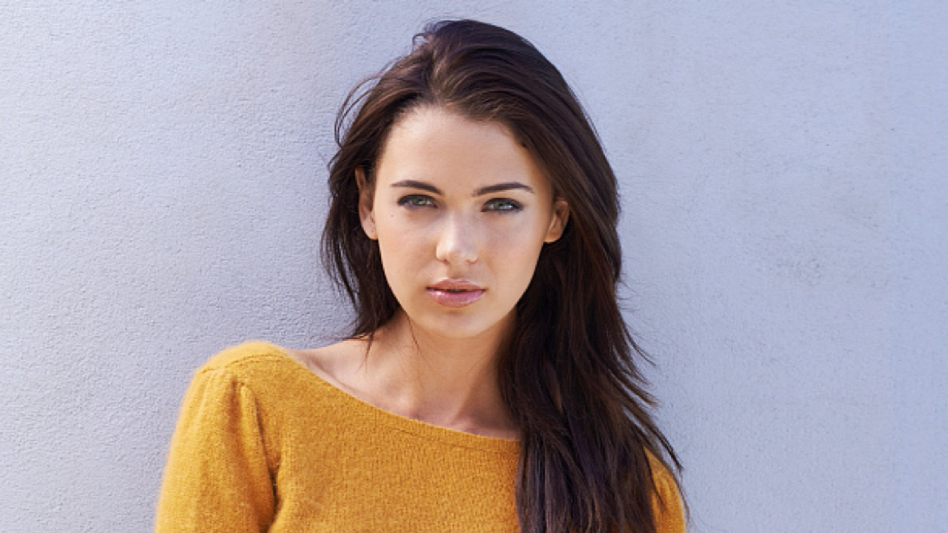
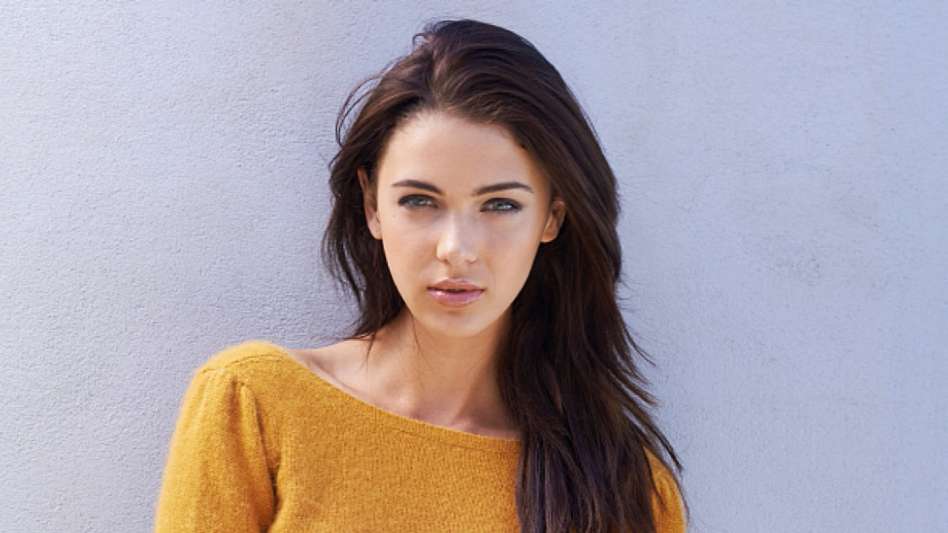
Upload a portrait, set Slim degree (0–2, default 1.0), then generate. On the result page, drag the comparison slider—original on the left, slimmed result on the right.
Your upload
Clear portrait with 1–3 faces—adjust Slim degree, then tap Generate. Start at 1.0 for a balanced look; increase for a stronger slimming effect.
Parameter adjustment
Standard strength (0–2). Higher = stronger slimming. Default 1.0 matches the API preset.
Live demo
Sample before/after. Your run uses your Slim degree. Drag: left = more result · right = more original.
How it works
Powered by Alibaba Cloud LiquifyFace: you choose slimming strength, we process your photo in the cloud, then you review with a side-by-side slider—natural-looking contour refinement.
Upload a clear portrait
JPG, PNG, or JPEG · API limit about 6 MB · 128×128 to 5000×5000 px. At least one face, up to three, each large enough in the frame.
Set Slim degree
Use the slider from 0 to 2 (default 1.0). Higher values apply a stronger slimming effect—adjust until it matches the look you want.
Compare and download
Use the slider on the result page to blend original and liquified output, then save the version you prefer.
What you get
Deep-learning face analysis for natural-looking facial slimming—works across angles and supports multiple faces within API limits.
Contour refinement
Adjusts facial width and jawline flow for a slimmer appearance while aiming to preserve identity and expression.
Adjustable strength
Slim degree 0–2 lets you dial from subtle to stronger. Start at 1.0 and tweak per photo.
Multi-face aware
Supports 1–3 faces in one image when each face is clearly visible and large enough in the frame.
Perfect for
Selfies, live streams, and batch touch-ups where you want a quick, consistent slimming pass.
Mobile & social portraits
Polish profile and feed photos with one slider for strength—preview with before/after before you post.
Studios & events
Batch-friendly workflow when many portraits need the same gentle slimming preset.
Personal branding
Keep results believable: use moderate Slim degree and clear lighting for the most natural outcome.
From upload to download
Your image is compressed when needed, sent securely with your account token, and processed with the Slim degree you chose. You land on a result screen with downloads and the comparison slider.
- Client-side checks on format and size; optional compression keeps uploads within API-friendly limits.
- Authenticated request includes Slim degree; credits deduct only after a successful response.
- Results and a thumbnail are stored for the result page—re-run with different strength anytime.
FAQ
Credits, Slim degree, file rules, multi-face limits, and temporary result URLs.
Tips for better results
Good lighting and a clear face crop help. If the effect feels too strong, lower Slim degree and generate again.
Use even lighting and a straight-on or slight-angle face—avoid deep shadows hiding the jawline.
Ensure each face occupies enough pixels; tiny distant faces may not meet the minimum size requirement.
Avoid heavy beauty filters in the source so the model can read real contours before slimming.
Ready to refine your portrait?
Jump back, adjust Slim degree, generate, then use the result slider to confirm every detail before you download.
Back to Liquify Face