Check a suspicious profile photo
Run a portrait through deepfake face detection when a dating profile, marketplace account, or social avatar feels too polished. The result helps you decide whether to look for more context before trusting the image.
AI detector · Deepfake
Upload a portrait to check deepfake face detection risk, then review each face label, confidence score, and quality tip before you trust or share it.

How it works
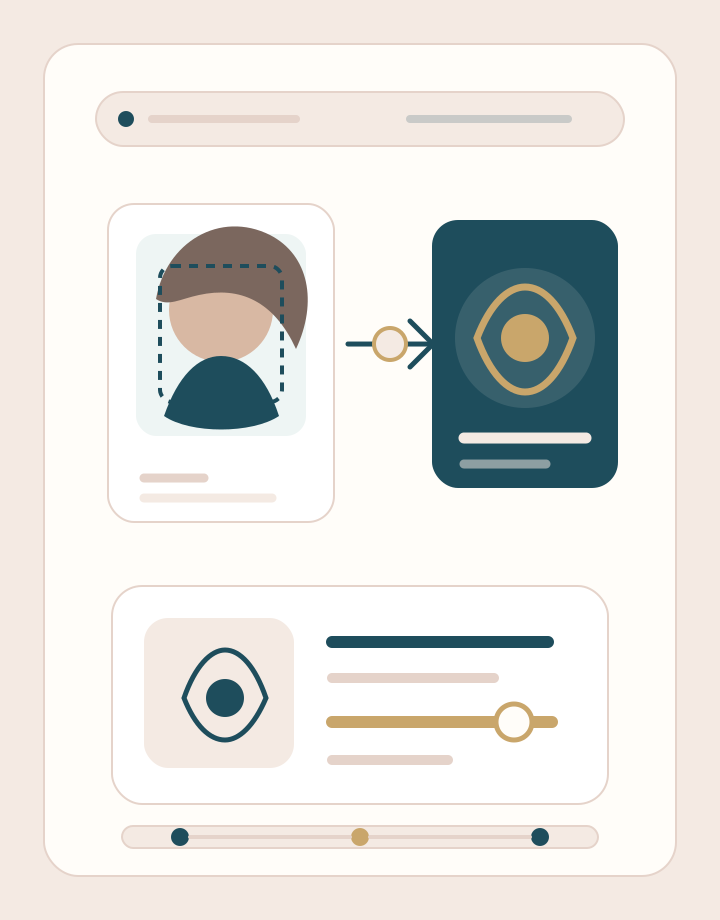
Use one clear photo and read the result as a risk signal, not a final proof of authenticity.
Choose one photo where the face is visible, sharp, and evenly lit. JPG, PNG, WEBP, BMP, GIF, and JPEG files are supported up to about 10 MB.
BeautyLove sends the image with your account token, then the detection model checks detected faces and returns labels, confidence scores, boxes, and quality tips when available.
Read each face result on the result page. Use the label and confidence as a review signal, then confirm important decisions with source checks and human judgment.
Use cases
Deepfake face detection is useful when an image looks suspicious, but the right next step still depends on consent, context, and source checks.
Run a portrait through deepfake face detection when a dating profile, marketplace account, or social avatar feels too polished. The result helps you decide whether to look for more context before trusting the image.
Creators, agencies, and small teams can screen portraits that appear to use a public figure, influencer, employee, or brand face. Treat the result as a first pass before takedown, platform, or legal review.
If your workflow includes profile photos or portrait uploads, this tool can add a simple risk signal for synthetic faces and face swaps. It is not a full identity verification system.
When an image is spreading quickly, a detection score can help you slow down and review sources, metadata, and original context before you share or publish.
Why choose us
BeautyLove keeps this detector narrow and readable. Upload one image, review the model signal, and keep human judgment involved.
BeautyLove Deepfake Face is built for portrait images, not long video, audio, or live calls. That narrow scope makes the result easier to understand.

The result can show normalface or deepfakeface labels with confidence scores, so you can read the strength of the signal instead of only seeing a verdict.
If the face is blurry, blocked, angled, or missing, the service can return message tips that explain why another photo may be better.

The page frames deepfake face detection as a risk signal. It avoids turning an automated score into legal proof or an identity decision.
Key features
The output is designed for careful review, with the face label, score, and image quality context kept together.
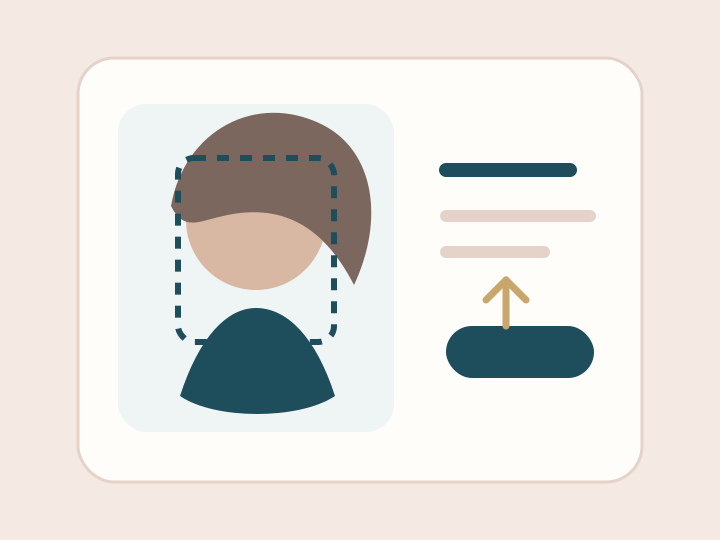
Upload one portrait or screenshot and start the check from the same page. The uploader accepts common image formats, compresses larger files in the browser when possible, and sends the image only after you are signed in with an account token.
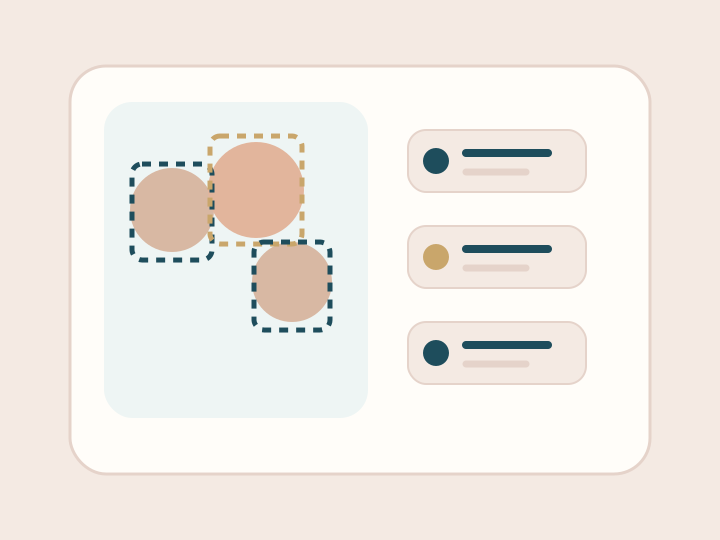
When the service detects faces, the result can include the face count and a separate item for each face. This helps when a group image or collage contains more than one visible person.
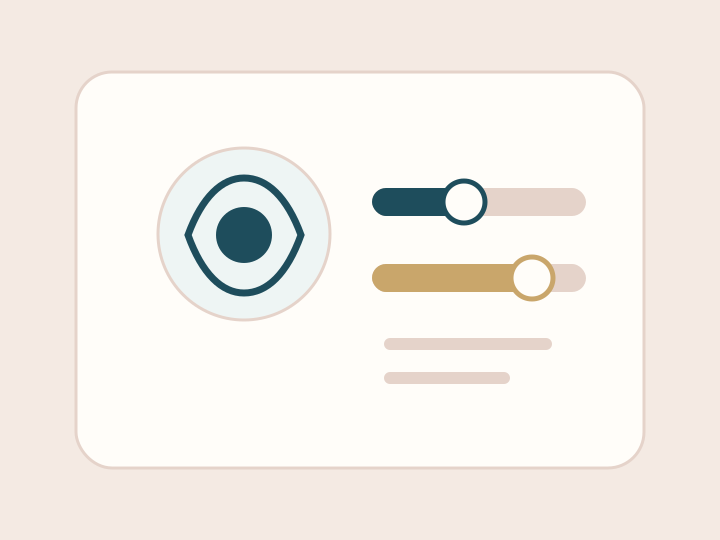
The confidence score gives a readable number for the model signal. Lower scores lean toward an authentic face in this API response, while higher scores indicate stronger deepfake or face swap suspicion.
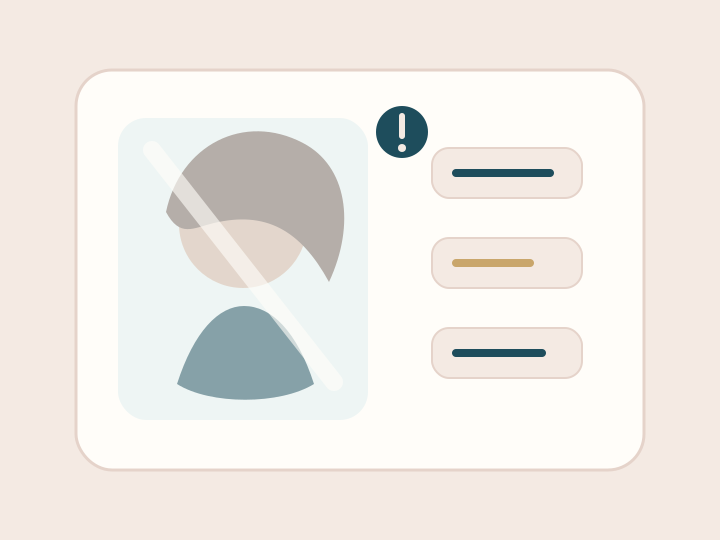
A poor input can weaken any detector. Message tips can flag blur, occlusion, a large face angle, or no detected face, so you know when to retry with a cleaner photo.
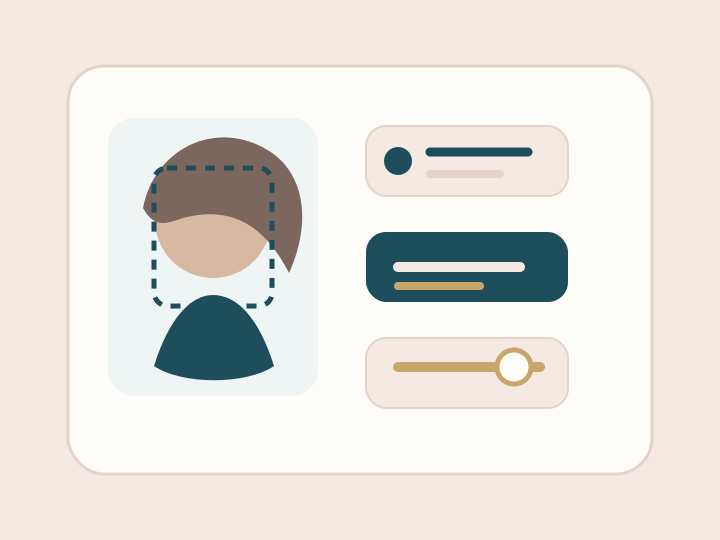
After analysis, BeautyLove opens a result page with your latest image preview and detected face details. This keeps the score connected to the image you actually reviewed.
Deepfake Face is an AI Detector tool. A successful run uses 10 credits, while failed service requests should not consume credits. New users can use the welcome credits described by the site.
Comparison table
Searchers compare many deepfake detectors. This page is best when you need a quick still image face signal, not video forensics.
| Option | Input | Result detail | Best for |
|---|---|---|---|
| Deepfake Face by BeautyLove AI | Still portrait images | Face labels, confidence scores, face count, boxes, and quality tips | Quick portrait risk review inside the BeautyLove tool set |
| Public video deepfake scanners | Video files or video links when supported | Frame review, motion signals, and reports when offered | Suspicious clips, interviews, and social video checks |
| General AI image detectors | Images of many types | AI probability, heatmaps, or broad synthetic image signals | Checking AI art, generated scenes, or non portrait images |
| Enterprise forensic platforms | Images, video, audio, and case files when contracted | Forensic workflows, provenance checks, and team review tools | Formal investigations, compliance, and high control teams |
| Manual visual review | Any image with available context | Human judgment, source checks, and reverse image search | Context review before any serious action |
FAQ
Labels, confidence, still image limits, credits, privacy, and responsible use.
Privacy and responsible use
The image is sent to the detection service for analysis. This is not a browser only detector, so avoid uploading private images you cannot process.
BeautyLove may keep the latest result data and thumbnail in your browser storage so the result page can show what you just checked.
Use photos you own or have the right to upload. Do not use this page to harass, shame, impersonate, or expose someone.
Automated analysis can be wrong. For legal, financial, employment, safety, or official identity questions, use a qualified review process.
Ready when you are
Use deepfake face detection as one signal in your review workflow, then retry with a clearer photo if the tips flag blur, occlusion, or angle issues.
Loved by 5M+ BeautyLove users for hair, makeup, color, and portrait decisions.