Profile photos and headshots
Use the smile aesthetic test before choosing a dating profile photo, LinkedIn portrait, creator avatar, or simple headshot. It helps you compare which smile reads more relaxed on camera.
AI Detector | Smile Analysis
Upload a smile photo for camera-ready notes on balance, width, tooth and gum visibility, and posing ideas; this photo coach is for beauty guidance only, not dental, orthodontic, or medical decisions.
How it works
Use one clear image and treat the result as camera guidance, not dental advice.
Use a front facing photo where your face and mouth are visible. Soft, even light helps the model read tooth visibility, lip line, and smile shape more fairly.
BeautyLove analyzes the visible smile in your image and returns camera based cues such as balance, width, tooth show, gum show hints, and tight lip signals.
Review the summary and the practical tips. The result is meant for posing, makeup, and photo practice, not for dental care or orthodontic decisions.
Take a second photo with a tiny chin, head angle, or smile width change. Small expression shifts can look larger on camera than they feel in person.
Use cases
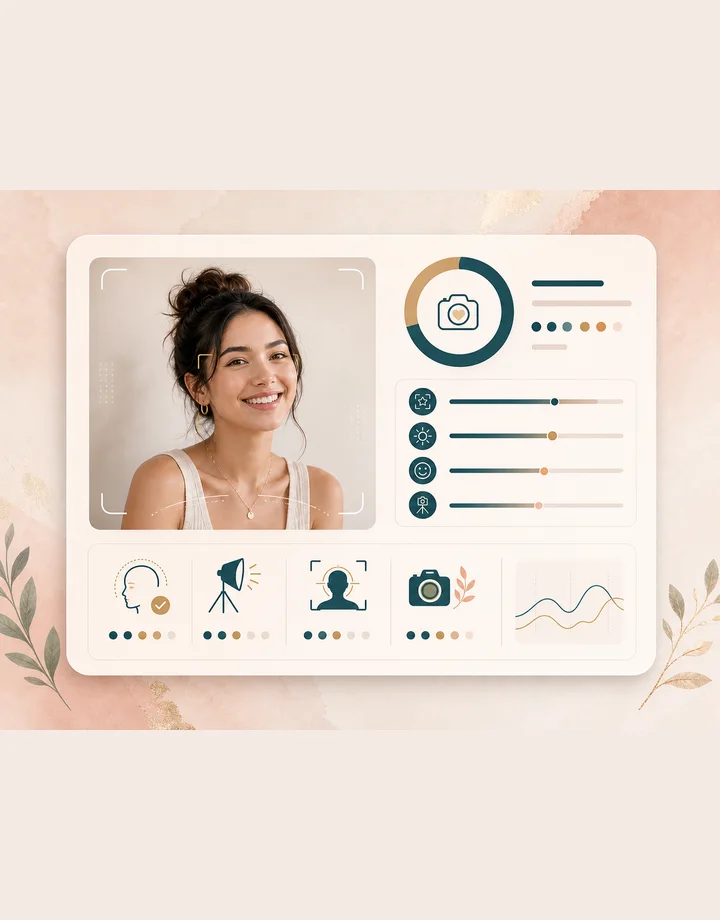
People search for smile analysis when they want a more natural photo, not a medical opinion.
Use the smile aesthetic test before choosing a dating profile photo, LinkedIn portrait, creator avatar, or simple headshot. It helps you compare which smile reads more relaxed on camera.
Try a few smile versions before graduation photos, wedding events, parties, or travel portraits. The result gives you language for what to adjust before the real photo moment.
A lip shade, gloss level, or liner shape can change how the mouth reads in a photo. Use the notes to pick a softer or clearer look.
If smiling for photos feels awkward, treat the output as practice feedback. It can suggest small, private adjustments without turning your smile into a judgment.
Why choose BeautyLove
BeautyLove keeps the tool narrow, practical, and respectful. The goal is better photo language, not a rating of your worth.

BeautyLove reads how your smile appears in one image. It does not diagnose teeth, bite health, pain, or treatment needs.
The result turns visual cues into everyday words, so balance, width, and gum visibility hints are easier to understand.
Instead of only giving a score, the page helps you test chin position, head angle, light, and smile strength.

Smile Aesthetic Test is an AI Detector tool. A successful run uses 10 credits, and failed service requests should not consume credits.
Key features
The report is built around visible smile cues, photo quality, and small adjustments you can actually try.
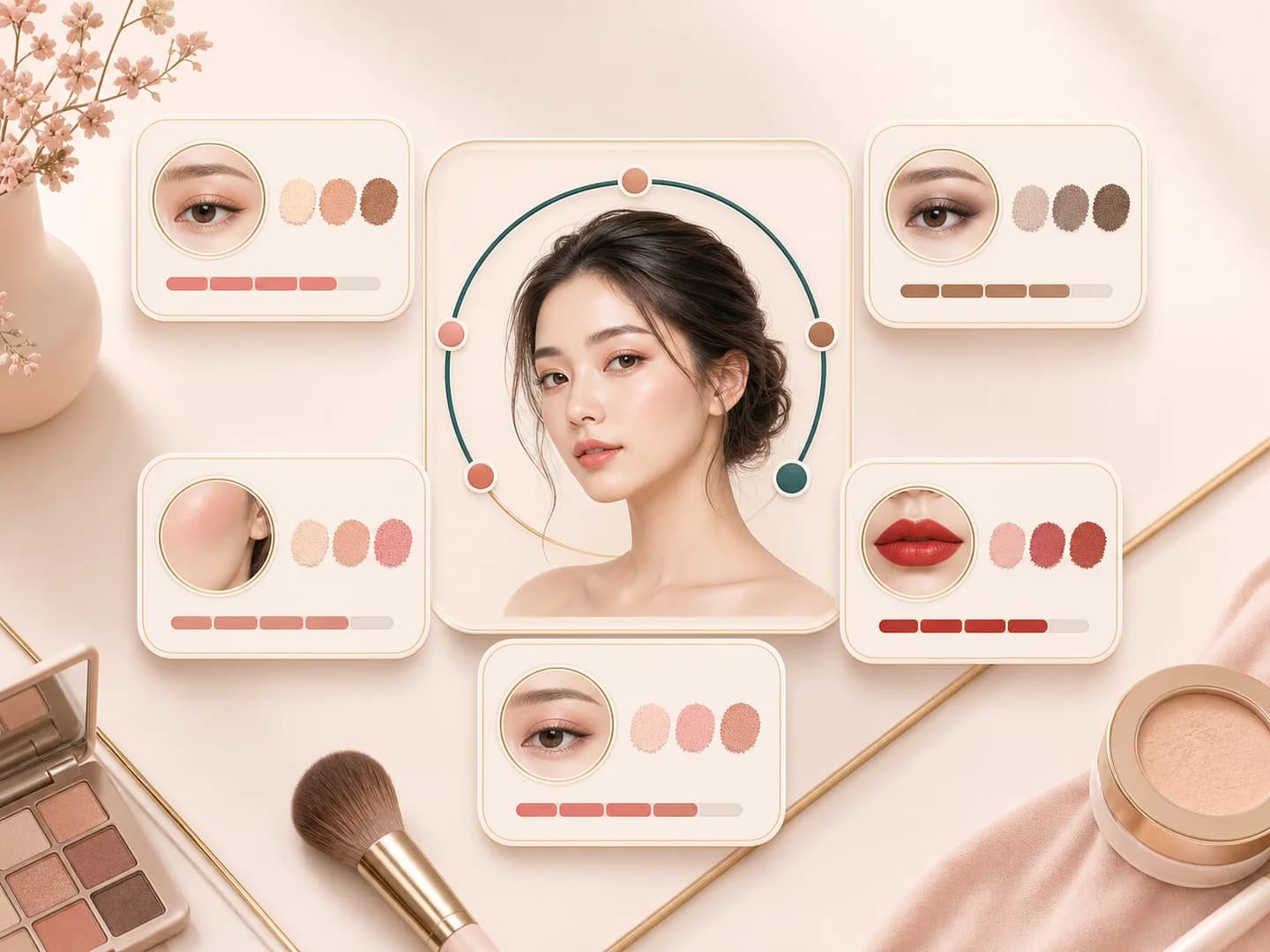
The test looks at visible balance in the smile area, including whether the mouth corners and lip line appear even in the uploaded photo. This is useful when one photo feels slightly off but you cannot tell if the issue is expression, angle, light, or timing.
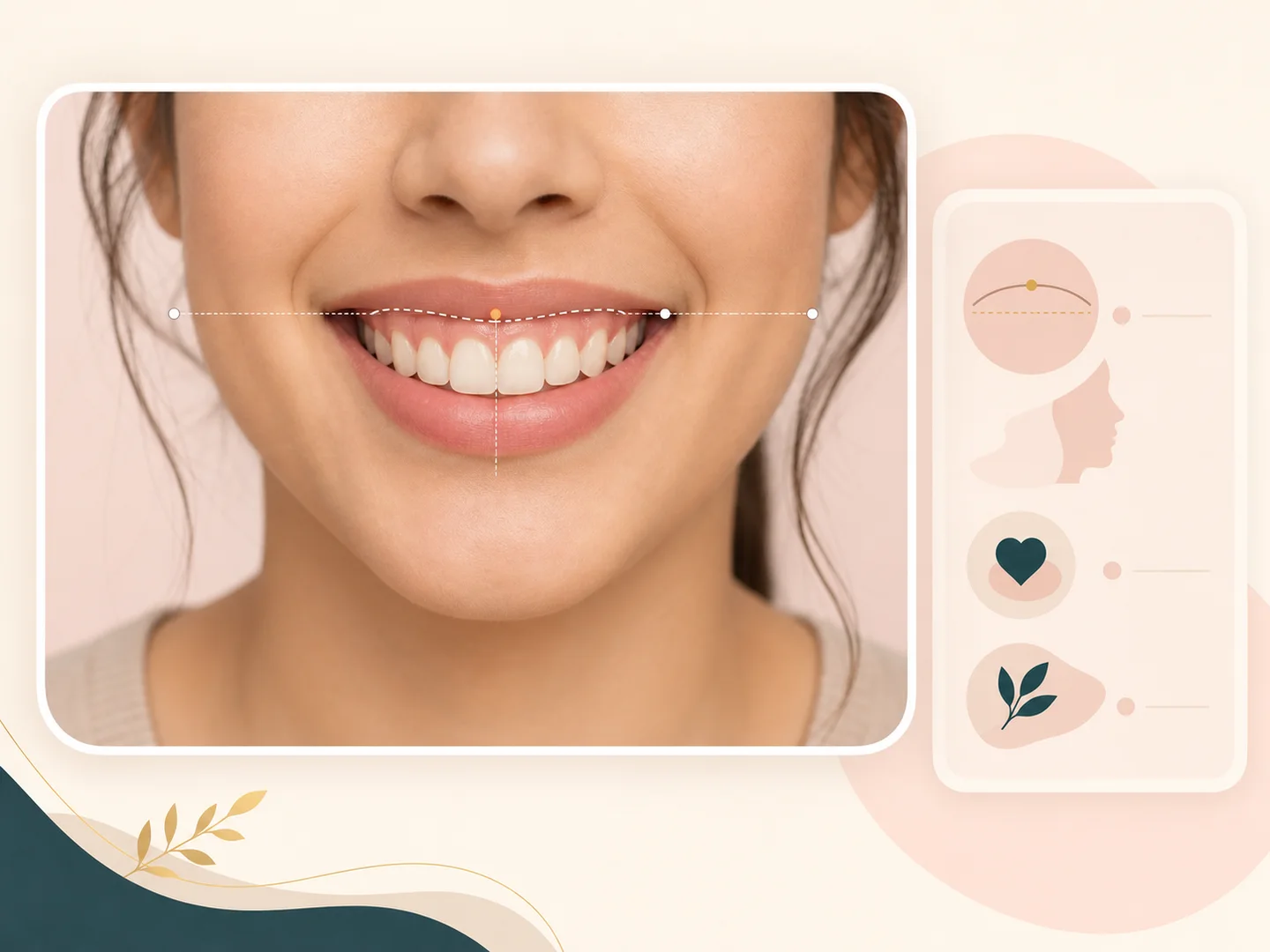
A smile can read very different depending on how much teeth or gum shows from that angle. BeautyLove can describe visible tooth show and gum show hints in gentle, camera focused language, while keeping dental causes and treatment questions out of the result.
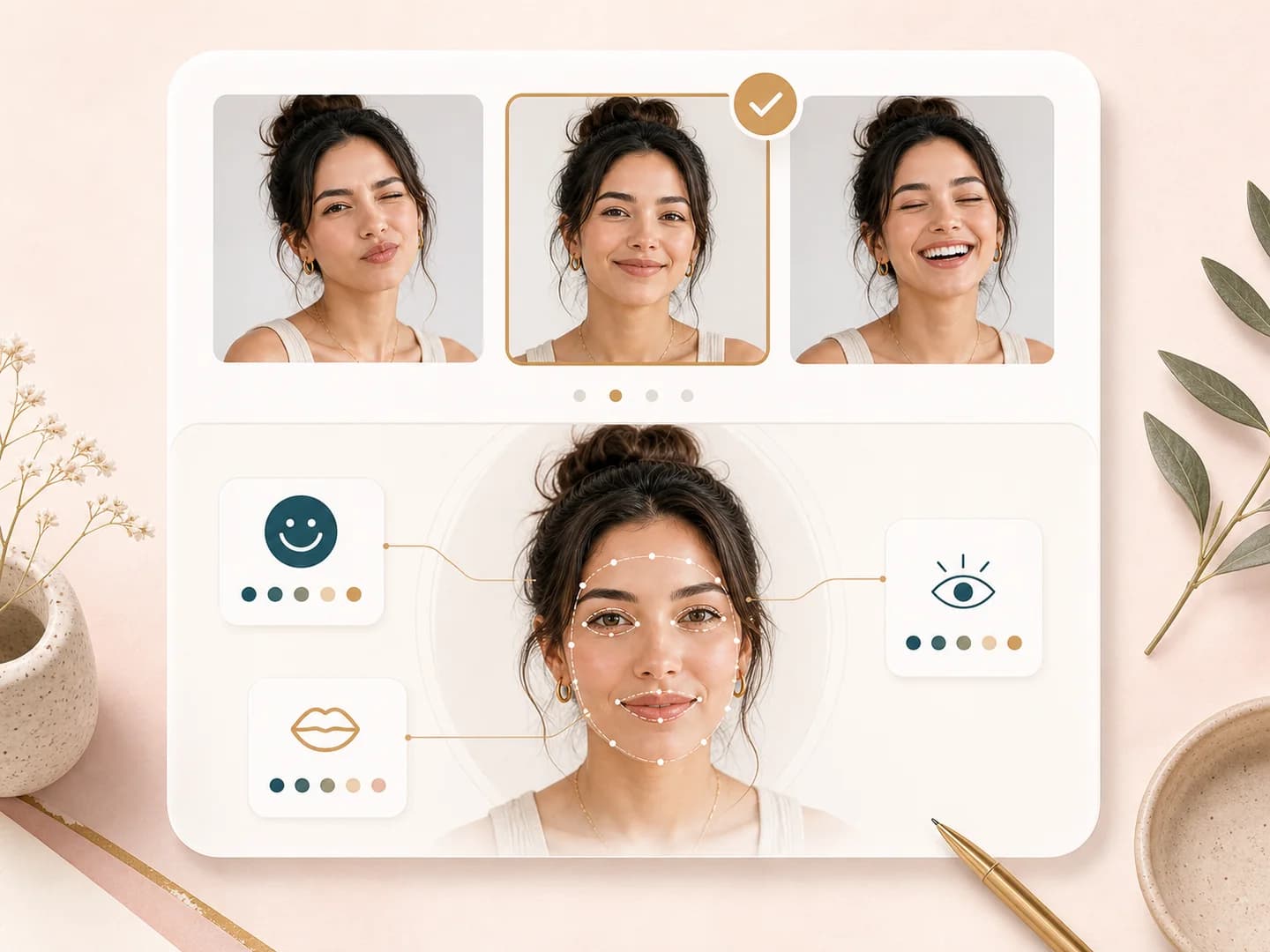
The page gives practical ideas for retaking a photo, such as softening the smile, changing head tilt, relaxing the lips, or moving the camera closer to eye level. These tips help when your mirror smile and your photo smile do not match.
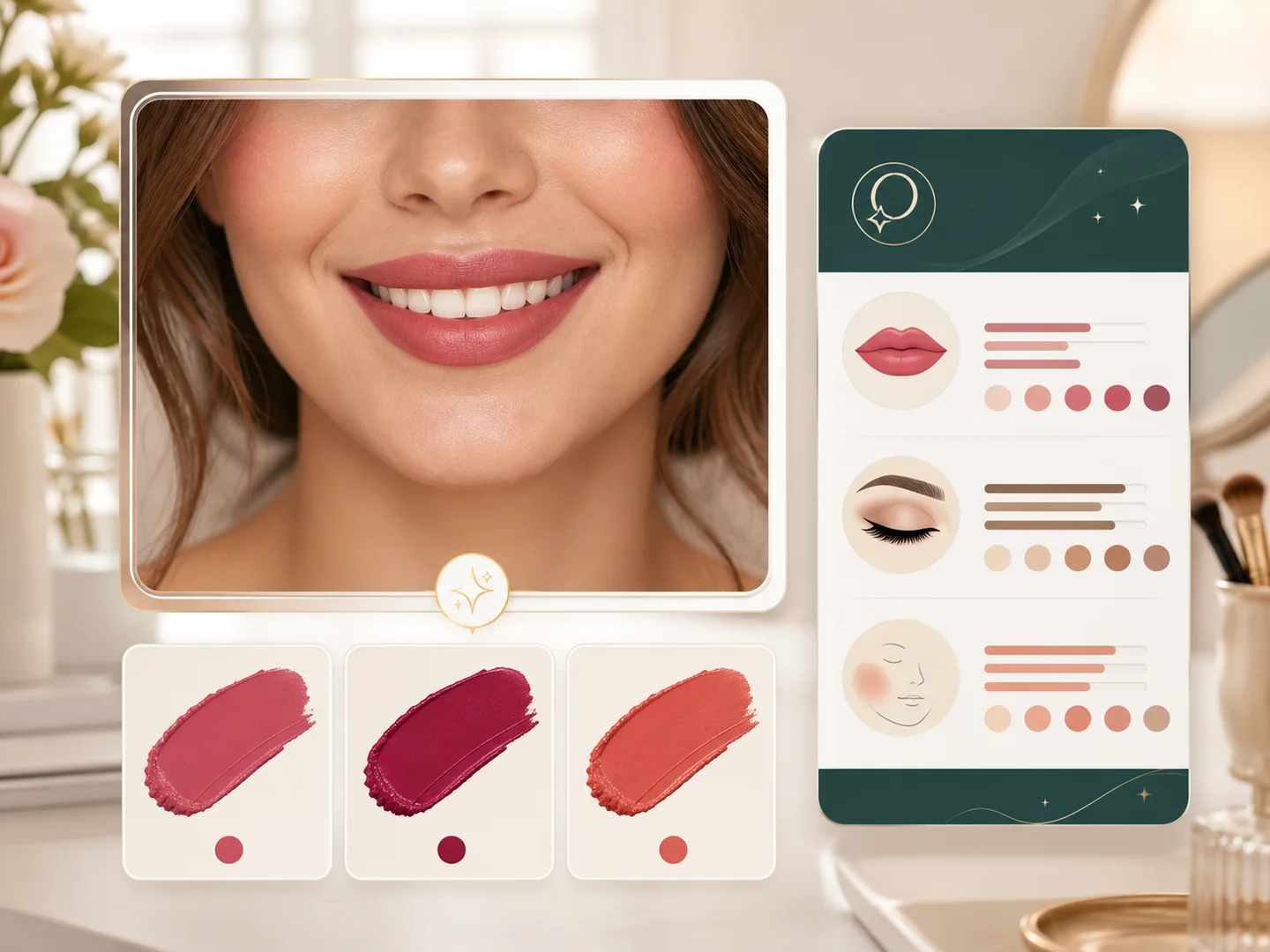
The result can include lip color and makeup notes when they are relevant to the photo. This helps you test whether gloss, liner, contrast, or softer lip color changes the visual balance of the smile in portraits.
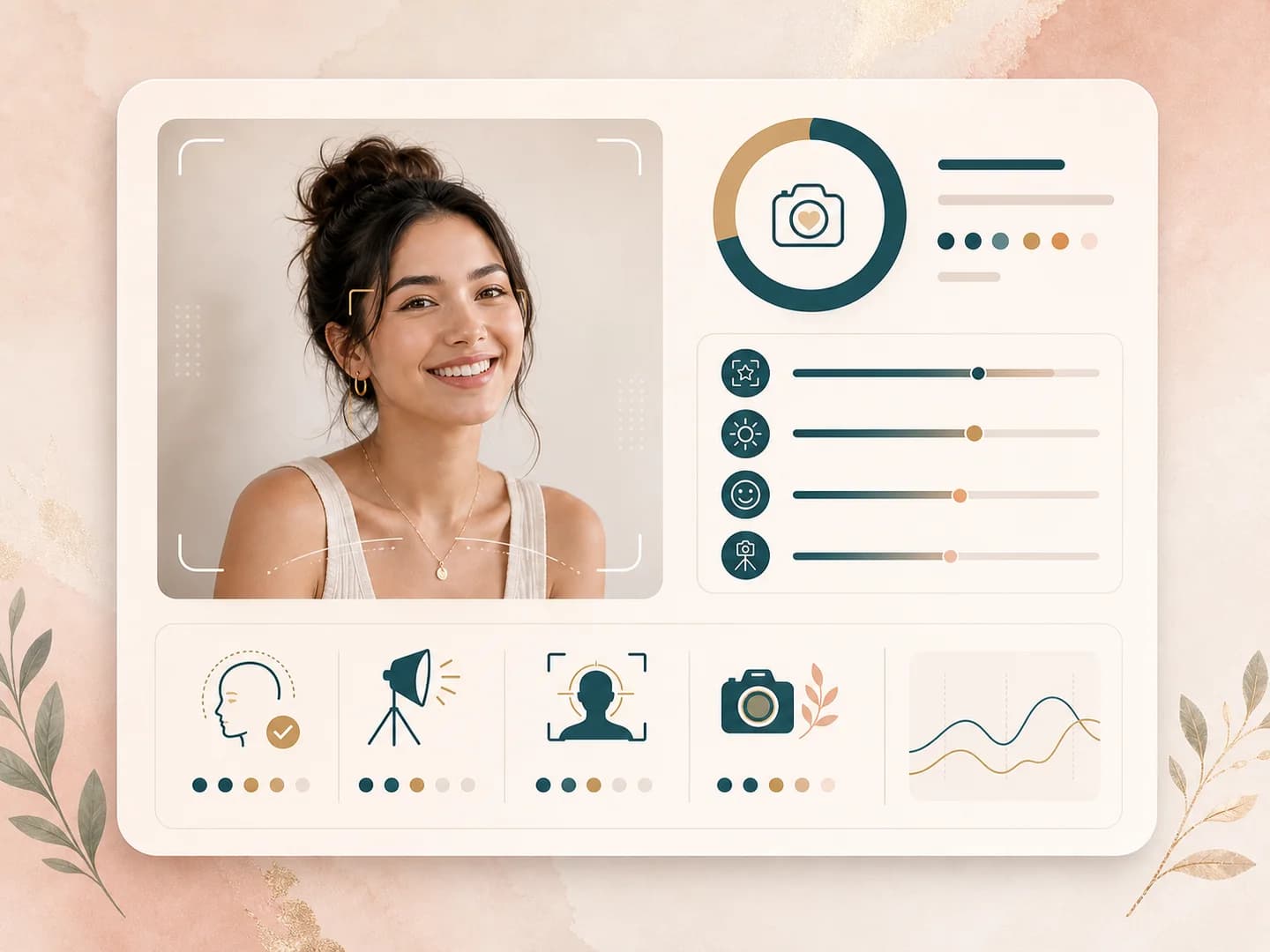
Lighting, phone distance, face angle, and blur all affect the read. The page explains why a clear, evenly lit, front facing photo is better for a smile aesthetic test than a cropped, filtered, or side lit image.
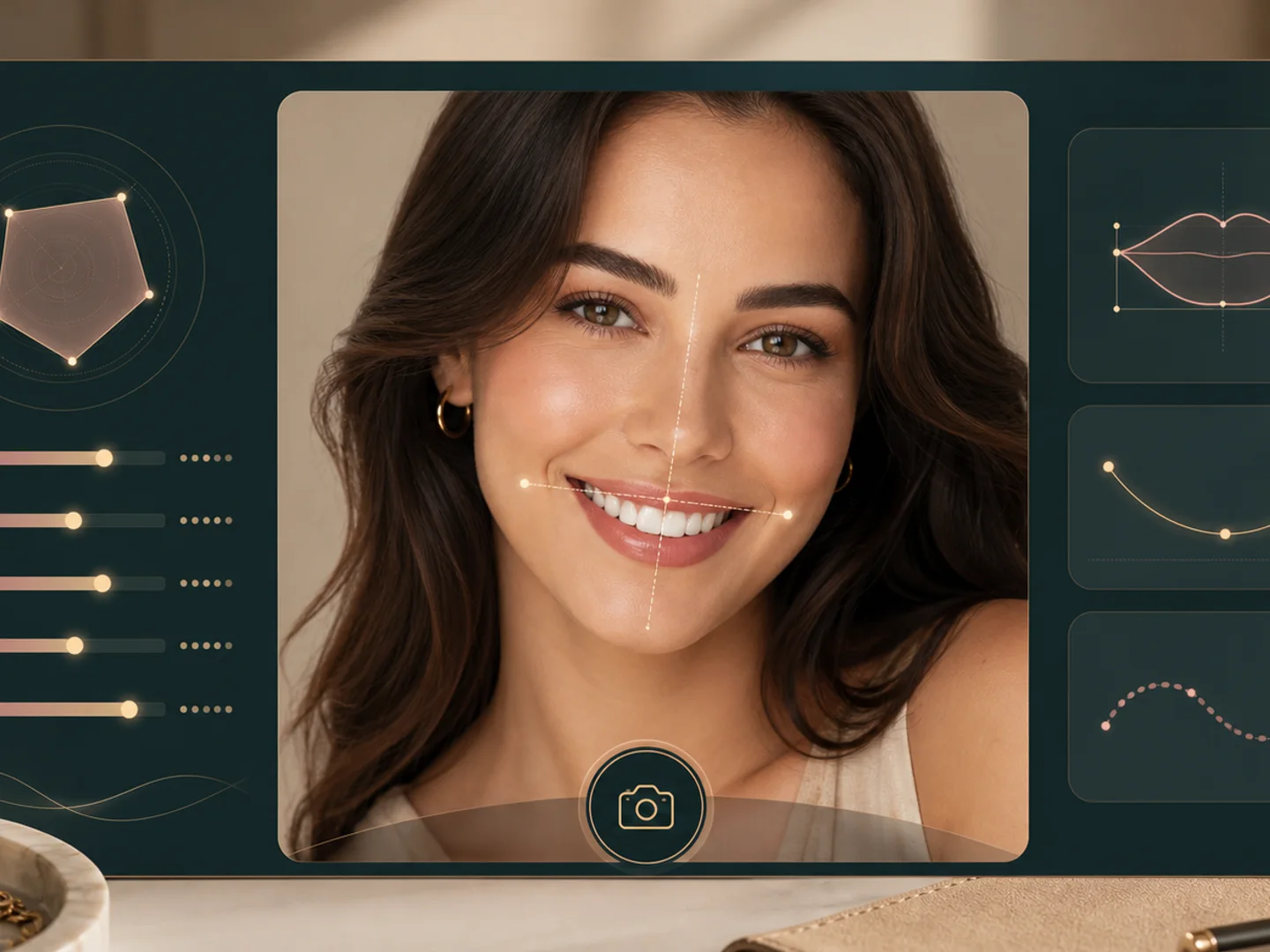
Your result appears as a structured report, so you can review the main read, supporting cues, and suggestions together. If the photo quality is weak or the smile feels forced, try another image and compare the guidance.
Comparison table
Smile tools can mean photo coaching, expression checks, editing, or professional care. These jobs are not the same.
| Option | Result focus | Boundary | Best for |
|---|---|---|---|
| BeautyLove Smile Aesthetic Test | Smile balance, width, tooth show, gum show hints, and posing ideas | Photo coaching only, not dental diagnosis | People who want practical smile photo feedback |
| Smile genuineness checkers | Usually focus on eye and mouth expression patterns | Often framed around whether a smile looks real | Learning about relaxed expression cues |
| Photo retouching apps | Can edit teeth, lips, skin, or overall portrait style | Changes the image rather than explaining the smile read | Creating a polished edited photo |
| Dental smile design services | Clinical or cosmetic planning with a qualified provider | Care decisions belong with licensed professionals | Dental, orthodontic, or treatment questions |
| Manual selfie review | Your own side by side photo comparison | No automated breakdown or structured suggestions | Private practice when you want full control |
Privacy and data security
Face and smile photos are personal. Use images you have permission to upload and keep the result in context.
Uploaded images are used to process the Smile Aesthetic Test request through the selected AI service. The analysis is not processed only on your device.
Result data and thumbnails may be kept in your browser storage so the result page can show your latest smile analysis.
Upload photos you own or have permission to use. Avoid using smile analysis to judge, shame, or pressure another person.
For pain, broken teeth, bite concerns, gum health, jaw clicking, or treatment plans, talk with a licensed professional.
Smile photo coaching
Smile searches can mean many things: smile analysis, smile photo tips, gummy smile visibility, tooth show, and profile photo confidence. BeautyLove should own the photo-coaching angle and keep the page clearly outside dental diagnosis.
The test reads visible smile balance, width, lip line, tooth show, gum visibility hints, and expression tension from one image.
Small changes in chin position, head turn, light direction, and smile intensity can make a smile feel more relaxed in photos.
After smile feedback, use photogenic score or photo quality tools to choose the best portrait rather than over-editing one image.
Tool chain
Use the detector as a starting point, then continue into the tool that matches the next user intent.
No. It is photo coaching for visible smile cues. It does not diagnose teeth, bite, gum health, pain, or treatment needs.
Camera height, lens distance, timing, expression tension, lip color, and lighting can change how the smile reads in one frame.
Use photogenic score to compare portraits, photo quality score to check technical quality, or AI Glow-Up Studio for a combined portrait polish.
FAQ
Photo setup, gum visibility, credits, privacy, and the line between smile coaching and dental care.
A smile aesthetic test is a photo based read of how your smile appears in one image. BeautyLove focuses on camera cues like balance, width, tooth visibility, gum visibility hints, and posing ideas.
No. This tool does not diagnose cavities, bite alignment, gum health, pain, jaw issues, or orthodontic needs. It is for beauty education and photo guidance only.
It can describe gum visibility hints in the uploaded photo, but it cannot diagnose a gummy smile or explain the cause. A dentist or orthodontist should answer clinical questions.
Use soft front light, keep the camera near eye level, and make sure your mouth is visible. Avoid masks, hands over the mouth, heavy blur, and strong side shadows.
No. Smile Aesthetic Test analyzes the photo and gives tips. It does not retouch teeth, whiten teeth, straighten teeth, or change your uploaded image.
Smile results can change because lighting, camera distance, head angle, expression strength, lip product, and blur change what the model can see in each image.
Yes. BeautyLove tools use account based credits. Smile Aesthetic Test is an AI Detector tool, and a successful run uses 10 credits.
Yes. Braces, aligners, veneers, dentures, and implants can appear in the photo, but the tool still gives a camera based read, not a dental evaluation.
BeautyLove uses your upload to run the selected tool request. Results may be stored in your browser so the result page can show your latest output.
Results are for beauty education and photo practice, not a substitute for licensed dental or medical care.
Ready when you are
Upload one clear photo, review the smile cues, and try a second take when the result gives you a useful idea.
Loved by 5M+ BeautyLove users for hair, makeup, color, and portrait decisions.