Compare frame shapes before you shop
Try round, rectangular, cat eye, clear, tortoise, and aviator directions on the same portrait. It helps you narrow the style before visiting a store or browsing frames.
AI Generator | Virtual Glasses Try-On
Upload a clear portrait, choose a frame style, and preview realistic eyeglasses on your face before you shop or save a look.
Choose frame style
24 frame directions across classic, soft, lifted, bold, metal, and color styles. Selected: Gold round
How it works
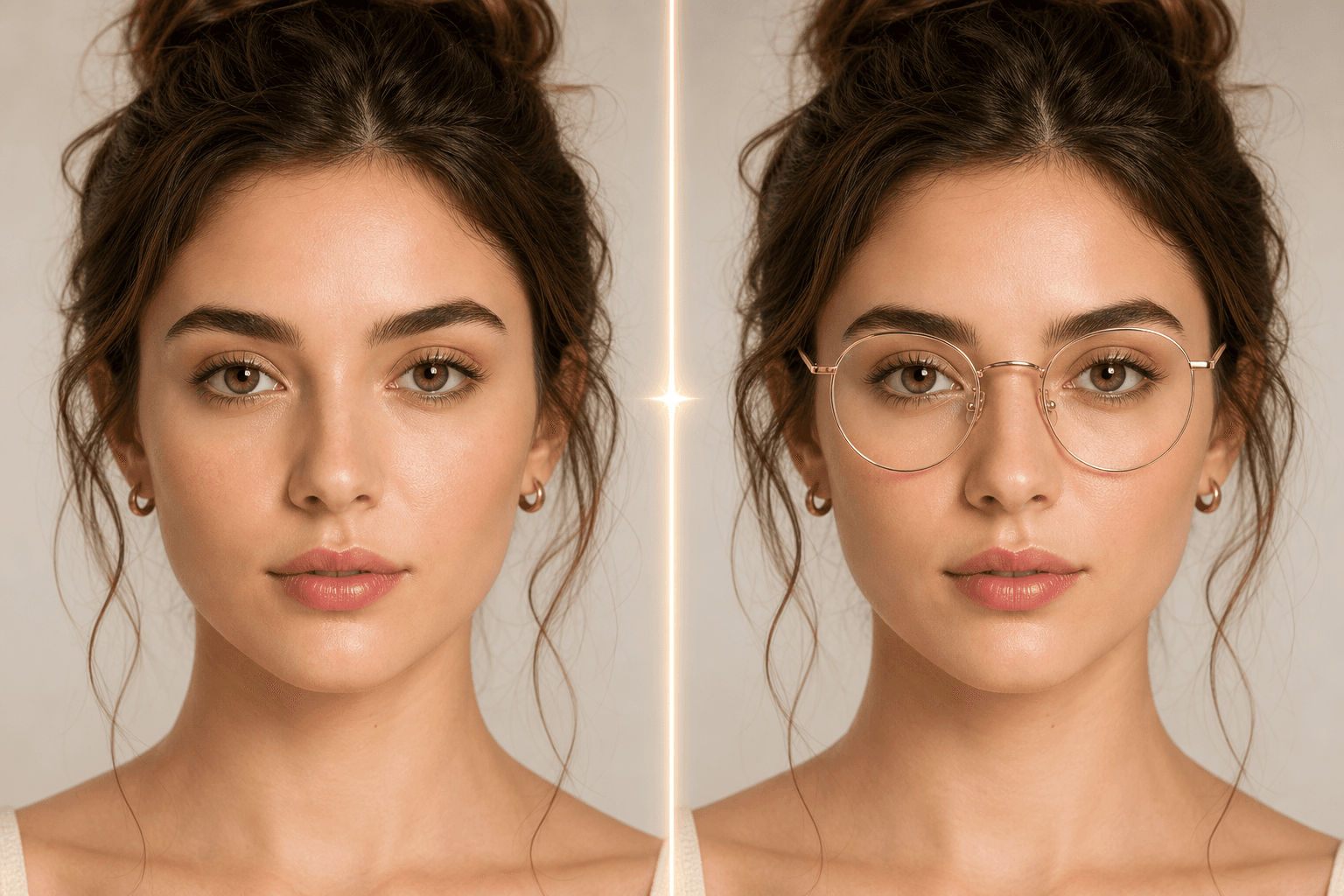
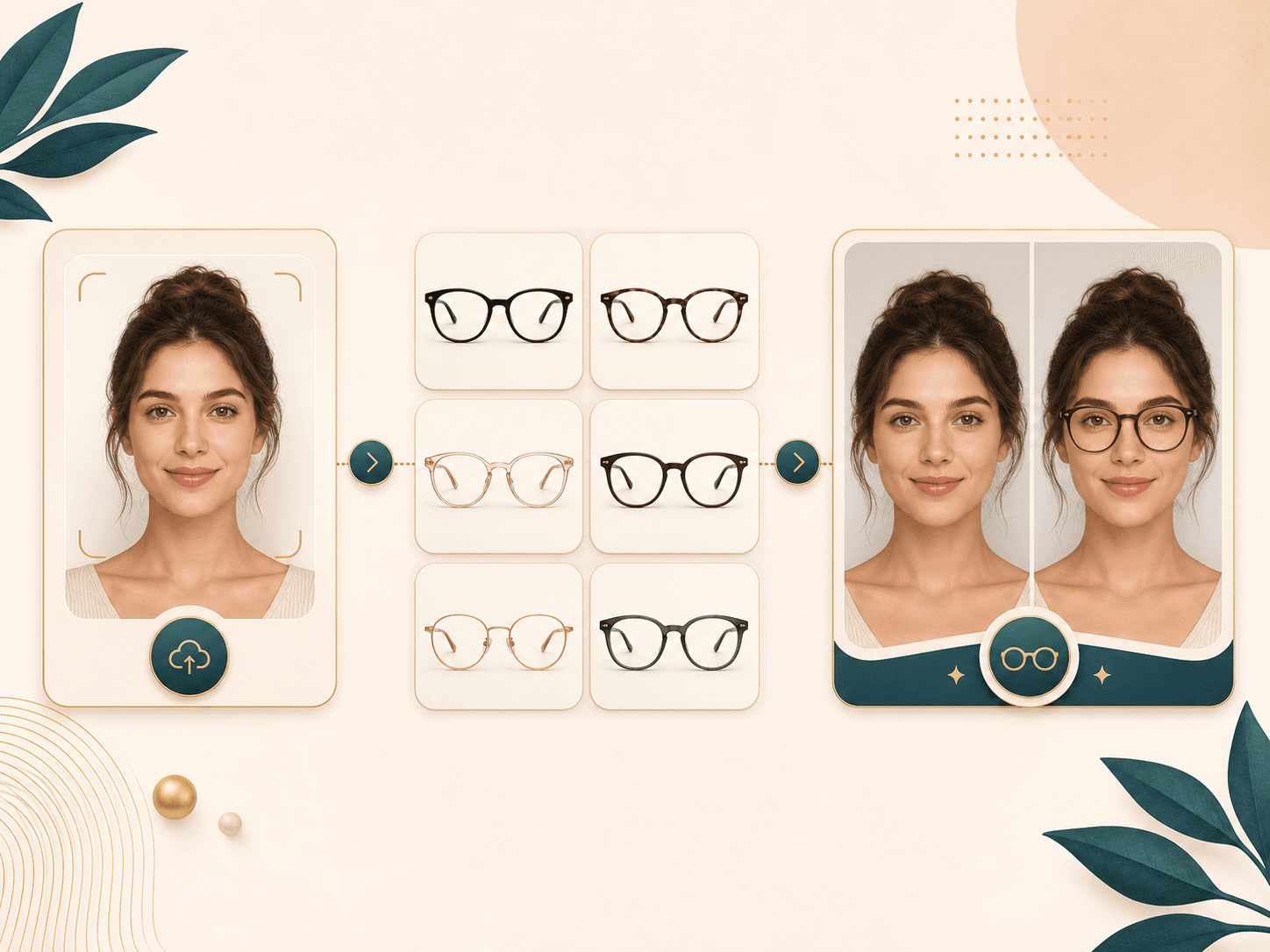
Pick a frame style, upload a portrait, generate your eyewear preview, then compare the original and edited result.
Pick a frame direction such as thin round metal, black rectangular, cat eye, clear acetate, tortoise, or aviator glasses.
Use a front facing photo where your eyes, brows, nose bridge, and ears are visible. The uploader accepts common image files up to 10 MB.
BeautyLove sends your photo and selected frame style to the AI generator. The prompt asks it to add glasses while preserving your identity.
Open the result page, compare the original and edited image, then download the preview or return to try another frame style.
Use cases
A glasses preview is most useful when you want visual direction before choosing a frame or asking for fit advice.
Try round, rectangular, cat eye, clear, tortoise, and aviator directions on the same portrait. It helps you narrow the style before visiting a store or browsing frames.
Test whether glasses fit the mood of a headshot, creator image, dating profile, or social avatar before you edit or retake the photo.
A new frame can change the balance around your eyes, brows, and cheekbones. Use the preview to compare softer, bolder, warmer, or lighter options.
Save a generated preview when you want feedback from a friend, stylist, or optician. Treat it as a style idea, not an optical measurement.
Why choose BeautyLove
BeautyLove keeps this tool focused on one job: add clear lens frames to your portrait and make the result easy to compare.
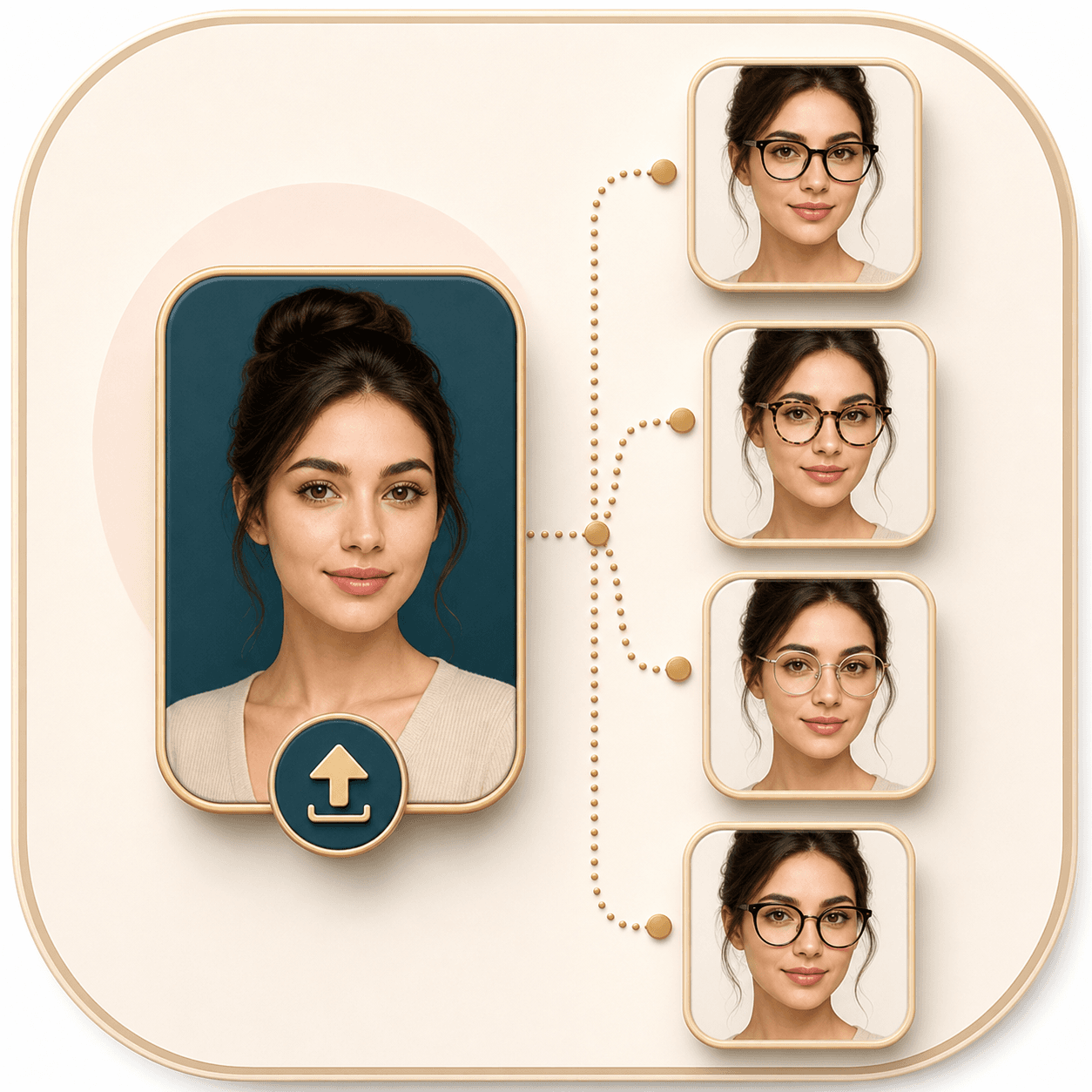
Choose a preset frame direction and run another style when you want a fair comparison on the same portrait.
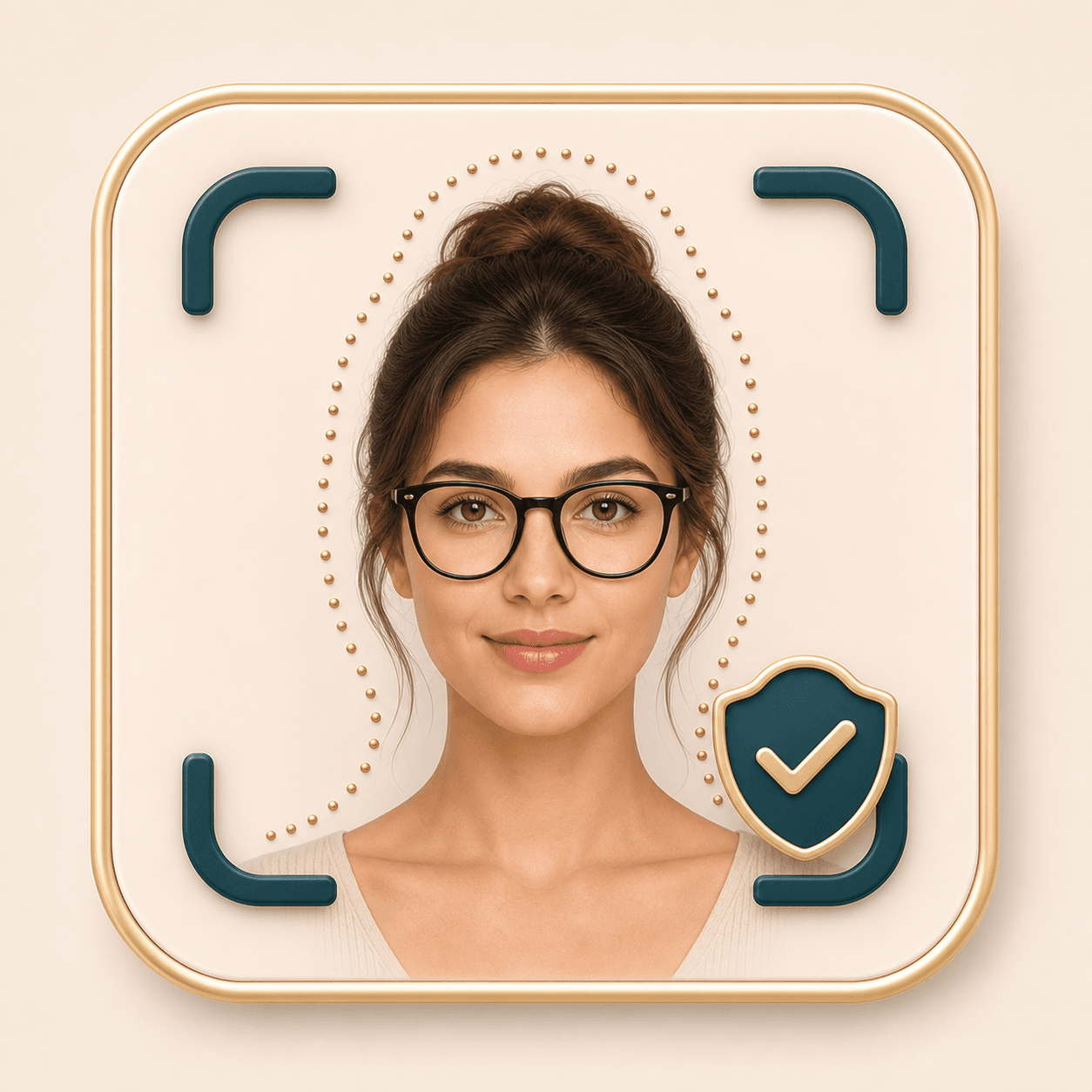
The backend prompt asks the AI to add eyewear only, while keeping your face, expression, hair, clothing, pose, and background stable.
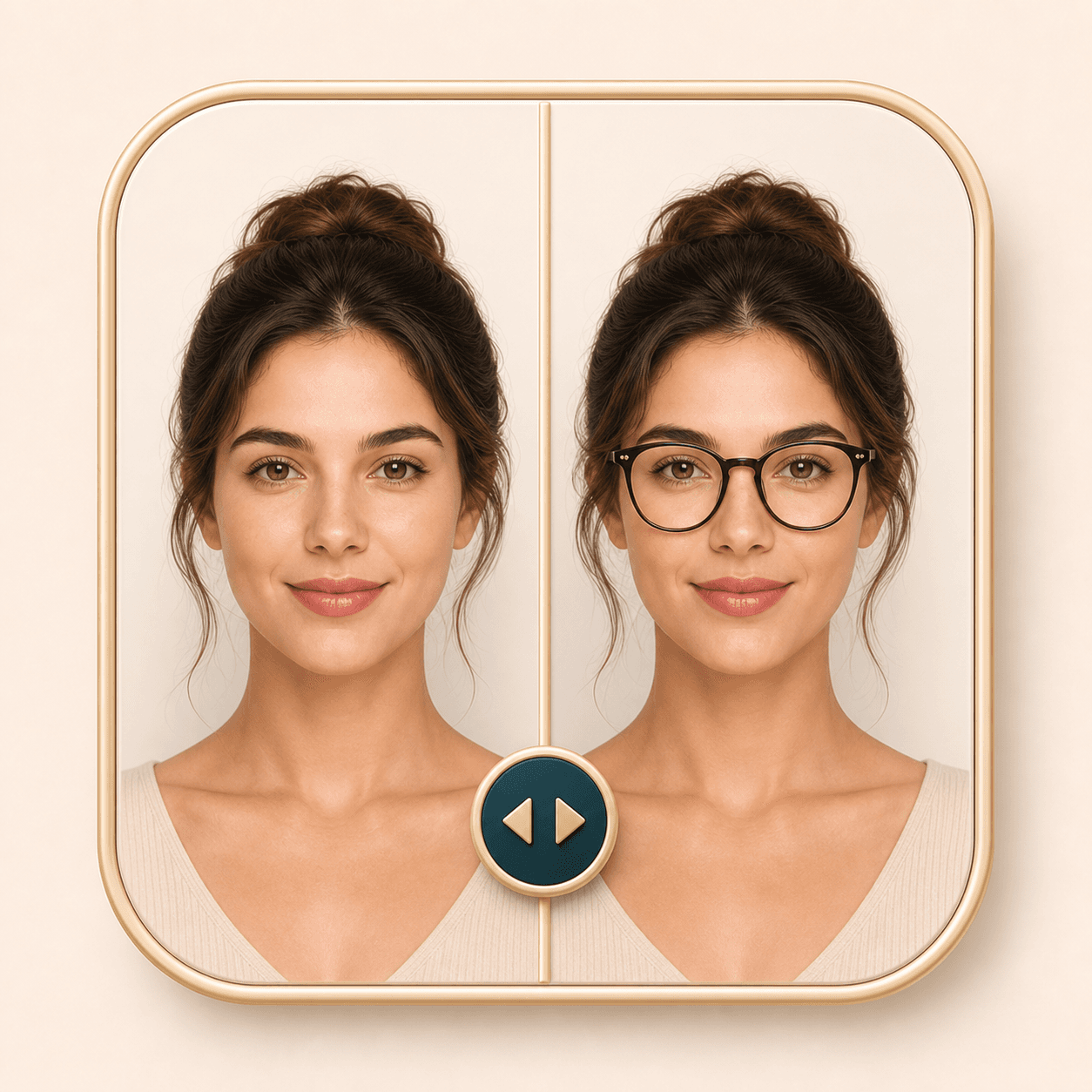
The result page lets you compare the original portrait with the generated glasses preview before you download it.
Virtual Glasses Try-On is an AI Generator tool. A successful run uses 20 credits. Failed requests should not consume credits.
Key features
The page is built around a guided upload flow, clear frame presets, and a result screen you can compare before downloading.
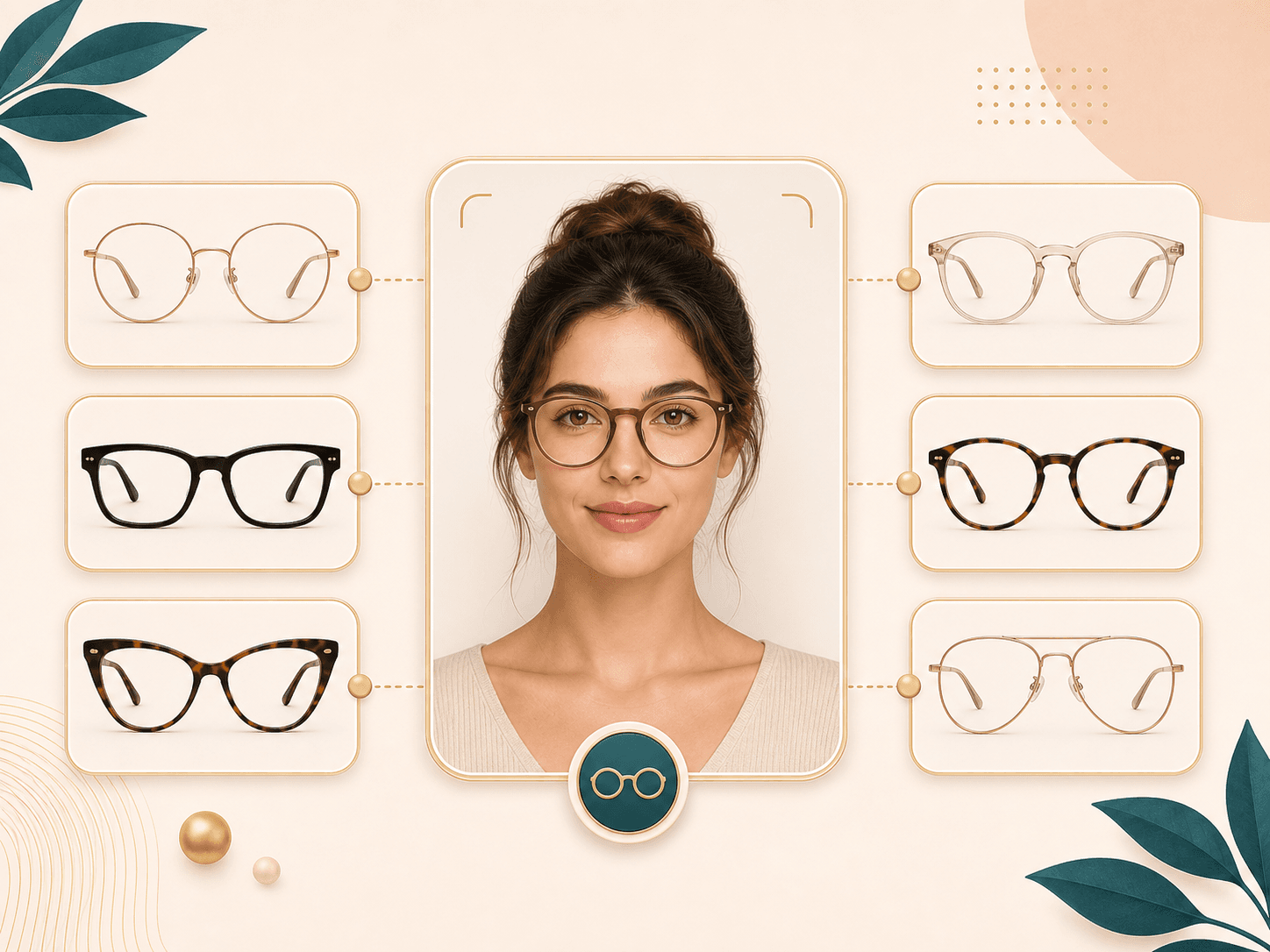
Start with one of 24 eyewear directions. Thin round metal feels lighter, black rectangular frames feel sharper, cat eye frames lift the outer corners, clear acetate keeps the look soft, tortoise adds warmth, and aviator frames bring a classic metal shape. The expanded selector also covers rimless, titanium, bold square, browline, blush, navy, green, and burgundy frames so the change is easier to compare.
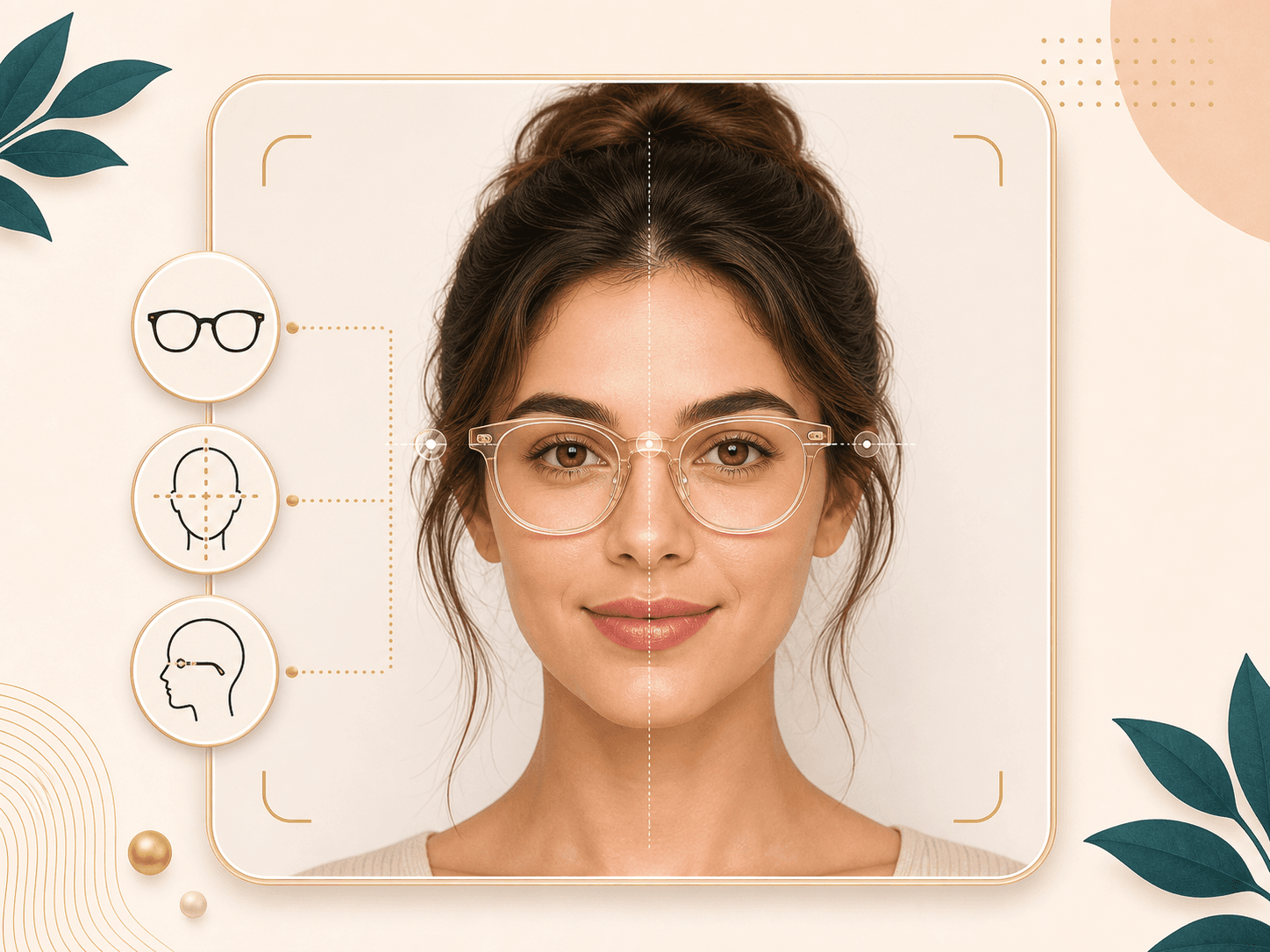
The generator is prompted to align the frame with your eyes, ears, nose bridge, and photo perspective. Clear lenses keep the eye area visible, while subtle reflections help the frame feel like part of the photo. A sharper front facing portrait usually gives the AI more useful face detail to work with.
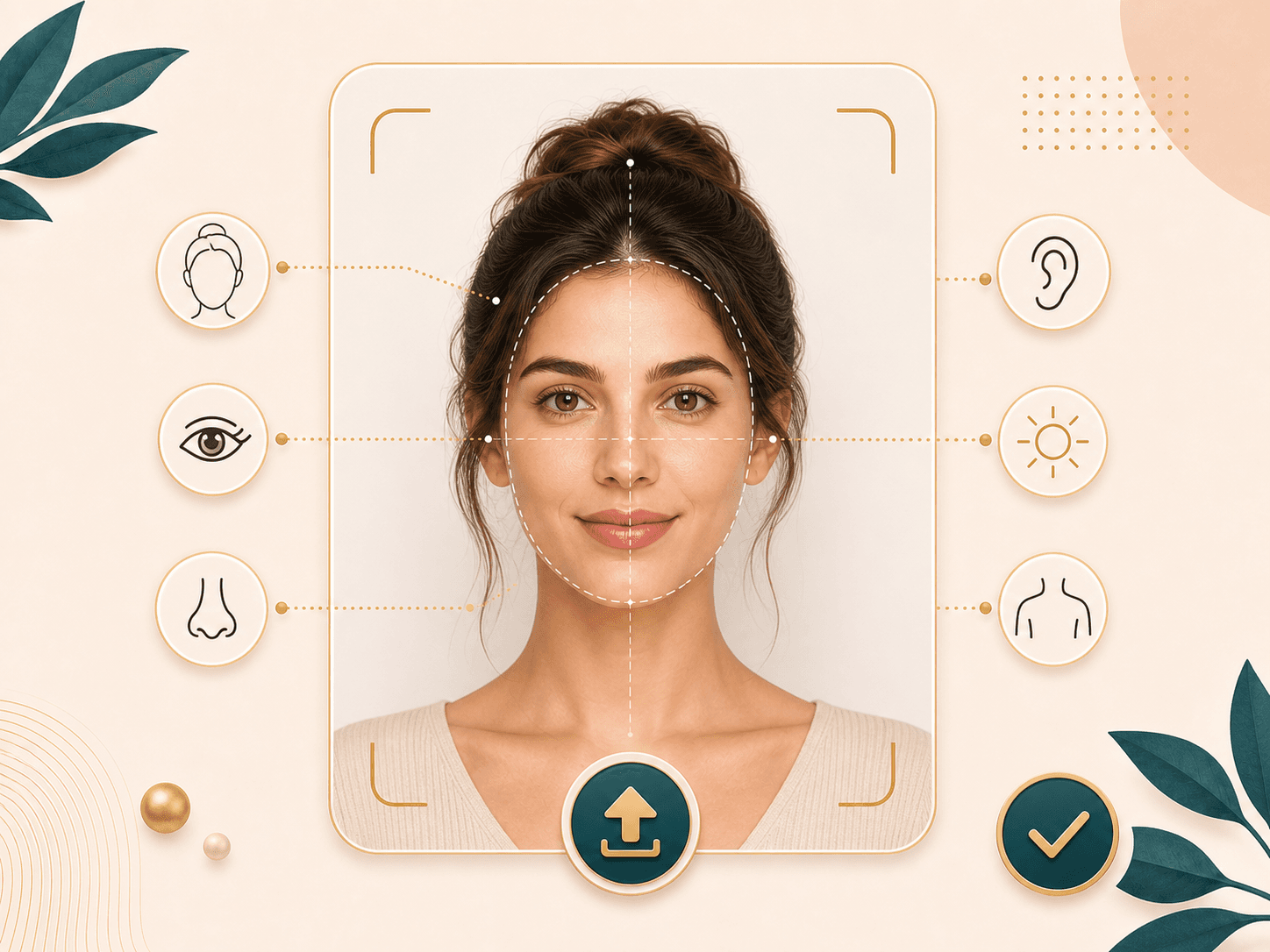
Good input photos matter for virtual glasses try on. Use a photo without existing glasses when possible. Keep your face evenly lit, avoid heavy shadows, and make sure your eyes, brows, nose bridge, and ears are visible. If the result looks off, try a cleaner portrait before changing frame style.
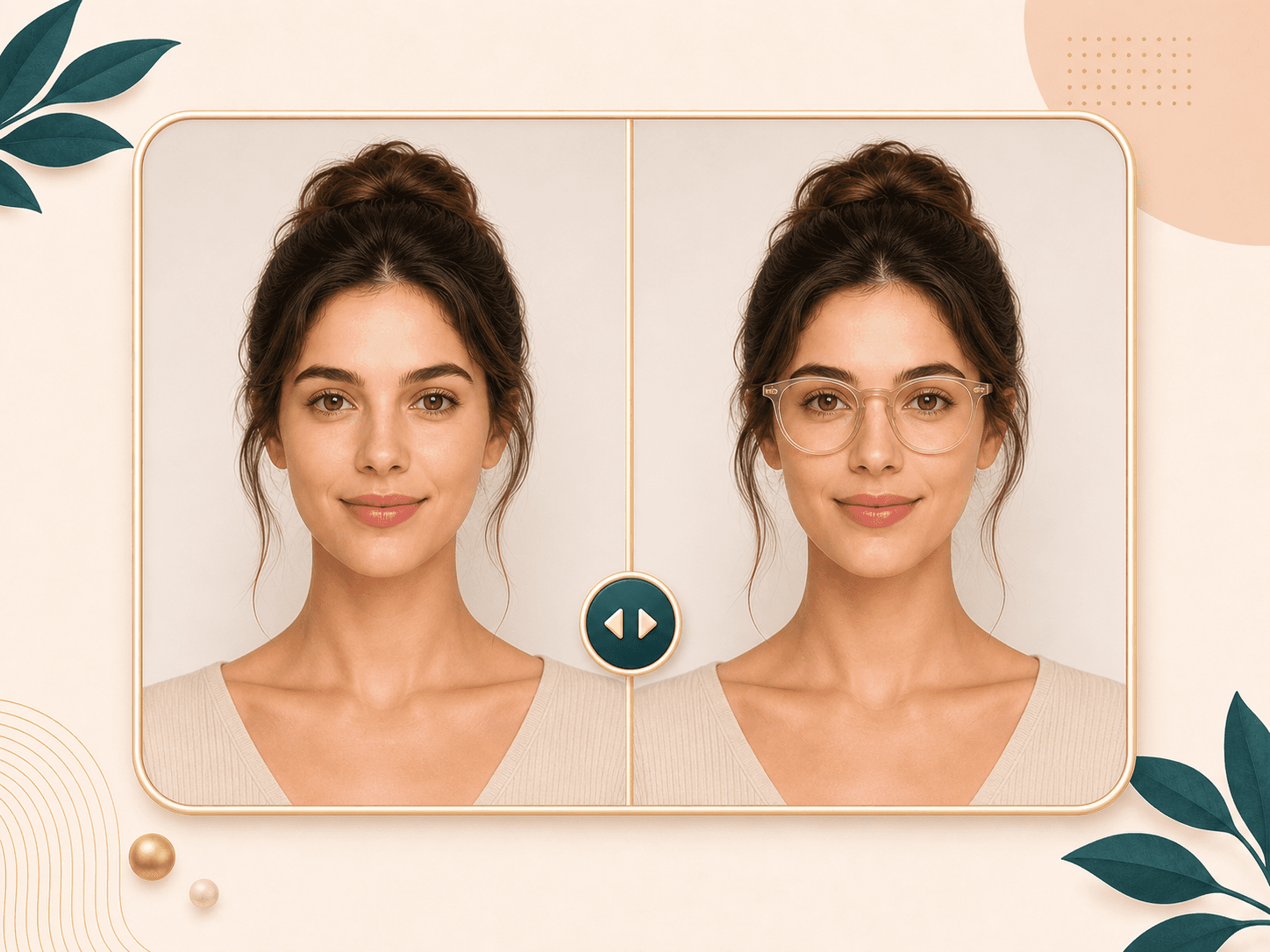
After generation, the result page shows the original image and the edited glasses preview in one place. Use the comparison to check frame weight, color, lens placement, and how the shape works with your face. Then download the generated result when it looks useful.
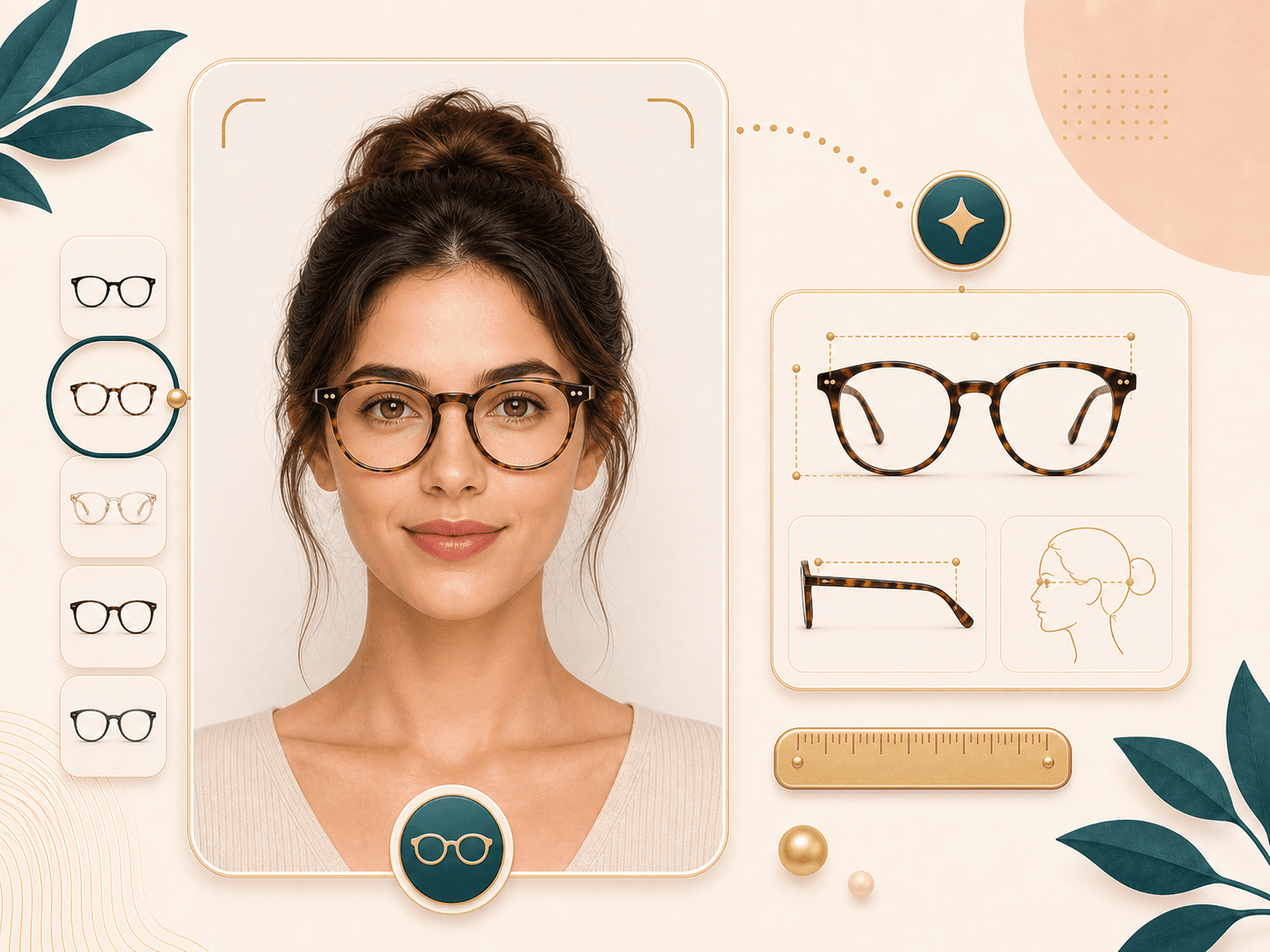
BeautyLove helps you judge style direction, not exact optical fit. The preview can show how frame shape, color, and size feel on your face, but it does not measure prescription, pupillary distance, bridge fit, temple length, or lens height. Confirm those details with an eyewear professional or retailer before buying.

A successful Virtual Glasses Try-On generation uses 20 BeautyLove credits. The uploader checks the file before sending it, then stores the latest result in your browser so the result page can display it. If the service fails, the request should not consume credits.
Comparison table
Glasses tools vary from retailer catalog previews to real fittings. Use this table to pick the option that fits the job.
| Option | Result | Control | Best for |
|---|---|---|---|
| Virtual Glasses Try-On by BeautyLove | AI image generation with 24 frame directions and a before and after result page | Select a frame style before generation | Previewing eyewear style on your own portrait |
| Retailer virtual try on tools | Usually tied to a store catalog and specific product frames | Often uses product pages, camera tools, or store measurements | Shopping a specific retailer collection |
| Live camera glasses filters | Quick live preview with lighter styling context | Good for fast checks, but quality varies by app or browser | Casual browsing and instant frame play |
| Manual photo editing | Hand placed glasses on a photo | More manual control, but slower for most people | Detailed edits by a photo editor |
| In store fitting | Real frame fit with professional measurement support | Best for bridge fit, temples, lens height, and prescription needs | Final buying decisions and optical fit |
Privacy and data security
You need to be signed in so the uploader can request your account token and check credits before generation.
Uploaded images are sent to the AI image generator. This glasses preview is not processed only on your device.
The latest result and thumbnail can be kept in your browser storage so the result page can show the before and after view.
Upload photos you own or have permission to use. Do not use generated glasses results to mislead or impersonate someone.
FAQ
Frame styles, photo quality, fit limits, credits, mobile use, privacy, and why a clear portrait matters.
Virtual glasses try-on is an online way to preview eyewear on your own photo. BeautyLove lets you upload a portrait, choose a frame style, and compare the generated result.
No, this tool is a visual style preview. It does not measure prescription, pupillary distance, bridge fit, temple length, or lens height.
Yes, a photo without glasses usually gives the cleanest result. Existing frames can confuse the AI because it has to replace or cover them.
You can try 24 frame directions, including round, rectangular, tortoise, clear, cat eye, browline, oversized, rimless, aviator, titanium, colorful acetate, and bold square styles.
No, this version focuses on clear lens eyeglasses. Clear lenses keep your eye area visible and make the result easier to compare.
New users can use welcome credits to try Virtual Glasses Try-On. A successful generation uses 20 credits, while failed requests and service errors should not consume credits.
A sharp front facing portrait works best. Keep both eyes, brows, nose bridge, and ears visible, and avoid heavy blur, masks, hats, or strong glare.
Yes, you can use it in a mobile browser. Upload a clear portrait, choose a frame style, generate the preview, and review the result page.
The latest result and thumbnail can be kept in your browser storage so the result page can display it. Uploaded images are also sent for AI processing.
Misalignment can happen when the source photo is angled, blurry, dark, or partly covered. Try a clearer front facing photo before changing styles.
Ready when you are
Use a clear photo, pick a frame style, and compare the generated glasses result before you download it.
Loved by 5M+ BeautyLove users for hair, makeup, color, and portrait decisions.