Profile photos and social portraits
Use a light face slimming pass when a portrait feels wider than expected because of lens angle, pose, or close camera distance.
AI Generator · Face Slimmer
Upload a portrait, choose Slim degree, and preview a softer looking facial contour with an AI face slimmer before you download.
Adjustment
Standard strength from 0 to 2. Start at 1.0 for a restrained contour edit.
20 credits
charged after success
No charge
when processing fails
Processing
Usually 15–45 seconds
Private result
Workspace: 30 days; browser fallback until cleared
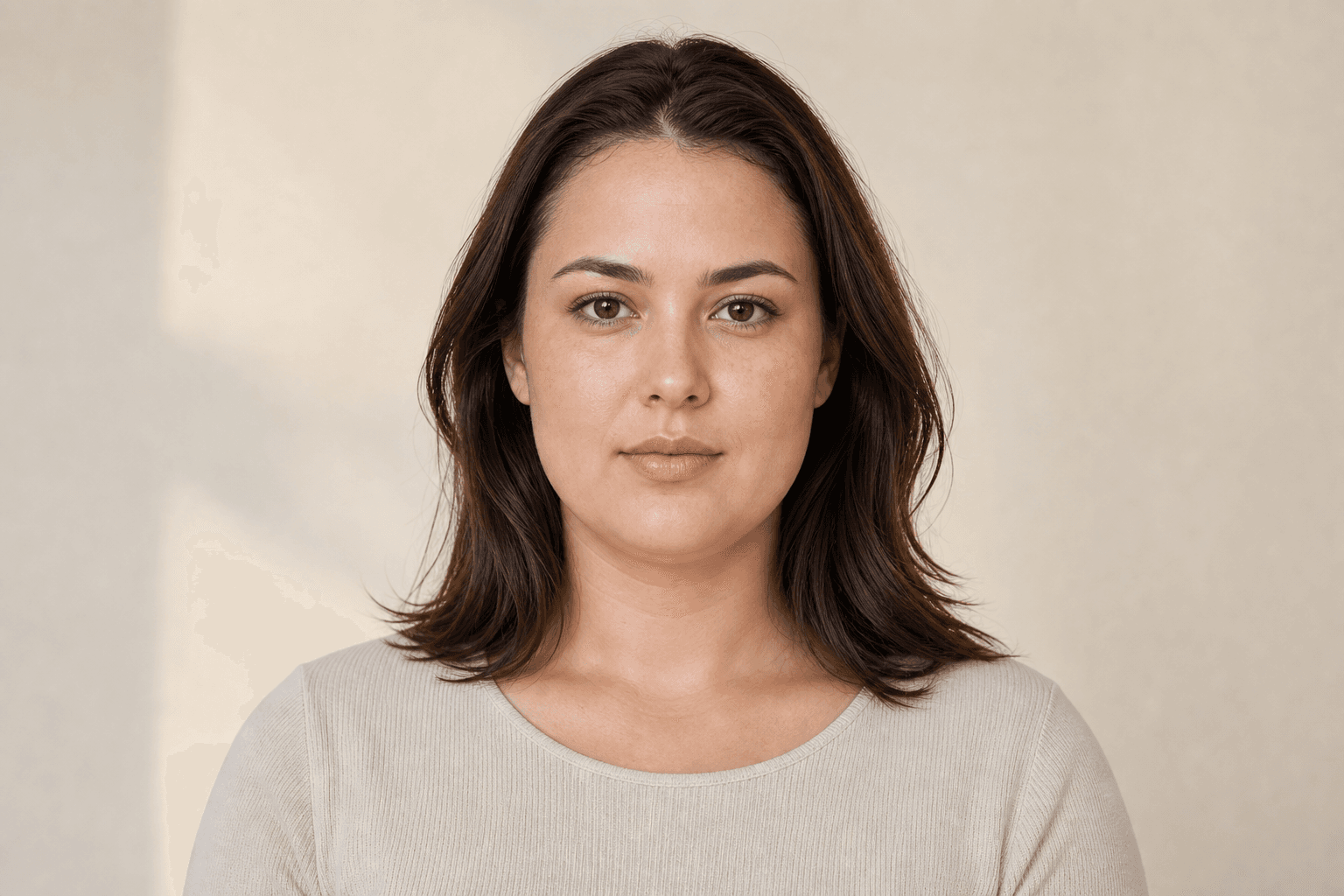
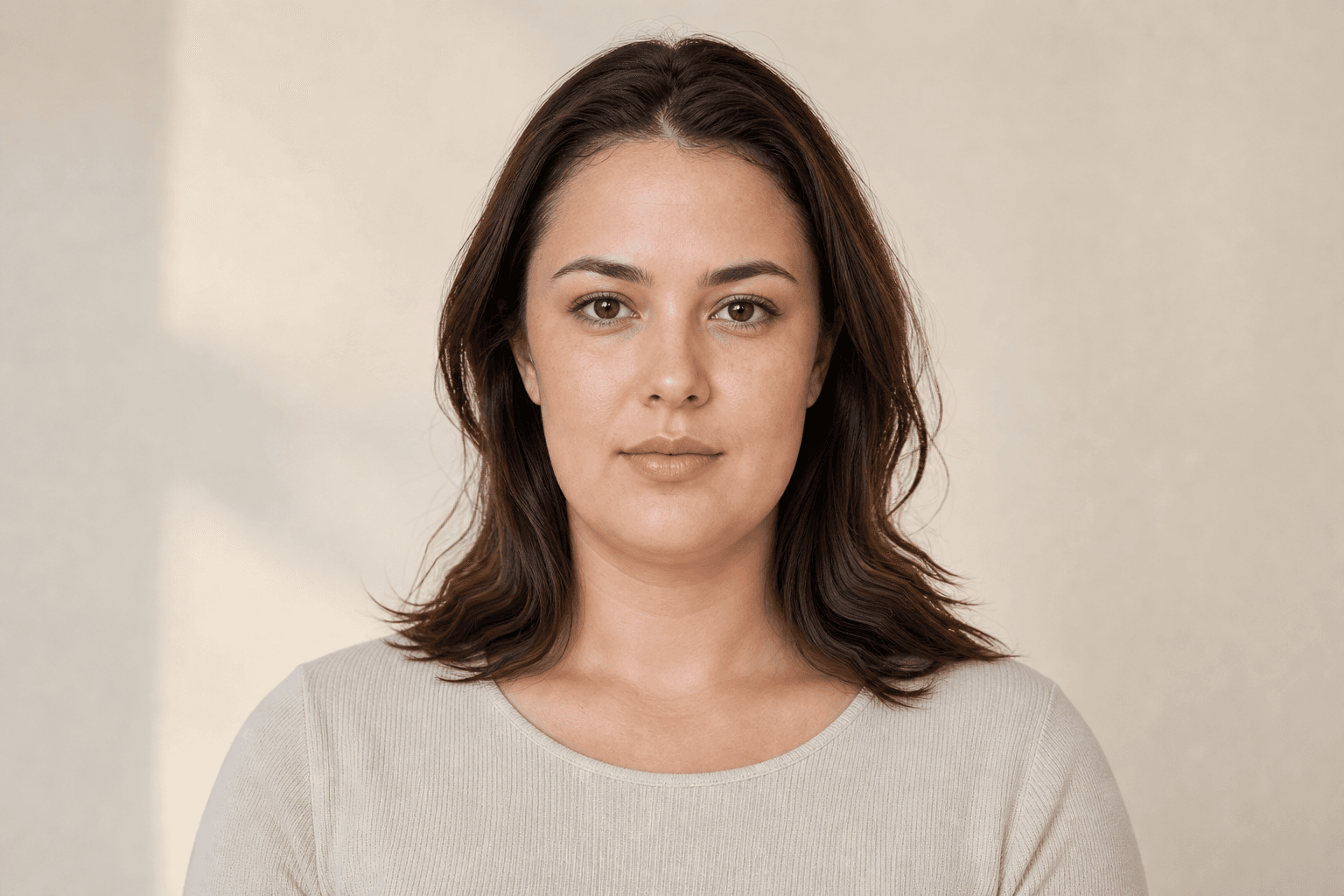
How it works
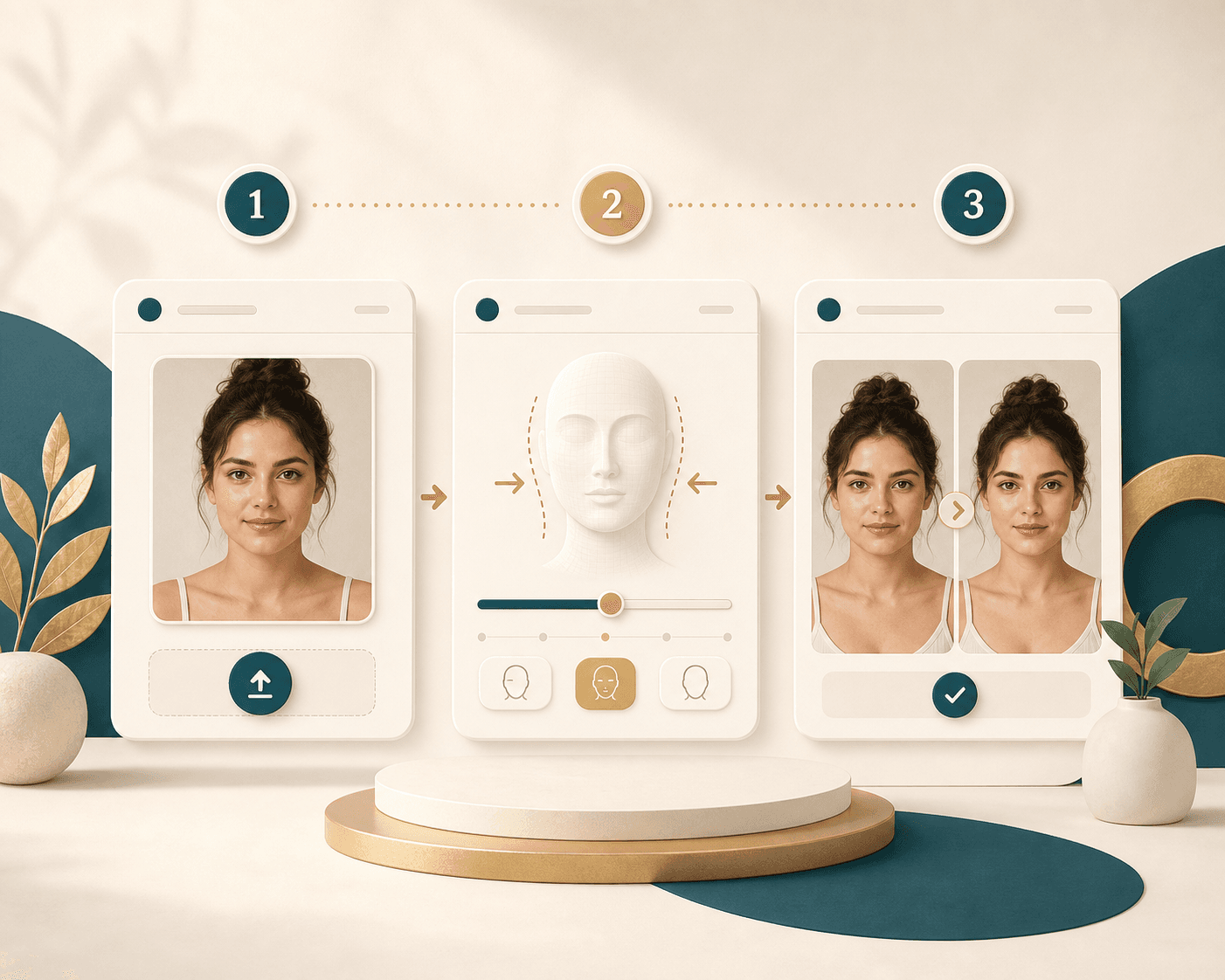
Face Slimmer keeps the workflow simple: upload a clear portrait, set the strength, and review the result before saving it.
Choose a JPG, JPEG, or PNG image where the face is visible and well lit. The service works best when the face is large enough in the frame.
Move the Slim degree slider from 0 to 2. Start near 1.0 for a softer edit, then adjust only when the photo needs more contour change.
Run Face Slimmer, then review the original and result with the comparison slider. Download the version only when the contour still feels natural.
Use cases
People use face slimming tools when camera angle, lens distance, or pose makes a portrait feel less balanced than it looked in person.
Use a light face slimming pass when a portrait feels wider than expected because of lens angle, pose, or close camera distance.
Review a cleaner facial contour before posting a headshot, channel image, or campaign portrait where consistency matters.
Apply the same moderate setting across clear portraits when you want a repeatable edit that still respects the original face.
Test a subtle slim face photo result before sending a favorite image into a longer editing or design workflow.
Why choose BeautyLove
BeautyLove focuses on a narrow portrait task, then gives you simple controls and a clear review screen before you save the output.

Slim degree gives you control from gentle to stronger. You can tune the result instead of accepting one preset look.
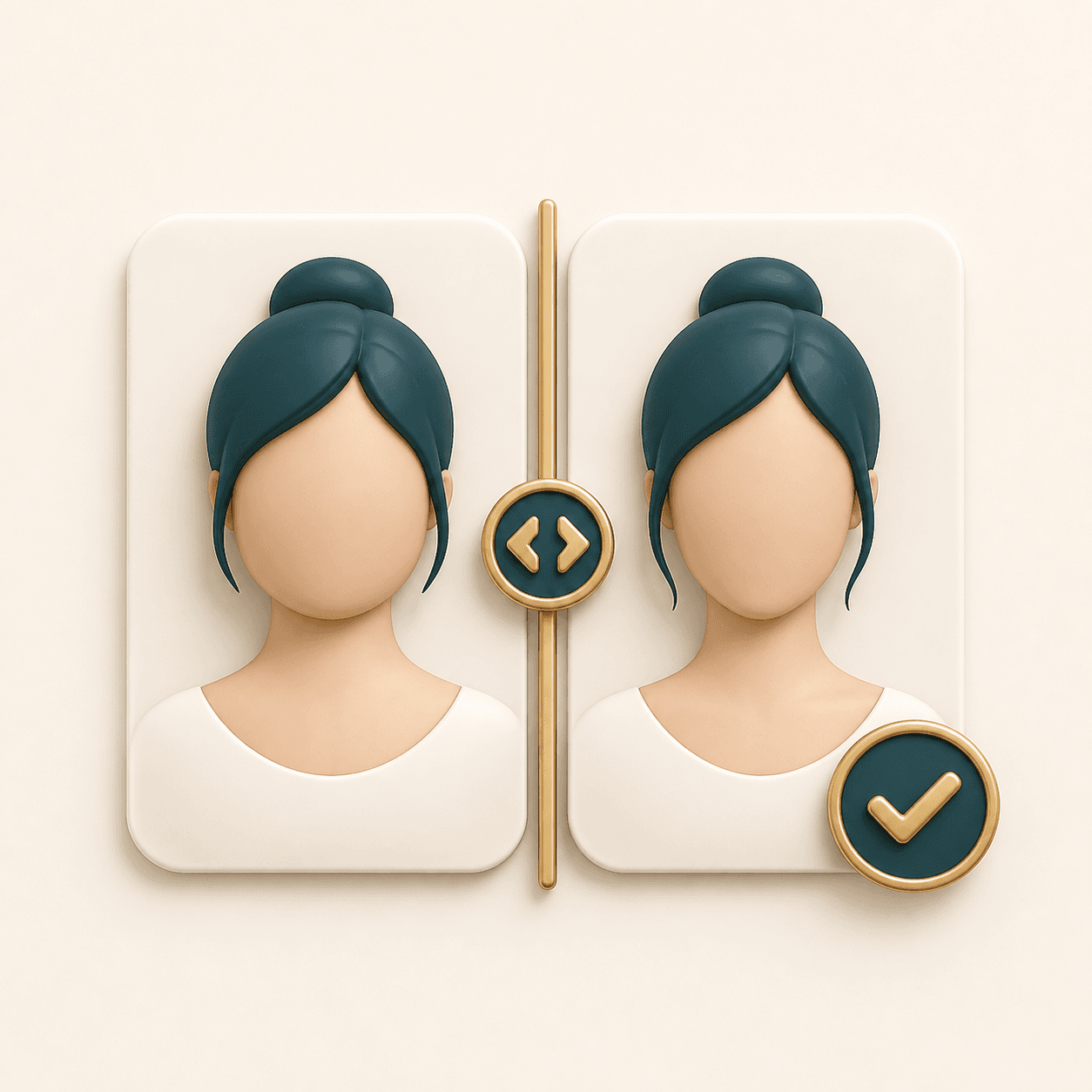
The result page lets you drag across the original and slimmed portrait so small contour changes stay easy to judge.

BeautyLove keeps the upload rules visible, including file type, face count, image size, and practical capture tips.

A successful Face Slimmer generation uses 20 credits. Failed requests should not consume credits.
Key features
The tool is built for quick portrait contour edits with enough checks to keep the result readable and natural.
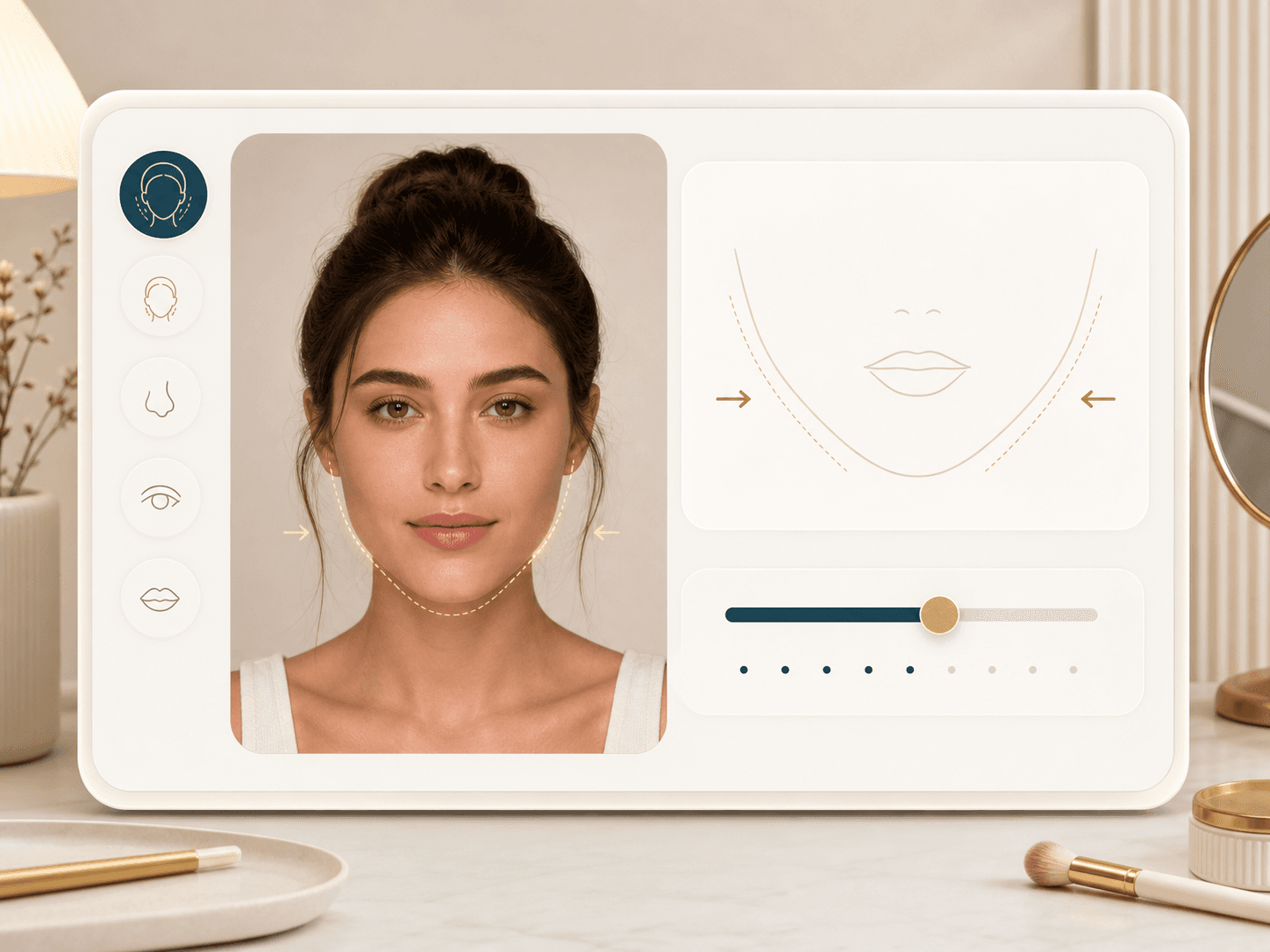
The Slim degree slider maps to the face slimming model parameter. A lower value keeps the edit mild, while a higher value applies more visible contour change. This helps selfie users, creators, and studio teams avoid a one setting result.
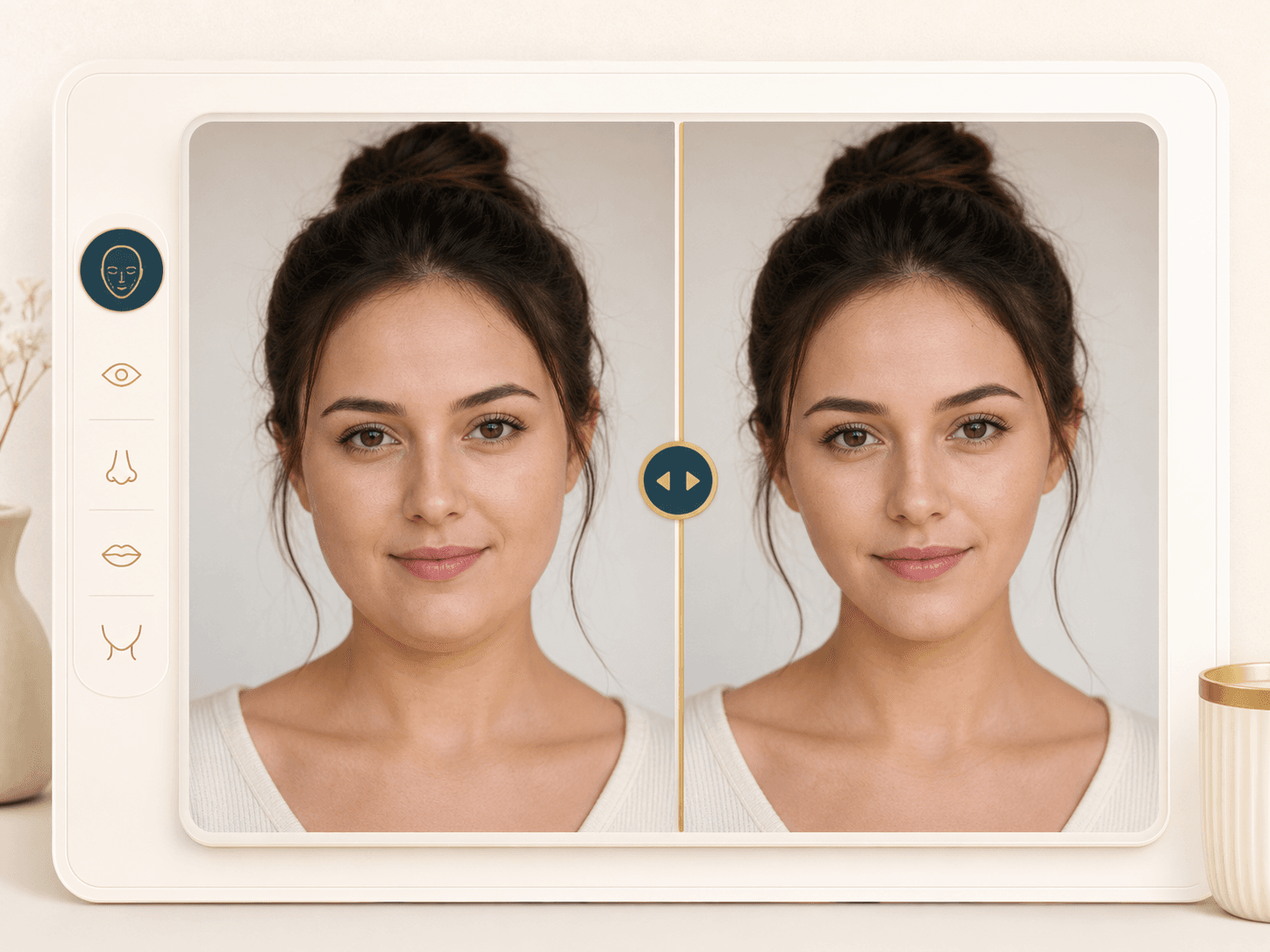
After a successful run, the result page shows your original image and the slimmed output in one comparison view. Drag the handle to check cheeks, jawline, chin shape, and overall face balance before downloading.
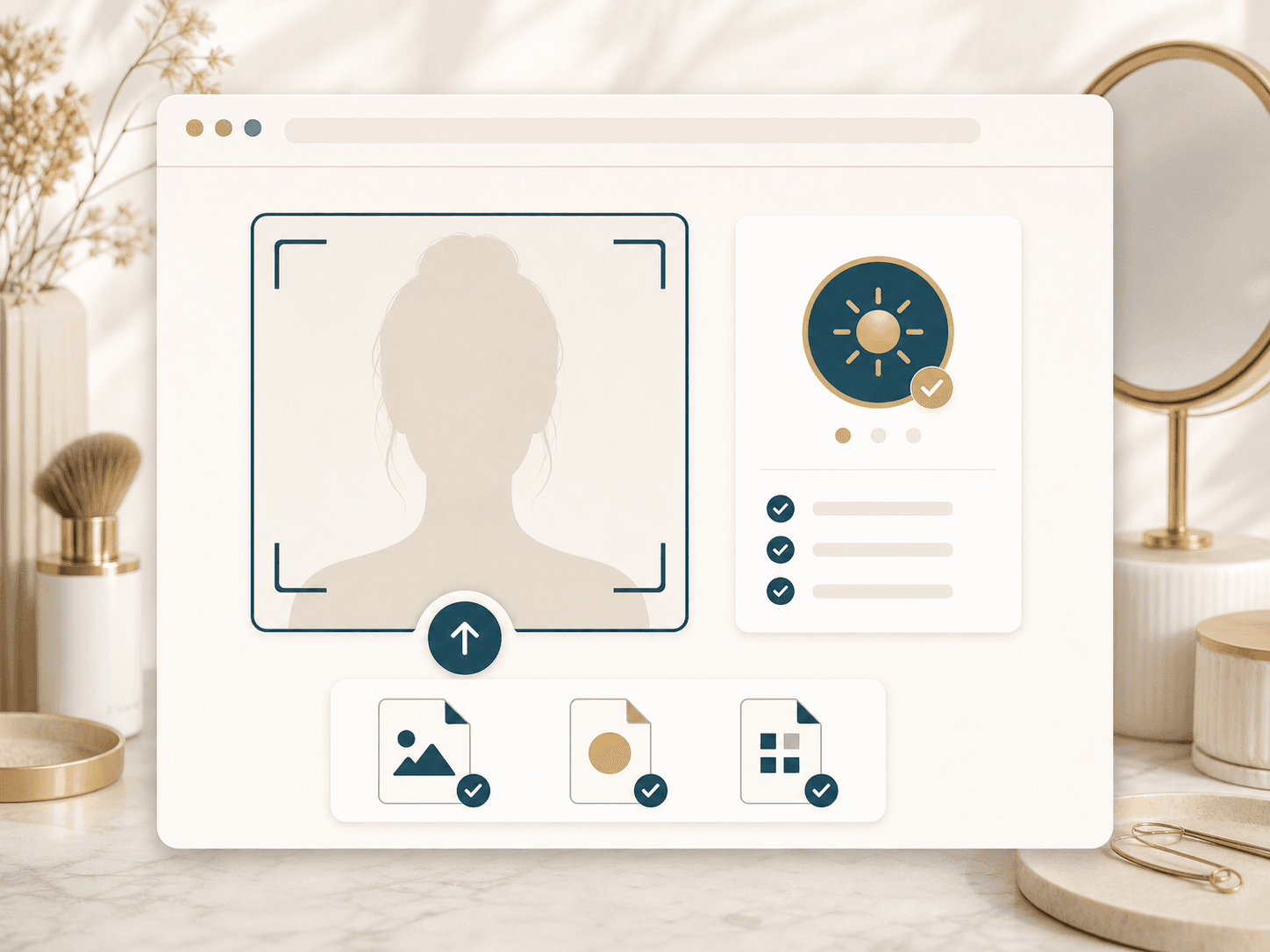
Face Slimmer expects JPG, JPEG, or PNG images under about 6 MB. Use a photo from 128 by 128 to 5000 by 5000 pixels, with the face visible and not hidden by blur, shadows, masks, or objects.
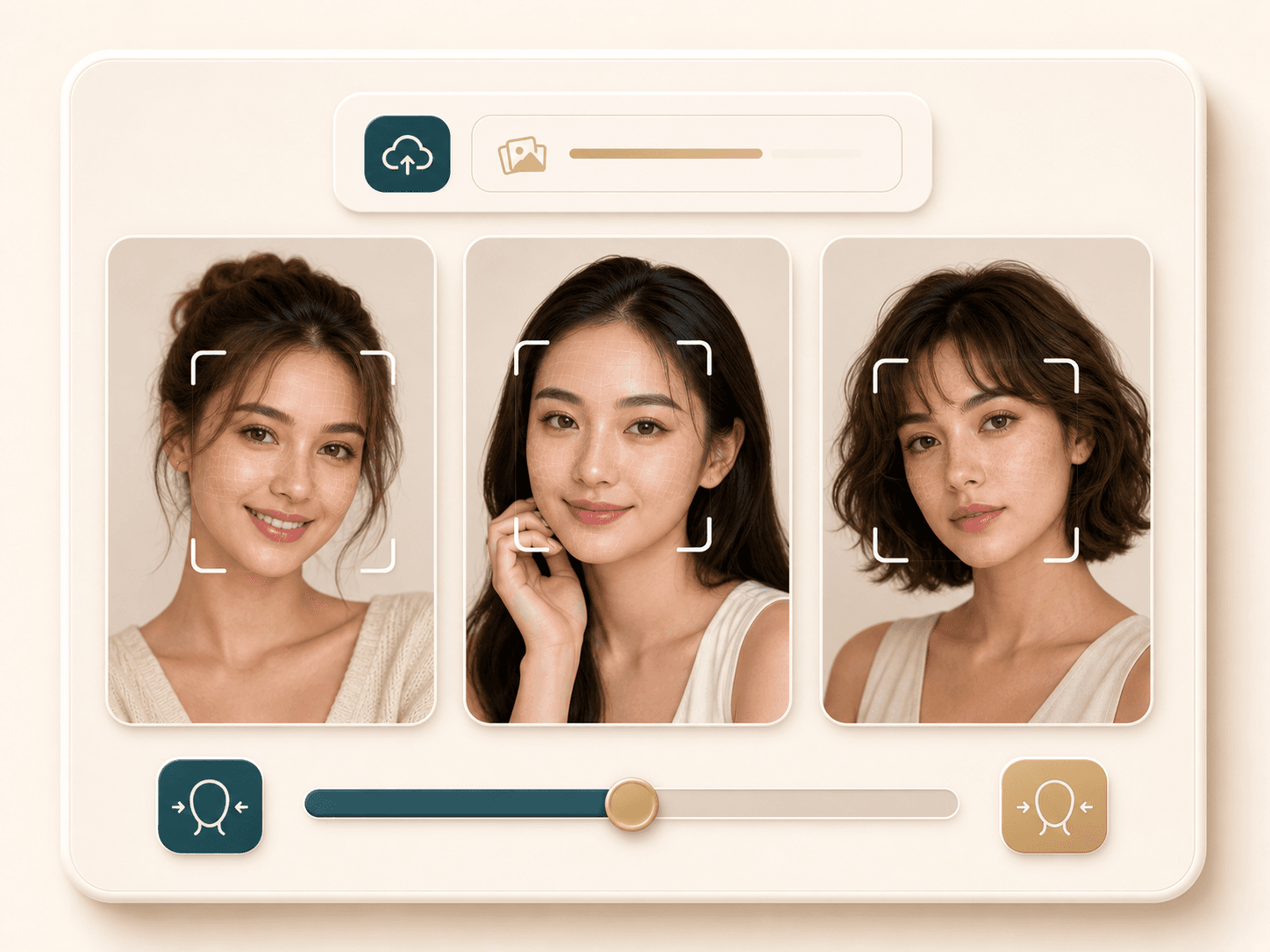
The service can process 1 to 3 visible faces in one image when each face is large enough. For the most predictable output, crop group photos so every face you care about is clear and well lit.
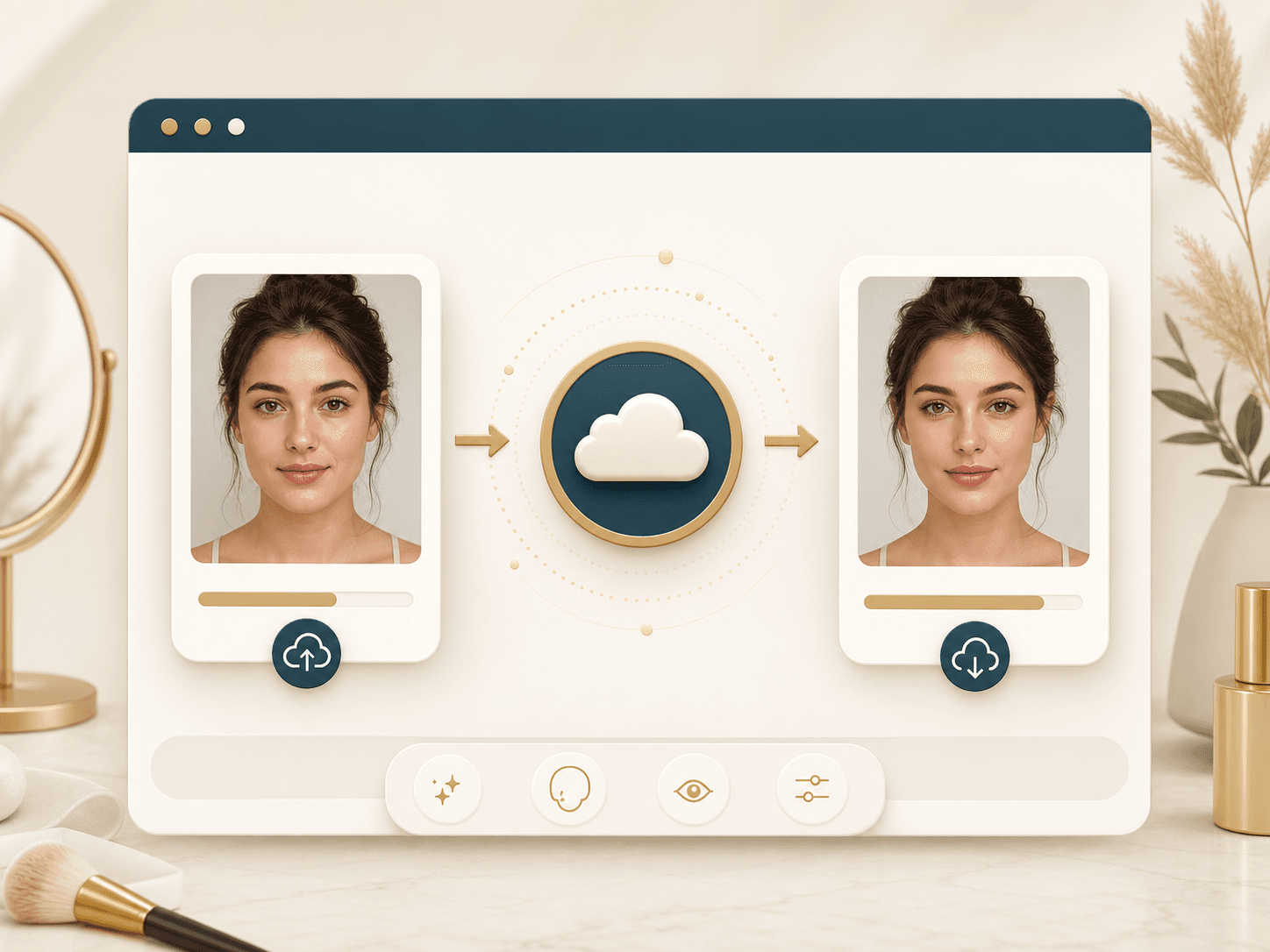
Your browser sends the upload and Slim degree setting to the processing service through your account token. The returned image is then shown on the result page with download controls and comparison review.
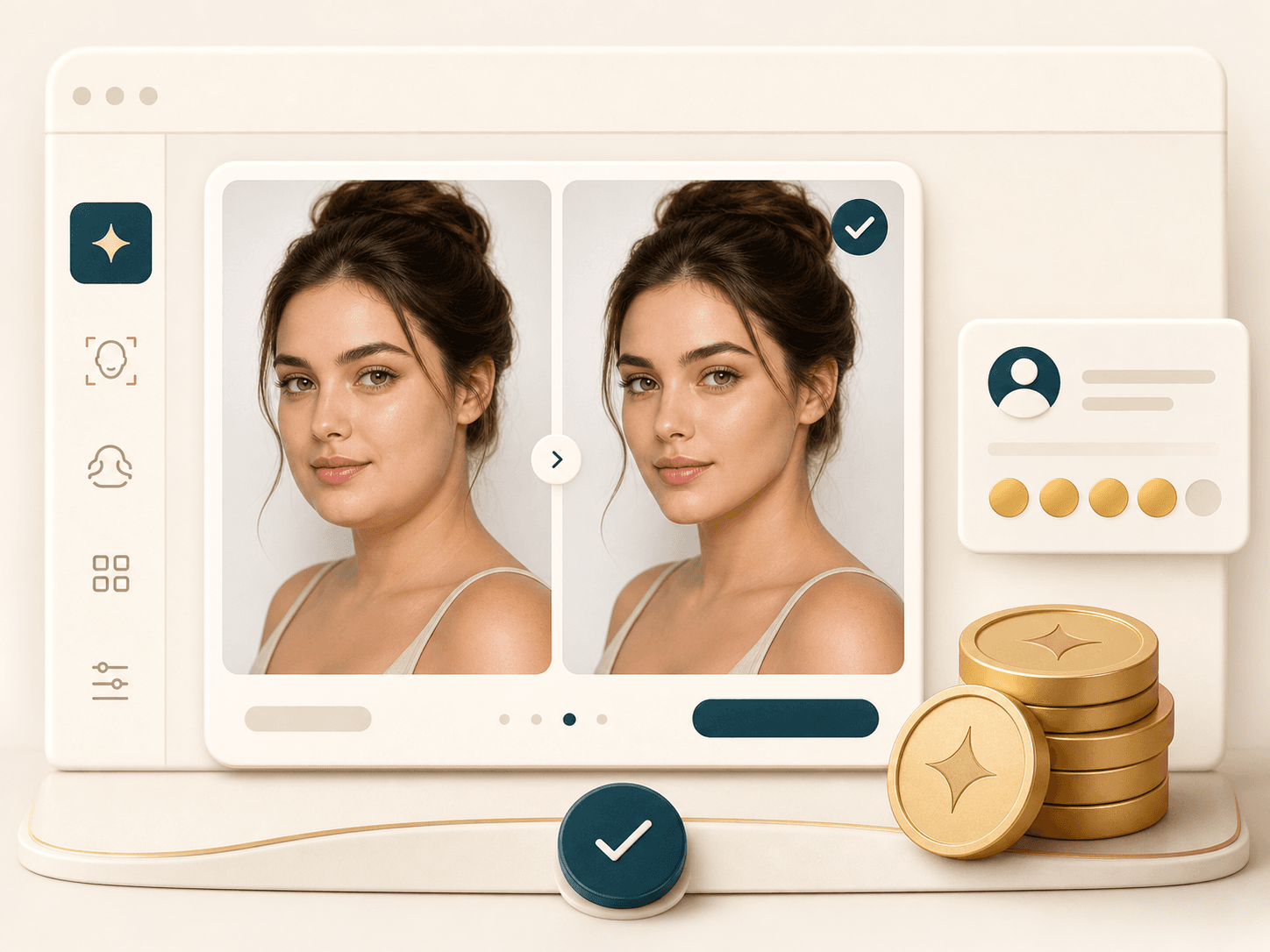
Face Slimmer is an AI Generator tool. A successful run uses 20 credits, while setup errors, invalid images, service errors, and other failed requests should not deduct credits from your account.
Comparison table
Face slimming tools range from quick presets to manual editors. Use this table to match the workflow to your photo.
| Option | Control | Review | Best for |
|---|---|---|---|
| Face Slimmer by BeautyLove | Slim degree slider from 0 to 2 | Before and after comparison plus downloads | People who want a quick online face slimming edit with adjustable strength |
| Prompt based photo editors | Often depends on written prompts | Varies by provider | Broader creative edits when face slimming is one part of a larger change |
| Manual liquify editors | Detailed brush and warp controls | Strong control if you know the editor | Designers who want hands on retouching and have time to refine edges |
| Mobile beauty filters | Preset filters or app sliders | Usually made for selfies and social sharing | Fast casual edits on phone photos |
| Professional retouching services | Human editing request | Depends on the service and revision process | High value portraits where manual review and revisions matter |
Privacy and responsible use
BeautyLove sends uploaded images to the selected processing provider for Face Slimmer generation. The edit is not processed only on your device.
Result data and thumbnails may be kept in your browser storage so the result page can show your latest slimmed portrait.
Upload photos you own or have permission to edit. Do not use face slimming to shame, impersonate, or mislead another person.
Strong settings can look unnatural. Start with a moderate Slim degree and compare the jawline, cheeks, and chin before downloading.
FAQ
Slim degree, file rules, face count, credits, privacy, and result downloads.
Ready when you are
Upload a clear portrait, start with a moderate setting, and compare the result before you save it.
Loved by 5M+ BeautyLove users for hair, makeup, color, and portrait decisions.