Tune a profile photo before posting
Check whether lighting, expression, and face angle are helping the photo. The result can guide a better retake before you use the image online.
AI Detector · AI Attractiveness Test
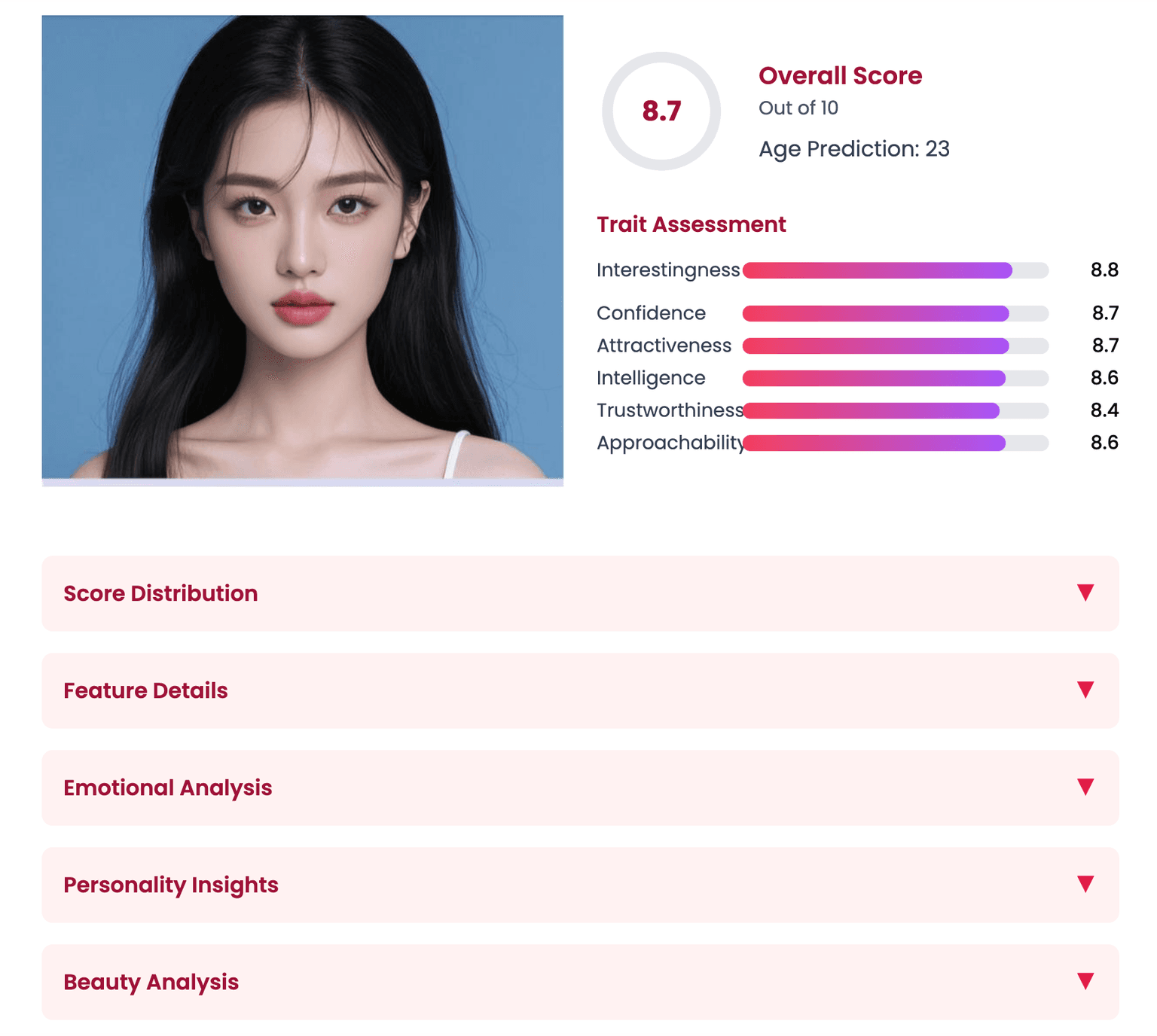
Upload a clear portrait to see how AI reads facial symmetry, clarity, and feature balance, then review a score with practical photo tips.
How it works
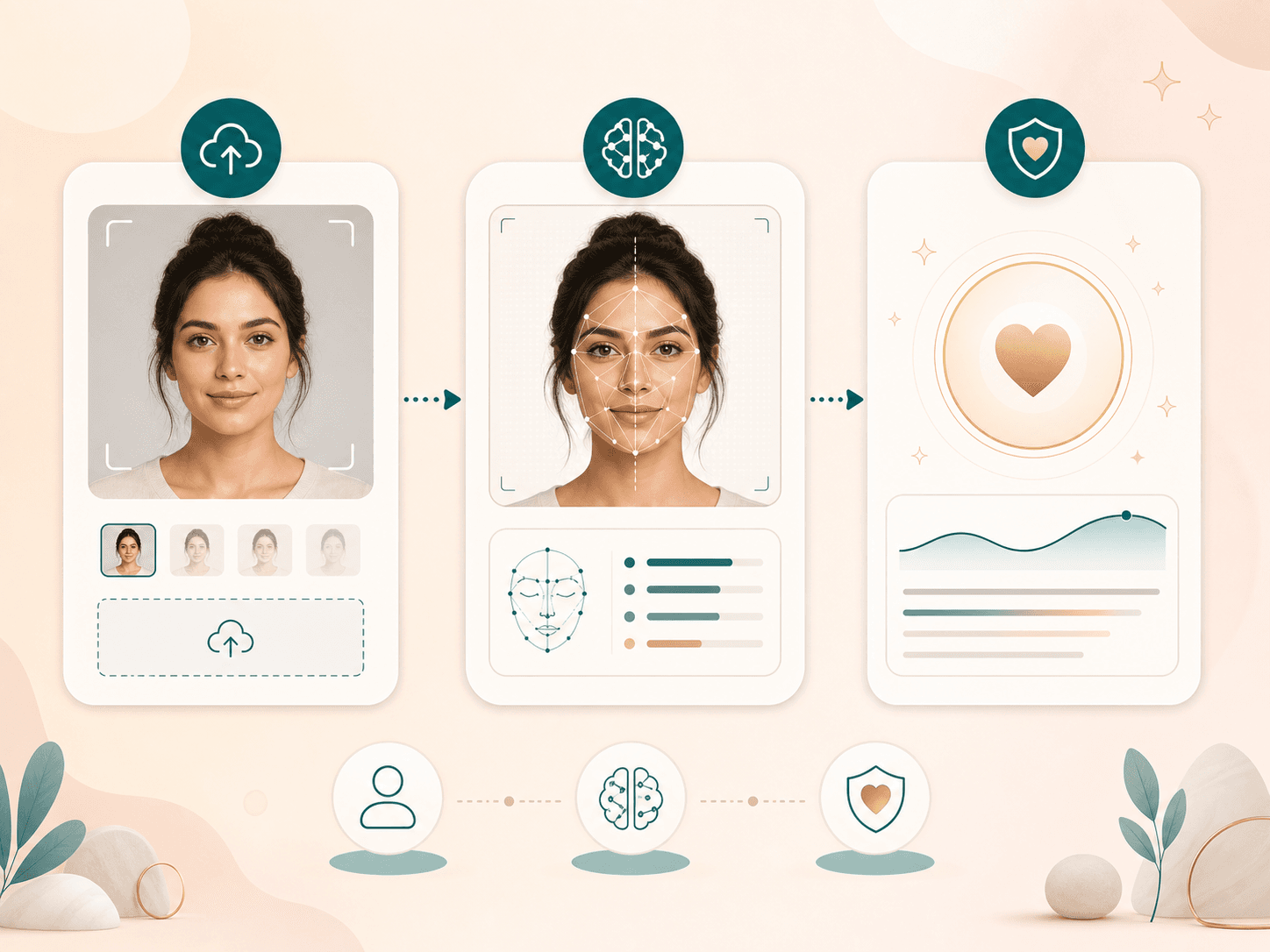
Start with one clear portrait. The detector works best when the face is centered, visible, and evenly lit.
Choose one front facing photo where your face is visible, evenly lit, and not hidden by blur, deep shadows, filters, masks, or heavy angles.
BeautyLove sends the image to the AI detector, checks that one clear face is present, and reviews facial balance, clarity, and visible aesthetic signals.
Review the score, dimension notes, and suggestions as photo guidance. Use the result to improve your next portrait, not to judge your worth.
Use cases
People search for an attractiveness test when they want quick feedback. BeautyLove keeps that feedback practical and photo focused.
Check whether lighting, expression, and face angle are helping the photo. The result can guide a better retake before you use the image online.
Use the breakdown to see how symmetry, clarity, skin visibility, feature balance, and camera presence shape the way a portrait reads.
Run the test on a few clear shots from one session to learn which expression, lighting setup, or crop gives the steadiest read.
Students, creators, and curious users can use the score as a starting point for proportion, balance, and styling discussions.
Why choose BeautyLove
BeautyLove treats attractiveness analysis as photo aesthetics, proportion, balance, and style guidance. The result should help you reflect, not rank people.
BeautyLove frames the score as a photo impression signal. It is guidance for portraits, not a measure of human value.

The page tells you which photos work best, because lighting, angle, blur, filters, and expression can change the result.

The AI attractiveness test looks at visible symmetry, feature balance, clarity, and aesthetic quality instead of giving a bare score.

This is an AI Detector tool. A successful run uses 10 credits, and failed service requests should not consume credits.
Key features
The result combines a score with the visible photo signals that shape it, so you can understand what to adjust.
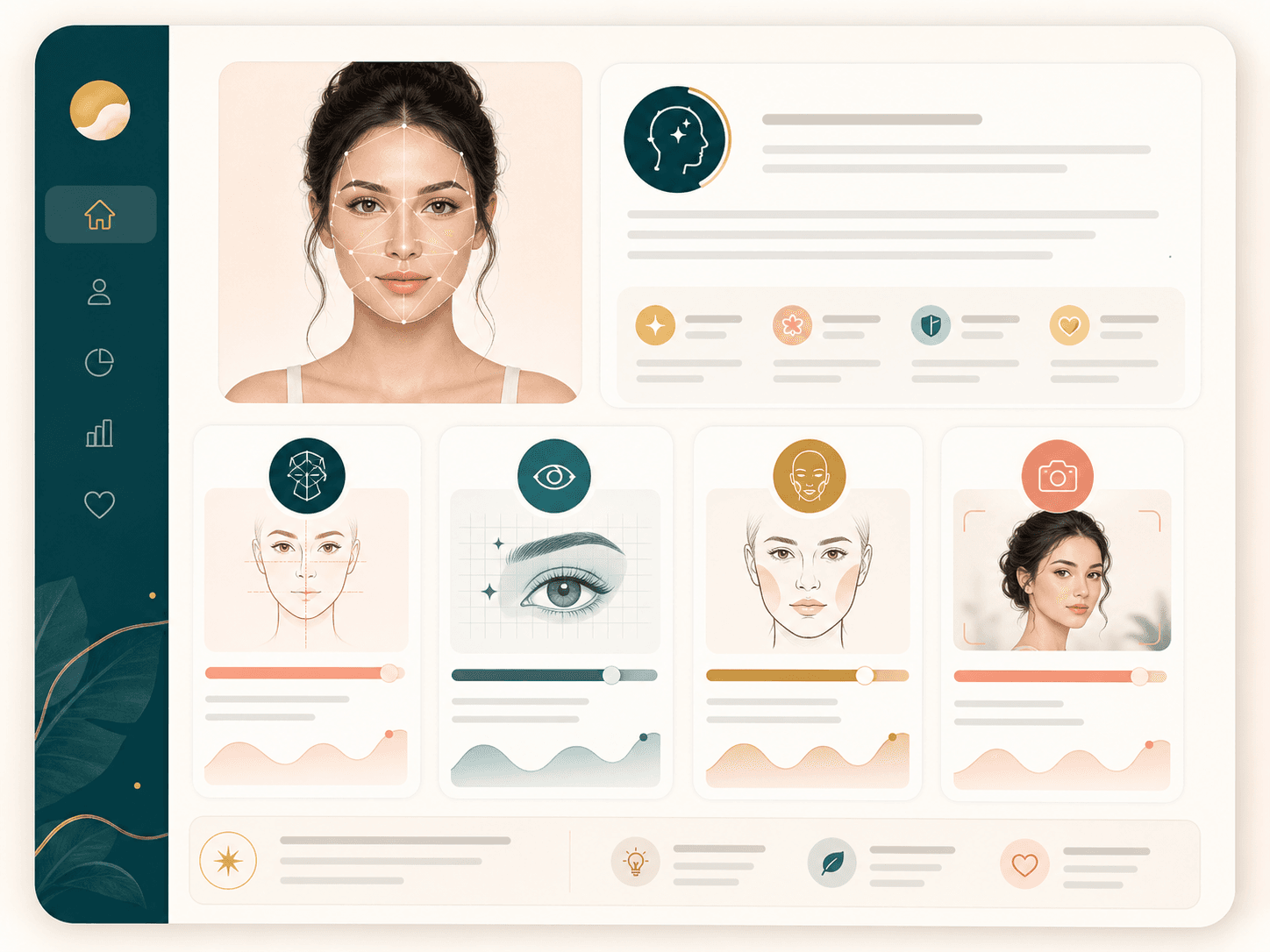
The result gives you an overall score plus dimension notes for visible face areas such as eyes, skin, face shape, facial features, hairline, and jawline. Use it as a plain language read of the uploaded photo, not as an absolute beauty rank.
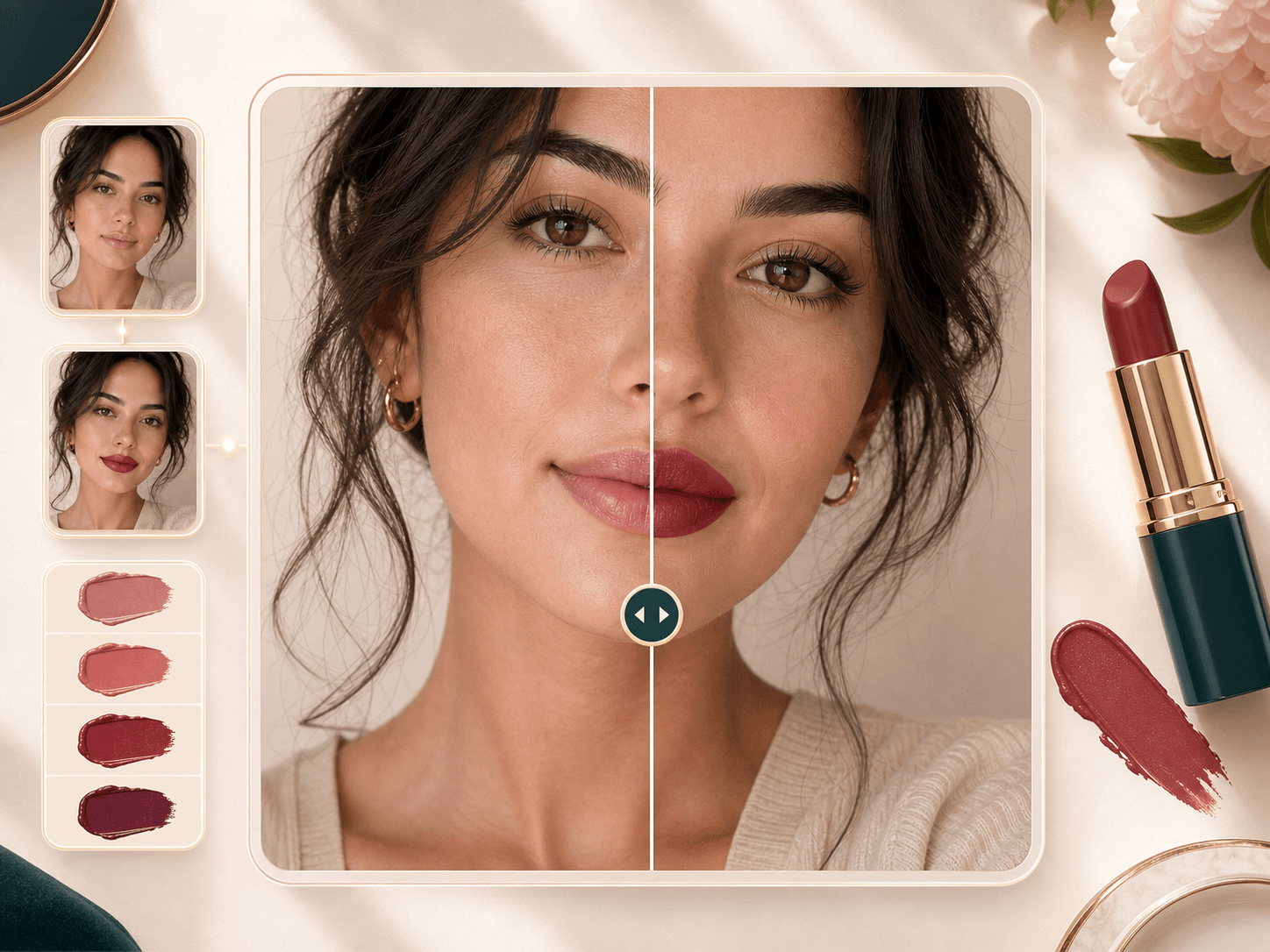
BeautyLove reviews how the face appears in the frame, including visible symmetry, proportion, and harmony between features. A centered, front facing portrait gives the AI a clearer view than a tilted selfie or a dramatic side angle.
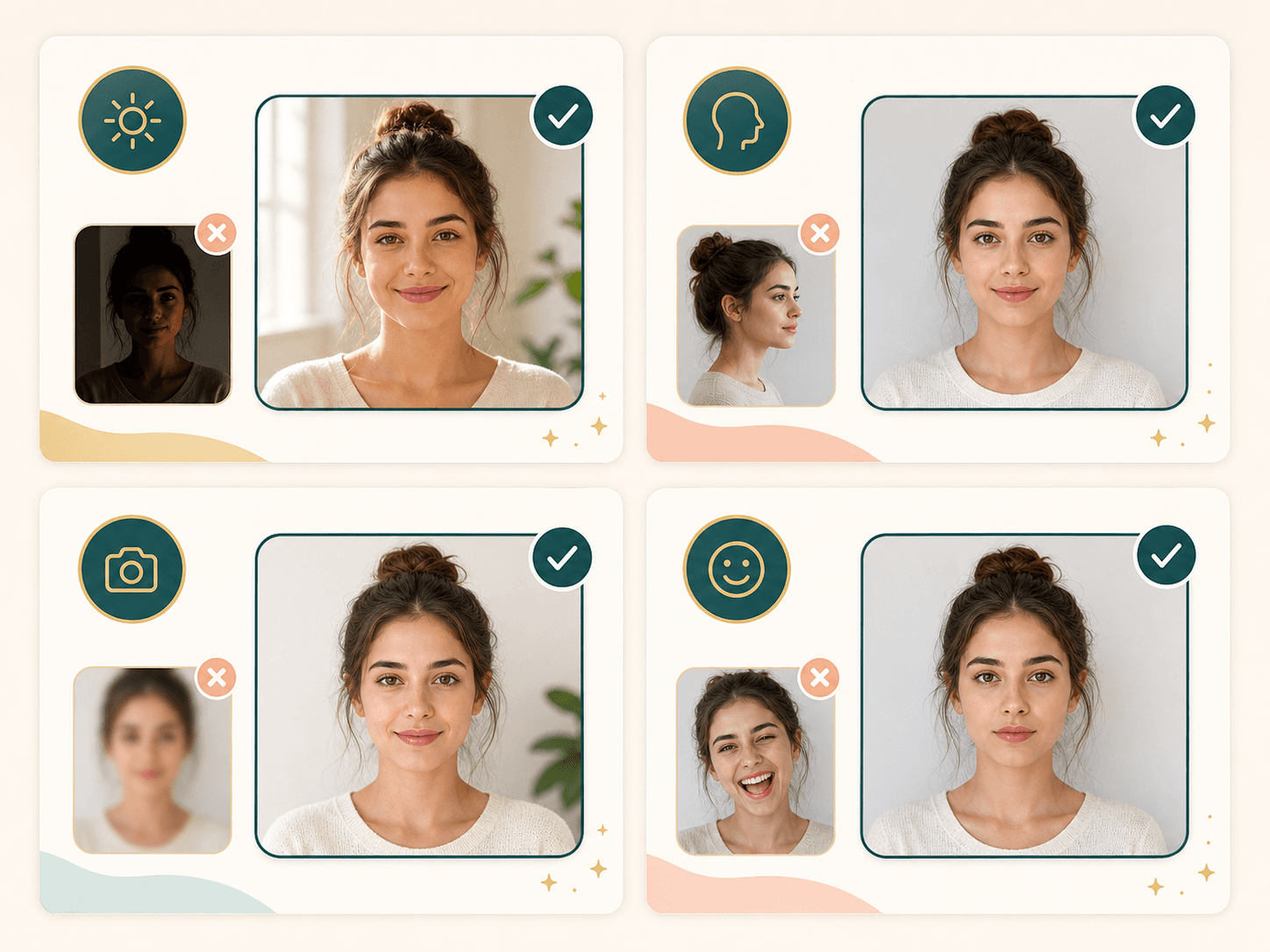
The detector checks for one clear face before analysis. If the image has no face, multiple faces, or a face that is too blurry, the tool asks for a better photo so the score does not lean on weak input.
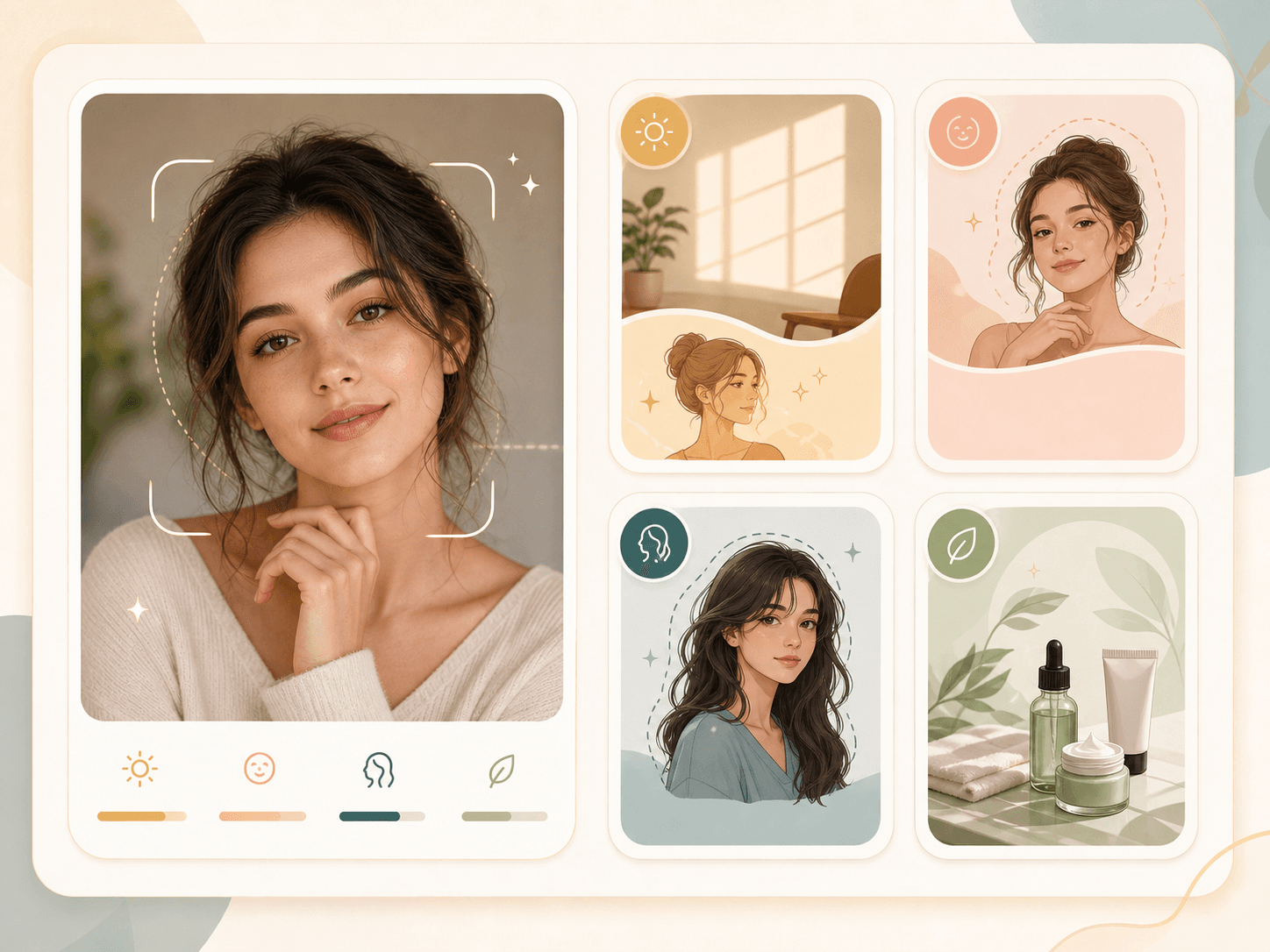
The suggestions focus on practical portrait choices such as lighting, expression, skin care style notes, grooming, and hairstyle framing. They are meant to help your next photo read better, not to push one beauty standard.
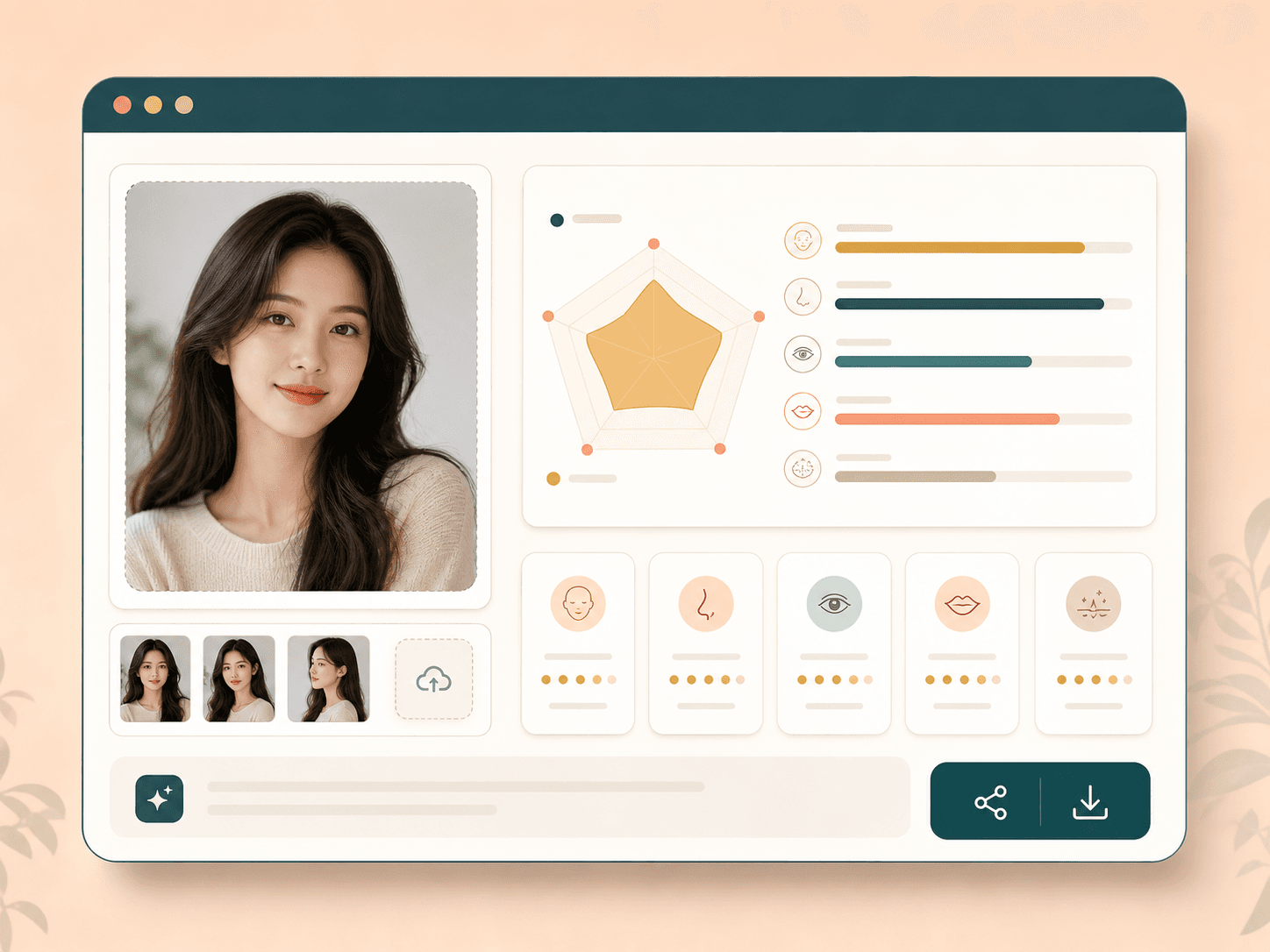
After a successful run, the result page shows your uploaded image beside the analysis. You can review the report, download it, or share it if you choose. Result data may be kept in browser storage for the page flow.

Signed in users can run the tool with credits. BeautyLove grants new users welcome credits, and paid credit packs are available when you want to test more portraits or use other AI Detector tools.
Comparison table
Attractiveness tools vary in tone and depth. Use this table to decide whether you need a casual score, human feedback, or a photo focused AI read.
| Option | Main focus | Result style | Best for |
|---|---|---|---|
| BeautyLove AI Attractiveness Test | Photo impression, symmetry, clarity, feature balance, and practical suggestions | Score plus dimension notes and result page | Users who want a respectful portrait read with BeautyLove credit access |
| PrettyScale style calculators | Facial proportions and quick beauty score framing | Entertainment style score | Casual curiosity when a simple rating is enough |
| Fotor AI Attractiveness Test | Fast photo score and shareable beauty test positioning | AI generated attractiveness score | Users already editing photos in a broad design tool |
| Photo feedback communities | Human opinions on profile photos and dating images | Community or paid reviewer feedback | Users who want social feedback instead of an automated read |
| Manual self review | Personal judgment about lighting, pose, expression, and style | No automated score | Private review when you do not want to upload a photo |
Privacy and responsible use
BeautyLove sends uploaded images to the selected AI service to process the attractiveness test. The analysis is not only processed on your device.
The result page may use browser storage for the latest report and thumbnail, which helps the page display your result after the upload flow.
Use photos you own or have permission to upload. Do not use the tool to shame, harass, rank, or pressure another person.
Automated photo scores can vary and can be wrong. Do not use them for medical, legal, employment, safety, or high stakes decisions.
Responsible photo score
Attractiveness searches can convert well, but they also need careful framing. BeautyLove should position this page as a photo aesthetics read: clarity, expression, symmetry, balance, and presentation. The next step is profile-photo improvement, not ranking people.
The score is most useful when it explains what the uploaded image is doing well or poorly: light, crop, expression, blur, and face angle.
Photogenic Score is a softer and often more actionable follow-up because it focuses on camera presence rather than attractiveness.
This page should keep privacy, consent, and emotional safety visible. The tool is for personal photo curiosity, not decisions about people.
Tool chain
Use the detector as a starting point, then continue into the tool that matches the next user intent.
No. It is an automated photo read shaped by image quality, model behavior, and visible aesthetic patterns. It should stay low stakes.
Often yes. Better light, sharper focus, relaxed expression, centered framing, and cleaner background can change the photo impression.
Use Photogenic Score for camera presence, Photo Quality Score for sharpness and exposure, or AI Glow-Up Studio for a combined polish workflow.
FAQ
Score meaning, photo quality, credits, privacy, mobile use, and responsible interpretation.
An AI attractiveness test is a photo analysis tool that reviews visible facial balance, clarity, symmetry, and aesthetic signals. It gives a score and guidance for the uploaded portrait.
BeautyLove scores the photo by asking AI to review visible facial features, image clarity, symmetry, face shape, skin appearance, and feature balance. The result depends on the uploaded image.
The score is not an absolute truth. It reflects common visual patterns the model can read from one photo, and attractiveness always depends on taste, culture, context, and image quality.
Upload one clear front facing portrait. Use even light, a natural expression, and a visible face without heavy blur, filters, masks, strong shadows, or extreme angles.
Yes, the score can change with another photo. Lighting, lens angle, crop, expression, makeup, hairstyle, and blur can all affect how the AI reads your portrait.
No, this tool is designed for one clear face. If multiple faces are detected, BeautyLove asks you to upload a photo with only one face.
Result data and thumbnails may be kept in your browser storage so the result page can show your latest analysis. The image is also sent to the AI service for processing.
New users receive welcome credits to try the AI attractiveness test. A successful AI Detector run uses 10 credits, and credit packs are available when you need more runs.
Yes, you can use it to review a dating profile photo, but treat the result as photo feedback. Human preference and profile context matter more than one score.
Yes, the tool works in a mobile browser. For steadier results, upload a sharp portrait taken in even light and avoid angled front camera distortion.
Ready when you are
Upload one clear portrait, read the result with context, and use the notes to plan a better next shot.
Loved by 5M+ BeautyLove users for hair, makeup, color, and portrait decisions.