Build a wardrobe color base
Use your palette to choose shirts, dresses, jackets, scarves, and accessories that sit closer to your natural coloring.
AI Detector · AI Color Analysis
Upload one portrait to estimate your color season, undertone, contrast, and personal palette for clothes, makeup, hair, and jewelry.
How it works
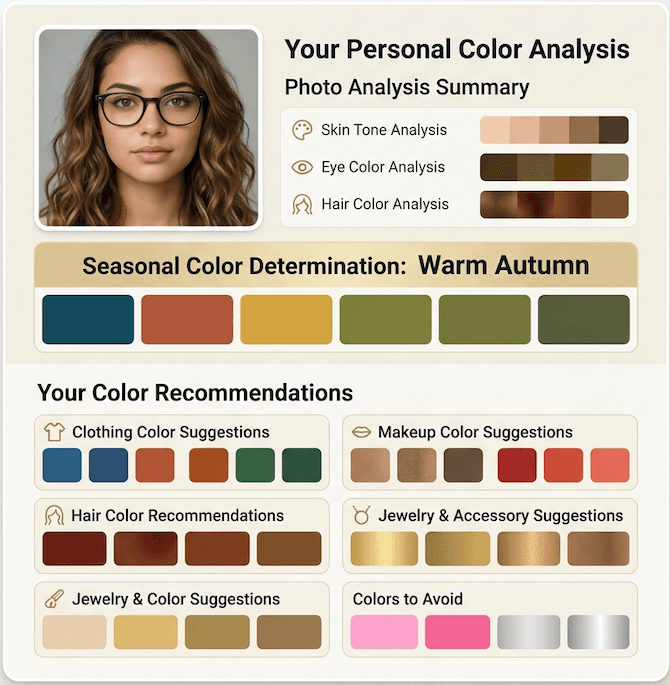
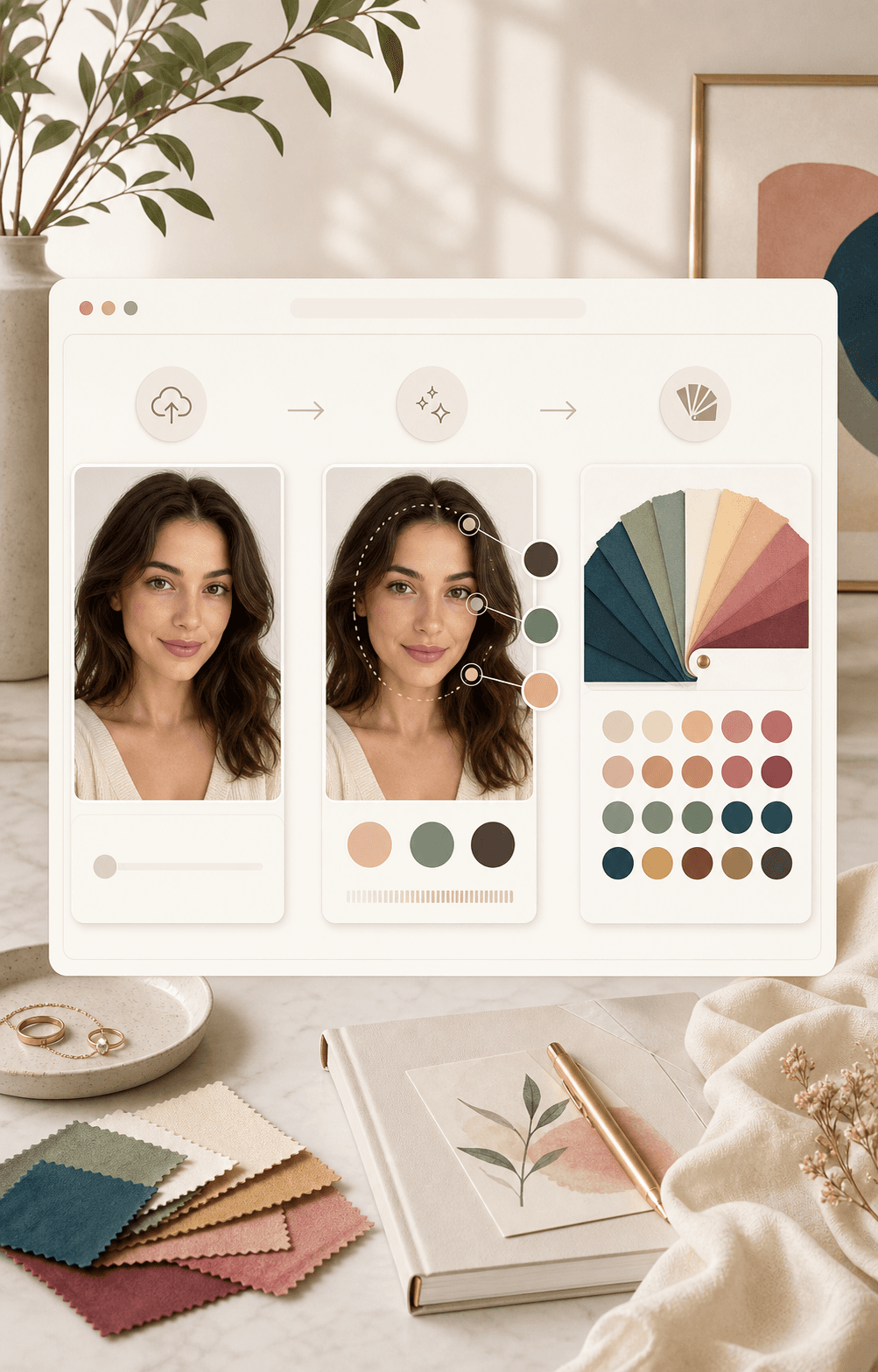
Start with one clear portrait. The tool reads visible color signals, then turns them into a palette and styling report you can use.
Choose a front facing photo in natural daylight. Keep your face, eyes, and visible hair clear, and avoid heavy filters or strong color casts.
BeautyLove reads visible skin, eye, and hair colors, then compares undertone, value, and contrast signals with common seasonal color patterns.
Your result can show a Spring, Summer, Autumn, or Winter family with Light, True, or Deep detail, plus swatches and confidence style notes.
Apply the palette to clothes, makeup, hair color, jewelry, and outfit ideas. Treat the report as a starting point you can test in real life.
Use cases
People search for color analysis when they want clearer choices for shopping, makeup, hair color, and daily outfits.
Use your palette to choose shirts, dresses, jackets, scarves, and accessories that sit closer to your natural coloring.
Read undertone and season notes before choosing foundation direction, lipstick, blush, and eyeshadow families.
Compare warm, cool, neutral, and olive clues with hair dye ideas and metal suggestions for gold, silver, rose gold, or softer finishes.
Keep the digital swatches nearby when browsing product photos, outfit boards, or makeup shade names that can be hard to judge.
Why choose BeautyLove
BeautyLove keeps the flow simple, then gives you a report that can guide real styling choices without treating the result as a rule.
Upload one clear photo and get a report built around your visible coloring, not a long quiz or broad beauty score.
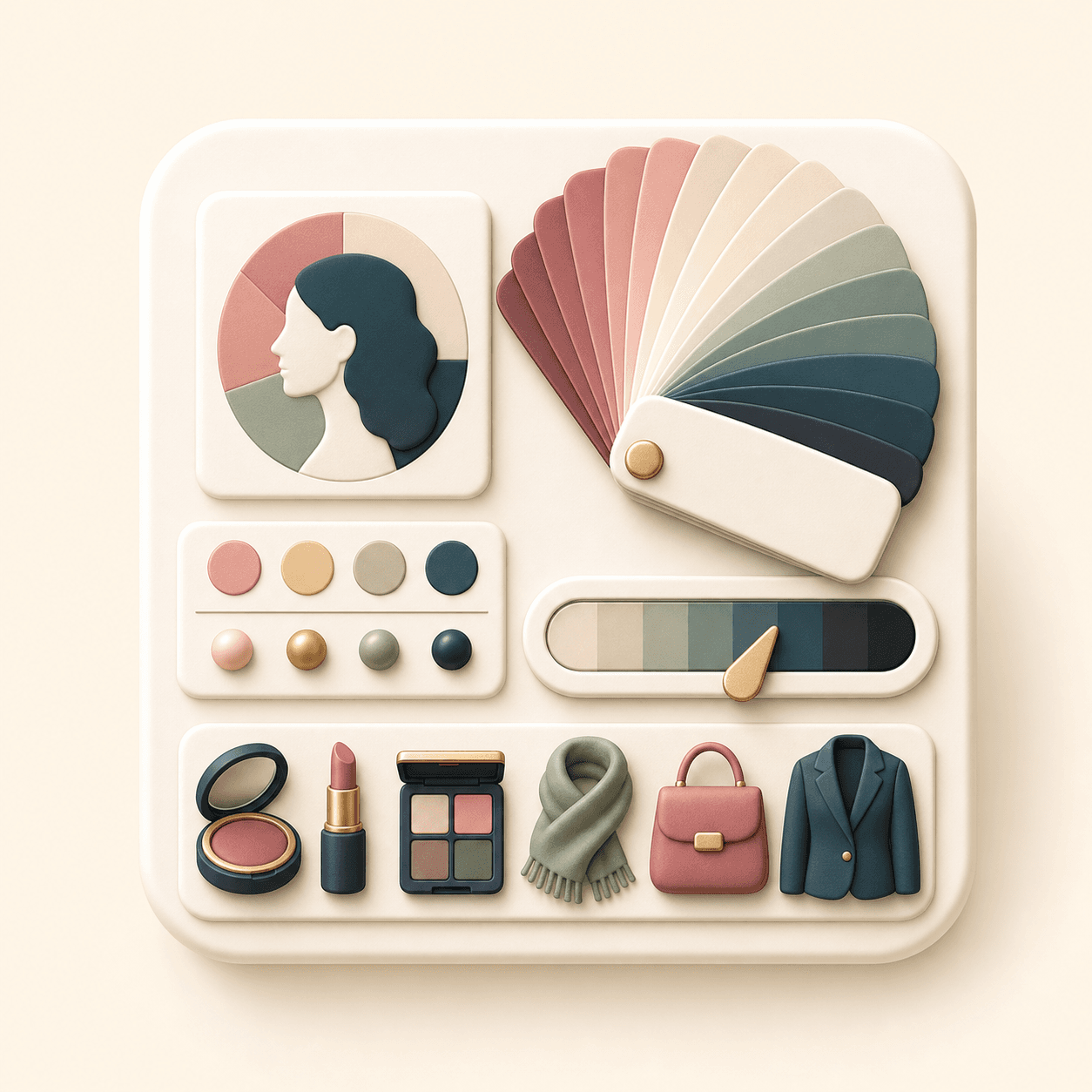
BeautyLove can return season, undertone, contrast, observed swatches, best colors, avoid colors, and styling notes in one place.
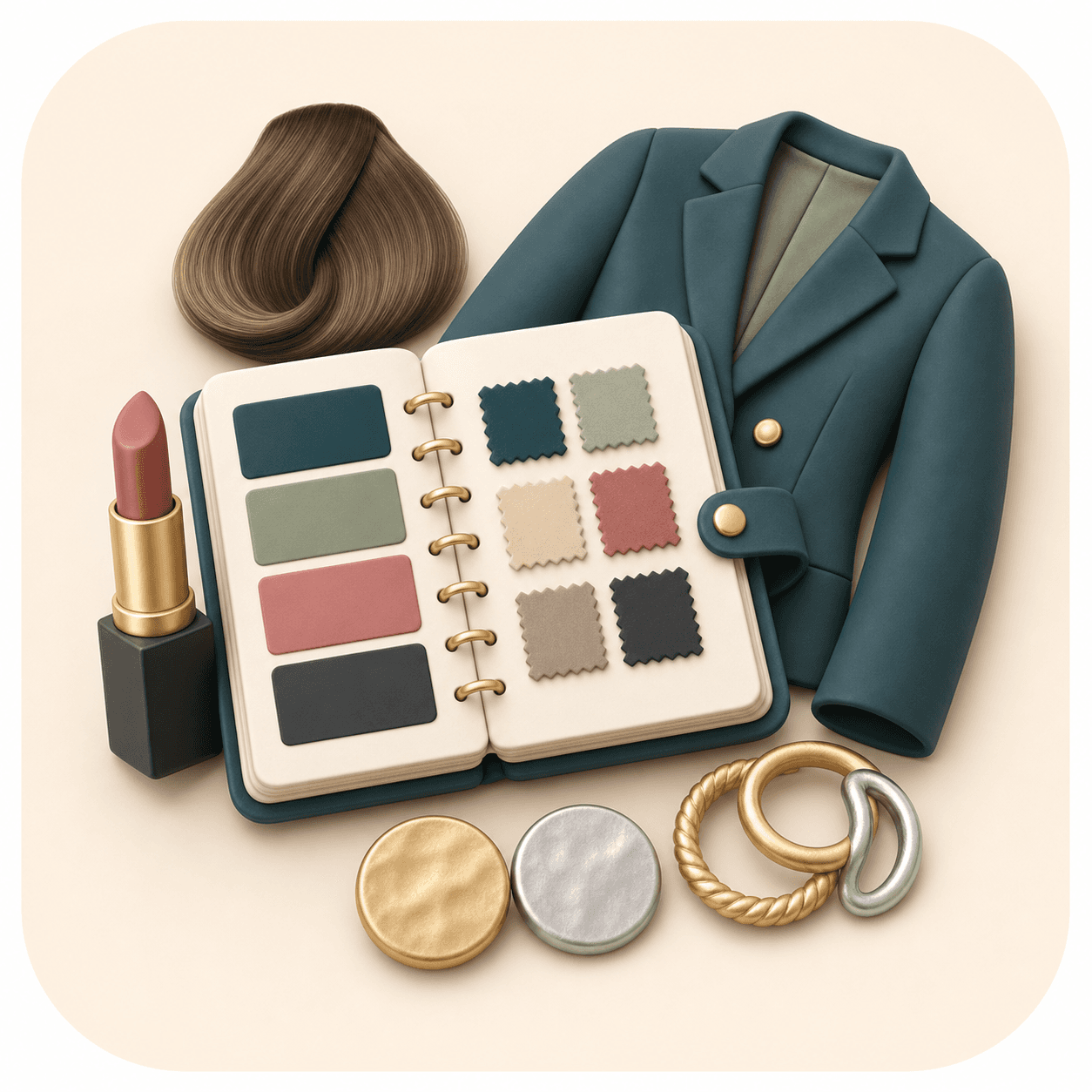
The result connects your palette to wardrobe, makeup, hair, jewelry, and occasion outfits so you have clear next steps.
Quick Color Match uses 10 credits. Full Report uses 20 credits. Failed service errors should not consume credits.
Key features
Your result is designed to move from color season to practical choices for clothes, makeup, hair, jewelry, and outfits.
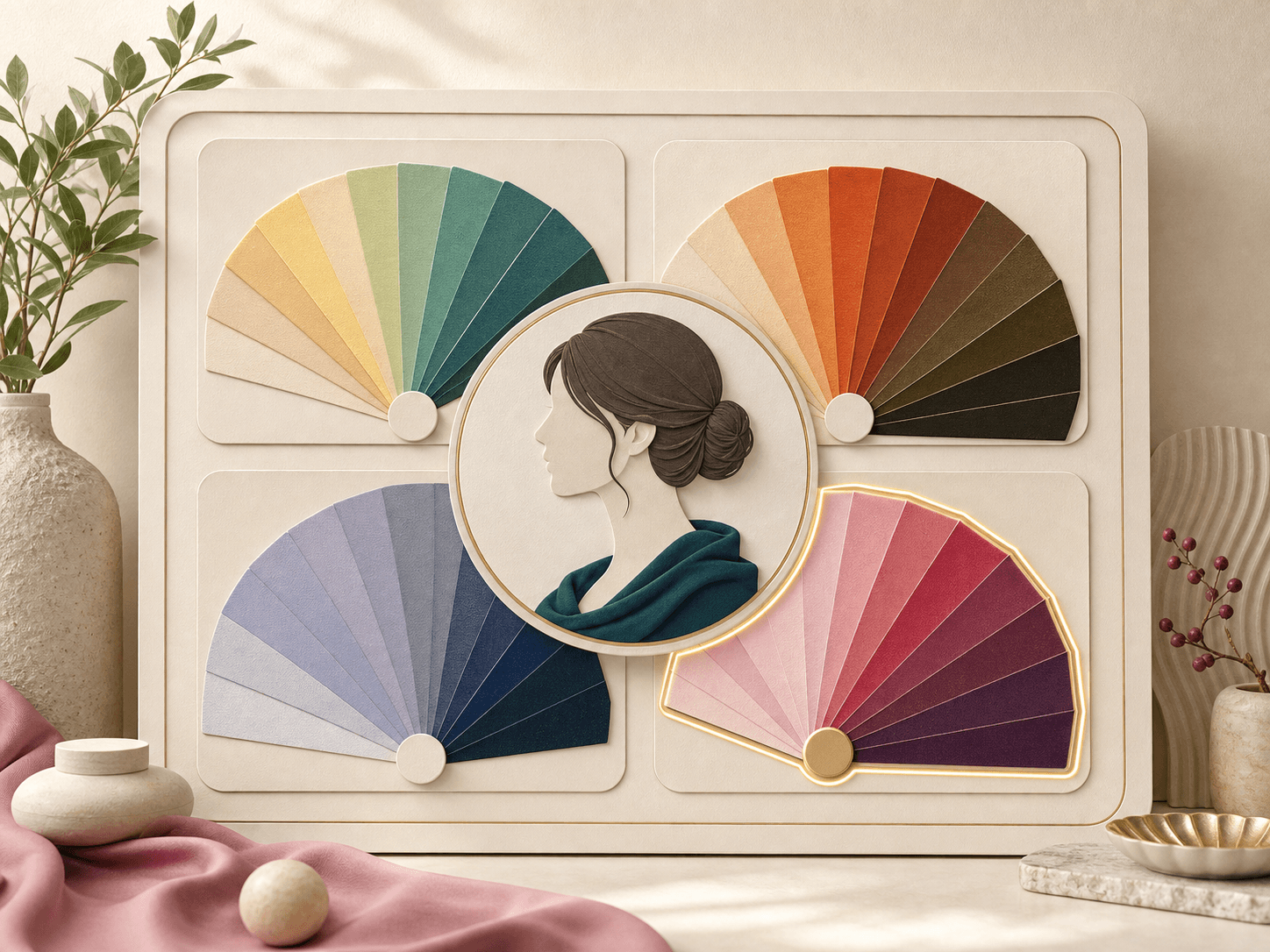
The report maps your visible coloring to a Spring, Summer, Autumn, or Winter family with Light, True, or Deep detail. This gives you a more specific answer than a broad warm or cool label, while still leaving room for personal taste and real life testing.
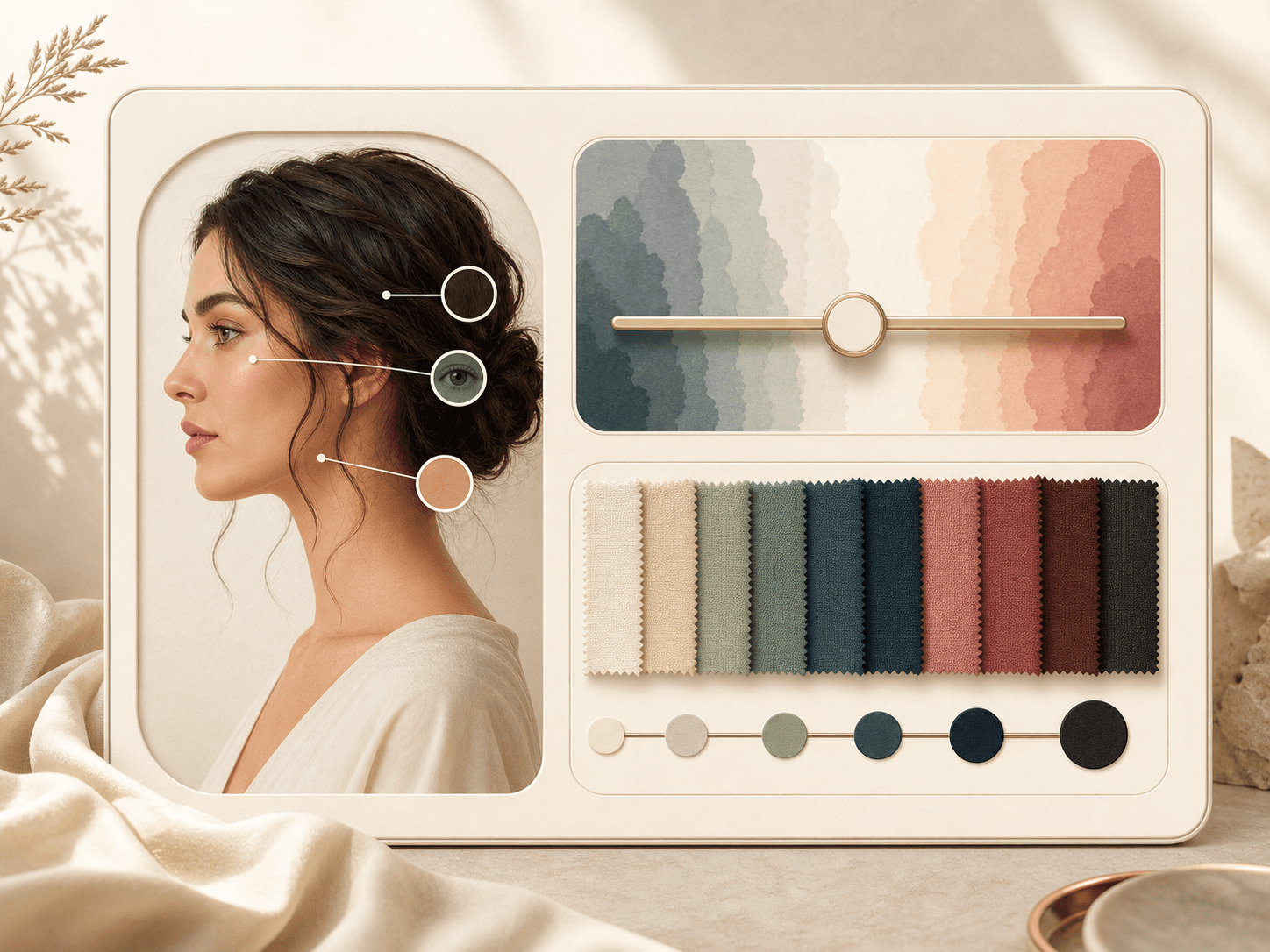
BeautyLove can describe warm, cool, neutral, or olive undertone signals, then pair them with a low, medium, or high contrast read. Skin, eye, and hair swatches help you see what the AI noticed in the photo instead of only seeing the final label.
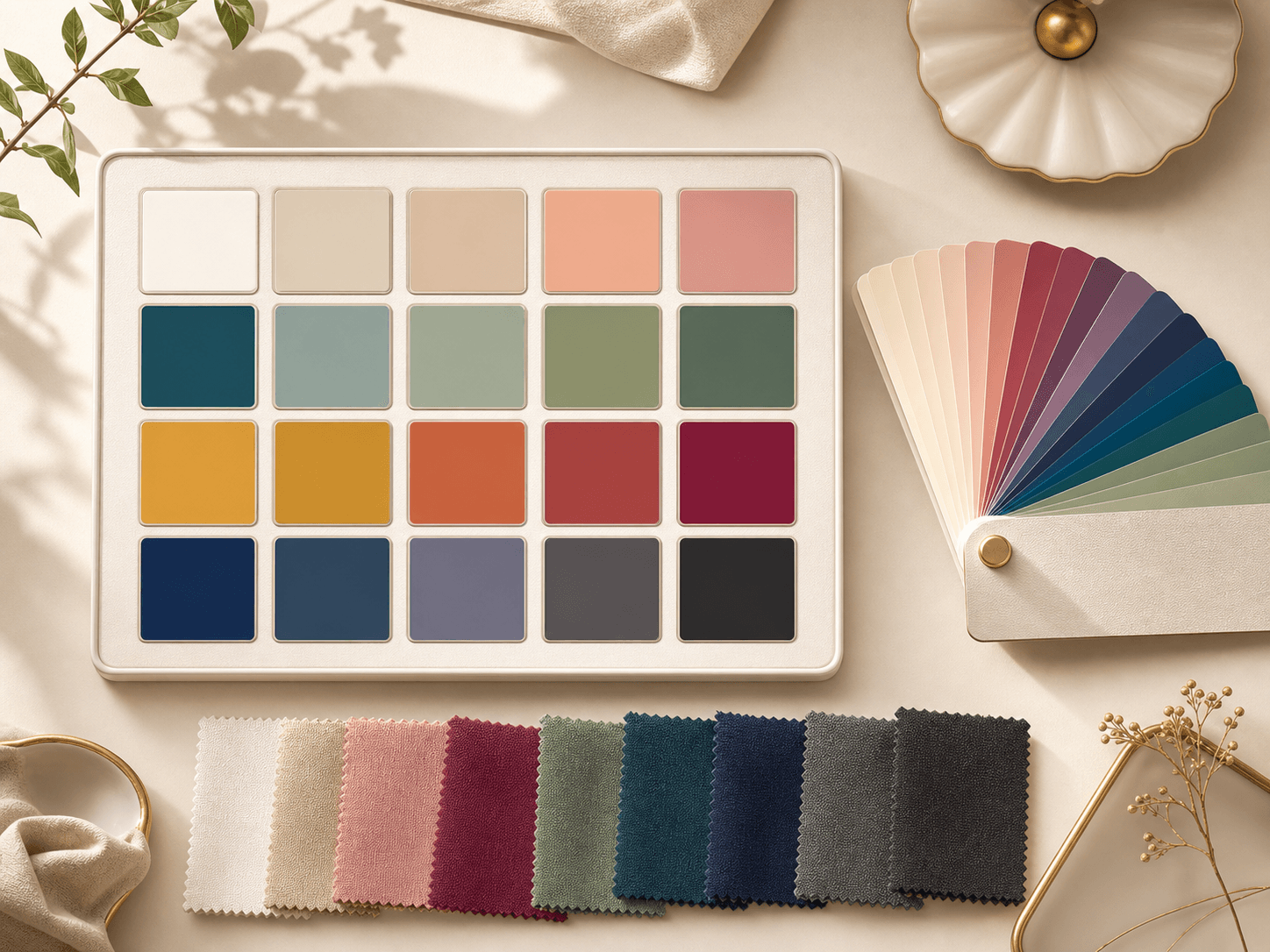
Your result can include core seasonal swatches and a larger set of color chips for wardrobe planning. Use the palette as a reference for tops, dresses, jackets, accessories, and online shopping when product photos are hard to compare.
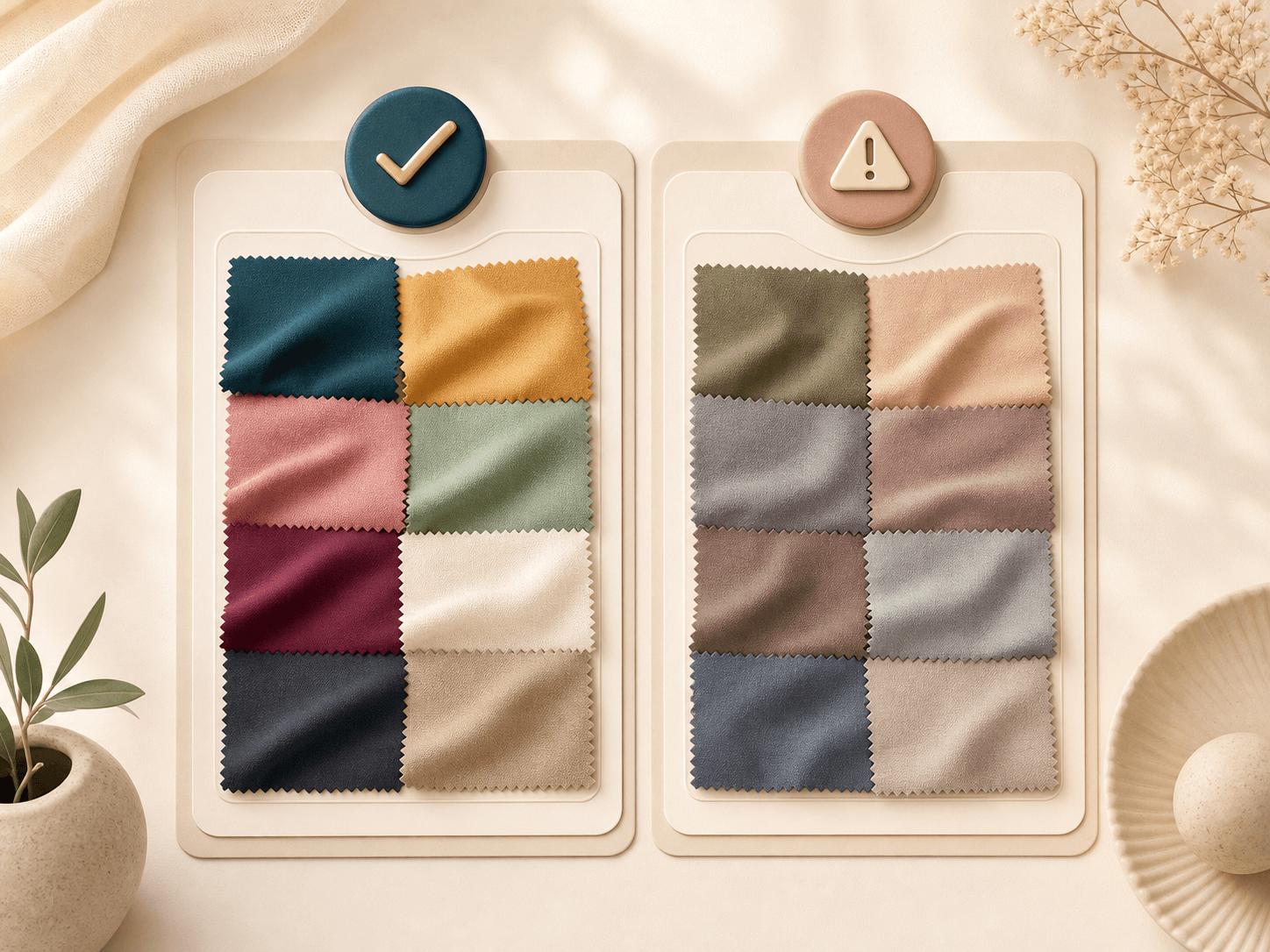
The report can separate colors that are likely to flatter your visible coloring from colors that may feel harsh, dull, or disconnected in the uploaded photo. These notes are guidance, not rules, and you can still choose any color you love.
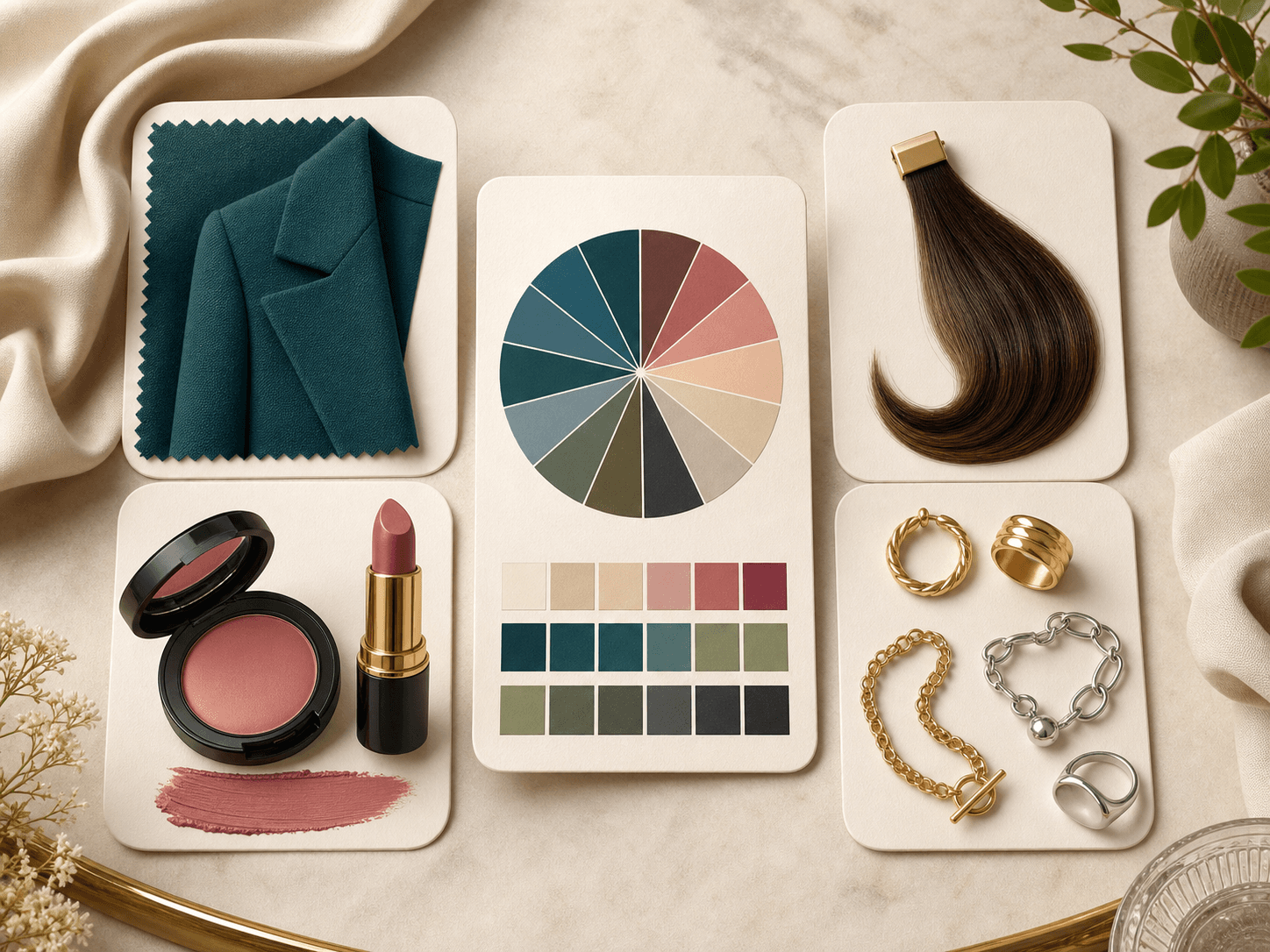
AI color analysis can turn undertone and season signals into practical ideas for foundation direction, lipstick, blush, eyeshadow, hair color, and jewelry metals. This is useful when you want a smaller set of shades to test first.
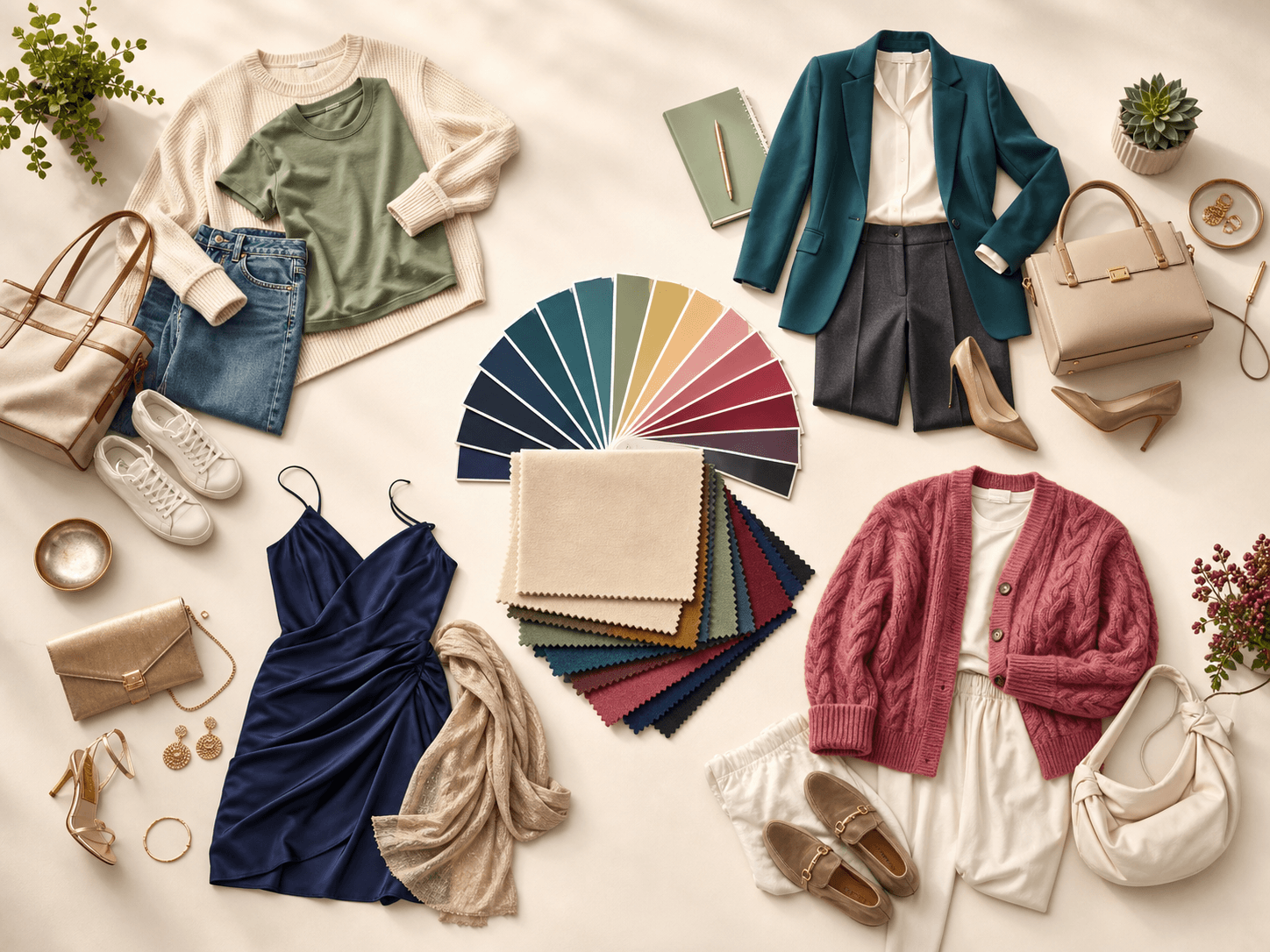
The result can suggest palette directions for casual, business, evening, and weekend outfits. Use these ideas to build combinations around your best neutrals, accent colors, fabric depth, and contrast level.
Comparison table
AI color analysis is useful when you want a fast digital report. Other options may be better when you want physical draping or human feedback.
| Option | Result detail | Privacy note | Best for |
|---|---|---|---|
| BeautyLove AI Color Analysis | Season, undertone, contrast, swatches, and style guidance | Images are sent for processing. Result data may stay in browser storage | People who want a quick digital palette from one portrait |
| In person draping | Consultant led fabric testing under controlled light | No online upload when the session is offline | People who want expert feedback and physical swatches |
| Quiz based color tools | Self reported answers about skin, hair, eyes, and preferences | Often no portrait upload needed | People who prefer answering questions without using a photo |
| Mobile palette apps | Varies by app, often palettes plus shopping or closet features | Depends on app account and data settings | People who want ongoing mobile wardrobe planning |
| Community style feedback | Human opinions from friends, forums, or stylists | Depends on where you share the photo | Second opinions and subjective style feedback |
Photo tips
Color analysis is sensitive to lighting and camera color. A better photo helps the result feel more useful.
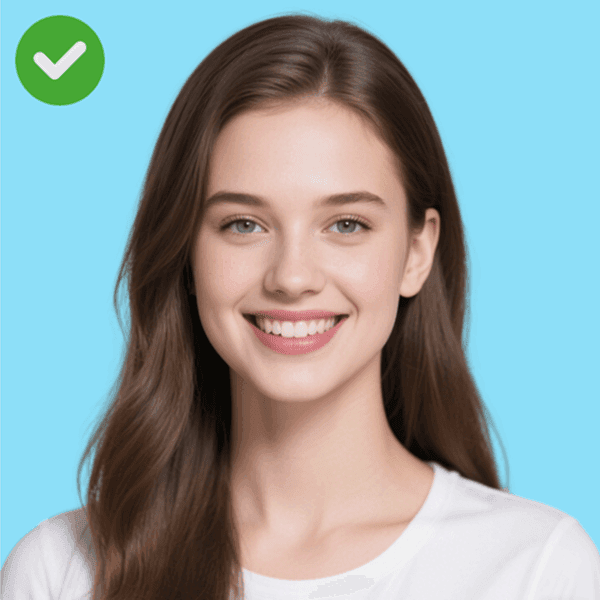
01
Soft window light helps the tool read skin, eye, and hair color with fewer color shifts.
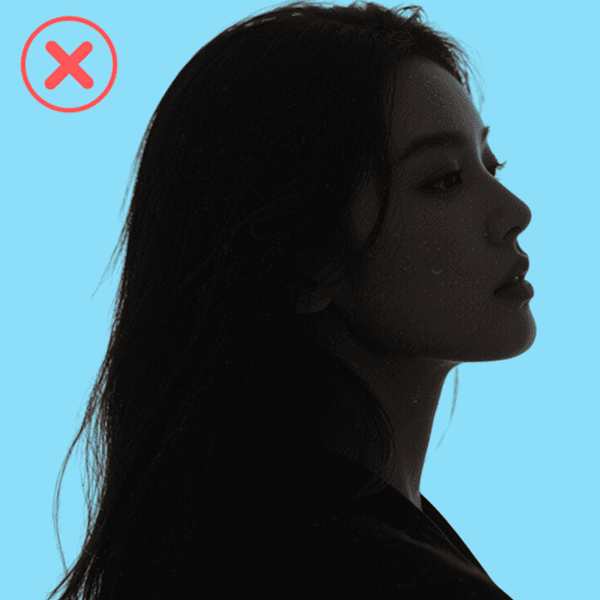
02
Dim or warm artificial light can push skin and hair toward colors that are not really there.
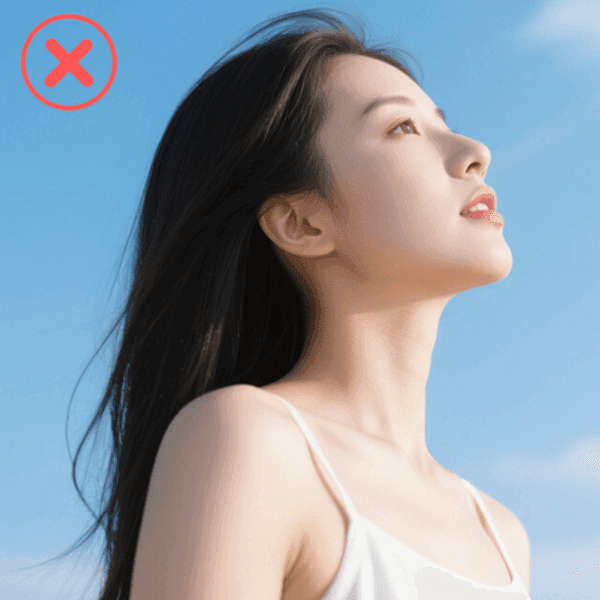
03
A straight portrait keeps both sides of the face visible and makes contrast easier to compare.
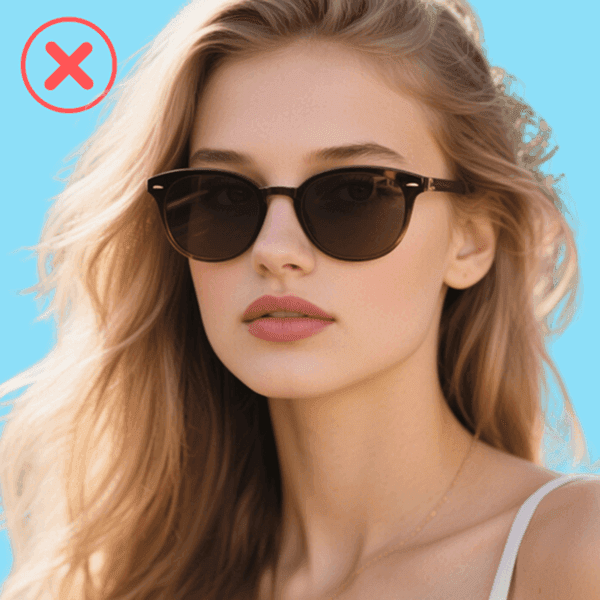
04
Heavy frames, bangs, and shadows can hide eye color, which is part of the color read.
Privacy and care
BeautyLove sends uploaded images to the selected AI service to process the color analysis request. The analysis is not only on your device.
Result data and thumbnails may be kept in your browser storage so the result page can show your latest report.
Upload photos you own or have permission to use. Do not use someone else's portrait without consent.
Automated color reads can be wrong. Use the palette as styling guidance and test colors in daylight before major purchases.
FAQ
Season results, accuracy, makeup use, credits, privacy, and how to choose a better photo.
AI color analysis is an online way to estimate your color season, undertone, contrast, and personal palette from a portrait photo. BeautyLove uses it for styling guidance, not medical or identity decisions.
Upload one clear front facing portrait, run the tool, then review your season, undertone, palette, and styling notes. Natural daylight and a neutral camera filter usually give a better result.
AI color analysis can be useful, but it depends on the photo. Lighting, filters, camera white balance, hair dye, makeup, and shadows can change the result.
Upload a clear portrait taken in natural daylight. Keep your face centered, eyes visible, hair not fully covered, and avoid strong filters or colored lighting.
Yes, AI can estimate your color season from visible skin, eye, and hair signals. If you sit between two seasons, compare both palettes in real life.
BeautyLove can analyze a wide range of visible skin tones, but photo quality still matters. Natural light and clear color detail are more important than having a specific complexion.
Yes, the report can guide clothing colors, makeup shade families, hair color direction, and jewelry metals. Treat the advice as a starting list to test.
New users can use welcome credits to try Quick Color Match, which uses 10 BeautyLove credits. Full Report uses 20 credits.
Your image is sent for AI processing, and result data or thumbnails may stay in your browser storage for the result page. Upload photos you own or have permission to use.
AI color analysis gives a fast digital palette from one photo. In person draping uses physical fabrics, controlled lighting, and a trained analyst, which can be better for final confirmation.
Ready when you are
Start with one clear portrait and get an AI color analysis report you can use for style decisions.
Loved by 5M+ BeautyLove users for hair, makeup, color, and portrait decisions.