
AI cartoon · Nine styles · Before / after
Photo to Cartoon
Upload a portrait or family photo, choose a cartoon style (anime, 3D, comic, and more), then generate. On the result page, view your cartoon image full size and download it.
Your upload
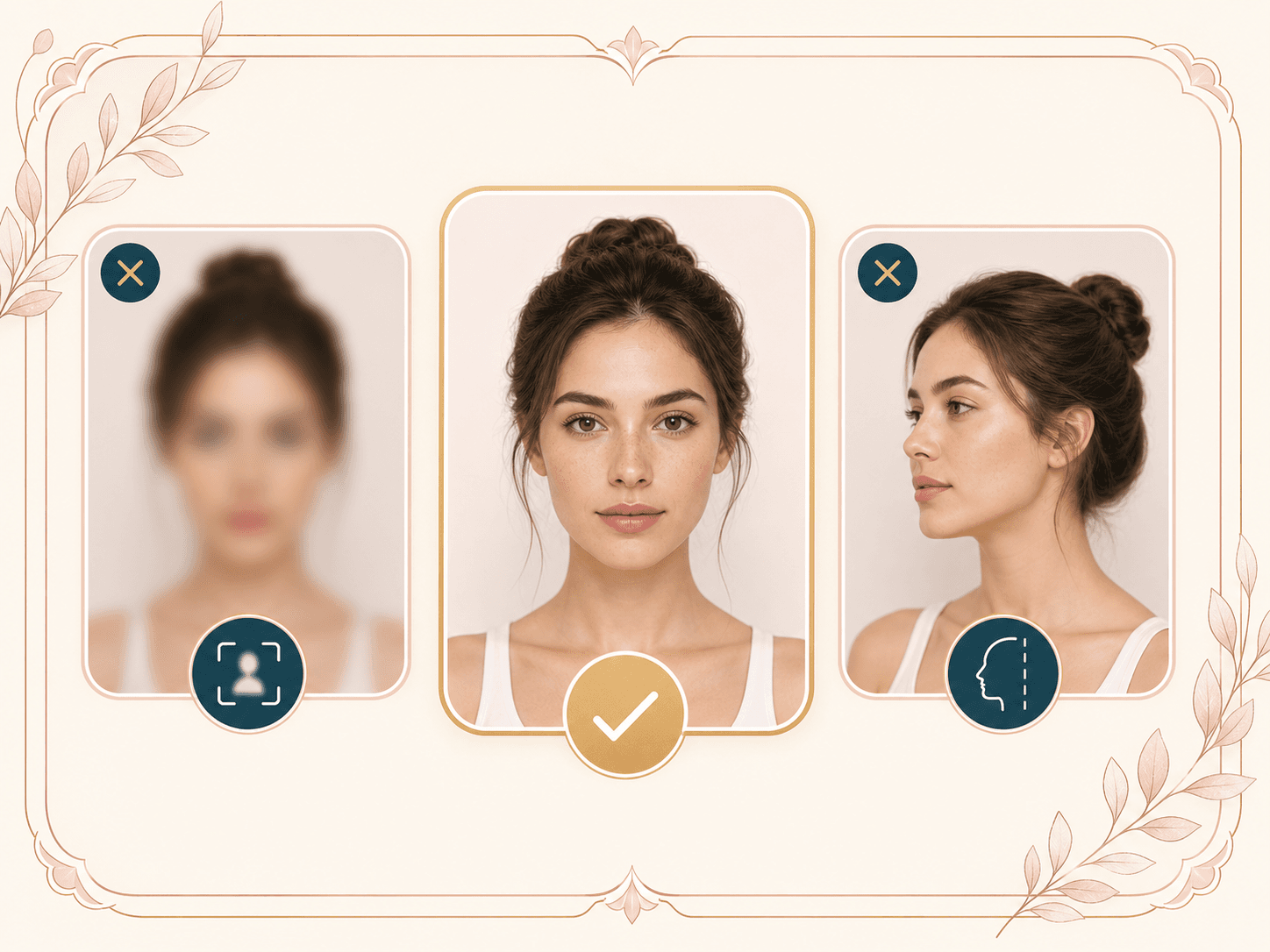
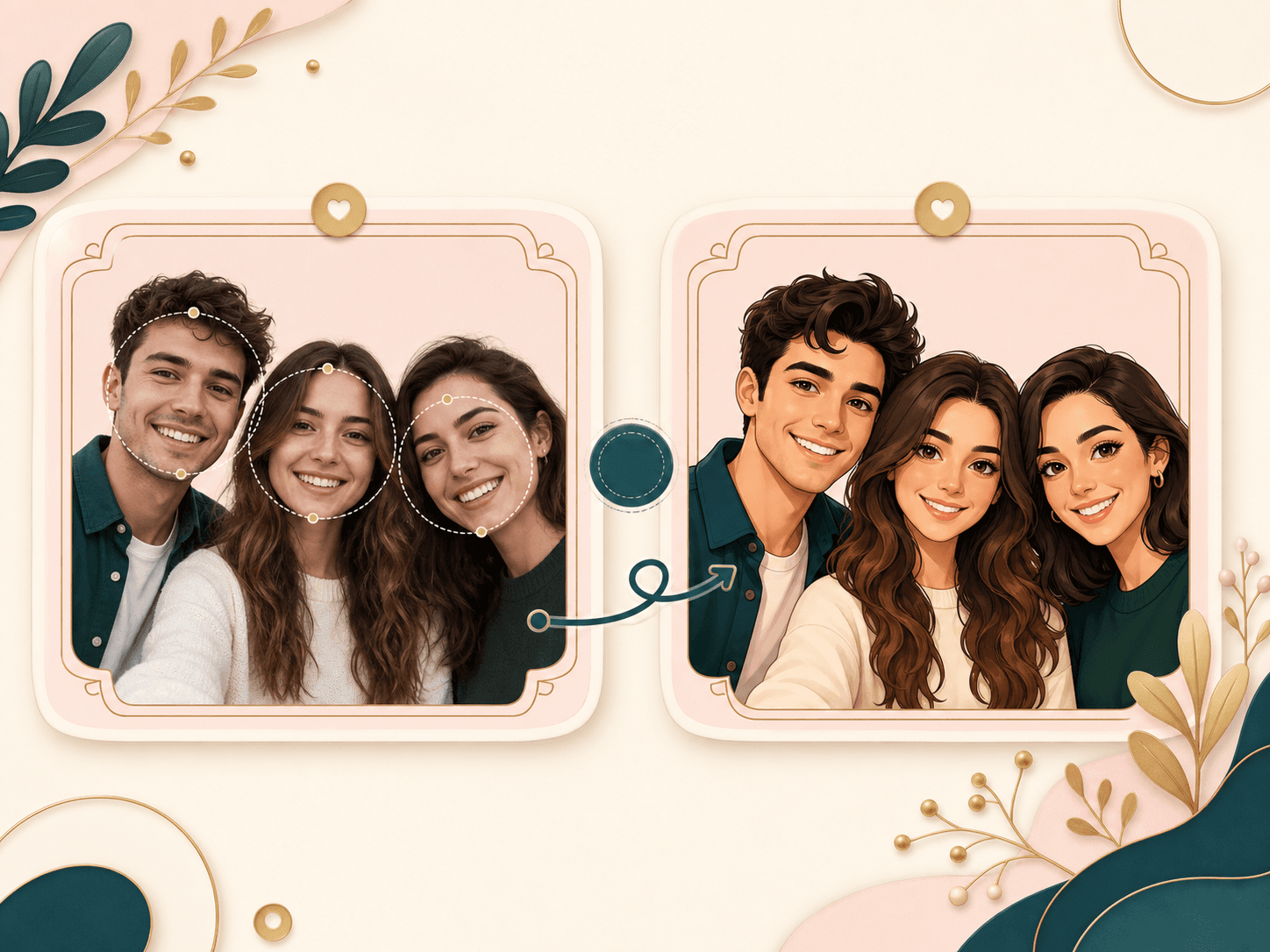
Clear, front-facing photo works best (up to five faces). Pick a style below, then tap Generate.
Cartoon style
Versatile; cosplay-style photos work well.
Style preview
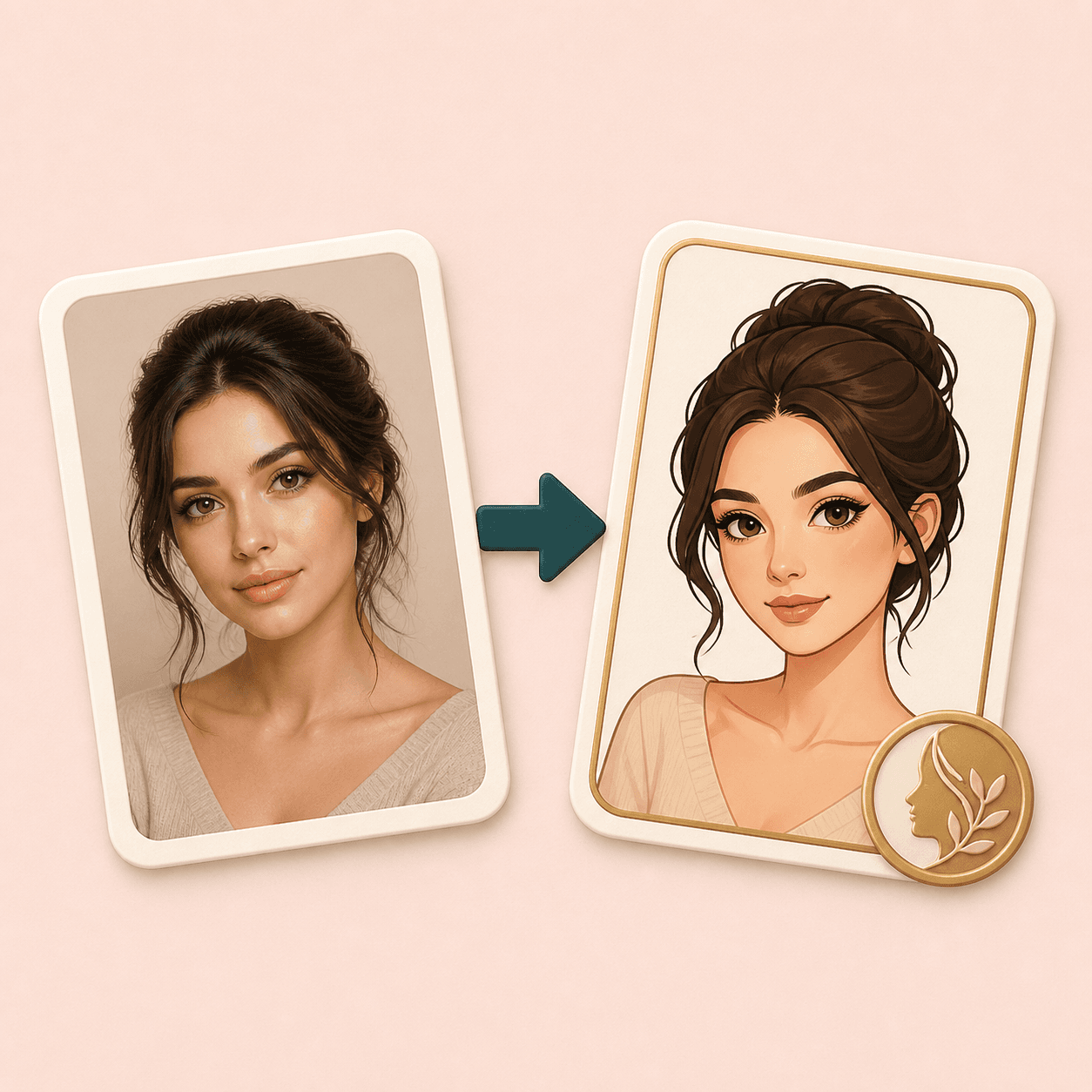
One quick preview of how your photo will transform in a cartoon style.

Style gallery
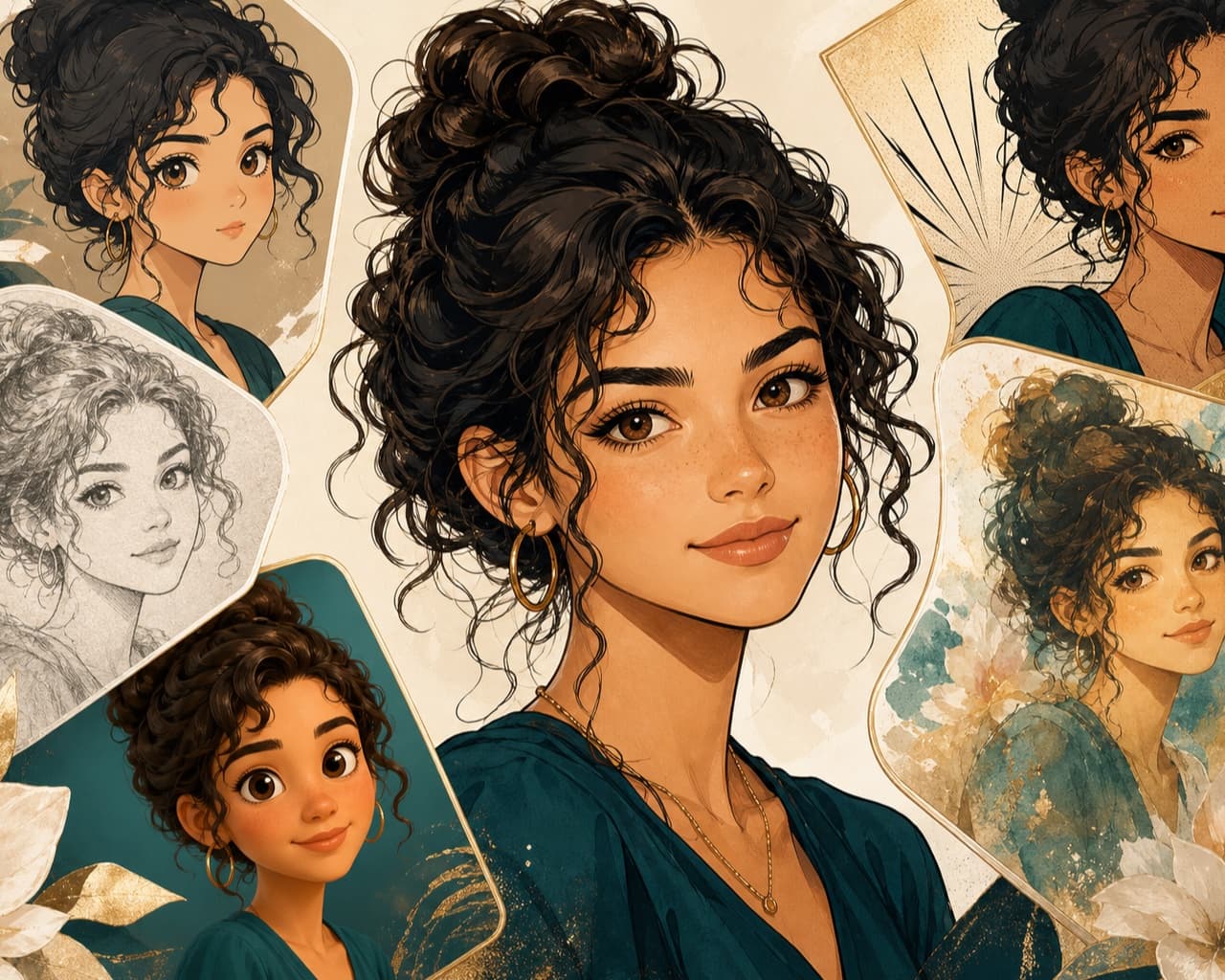
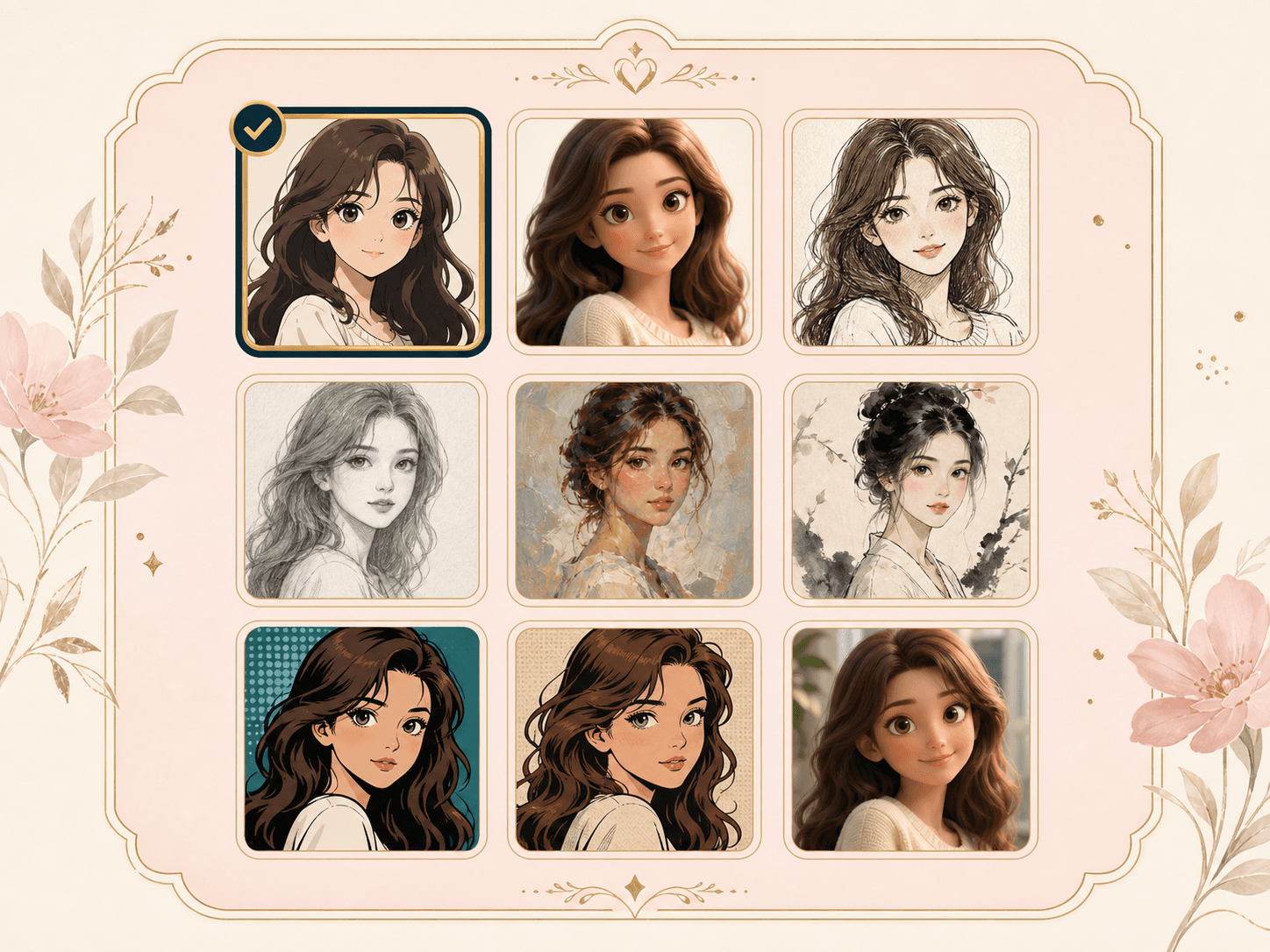
Each sample image filename maps to a specific style. Below are style-focused examples and quick guidance for matching your photo.
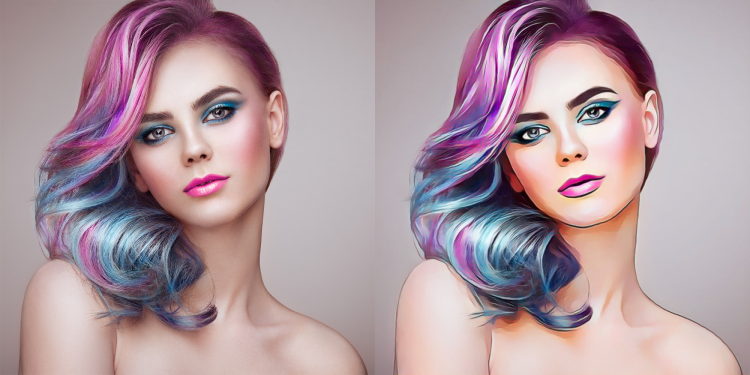
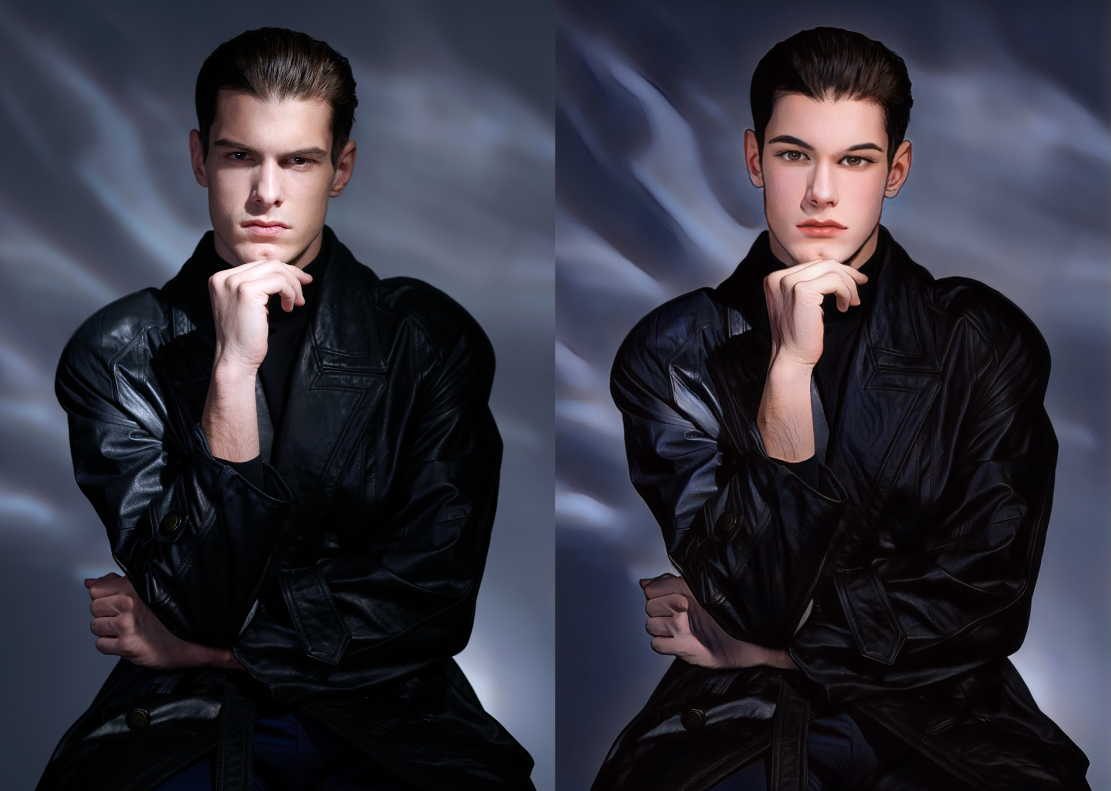
Artistic
artstyle
Best for bold styling—works especially well with vivid colors and makeup.
Try colorful outfits or makeup in the source photo for stronger stylization.
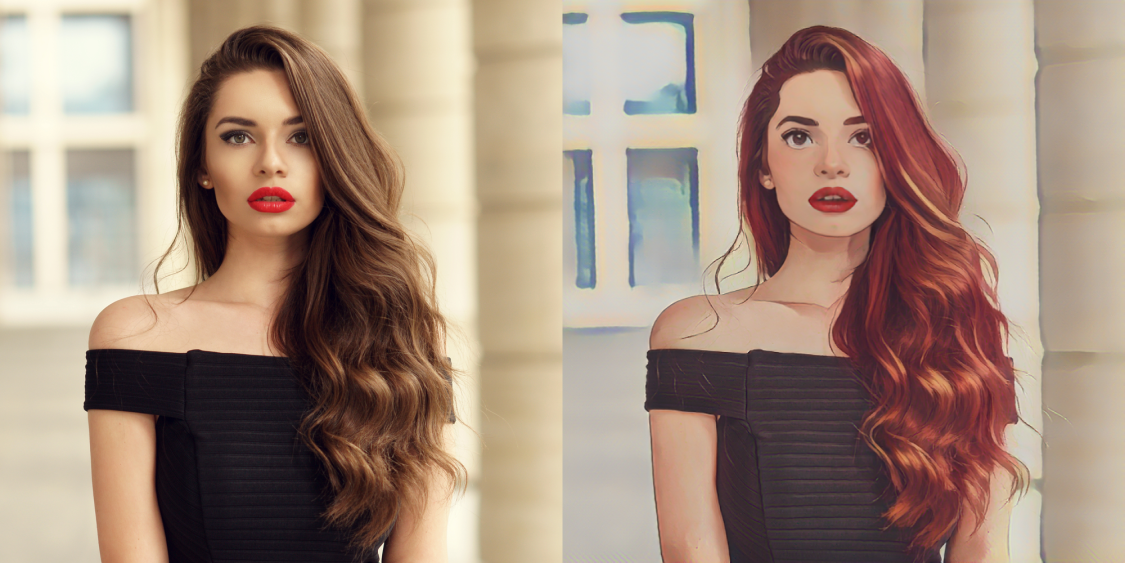
Comic
comic
A versatile retro comic-book look for most portrait types.
Avoid busy backgrounds; the AI reads faces more accurately.
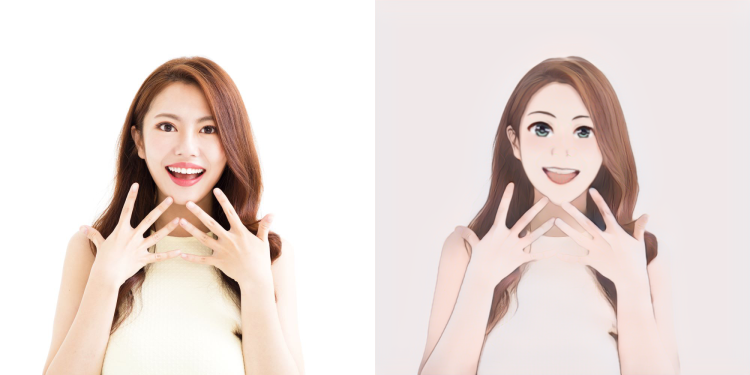
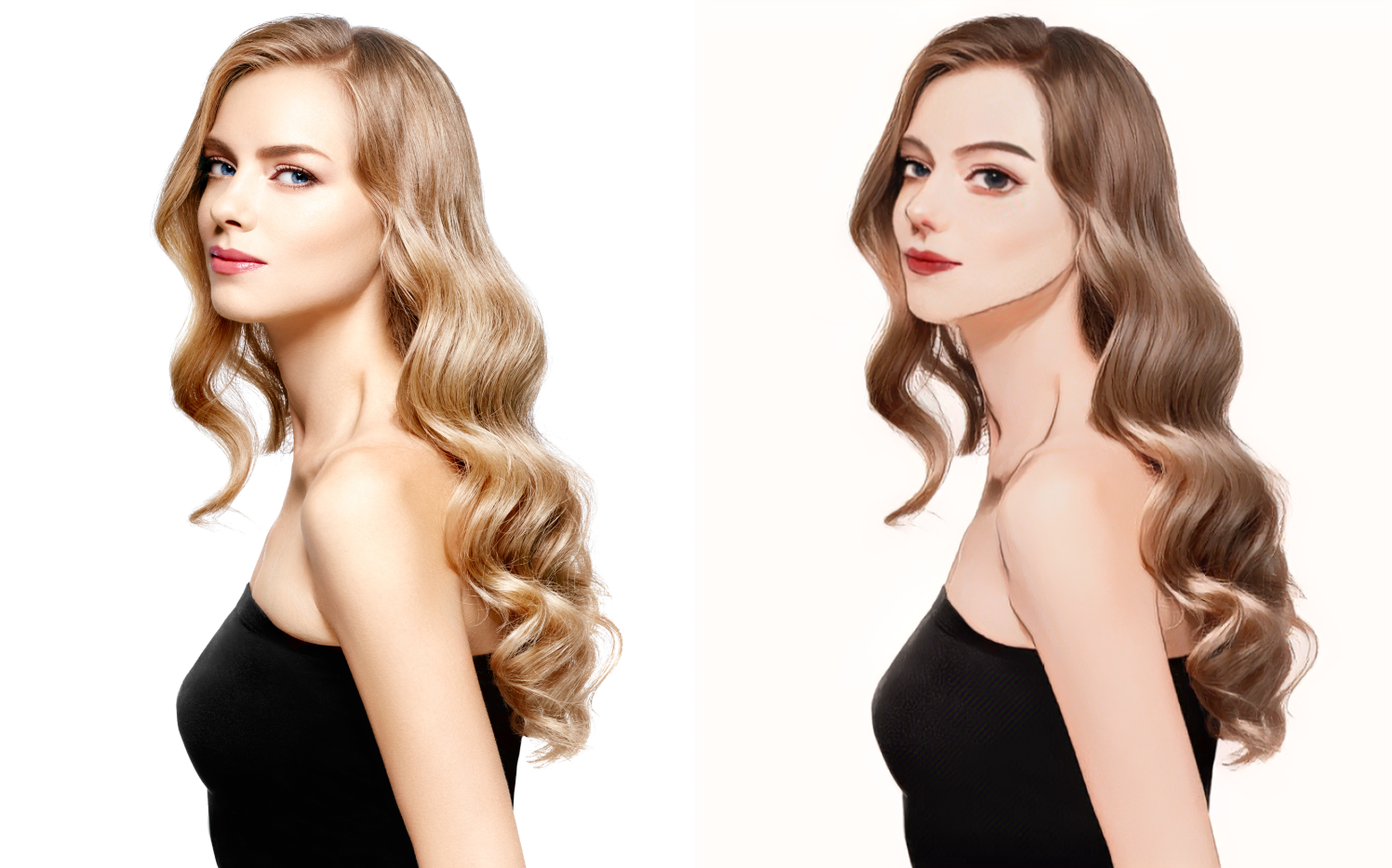
Japanese anime
anime
Great for cosplay-style portraits and playful character avatars.
Choose clear front-facing faces with good lighting and visible outfits.
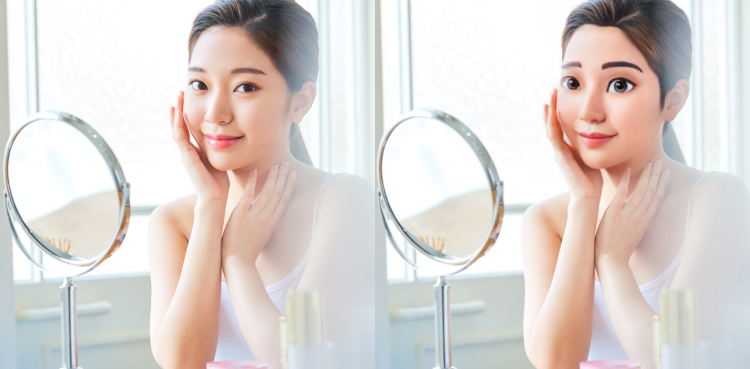
3D effect
3d
Adds depth and a polished look—works well for everyday close-ups.
Avoid heavy motion blur; crisp details help the 3D effect look natural.
Hong Kong comic
hongkong
Retro comic panel energy—great for expressive, fun photos.
A straightforward front-facing shot with clear facial features works best.
Animation 3D
animation3d
A well-balanced animation 3D texture for cosplay and themed events.
Good lighting helps; full-body or upper-body shots are ideal.
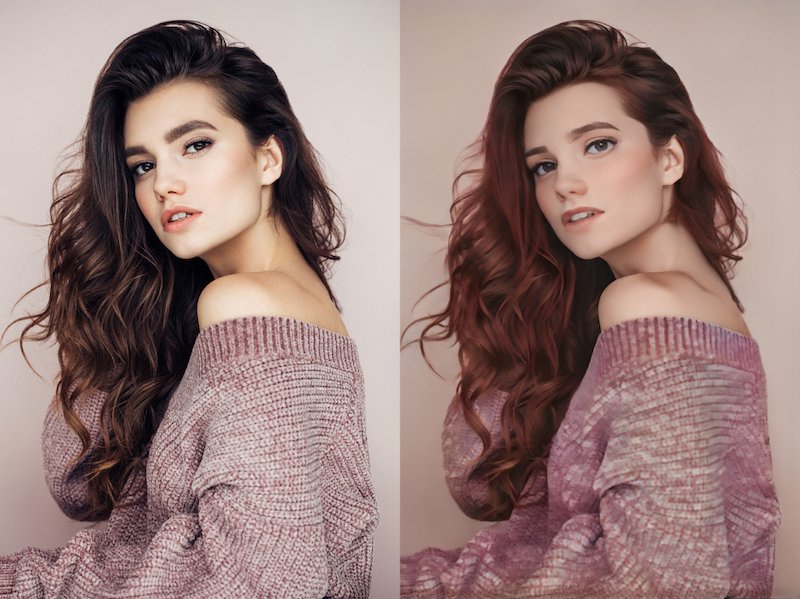
Hand-drawn
handdrawn
A softer illustrated look, ideal for warm, gentle portrait vibes.
Use even lighting; extreme shadows may reduce line clarity.
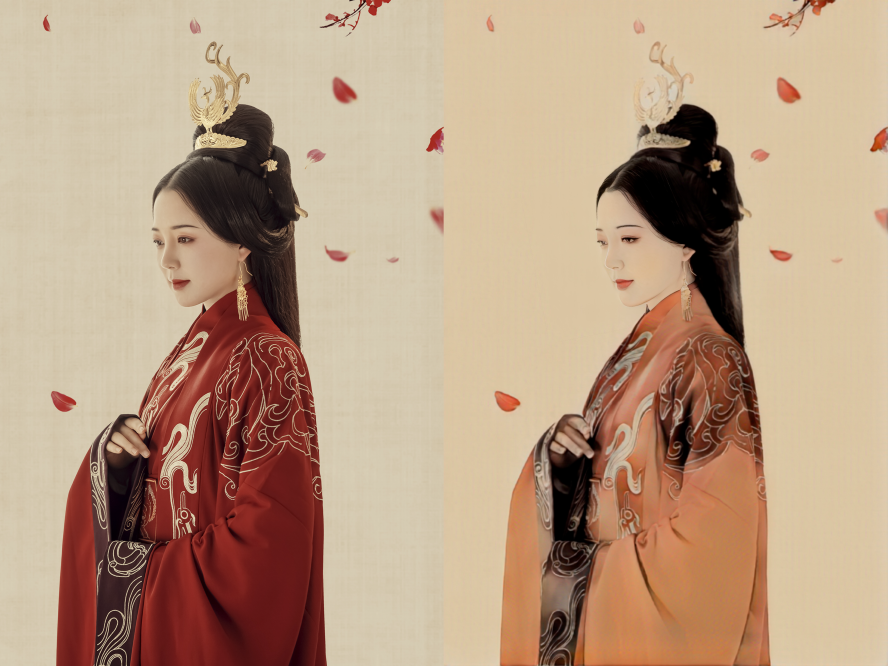
Chinese painting (gongbi)
claborate
Ideal for traditional costume portraits with elegant, minimal scenery.
Full/half-body shots with a simple background usually match this style best.
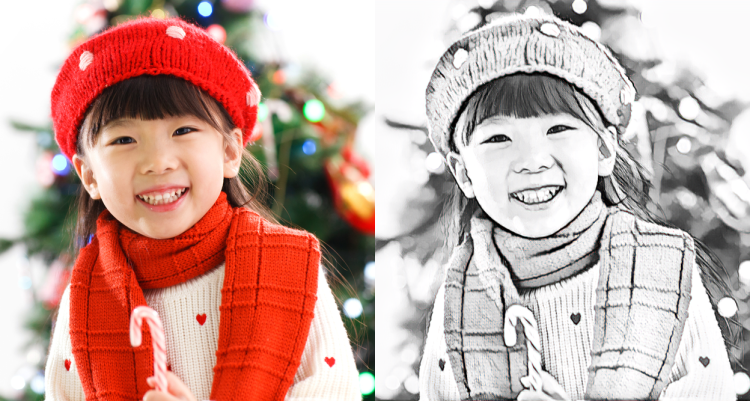
Pencil sketch
sketch
A classic sketch mood—good for dramatic but simple headshots.
Prefer a plain background so the AI can focus on the face.
How it works
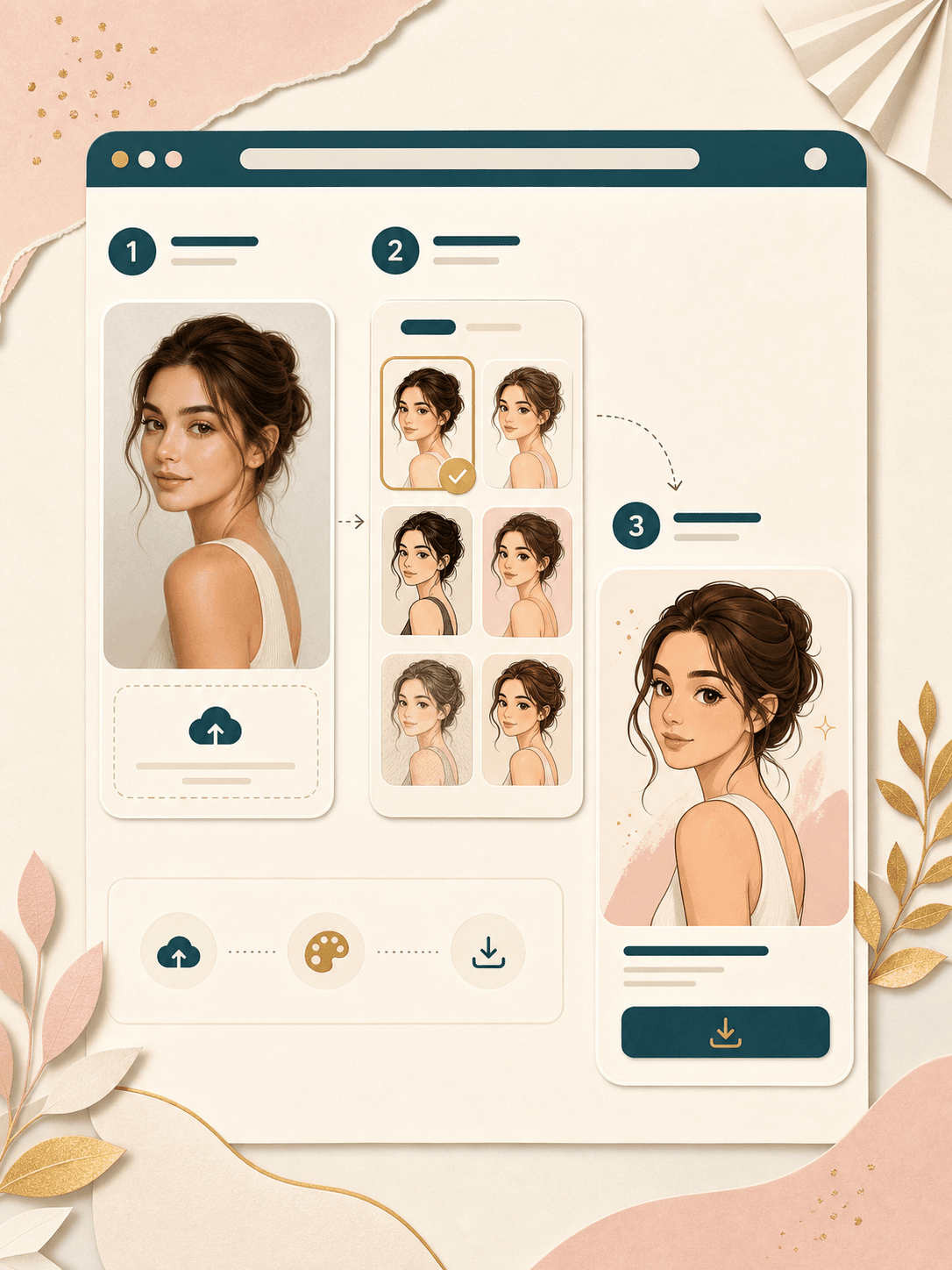
Powered by Alibaba Cloud GenerateHumanAnimeStyle: we send your image with the selected style, return a cartoon result, and show it on a dedicated result page—clear and fun.
Upload a clear photo
JPEG or PNG · processed under API limits (about 3 MB, resolution within 2000×2000). Front-facing faces work best; up to five people.
Choose a cartoon style
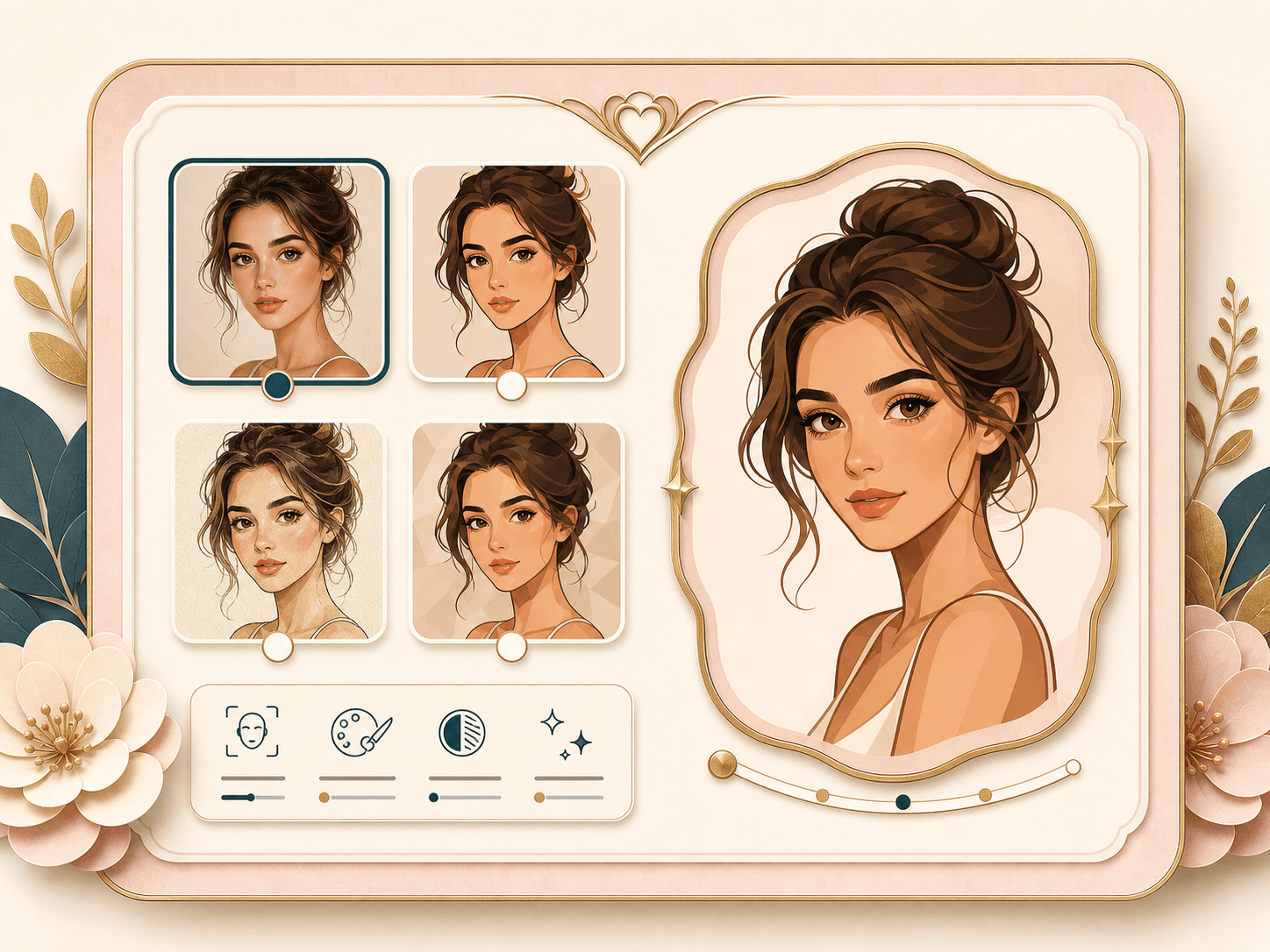
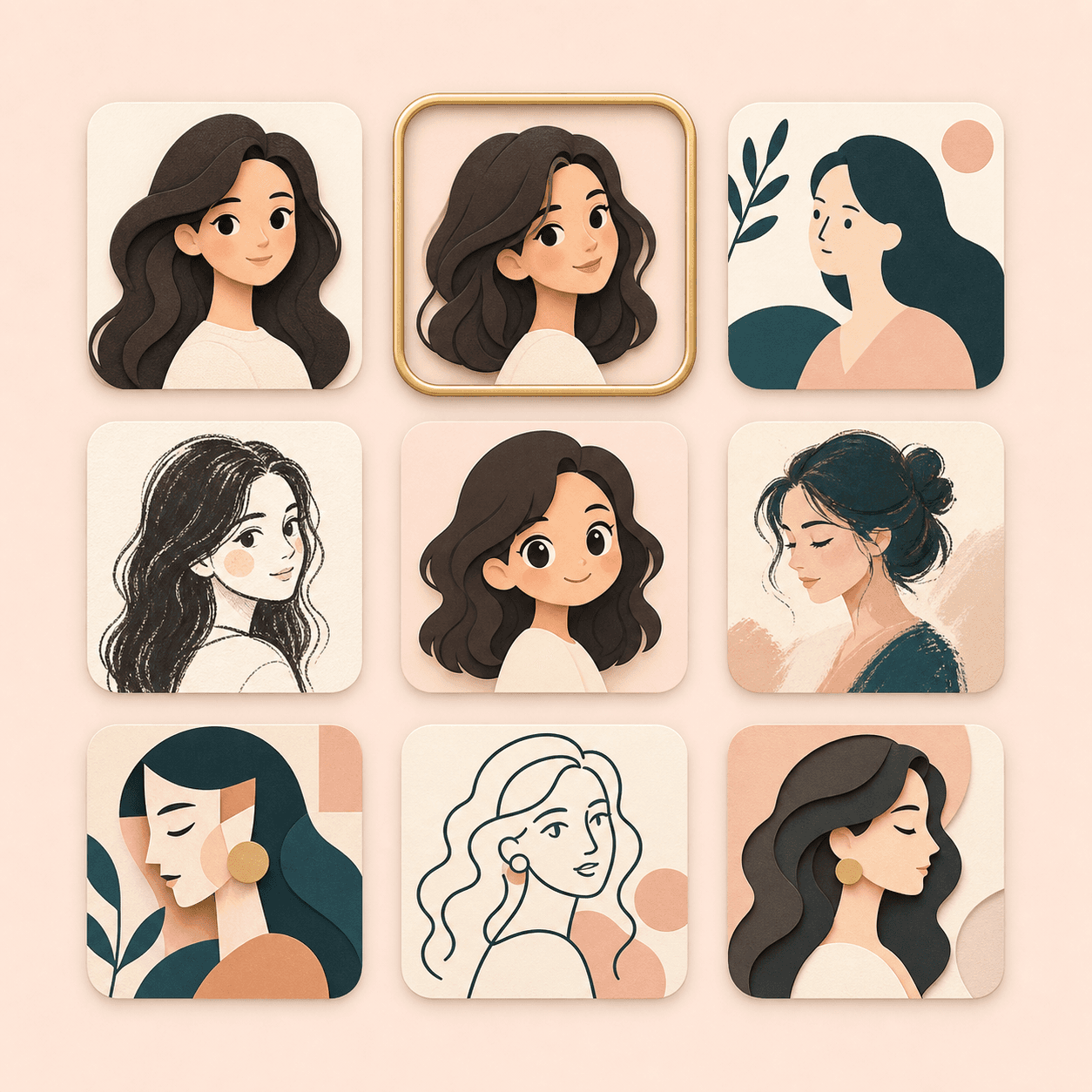
Pick from anime, 3D, hand-drawn, sketch, artistic, gongbi, Hong Kong comic, comic, or animation 3D—each tuned for different looks.
View and download
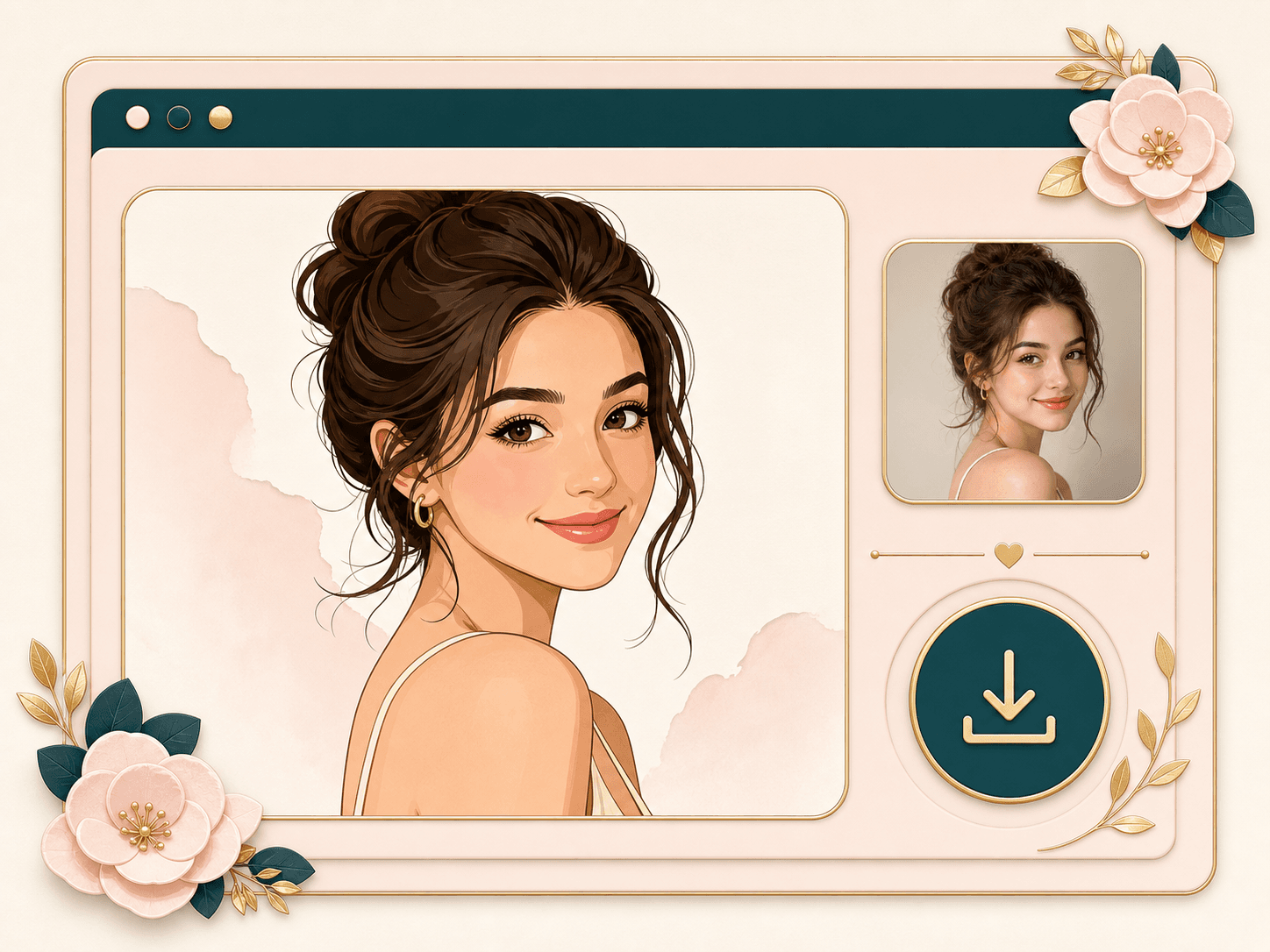
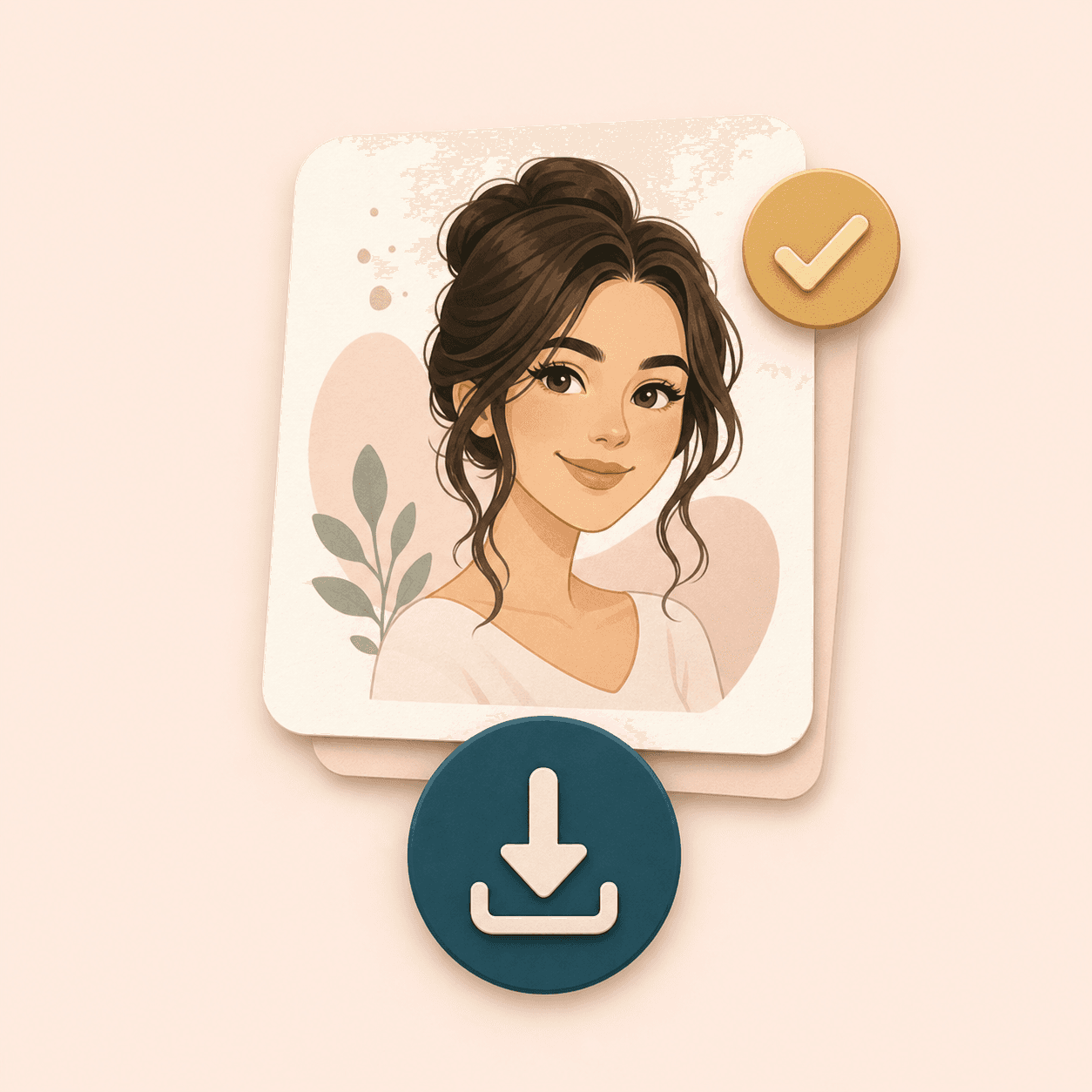
Open the result page to view your cartoon image and download it, or go back to try another style.
Perfect for
Playful avatars, privacy-friendly sharing, and social posts—without manual illustration.
Avatars & stickers
Create a cartoon look that still feels like you—great for profiles and chat themes.
Privacy & fun
Cartoonize group or solo shots before sharing; harder to match to a real ID photo.
Creators & events
Quick visuals for campaigns, invites, or themed content with a consistent style picker.
FAQ
Credits, styles, file rules, and how the result page works.
Tips for better results
Good lighting and a clear view of faces help; try another style if one look feels too strong or soft.
Use even lighting and a clear, front-facing view—avoid heavy shadow on faces.
For gongbi style, traditional costume and a simple background often look best.
Up to five faces per image; very small or turned-away faces may reduce quality.
Ready to cartoonize your photo?
Jump back, pick a style, generate, then view and download your cartoon on the result page.
Back to Photo to Cartoon