Upload one clear photo for a beauty focused under eye test that reads visible dark circles, puffiness, shadows, and tired eye cues for makeup and photo tips. This is not a medical exam.
10 credits charged after success
No charge when processing fails
Processing Usually 10–25 seconds
Private result Workspace: 30 days; browser fallback until cleared
Loved by 5M+ BeautyLove users for hair, makeup, color, and portrait decisions.
5M+
Users worldwide
4.9 / 5
Average rating
2,689
User reviews
How to
How to use the under eye test.
Upload a clear face photo, let the AI read visible under eye cues, then use the result for makeup and photo choices.
01
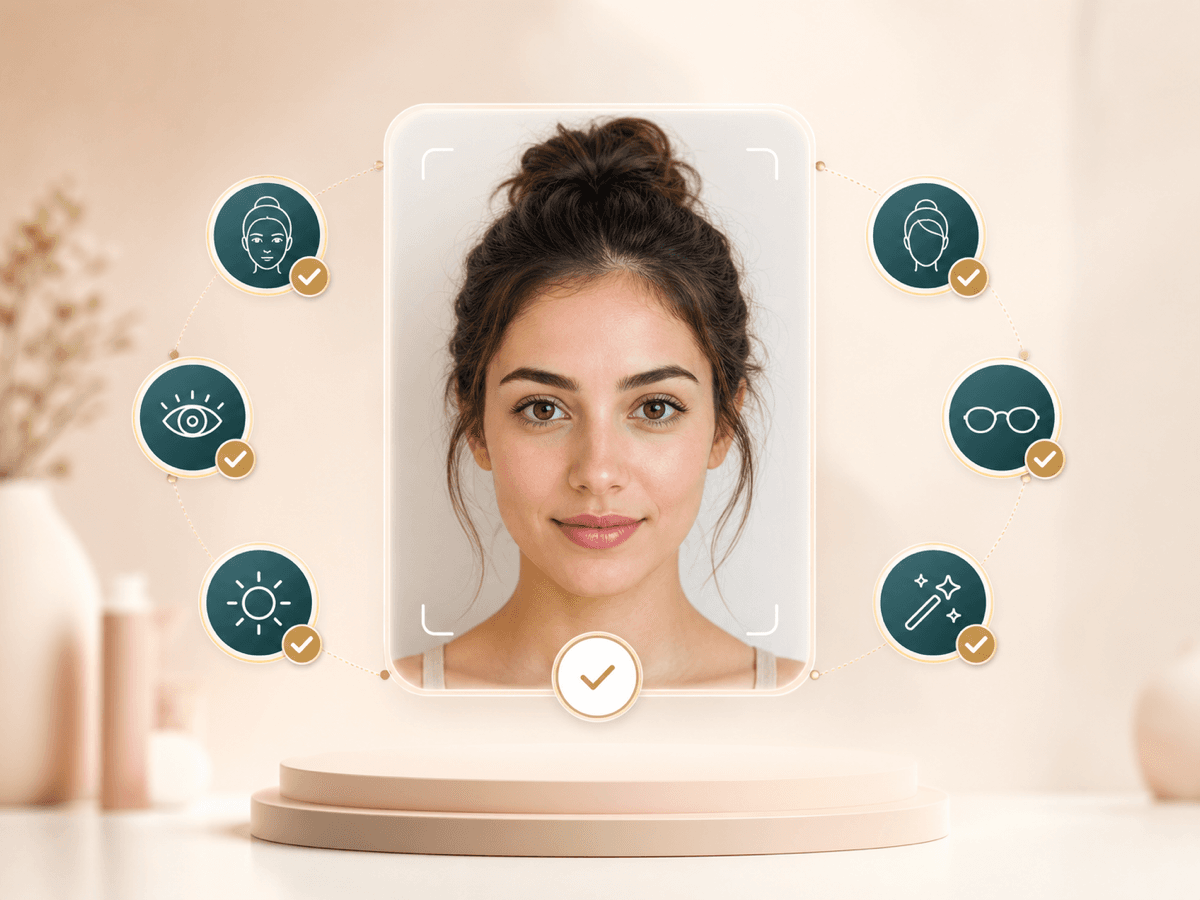
Upload a clear eyes open photo
Face forward with both eyes visible. Remove sunglasses, reduce lens glare, and avoid heavy filters so the under eye area can be read from the image.
02
Run the under eye test
The AI looks at visible darkness, puffiness, hollow looking shadows, texture hints, and overall tired eye impression. It reads the photo, not your health.
03
Review the visible cue breakdown
Your result explains what stands out in plain English. Use it to decide whether lighting, sleepiness, makeup placement, or camera angle may be shaping the look.
04
Apply makeup and photo tips
Try softer front light, a different camera height, color corrector, or lighter concealer placement. Rescan another photo if you want to compare your own looks.
BeautyLove keeps the read practical and kind. The goal is to understand one photo better, then choose makeup, lighting, or care next steps with clearer language.
Focused under eye read
The page is built around visible under eye cues, so the result stays focused on darkness, puffiness, shadows, and tired eye impression.
Lighting context included
Photos can exaggerate under eye shadows. The copy and tips remind you to test softer light before blaming your face or your routine.
Makeup and photo next steps
Instead of a vague tired score, you get ideas for concealer, color correction, camera height, and the next photo to try.
Clear beauty boundaries
The tool does not diagnose allergies, circulation, or eye health. It points you to professional care when symptoms need real world help.
Key features
What the test can show you.
Use the result as a beauty and photo guide for the under eye area, not as a diagnosis or fixed label.
Visible cue breakdown
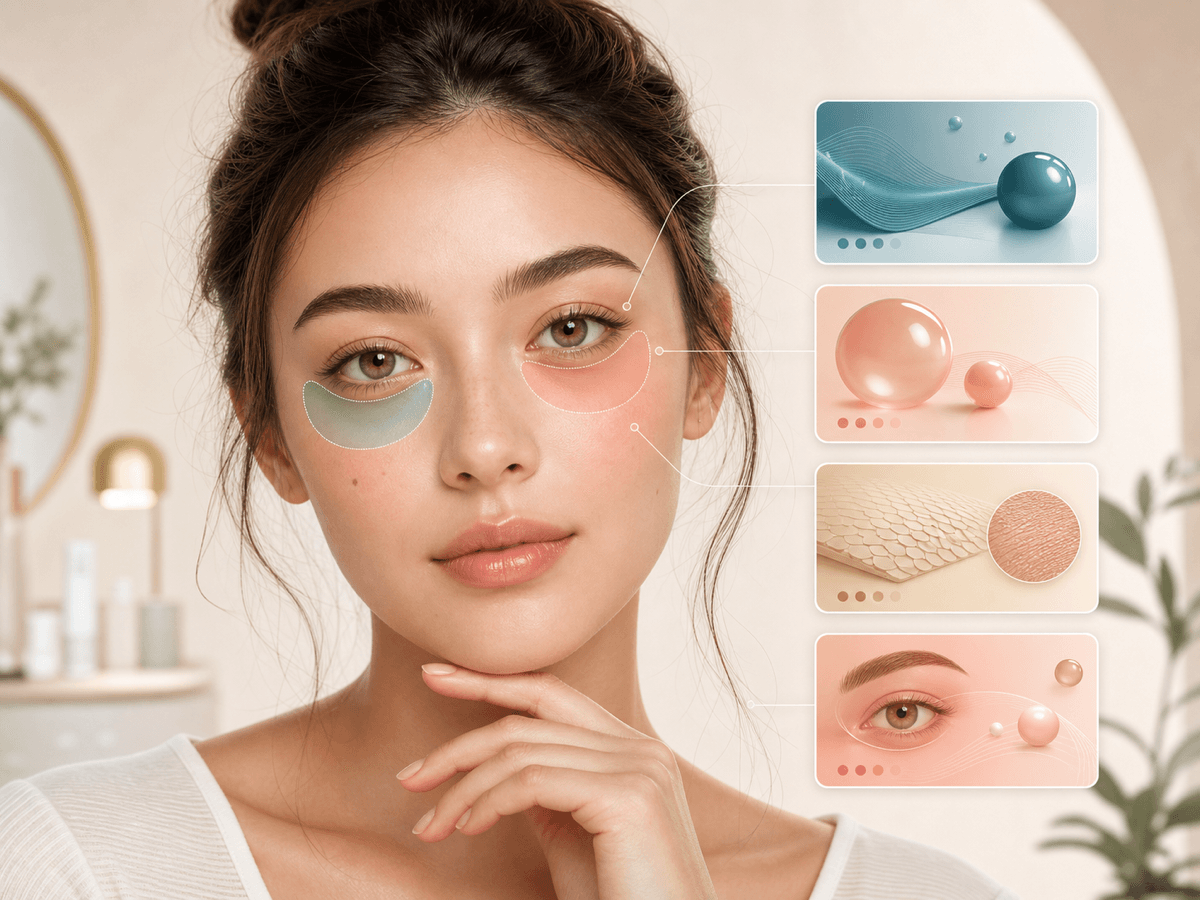
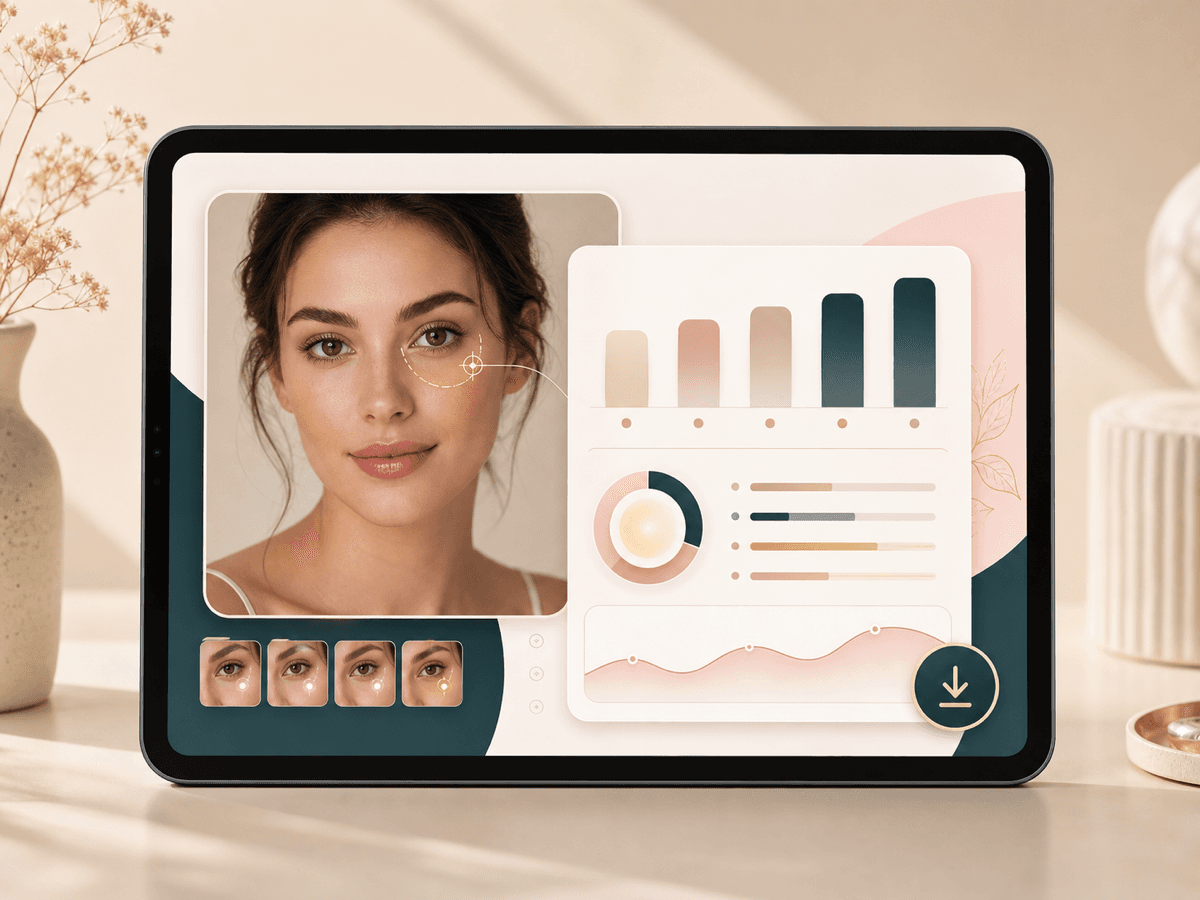
The test reads the visible under eye area in one photo. It can describe darkness, puffiness, hollow looking shadow, texture hints, and tired eye impression in plain language. This helps you name what you see before you change products or lighting.
Photo lighting guidance
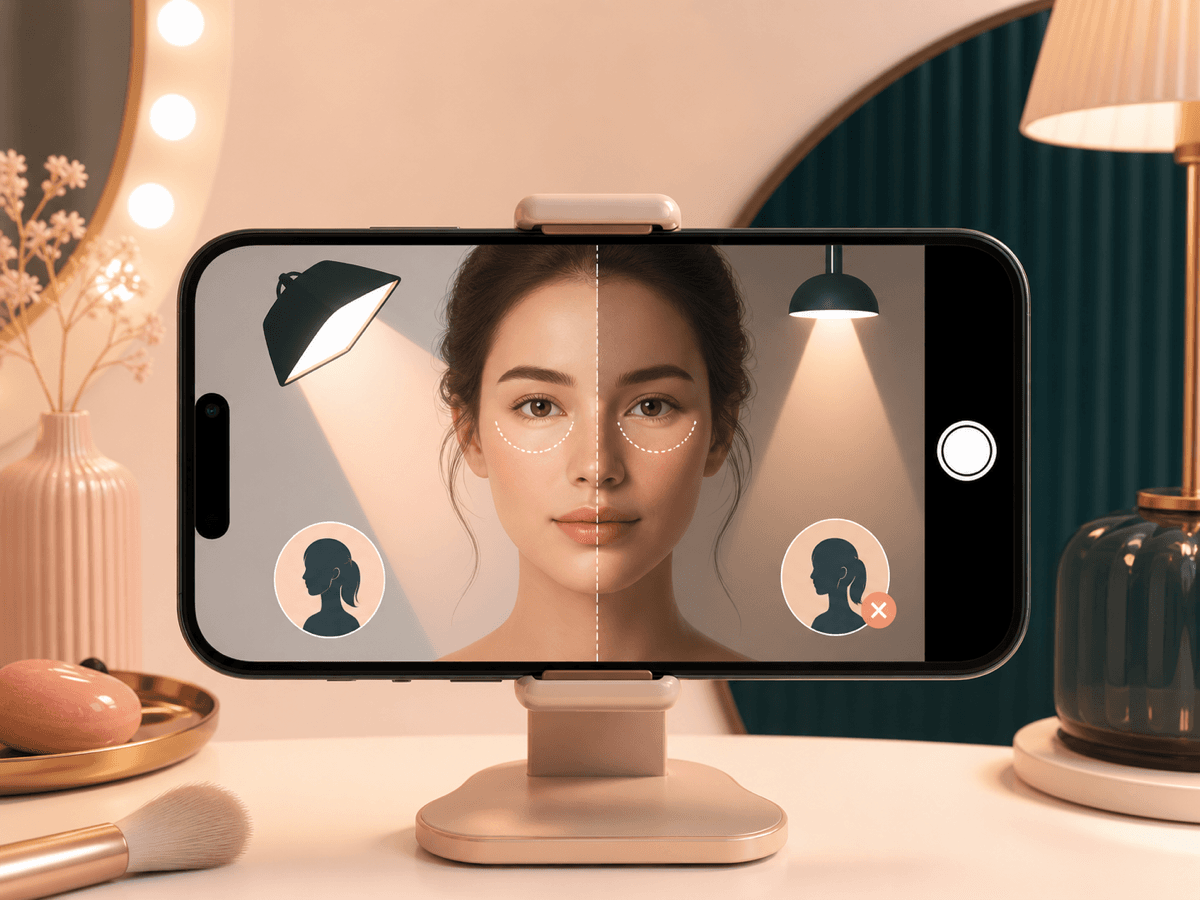
Under eyes often look different in a selfie than in the mirror because camera angle and light direction change shadows. The page gives capture tips so you can retake a fairer photo and see whether the cue is lighting driven.
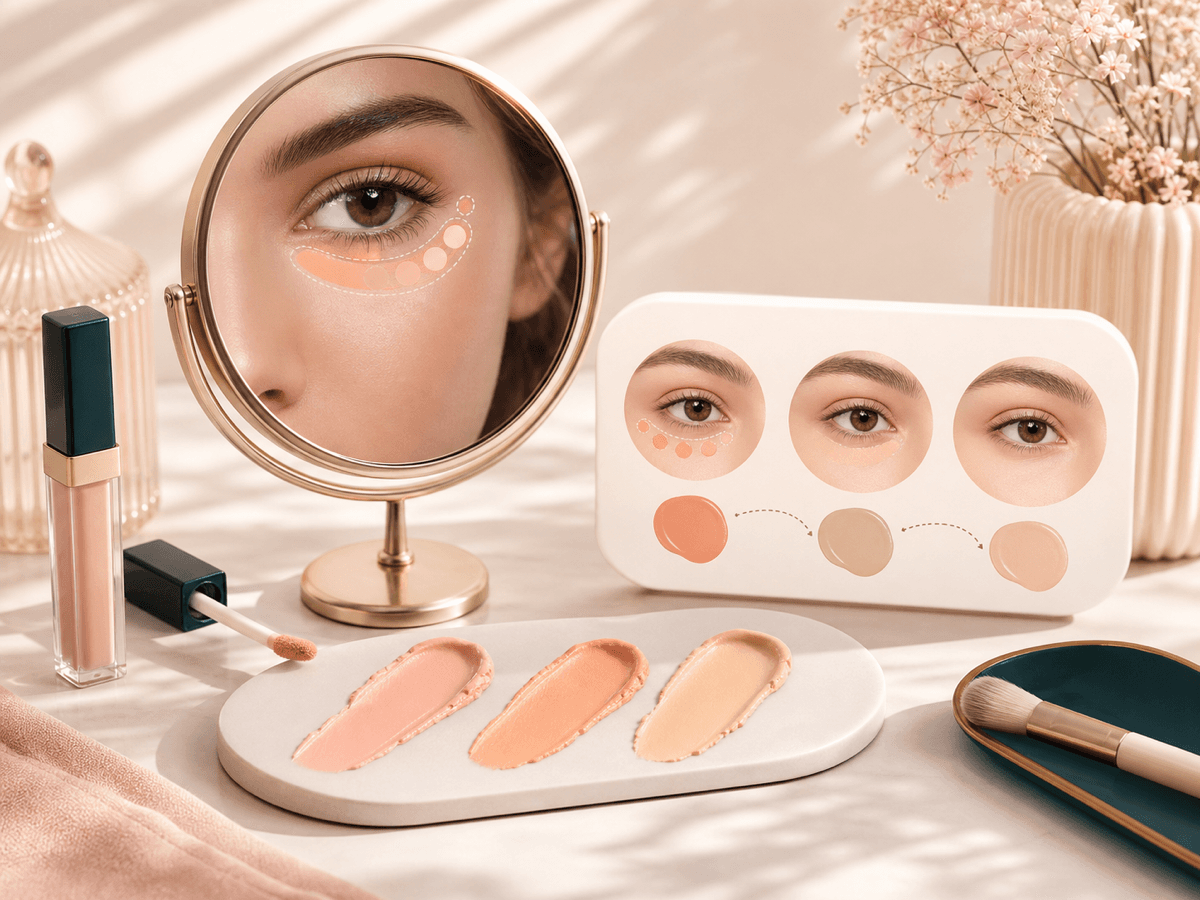
Concealer and color ideas
If the result points to darkness or shadow, use it as a starting point for color correction, concealer amount, and placement. It will not pick exact product shades, but it can make your next makeup test more intentional.
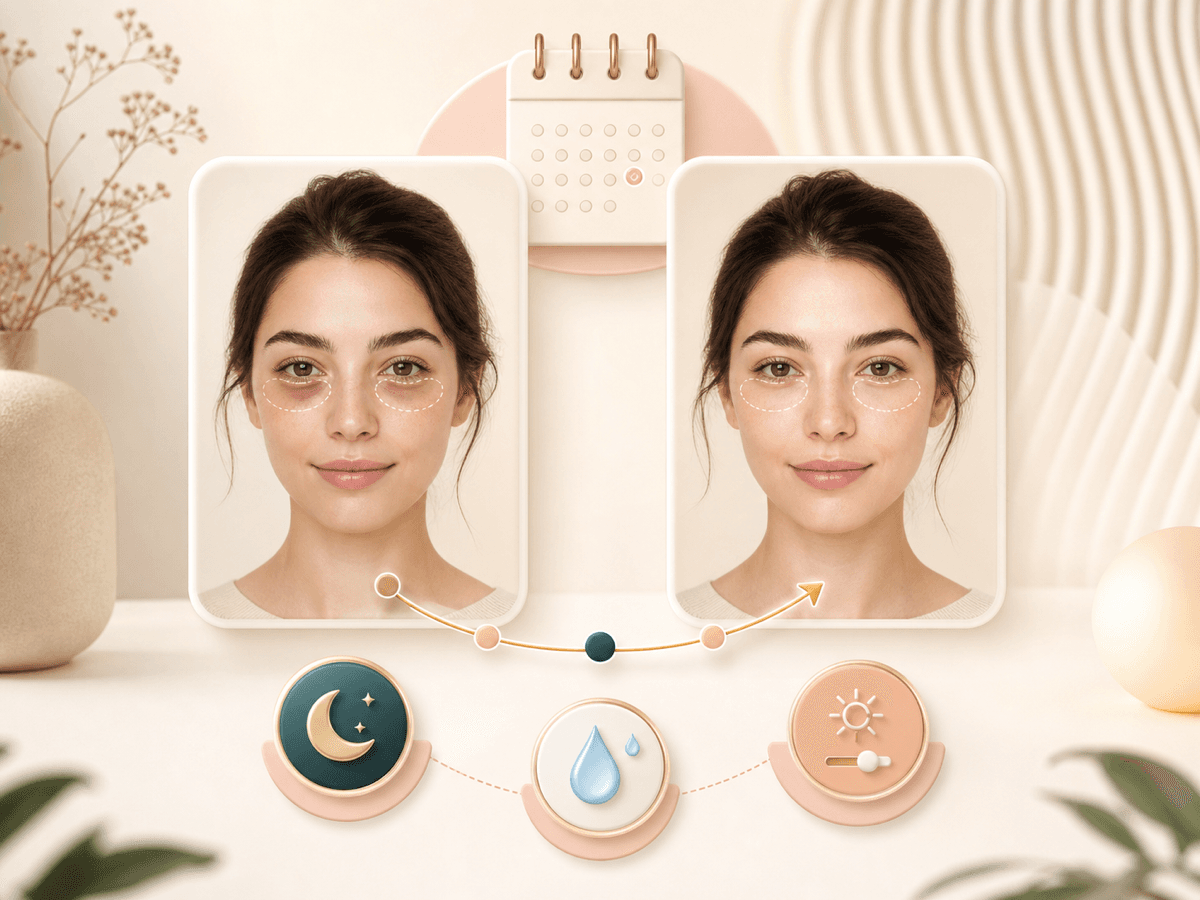
Personal comparison over time
You can run another photo later after changing light, routine, or makeup. Treat the comparison as a personal photo check, not a health score. Consistent lighting makes the comparison more useful.
Clear photo checks
The uploader works best with one clear face, eyes visible, and no heavy blur or glare. If the AI cannot read the face, take a closer portrait with even light and fewer distractions around the eye area.
Reviewable result page
After a successful scan, the result page keeps the analysis easy to review in your browser. You can use it while testing makeup placement, comparing photos, or deciding whether a concern belongs with a professional.
Capture
For an honest read, use a good photo.
The model is only as accurate as the input. A handful of small choices make the difference.
01
Use soft front light or window light. Top only light can deepen under eye shadows in photos.
02
Keep both eyes open naturally. A hard squint or wide stare changes muscle shadows under the eyes.
03
Raise the camera to eye level or slightly above. Shooting from below can exaggerate under eye depth.
04
Try one photo without glasses if the lenses create glare over the under eye area.
05
Avoid heavy lower lash smudging or beauty filters if you want the cleanest under eye test.
Under eye photo guide
Read dark circles and puffiness as visible photo cues.
Under eye searches often mix beauty, makeup, and health concerns. BeautyLove should stay precise: the tool reads visible dark circles, puffiness, shadows, and tired-eye impression from a photo, then helps users choose concealer, lighting, or retouching next steps.
Dark circles test
The tool can describe visible darkness under the eyes, but it cannot prove the cause. Light, genetics, sleep, allergies, and camera contrast can all affect the look.
Puffy under eyes
Puffiness and eye bag appearance can be exaggerated by overhead light, low camera angle, and shadows. A second photo in softer light helps compare.
Makeup and photo next steps
Use the result for color corrector direction, concealer placement, retouching choices, or a cleaner profile-photo retake.
Tool chain
Next tools for eye area polish
Use the detector as a starting point, then continue into the tool that matches the next user intent.
No. It can describe visible dark circle cues in the uploaded photo, but it cannot determine the medical or lifestyle cause.
Can lighting make under eyes look worse?
Yes. Overhead light, side shadows, low camera angles, and strong contrast can deepen the under-eye area in photos.
What should I use after an under eye test?
Try AI Glow-Up Studio for gentle under-eye brightness, or use photo quality scoring to decide whether a retake would be better.
FAQ
Common questions.
Common questions about this tool and how to use your results.
What is an under eye test?
An under eye test is a photo based beauty check for visible dark circles, puffiness, shadows, and tired eye cues. BeautyLove AI uses one image to give makeup and photo tips.
Is this a medical dark circle diagnosis?
No. This is not a medical diagnosis. The tool does not test allergies, circulation, vision, or disease. Use it for beauty language and photo feedback only.
Can it tell why I have dark circles?
No. It cannot prove the cause of dark circles. Genetics, sleep, allergies, aging, dehydration, and lighting can all affect the look, so the result stays photo based.
Can the test see eye bags or puffiness?
Yes, it can describe visible puffiness or eye bag appearance in the uploaded photo. It still cannot say whether swelling has a medical cause.
Why do my under eyes look darker in photos?
Photos can make under eyes look darker because top light, side shadows, camera height, and contrast settings change the area. Retake with soft front light to compare.
How should I take the photo?
Use one clear face photo with both eyes visible, even light, and minimal glare. Avoid sunglasses, heavy filters, and strong lower lash smudging.
Can it help with concealer?
Yes. The result can suggest a direction for concealer, color correction, and placement. Always test products in real light before deciding they work.
How many credits does one under eye test use?
One successful under eye test uses 10 credits because it is an AI Detector tool. Failed requests and service errors should not consume credits.
What if no face is detected?
Use a closer portrait with one face, visible eyes, and better light. Remove sunglasses, reduce blur, and make sure your face is not cropped.
When should I see a professional?
See a professional if you have pain, vision changes, sudden swelling, redness, rash, or a one sided change. The app is not built for symptoms.
Results are for inspiration and self-expression, not a substitute for licensed professionals.
Ready when you are
Take a closer look at yourself.
Upload one clear photo. The AI gives you a structured read with practical next steps.
Loved by 5M+ BeautyLove users for hair, makeup, color, and portrait decisions.