Creative portrait concepts
Try a face in a styled portrait, costume image, or editorial template before planning a bigger creative shoot.
AI Generator · Face Morph
Use a template image as the base, add a source face, choose v1 or v2, then review and download your AI face morph.
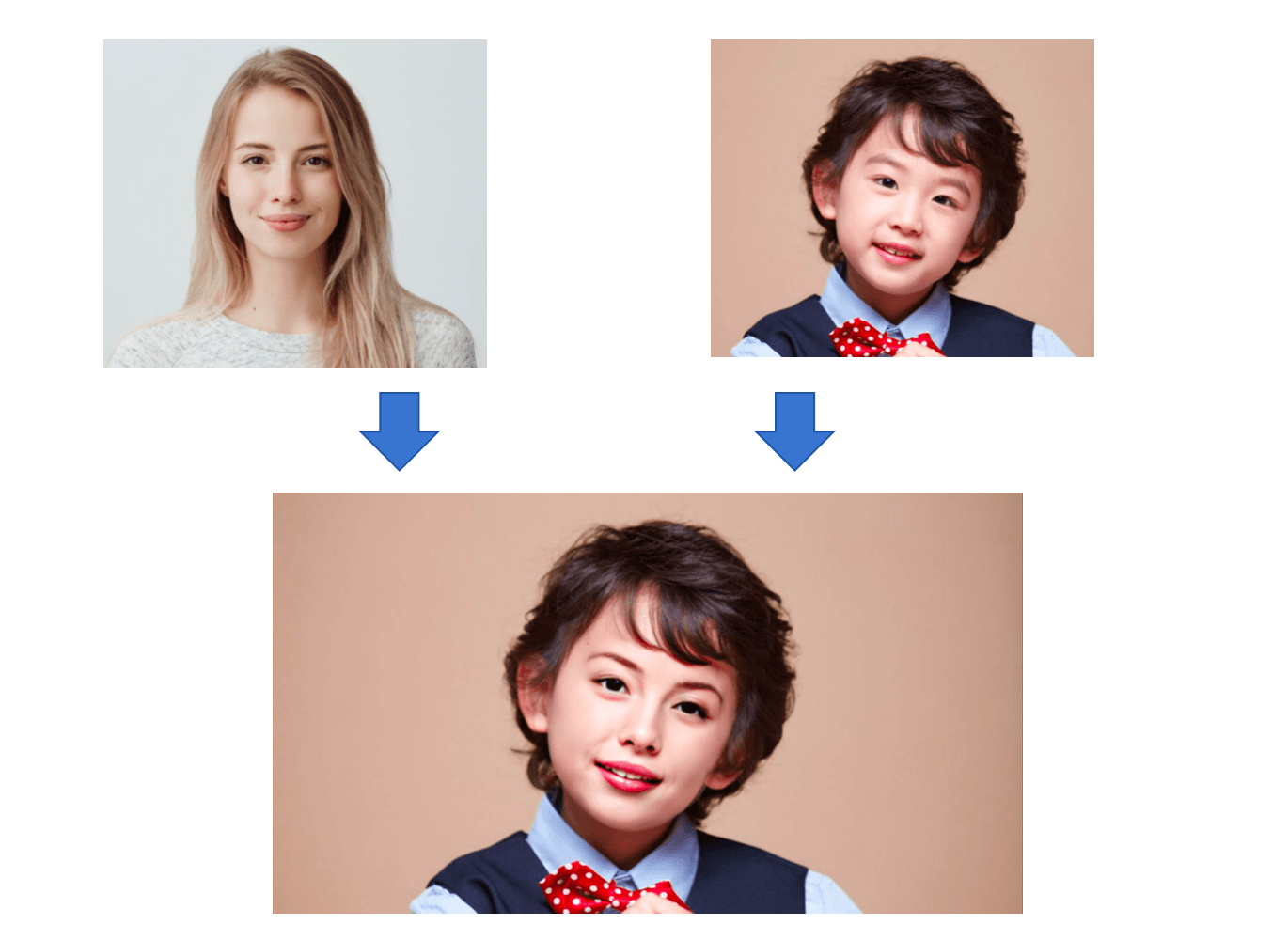
How it works
The tool builds a face template from your base image, then fuses the source face into that template and returns a downloadable result.
Choose the image that should keep the pose, lighting, background, and composition. Use a template with one clear visible face for the most stable face morph result.
Upload a sharp JPG or PNG portrait of the face you want to blend in. Similar angles and even lighting usually make the morph look more natural.
Start with v1 for face shape adaptation. Try v2 when you want a different blend style or when the first result does not suit your photos.
Run the tool, then open the result page to compare the template and source thumbnails above the larger face morph output. Download any image you need.
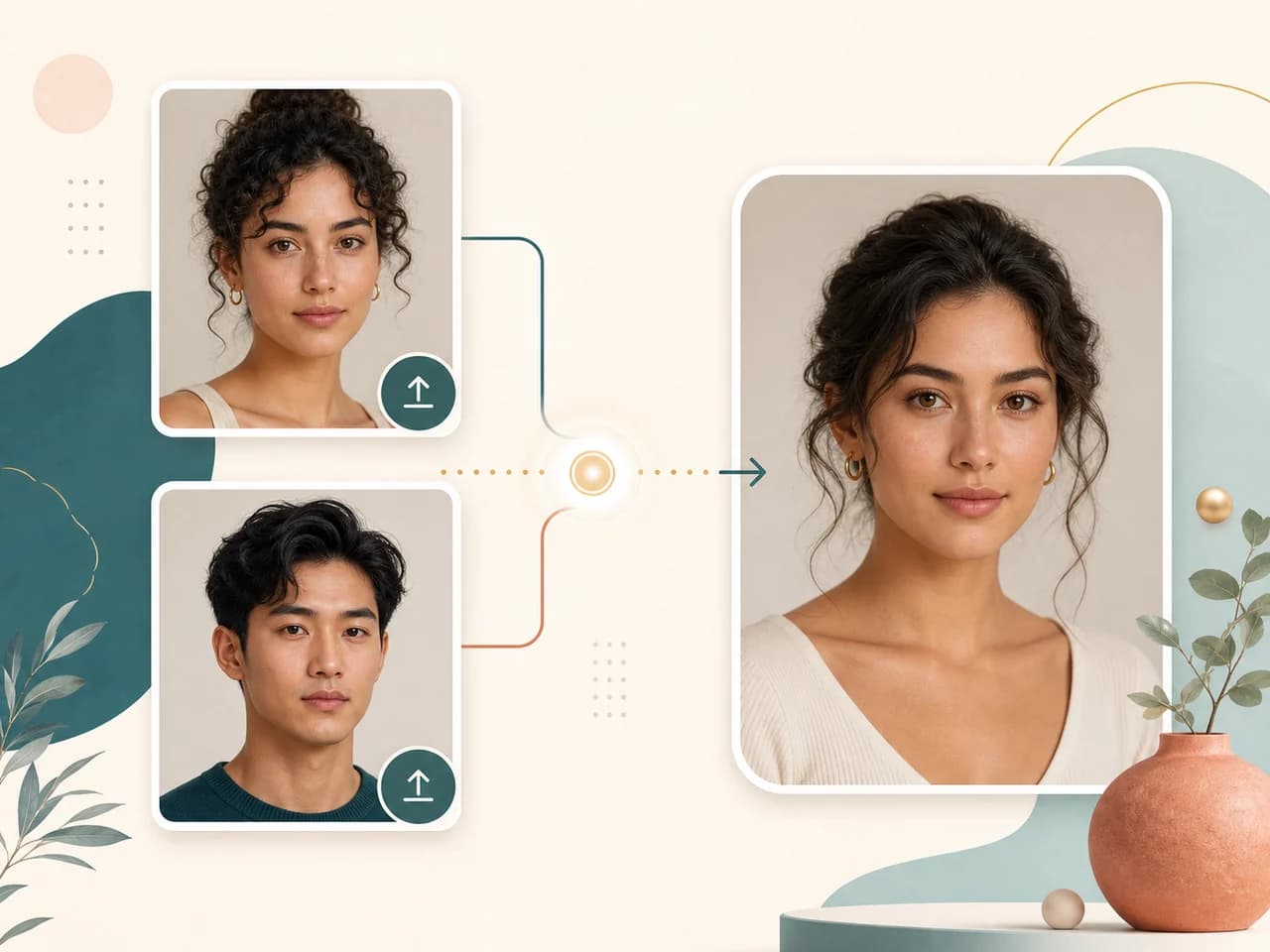
Use cases
People search for face morph tools when they want a quick creative preview, not a full manual compositing workflow.
Try a face in a styled portrait, costume image, or editorial template before planning a bigger creative shoot.
Create playful profile, thumbnail, or campaign drafts when you own both images or have clear permission from the people shown.
Preview how a face might read in a different pose, lighting style, or visual mood while keeping the workflow simple.
Compare v1 and v2 on the same pair of photos to learn which input angles, lighting, and image quality create cleaner blends.
Why choose BeautyLove
BeautyLove turns beauty and portrait tools into guided workflows. Face Morph keeps that approach with clear inputs, model choice, and careful use guidance.
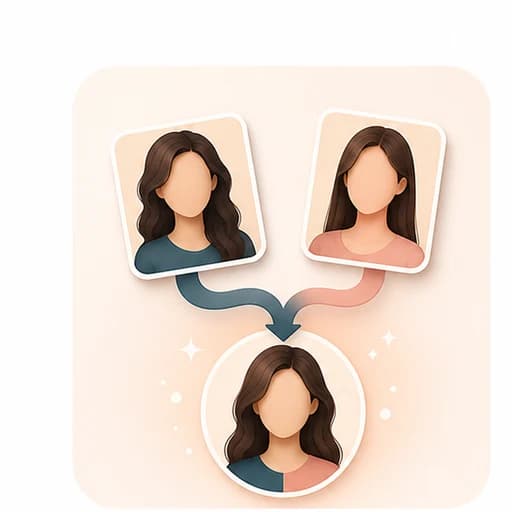
BeautyLove keeps the flow simple: one template image, one source face, one generated result, and no extra editor to learn.
Switch between v1 and v2 when one blend style fits your images better. You can compare versions with the same upload pair.

Face morphing is identity sensitive. This page frames the tool for authorized creative use, not impersonation or high stakes decisions.

Face Morph is an AI Generator tool. A successful generation uses 20 credits, while failed requests should not consume credits.
Key features
The page is built around a clear creative flow, with image guidance and result review that match the actual tool behavior.
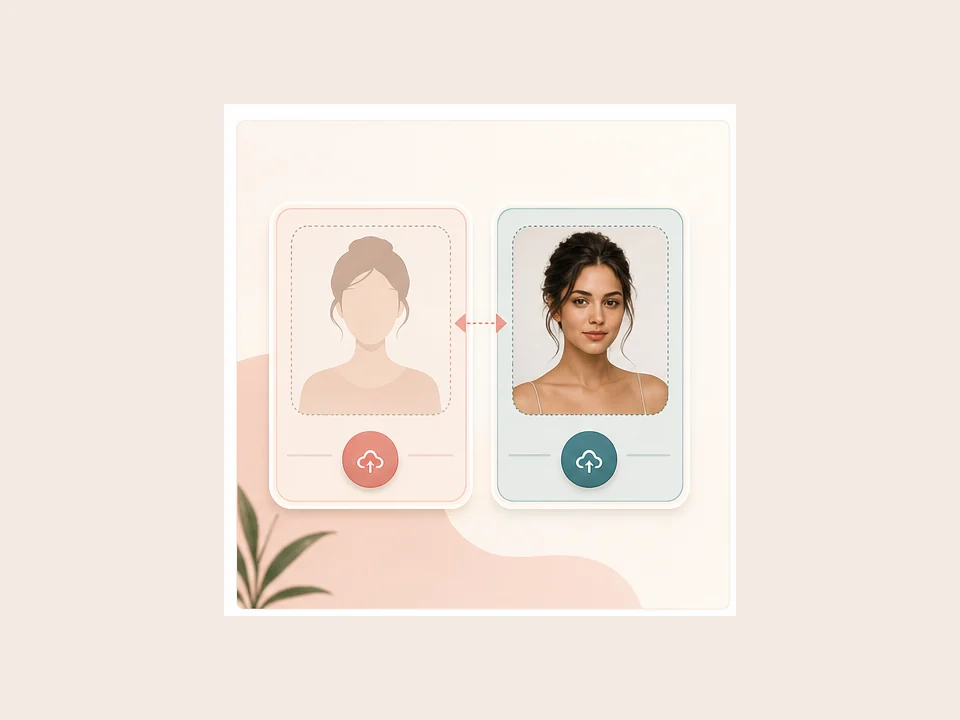
Use the template image as the base photo and the source face as the identity donor. The template keeps the scene, pose, and general composition, while the source portrait guides the face that gets blended in. A single clear face in the template works best because this page maps one source face to one template face.
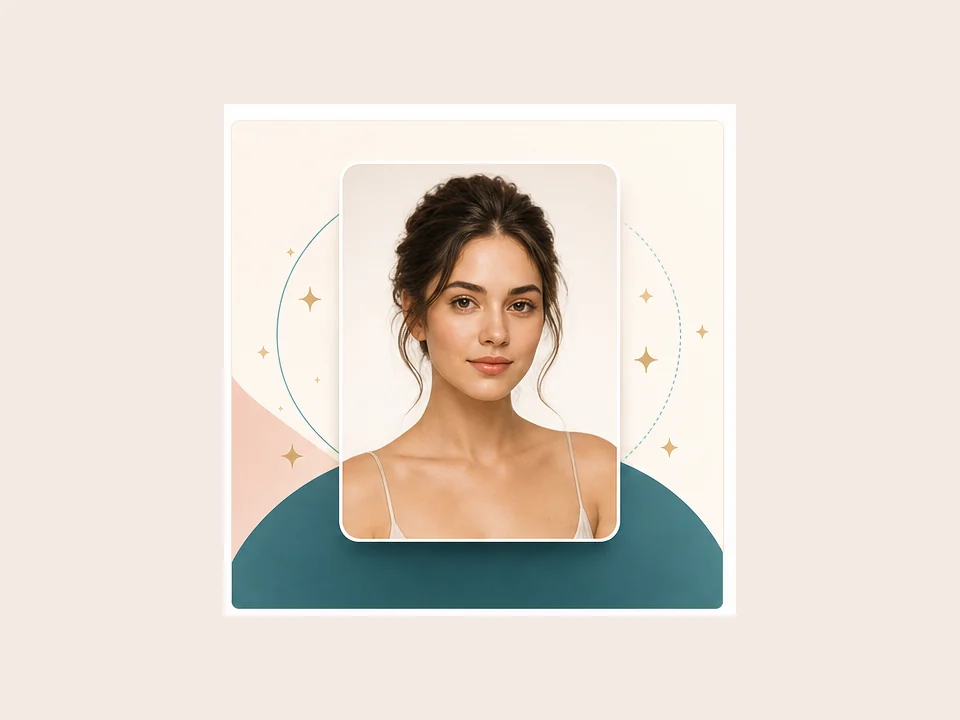
The result is designed for a face morph style output, not a collage. It blends the source face into the template portrait so you can preview a new creative look while still reviewing the original inputs on the result page.
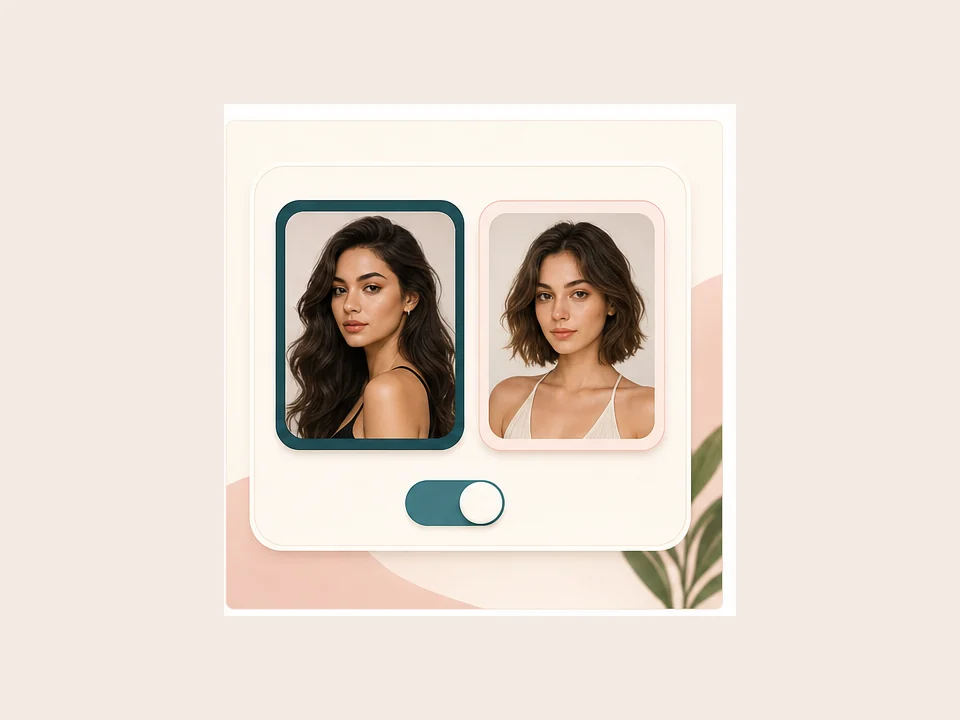
Different photo pairs can respond better to different blend styles. v1 uses face shape adaptation by default. v2 uses a style without the same shape adaptation, which can be useful when the first version feels too strong or not aligned.
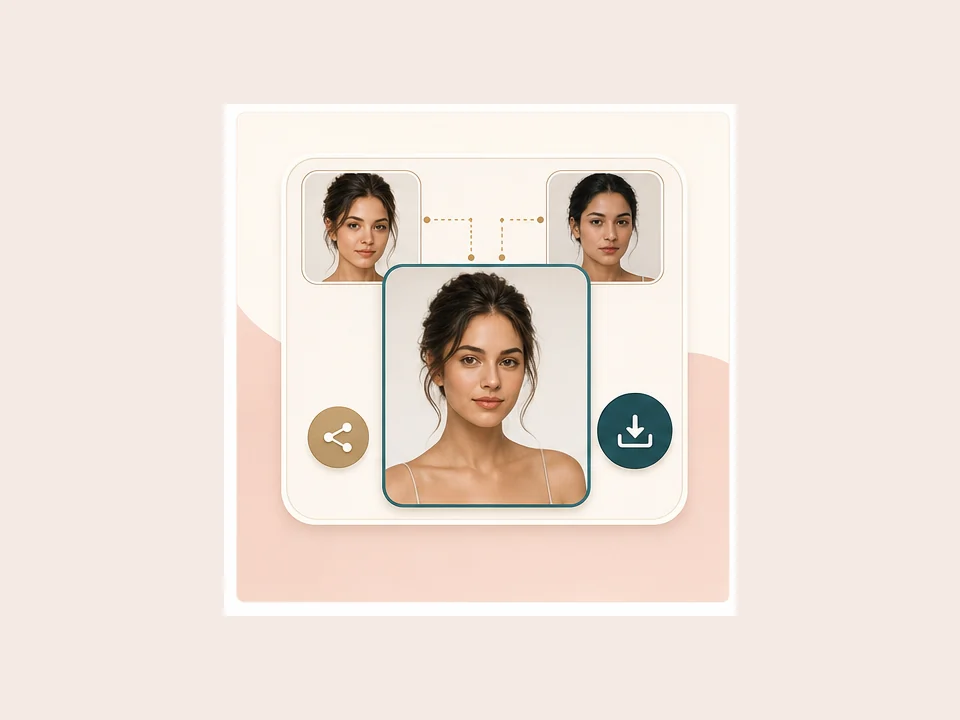
After generation, the result page shows your template and source face as smaller thumbnails above the larger face morph image. You can download the template, source, or generated result separately, which makes it easier to keep the version you need.
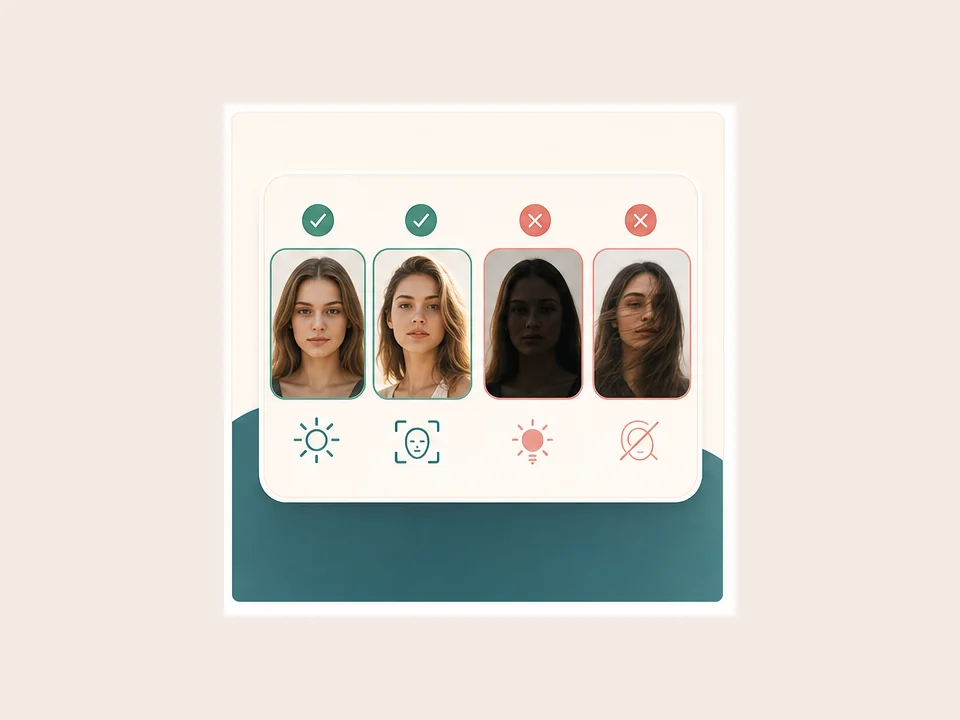
Clear photos matter. Use JPG or PNG images where each face is visible, sharp, and evenly lit. Similar camera angles often help the blend feel steadier. The browser may compress large uploads before sending them for processing.
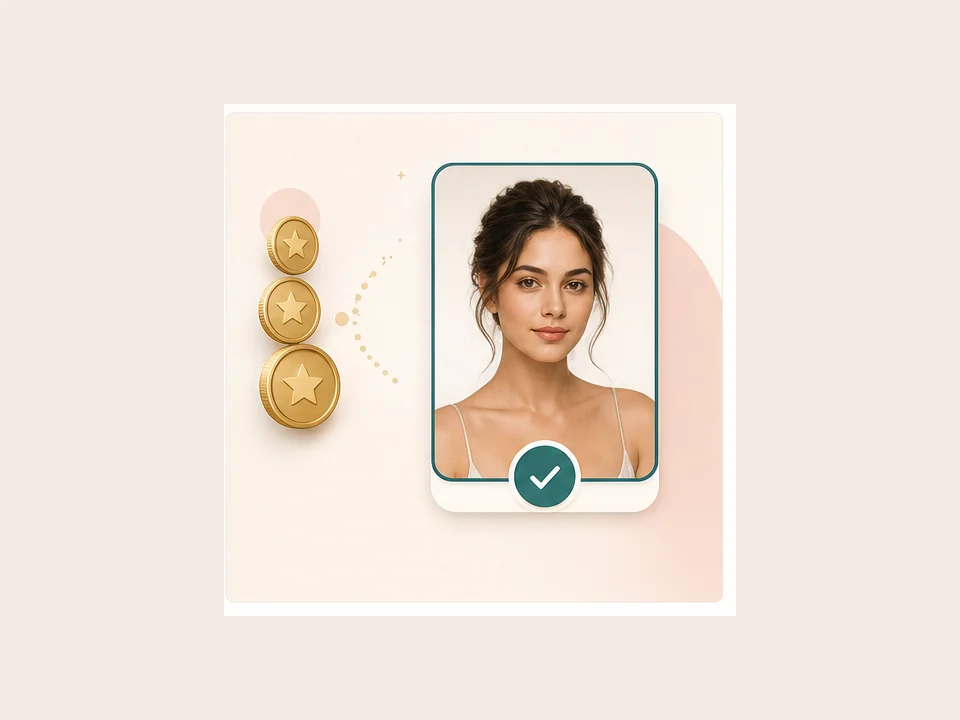
Face Morph follows the BeautyLove AI Generator pricing pattern. Each successful run uses 20 credits from your account. Credits work across BeautyLove tools, so you can use the same balance for generators and detectors.
Comparison table
Face morph, face swap, and manual compositing solve related but different jobs. Use the flow that matches your image goal.
| Option | Workflow | Output | Best for |
|---|---|---|---|
| Face Morph by BeautyLove | Template image plus source face, with v1 and v2 model choice | A fused portrait result with original inputs shown for review | Authorized creative portraits where the template pose should stay |
| Prompt based face morph tools | Upload references and describe the blend with a text prompt | Often a new blended face with flexible creative direction | Users who want prompt control more than a fixed template workflow |
| Multiple face swap tools | Map several source faces into a group image | Several replaced faces in one photo | Group photo edits when each face needs its own source image |
| Classic morph animation software | Manual landmarks, timelines, and transition controls | Morph frames or animations between faces | Designers who need frame by frame control |
| Manual photo editing | Layer masks, color matching, retouching, and compositing | Custom result controlled by the editor | Professional edits where every edge and detail must be adjusted |
Privacy and responsible use
BeautyLove sends uploaded images to the selected processing service to create the Face Morph result. It is not processed only on your device.
Result data and thumbnails may be kept in your browser storage so the result page can show your latest generated image.
Upload photos you own or have permission to use. Do not use Face Morph to impersonate, harass, shame, or deceive another person.
Generated images can be imperfect. For legal, employment, financial, safety, or identity questions, use an official review process.
FAQ
Inputs, model versions, credits, image quality, storage, and responsible face morph use.
Ready when you are
Use clear photos with one visible template face, choose v1 or v2, then download the version that fits your creative use.
Loved by 5M+ BeautyLove users for hair, makeup, color, and portrait decisions.