Before a salon appointment
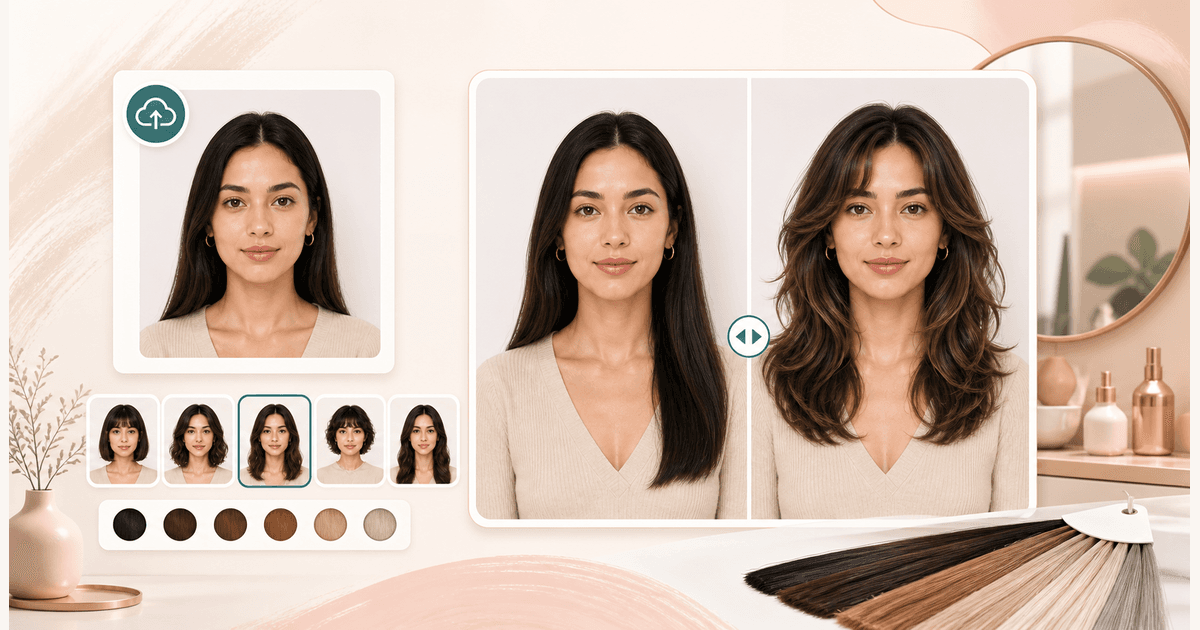
Preview a cut before you book. The image can help you explain length, volume, layers, or bangs more clearly to a stylist.
AI Generator | AI Hairstyle Changer
Upload a portrait, choose a cut, and preview how a new hairstyle might frame your face before you book the salon.
Choose a hairstyle
40 styles across cuts, bangs, curls, and men's looks. Selected: Long layered waves
Output preview
Hairstyle before and after
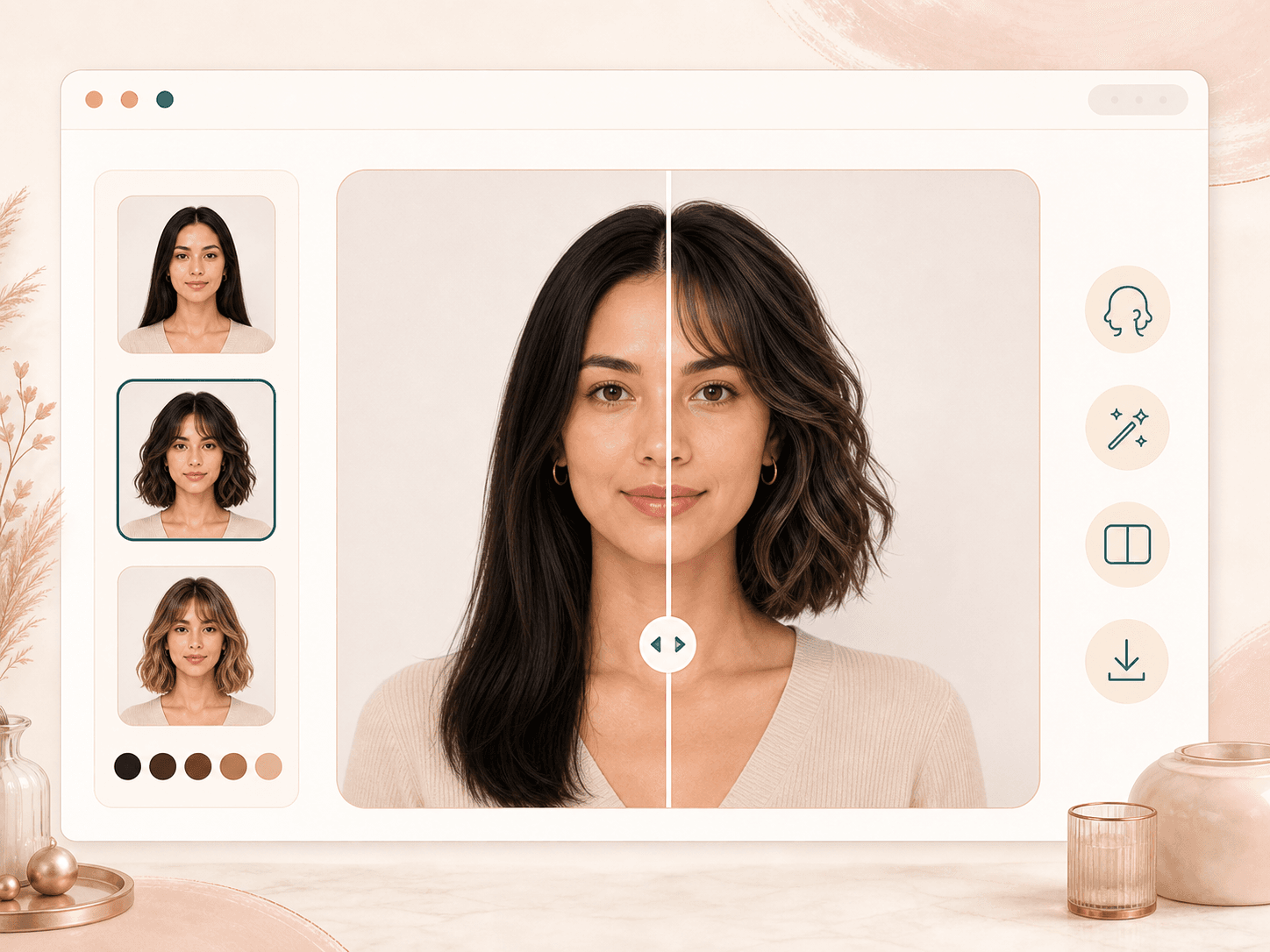
Output preview. Your actual result depends on the uploaded photo and selected settings.
Optional hairstyle reference
Upload a hairstyle inspiration photo. Only the hair direction should transfer to your main portrait.
20 credits
charged after success
No charge
when processing fails
Processing
Usually 15–45 seconds
Private result
Workspace: 30 days; browser fallback until cleared
How it works
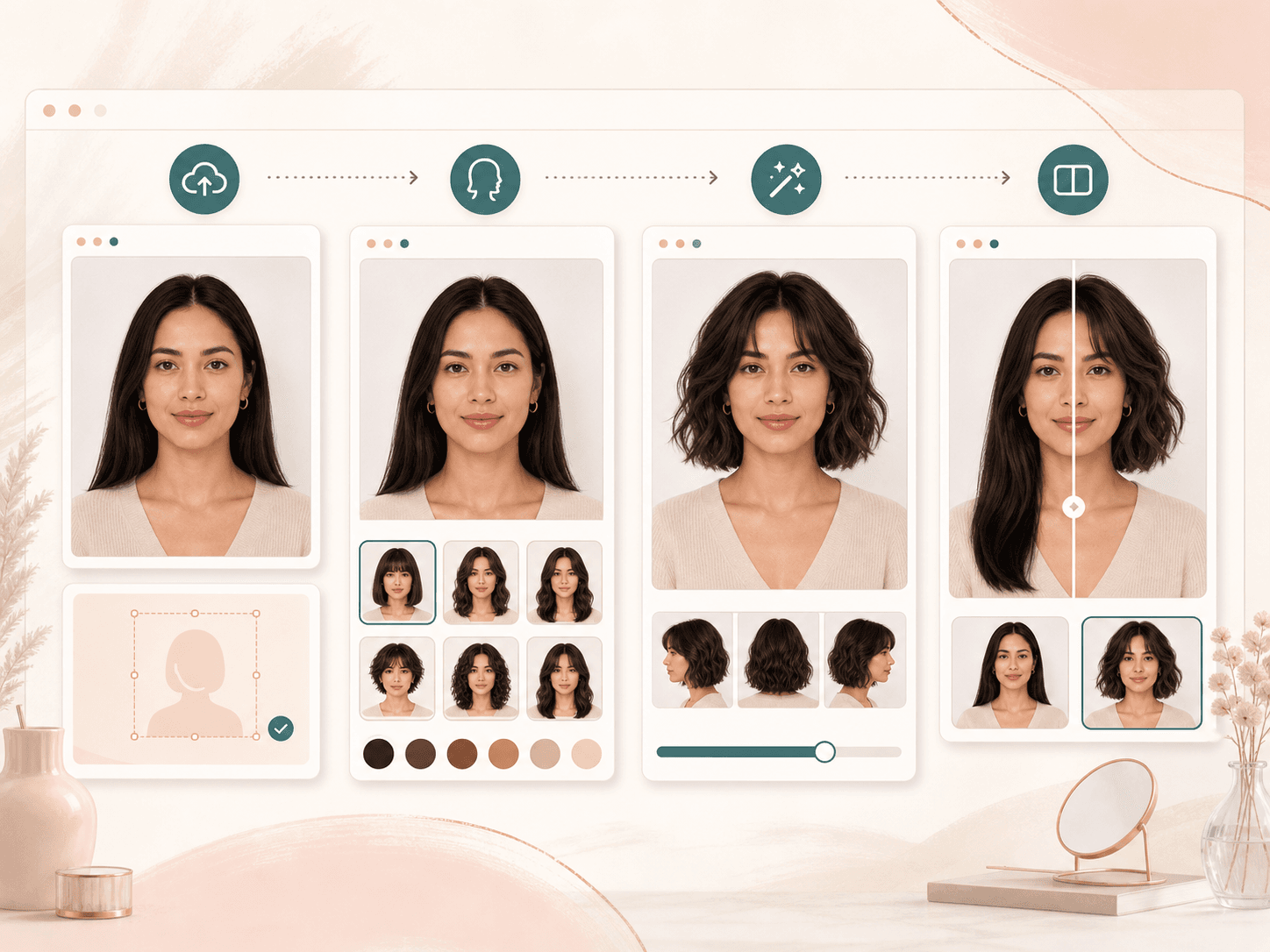
Start with one clear portrait and one style choice. The result gives you a visual direction to review before making a real hair decision.
Pick from 40 cut and styling directions, from face-framing layers and bobs to bangs, curls, short cuts, and men's looks.
Use a front facing photo with even light and visible hair. JPG, PNG, and WEBP uploads work best when the face is not covered.
BeautyLove sends the photo for AI generation and asks the model to change the hairstyle while keeping the rest of the portrait stable.
Open the result page, drag the before and after slider, then download the hairstyle preview when it gives you useful style direction.
Use cases
People search for hairstyle changers when a haircut feels exciting but hard to picture. Use the preview to narrow your direction before committing.
Preview a cut before you book. The image can help you explain length, volume, layers, or bangs more clearly to a stylist.
Try pixie cuts, curtain bangs, curly layers, or a lob before you commit. Use the preview as direction, not as a guarantee.
Explore a refreshed hairstyle for profile photos, thumbnails, or social content while keeping your face and photo context recognizable.
Compare several styles from the same portrait, then pair the preview with face shape, hair quality, and real stylist advice.
Why choose BeautyLove
BeautyLove is built for practical beauty decisions. The page keeps the workflow focused on a clear upload, a selected style, and a result you can compare.
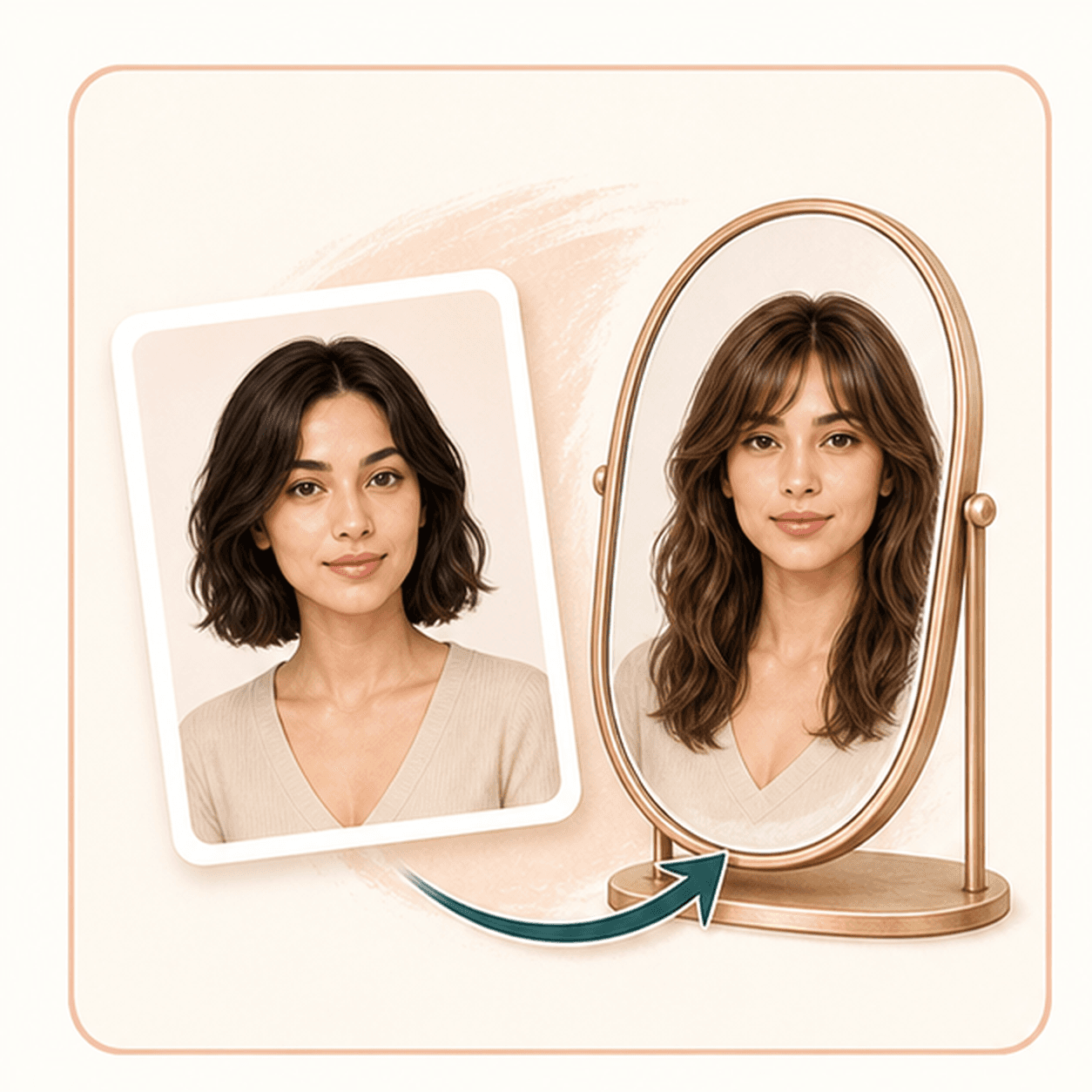
See a style direction on your own portrait before you book, cut, grow out bangs, or change your usual length.
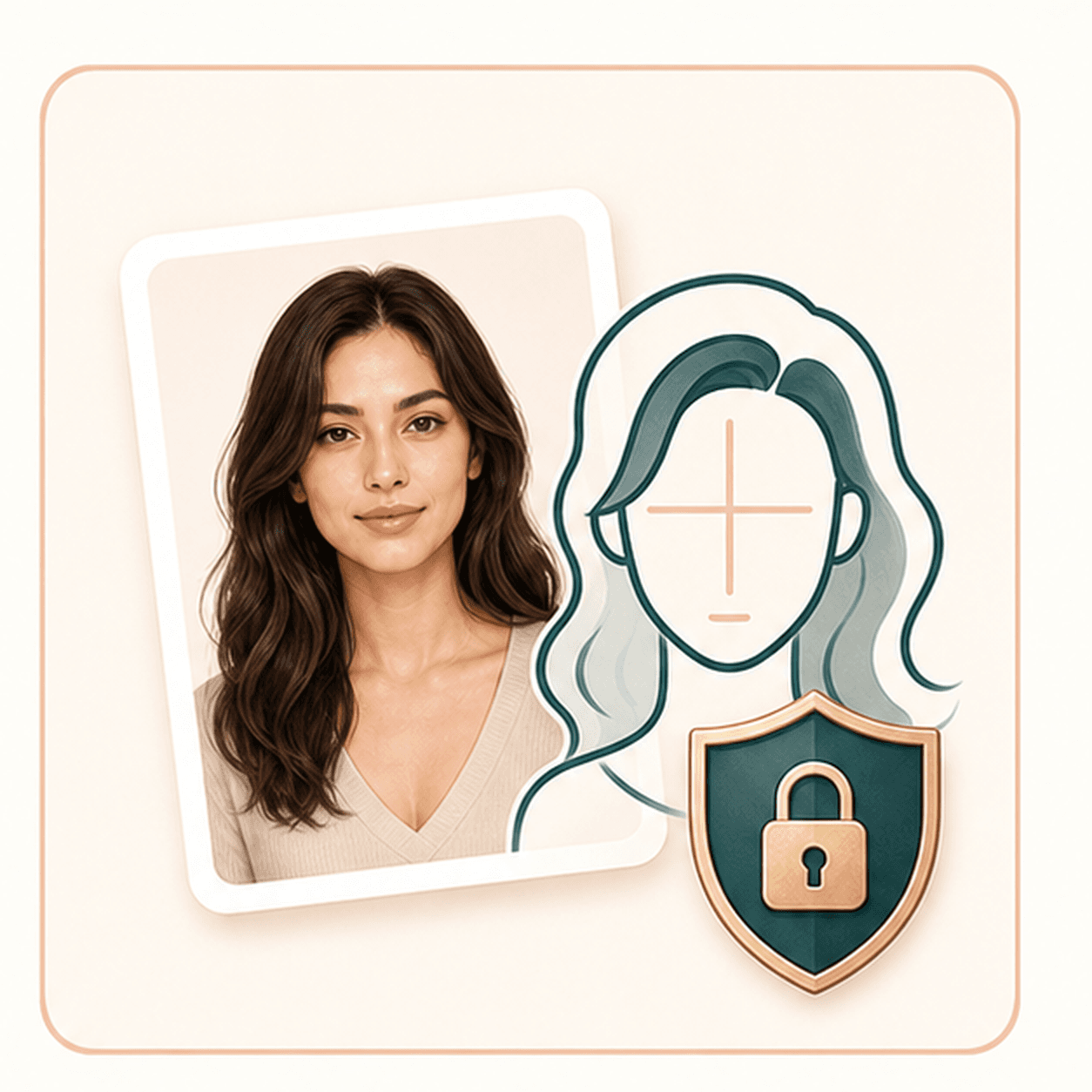
The prompt focuses the edit on hair, so you can judge the haircut with your face, expression, and outfit still present.
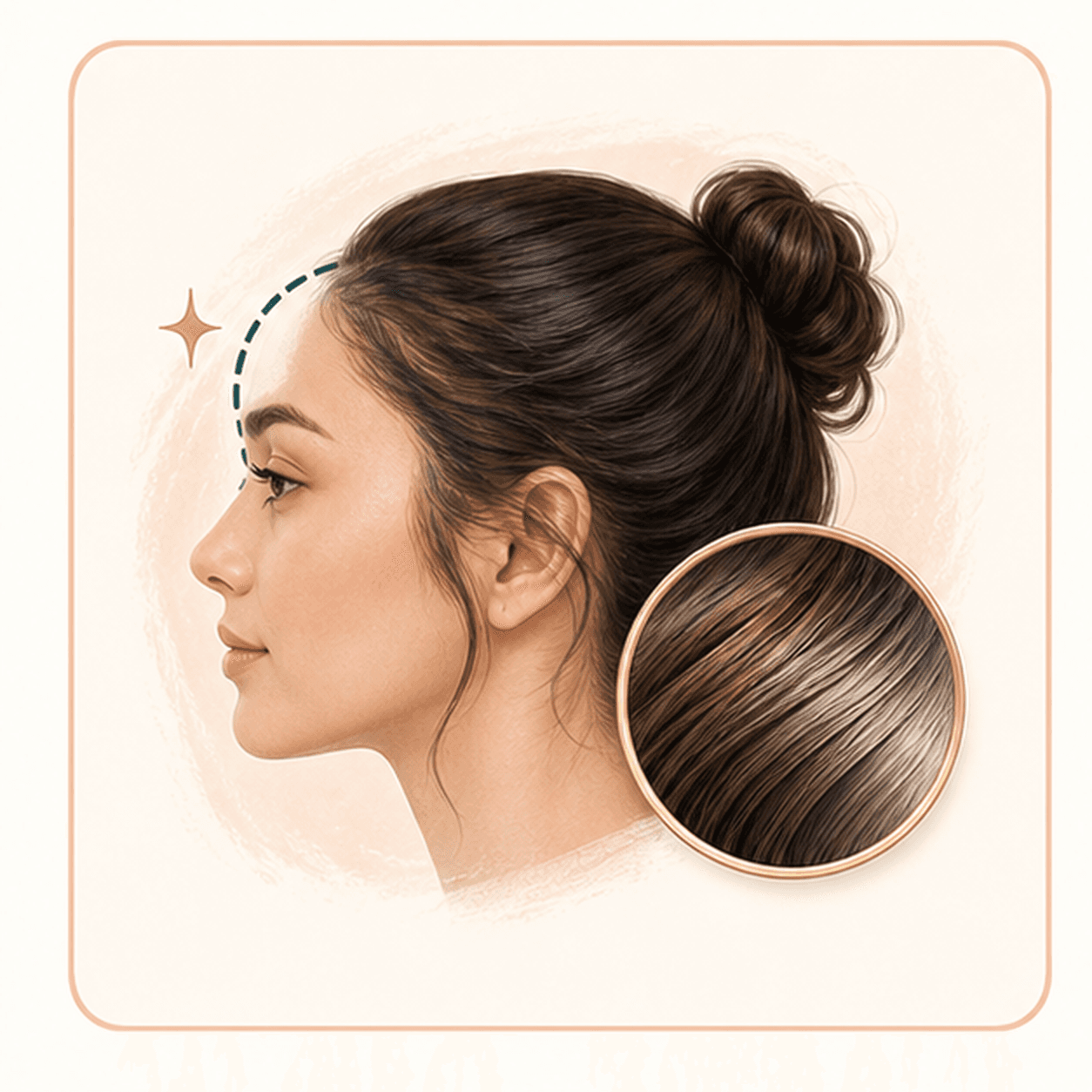
Hairline, part, volume, and visible texture matter. BeautyLove frames the result as a preview for review, not a final promise.

AI Hairstyle Changer is a generator tool. A successful generation uses 20 credits from your BeautyLove account.
Key features
The tool is designed for a practical haircut preview, with style presets, photo guidance, comparison, and download built into the flow.
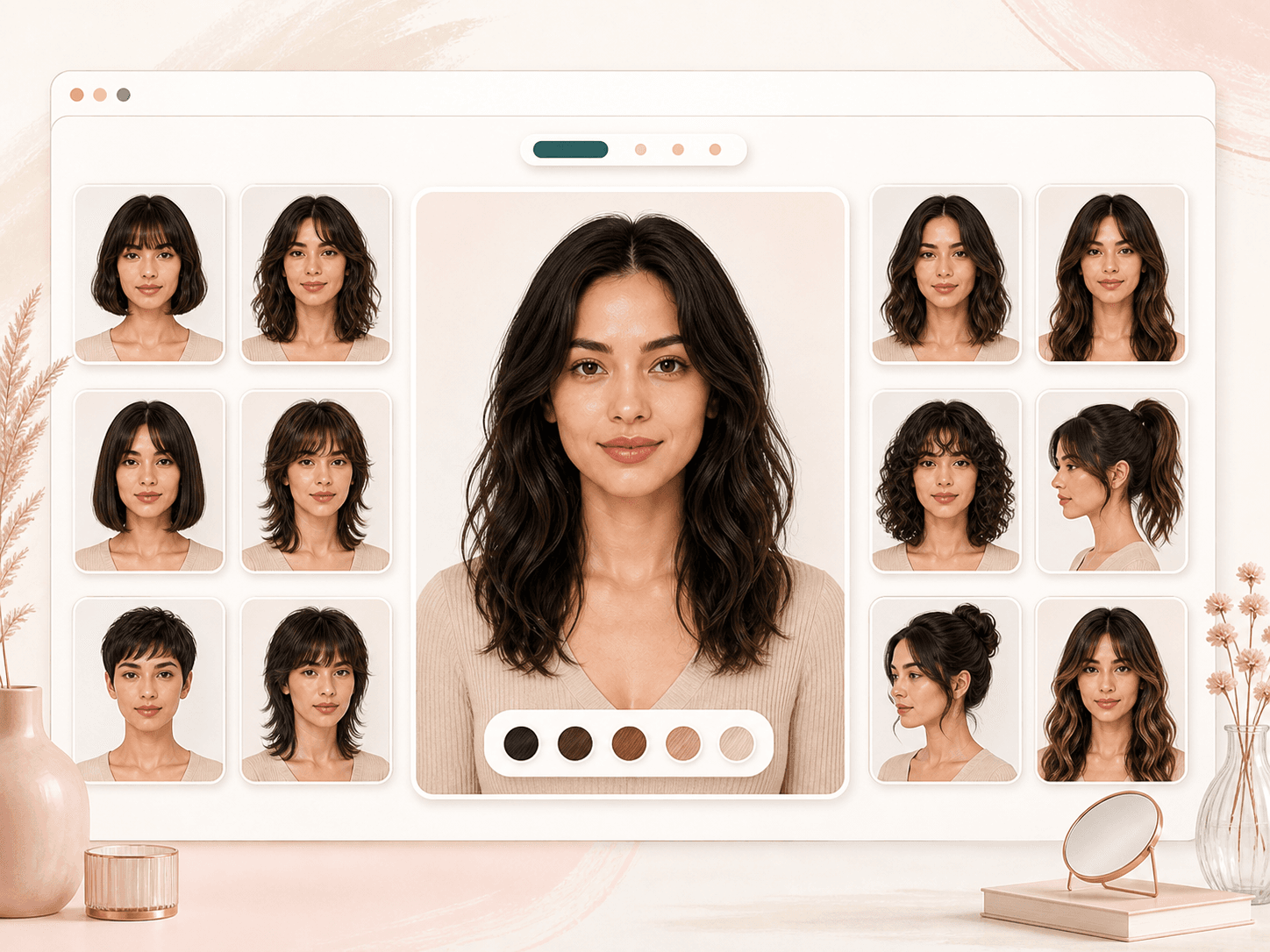
Choose from a focused preset list instead of writing a prompt from scratch. The options cover everyday salon directions like long layered waves, face-framing layers, butterfly cuts, bobs, pixies, bangs, curls, short cuts, and men's looks. That makes the tool faster when you already know the kind of haircut you want to test.
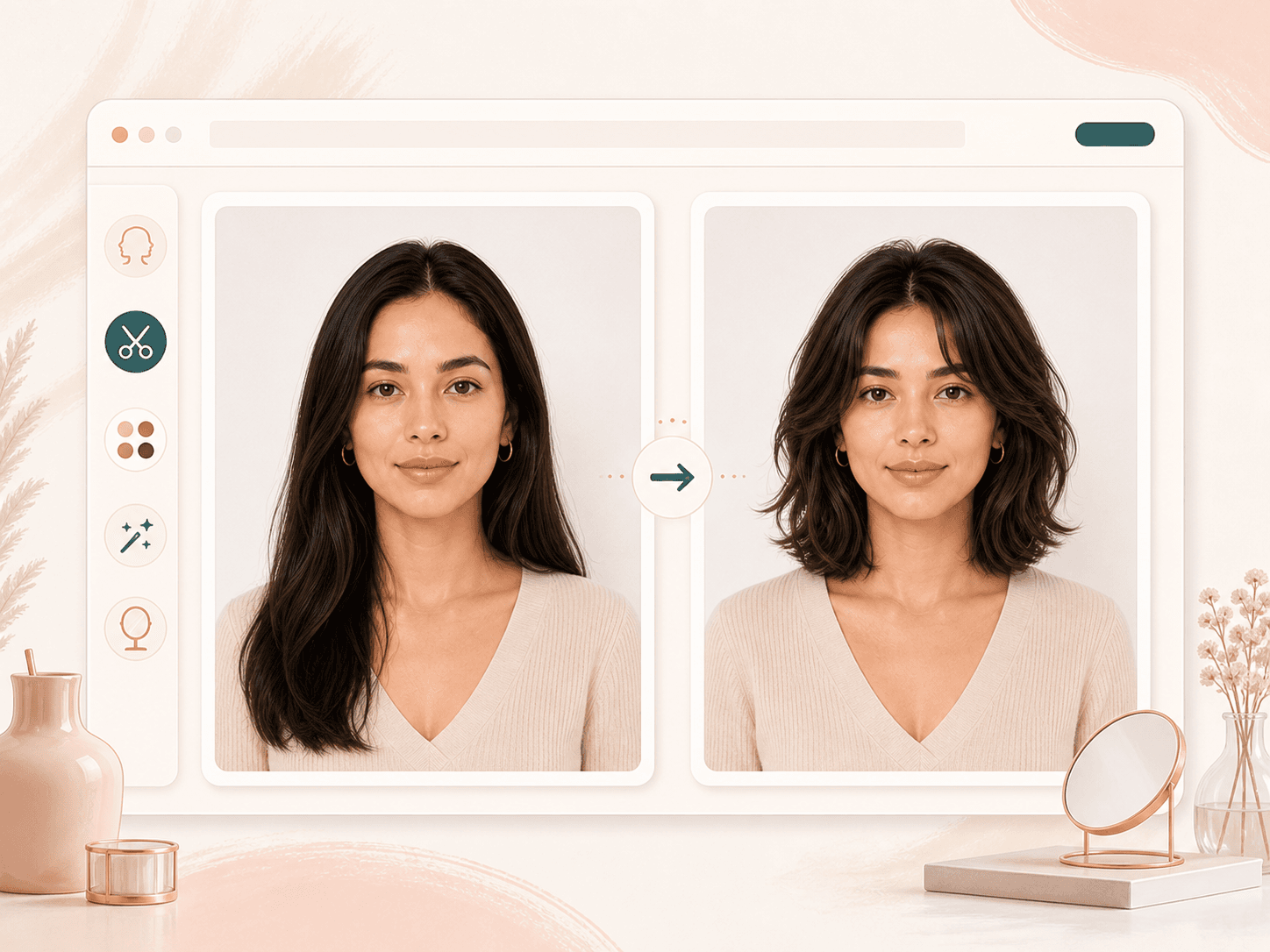
The hairstyle request asks the AI to change the hair while leaving the rest of the portrait alone. Your face shape, skin, expression, makeup, clothing, pose, and background are meant to stay stable, so the preview is easier to judge. If a result drifts too much, try a clearer front facing upload and a less extreme style change.
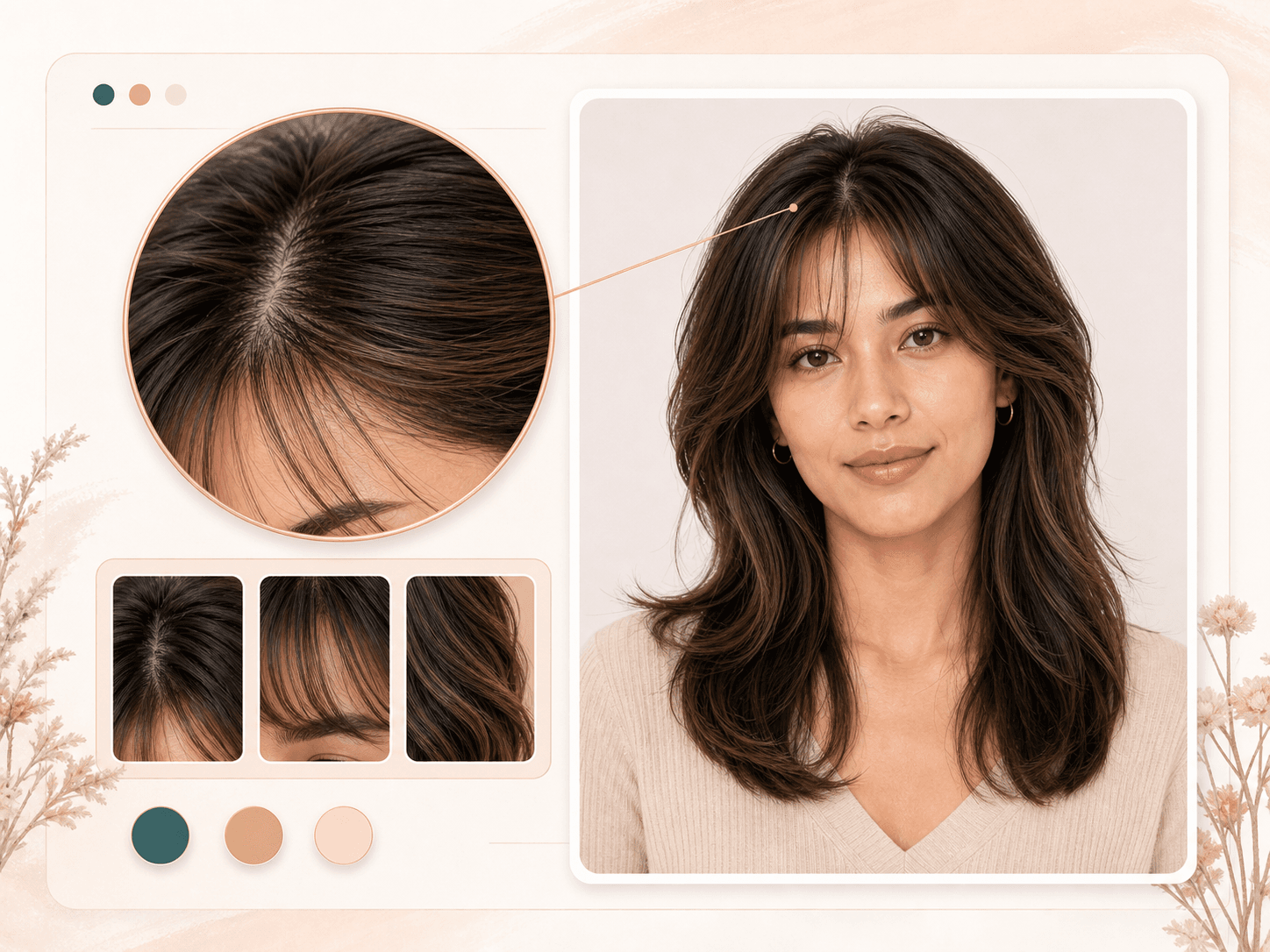
A hairstyle preview only helps when the hairline, part, fringe, and strand texture look believable enough to discuss. BeautyLove keeps these visual cues close to the result, so you can inspect whether the style frames your face in a useful way. Real hair still depends on density, texture, growth pattern, and salon technique.
The result page gives you a draggable comparison slider with the original photo on one side and the generated hairstyle on the other. This helps you spot changes in length, volume, bangs, and face framing without guessing from memory. Use the slider to decide whether the new direction feels balanced on your portrait.
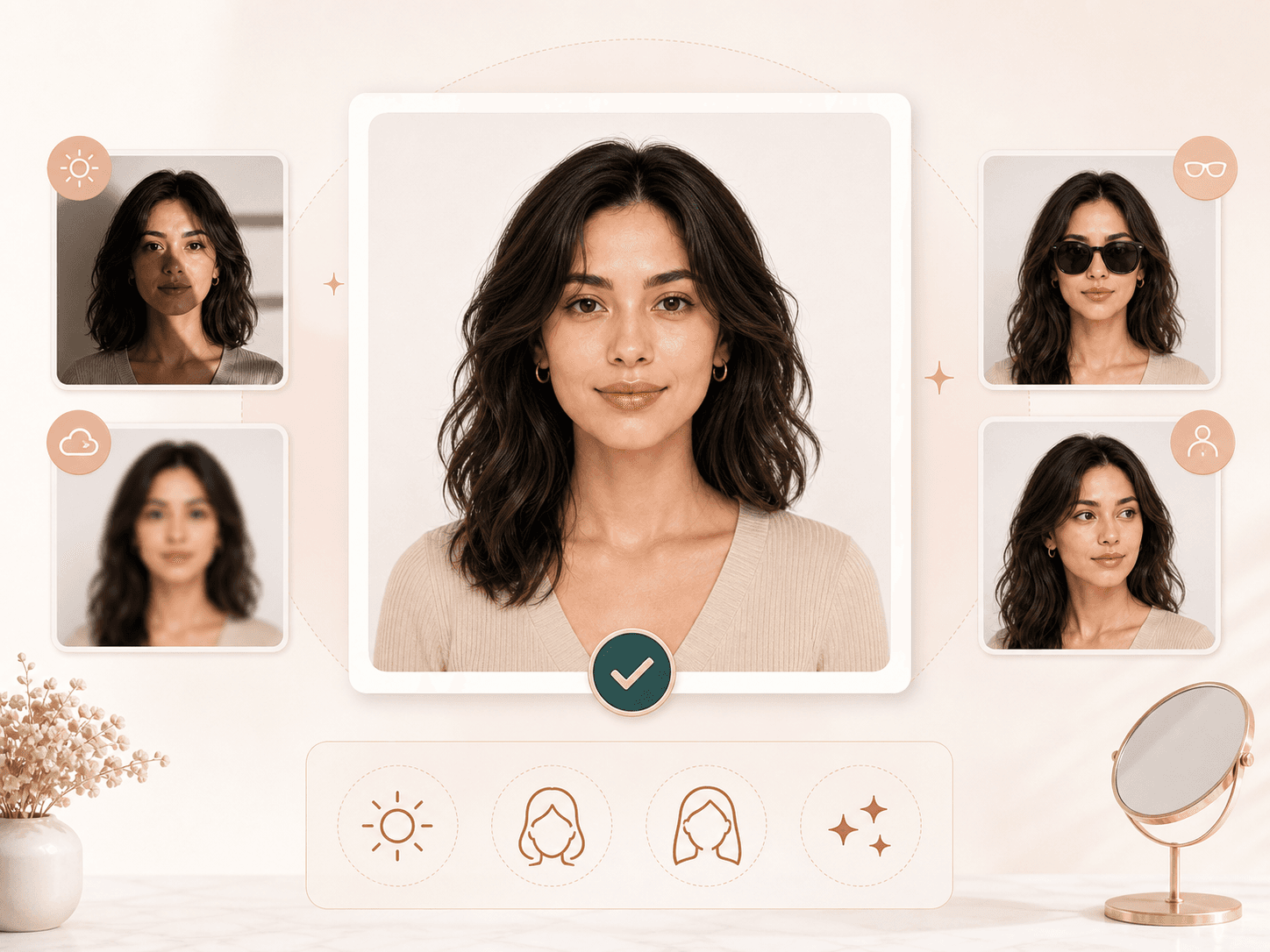
Clear uploads make steadier previews. Use a front facing portrait with even light, visible hair, and a face that is not covered by sunglasses, hands, masks, or heavy shadows. The browser can compress large images before upload, but a sharp source photo still gives the model better hairline and face context.
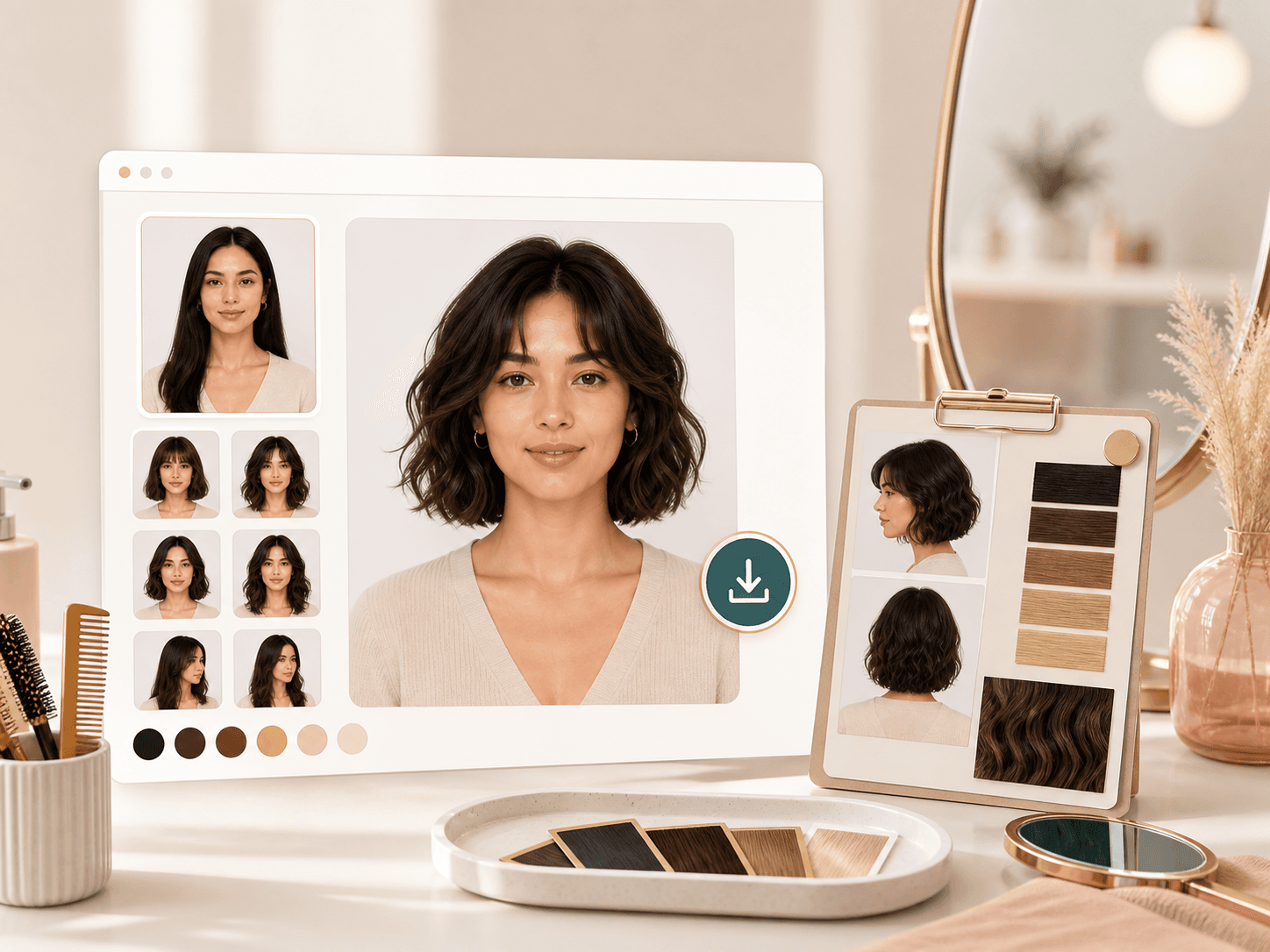
When a generated style looks useful, download it from the result page and keep it as a reference. It can help you discuss direction with a stylist, compare several options, or save a look for later. Treat the image as visual inspiration, then ask a professional what works with your real texture and routine.
Comparison table
Different tools help at different points. Use this table to decide whether you need a focused BeautyLove preview, broad style browsing, or in person advice.
| Option | Control | Output | Best for |
|---|---|---|---|
| BeautyLove AI Hairstyle Changer | Choose one preset hairstyle and upload one portrait | Generated hairstyle preview with before and after review | People who want a focused preview before a salon decision |
| Large hairstyle template apps | Browse many template styles or AR inspired looks | Varies by provider, often built for fast style browsing | Trying many casual looks when style volume matters most |
| Prompt based image editors | Describe the haircut with a text prompt | Flexible creative image generation with more variation | Creative edits when you want prompt control over predictability |
| Mobile beauty apps | Use app based filters, AR previews, or selfie tools | Fast mobile previews with provider specific controls | Quick on phone browsing and casual social sharing |
| Salon consultation only | Discuss cut, texture, maintenance, and feasibility in person | Human advice rather than an AI generated image | Final haircut planning and real world technique choices |
Privacy and limits
Your image is sent to the selected AI service to create the hairstyle preview. This tool is not processed only on your device.
Result data and thumbnails may be kept in your browser storage so the result page can show your latest generated image.
Upload photos you own or have permission to use. Avoid using another person's portrait without clear consent.
AI images can be imperfect. Use the preview for style exploration, then ask a stylist about texture, length, maintenance, and feasibility.
FAQ
Hairstyle options, face preservation, credits, upload quality, privacy, and how to read the preview.
An AI hairstyle changer is an online tool that edits the hairstyle in a portrait so you can preview a new cut or styling direction before making a real change.
Choose a hairstyle preset, upload a clear portrait, generate the preview, then compare the original and new hairstyle on the result page.
The tool is instructed to change only the hairstyle. Facial features, face shape, expression, skin, clothing, and background are meant to stay the same.
You can try 40 preset directions, including layered waves, butterfly cuts, bobs, pixies, lobs, bangs, curls, short cuts, and men's hairstyle ideas.
The result can be useful as visual direction for a stylist. Real hair depends on texture, density, growth pattern, maintenance, and cutting technique.
Yes, you can test bangs, bob, lob, pixie, and other shorter directions. Very dramatic length changes may look less predictable than moderate changes.
AI Hairstyle Changer is a generator tool, so a successful run uses 20 credits. Failed requests and service errors should not consume credits.
Uploaded images are used to process the tool request through the selected AI service. Results may also remain in browser storage for the result page.
Upload a clear front facing portrait with even lighting, visible hair, and no major obstructions. Avoid blur, heavy shadows, sunglasses, and group photos.
No AI preview can guarantee the exact real haircut. Use it as inspiration, then confirm length, texture, and upkeep with a professional stylist.
Ready when you are
Choose a preset, upload a clear portrait, and compare the generated result with your original photo.
Loved by 5M+ BeautyLove users for hair, makeup, color, and portrait decisions.