Profile portraits with an artful look
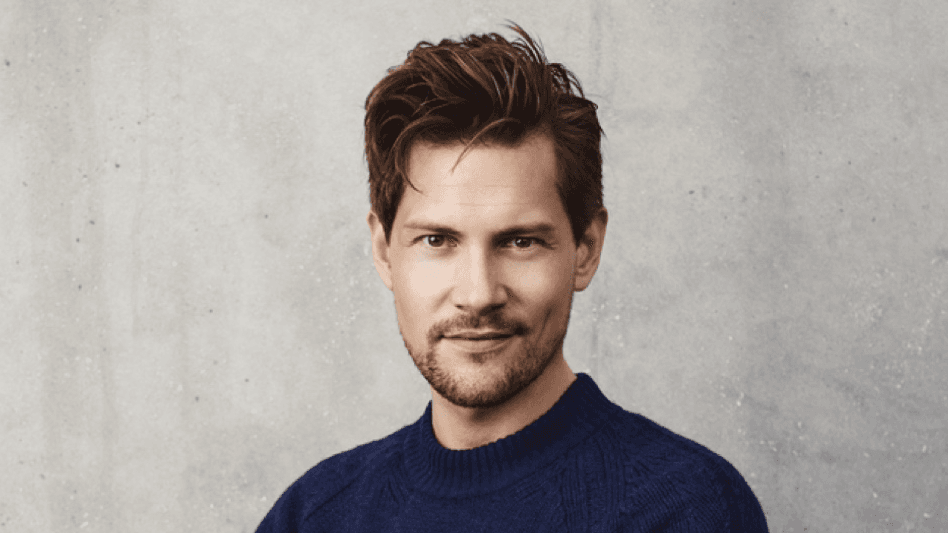
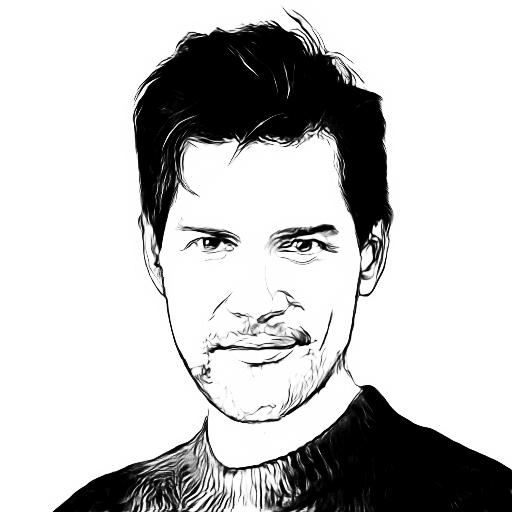
Turn a clear selfie into a pencil sketch for avatars, creative bios, profile banners, and casual social posts.
AI portrait sketch / before and after
Upload a portrait and turn it into a clean pencil sketch online. Choose head or full body mode, compare the result, then save your drawing.
Upload and choose mode
Choose Head for facial detail, hair, and expression, or Full body when pose, clothing, and silhouette should stay in the drawing.
Sketch area
How it works
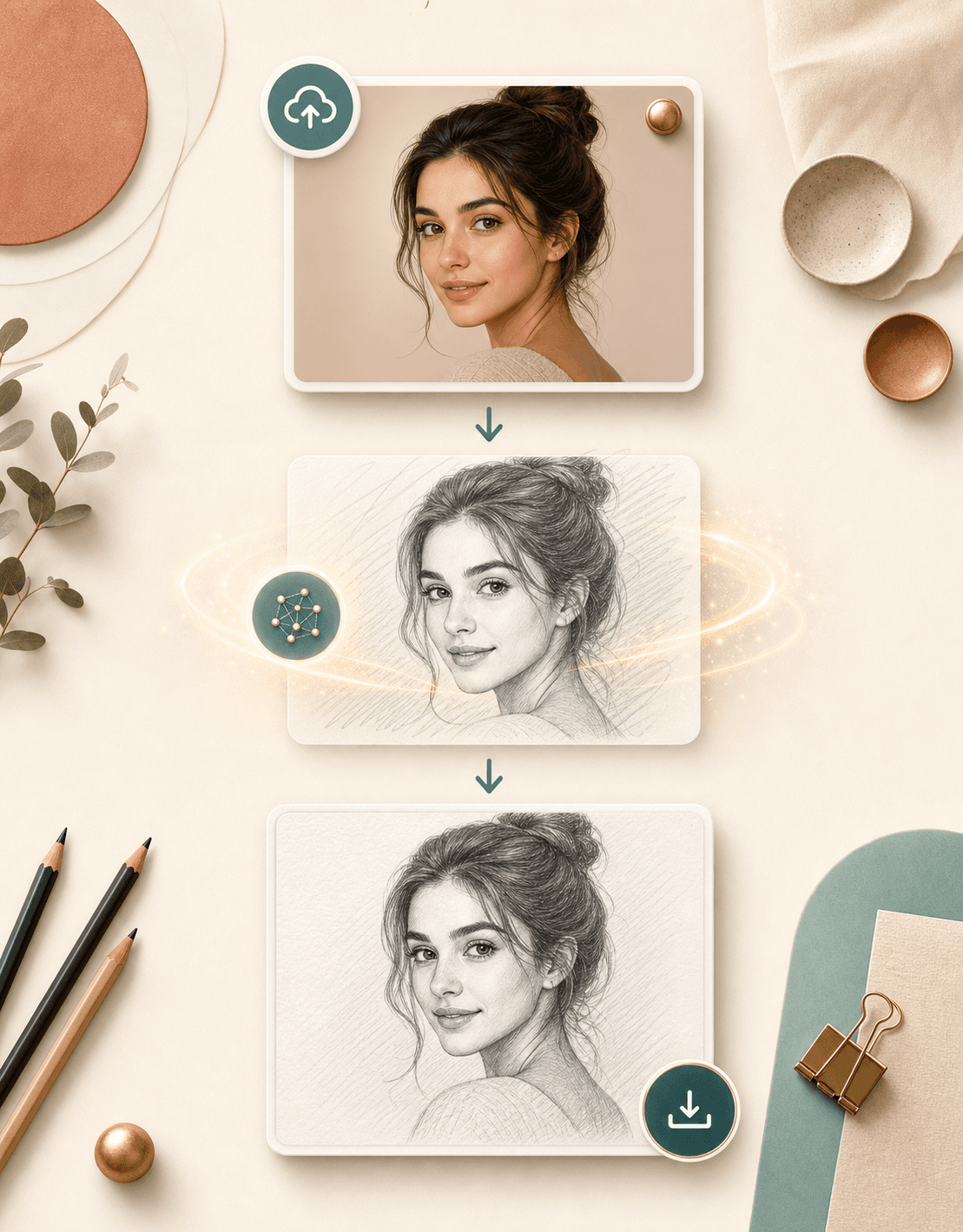
The tool is built for a simple portrait workflow: upload, choose the return type, generate, then review the sketch beside your original image.
Choose a JPEG or PNG where one face is visible, sharp, and evenly lit. A centered portrait usually gives the sketch model more useful detail.
Pick head portrait for a close facial sketch, or full body when you want the outfit and pose included in the generated drawing.
BeautyLove sends the image to the sketch service, returns the drawing, and opens a result page with the original and sketch side by side.
Download the sketch when it looks right, or return to the upload area and test another portrait, pose, or return type.
Use cases
People search for photo to sketch tools when they want a softer creative version of a real photo without drawing from scratch.
Turn a clear selfie into a pencil sketch for avatars, creative bios, profile banners, and casual social posts.
Create a soft sketch version of a portrait before using it in a card, framed print concept, scrapbook, or personal project.
Use the generated sketch as a quick visual reference for shading, hair texture, pose shape, and portrait composition.
Compare the original photo with a graphite style result before choosing whether the image fits a softer editorial direction.
Why choose BeautyLove
BeautyLove pairs a focused AI sketch generator with practical preview tools, clear output choices, and a credit based flow.
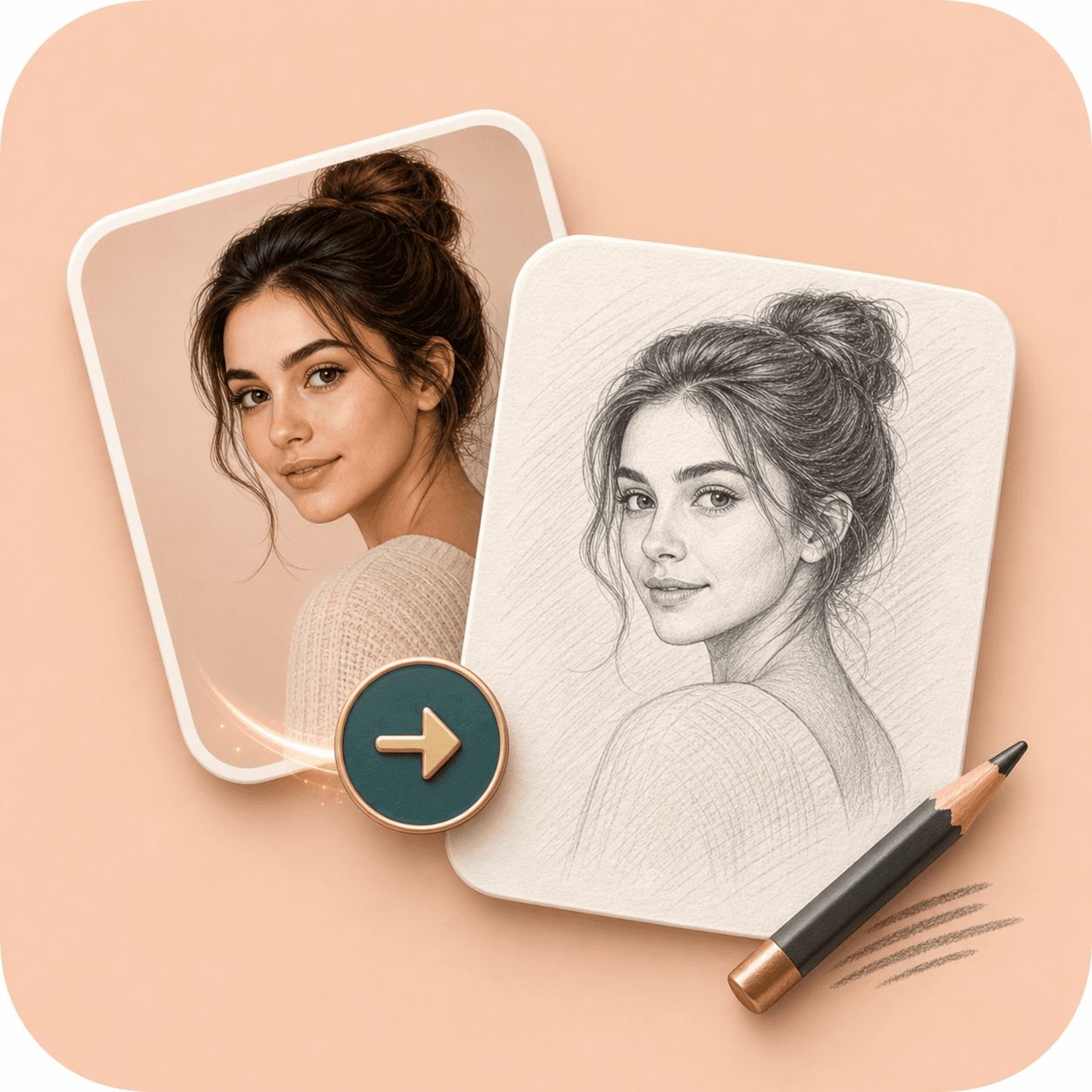
BeautyLove keeps the tool focused on one job: upload a portrait, generate a sketch, and review the result clearly.
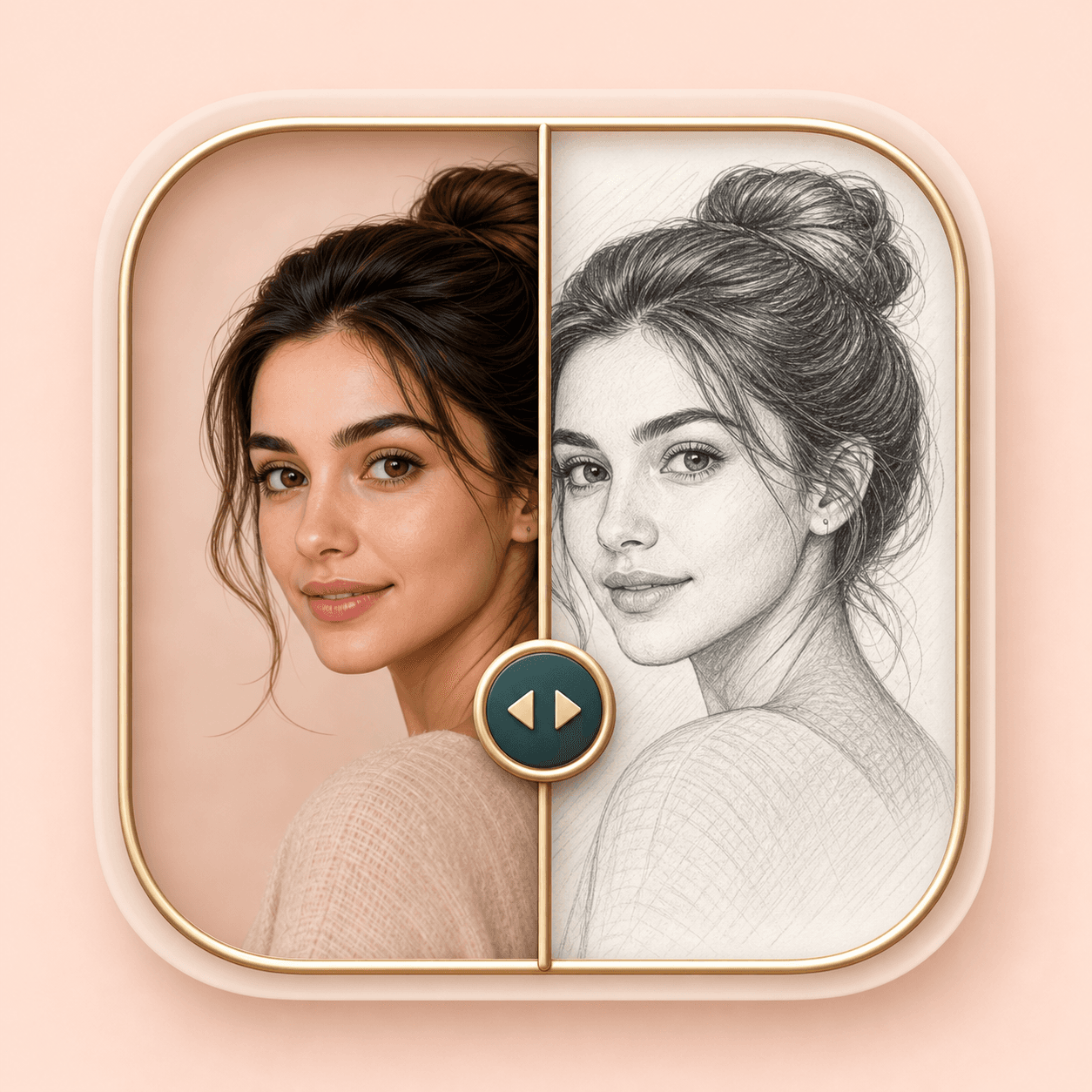
The example preview and result page help you compare the source photo against the sketch instead of guessing from a thumbnail.
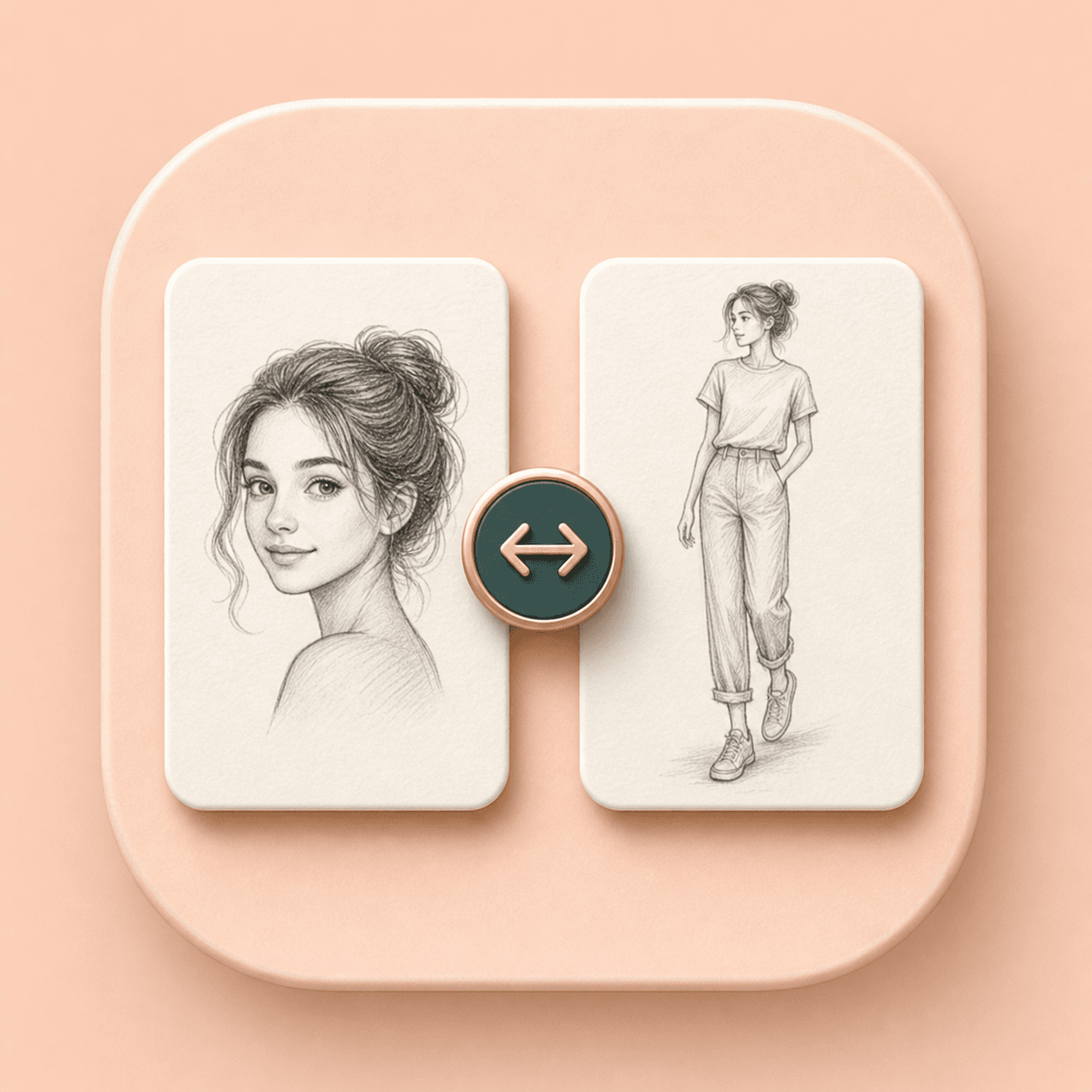
Choose a close head sketch for faces, or full body mode when pose, clothing, and silhouette matter more.
Photo to Sketch is an AI Generator tool. A successful run uses 20 credits, while failed service errors should not consume credits.
Key features
The page combines generation, examples, comparison, and result saving so you can judge the sketch before moving on.
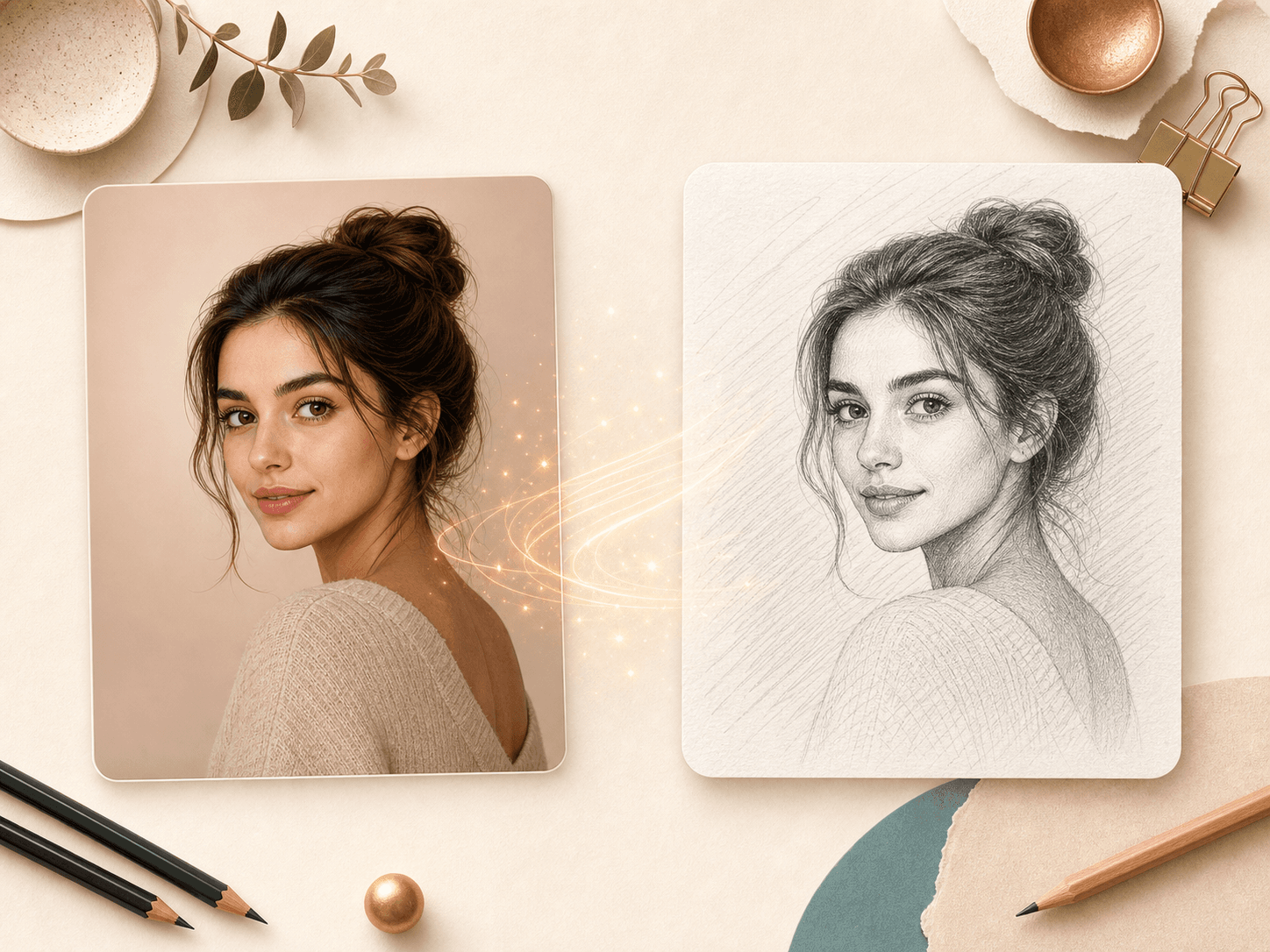
Photo to Sketch turns a portrait into a graphite style drawing with visible face structure, hair texture, and soft shading. It is useful when you want a hand drawn mood without opening a complex editor or writing a prompt.
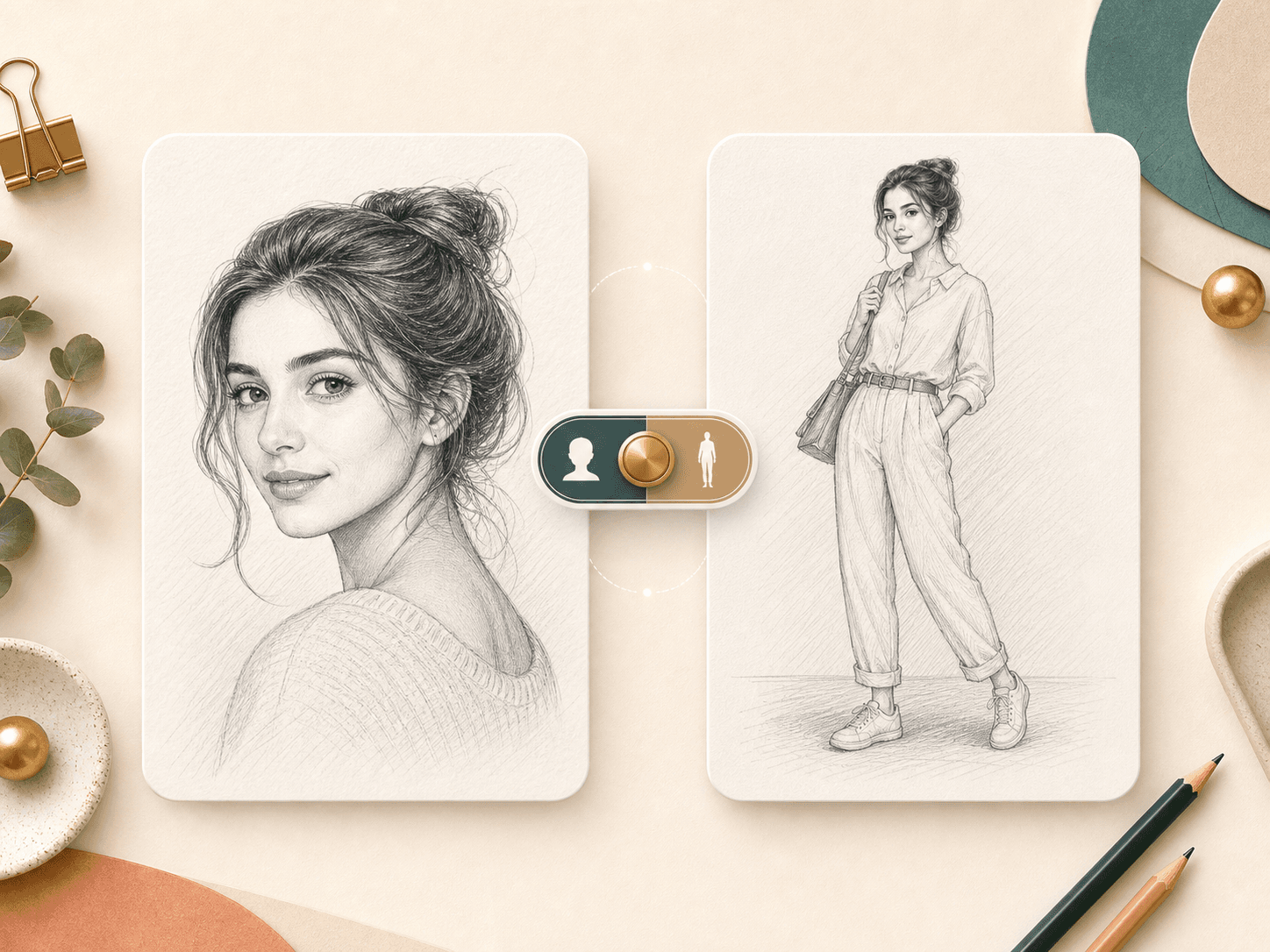
The return type selector lets you decide how much of the person should appear in the result. Head portrait mode fits profile images and face focused sketches. Full body mode can include pose and clothing when the source photo supports it.
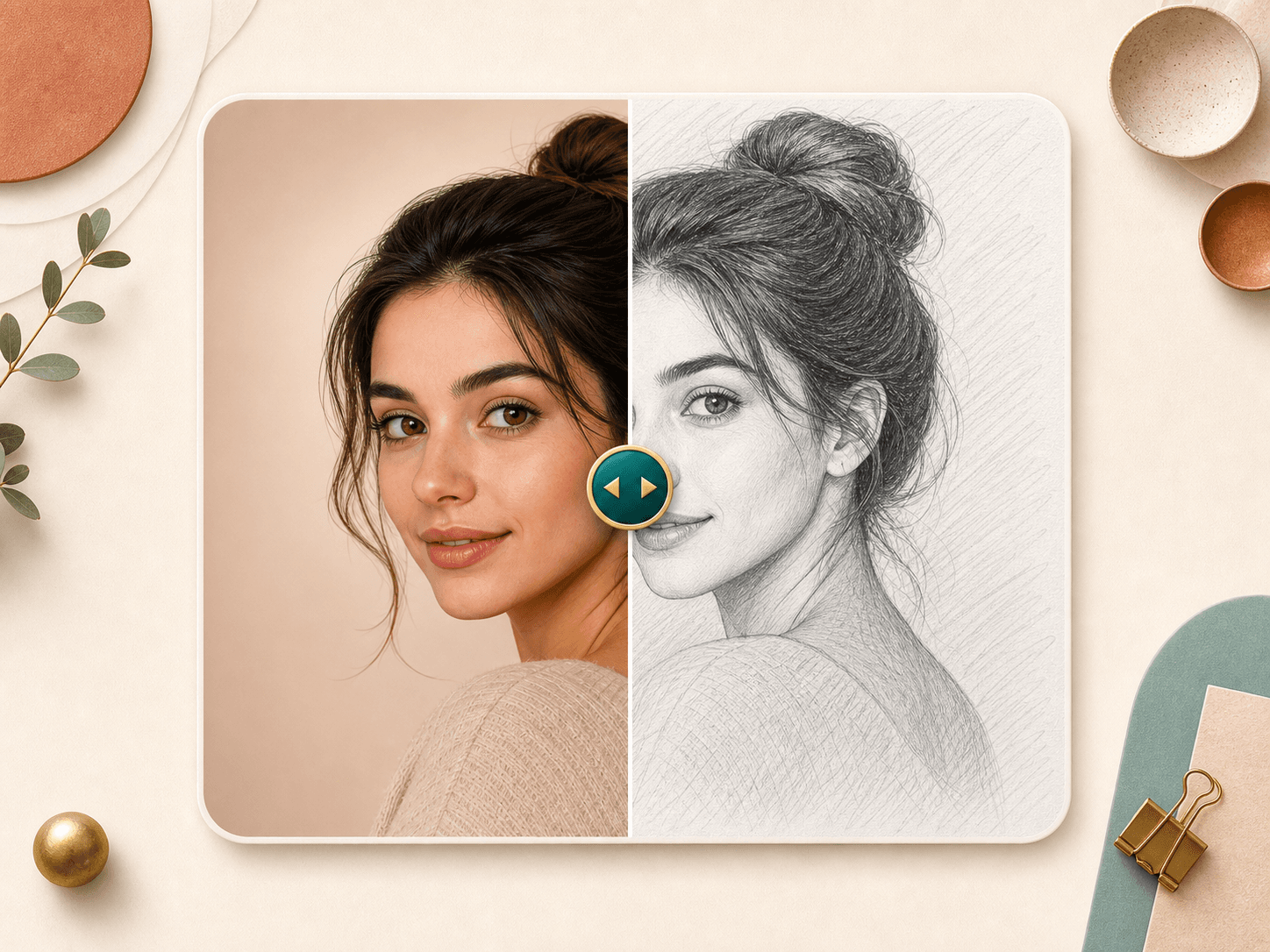
A sketch can change the mood of a photo quickly. The comparison view helps you inspect the difference in face detail, hair lines, and overall tone before saving the generated image or trying a new upload.
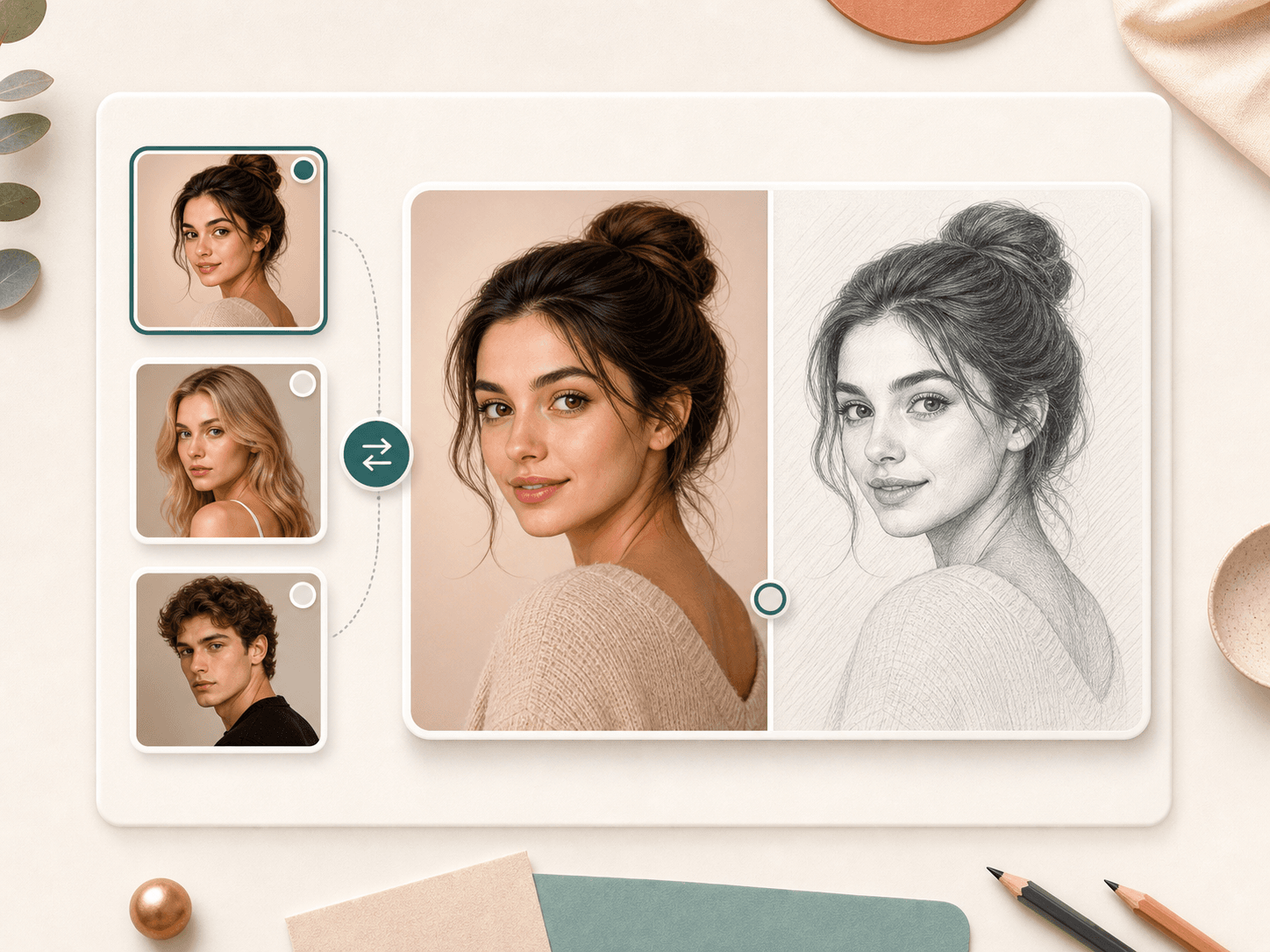
Click the built in examples to see how the original and sketch preview update. This makes the tool easier to understand before you spend credits on your own portrait.
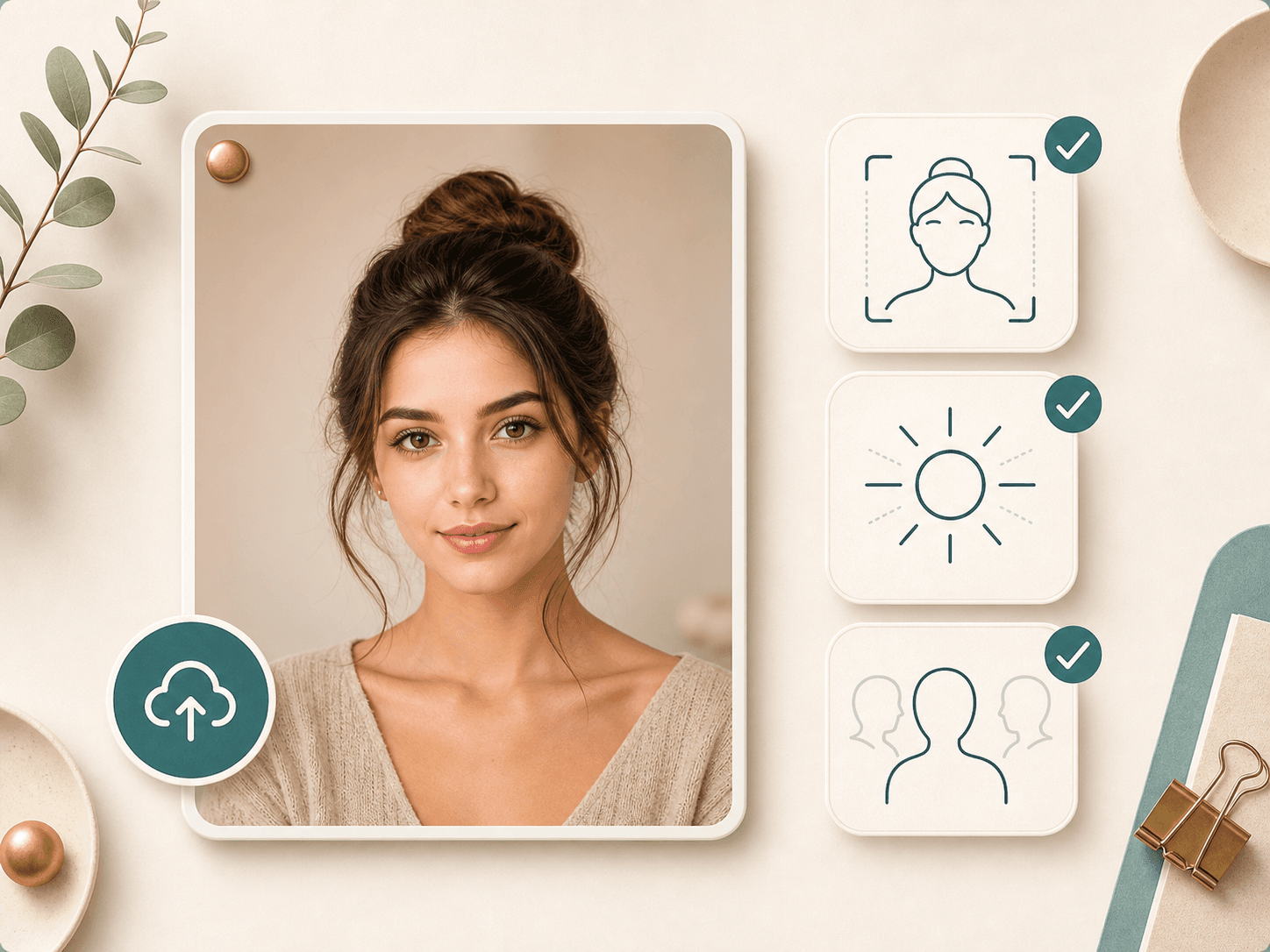
Use a sharp, well lit portrait with a visible face and limited obstruction. Very small faces, heavy blur, extreme side angles, or crowded group photos can make the service fail or reduce sketch detail.
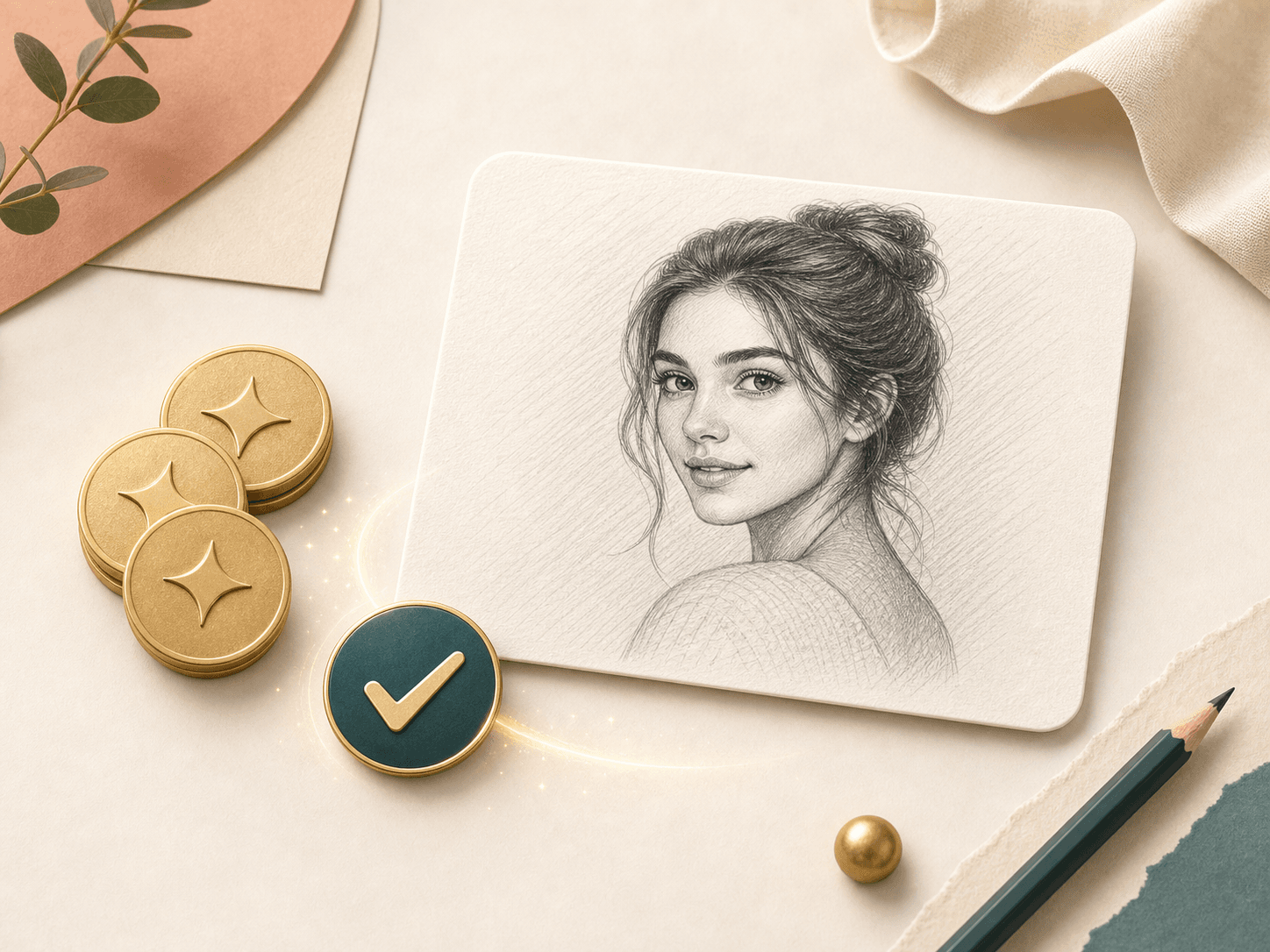
After a successful run, the result page shows the generated sketch and gives you a save action. The tool uses 20 credits for successful generation, while failed requests should leave your credits unchanged.
Comparison table
Photo sketch tools vary from simple filters to manual art. This table helps you choose the right level of speed and control.
| Option | Workflow | Control | Best for |
|---|---|---|---|
| Photo to Sketch by BeautyLove | Upload, choose head or full body, generate, compare, and save | Return type control and before after review | Portrait sketches, profile art, keepsakes, and quick creative previews |
| Basic sketch converter sites | Usually upload and convert with a small set of effects | Varies by provider | Fast casual edits when a generic filter is enough |
| Mobile sketch filter apps | App based editing with filters, ads, or account steps that vary | Often style presets and manual edit tools | Phone first editing and repeat mobile use |
| Prompt based image generators | Write a prompt, generate, and refine through trial runs | Broad art direction but more setup | Custom scenes and non portrait art concepts |
| Manual pencil drawing | Human artist or personal drawing workflow | Highest art direction control | Commissioned art, gifts with a human touch, and final artwork |
Privacy and data use
Uploaded images are sent to the selected AI service so the sketch can be generated. This is not a local only browser filter.
Your latest result data may be kept in browser storage so the result page can show the generated sketch after navigation.
Account and credit records are used to authenticate the request, issue access, prevent abuse, and track successful runs.
Use photos you own or have permission to upload. Do not use face based generation to impersonate, shame, or harass another person.
FAQ
Credits, return types, upload quality, result saving, and how to fix common sketch generation issues.
Ready when you are
Start with a clear portrait, choose the sketch area, generate, and compare the drawing with your original image.
Loved by 5M+ BeautyLove users for hair, makeup, color, and portrait decisions.