Check whether two photos may show the same person
Compare a profile photo with another portrait when you want a quick similarity signal. The result can help you decide what to review next, but it should not be your only trust check.
AI Detector · Face Comparison
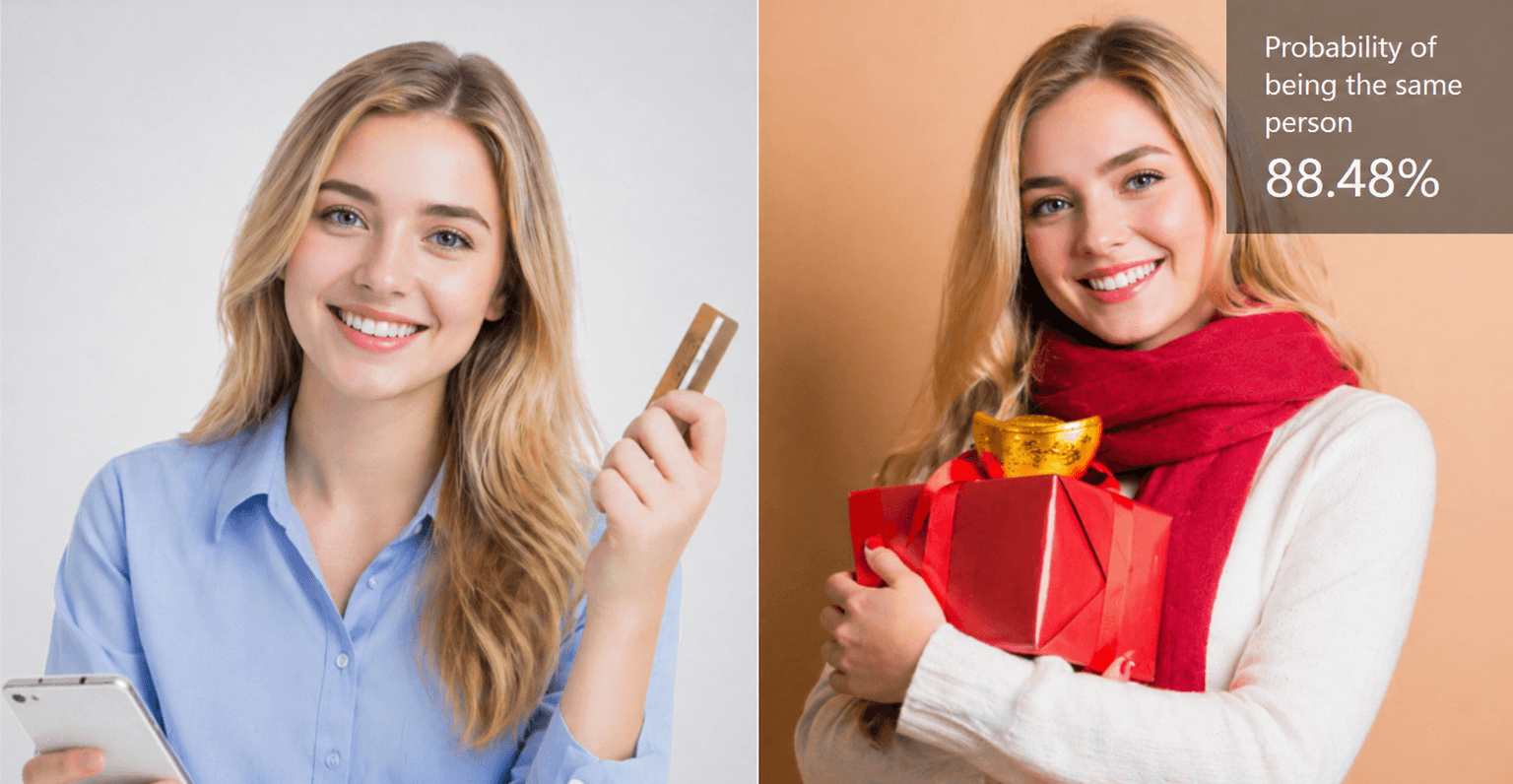
Upload two portraits with Face Comparison to check whether the largest face in each image looks like the same person. Review confidence, quality signals, and FAR thresholds.
How it works
Face Comparison analyzes the largest face region in each image and scores the pair for same person confidence. It can also return thresholds that map to common false accept rate levels.
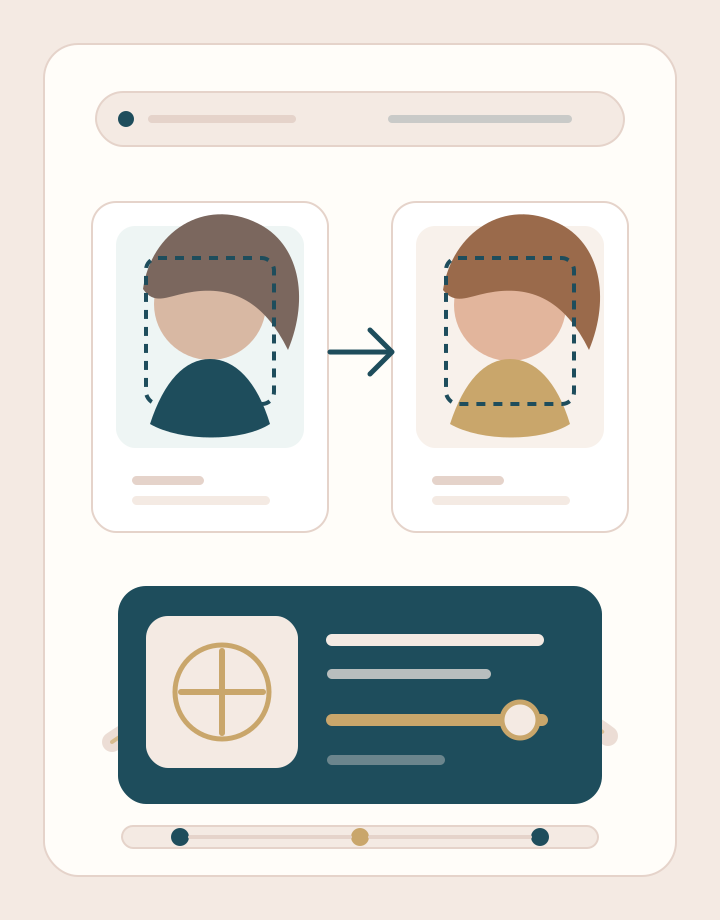
Choose Image A and Image B separately. Use photos where the main face is visible, evenly lit, and not covered by masks, heavy blur, or objects.
Face Comparison checks the largest detected face in each image, then returns confidence, quality scores, face boxes, landmarks, and optional quality tips.
Review the confidence score beside the FAR reference thresholds. Treat the result as a clue to review, not as proof of identity.
Use cases
People search for face comparison when two images look related, confusing, or worth checking. Face Comparison gives you a measured signal without turning the score into a final judgment.
Compare a profile photo with another portrait when you want a quick similarity signal. The result can help you decide what to review next, but it should not be your only trust check.
Use a childhood photo, older family image, or previous profile picture beside a newer portrait. Age gaps, blur, and angle changes can affect the score, so clear photos matter.
Run a relaxed face similarity check between relatives, siblings, friends, or celebrity references. Treat this as a fun visual read rather than proof of relationship.
Compare a reference portrait with a recreated look when makeup, styling, costume, or editing changes the surface appearance. The score helps turn the visual comparison into plain numbers.
Why choose BeautyLove
BeautyLove turns photos into clear beauty signals and visual style options. Face Comparison applies that same restraint to identity sensitive images with a narrow similarity read.
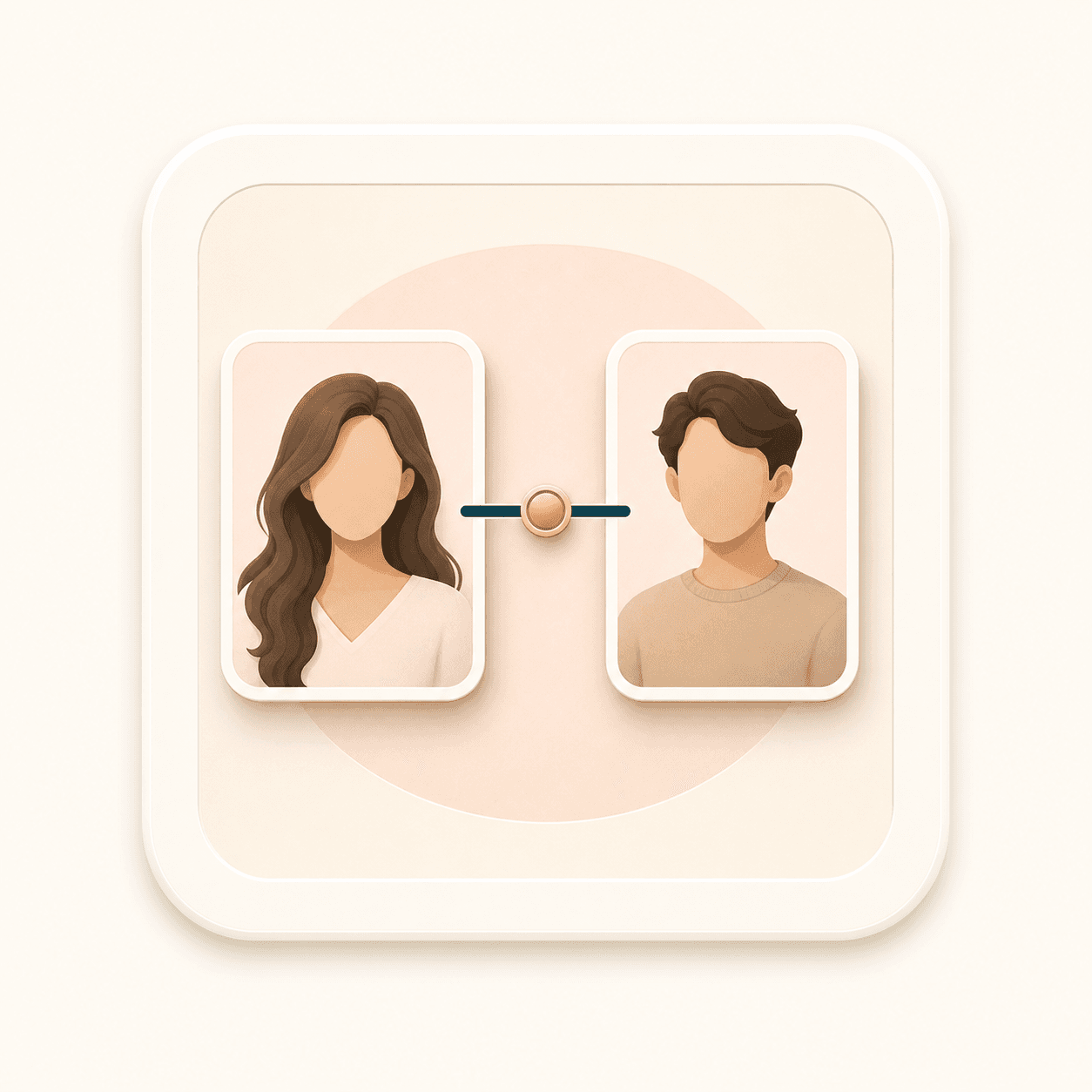
Face Comparison is built for one pair of images, not a photo gallery. Image A and Image B stay separate so the result is easy to follow.

The result can include confidence, quality scores, face boxes, landmarks, and message tips when the comparison service returns them.

FAR reference thresholds help you read the score with more care than a simple match or no match label.

BeautyLove keeps this identity sensitive tool narrow: compare two photos, read the score, and keep consent and human review involved.
Key features
The result is designed for a careful read, with both the similarity score and the image quality signals that shape it.
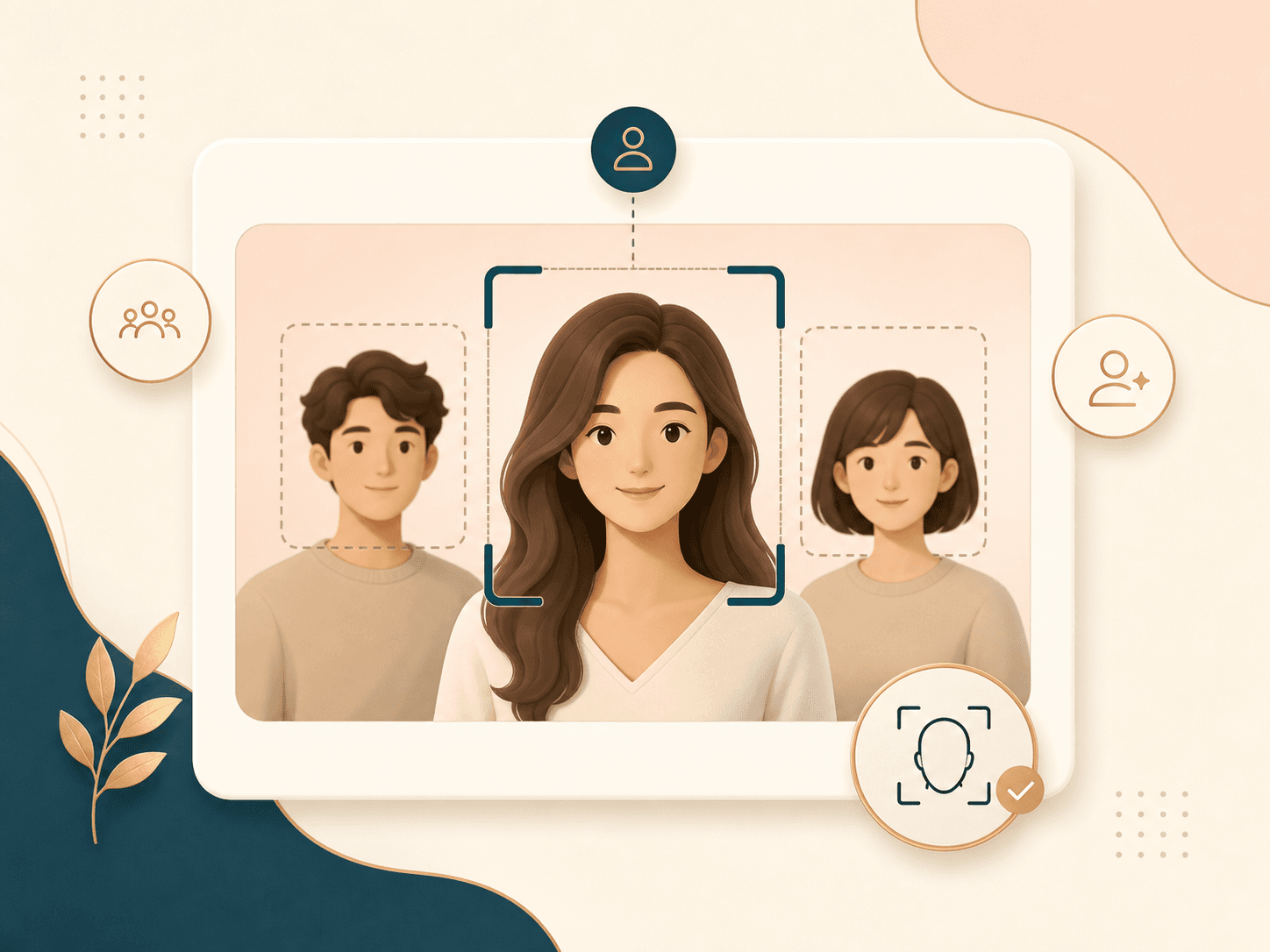
If an image contains more than one person, Face Comparison uses the largest detected face in that image. For cleaner results, crop each photo so the person you want to compare is the main visible face.
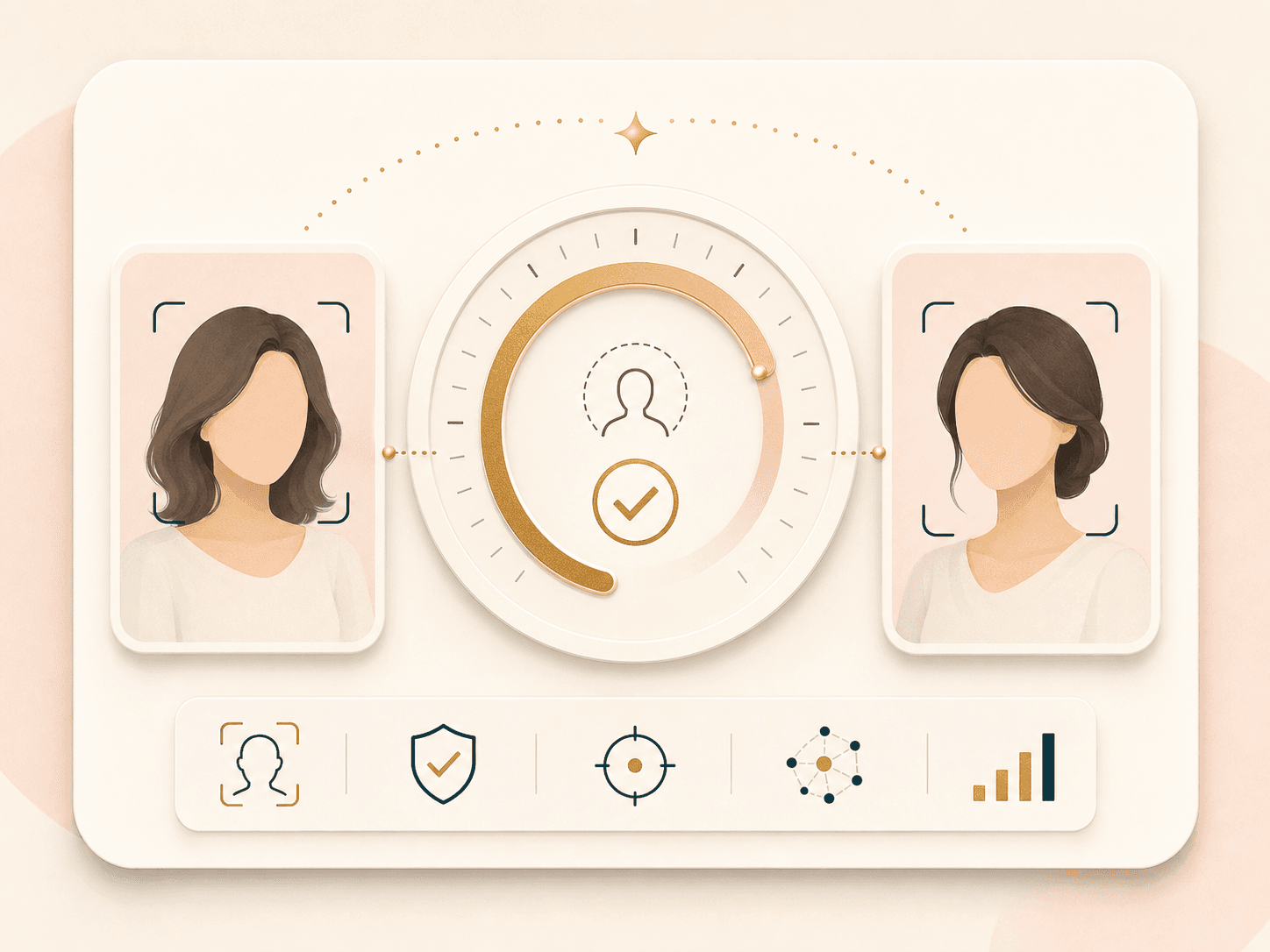
The similarity confidence gives you a readable score for whether the two selected faces likely belong to the same person. Higher scores usually suggest stronger similarity, but lighting, pose, blur, age, and occlusion can shift the result.
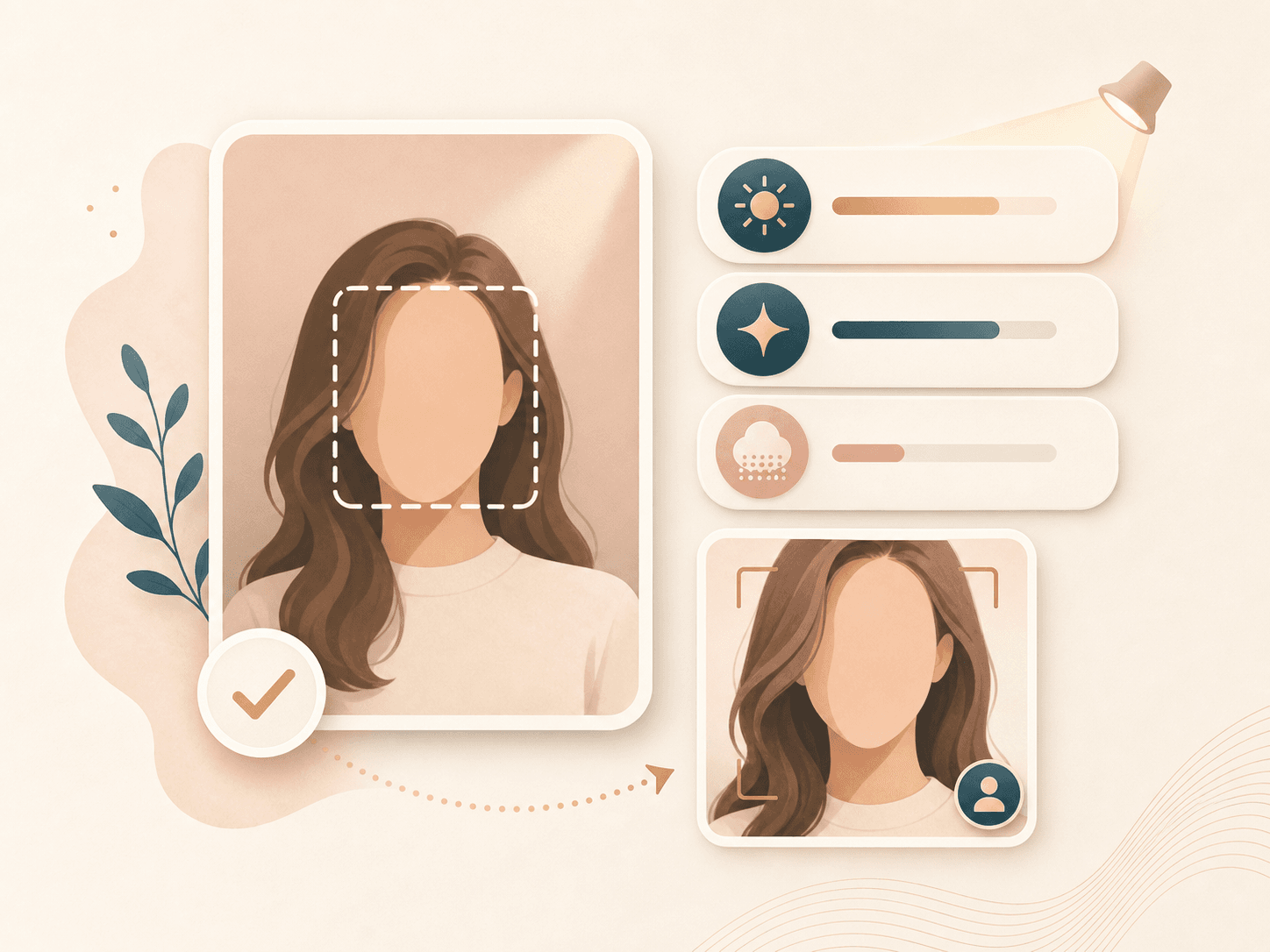
Quality signals help explain why a comparison may be weaker than expected. If the result flags image quality, try a sharper image, a larger face crop, better lighting, or fewer obstructions.
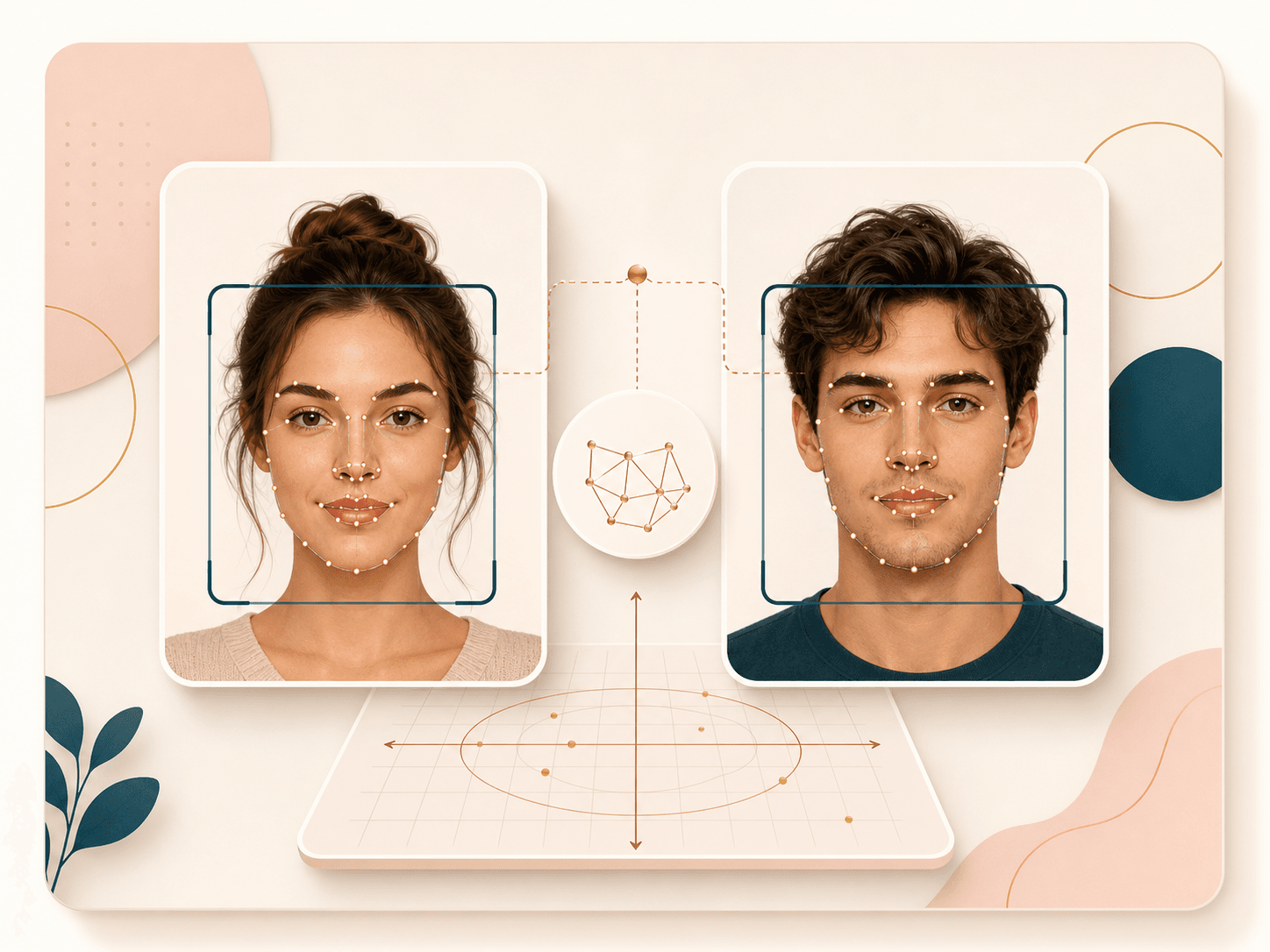
The response can include face rectangles and landmarks for both images. These signals make it easier to understand what the service detected and whether it compared the right face area.

The result can include reference thresholds tied to false accept rate levels. These values give teams and careful users a more conservative way to interpret the confidence score.

Face Comparison is an AI Detector tool. A successful run uses 10 credits. Failed requests and service errors should not consume credits.
Comparison table
Different tools solve different jobs. Use this table to decide whether you need a casual score, a shareable result, or a more careful read with thresholds.
| Option | Result detail | Privacy note | Best for |
|---|---|---|---|
| Face Comparison by BeautyLove | Confidence, quality scores, boxes, landmarks, FAR thresholds | Images are sent for processing. Result thumbnails may be kept in browser storage | Careful one to one face comparison with consent and threshold context |
| Simple browser similarity tools | Usually a percentage or match label | Some run in browser, others vary by provider | Fast casual checks when a basic score is enough |
| Poster style face match tools | Shareable visual result or entertainment score | Varies by provider | Family, friends, social posts, and playful look alike checks |
| Enterprise verification APIs | Verification response built for system integration | Depends on vendor contract and implementation | KYC, account recovery, and higher control workflows |
| Manual side by side review | Human visual judgment only | Depends on where images are stored and shared | Context review, photo curation, and non automated decisions |
Privacy and responsible use
BeautyLove uses uploaded images to process the Face Comparison request through the selected AI service. The comparison is not processed only on your device.
Result data and thumbnails may be kept in your browser storage so the result page can show your latest face comparison.
Upload photos you own or have permission to use. Do not use Face Comparison to harass, shame, impersonate, or make high stakes decisions.
Automated scores can be wrong. For legal, employment, financial, safety, or access questions, use a qualified review process.
FAQ
Confidence, thresholds, which face is used, credits, privacy, and responsible use.
Ready when you are
Use evenly lit, unobstructed photos when possible. If quality tips appear, try larger faces or less blur.
Loved by 5M+ BeautyLove users for hair, makeup, color, and portrait decisions.