Share event photos with less identity exposure
Blur bystanders, guests, classmates, or teammates when the scene matters but every face does not need to be visible.
AI Generator · Face privacy
Upload a photo, blur detected face areas, review the before and after slider, and download a privacy ready version for safer sharing.
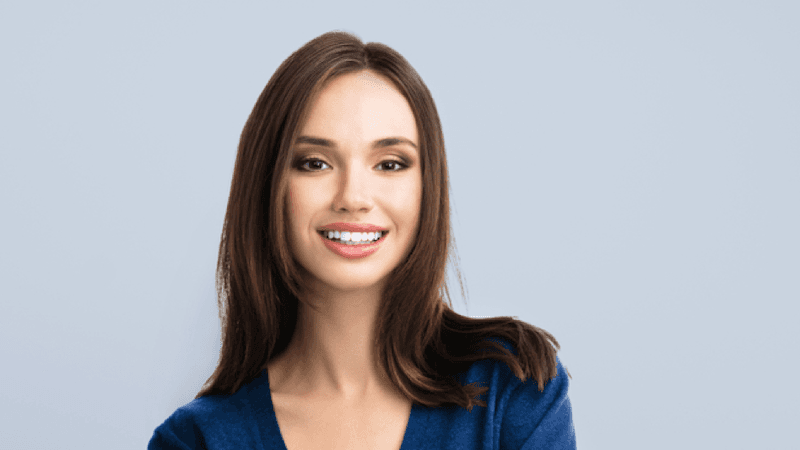
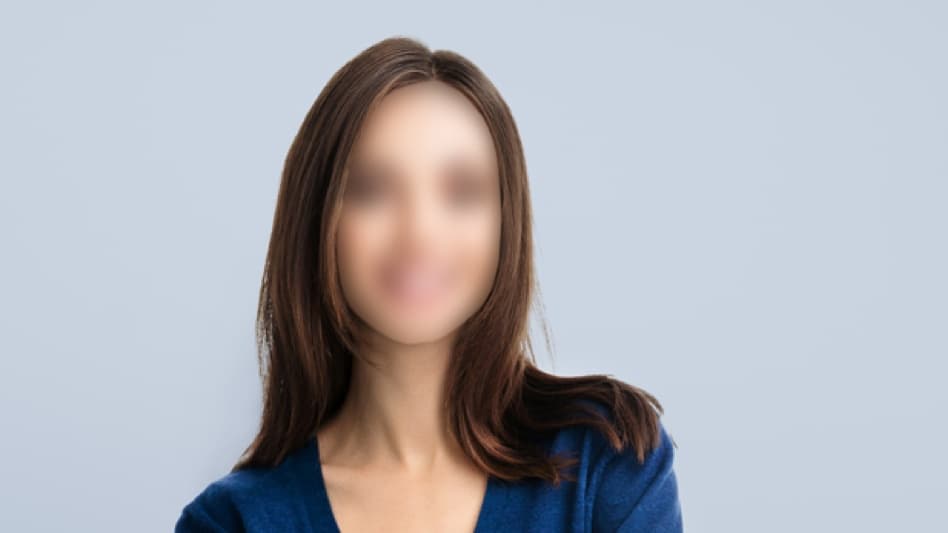
How it works
Blur Face detects visible face regions, softens them, and gives you a result page for checking the output before download.
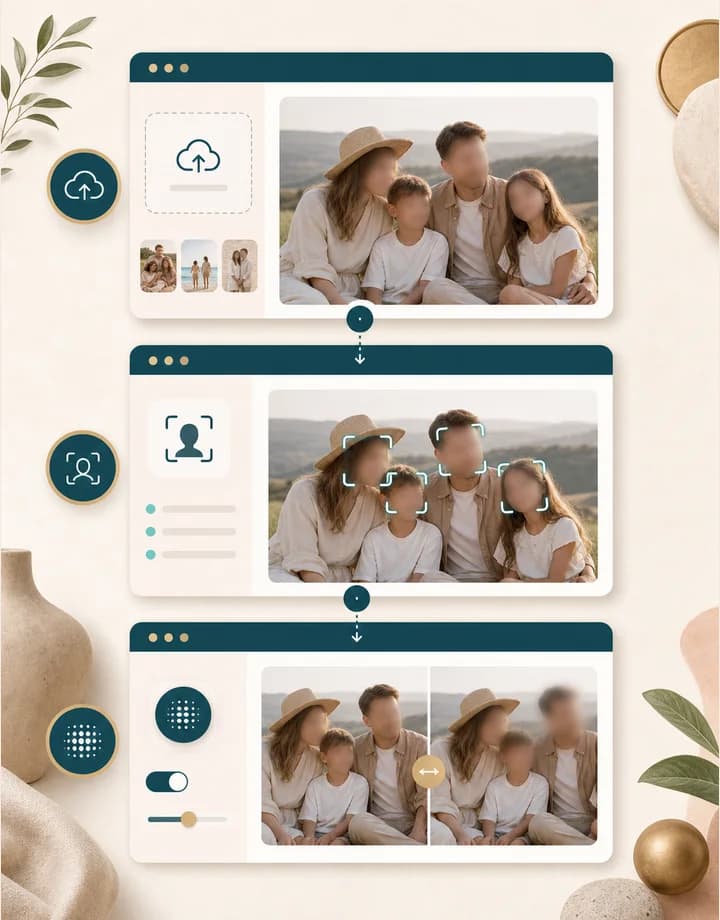
Choose a JPG, PNG, or BMP image where the face area is visible. The browser checks the file and can compress larger uploads before processing.
Sign in, use credits, and send the image for processing. BeautyLove detects visible face regions and returns a version with softened faces.
Open the result page and drag the comparison slider. Check that the right faces are blurred before you download or share the image.
Use cases
People search for blur face tools when they need to share a useful photo without making every person easy to identify.
Blur bystanders, guests, classmates, or teammates when the scene matters but every face does not need to be visible.
Use a cleaner privacy pass before adding people photos to articles, internal notes, presentations, and training material.
Upload a group image, check which faces were detected, and rerun with a clearer crop if a small face was missed.
Soft face blur can make people harder to recognize while leaving clothing, location, objects, and layout easier to understand.
Why choose BeautyLove
BeautyLove keeps the workflow narrow: upload, blur visible faces, compare the result, and download only after you review it.
BeautyLove targets visible face regions for you, so you do not need to paint masks by hand in a full photo editor.

The result page lets you compare the original and blurred version before you save the file for your workflow.
Blur Face is a generator tool. A successful run uses 20 credits, while failed requests should not consume credits.
BeautyLove treats face blur as a privacy helper, not a promise of full anonymity. Use photos you have permission to edit.
Key features
The tool is built for quick privacy review, clear upload rules, and a result you can inspect before using.
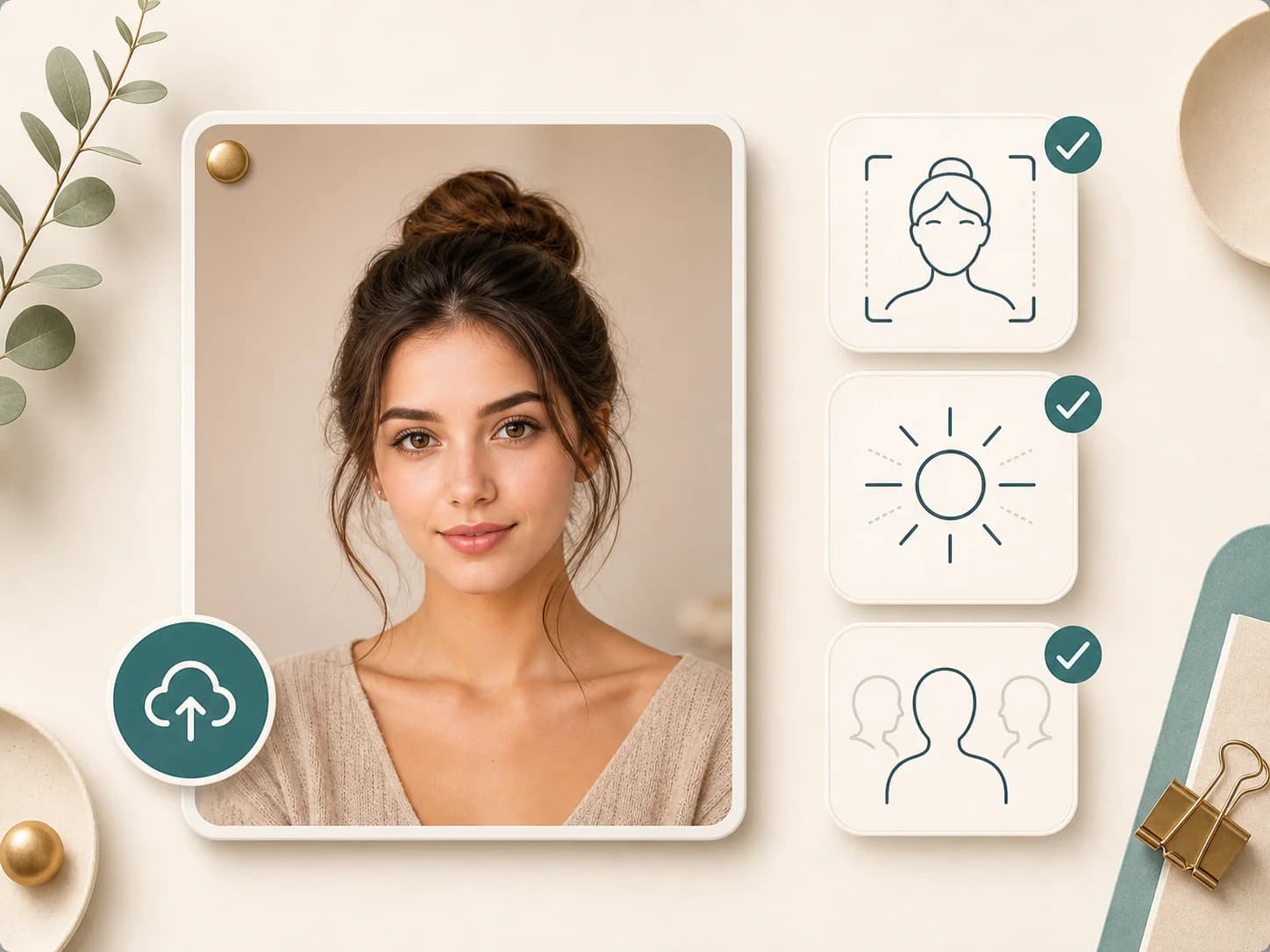
Blur Face looks for visible face regions in the uploaded image and prepares them for soft blur. This helps when you need a quick privacy pass for a photo but do not want to open a full editor and draw each blur area by hand.
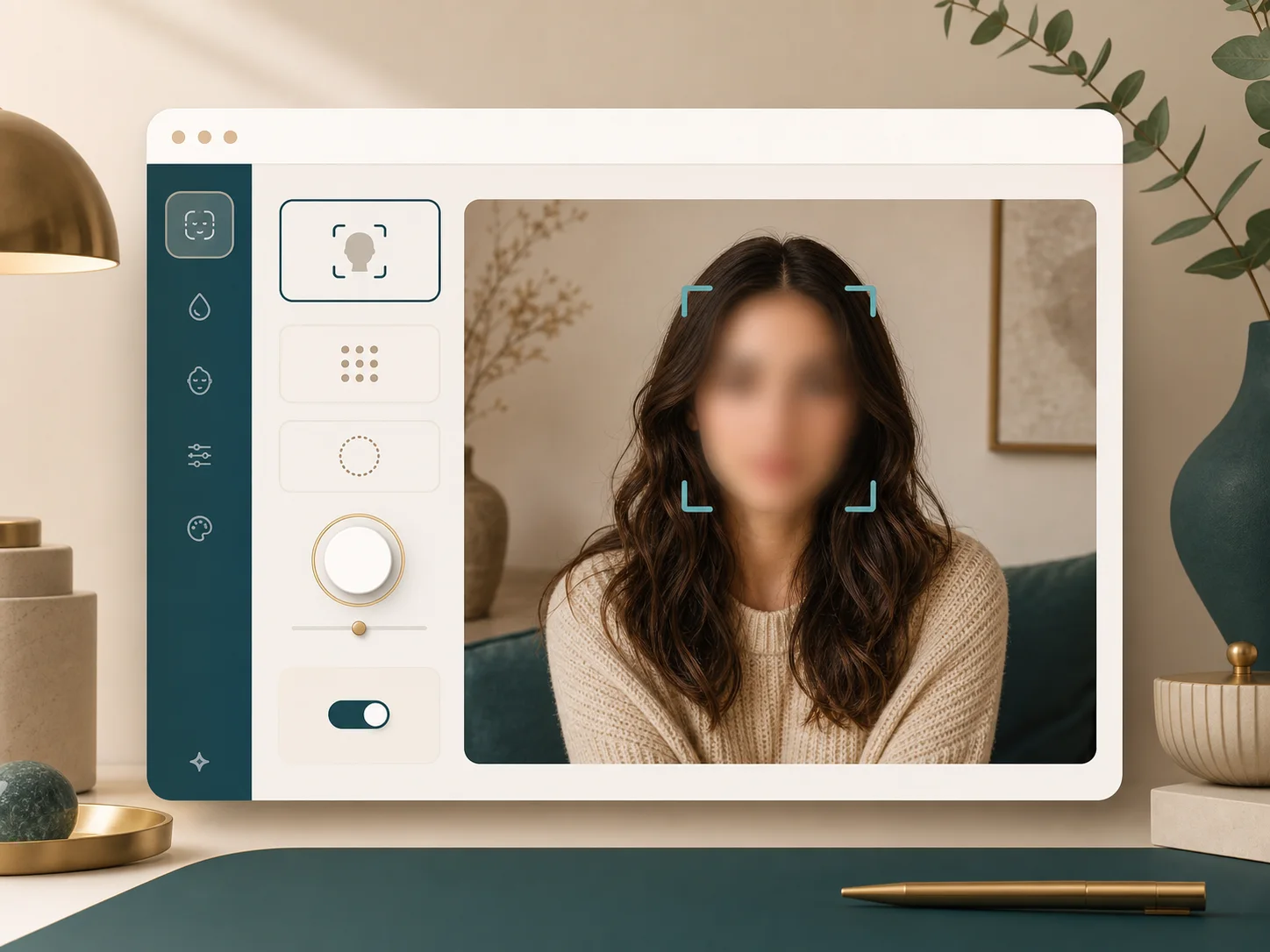
The output focuses on face areas instead of covering the whole image. That makes the photo easier to use in a blog, slide, report, or social post when the setting still matters but the person should be less recognizable.
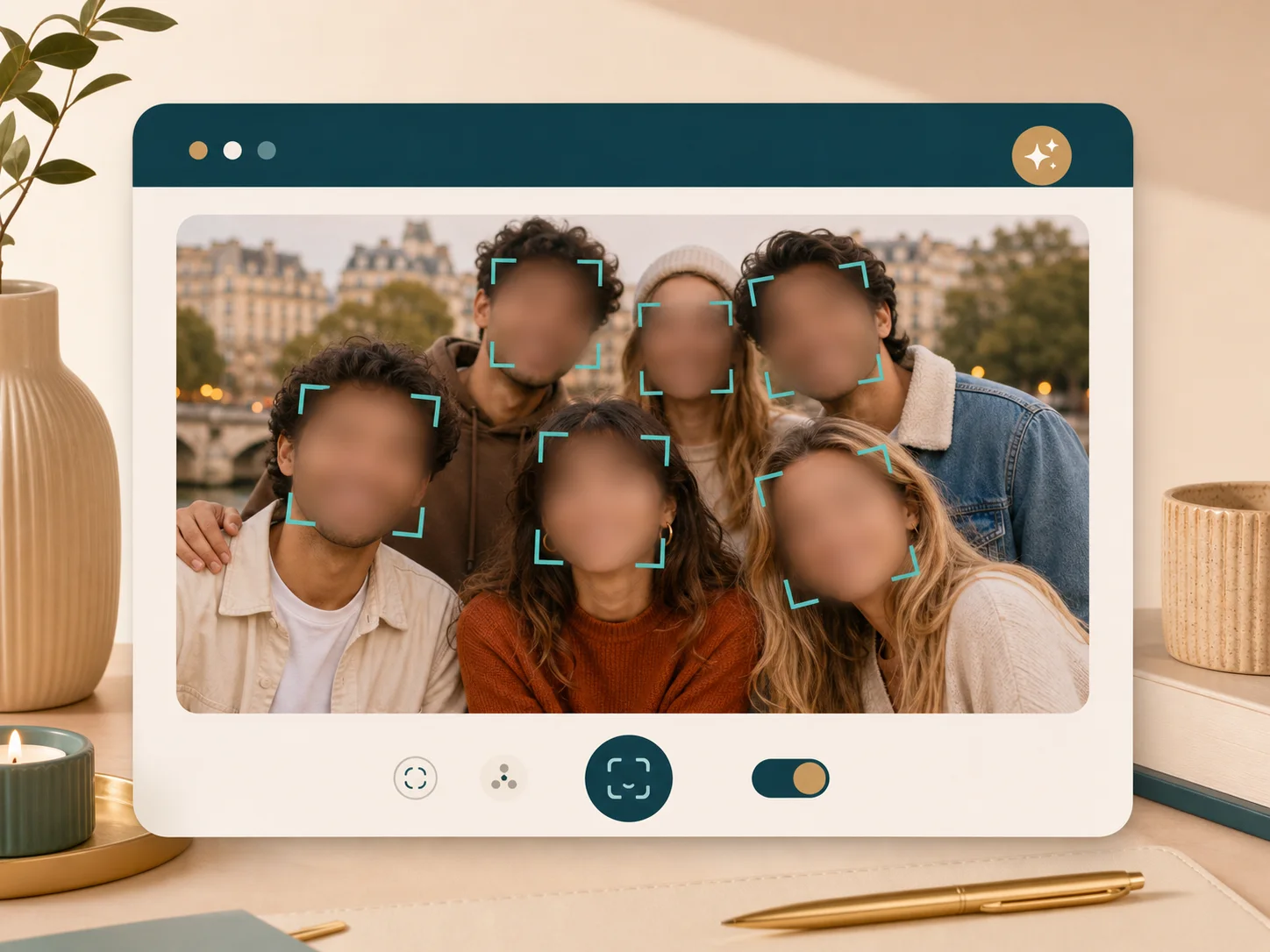
Use Blur Face on team photos, classroom snapshots, event images, or street scenes where more than one person appears. If a face is tiny, angled, or blocked, a closer crop can give detection a better chance.
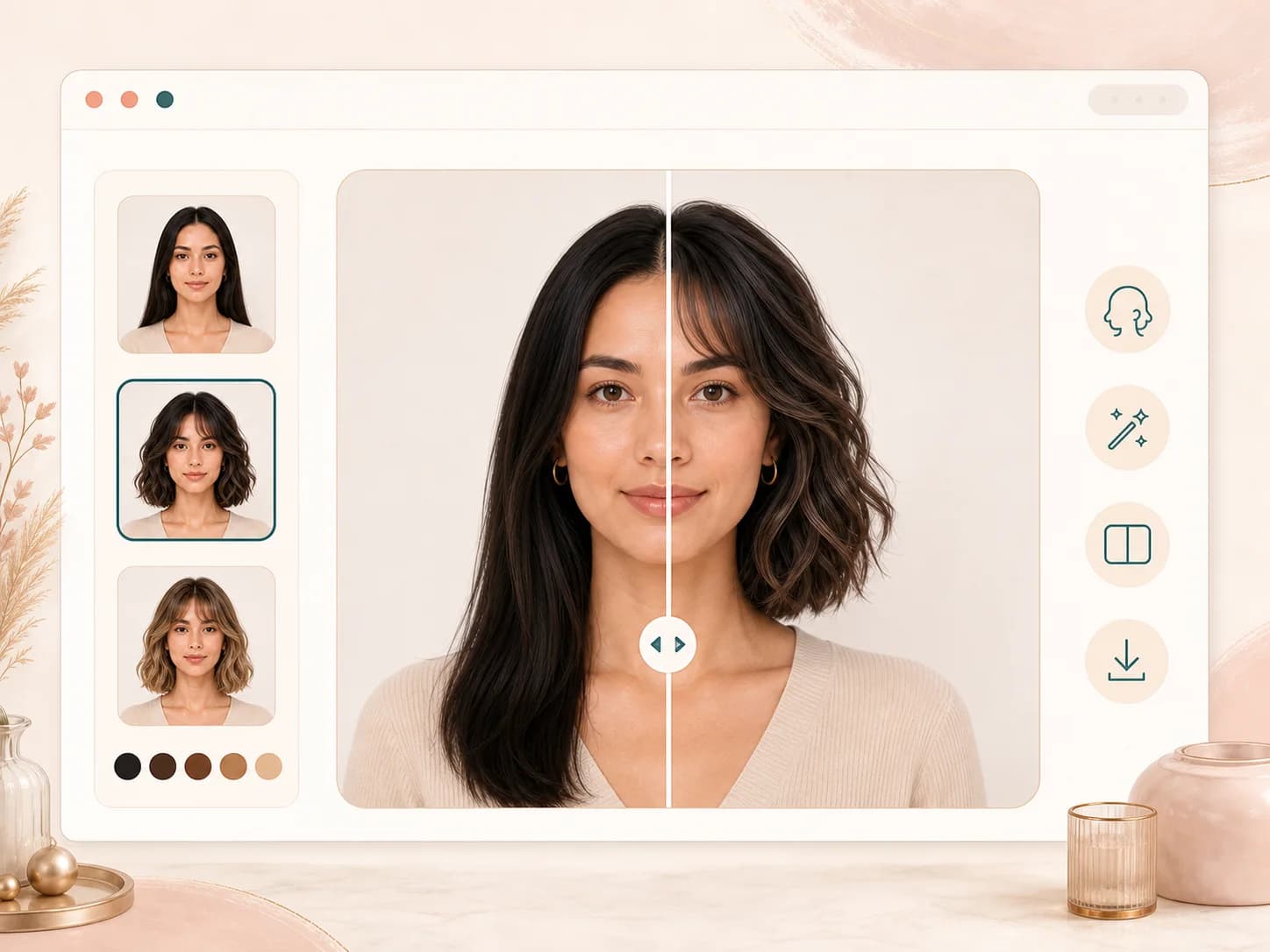
After a successful run, the result page shows a comparison slider with the original and blurred image. Drag it slowly to confirm the right face regions changed before you download the final file.
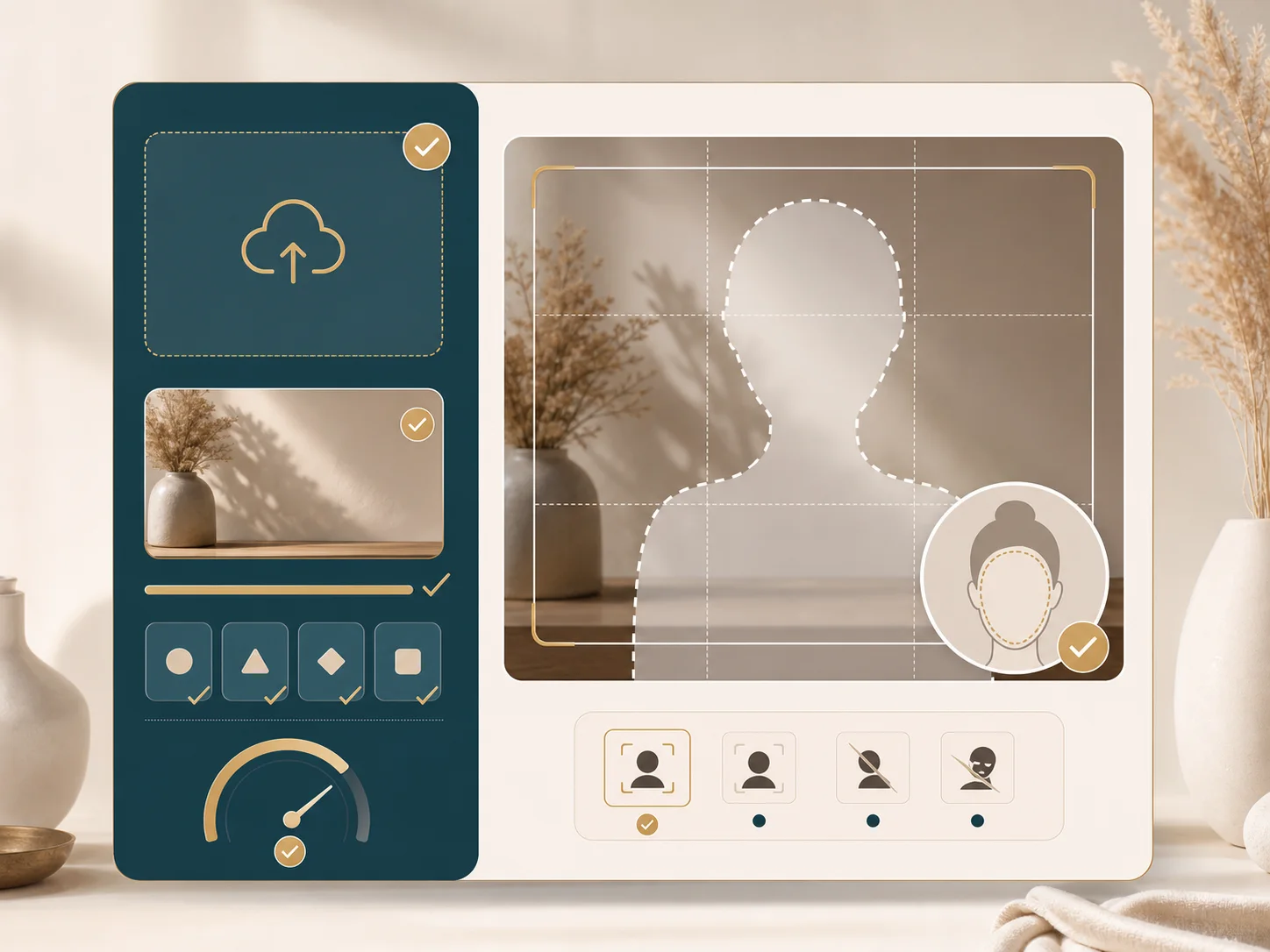
The uploader accepts common image files and checks size before sending the request. The Blur Face API expects JPG, PNG, or BMP input, with practical limits on file size and resolution.
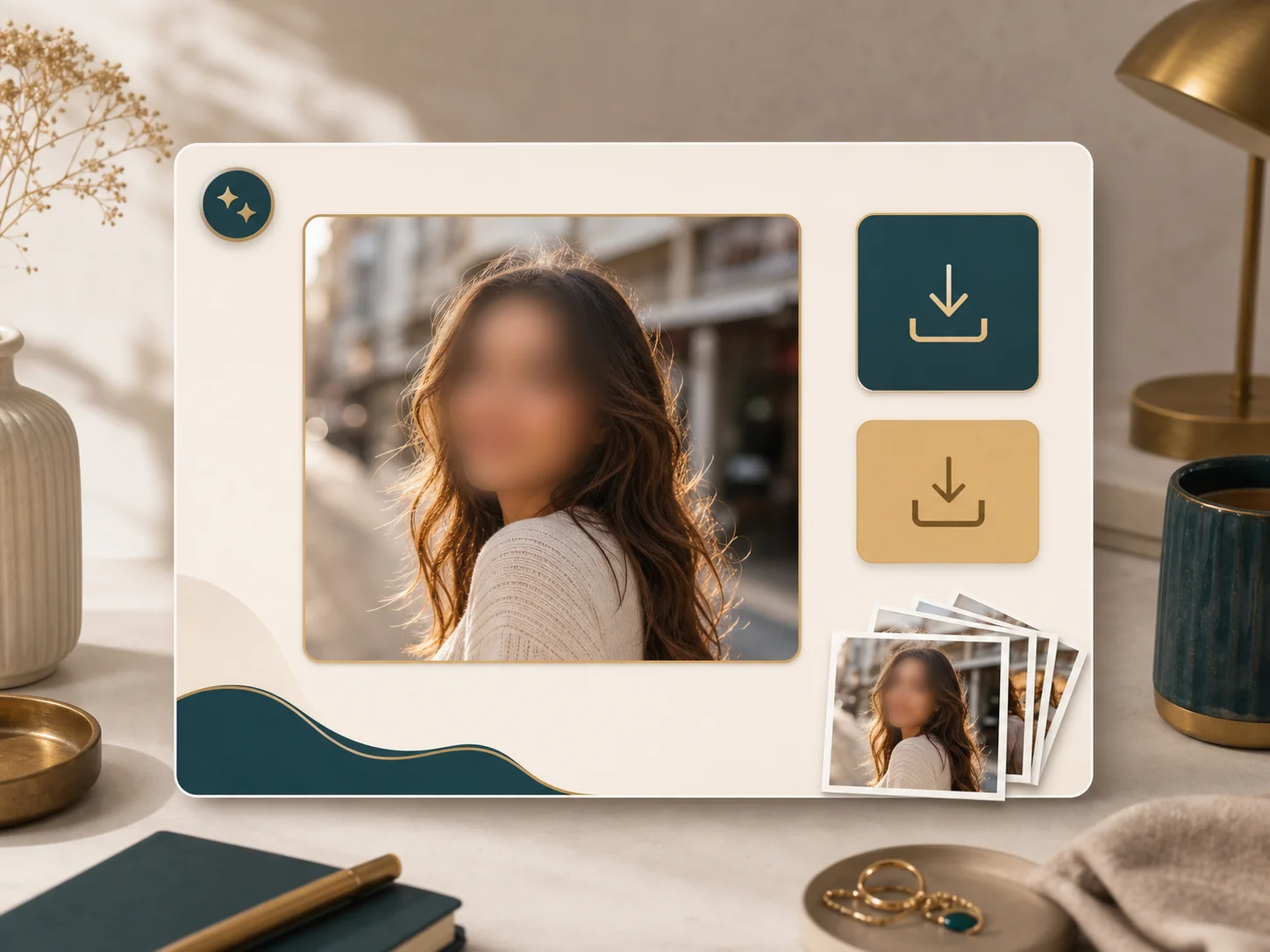
Save the blurred output for sharing, or download the original from the result page if you need it for comparison. BeautyLove fetches the provider result for display, so you are not relying on a short lived preview link.
Comparison table
Face blur is one privacy method. Use this table to choose between automatic blur, manual editing, and heavier review workflows.
| Option | Result detail | Privacy note | Best for |
|---|---|---|---|
| Blur Face by BeautyLove | Automatic visible face blur with before and after review | Images are sent for processing. Results may be kept in browser storage | Fast privacy passes before sharing people photos |
| Manual photo editor | Hand drawn blur, stickers, masks, or pixelation | Depends on the app and where the file is saved | Precise edits when you want to control every area |
| Simple sticker or crop | Covers or removes part of the image | May keep fewer face details, but can damage photo context | Casual posts where a rough visual cover is enough |
| Enterprise redaction workflow | Policy driven review, audit trail, and heavier controls | Depends on vendor contract and setup | Legal, compliance, evidence, or high risk records |
| On device mobile app | Varies by app, from stickers to automatic blur | Some run locally, others use cloud processing | Quick phone edits when app policies fit your needs |
Privacy and responsible use
Uploaded images are used to process the Blur Face request through the selected image service. The tool is not processed only on your device.
Result data may be kept in your browser storage so the result page can show your latest blurred photo.
Upload photos you own or have permission to use. Avoid using face blur to shame, harass, impersonate, or mislead people.
Blur can reduce recognizability, but it may not remove every identifying clue. For high stakes redaction, use a qualified review process.
FAQ
Credits, upload rules, face detection, privacy limits, downloads, and mobile use.
Ready when you are
Upload a clear photo, review the changed face regions, and download the result when it looks right.
Loved by 5M+ BeautyLove users for hair, makeup, color, and portrait decisions.