Plan a lipstick purchase
Preview a shade family before buying. The result can help you decide whether to explore nude, rose, red, berry, brown, or coral tones in store.
AI Generator · Virtual Lipstick Try On
Upload a portrait, choose a lipstick shade and finish, then preview a realistic AI lip color result before shopping or applying makeup.
Choose lipstick
30 shades across nude, pink, red, berry, brown, and sheer families. Selected: Nude beige
Output preview
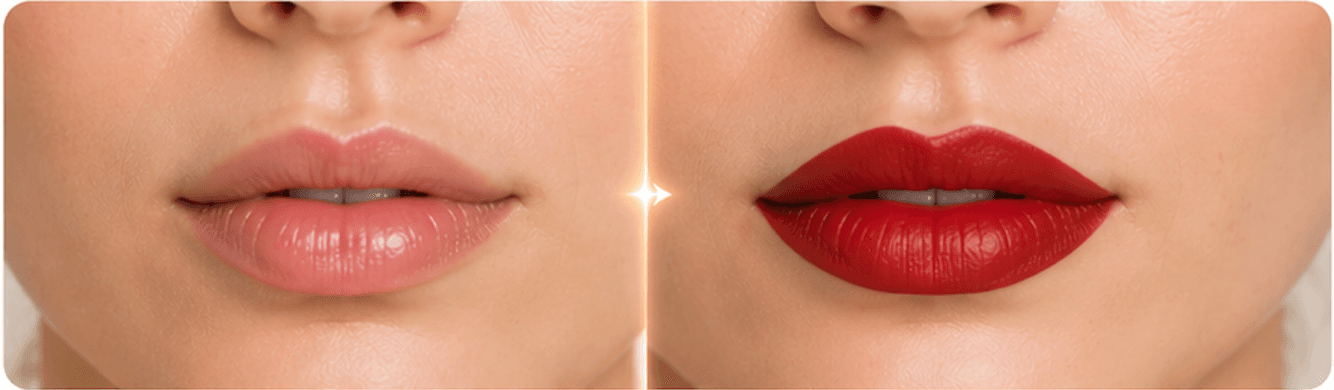
Lip color before and after
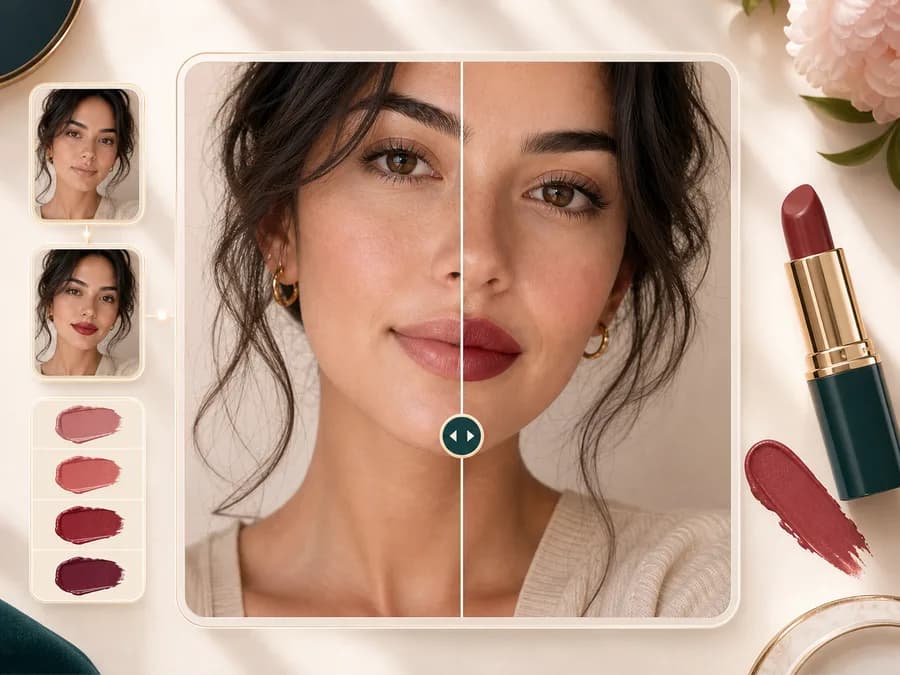
Output preview. Your actual result depends on the uploaded photo and selected settings.
20 credits
charged after success
No charge
when processing fails
Processing
Usually 15–45 seconds
Private result
Workspace: 30 days; browser fallback until cleared
How it works
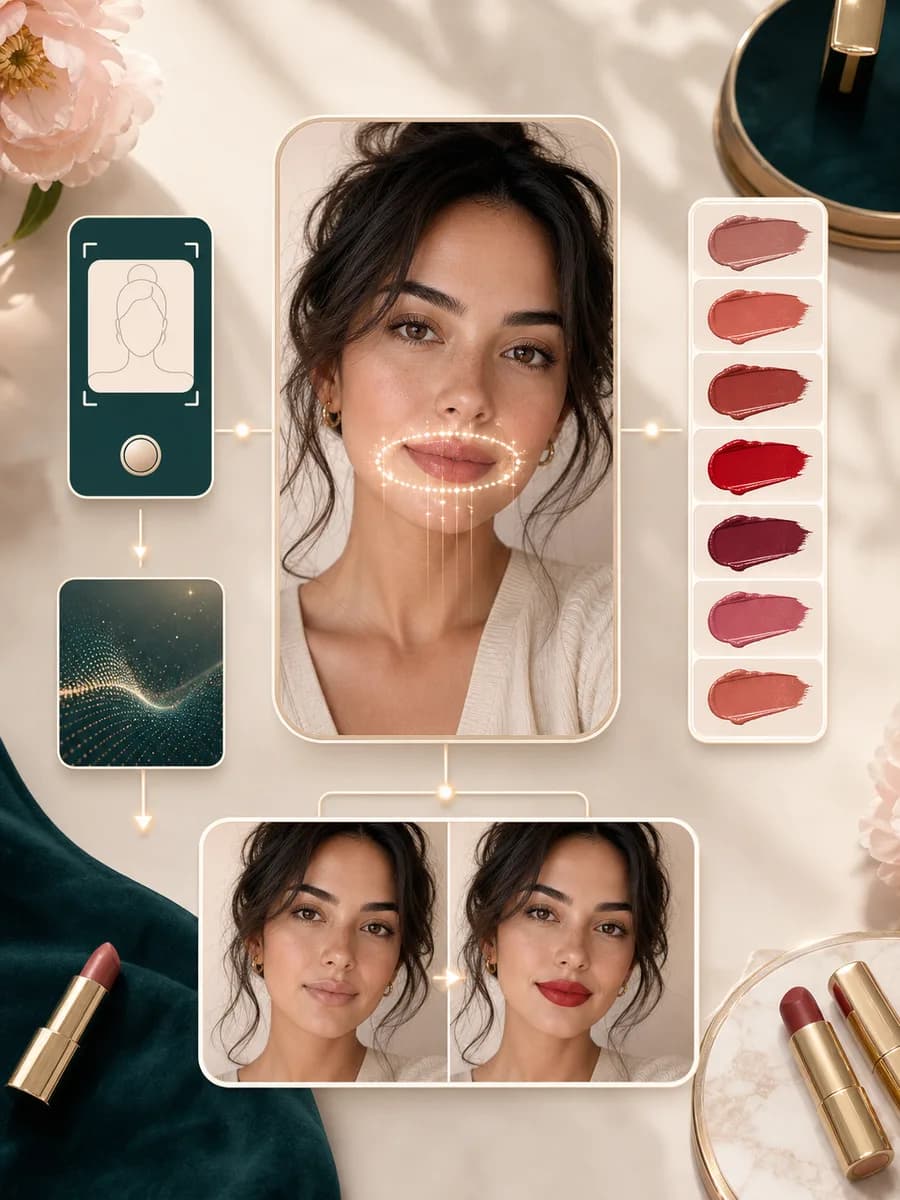
Pick a shade family, upload a clear portrait, and review the generated lip color beside your original.
Pick a lipstick direction before you upload. The presets cover nude, pink, red, berry, brown, sheer, matte, satin, gloss, cream, velvet, and tint looks.
Use a front facing photo where your lips are visible. Soft natural light, a steady camera, and uncovered lips help the result look cleaner.
BeautyLove sends the portrait to the AI image model with instructions to change only lip color and finish while keeping the rest of the photo intact.
Review the before and after result, check whether the shade works with your skin and outfit, then download it or try another lipstick style.
Use cases
Searchers usually want to compare shades, finishes, and shopping choices before putting product on their lips.
Preview a shade family before buying. The result can help you decide whether to explore nude, rose, red, berry, brown, or coral tones in store.
Try a classic red, soft satin, or glossy berry lip before a date, wedding, photoshoot, party, or work event where makeup choices matter.
Use your actual portrait and clothing context to see whether a lip color feels balanced with your skin tone, hair, accessories, and wardrobe.
Matte, satin, gloss, cream, and sheer finishes can change the mood of the same color. Try a direction before opening a product.
Why choose BeautyLove
BeautyLove keeps the workflow narrow so you can judge lip color without turning the whole portrait into a different makeup look.
Choose a shade, upload a portrait, and generate one lip color result without building a full makeup prompt.
The prompt asks the model to preserve your face, skin, teeth, hair, clothing, and background outside the lips.
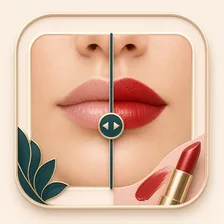
Review the generated image beside your original so you can judge color balance before you try another shade.
Virtual Lipstick Try On is an AI Generator tool. A successful result uses 20 credits, and failed requests should not.
Key features
The tool focuses on practical shade exploration: color families, finish cues, photo guidance, and a result you can review.
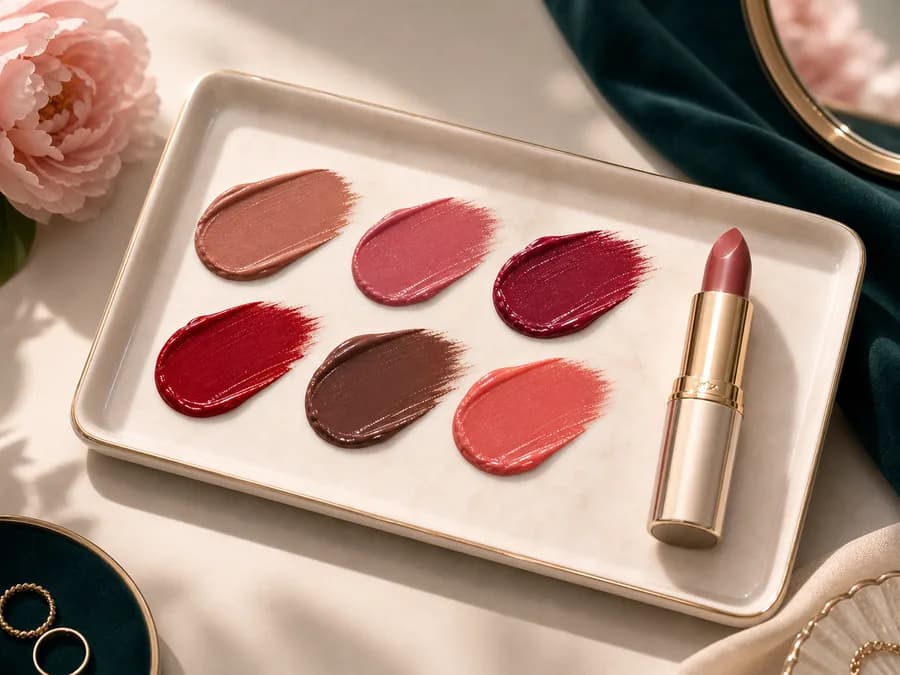
Start with ready shade families instead of guessing a prompt. Nude and pink shades are useful for everyday looks, red and berry options create more drama, brown tones feel modern, and sheer tints keep the look fresh. Each preset includes finish cues so the preview has more context than a flat color fill.
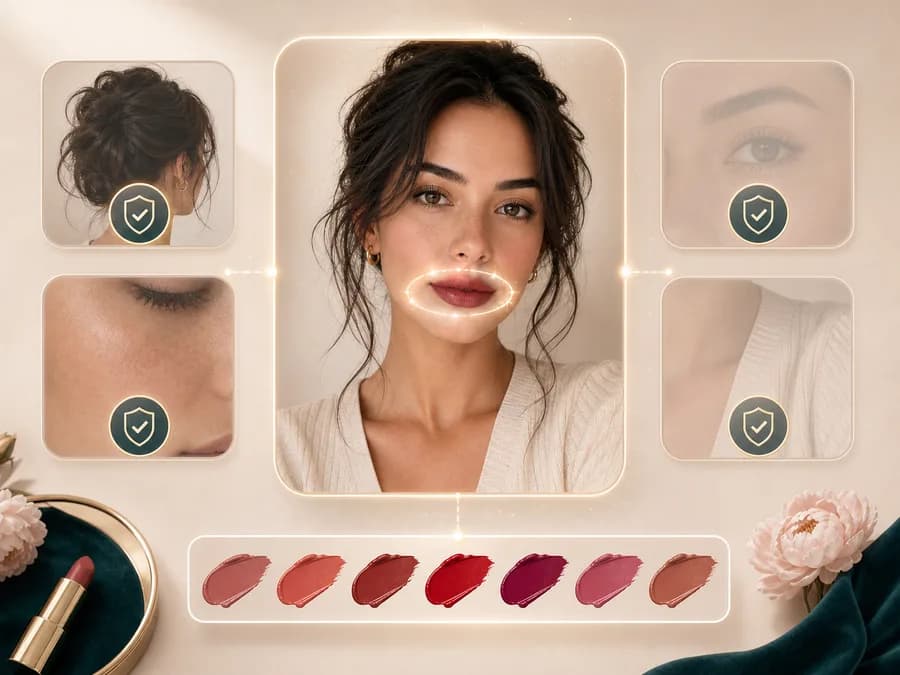
The generation prompt is narrow by design. It asks the model to keep your natural lip shape, face, expression, teeth, skin texture, hair, clothing, jewelry, and background the same while changing the visible lipstick color and finish.
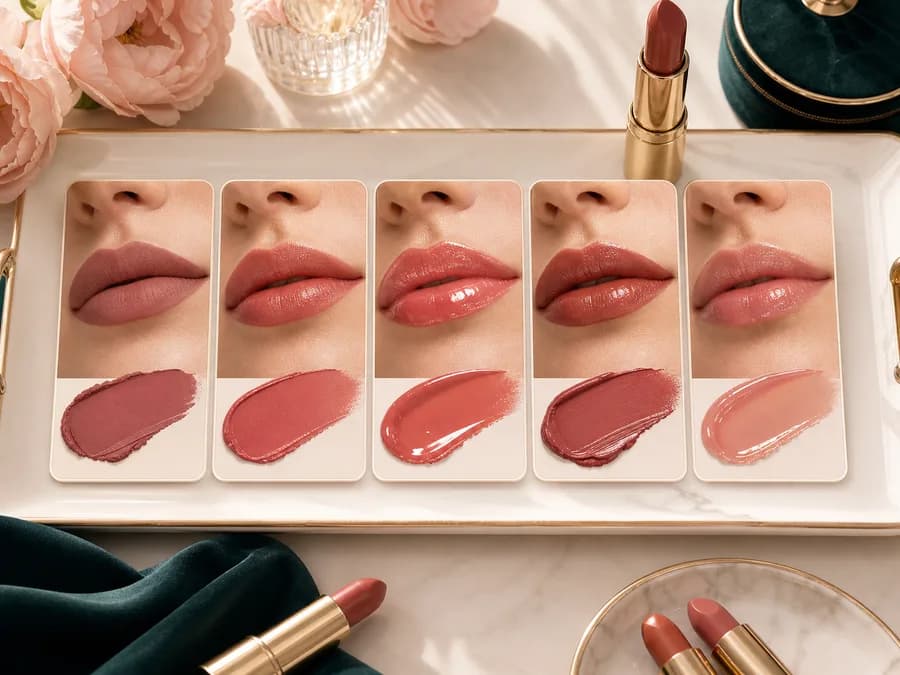
Finish matters as much as color. Matte can feel soft and modern, satin keeps a subtle sheen, gloss adds reflection, cream looks smoother, and sheer balm gives a lighter wash. The presets include finish cues so the result has more context than a flat color fill.
After generation, the result page lets you compare the edited image with your original. This makes it easier to notice whether the lipstick works with your undertone, smile, outfit, and lighting before you download the image.
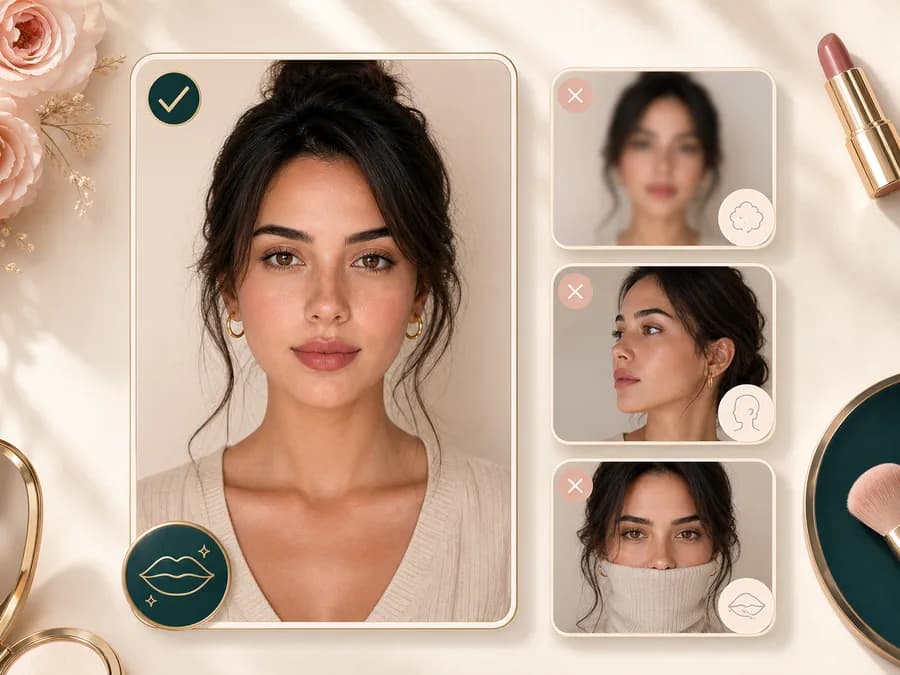
The tool works best when the lips are visible, sharp, and not covered by cups, hands, heavy shadows, or strong filters. If a result looks uneven, try a brighter photo with a front facing angle and a larger lip area.
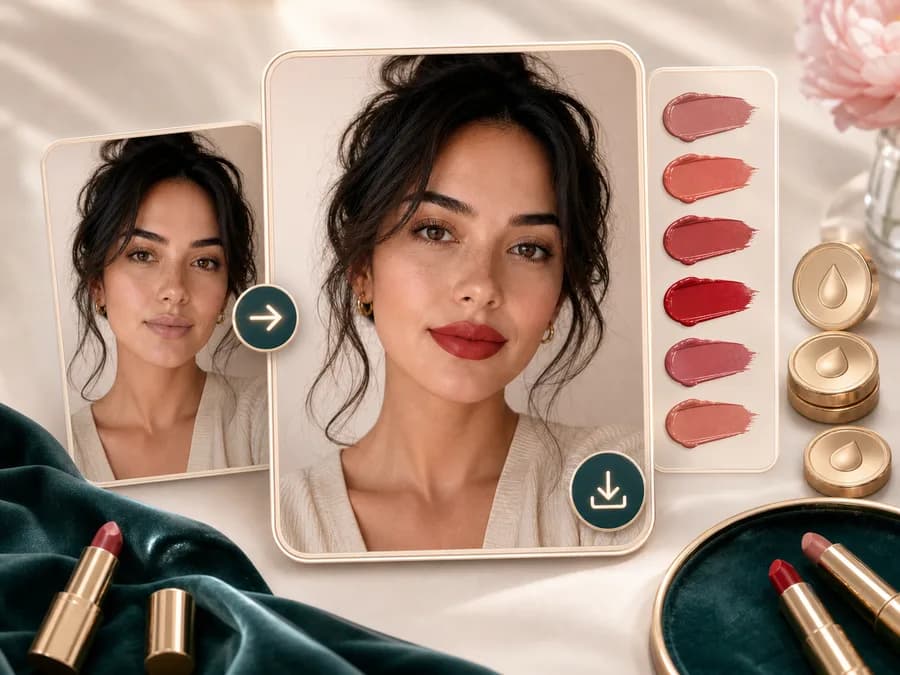
Save the result as a beauty reference for shopping, makeup planning, or comparing lipstick families. The image is not a guaranteed product match, but it can help you decide which colors and finishes are worth testing in real life.
Comparison table
Different tools solve different lipstick questions. Use this table to choose between a quick style preview and exact product testing.
| Option | Shade control | Result style | Best for |
|---|---|---|---|
| Virtual Lipstick Try On by BeautyLove | 30 shade and finish presets | Generated portrait with a before and after result page | Trying lipstick color direction on your own photo |
| Brand virtual makeup studios | Often tied to product catalogs | Live camera or photo try on experience | Checking a specific brand shade before purchase |
| General AI image editors | Prompt based and flexible | Depends on how specific the prompt is | Custom edits when you want more manual control |
| Makeup filter apps | Usually broader makeup effects | Mobile first previews with many beauty filters | Full face looks, social previews, and quick experiments |
| Manual swatching | Real product and real skin texture | Most reliable color read in store or at home | Final buying decisions and exact shade matching |
Privacy and use notes
BeautyLove uses your uploaded portrait to process the lipstick try on request through the selected AI service. The edit is not processed only on your device.
Generated result data and thumbnails may be kept in your browser storage so the result page can show your latest lipstick preview.
Upload photos you own or have permission to edit. Avoid using portraits of other people without consent.
Use the result as a style preview, not as a guaranteed product match. Real lipstick can look different under different light and skin texture.
FAQ
Shades, finish realism, photo quality, credits, mobile use, and shopping expectations.
Virtual lipstick try on is an online way to preview lip colors on your own photo. BeautyLove uses AI to edit the lips while keeping the rest of the portrait as stable as possible.
Choose a lipstick preset, upload a clear portrait, generate the result, and compare the before and after image. You can return to the tool to try another shade.
The tool is prompted to preserve your natural lip shape and lip size. It focuses on color and finish, but very blurry or shadowed lips can reduce precision.
Yes. The presets include matte, satin, gloss, cream, and sheer finish cues, so you can compare how different lipstick textures might change the look.
No. The result is a visual style preview, not an exact product match. Real shade payoff can change with your natural lip color, lighting, formula, and screen settings.
A clear front facing portrait works best. Keep lips visible, avoid heavy blur or shadows, and use a photo without hands, cups, hair, or masks covering the mouth.
Yes, but bare or lightly tinted lips usually give a cleaner baseline. Strong existing lipstick can affect how the new shade blends into the image.
A successful virtual lipstick try on run uses 20 credits. Failed requests and service errors should not consume credits.
Yes. BeautyLove runs in the browser, so you can upload a portrait and review the generated result on a phone, tablet, or desktop.
Uneven results usually come from blur, strong shadows, covered lips, side angles, or heavy filters. Try a sharper front facing photo with visible lip edges.
Ready when you are
Use a clear portrait with visible lips, then compare the generated color before you shop, apply, or save the look.
Loved by 5M+ BeautyLove users for hair, makeup, color, and portrait decisions.