AI Detector · Skin Tone Detector

Skin Tone Detector
for undertone clarity.

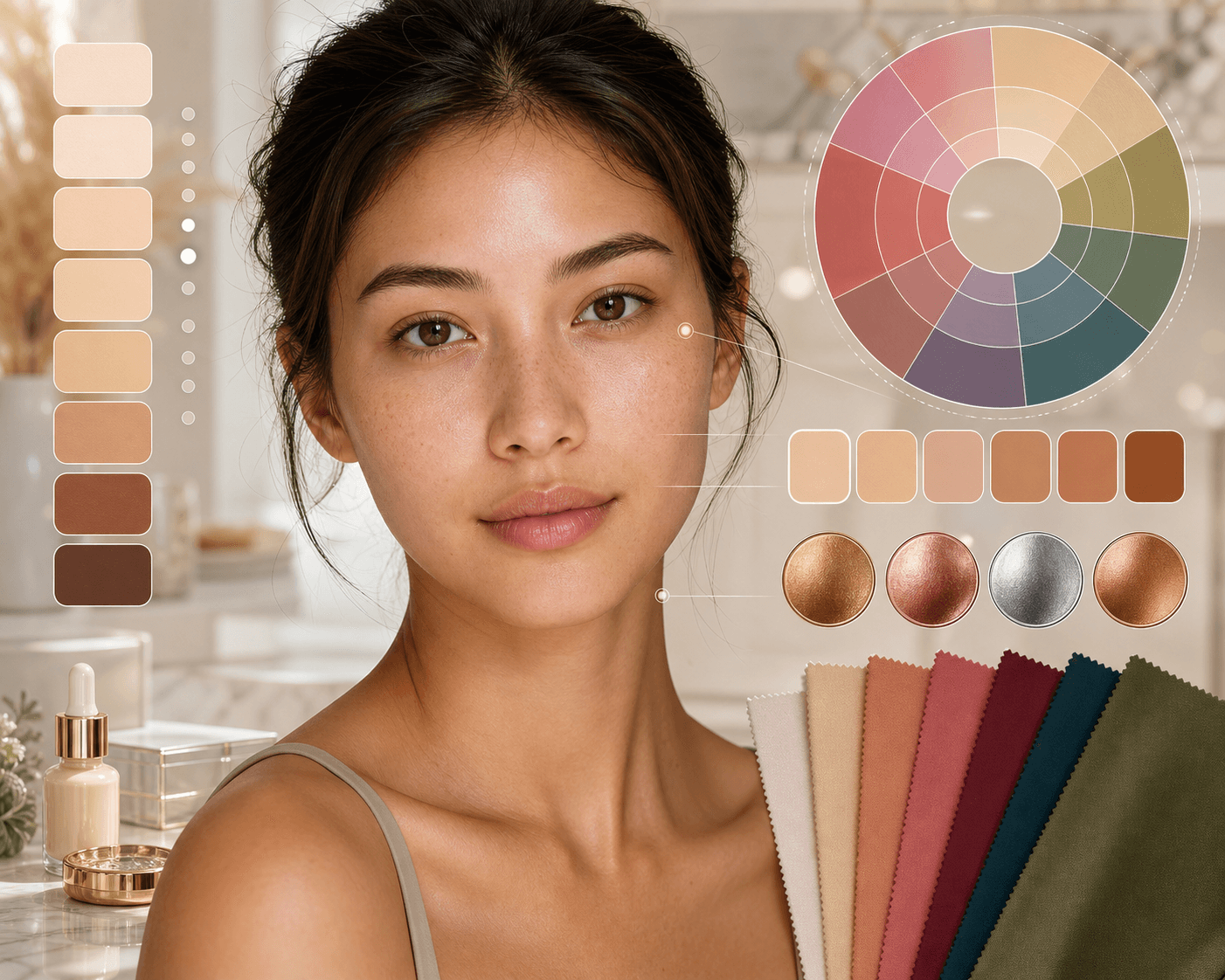
Upload a clear portrait to read visible skin tone, undertone, and color direction for foundation, clothing, jewelry, and lipstick choices. The result gives warm, cool, neutral, olive, fair, medium, and deep tendencies with practical beauty notes. Use it as a starting point, then test products in real light.

Skin Tone Detector preview with undertone, foundation, clothing, and jewelry guidance

Loved by 5M+ BeautyLove users for hair, makeup, color, and portrait decisions.

5M+
Users worldwide
4.9 / 5
Average rating
2,689
User reviews

How to

How to use
Skin Tone Detector.

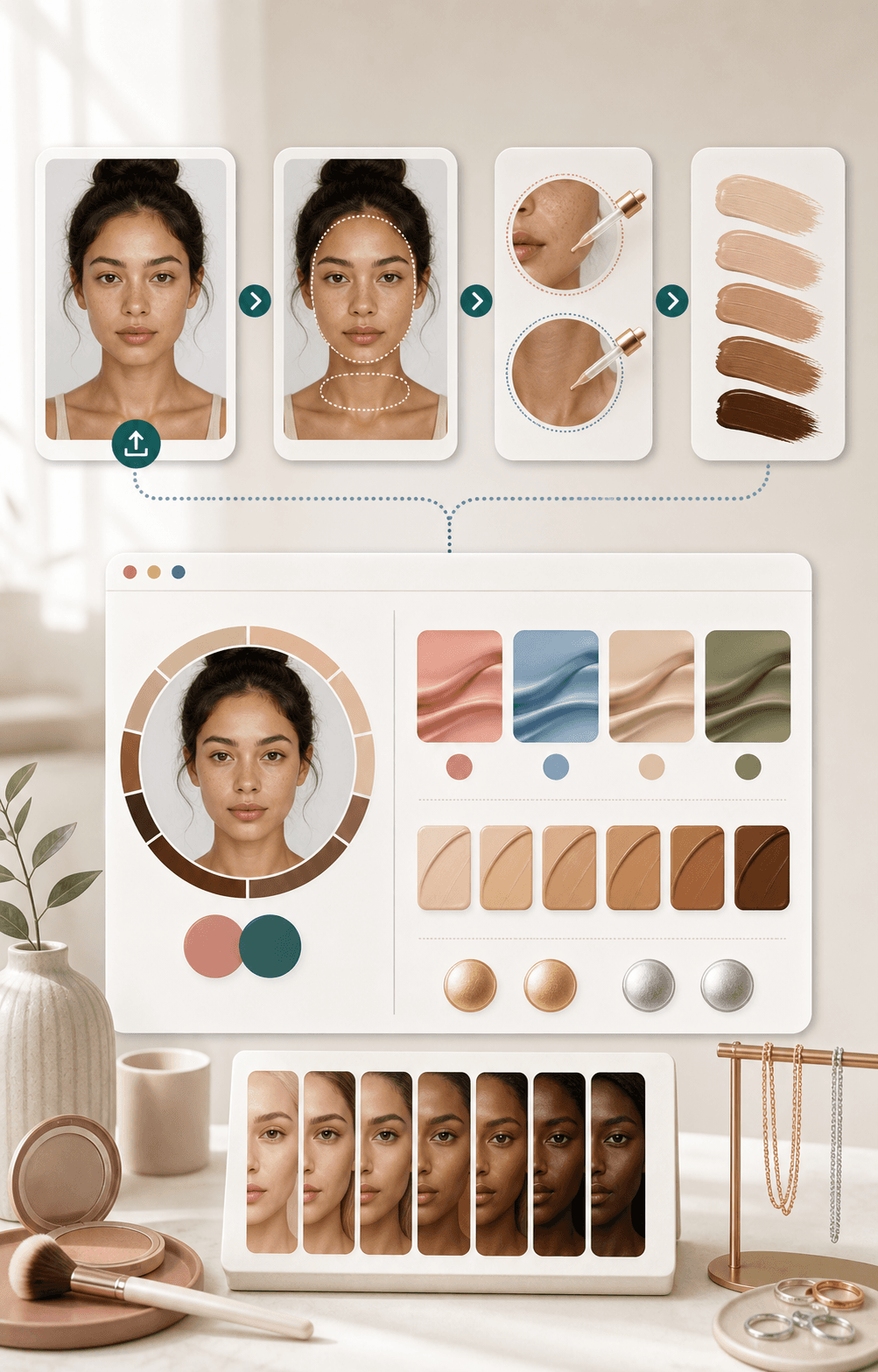
Start with one honest photo. The clearer the light and face crop, the more useful the color guidance becomes.

  1. 01

    Upload a clear portrait

    Choose one front facing photo in soft daylight. Keep your face and neck visible, and avoid heavy foundation, color filters, or tinted lighting.

  2. 02

    Run the skin tone detector

    BeautyLove reads visible color cues from the image and estimates undertone direction, skin depth, and the strength of each result signal.

  3. 03

    Read your undertone profile

    Review warm, cool, neutral, and olive tendencies, then look at the primary profile and confidence style scores before using the guidance.

  4. 04

    Use the color guidance

    Turn the result into practical starting points for foundation testing, clothing palettes, jewelry metals, lipstick shades, and makeup color balance.

Skin tone detector workflow showing upload, face and neck sampling, and color guidance

Why choose BeautyLove

Skin tone guidance
with practical next steps.

BeautyLove turns a photo into clear beauty signals. This skin tone detector keeps the read focused on color direction, not judgment.

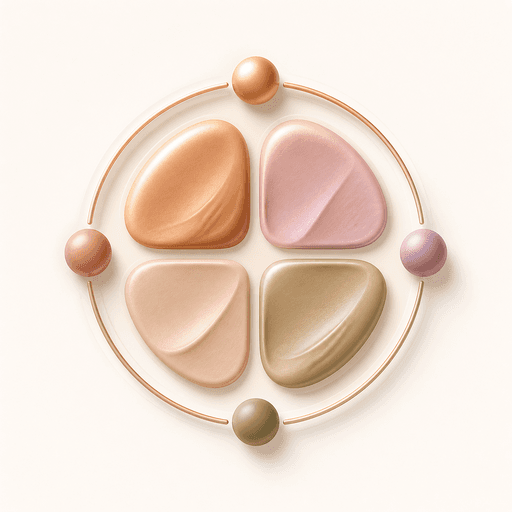
Icon with four undertone color chips for warm cool neutral and olive skin reads

Focused on undertone questions

The page is built for the question people actually ask: do I look warm, cool, neutral, or olive in this photo?

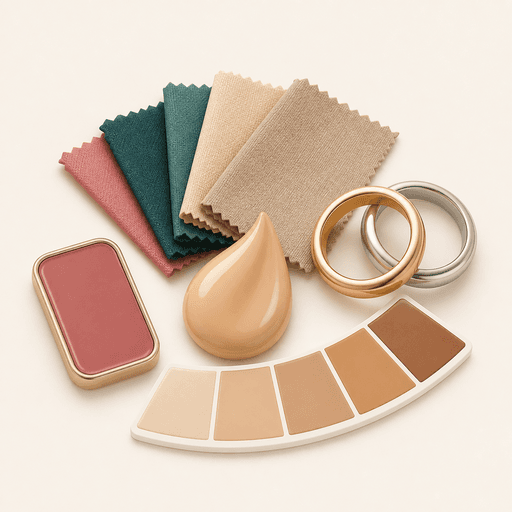
Icon showing makeup fabric and jewelry guidance for skin tone color choices

Guidance beyond foundation

Your result connects undertone to foundation direction, clothing colors, jewelry metals, lipstick shades, and general palette ideas.

Icon showing a daylight portrait card for clearer skin tone detector input

Clear upload cues

Skin tone detection depends on light. BeautyLove gives direct photo tips so you know when to retake the image.

Icon showing beauty credits and a shield for clear responsible tool access

Credit clarity

Skin Tone Detector is an AI Detector tool. A successful run uses 10 credits, and failed service requests should not consume credits.

Key features

What your skin tone
result can show.

The report connects visible tone and undertone signals to the color choices people make every day.

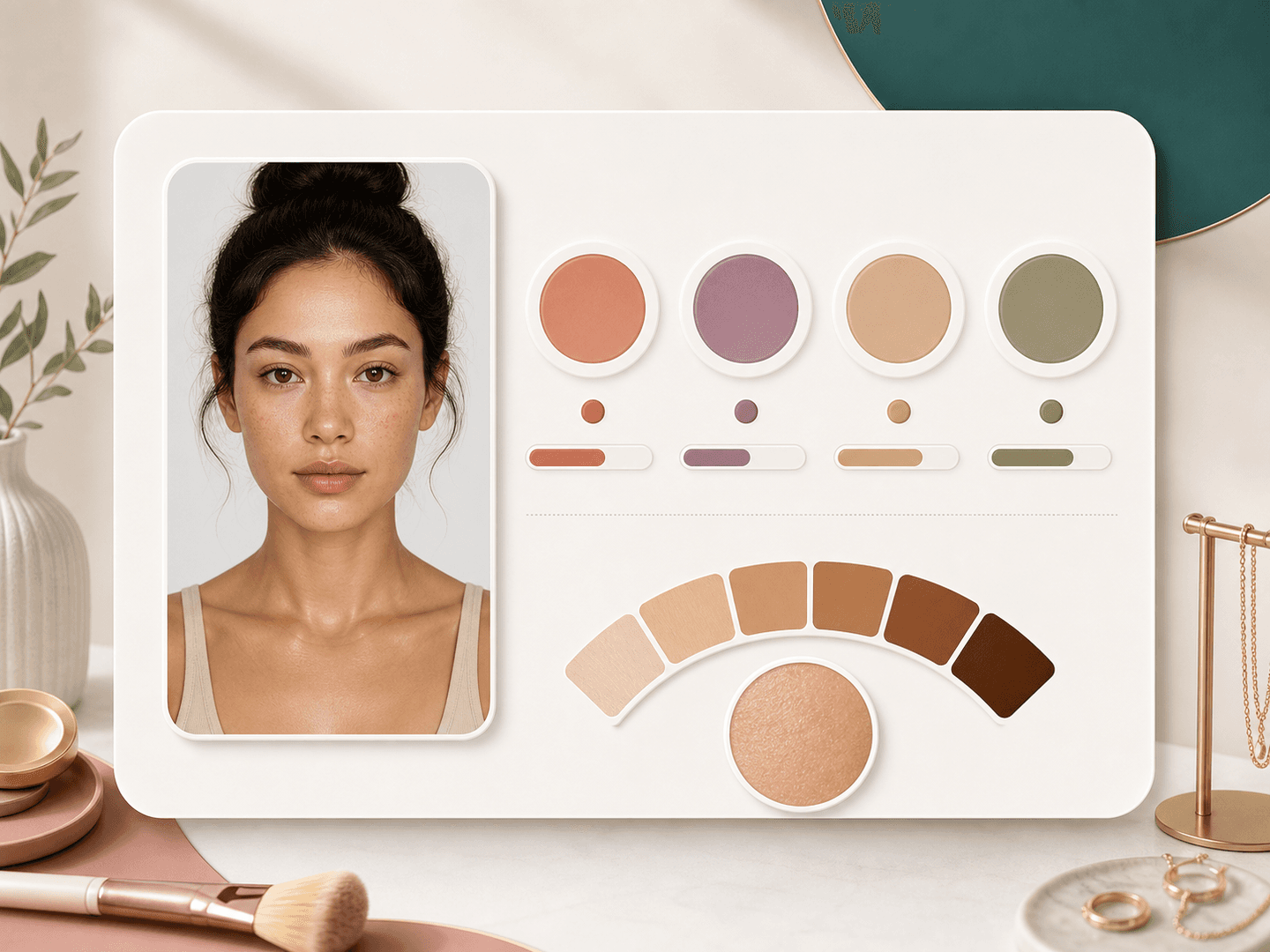
Skin tone detector result card with warm cool neutral and olive undertone chips

Undertone profile

The result estimates warm, cool, neutral, and olive tendencies from the visible color in your photo. This gives you a practical read when old vein tests, jewelry tests, or online quizzes feel unclear. Use the top profile as a starting point, then test real products in natural light.
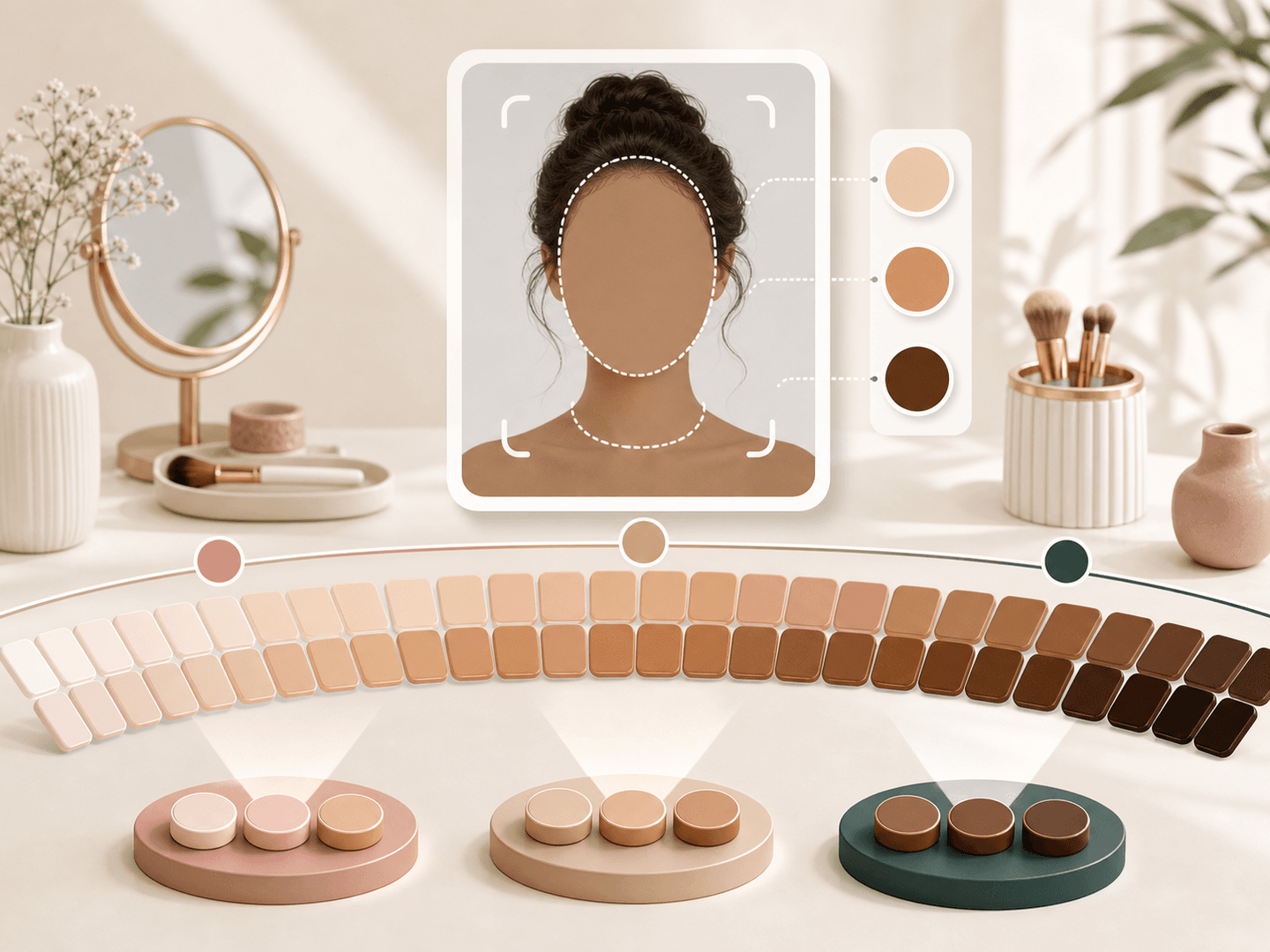
Inclusive skin depth swatches from fair to deep beside a portrait analysis card

Skin depth context

Skin tone is not only undertone. The detector also checks whether the visible skin depth leans fair, medium, or deep in the uploaded image. That context helps you separate surface depth from undertone, especially if tanning, lighting, or camera color balance changes how your skin appears.

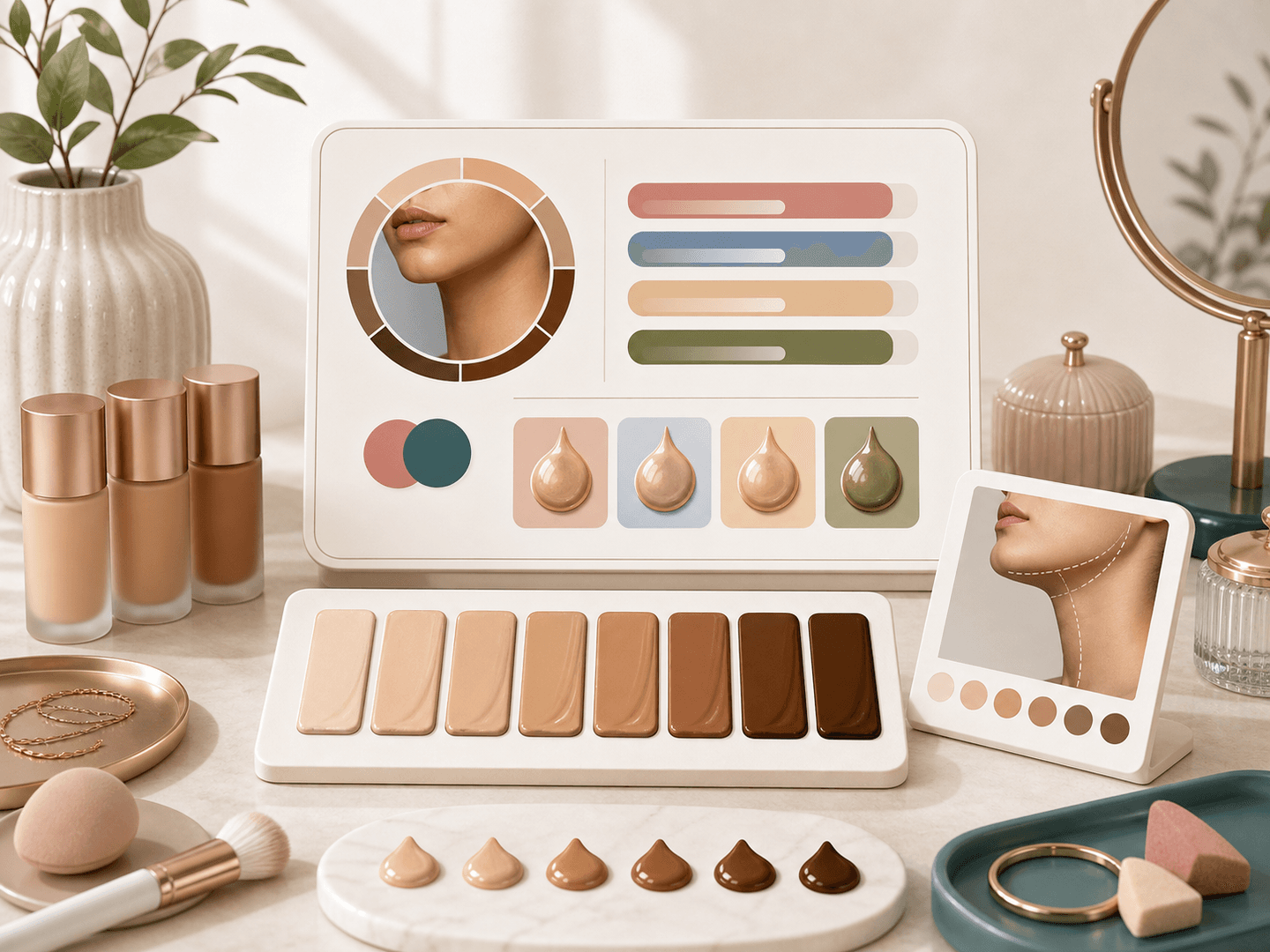
Foundation shade tiles and drops arranged beside a skin tone detector result card

Foundation match direction

BeautyLove does not promise an exact brand shade. It gives undertone based foundation tips, such as which shade family to test first and where to check the blend. Try your final match on the jawline and neck because store light and camera light can disagree.

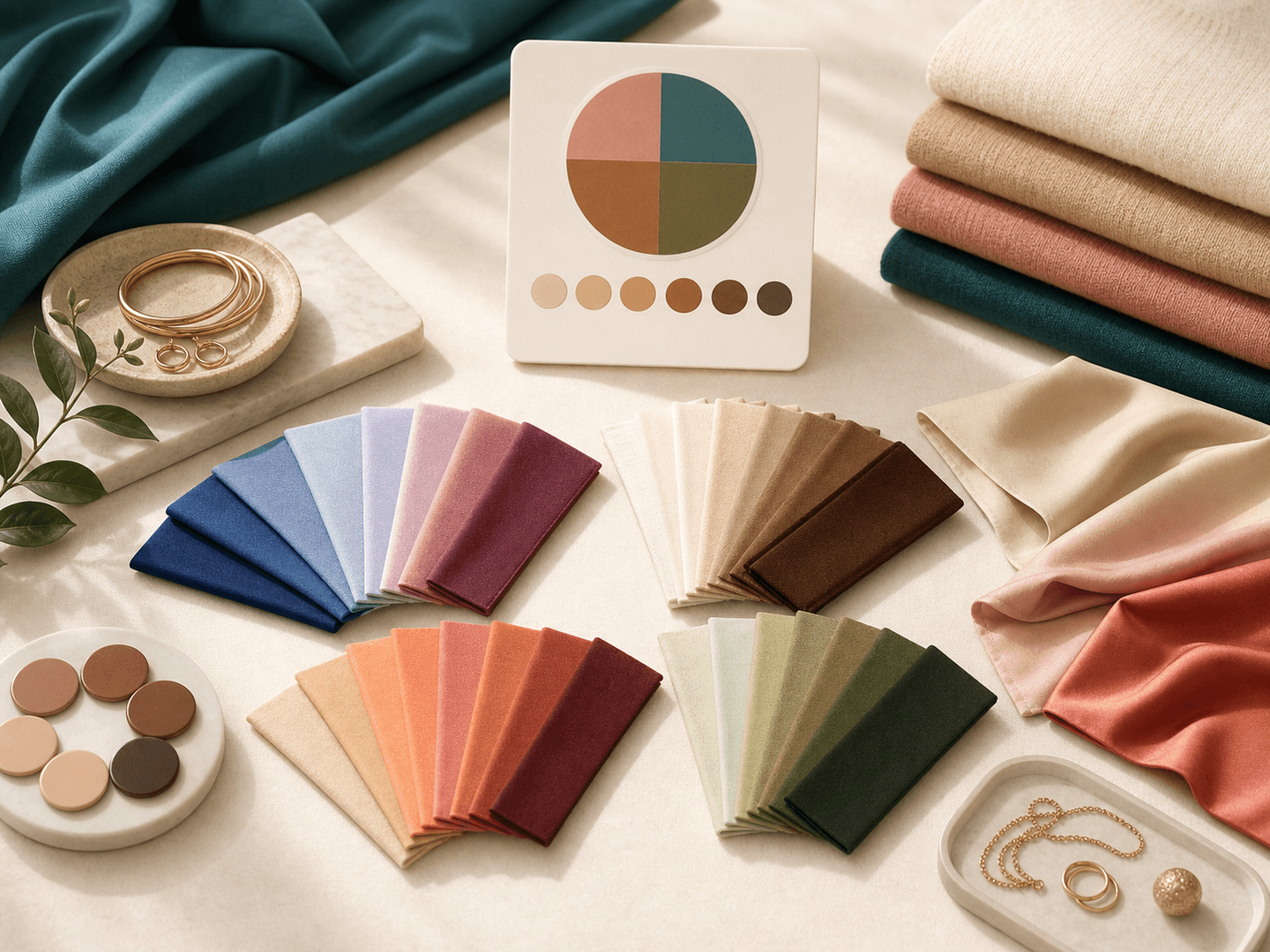
Fabric swatches arranged as clothing color ideas for skin tone analysis

Clothing color palette

The result includes clothing color ideas that can flatter the visible undertone read. This is useful when you are choosing a capsule palette, shopping for a dress, planning photoshoot outfits, or deciding which neutrals make your skin look more balanced on camera.

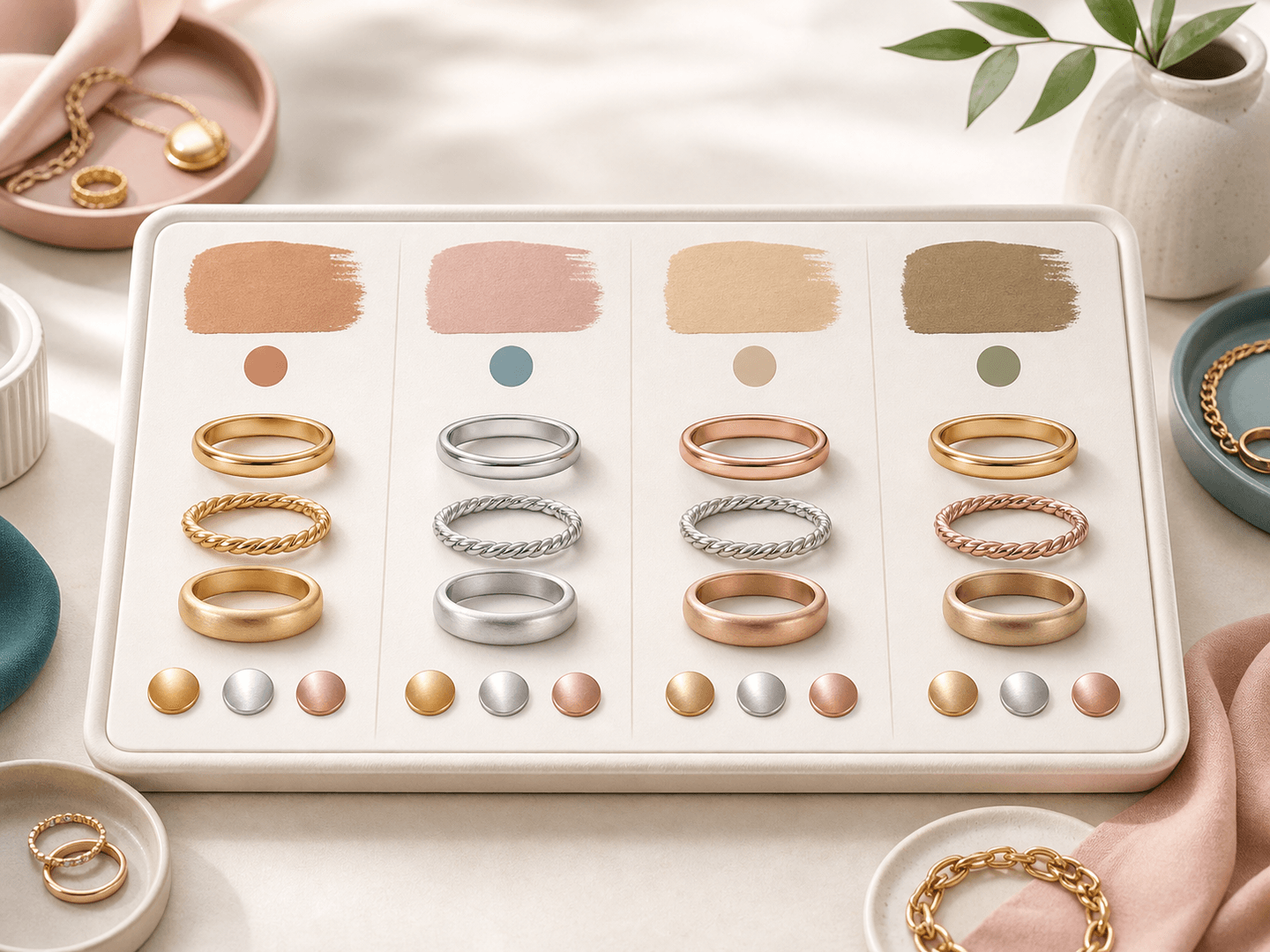
Gold silver and rose gold jewelry chips for undertone based metal suggestions

Jewelry metal suggestions

Gold, silver, and rose gold can change how warmth or coolness shows up near your face. The detector gives jewelry metal suggestions based on the undertone profile, so you can compare options with a little more structure than guessing in the mirror.

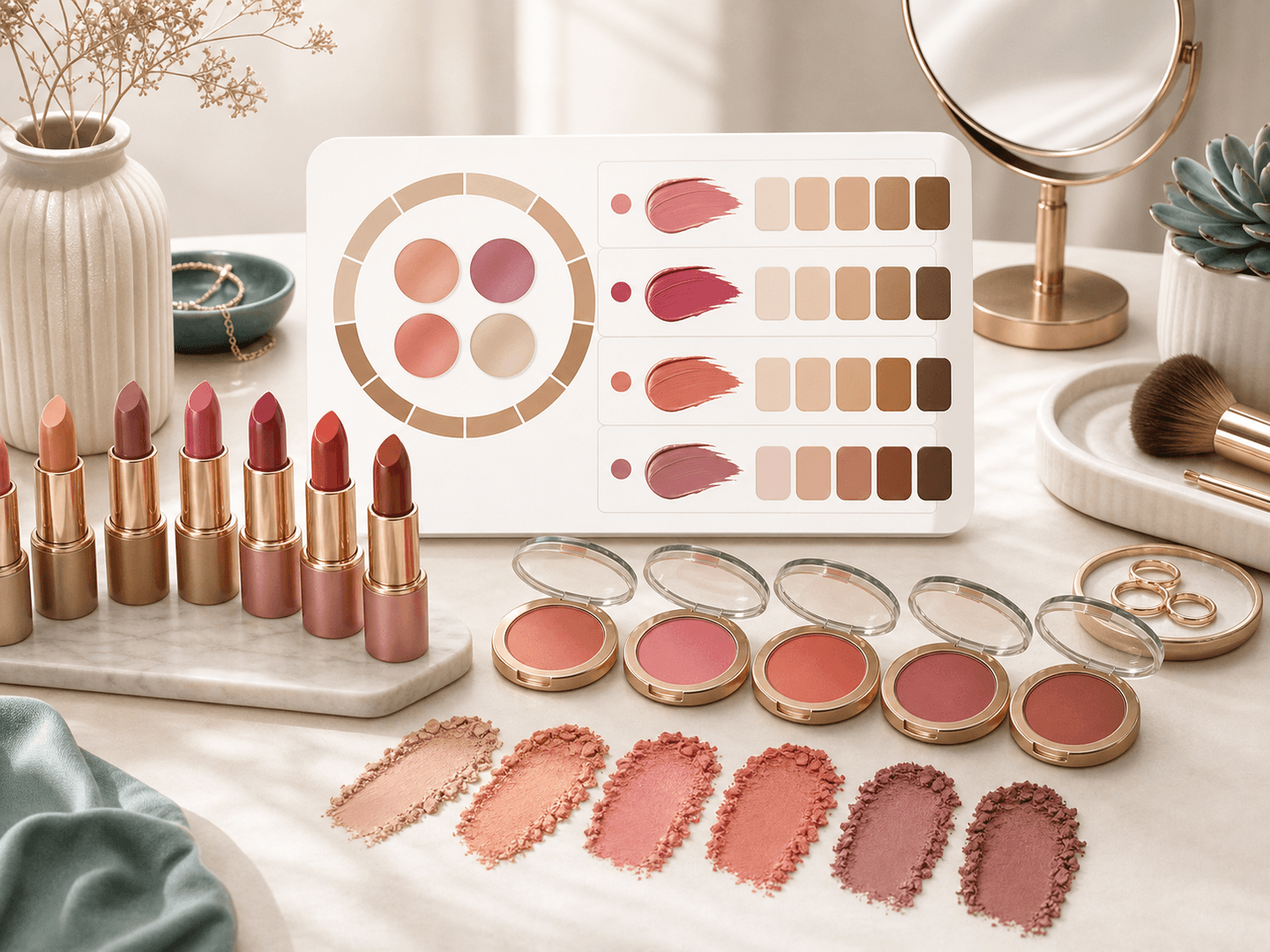
Lipstick and blush shade families recommended from skin undertone analysis

Lip and cheek shade ideas

Lipstick and blush often reveal undertone mismatch fast. Your result can suggest shade families such as rose, berry, coral, nude, terracotta, or mauve. Use those families as a shopping filter, then adjust intensity for your contrast, style, and occasion.

Comparison table

Choose the right
color check.

Skin tone tools, quizzes, and makeup counters each solve a different job. Use this table to pick the right next step.

OptionResult focusPhoto needBest for
BeautyLove Skin Tone DetectorVisible skin tone, undertone profile, foundation, clothing, jewelry, and lipstick guidanceOne clear portrait with face and neck visiblePeople who want a practical online skin tone detector with beauty guidance
Undertone quizzes and vein testsSelf reported clues based on veins, jewelry preference, or sun reactionNo upload neededA quick first guess when you do not want to upload a photo
Brand shade findersProduct shade suggestions within one makeup catalogVaries by retailer or brandShopping a specific foundation line after you know your direction
Seasonal color analysis toolsBroader palette language for wardrobe seasons and contrastUsually needs a clear portraitPeople focused on full wardrobe color systems
In store shade matchingHuman testing with real products and lightingNo photo requiredFinal foundation checks before buying a product

Photo tips

Help the detector
read color honestly.

Undertone can look different under bathroom bulbs, heavy filters, and strong shadows. A cleaner input gives a clearer read.

  • 01

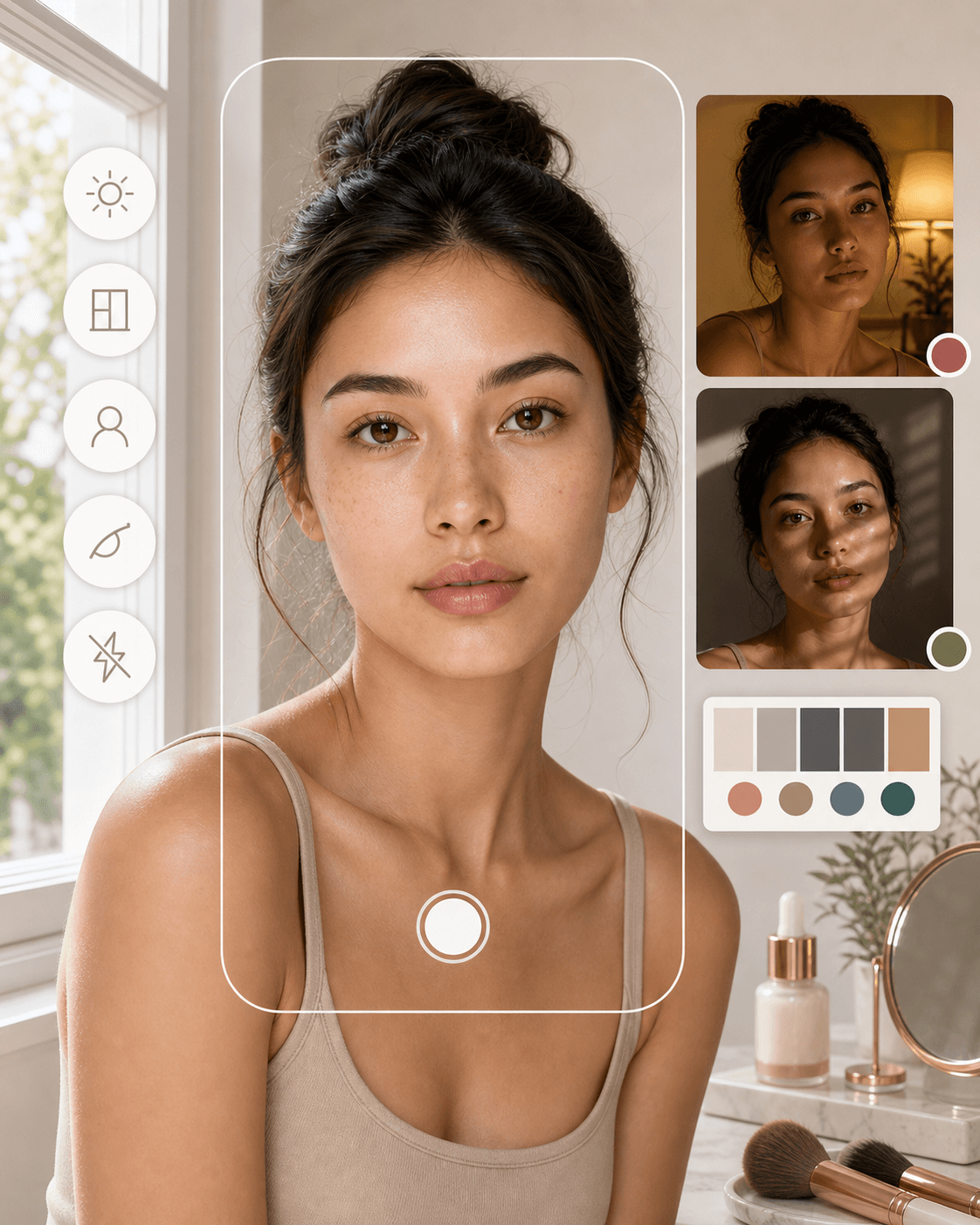
    Use daylight near a window because colored bulbs can make skin look warmer or cooler than it is.

  • 02

    Skip heavy foundation, strong color corrector, and beauty filters when you want a clean undertone read.

  • 03

    Include your neck and jaw area because foundation usually needs to connect those zones.

  • 04

    Upload one person only. Group photos can confuse the face crop and color read.

  • 05

    Try a second photo if the result feels too warm, too cool, or clearly affected by shadows.

Daylight portrait setup for clearer skin tone detector photo input

Privacy and boundaries

Upload with
clear consent.

Processing

BeautyLove uses your upload to run the Skin Tone Detector request through the selected AI service. The tool is not processed only on your device.

Browser results

Result data and the preview image may be kept in your browser storage so the result page can show your latest analysis.

Permission first

Upload photos you own or have permission to use. Avoid uploading images of someone else without clear consent.

Beauty guidance only

Skin Tone Detector is for beauty color guidance. It is not a medical, dermatology, identity, or ancestry assessment.

FAQ

Common questions.

Undertones, foundation, deep skin tones, photo quality, credits, and privacy.

What is a skin tone detector?

A skin tone detector is an online tool that estimates visible skin tone and undertone from a photo. BeautyLove uses that read for beauty color guidance.

How does BeautyLove detect my skin undertone?

BeautyLove analyzes visible color cues in your uploaded portrait and returns warm, cool, neutral, and olive undertone tendencies. Lighting can affect the result.

What is the difference between skin tone and undertone?

Skin tone is the surface depth, such as fair, medium, or deep. Undertone is the subtle warmth, coolness, neutrality, or olive cast underneath.

Can it find my exact foundation shade?

No, it gives foundation direction, not an exact brand SKU. Use the result to choose shade families, then test foundation on your jawline in natural light.

What photo works best for a skin tone detector?

A clear portrait in soft daylight works best. Keep your face and neck visible, avoid filters, and use one person in the frame.

Should I remove makeup before using it?

A makeup free photo is best for a clean baseline. Light everyday makeup can work, but foundation, bronzer, and filters can change the read.

Does Skin Tone Detector work for deep skin tones?

Yes, the result includes fair, medium, and deep skin depth tendencies. For all skin depths, even lighting and a clear face crop matter.

Is Skin Tone Detector free?

Skin Tone Detector is available online, but a successful analysis uses 10 BeautyLove credits. Failed requests and service errors should not consume credits.

How is this different from Color Analysis?

Skin Tone Detector focuses on tone, undertone, and makeup color direction. Color Analysis covers a broader seasonal palette for clothing and styling.

Do you store my skin tone photo?

BeautyLove uses uploaded images to process the request. Result data and thumbnails may remain in your browser storage so the result page can display.

Results are for beauty education and self expression, not a substitute for licensed professionals.

Ready when you are

Find your skin tone direction.

Upload one clear photo in soft light and use the result as a smarter starting point for color choices.