Plan a salon conversation
Bring a preview when you want to explain the direction, warmth, and contrast you like. Your stylist can adjust the plan for your real hair history.
AI Generator · Hair Color
Upload a portrait, choose a shade, and preview realistic hair color on your own photo before you dye, book a salon visit, or buy color.
Choose hair color
36 shades across natural, highlight, creative, and silver families. Selected: Warm chocolate
Output preview
Hair color before and after
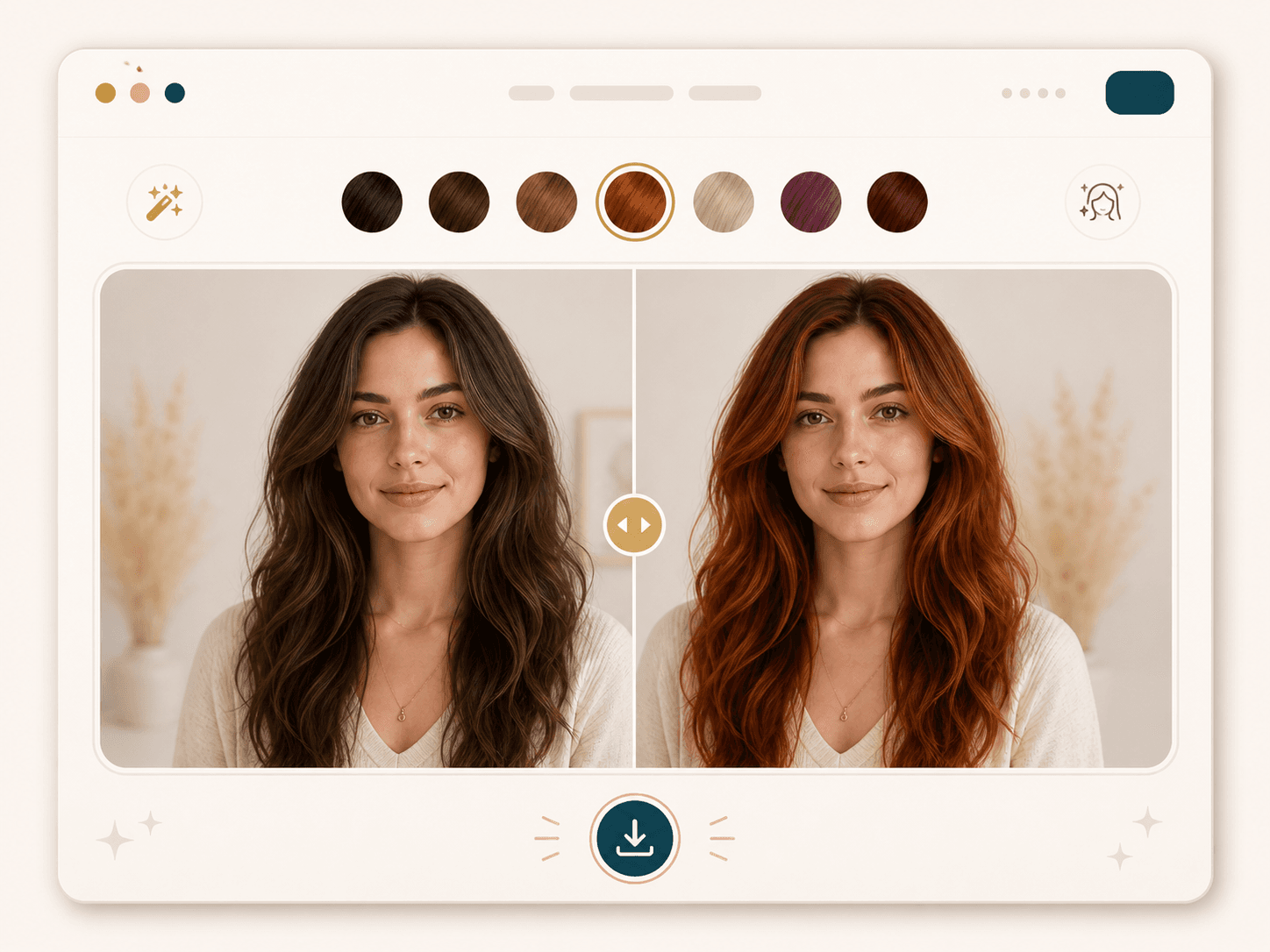
Output preview. Your actual result depends on the uploaded photo and selected settings.
20 credits
charged after success
No charge
when processing fails
Processing
Usually 15–45 seconds
Private result
Workspace: 30 days; browser fallback until cleared
How it works
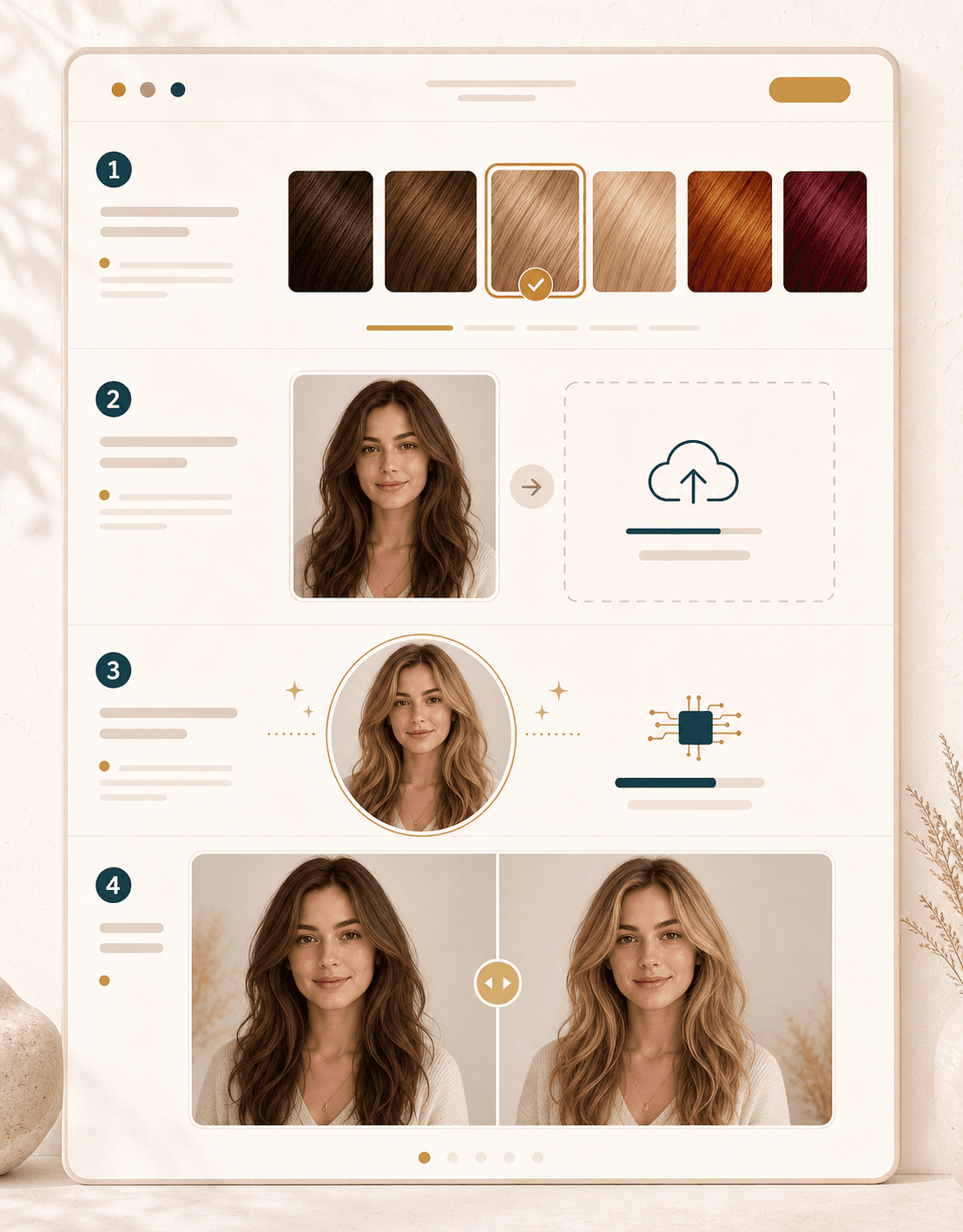
Pick a shade, upload a clear hair photo, generate the preview, and compare the new color before making a real change.
Pick from 36 natural, blonde, red, highlight, creative, and silver shade directions. Start with one color, then return and test more ideas on the same portrait.
Use a photo where your hair is visible, your face is forward, and the light is even. Avoid heavy filters, hats, and hair hidden in shadow.
BeautyLove sends the image for processing and asks the model to recolor only the hair. Your face, cut, texture, clothing, and background should stay the same.
Review the before and after result with the slider. Download the image for your mood board, shopping notes, or salon conversation.
Use cases
Hair color searches often start with risk: will blonde suit me, is copper too warm, or should I try a softer brown first?
Bring a preview when you want to explain the direction, warmth, and contrast you like. Your stylist can adjust the plan for your real hair history.
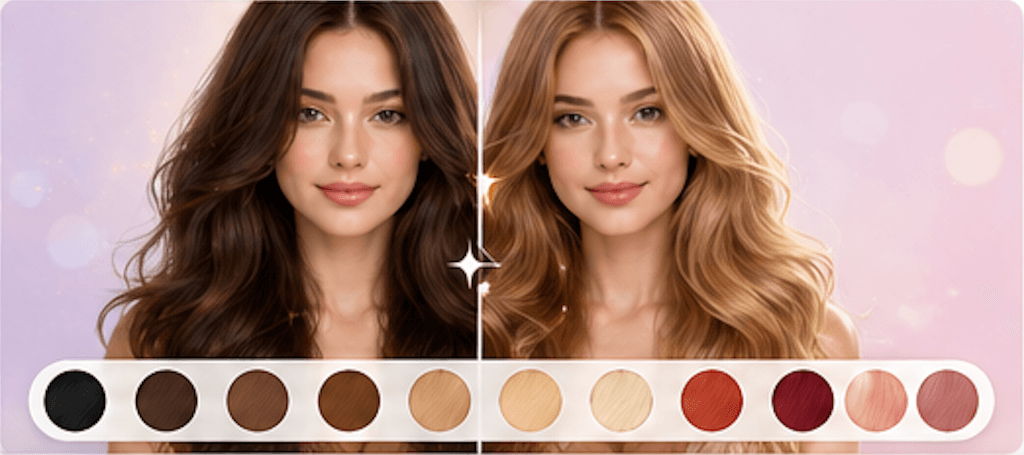
Test brunette, blonde, black, auburn, caramel, and copper ideas before choosing a subtle change for work, school, photos, or everyday style.
Preview rose gold, burgundy, silver gray, lavender, or deeper statement tones before a major color shift that may need bleach or upkeep.
Use the before and after result for mood boards, profile ideas, campaign references, or visual planning before a shoot or creator project.
Why choose BeautyLove
BeautyLove focuses on practical preview work: keep the person recognizable, make the color readable, and help you decide what to try next.
See a color idea on your own photo before you buy box dye or book a salon appointment.
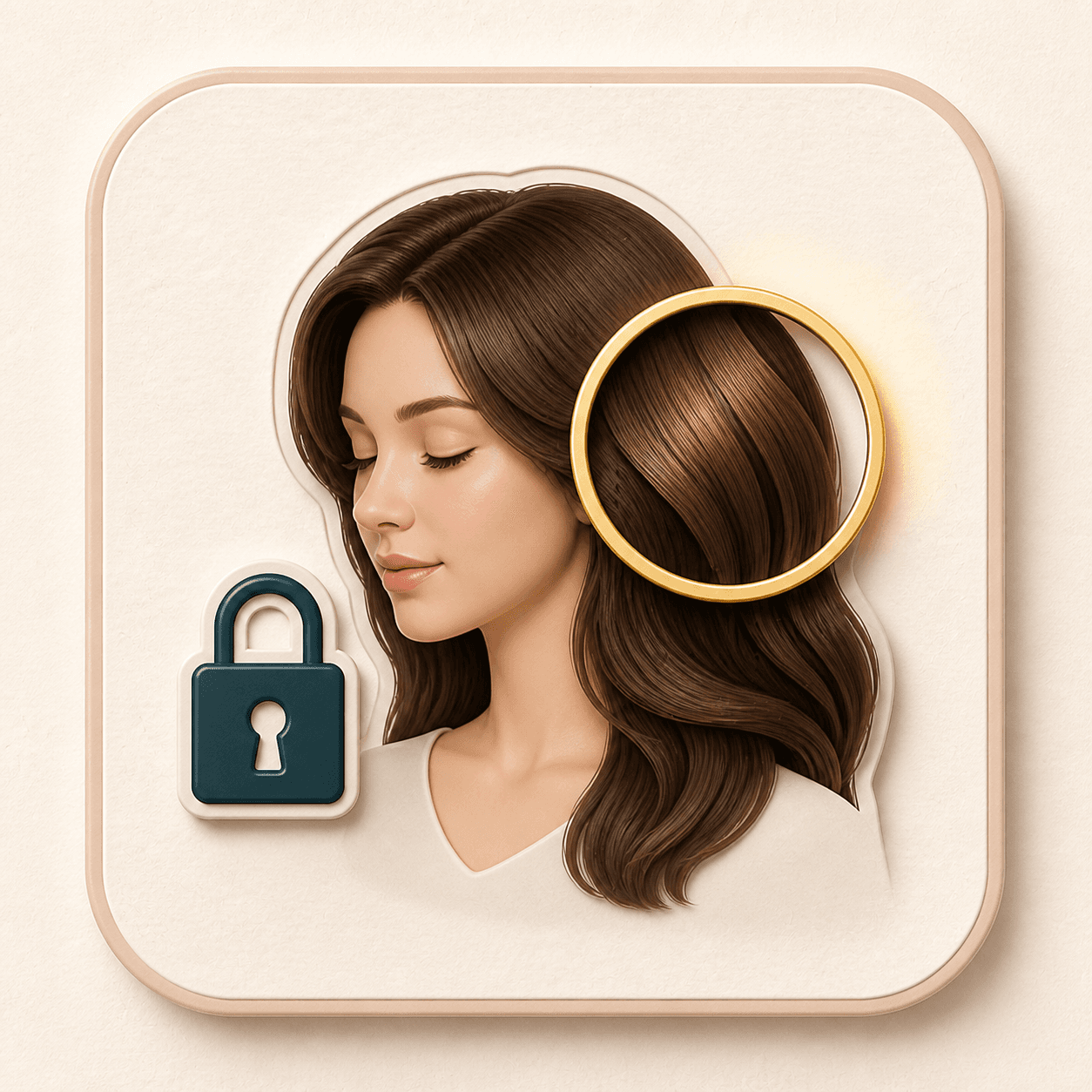
The prompt is built to change hair color only, while preserving your face, haircut shape, pose, and background.
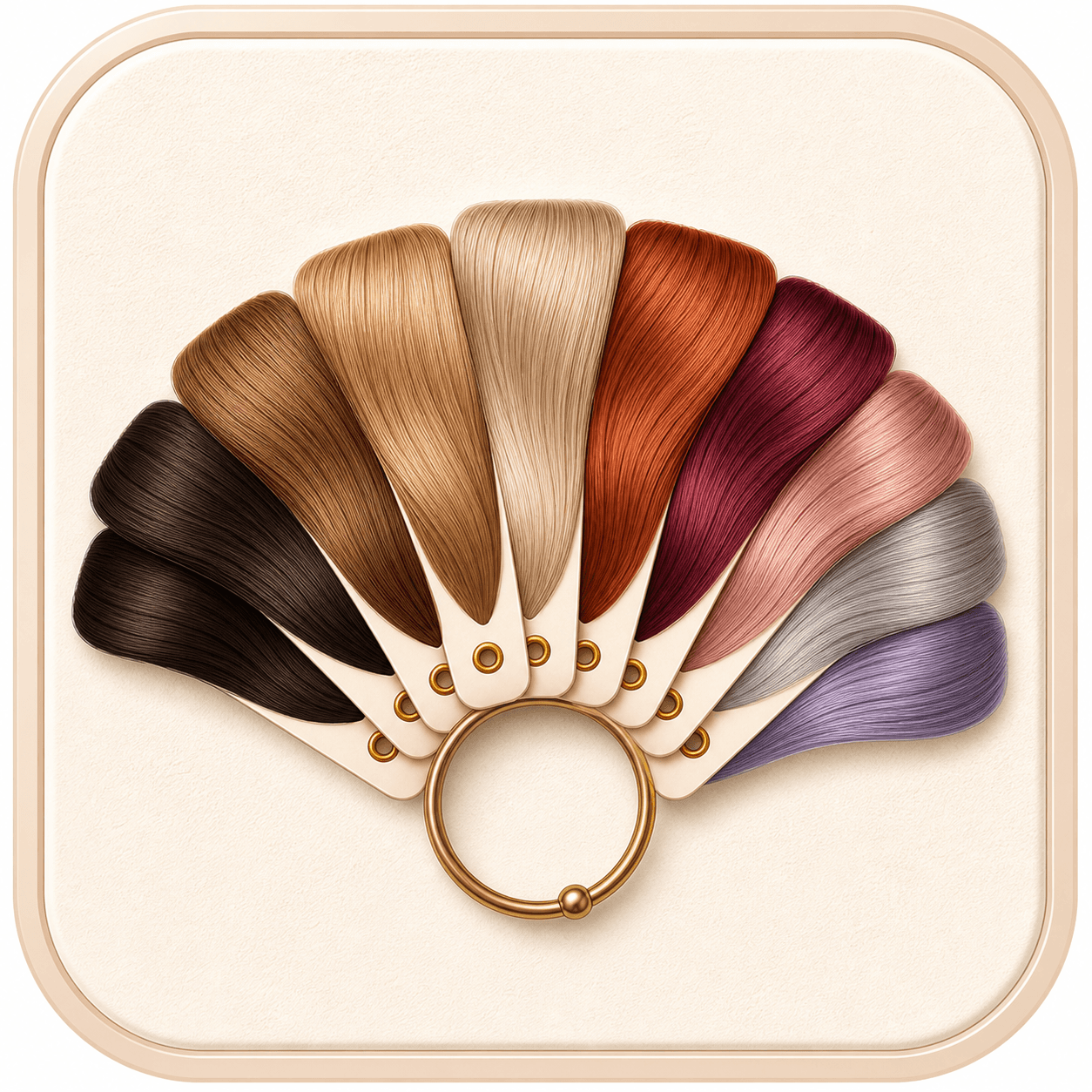
Try everyday browns and blondes, rich reds, silver gray, rose gold, lavender, and deeper statement colors.
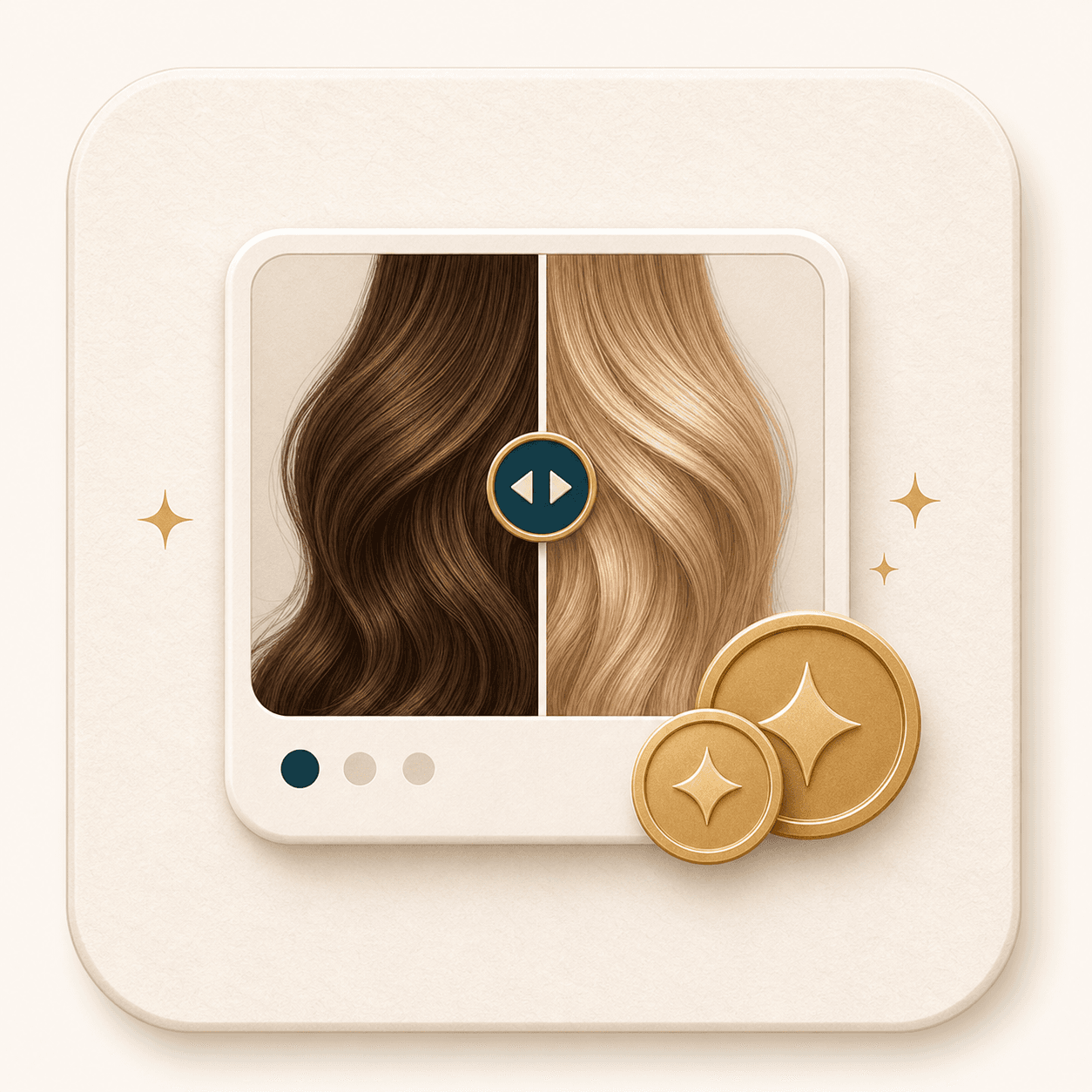
AI Generator runs use 20 credits only after a successful result, so you can test shades when you need them.
Key features
Use the tool when you want a visual answer, not just a color chart or a vague trend photo.
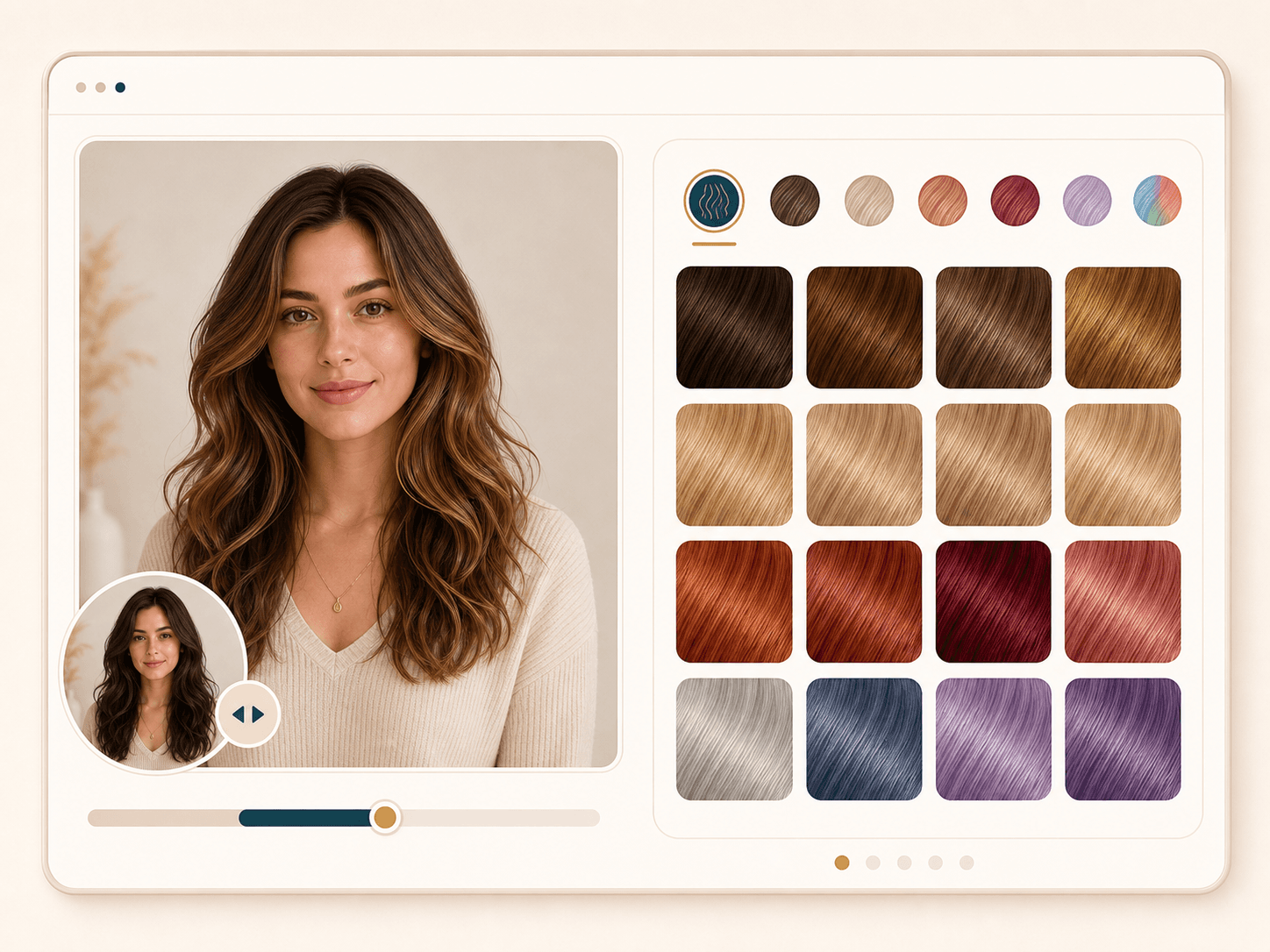
The color selector gives you 36 practical shade directions, from warm chocolate brown and honey blonde to copper ginger, burgundy, rose gold, silver gray, and pastel lavender. It helps everyday users, creators, and salon clients move from vague inspiration to a specific color direction they can compare.
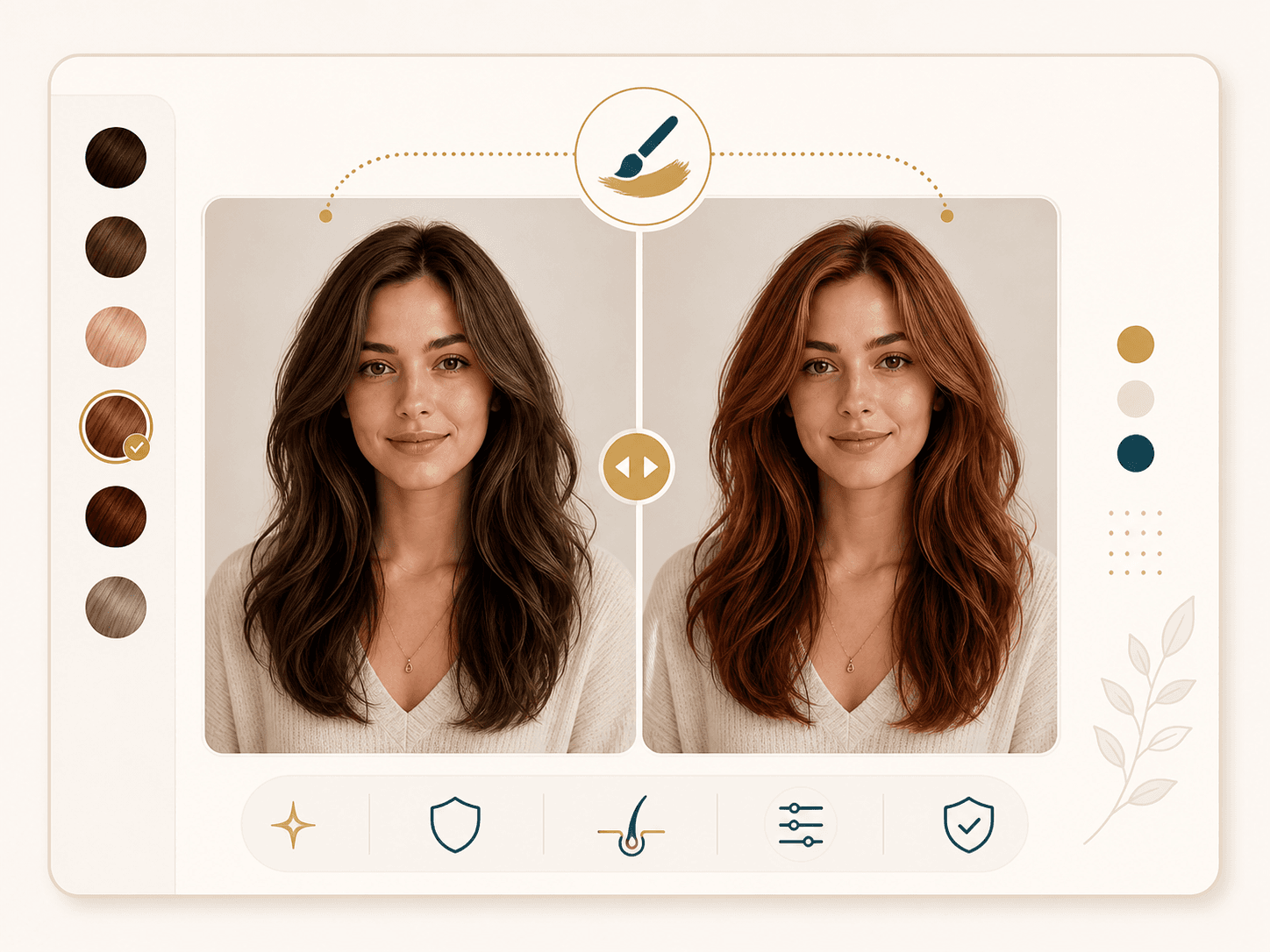
The generation prompt asks the model to recolor the hair while keeping your face, expression, haircut shape, texture, outfit, jewelry, and background intact. This matters when you want to judge the shade itself, not a changed hairstyle or a beauty filter that shifts the whole image.
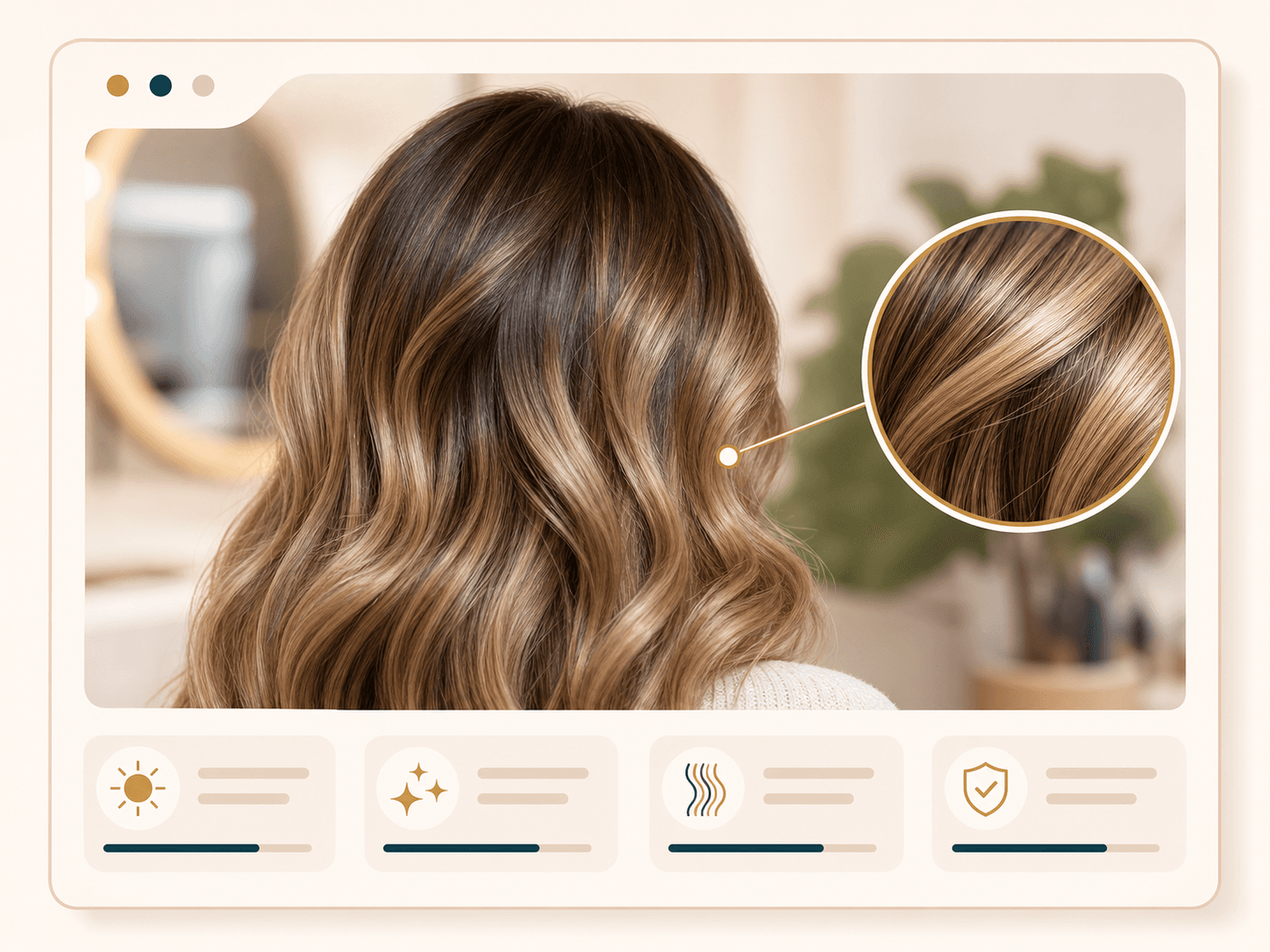
A useful hair color preview needs roots, highlights, shadows, and hair texture to stay believable. BeautyLove asks for a photorealistic blend with the original lighting, so the result can show how a shade might read on your current photo instead of sitting like a flat overlay.
The result page keeps your original and generated image together, with a slider you can drag to compare the change. This is helpful when two colors feel close, when you want to check whether the shade brightens your face, or when you need a reference image to save.
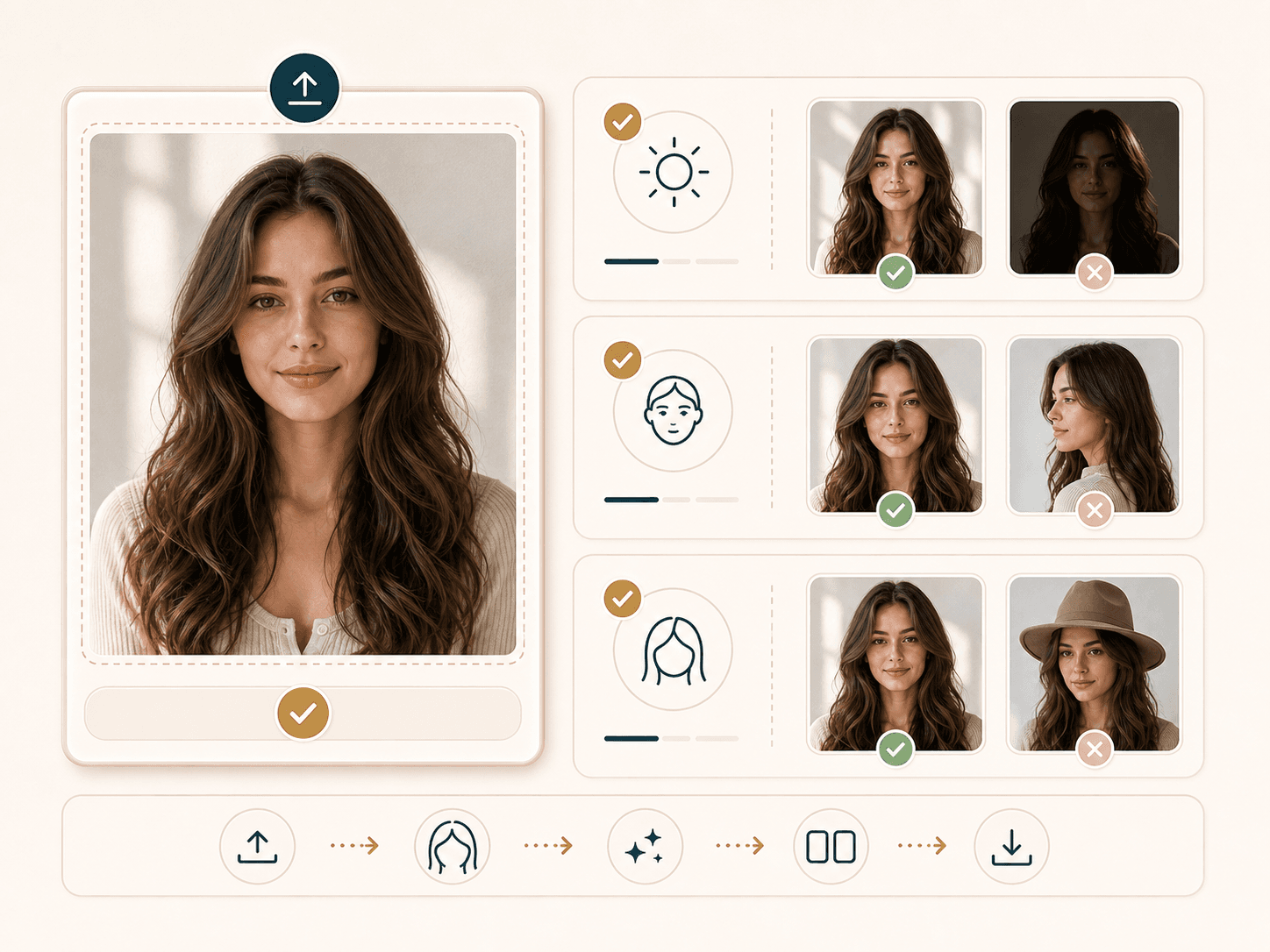
Hair color AI works better when the photo gives it enough hair detail. The page explains what to upload: visible hair, even light, a forward facing portrait, and minimal obstructions. Better input helps the model keep edges, roots, and texture more consistent.
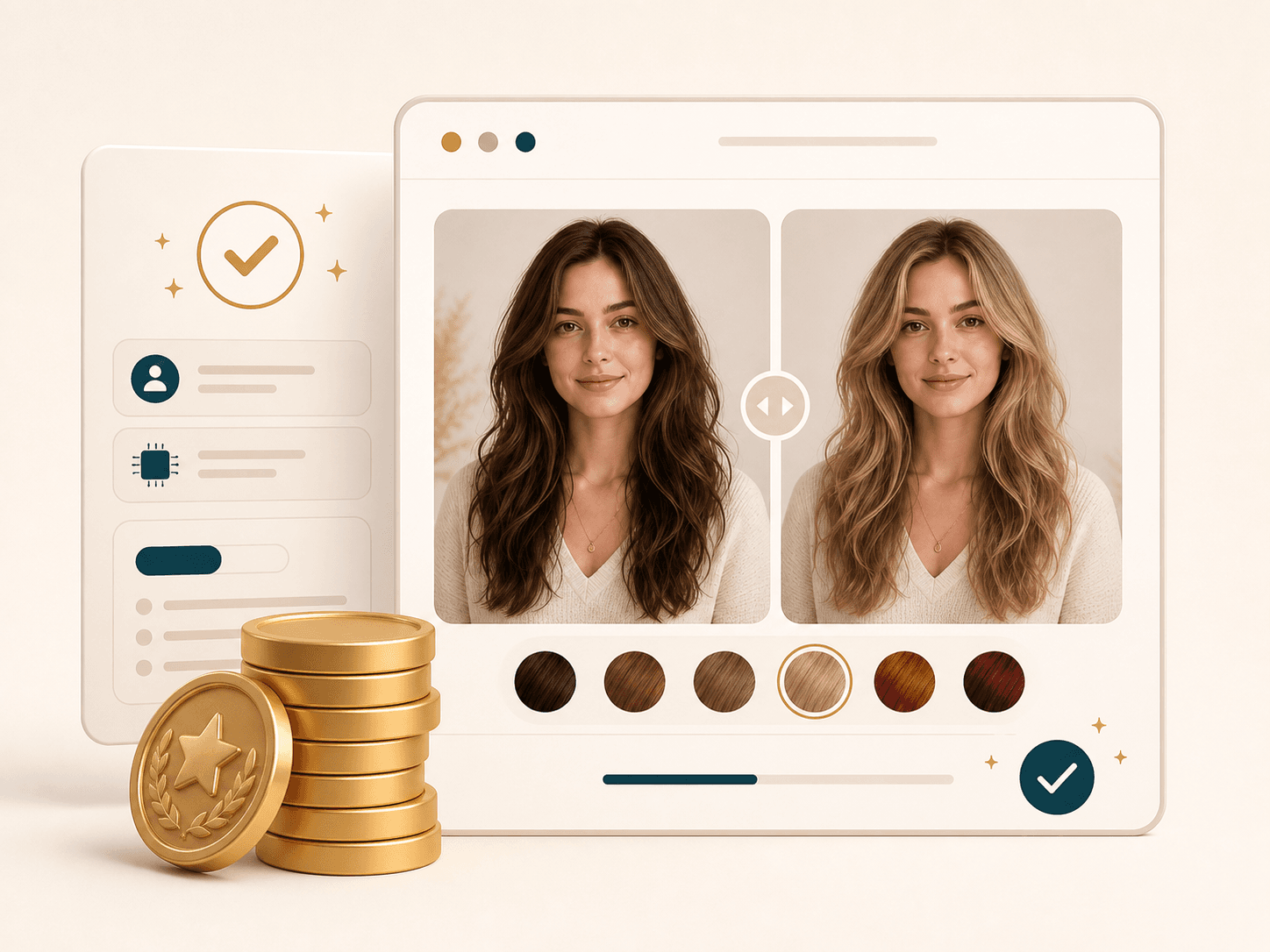
AI Hair Color Changer is a BeautyLove AI Generator tool. A successful run uses 20 credits, while failed requests and service errors should not consume credits. Credits work across BeautyLove tools, which makes it easier to test hair color, makeup, portraits, and other visual ideas in one account.
Comparison table
Different tools fit different moments. Use this table to choose between AI previews, live app filters, brand shade catalogs, manual editing, and salon advice.
| Option | Flow | Output | Best for |
|---|---|---|---|
| AI Hair Color Changer by BeautyLove | Upload a portrait, choose a shade, generate a before and after result | Photo based color preview with a download ready comparison | Trying a color on your own photo before dye, shopping, or a salon visit |
| Live AR hair color apps | Use a camera preview or app based try on | Fast live preview that can depend on camera light and device fit | Quick mobile browsing and playful shade exploration |
| Brand shade try on pages | Try colors tied to one product line or brand catalog | Product focused preview with shade names from that brand | Choosing between colors from a specific dye brand |
| Manual photo editing | Mask hair and adjust color in an editor | High control when the edit is done carefully | Designers who want manual control over masks, tones, and layers |
| Salon consultation only | Discuss inspiration photos with a stylist | Professional advice based on hair history and hair health | Final color decisions, correction work, bleaching, and complex formulas |
Privacy and realistic limits
BeautyLove uses your uploaded image to process the selected AI hair color request. The generation is not processed only on your device.
Result data and thumbnails may stay in your browser storage so the result page can show your latest preview.
Upload photos you own or have permission to use. Avoid uploading images of other people without consent.
Treat the result as a visual preview. Real color depends on your base shade, hair history, product formula, and professional technique.
FAQ
Shades, photos, credits, result quality, salon use, privacy, and what the AI can and cannot promise.
An AI hair color changer is an online tool that recolors the hair in your uploaded photo so you can preview a new shade before dyeing your hair.
Choose a hair color, upload a clear portrait, run the AI preview, then compare the original and generated result with the slider.
New users can use welcome credits to try AI Hair Color Changer. A successful generator run uses 20 credits, and failed requests or service errors should not consume credits.
The tool is designed to change hair color only. It asks the model to keep your face, expression, haircut shape, texture, clothing, and background the same.
A clear portrait with visible hair works best. Use even light, avoid hats or heavy shadows, and keep hair from blending into a dark background.
Yes. The shade list includes common natural colors such as brown, blonde, black, auburn, copper, caramel, espresso, and several highlight directions.
Yes. You can try creative shades such as rose gold, silver gray, pastel lavender, burgundy, and other statement colors from the selector.
Yes. The downloaded result can help explain the direction you like, but a stylist should still review your base color, hair history, and hair health.
AI hair color try on is a visual preview, not a guaranteed salon result. Real color depends on your base shade, lighting, hair history, formula, and technique.
BeautyLove uses your upload to process the request. Result data and thumbnails may stay in your browser storage so the result page can display your latest output.
Ready when you are
Use a clear portrait with visible hair, then compare natural and creative shades before you commit.
Loved by 5M+ BeautyLove users for hair, makeup, color, and portrait decisions.