Select a better portrait
Use the result to compare how a smile, neutral look, or surprised expression changes the feeling of a profile photo, creator headshot, or campaign image.
AI Detector | Expression
Upload a portrait to label visible facial expressions per detected face, then review confidence and face boxes without turning the result into a personal judgment.

How it works
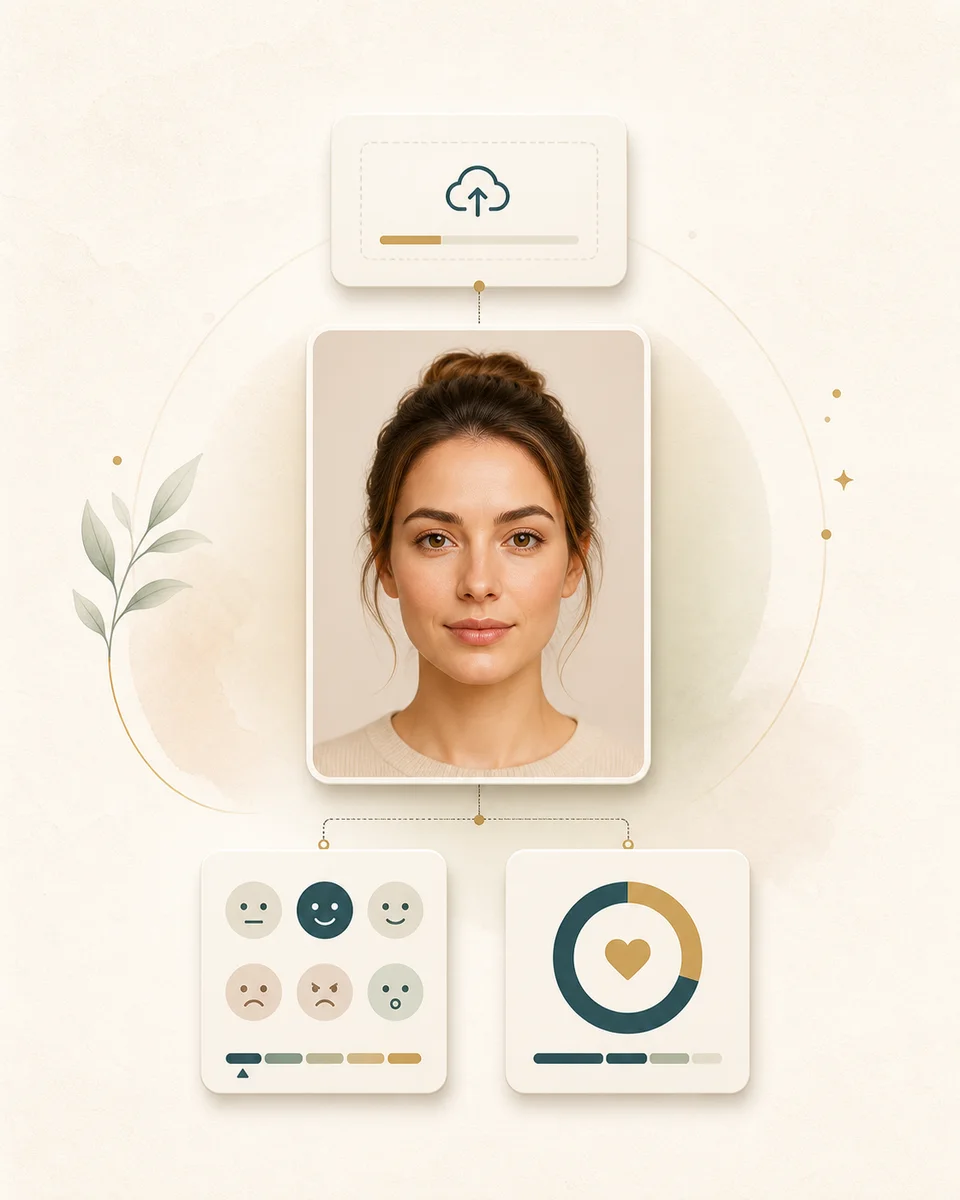
Start with a clear still image. The result gives you expression labels, face probability, and optional region coordinates for each detected face.
Choose a still image with a visible face, even light, and limited blur. The service supports common image formats and works best when the face is large enough.
BeautyLove sends the image for cloud analysis with your account token. A successful detector run uses 10 credits and returns one result row per detected face.
Read the label, face probability, and optional face box for each face. Treat the output as a photo signal, not a judgment about intent or inner emotion.
Use cases
Searchers often want an upload tool, API style fields, confidence scores, and privacy clarity. BeautyLove keeps the result narrow and easy to review.
Use the result to compare how a smile, neutral look, or surprised expression changes the feeling of a profile photo, creator headshot, or campaign image.
When a photo contains several visible faces, the result can list each face separately. This helps you spot which expression the model read for each person.
Use one still image as a lightweight signal for photo curation, research notes, or creative review. Keep human context in the final decision.
Developers and analysts can inspect the same plain fields the result uses, including expression label, face probability, and face region coordinates when available.
Why choose BeautyLove
BeautyLove is a beauty and portrait AI workspace, so this tool is shaped for practical photo review, not sensitive profiling.
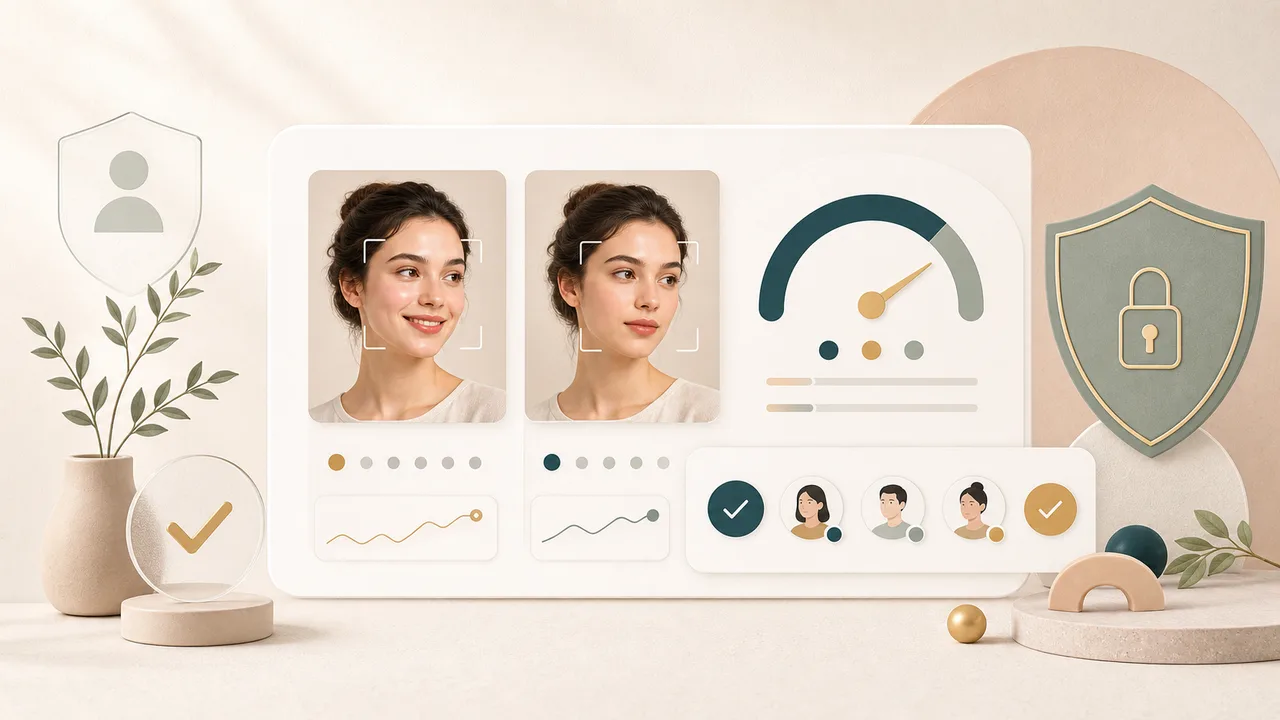
The page focuses on what appears in the image. It does not claim to know a person's thoughts, truthfulness, personality, or real emotional state.
Each detected face can return its own expression label, face probability, and optional box. That makes group images easier to review.
The page tells you which photos work better, why small or blurry faces may fail, and when to try another upload.
Facial Expression Recognition is an AI Detector. Successful runs use 10 credits, and credits work across BeautyLove tools.
Key features
Use these fields to understand one photo at a time. Better lighting, bigger faces, and less blur usually make the read steadier.
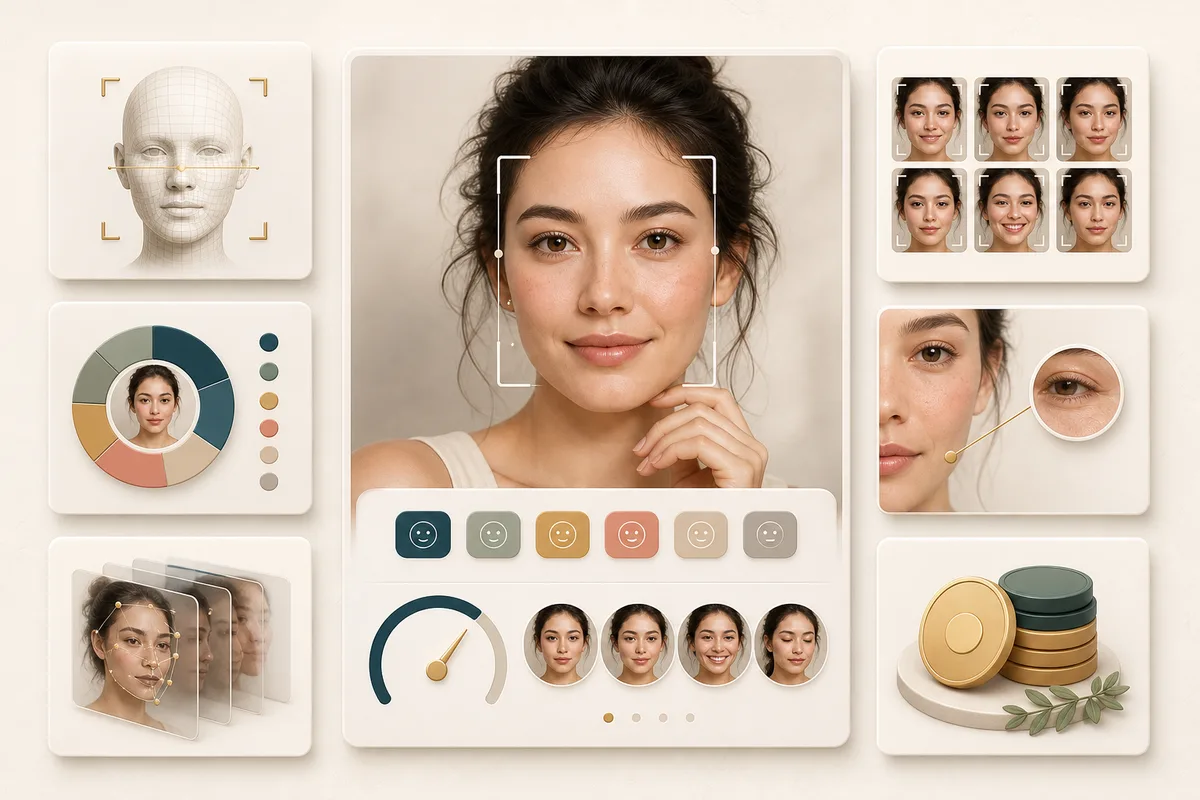
The model can return neutral, happiness, surprise, sadness, anger, disgust, fear, pouty, or grimace. BeautyLove shows these as visible expression labels so the result stays easy to read.
If the service detects more than one face, the result page lists separate rows. Use a clearer crop if you need the model to focus on one person.
Face probability runs from 0 to 1 and reflects model confidence that the detected region is a face. Lower values are a sign to retry with a clearer photo.
When returned by the service, rectangle values show the face region used for analysis. This is useful when you want to check that the right face was detected.
The underlying service supports JPEG, JPG, BMP, PNG, TIF, and WEBP. Keep images under about 3 MB and below 2048 by 2048 pixels for steadier processing.
After a successful run, BeautyLove opens a result page and keeps the latest result data in browser storage so you can review it without another request.
Comparison table
Similar pages can range from local demos to developer APIs. Use this table to match the tool to the job.
| Option | Result detail | Privacy note | Best for |
|---|---|---|---|
| BeautyLove Facial Expression Recognition | Expression label, face probability, optional face box | Cloud processing plus browser result storage | Careful still photo review with responsible wording |
| Local browser emotion tools | Often emotion scores and a downloadable preview | May process in browser when stated by the provider | Quick private experiments when local processing is the priority |
| Broad emotion AI pages | Often emotion interpretation and business use case copy | Varies by provider and upload flow | Exploring the category before choosing a narrower tool |
| Developer face analytics APIs | API fields for expression, age, gender, liveness, or identity | Depends on vendor contract and implementation | Production systems that need custom engineering and policy review |
| Manual photo review | Human judgment only | Depends on where the photo is stored and shared | High context decisions where automation should not decide alone |
Privacy and data security
This tool is not processed only on your device. BeautyLove sends the uploaded image to the configured recognition service for the selected request.
The latest result data and thumbnail may be kept in your browser storage so the result page can display your analysis.
The recognition provider states that temporary uploaded files are cleaned within 24 hours and original face images are not retained by the platform.
Use photos you have the right to upload. Do not use expression labels for medical, employment, legal, safety, or identity critical decisions.
FAQ
Labels, confidence, multiple faces, credits, file limits, privacy, and responsible use.
Ready when you are
Start with a clear still photo. If faces are small, blurred, angled, or heavily covered, try a cleaner image for a steadier result.
Loved by 5M+ BeautyLove users for hair, makeup, color, and portrait decisions.