AI Detector · Makeup Analysis

AI makeup analysis,
made personal.

Upload a portrait for AI makeup analysis that reads visible contrast, undertone cues, eye and lip balance, then suggests practical looks and placement notes.

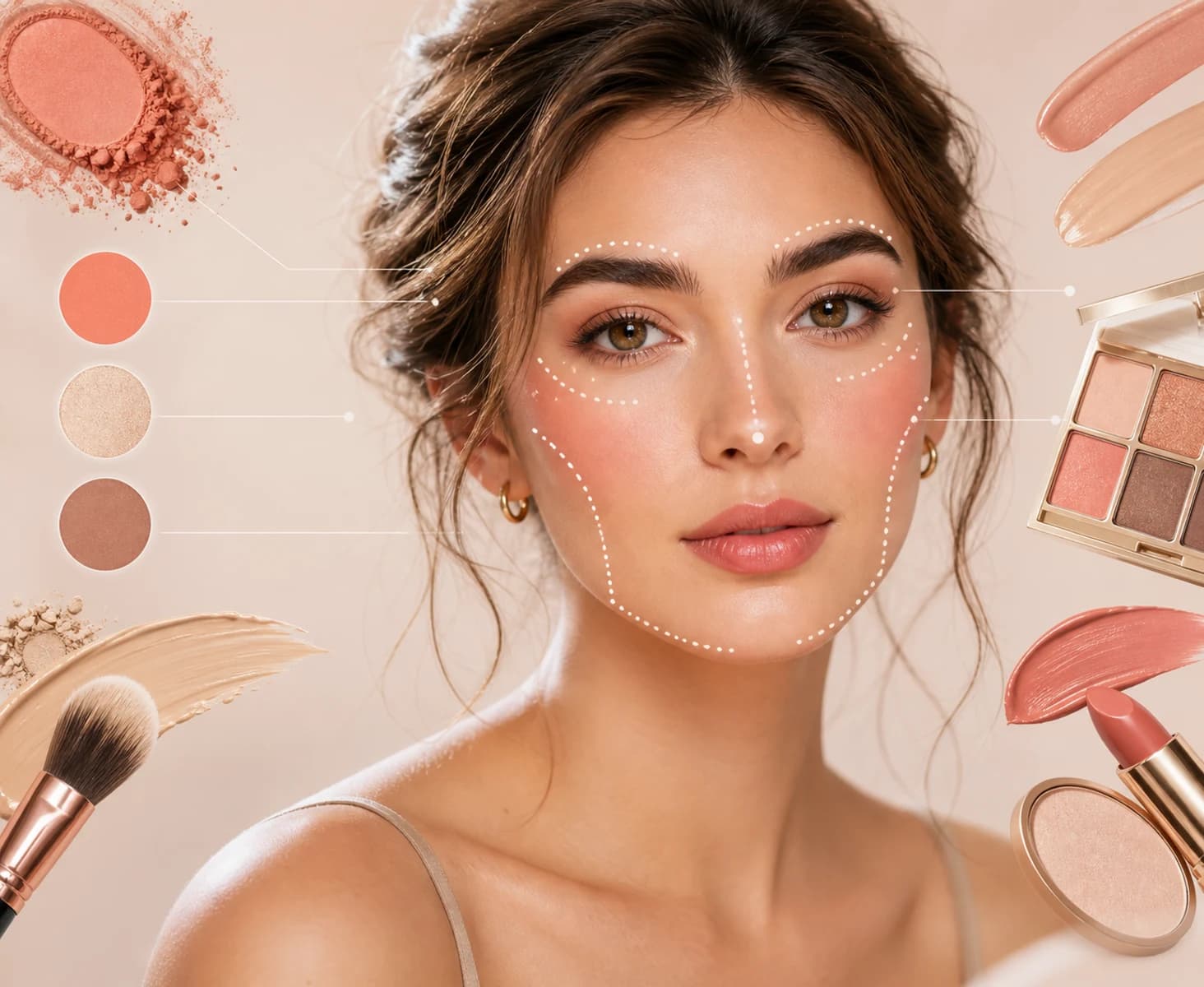
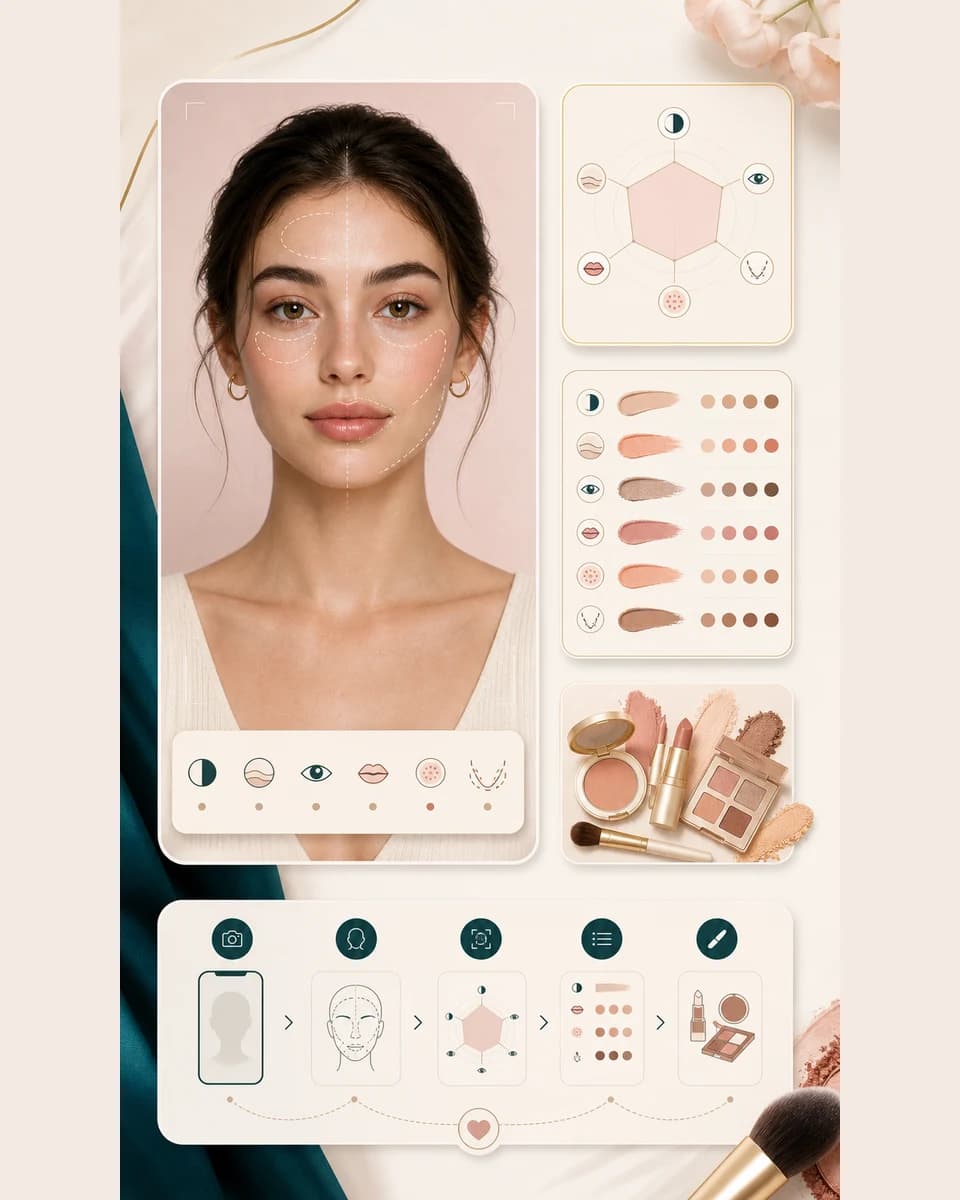
AI makeup analysis hero showing a beauty portrait with makeup colors and placement cues

How it works

How to run
AI makeup analysis.

Start with one photo, then use the result as a makeup brief for color, placement, finish, and occasion planning.

  1. 01

    Upload a clear portrait

    Choose one front facing photo where your eyes, brows, cheeks, and lips are visible. Even light gives the AI a steadier read.

  2. 02

    Run AI makeup analysis

    BeautyLove reads visible contrast, undertone cues, eye and lip balance, brow framing, and the way lighting changes your photo.

  3. 03

    Read your makeup direction

    Review the top style match, alternative looks, and notes for base makeup, eyes, lips, blush, contour, color, and occasion ideas.

  4. 04

    Try the look with better context

    Use the result as a beauty brief before buying products, following a tutorial, booking a makeup artist, or testing a virtual try on.

AI makeup analysis workflow showing a portrait, makeup cues, and recommendation panels

Why choose BeautyLove

Makeup analysis
with a plan.

BeautyLove keeps the result practical: what look to try, where to place focus, and what colors to test next.

Icon of a portrait with makeup swatches for personal makeup direction

Personal direction first

Trends are easier to use when you know your starting point. The result turns one portrait into a clear makeup direction.

Icon of cosmetic colors and placement cues for AI makeup analysis

Color and placement together

The read connects palette, finish, eye focus, lip focus, blush, and contour so your look does not feel pieced together.

Icon of a beauty note card and makeup brush for written makeup guidance

Guidance before try on

Use written notes before a virtual makeup try on, product test, or full face routine. It gives you a plan to compare against.

Icon of credit tokens and a makeup compact for credit based access

Credit based access

AI makeup analysis is a detector tool. A successful run uses 10 credits, while failed service requests should not use credits.

Key features

What AI makeup analysis
can show you.

The report is built for makeup decisions, with style scores and notes you can use before a tutorial, product test, or appointment.

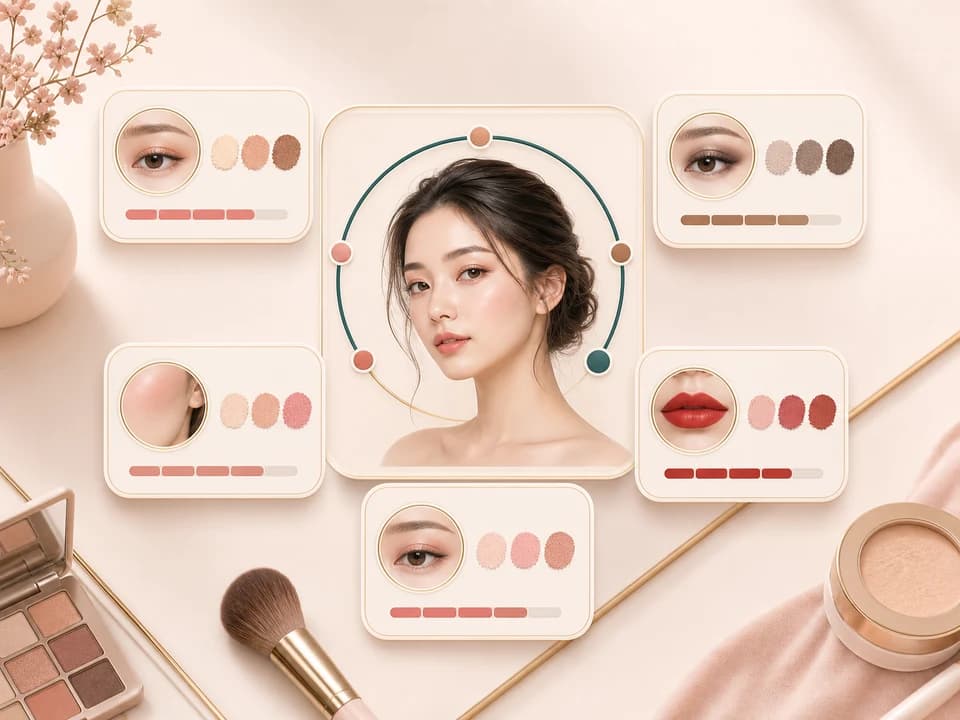
AI makeup analysis visual showing a portrait with makeup style score cards

Makeup style match scores

The result can rank style directions such as natural glow, soft glam, K beauty fresh, classic red lip, smoky eye, dewy minimal, and editorial bold. This helps you compare the mood of a look before you copy a tutorial or buy a new palette.
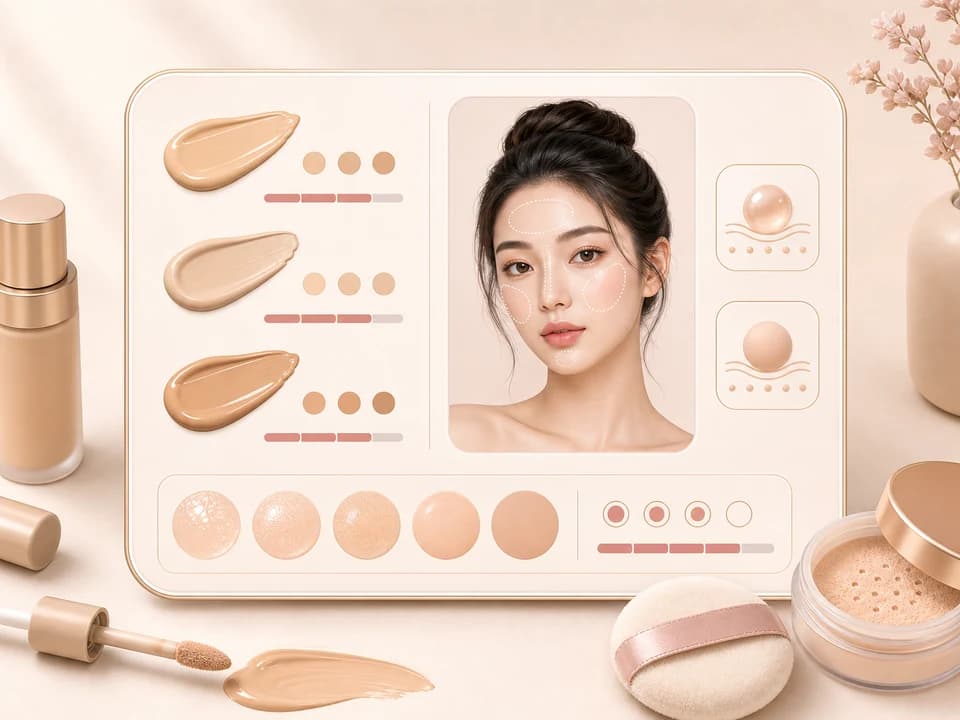
Foundation and finish swatches for base makeup recommendations

Base makeup and finish notes

AI makeup analysis includes base makeup guidance for finish, coverage, concealer focus, and skin like balance. It does not replace shade testing in real light, but it can narrow the direction so your base supports the rest of the look.

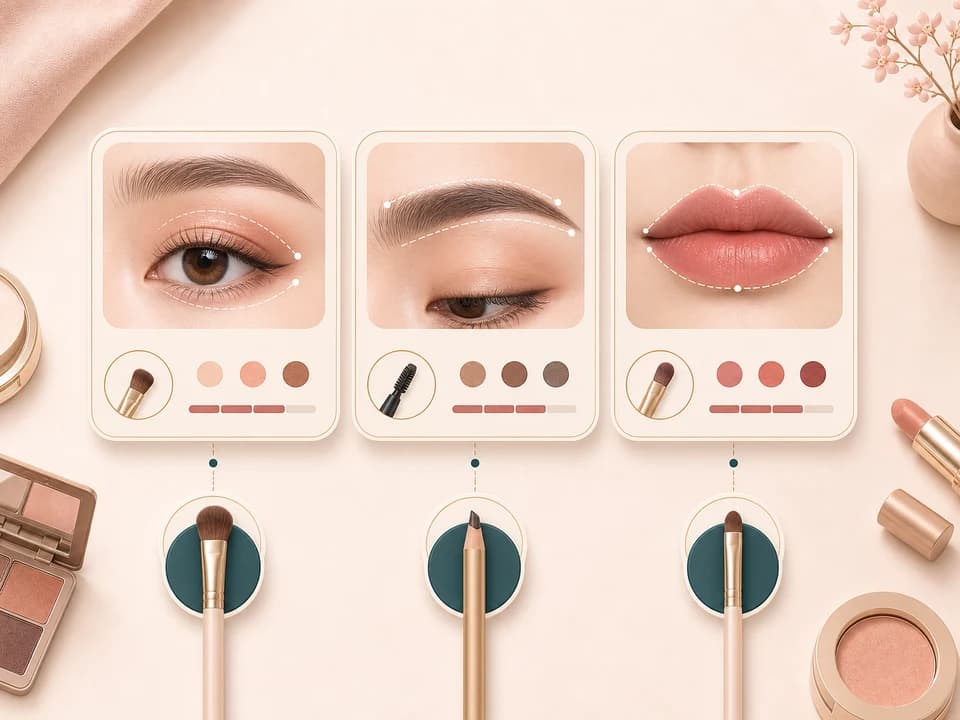
Eye, brow, and lip focus cards for makeup recommendation planning

Eye, brow, and lip focus

The analyzer looks at visible eye, brow, and lip balance, then suggests where makeup can carry the look. That might mean softer eyes with a stronger lip, lifted liner with quiet lips, or brows that frame without becoming the whole face.

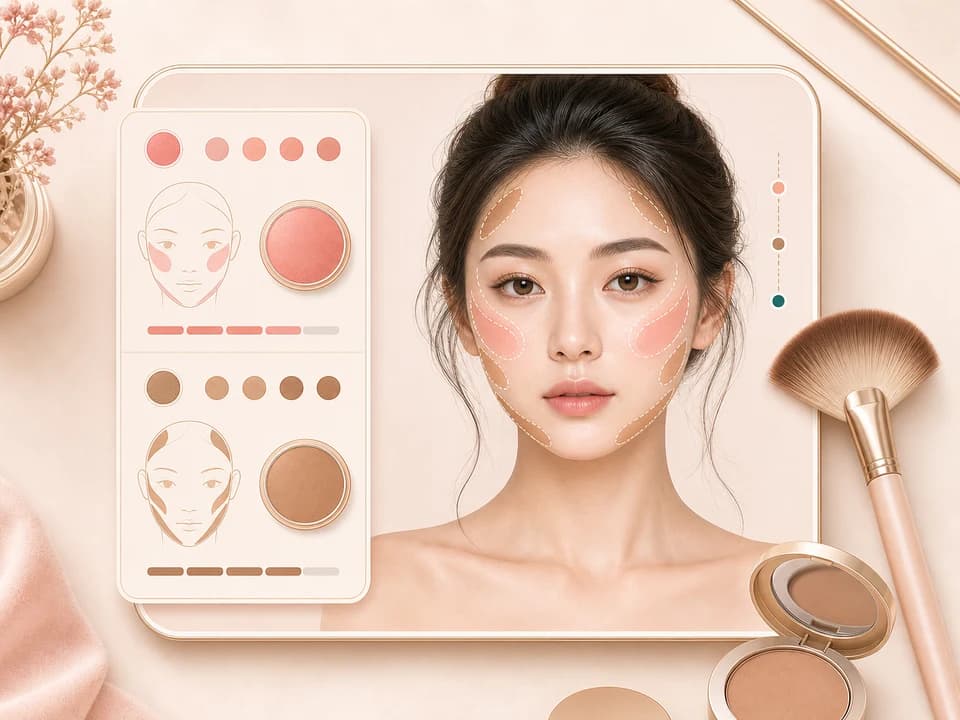
Portrait with blush and contour placement cues for makeup analysis

Blush and contour cues

Placement changes the face more than product names do. The result gives practical blush and contour ideas based on visible face balance, so you can test a lifted, centered, softened, or more sculpted effect with intention.

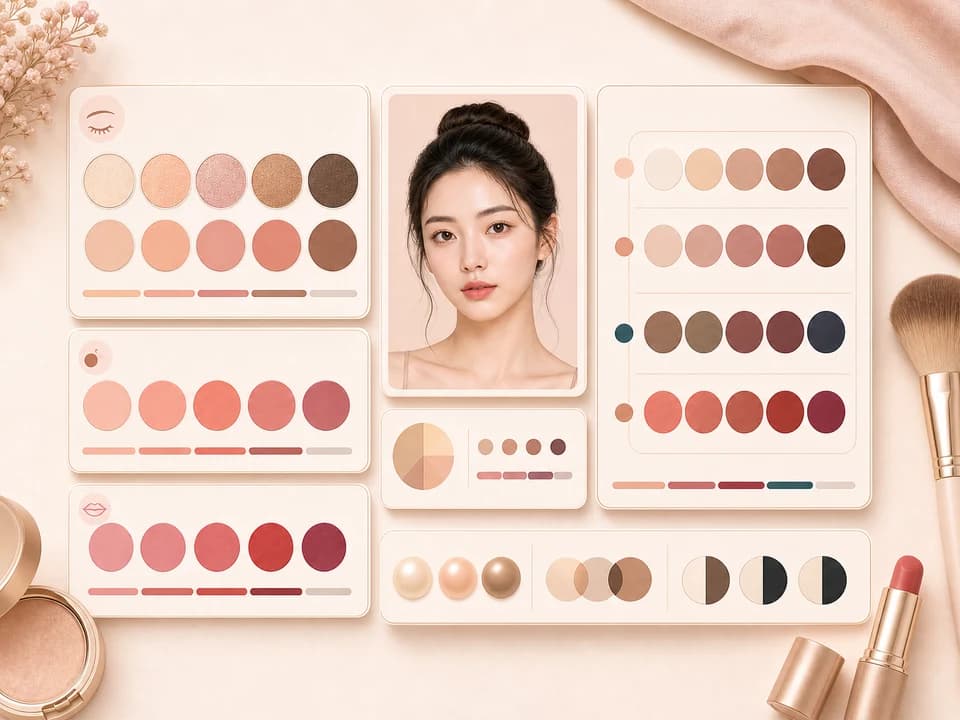
Makeup color palette swatches for AI makeup analysis

Palette ideas for your contrast

Color advice considers visible undertone impression, depth, and contrast from the photo. Use it to pick families for lips, cheeks, eyes, and highlight, then confirm the final shade in daylight whenever possible.

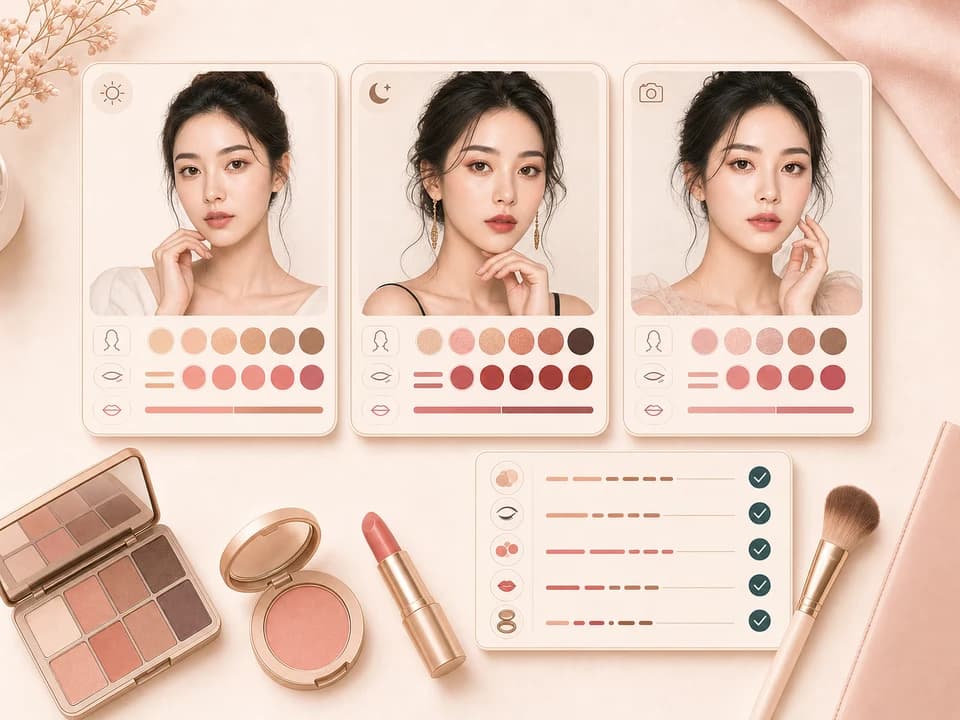
Makeup mood boards and checklist cards for occasion look planning

Occasion looks and shopping notes

The output can turn a style read into everyday, date, photo, event, or bold look ideas. It also gives shopping notes by shade family and finish instead of pushing one brand or one exact product.

Comparison table

Choose the right
makeup tool.

Some tools show a preview, some suggest products, and some teach technique. BeautyLove focuses this page on analysis before action.

OptionResult typeHow you use itBest for
AI Makeup Analysis by BeautyLoveWritten style direction, match scores, and face aware makeup notesUpload one portrait and review base, eye, lip, blush, contour, color, and occasion guidancePlanning makeup that suits your visible features before you try products
Virtual makeup try on toolsGenerated or augmented preview imagesUsually style presets, shade presets, or camera based preview controlsSeeing how a chosen look might appear on a photo
Makeup style quizzesQuestion based style suggestionsNo portrait read unless the quiz also includes image analysisBroad preference matching when you do not want to upload a photo
Product shade match appsProduct or shade family recommendationsOften focused on shopping and brand catalog matchingFinding products after you already know the look you want
Manual tutorial copyingHuman judgment from a reference lookFull creative control, but no automated face or color readPracticing technique when you already trust the reference

Privacy and data

Use photos
you can upload.

Processing

Uploaded images are used to process the AI makeup analysis request through selected service providers.

Browser results

Result data and thumbnails may stay in your browser storage so the result page can show your latest analysis.

Consent first

Upload photos you own or have permission to use. Avoid using the result to shame or judge another person.

Guidance only

Automated beauty guidance can vary with lighting, angle, filters, current makeup, camera quality, and model behavior.

FAQ

Common questions.

Photo quality, credits, privacy, product shade limits, mobile use, and how analysis differs from try on.

What is AI makeup analysis?

AI makeup analysis is a photo based way to get makeup direction from visible face, color, eye, lip, brow, blush, and contour cues. BeautyLove returns written recommendations, not a generated makeover image.

How do I know what makeup suits my face?

Upload a clear portrait and review the style direction, placement notes, and color families. Then test the suggestions in real light, since lighting and current makeup can change the read.

Is this the same as virtual makeup try on?

No. AI makeup analysis gives written style guidance and match scores. Virtual makeup try on generates or previews a visible makeup look on your photo.

What photo works best for AI makeup analysis?

A front facing portrait with even light works best. Keep eyes, brows, cheeks, and lips visible, and avoid heavy filters or group photos.

Can it choose exact product shades?

It suggests shade families and finishes, not exact brand product codes. Always test foundation, concealer, and lip color in daylight when the match matters.

Can I use it while wearing makeup?

Yes, but existing makeup can affect the recommendation. A bare face gives a cleaner baseline, while everyday makeup can help if you want suggestions that build from your real routine.

How many credits does AI makeup analysis use?

A successful AI makeup analysis run uses 10 BeautyLove credits. Failed requests and service errors should not consume credits.

Is my uploaded photo private?

Uploaded images are used to process the tool request through selected service providers. Result data and thumbnails may stay in your browser storage so the result page can display them.

Can I run the makeup analyzer on mobile?

Yes, you can use it in a mobile browser. Upload a portrait, run the analysis, and open the result page to read your recommendations.

Why did my makeup recommendation feel off?

Lighting, filters, angle, current makeup, and covered facial features can change the result. Try another clear photo in daylight and compare the new guidance.

Ready when you are

Start your makeup analysis.

Upload one clear portrait and get a makeup direction you can test with products, presets, or your next routine.