Social profile refresh
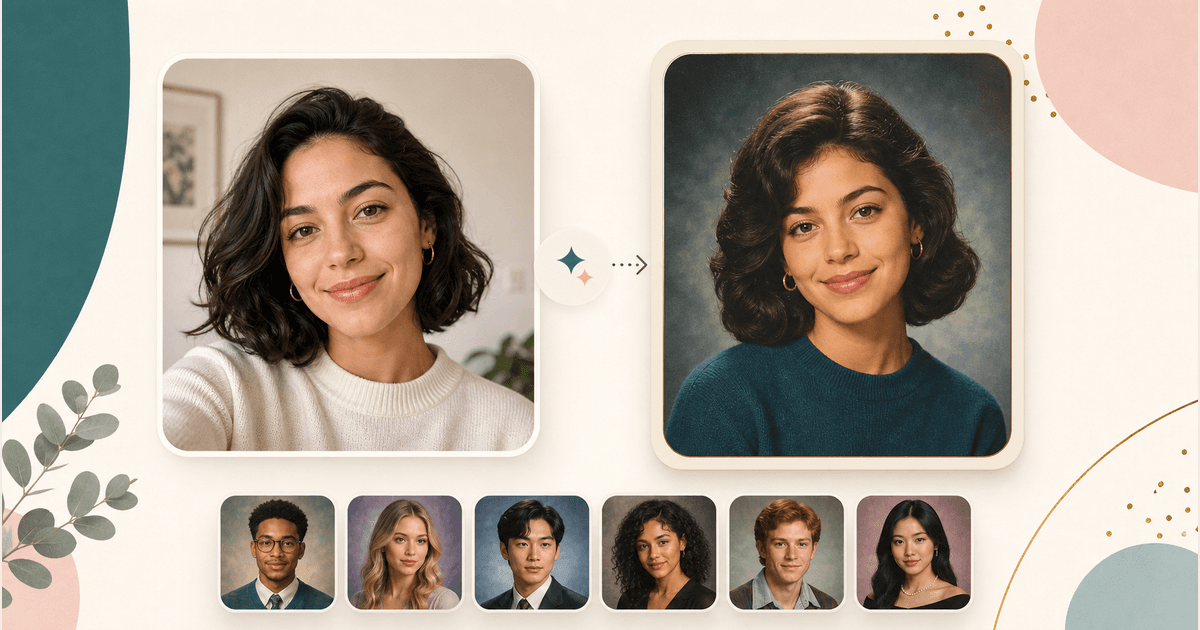
Create a school portrait look for avatars, creator profiles, reunion posts, or a nostalgic photo update without booking a studio session.
AI Generator | AI Yearbook Generator
Upload one clear selfie, choose from retro, school, senior, graduation, or editorial yearbook styles, and create a polished school portrait look for profiles, reunion posts, or creative keepsakes.
Choose a yearbook style
12 yearbook styles across retro, school, and editorial portraits. Selected: Classic 1990s
How it works
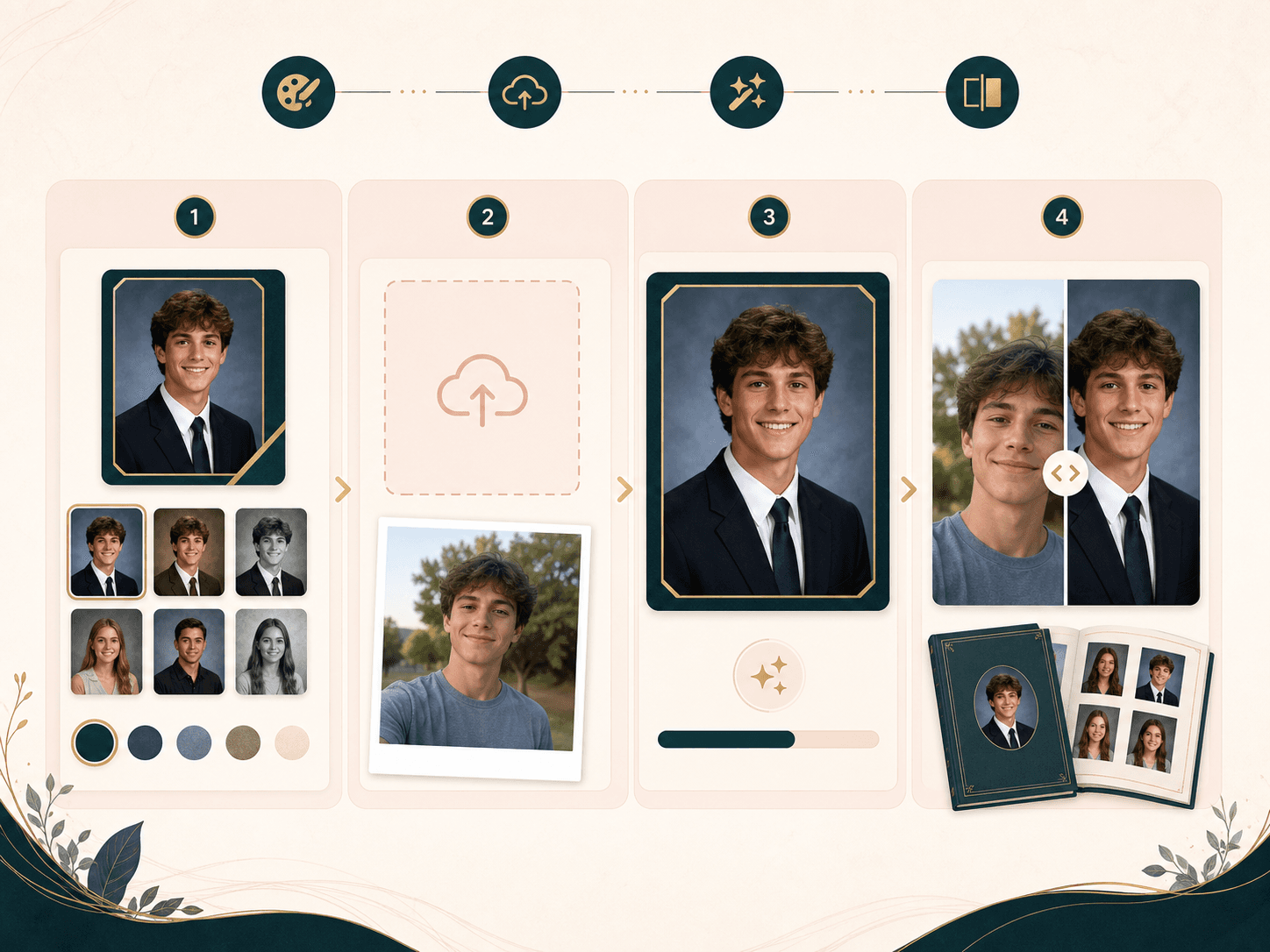
Pick a style, upload one photo, and review the generated portrait before you save it or try another look.
Pick the look you want before upload, from retro 1990s and Y2K portraits to cap and gown, varsity, formal senior, soft glam, or black and white.
Use one front facing portrait with even light and a visible face. Avoid sunglasses, hats, heavy blur, strong filters, and group photos.
BeautyLove sends the photo for AI generation and asks for yearbook lighting, backdrop, pose, and natural identity preservation.
Open the result page, drag the before and after slider, download the portrait when it looks useful, or try another style.
Use cases
People search for AI yearbook photos for nostalgia, profile updates, senior portrait ideas, and social posts.
Create a school portrait look for avatars, creator profiles, reunion posts, or a nostalgic photo update without booking a studio session.
Try 1980s and 1990s inspired styles for themed events, invitations, group chat jokes, and personal keepsakes.
Preview cap and gown, varsity, or clean studio styling before planning a real photo session with a photographer.
Generate one look, compare it with your original photo, then repeat with a different preset to find the strongest visual direction.
Why choose BeautyLove
BeautyLove keeps the flow practical: choose a style, upload one portrait, generate, then compare the result before you save it.
Choose a preset instead of writing a long prompt. The flow stays focused on yearbook and senior portrait looks.

The prompt asks the model to keep recognizable face details while changing the portrait styling, lighting, and backdrop.
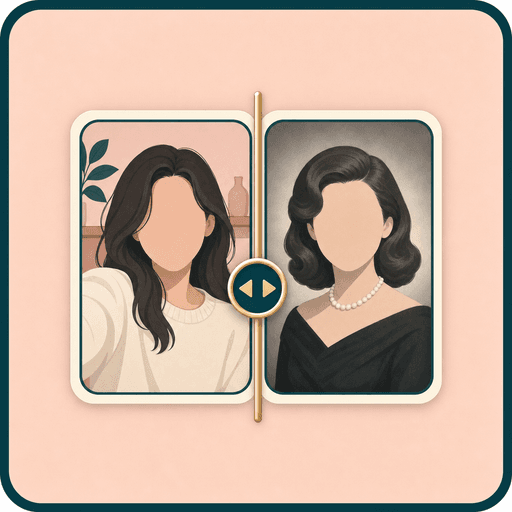
The result page keeps your original nearby, so you can judge whether the generated portrait still feels like you.

AI Yearbook Generator is a generator tool. A successful portrait generation uses 20 credits from your account.
Key features
The generator is built for one clear portrait, a focused style choice, and a result page that keeps comparison close.
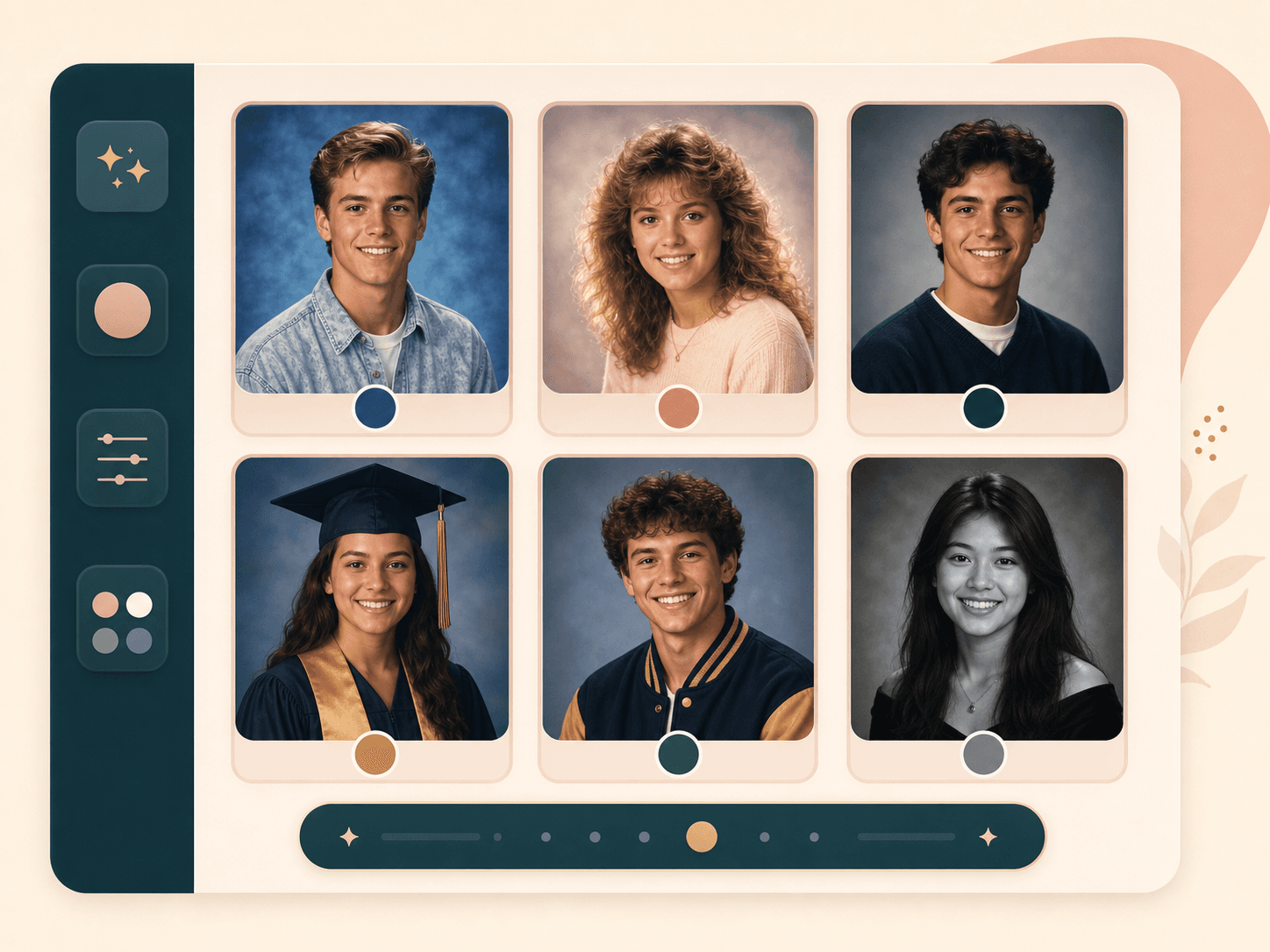
Start with 12 focused presets instead of an open prompt box. You can choose retro, school, senior, graduation, varsity, black and white, soft glam, creative arts, or minimal studio directions. The preset gives the AI a clear visual direction while keeping the workflow simple.
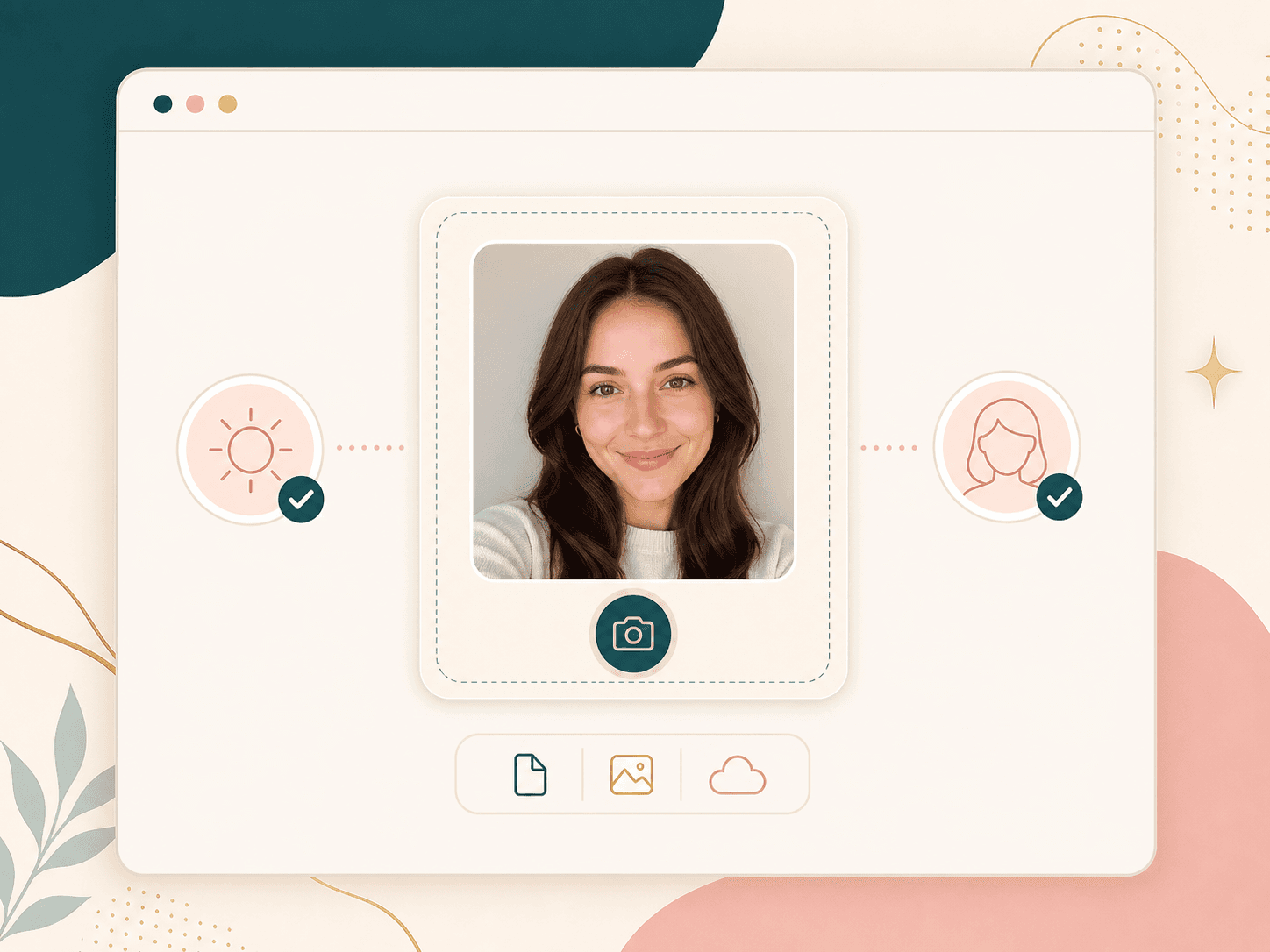
The tool works best with one clear portrait where the face is easy to see. A front facing selfie with even light gives the model better face context and helps reduce awkward changes. If the source photo has blur, hats, sunglasses, or several people, the result may be less predictable.
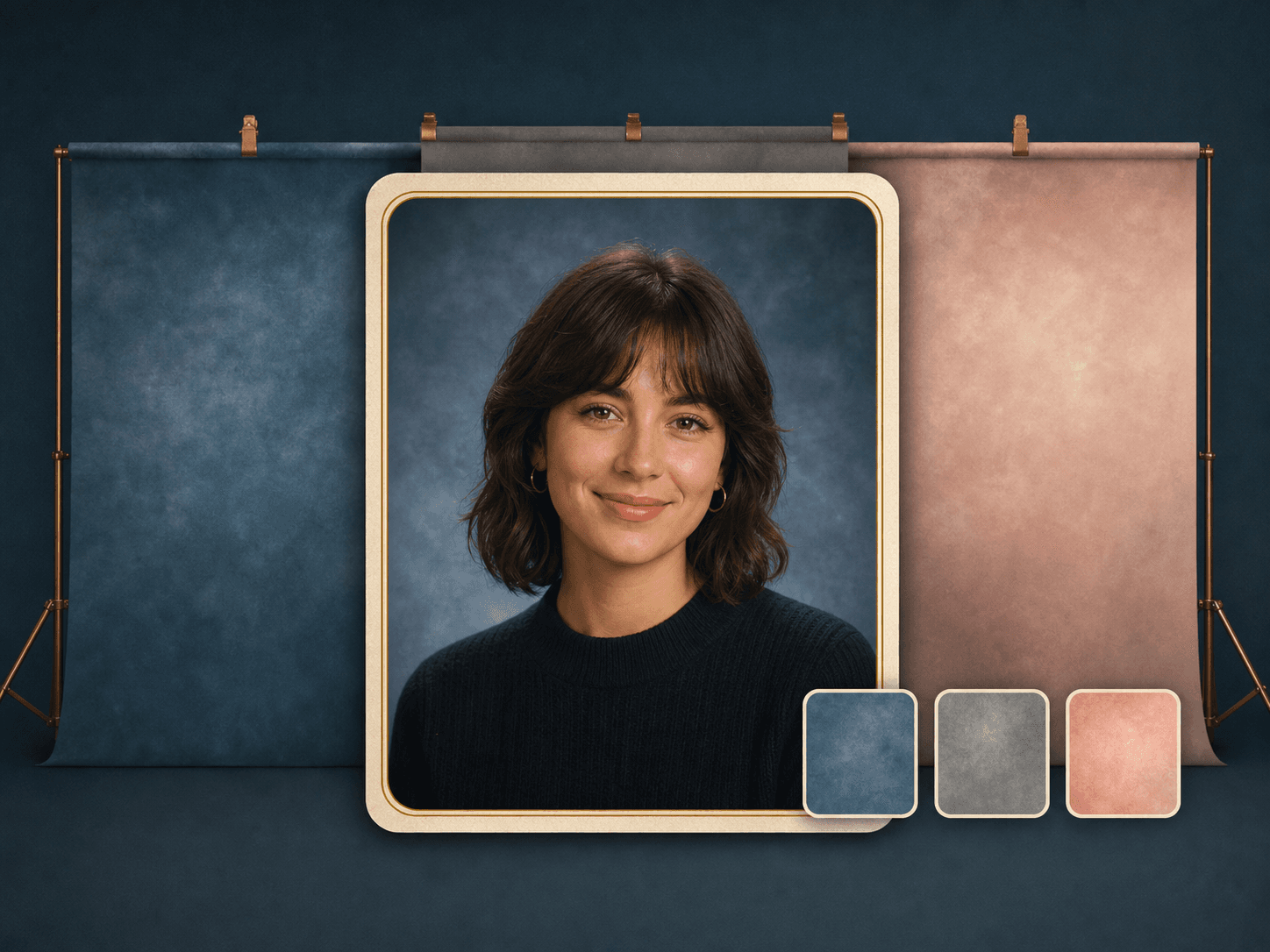
Yearbook photos are shaped by more than clothing. Studio lighting, a centered pose, school portrait backdrops, soft color, and a clean head and shoulders crop all matter. BeautyLove asks for those cues so the result reads as a portrait, not just a casual filter.
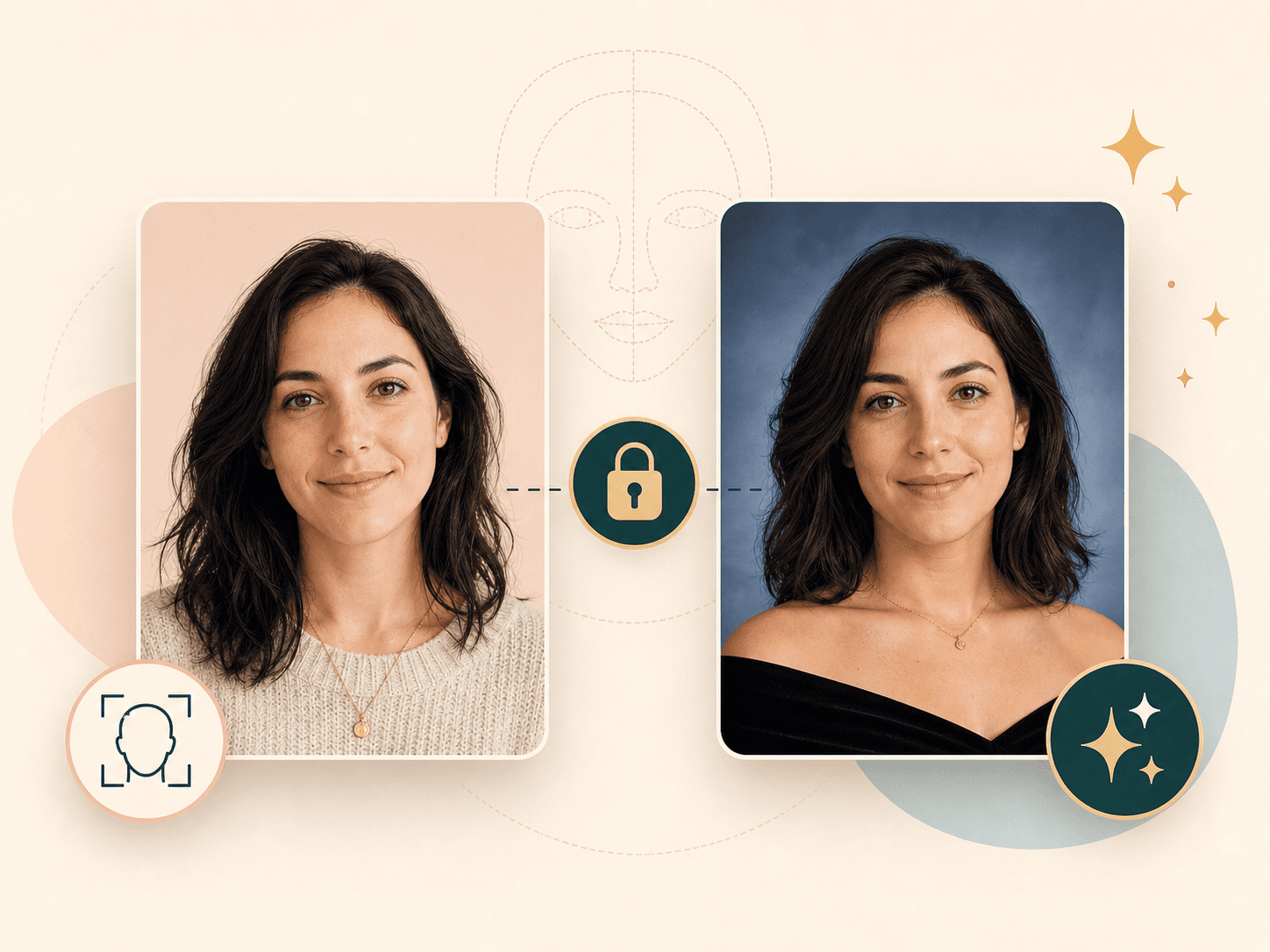
The generation prompt tells the model to keep face shape, age, race, and recognizable features stable. AI images can still vary, so the result should be reviewed visually. Use a clearer upload or a milder style if a portrait changes your appearance too much.
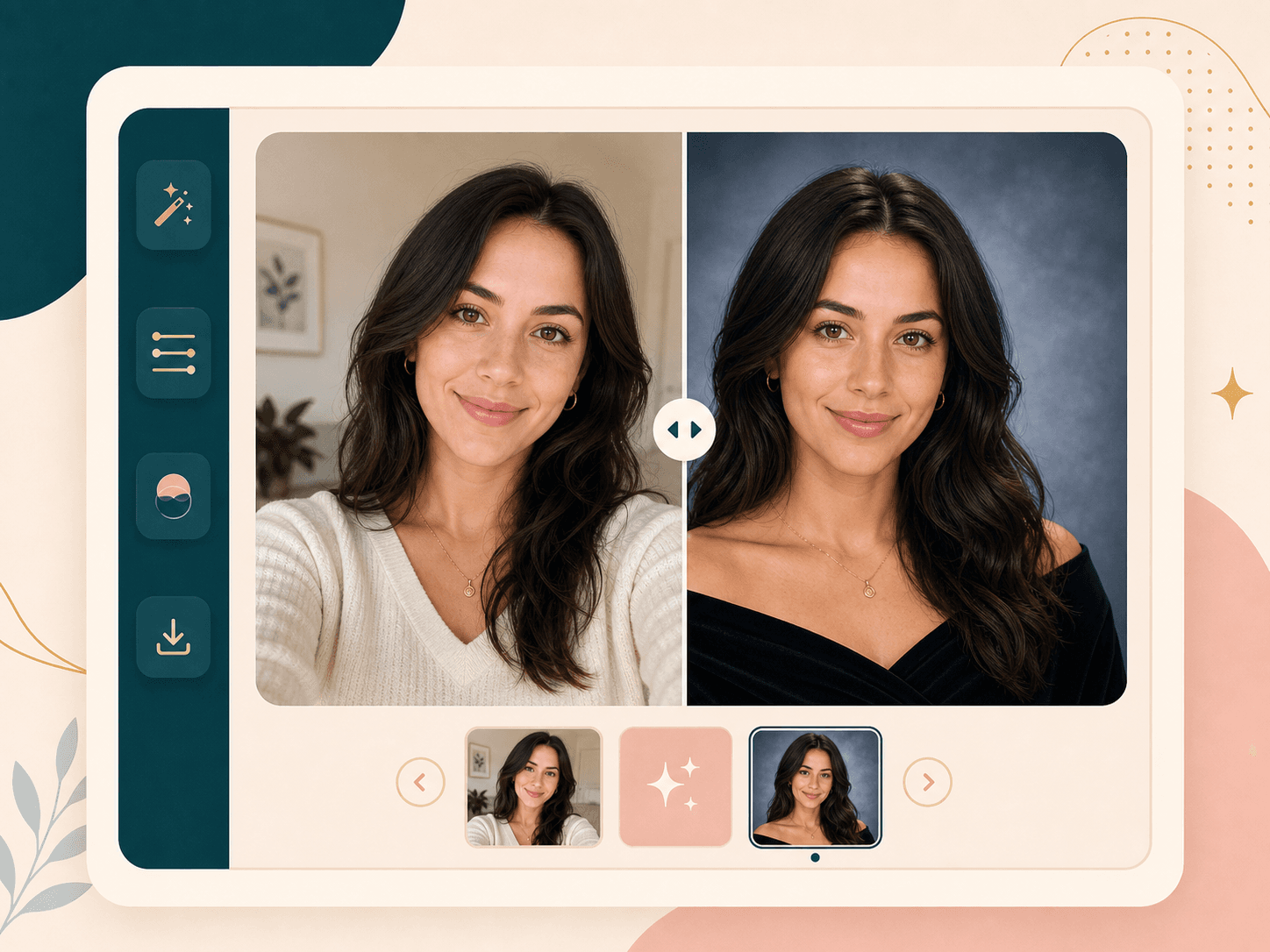
After generation, the result page places the original photo and generated yearbook portrait in one comparison view. Drag the slider to inspect styling, lighting, crop, and facial consistency. This makes small differences easier to see before you save the result.
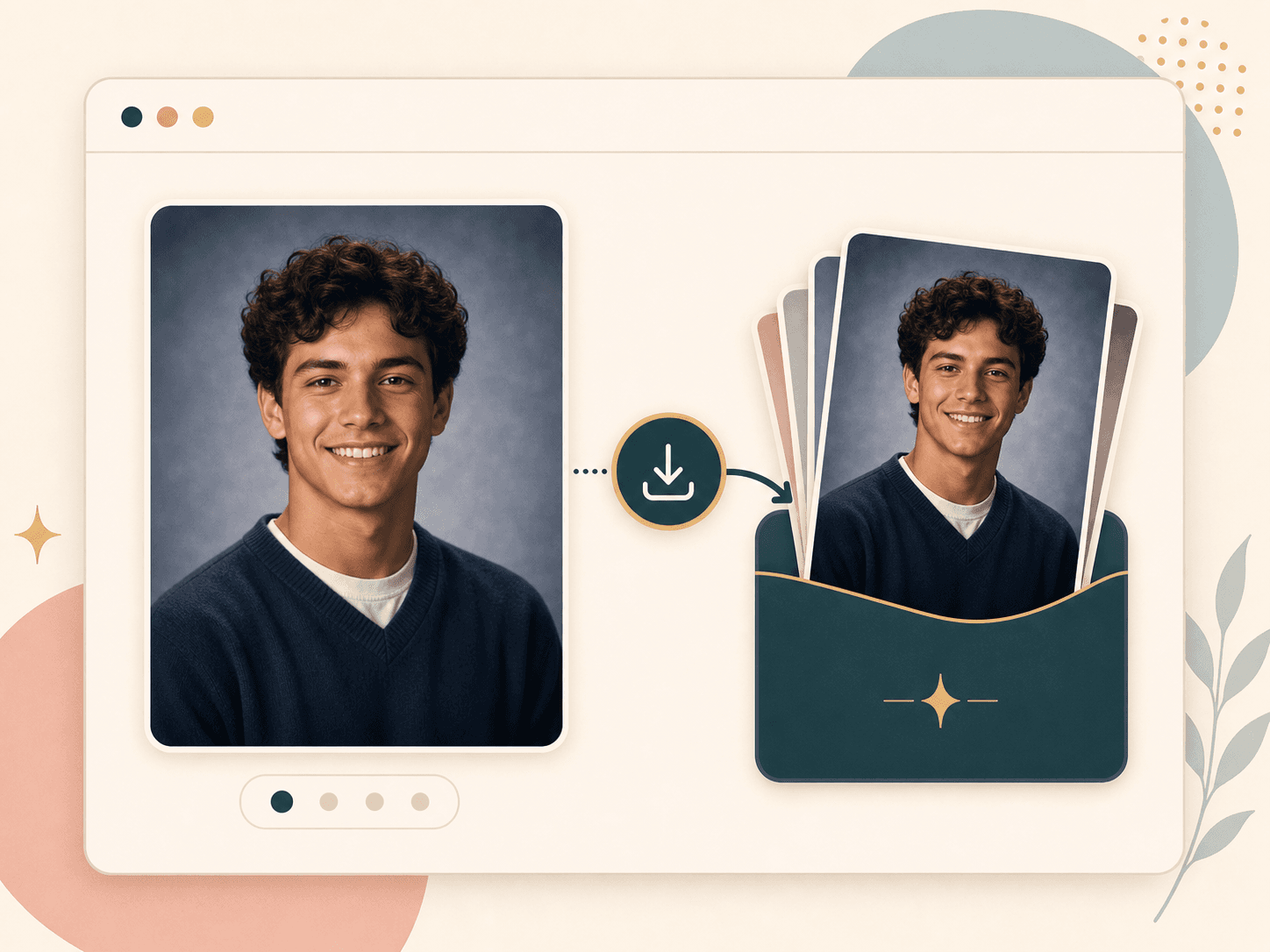
When the portrait is useful, save it from the result page and keep it as a profile idea, senior photo reference, reunion post, or creative keepsake. You can return to the upload flow and test another preset when you want a different yearbook mood.
Comparison table
Different tools fit different goals. Use this guide to decide whether you need a trend portrait, prompt control, or an official photo.
| Option | Workflow | Output | Best for |
|---|---|---|---|
| BeautyLove AI Yearbook Generator | Choose one style, upload one portrait, then review the generated result | Yearbook style portrait with before and after comparison | People who want a focused school portrait look with credit based access |
| Trend generators with free trials | Usually built around fast upload and quick social sharing | Varies by provider, often focused on retro or 1990s looks | Casual trend photos when provider privacy and limits fit your needs |
| Prompt based image editors | Write a detailed prompt and adjust the result through trial and error | Flexible creative images with more variation between attempts | Creative users who want full prompt control over speed |
| Mobile AI photo apps | Use app based filters, templates, or photo packs | Provider specific yearbook or avatar sets | Phone first users who prefer an installed app workflow |
| Real school or studio photos | Book a photographer, follow school rules, and choose a final image | Human captured portrait accepted by the organization | Official yearbooks, IDs, applications, and print requirements |
Privacy and limits
Your image is sent to the selected AI service to create the yearbook portrait. This tool is not processed only on your device.
Result data and thumbnails may be kept in your browser storage so the result page can show your latest generated portrait.
Upload photos you own or have permission to use. Do not upload another person's portrait without clear consent.
AI yearbook portraits are best for creative use and inspiration. Check school, employer, or platform rules before using one officially.
FAQ
Styles, upload quality, credits, official use, mobile support, privacy, and result limits.
An AI yearbook generator is an online tool that turns a portrait into a school photo style image with studio lighting, a yearbook backdrop, and a polished head and shoulders crop.
Choose a yearbook style, upload one clear selfie, generate the portrait, then compare the original and result before saving it.
Yes. Choose a retro preset such as Classic 1990s for a nostalgic school portrait, or pick Cap and gown, Formal senior, or Modern school for a graduation-style direction.
Upload a clear front facing portrait with even light, one visible face, and no heavy obstructions. Avoid sunglasses, hats, blur, and group photos.
The tool asks the AI to preserve your face shape and recognizable features, but every AI result should be reviewed because generated portraits can vary.
The page is free to open, and new users can use welcome credits to try it. Successful AI yearbook generation uses 20 BeautyLove credits per run.
You should check your school rules first. AI yearbook portraits are better for creative profiles, memories, and ideas than official school submissions.
Yes. The tool runs in a web browser, so you can upload and generate from a phone, tablet, or desktop when you are signed in.
No, a single portrait is recommended. Group photos make it harder for the model to know which face should become the yearbook portrait.
Uploaded images are used to process the tool request through the selected AI service, and result data may remain in browser storage for the result page.
Ready when you are
Choose a style, upload a clear selfie, and compare the generated result with your original photo.
Loved by 5M+ BeautyLove users for hair, makeup, color, and portrait decisions.