Repair a soft selfie or profile photo
Use Face Enhancer when a good portrait looks a little soft after low light, phone compression, or a missed focus point.
AI Generator · Face Enhancer
Upload a portrait to repair soft face detail, sharpen facial clarity, and compare the enhanced result before you download.
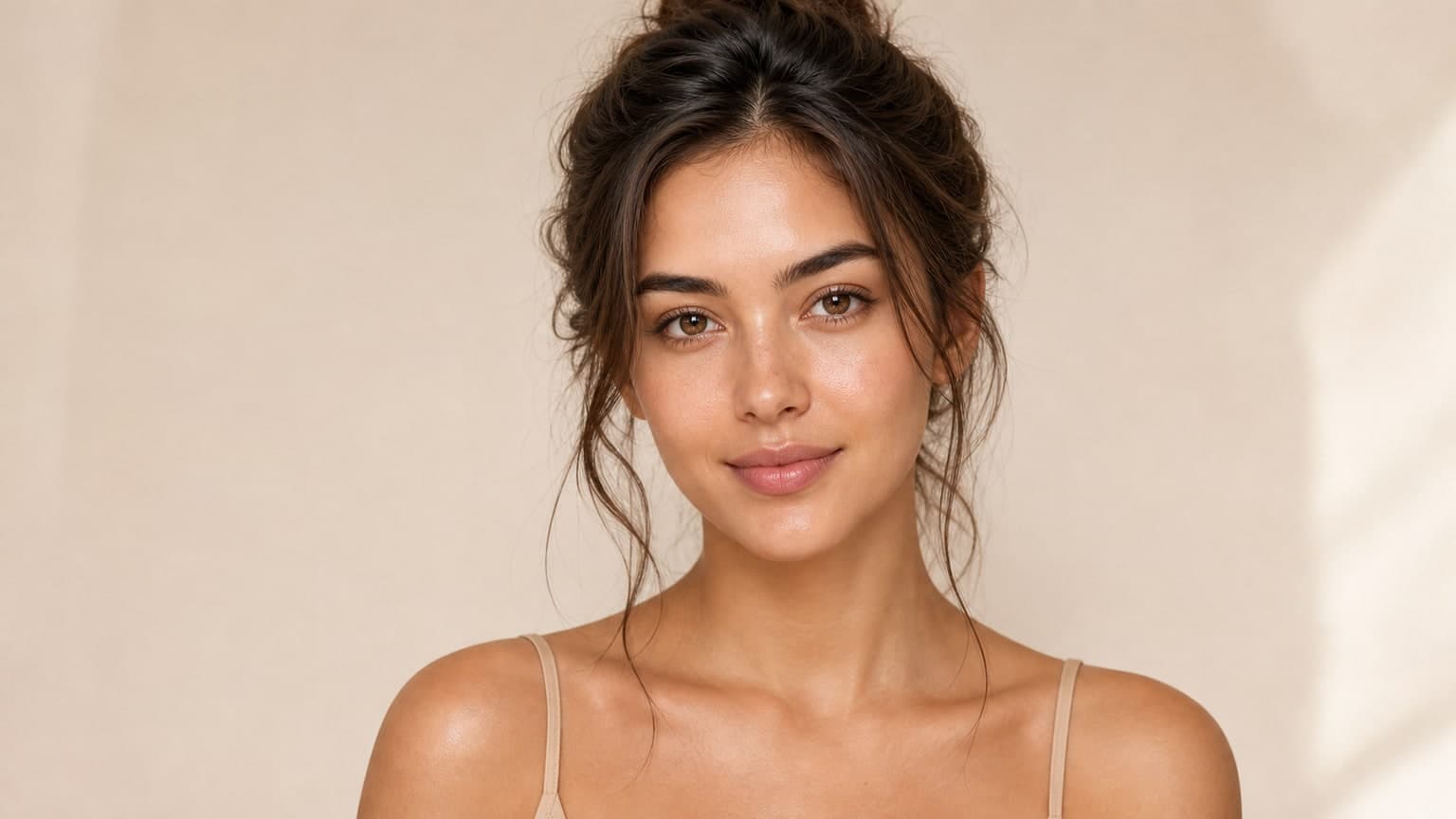
How it works
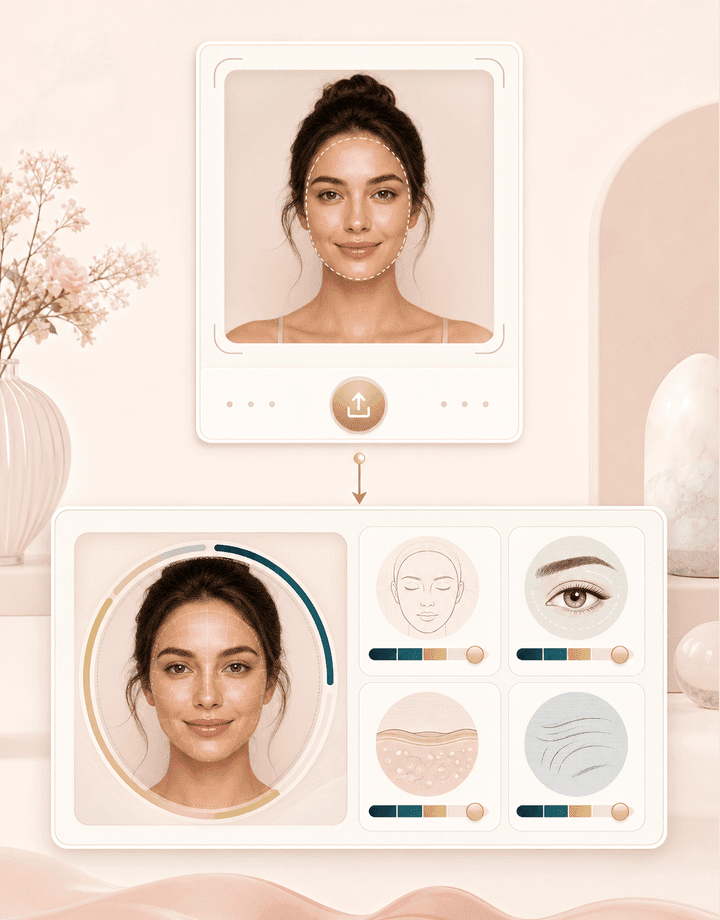
Face Enhancer is built for visible faces in real photos. Upload, generate, then compare the result with the original.
Choose a JPEG, PNG, or BMP with a visible face. The upload flow can compress large files, but the AI service still needs a clear image under its processing limits.
BeautyLove sends the image with your signed in account, detects visible faces, enhances facial detail, and blends the improved face area back into the photo.
Use the result slider to compare the original and enhanced image in one place. Download the version you need before starting a new portrait.
Use cases
People search for a face enhancer when a portrait is close to useful, but the face needs clearer detail.
Use Face Enhancer when a good portrait looks a little soft after low light, phone compression, or a missed focus point.
Enhance visible facial detail in old scans or small portraits when the face is still clear enough for the service to detect.
Run the tool on group images when several faces need clearer detail. Crop first when one person matters most.
Use the comparison slider to decide whether the enhanced version keeps the same expression and natural facial texture.
Why choose BeautyLove
BeautyLove keeps the workflow narrow: enhance visible faces, compare the change, and save only what looks right.

BeautyLove focuses on facial clarity, then blends the enhanced face region back into your original photo.
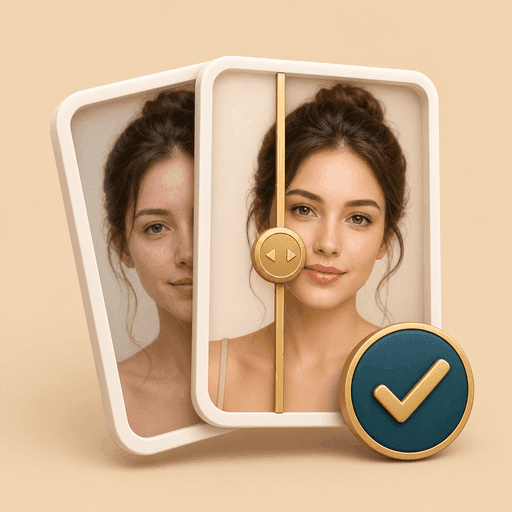
The result page lets you compare original and enhanced views before you decide what to save.

The page explains useful photo conditions and common limits, including tiny faces, heavy blur, and damaged prints.
A successful Face Enhancer run uses 20 credits. Failed requests and service errors should not use credits.
Key features
The tool focuses on clearer facial detail, natural review, and practical upload guidance for portraits.
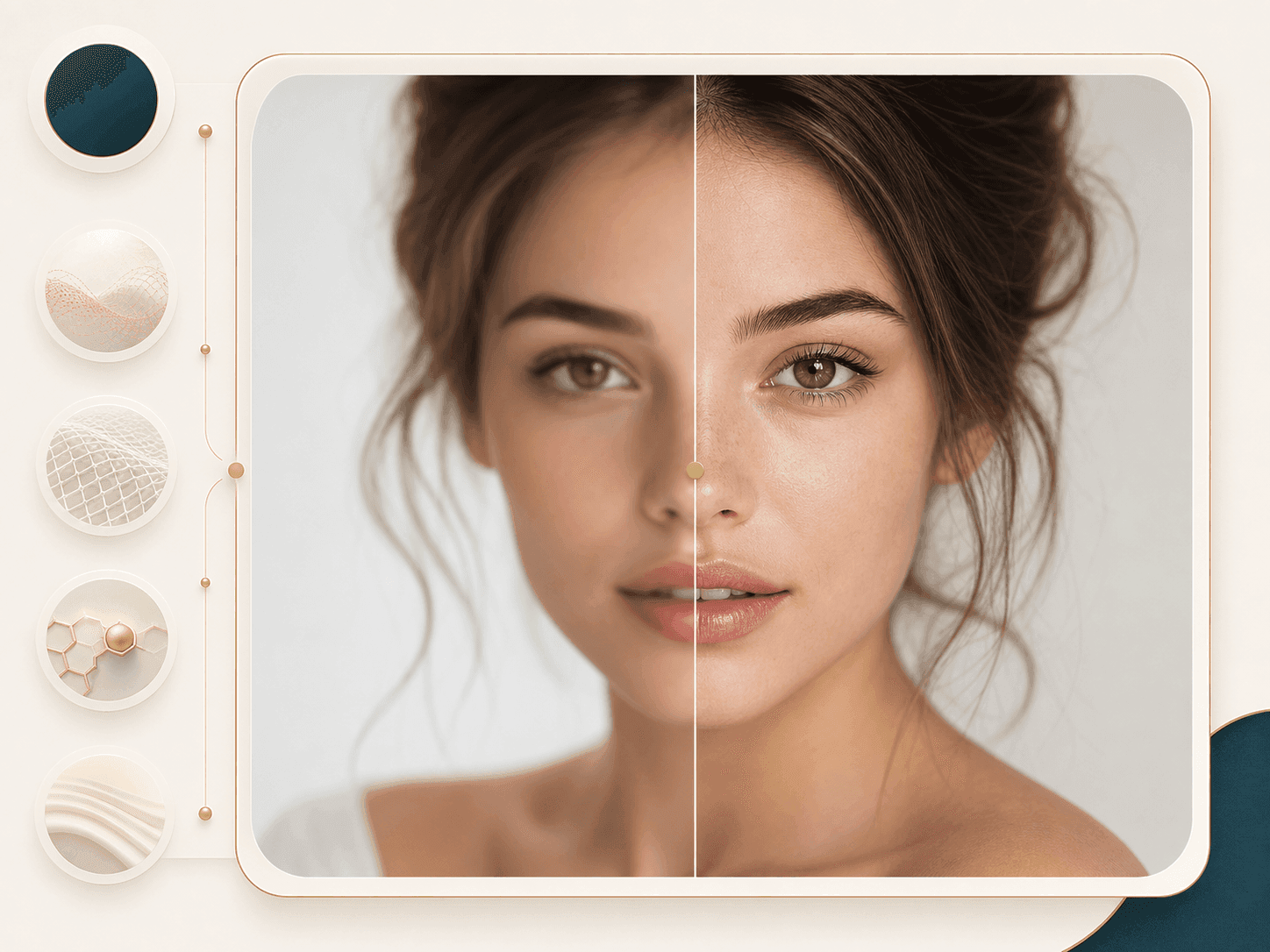
Use Face Enhancer when a portrait looks slightly soft, low light, or compressed. The tool focuses on facial clarity, so eyes, skin texture, and small facial details can read cleaner while the overall photo still feels natural. It is a better fit for mild blur and small portraits than for heavy damage or missing detail.
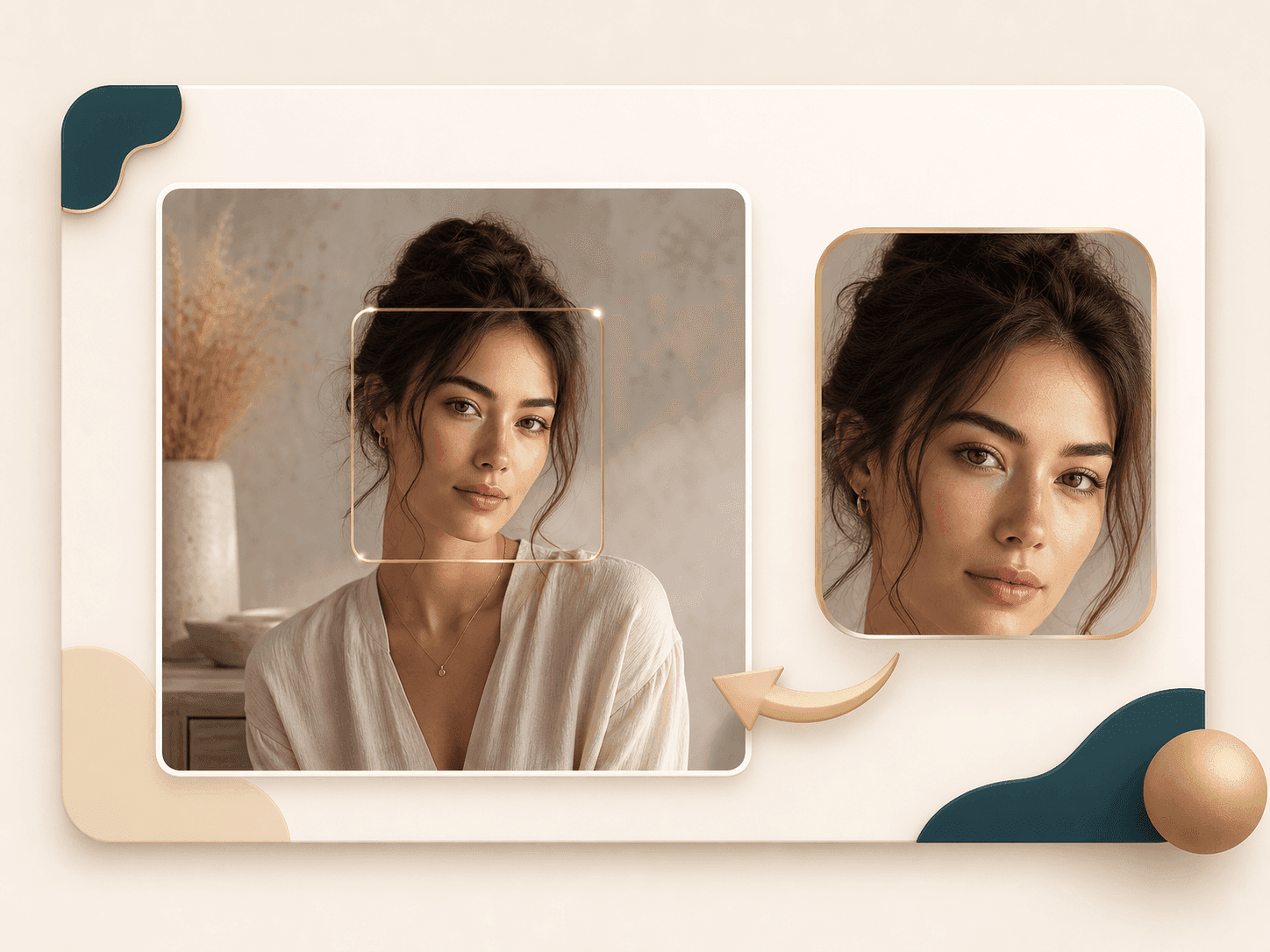
The enhancement flow crops and aligns the face, processes that region, then blends the result back into the original frame. That helps keep the pose, scene, and overall photo structure in place. It aims to keep the person recognizable instead of replacing the image with a beauty filter or a new portrait.
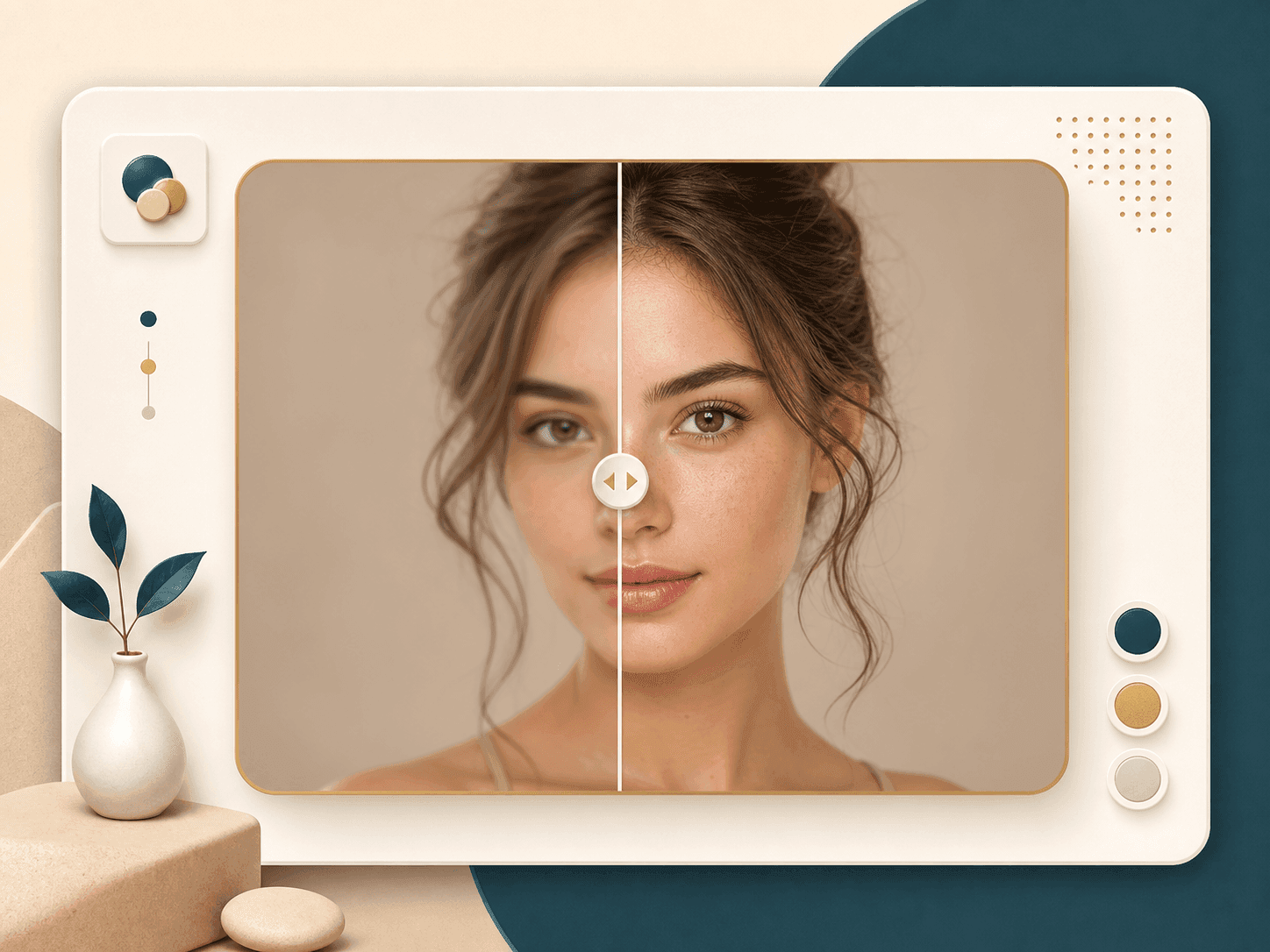
The result page gives you a visual slider, so you can inspect the original and enhanced image in one place. This matters when you care about likeness, skin texture, and whether the face still looks believable. Download the enhanced result only after it passes your own eye test.

If your image contains several visible faces, the service can process multiple faces, with a practical limit of the ten largest faces by area. For group photos, crop around the people who matter most and avoid tiny background faces if you want cleaner enhancement.
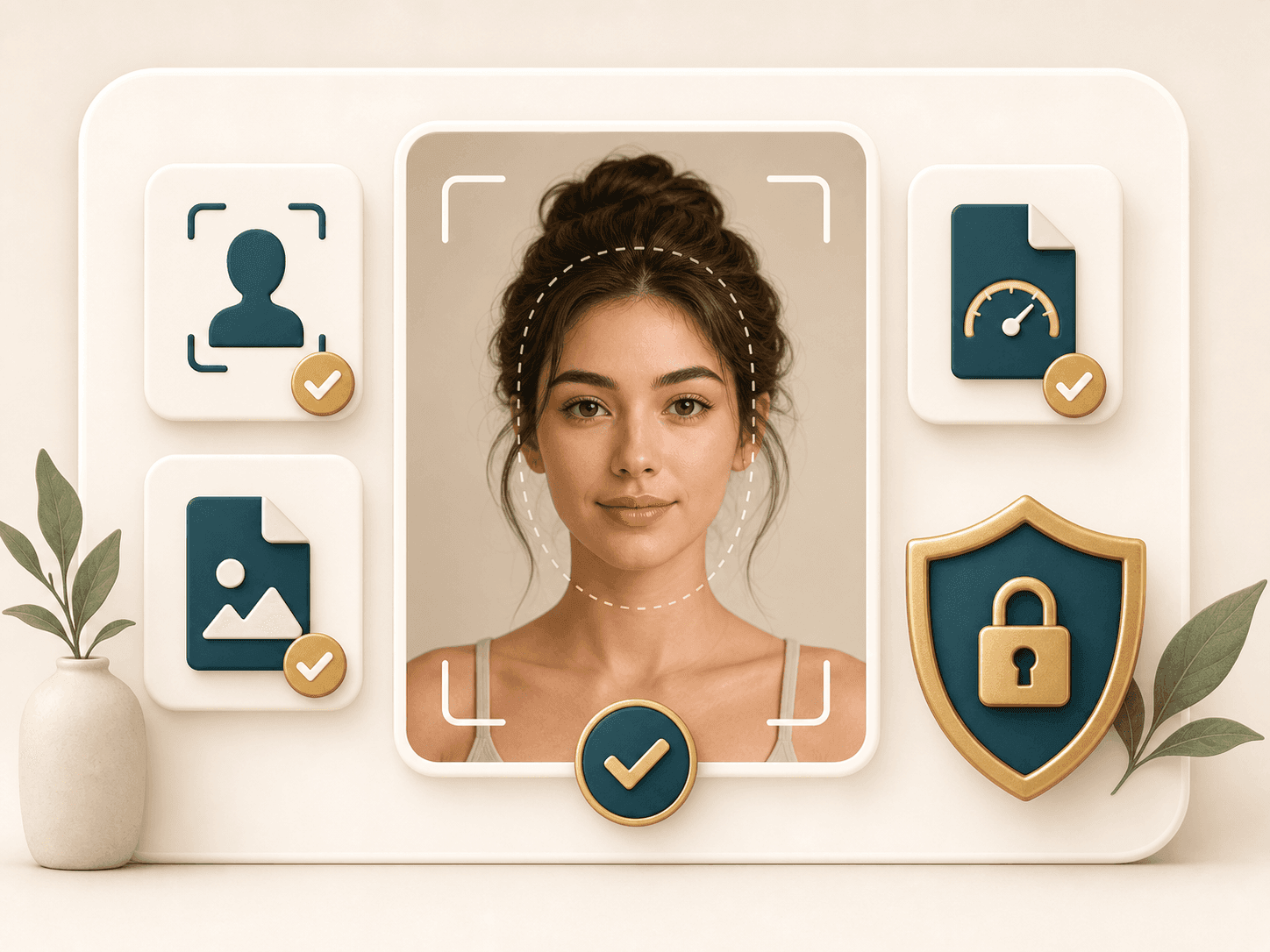
The upload flow checks that you selected an image, compresses large photos when needed, and sends the request with your API token. The underlying AI service works with common image formats and needs faces large enough to detect. If a face is too small, covered, or blurry, the page gives a clearer error.
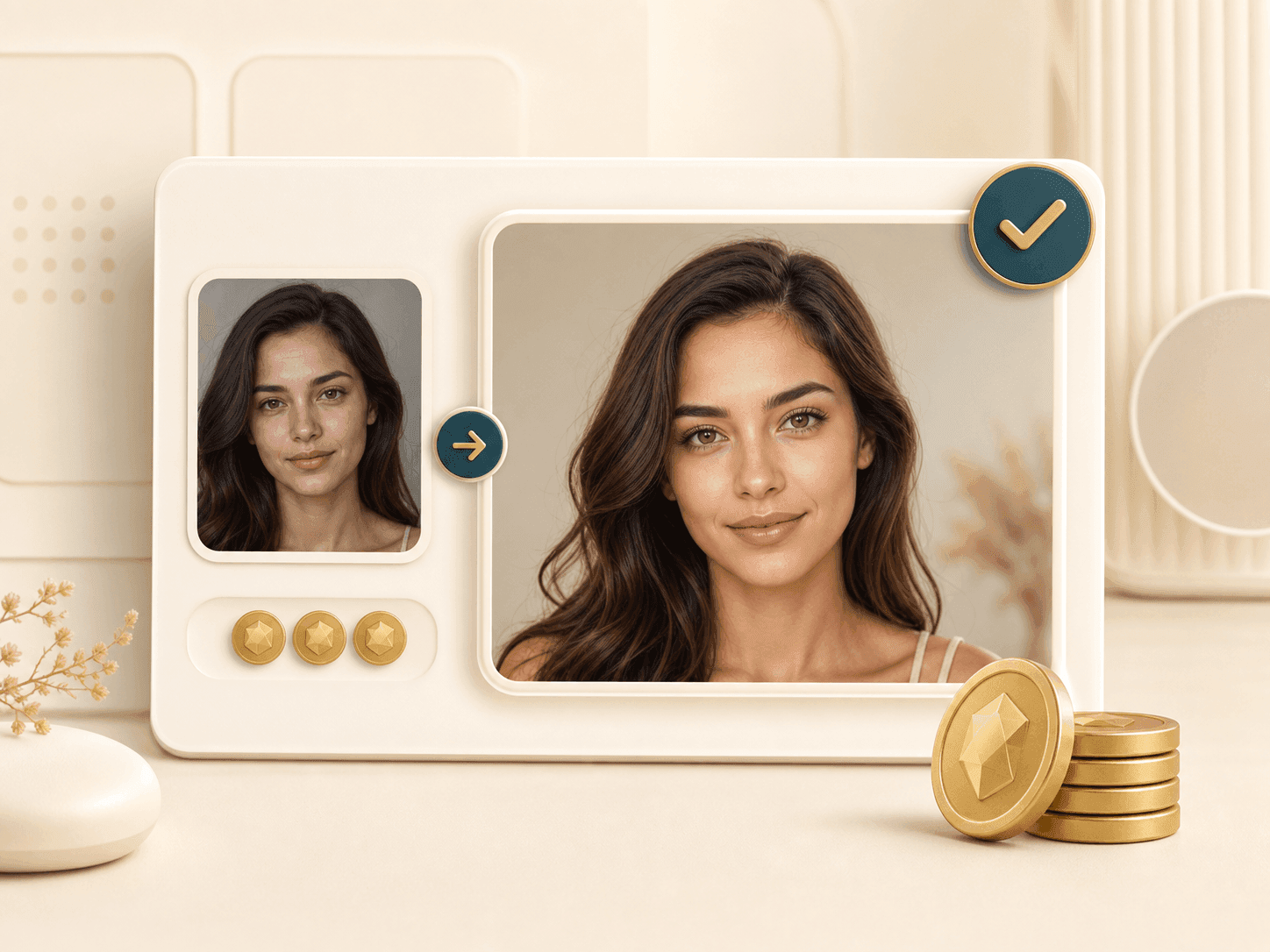
Face Enhancer is an AI Generator tool. A successful run uses 20 BeautyLove credits, while failed requests and service errors should not deduct credits. That keeps the workflow simple for occasional fixes, old portraits, profile photos, and batches where you want to test one image before running more.
Comparison table
Search results mix face enhancers, photo upscalers, beauty filters, and restoration tools. The right choice depends on the photo.
| Option | Main result | Review style | Best for |
|---|---|---|---|
| Face Enhancer by BeautyLove | Face detail enhancement with original photo blending | Before and after slider on the result page | Portraits where you want clearer faces and a natural review step |
| Generic photo enhancer | Whole image sharpness or upscaling | Usually a single preview or download | Landscapes, products, and photos where faces are not the main subject |
| Beauty filter app | Skin smoothing, makeup style, or beauty effects | Often tuned for social sharing | Creative looks when changing style is acceptable |
| Desktop restoration software | Manual repair, retouching, and restoration tools | More control, more setup | Damaged prints, missing areas, and detailed manual edits |
| Manual editor workflow | Human controlled sharpening and retouching | Depends on editor skill | Professional jobs that need precise local adjustments |
Privacy and data use
BeautyLove sends uploaded images to the selected AI service to run Face Enhancer. The enhancement is not processed only on your device.
The latest result data and thumbnail may stay in your browser storage so the result page can show your enhanced image.
Provider result URLs can be temporary. BeautyLove fetches the result for display, but you should download the final image when you want to keep it.
Upload photos you own or have permission to use. Do not use face enhancement to mislead people or change identity context.
FAQ
Credits, blur, old photos, group photos, privacy, and why some uploads fail.
Ready when you are
Upload a clear face photo, generate the result, and compare the change before you save it.
Loved by 5M+ BeautyLove users for hair, makeup, color, and portrait decisions.