Before a perm appointment
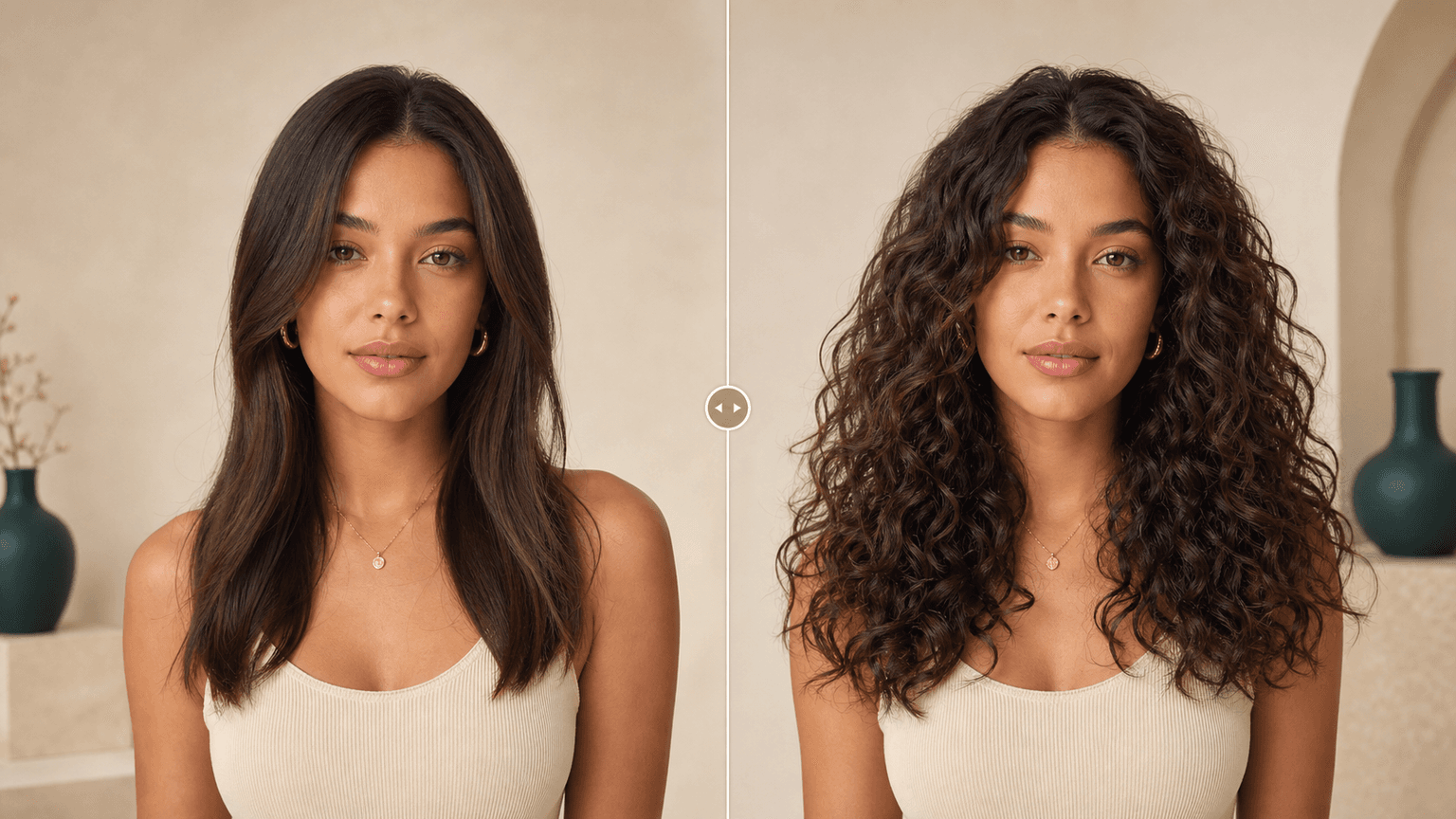
Preview a softer or more defined curl direction before you ask for a perm. Use the image to discuss shape, volume, and upkeep with your stylist.
AI Generator | Curly Hair Filter
Upload a portrait, choose a curl pattern, and preview waves, curls, coils, curly bob, or a perm-inspired look before you visit the salon.
Choose a curl pattern
16 curl directions across waves, curls, perms, and coils. Selected: Loose waves
How it works
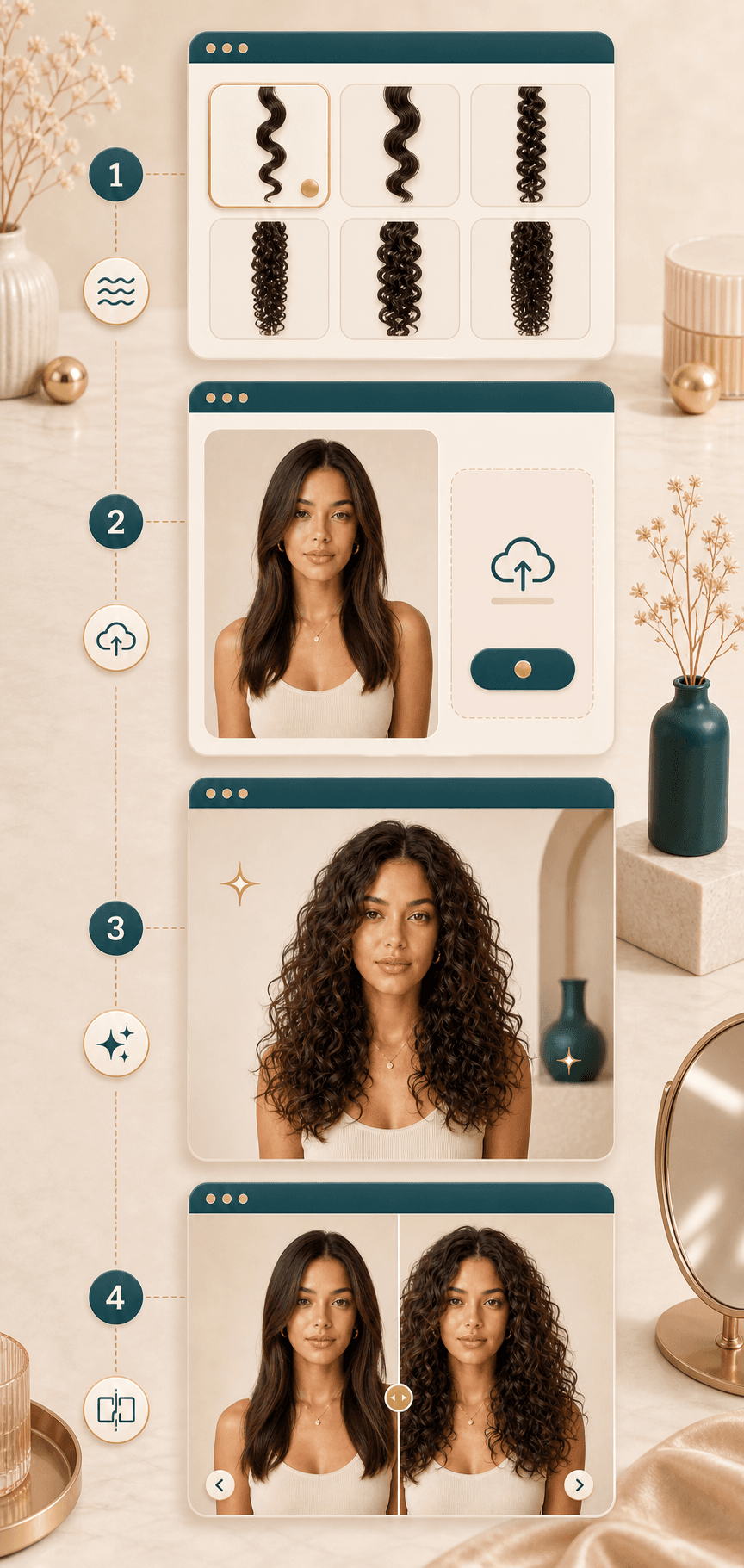
Start with one clear portrait and one curl direction. The result gives you a visual reference to compare before changing your real hair.
Pick waves, curls, perm-inspired volume, coils, ringlets, or a curly bob. Start with the pattern closest to the look you want to review.
Use a front facing or gentle three quarter photo with visible hair, even light, and no hands, sunglasses, or heavy shadows covering the face.
BeautyLove sends the portrait for AI generation and asks the model to change hair texture and volume while keeping your face and photo context stable.
Open the result page, drag the before and after slider, and download the preview when it gives you a useful salon or styling reference.
Use cases
People search for curl filters when a hair change feels hard to picture. BeautyLove turns that question into a simple visual test.
Preview a softer or more defined curl direction before you ask for a perm. Use the image to discuss shape, volume, and upkeep with your stylist.
Try loose beach waves, romantic curls, defined curls, or tighter coils from the same portrait so you can compare several directions more clearly.
Explore a curly hair look for profile photos, beauty content, thumbnails, or campaign images while keeping your face and outfit recognizable.
Save the curl preview as a visual cue. It can help explain the mood you like, then your stylist can adapt it to your real texture and length.
Why choose BeautyLove
BeautyLove keeps the workflow practical: choose a curl family, upload one portrait, and compare the generated image with your original.
See a curl direction on your own portrait before you book a perm, change your styling routine, or collect salon references.

The request focuses on hair texture, curl pattern, and volume so your face, expression, outfit, and background stay easier to judge.
Roots, hairline, strand shape, shine, and face framing matter when you are deciding whether curls suit your portrait.
Curly Hair Filter is a generator tool. A successful result uses 20 credits and can be saved from the result page.
Key features
The tool is designed for curl exploration, with presets, photo guidance, comparison, and download built into the flow.
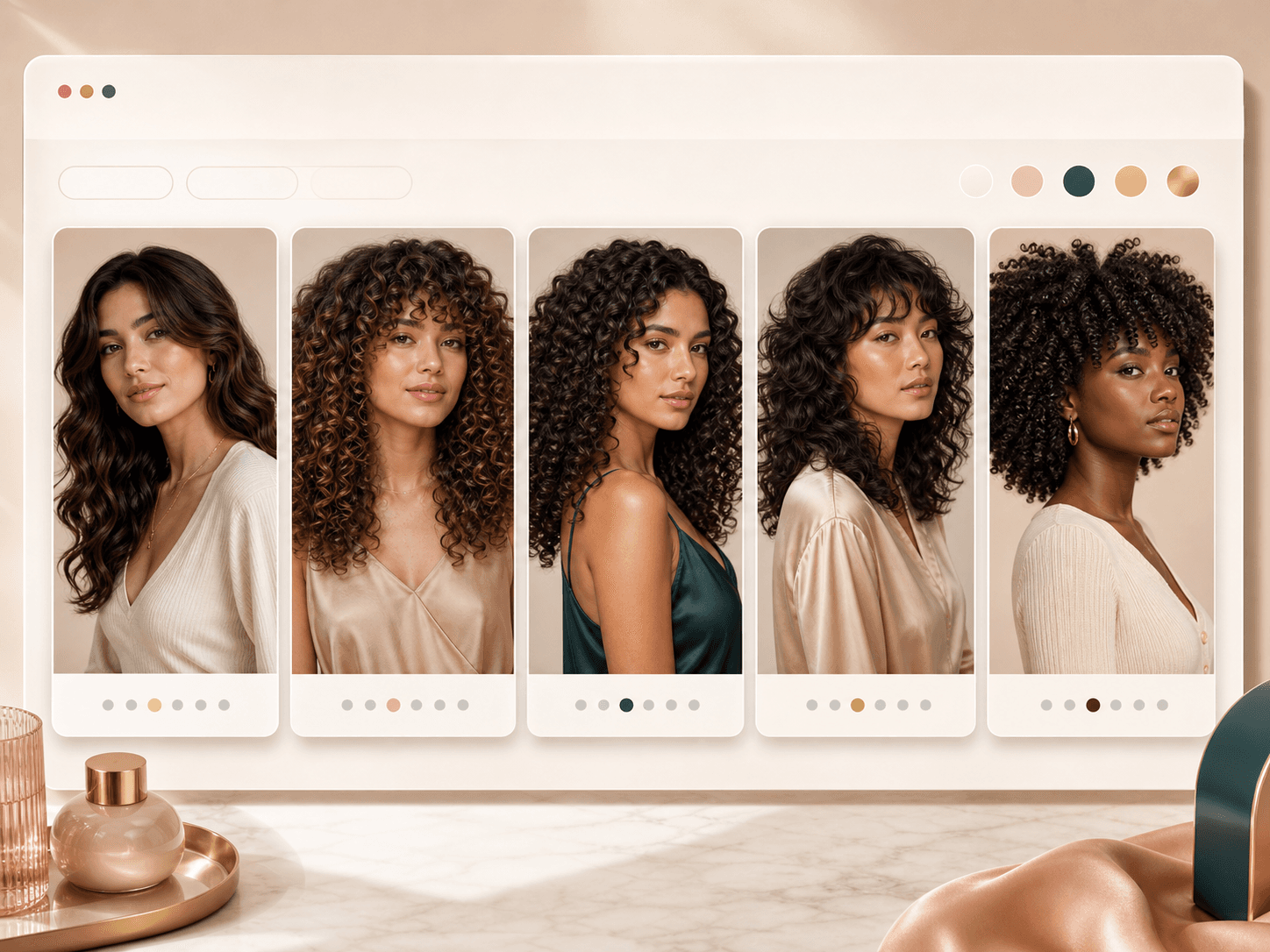
Choose from a focused set of curl directions instead of writing a prompt from scratch. The presets cover loose waves, S waves, romantic curls, defined curls, ringlets, soft perms, root volume, coils, and curly bob ideas. This keeps the tool fast when you already know the curl family you want to test.
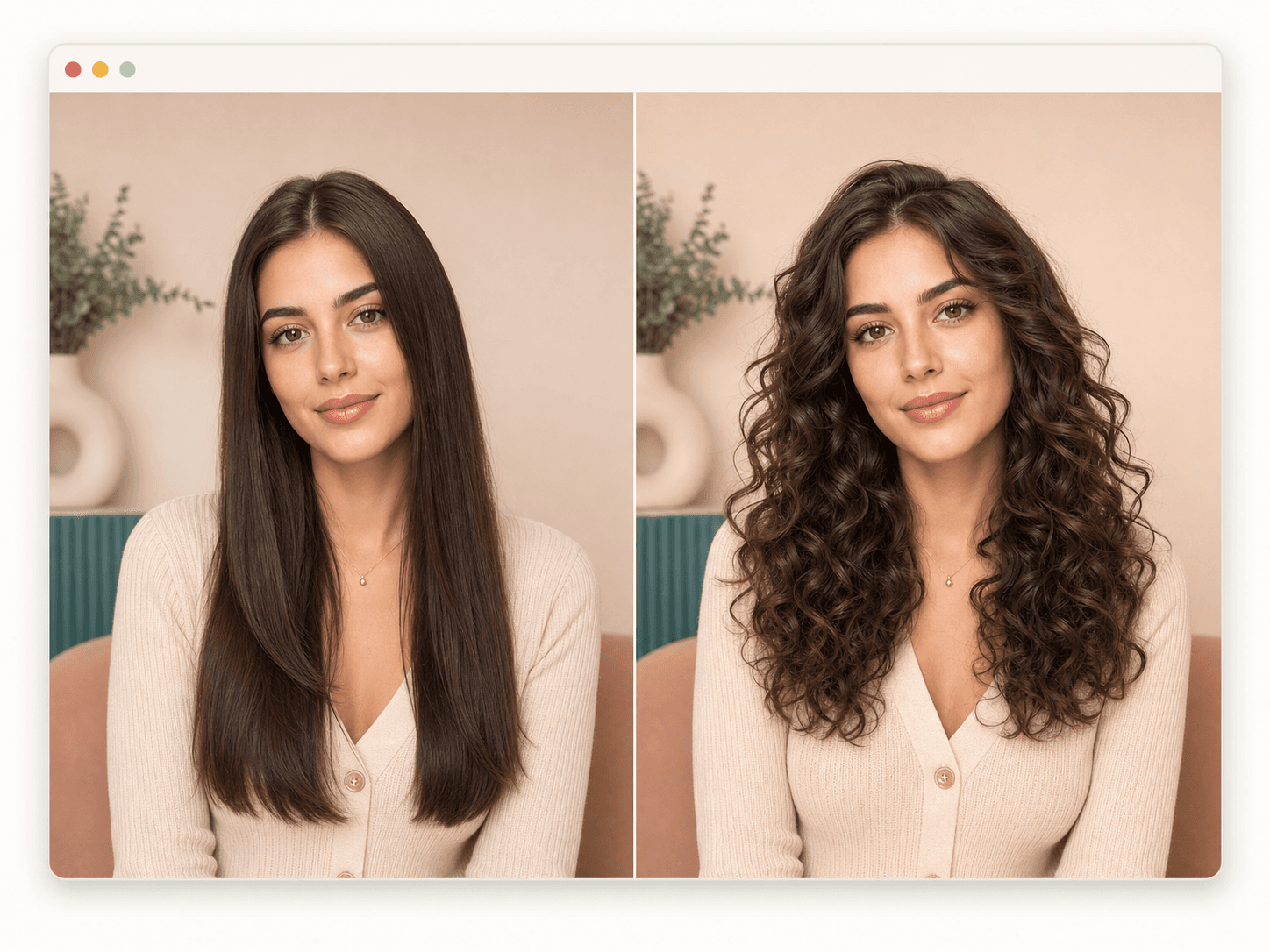
The prompt asks the AI to change only hair texture, curl pattern, and natural volume. Your face shape, skin, makeup, expression, clothing, pose, and background are meant to remain stable. That makes the generated image easier to judge as a hairstyle preview, not a full portrait makeover.
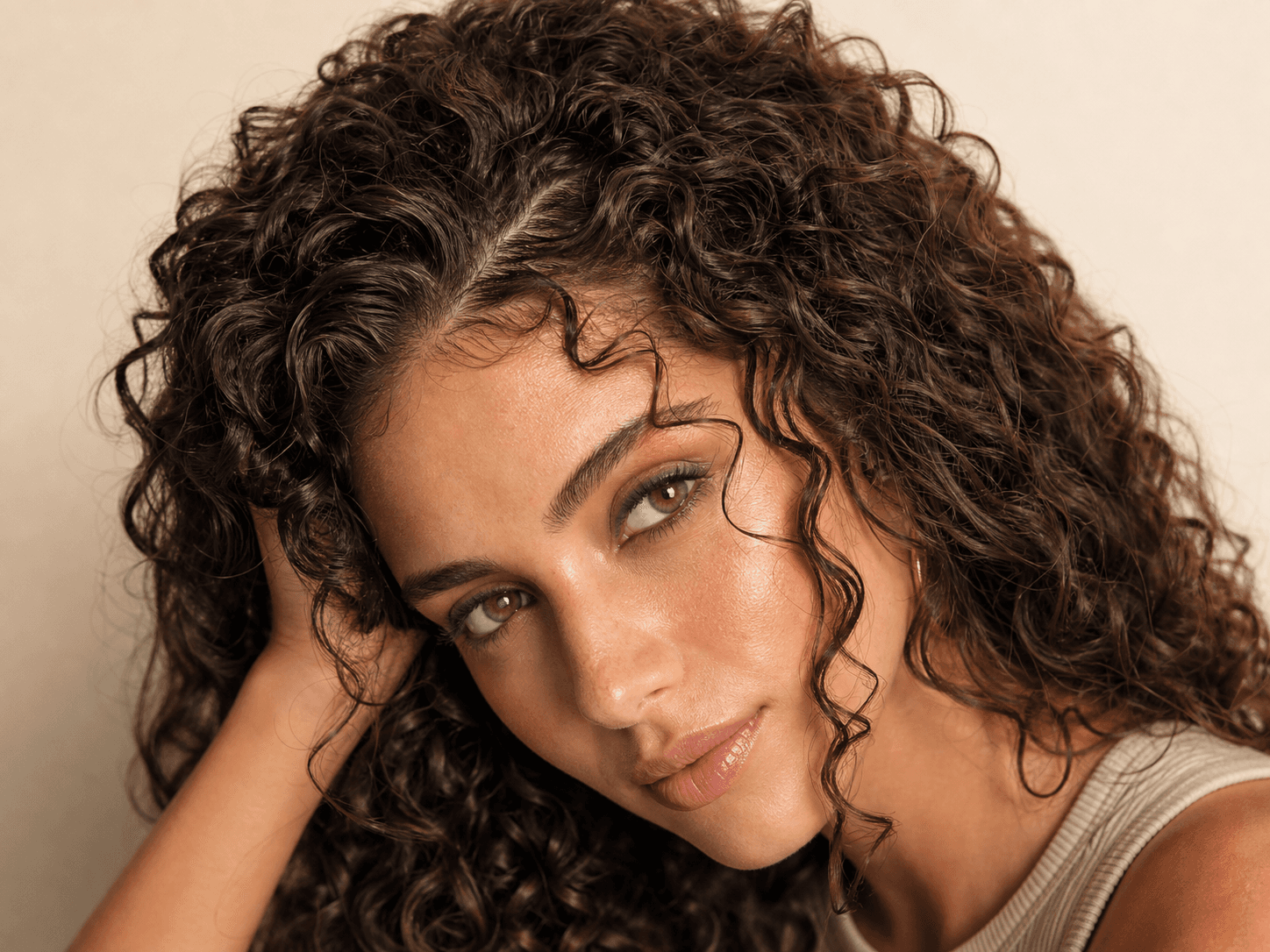
A curl preview is most helpful when roots, hairline, and strand texture look believable. BeautyLove keeps those details visible so you can inspect how volume changes around your forehead, cheeks, and shoulders. Real curls still depend on density, health, weather, products, and salon technique.
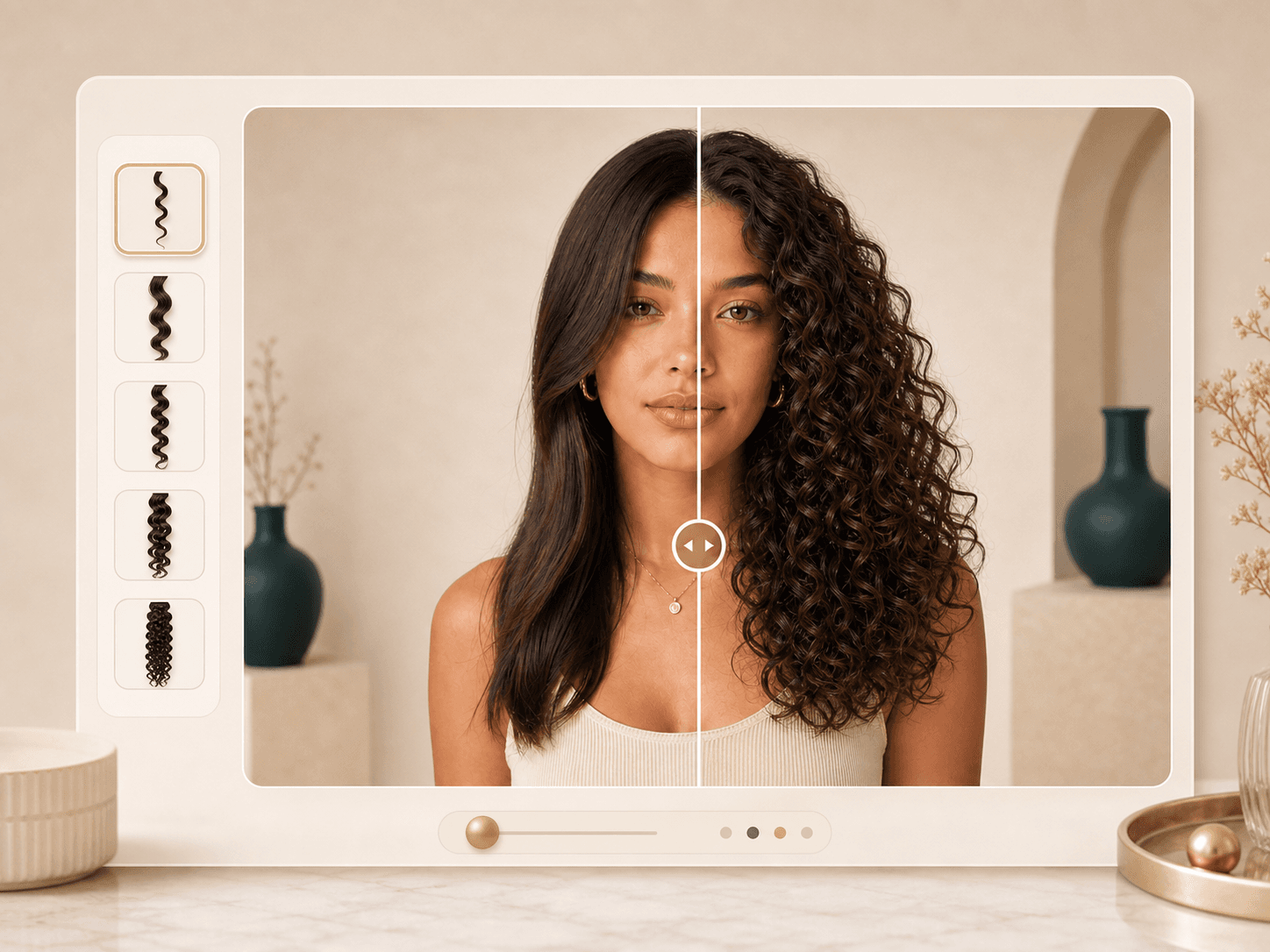
The result page includes a draggable comparison slider with your original portrait on one side and the generated curl preview on the other. Use it to compare face framing, volume, part placement, and overall balance without relying on memory.
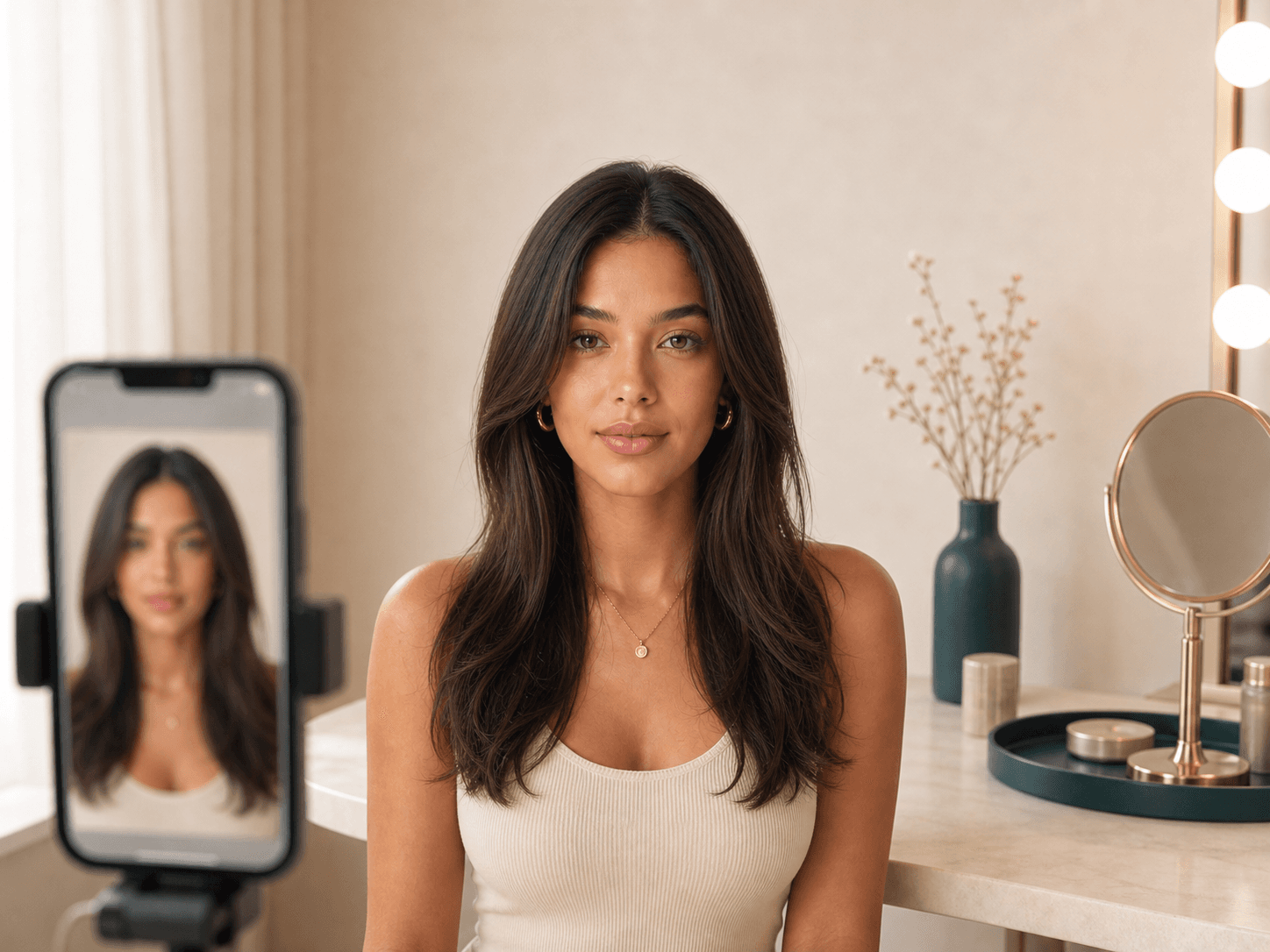
Better uploads usually make better previews. Use a sharp portrait with even light, visible hair, and a face that is not covered by sunglasses, masks, hands, or heavy shadow. The browser supports JPG, PNG, and WEBP uploads up to 10 MB.
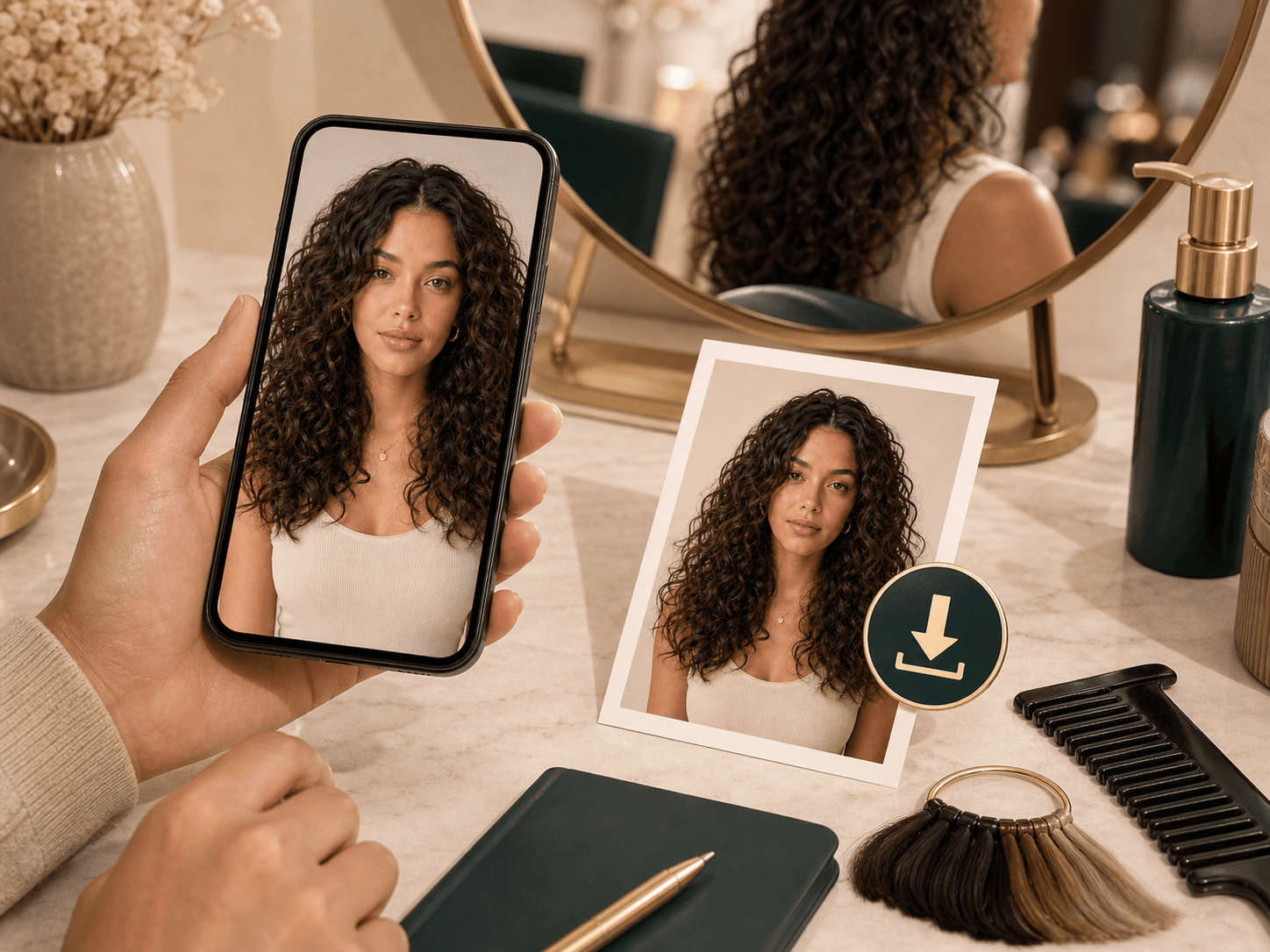
When a result feels useful, download it and keep it with your haircut notes. The image can help you compare curl sizes, face framing, and volume goals before a salon visit. Treat it as inspiration, then ask a stylist what is realistic for your hair.
Comparison table
Different tools help at different points. Use this table to decide whether you need a focused preview, broad browsing, or real hair advice.
| Option | Control | Output | Best for |
|---|---|---|---|
| BeautyLove Curly Hair Filter | Choose one curl preset and upload one portrait | Generated curly hair preview with before and after review | People who want a focused curl or perm preview before a beauty decision |
| Broad hairstyle apps | Browse many hair templates or mobile filters | Varies by provider, often made for fast casual browsing | Trying many looks quickly on a phone |
| Prompt based image editors | Describe the curl look in a text prompt | More creative variation, often less predictable for identity stability | Creative edits when prompt flexibility matters most |
| Salon consultation only | Discuss texture, density, cut, and upkeep with a stylist | Human advice rather than an AI generated preview | Final decisions about perm process, length, and maintenance |
| Manual styling test | Use heat tools, rollers, or curl products at home | Real hair response with time and product effort | Checking how your actual hair holds curls |
Privacy and limits
Your portrait is sent to the selected AI service to create the curl preview. This tool is not processed only on your device.
Result data and thumbnails may remain in your browser storage so the result page can show your latest generated preview.
Upload photos you own or have permission to use. Avoid uploading another person without clear consent.
AI curl previews can be imperfect. Real curls depend on haircut, texture, density, products, humidity, and styling skill.
FAQ
Curl presets, face preservation, upload quality, credits, privacy, and how to read the preview.
A Curly Hair Filter is an online AI tool that edits a portrait so you can preview waves, curls, coils, or a soft perm before changing your hair.
Choose a curl preset, upload a clear portrait, generate the preview, then compare the original and curly hair result on the result page.
Yes. The preset list includes soft perm, Korean wave perm, digital perm, root volume perm, loose waves, soft curls, defined curls, ringlets, coils, and curly bob directions.
The tool is instructed to keep your face, expression, skin, clothing, pose, and background stable while changing only hair texture and volume.
The prompt asks the AI to preserve your original hair color. It focuses on curl pattern, strand texture, and natural volume.
Use a sharp portrait with visible hair, even light, and no major obstructions. Front facing or soft three quarter photos usually work well.
No AI preview can guarantee your exact real curls. Use it as a visual direction, then check feasibility with a stylist or your own styling test.
Curly Hair Filter is a generator tool, so a successful run uses 20 credits. Failed requests and service errors should not consume credits.
Yes. After generation, the result page lets you compare the before and after image and download the generated curl preview.
Uploaded images are used to process the AI request through the selected service. Result data may also remain in browser storage for the result page.
Ready when you are
Choose a curl pattern, upload a clear portrait, and compare the generated result with your original photo.
Loved by 5M+ BeautyLove users for hair, makeup, color, and portrait decisions.