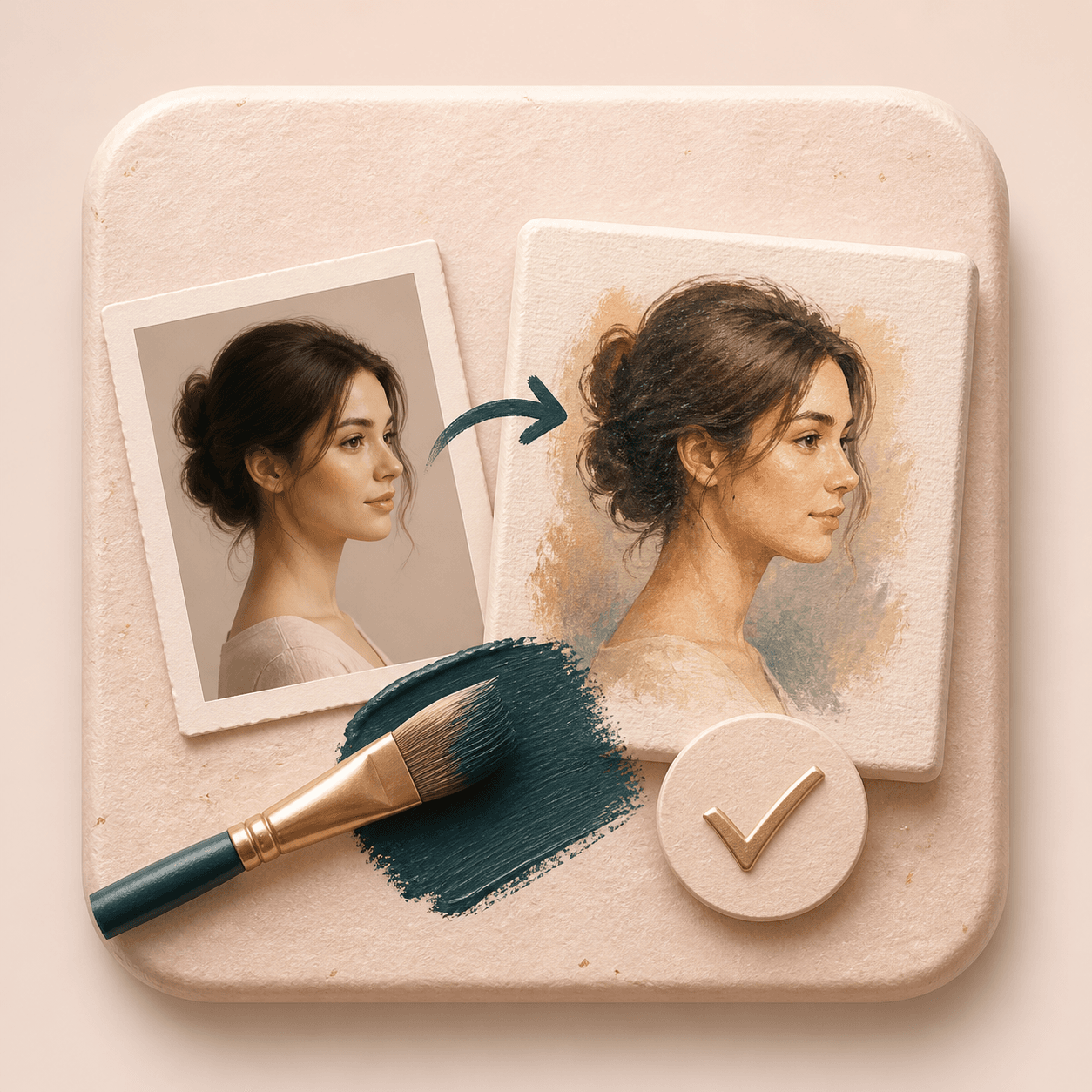
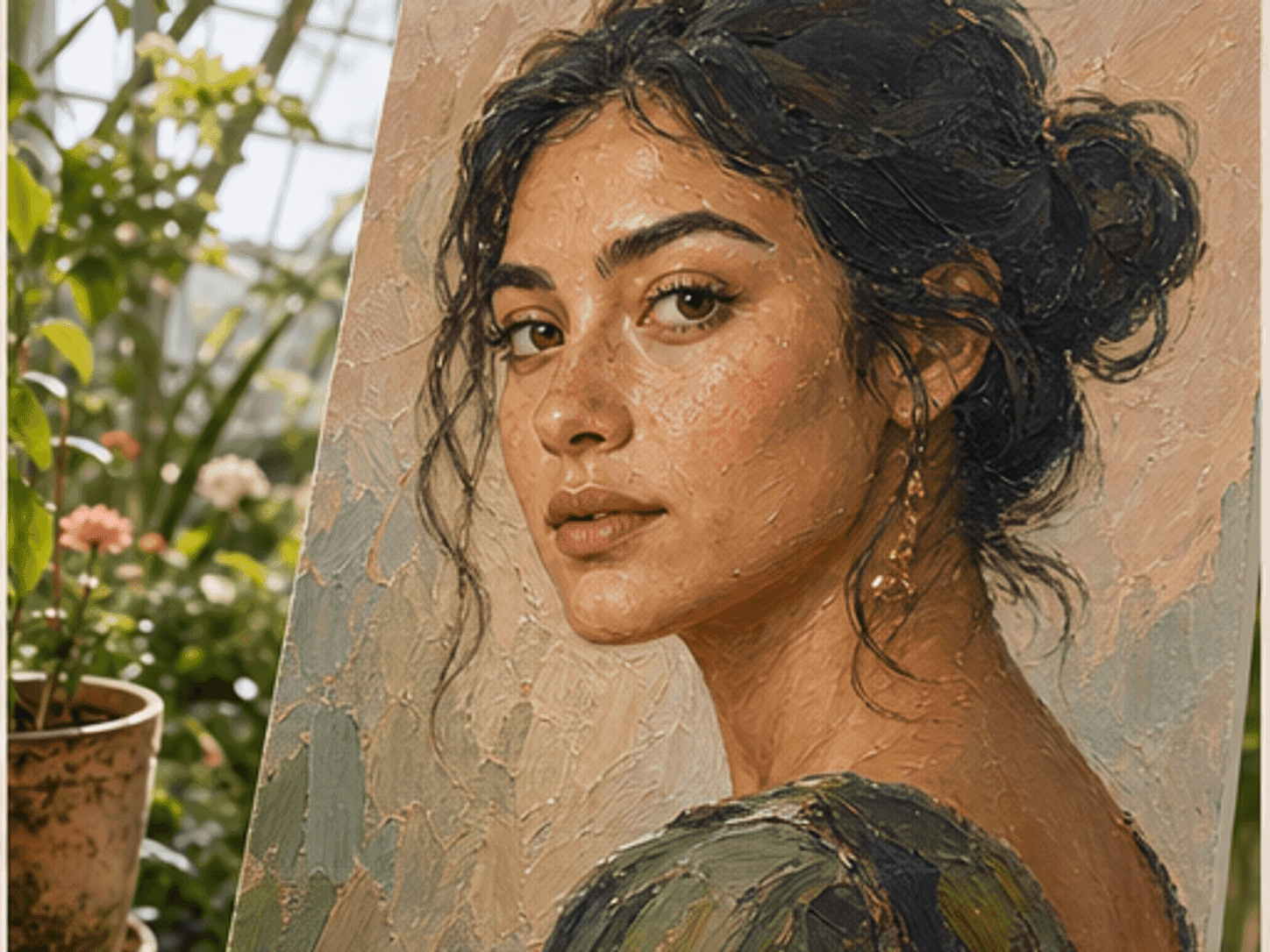
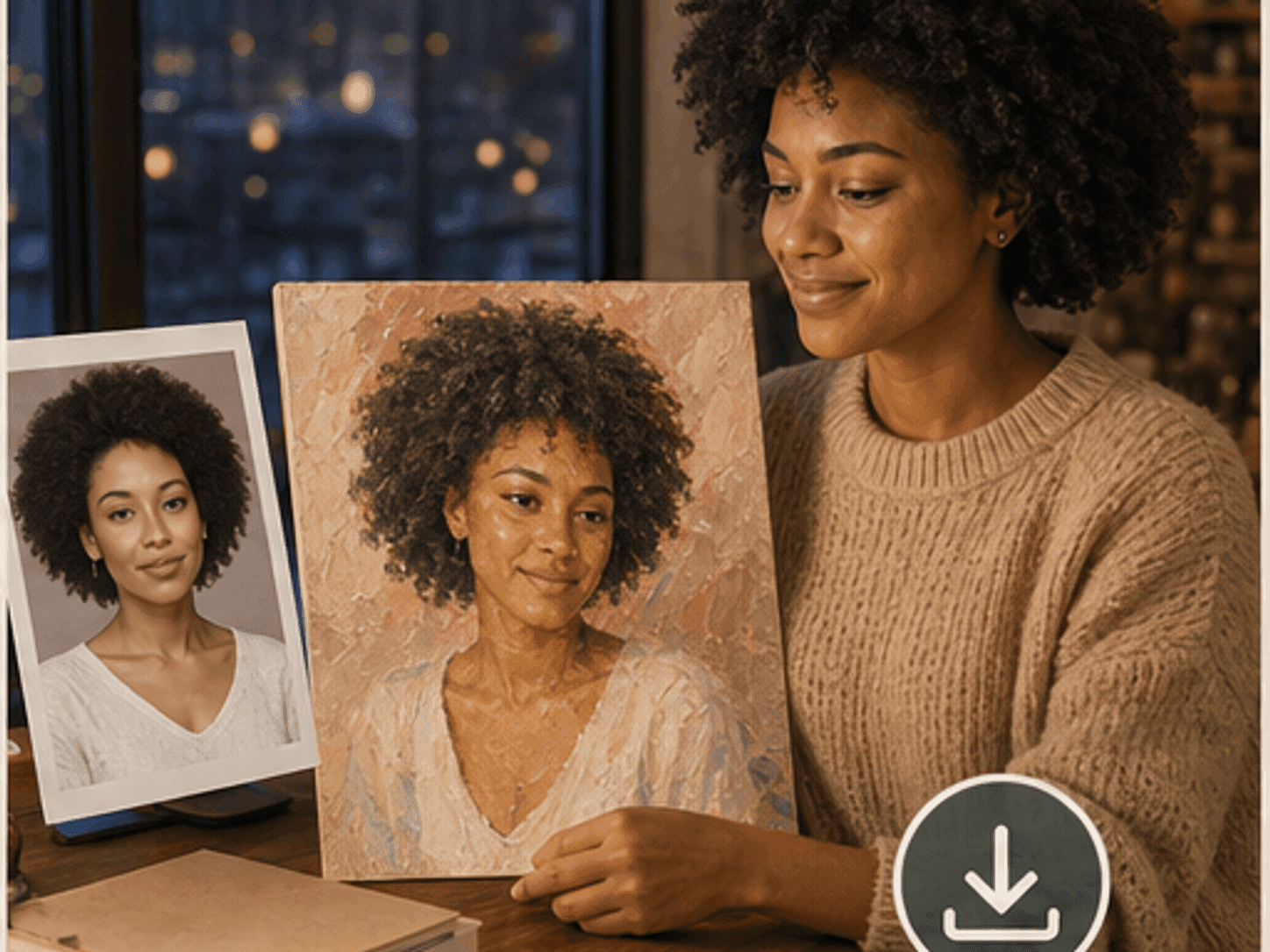
Upload a portrait, choose a painting style, and create a painterly result with visible brush texture while keeping the face, pose, and composition reviewable.
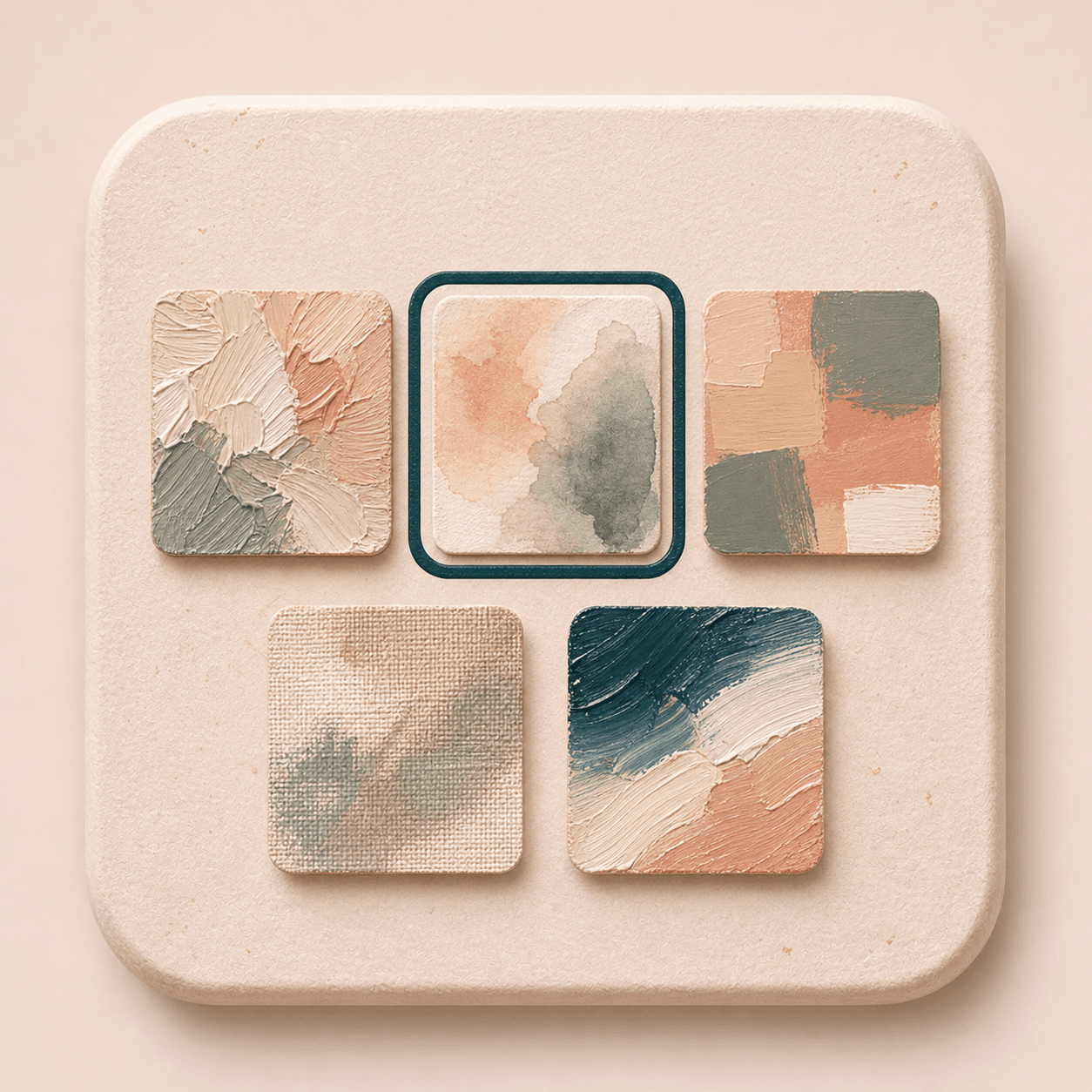
Choose painting style
12 portrait art styles across classic, soft media, and modern illustration. Selected: Soft oil portrait
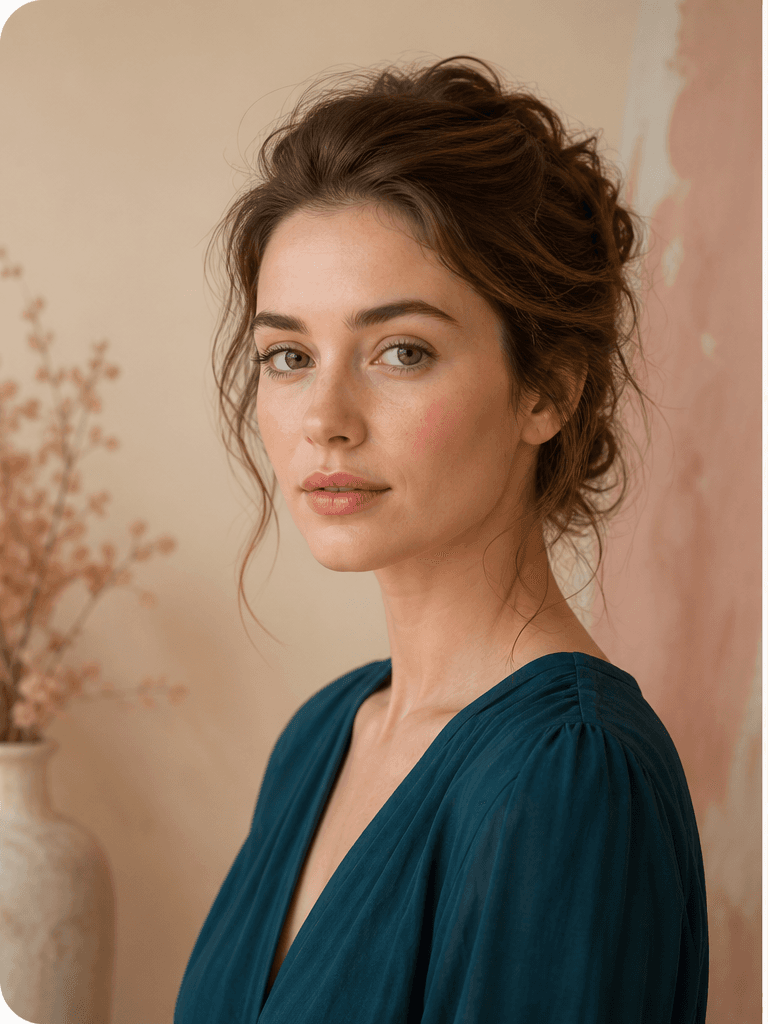
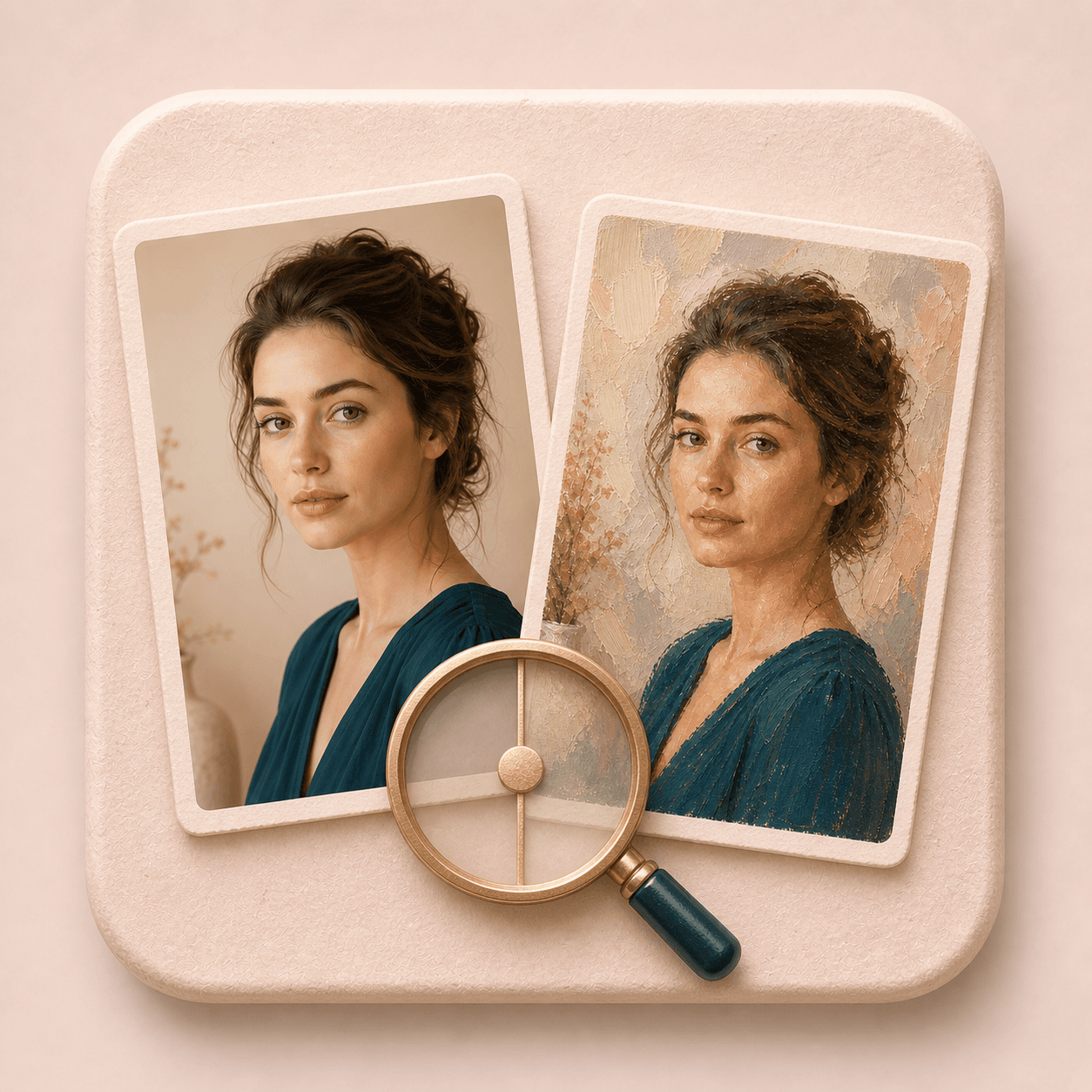
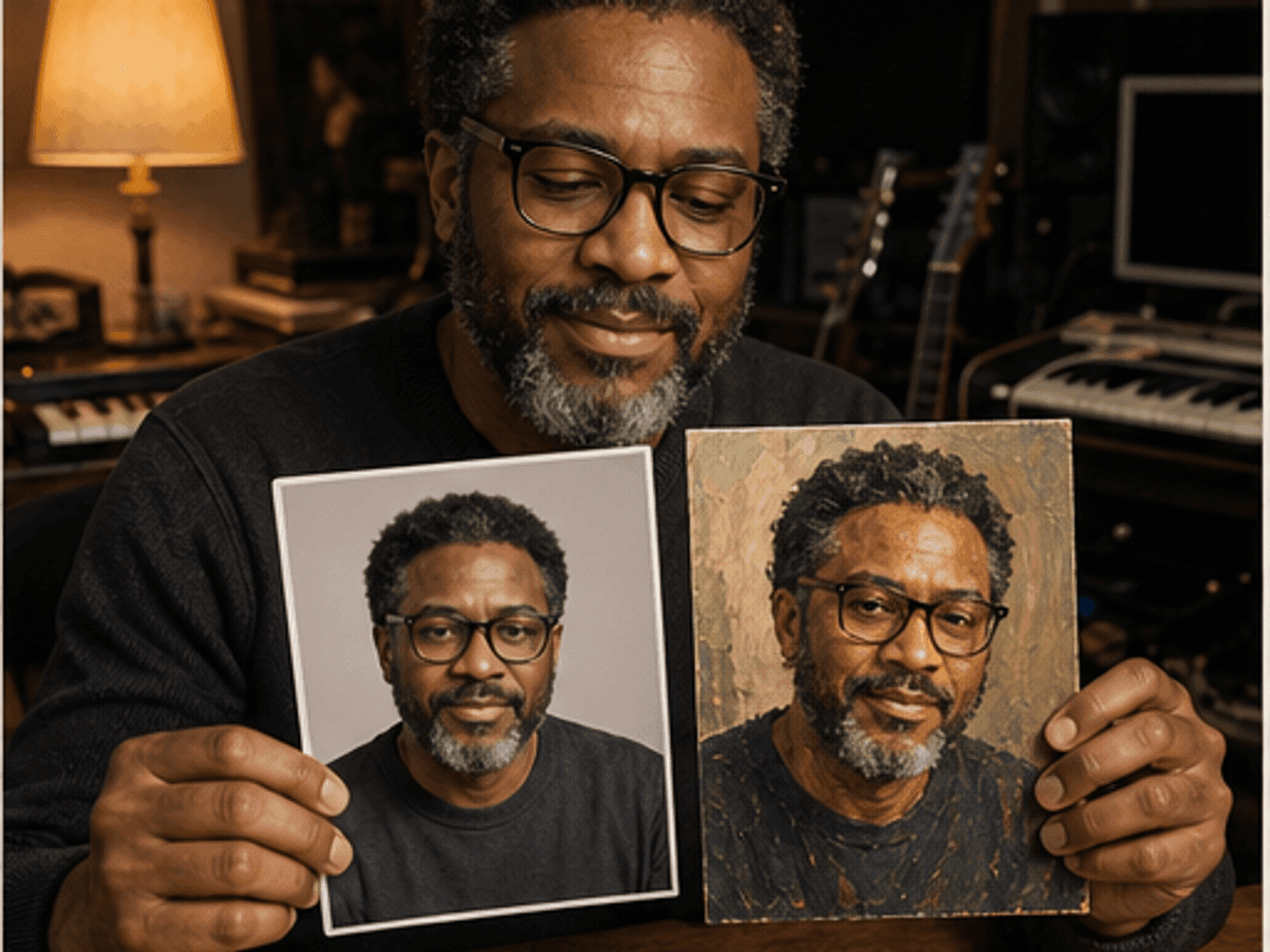
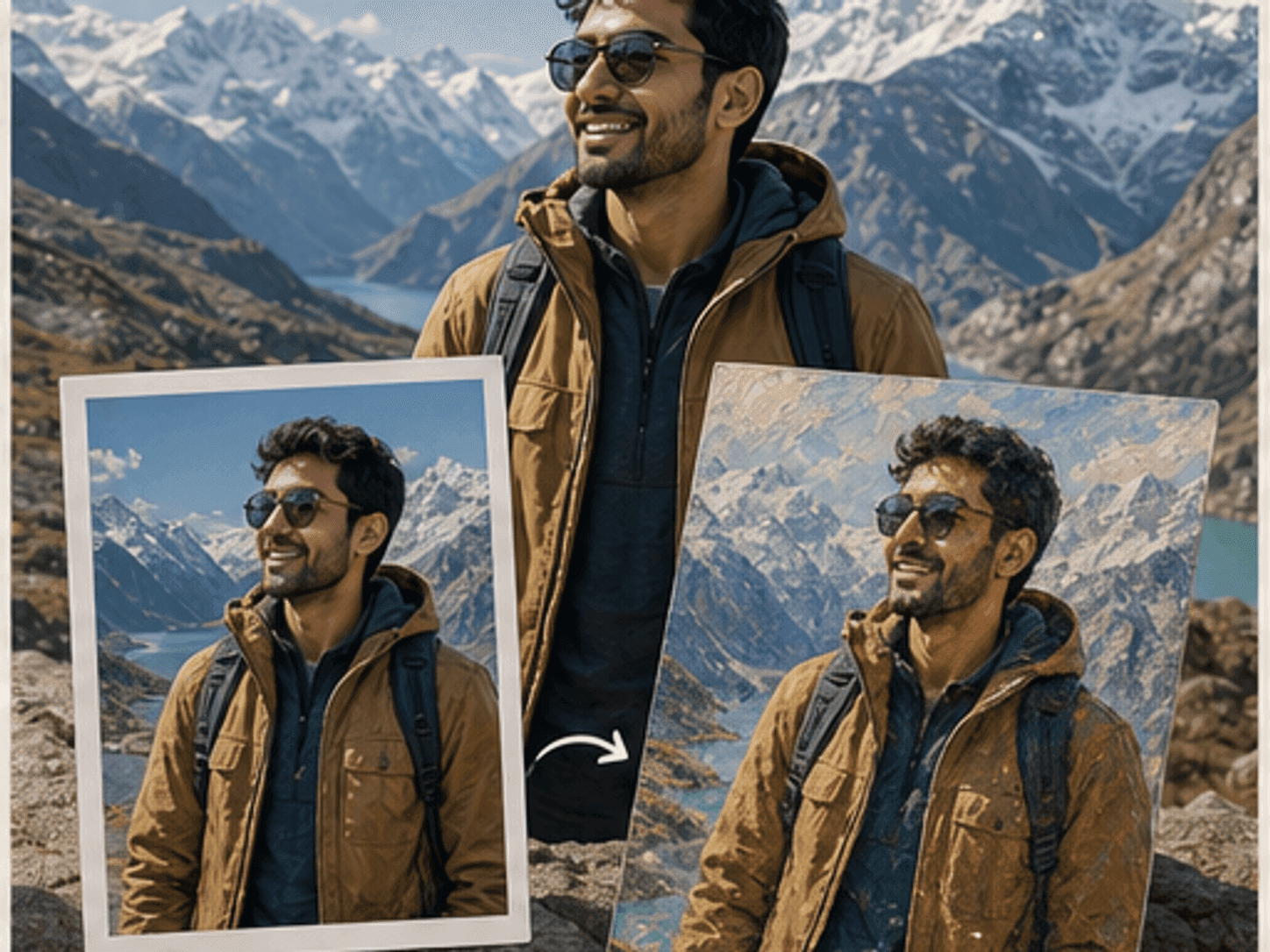
Before
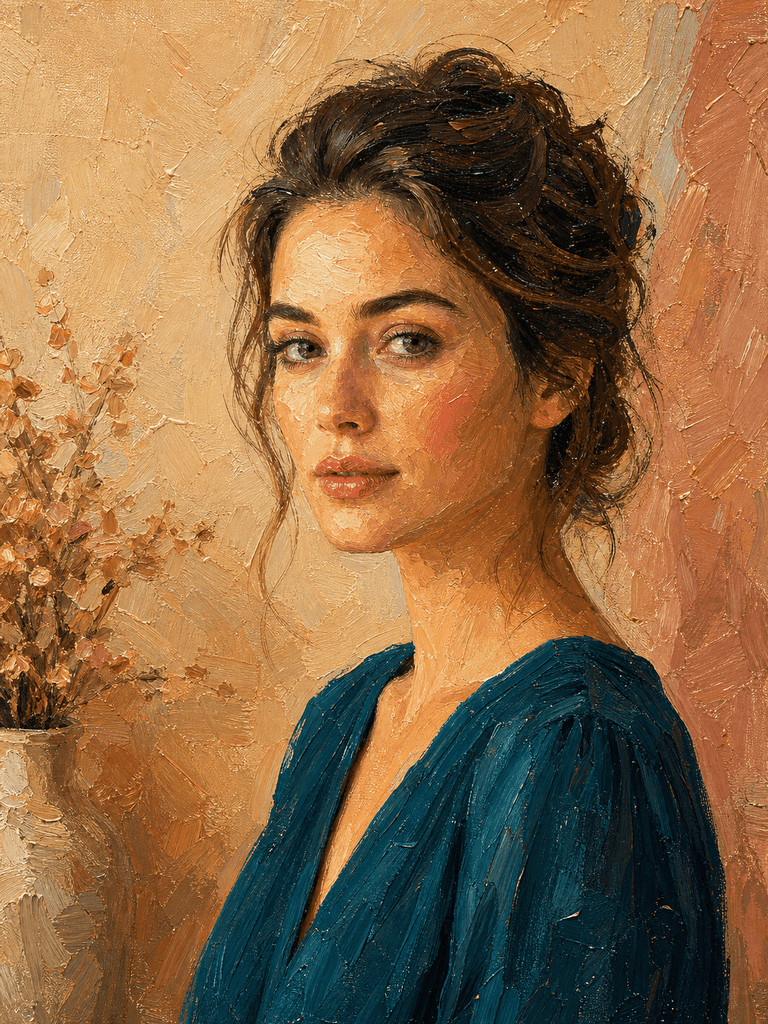
After
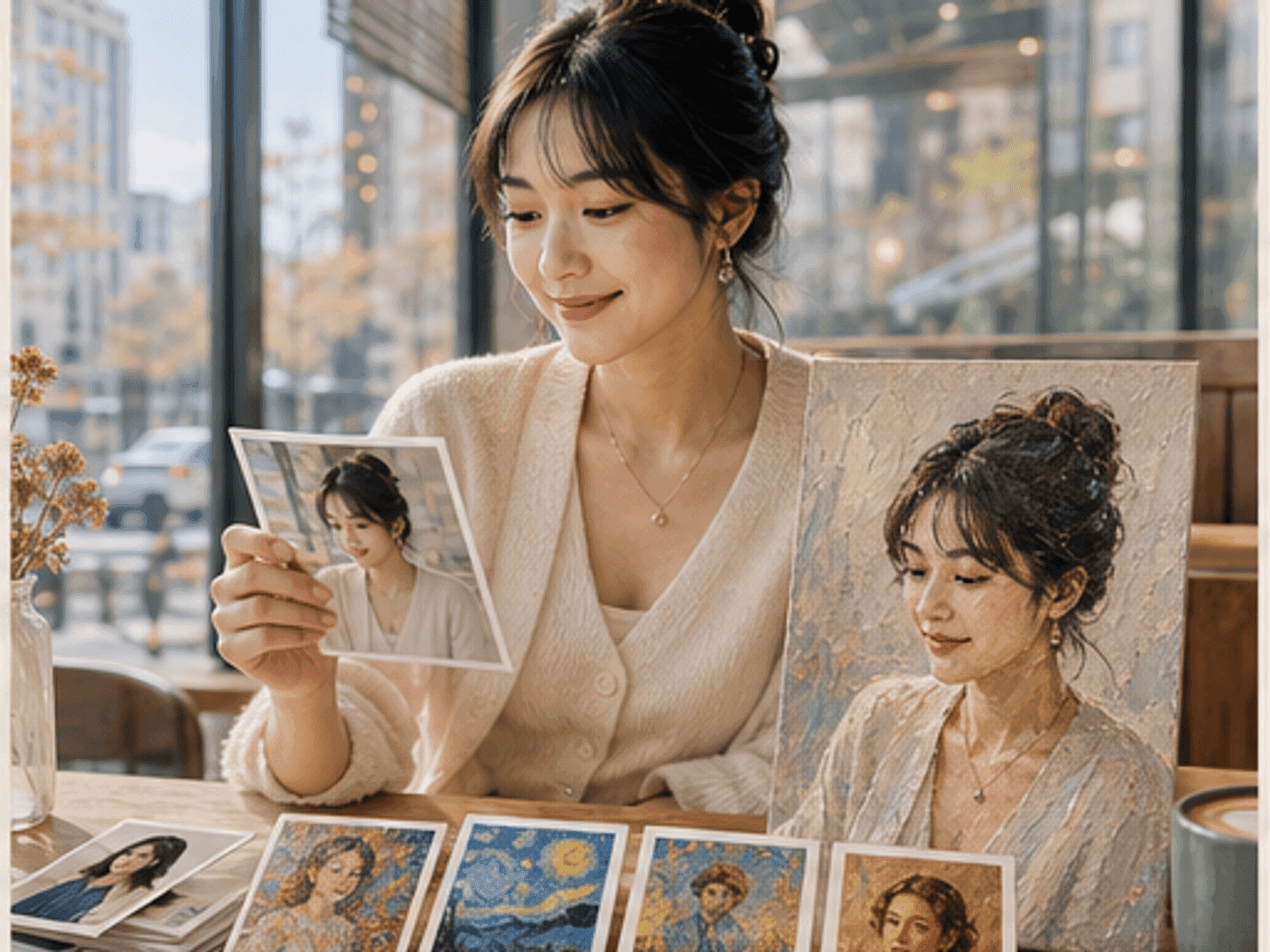
Loved by 5M+ BeautyLove users for hair, makeup, color, and portrait decisions.
5M+
Users worldwide
4.9 / 5
Average rating
2,689
User reviews
How it works
How to turn a photo into a painting.
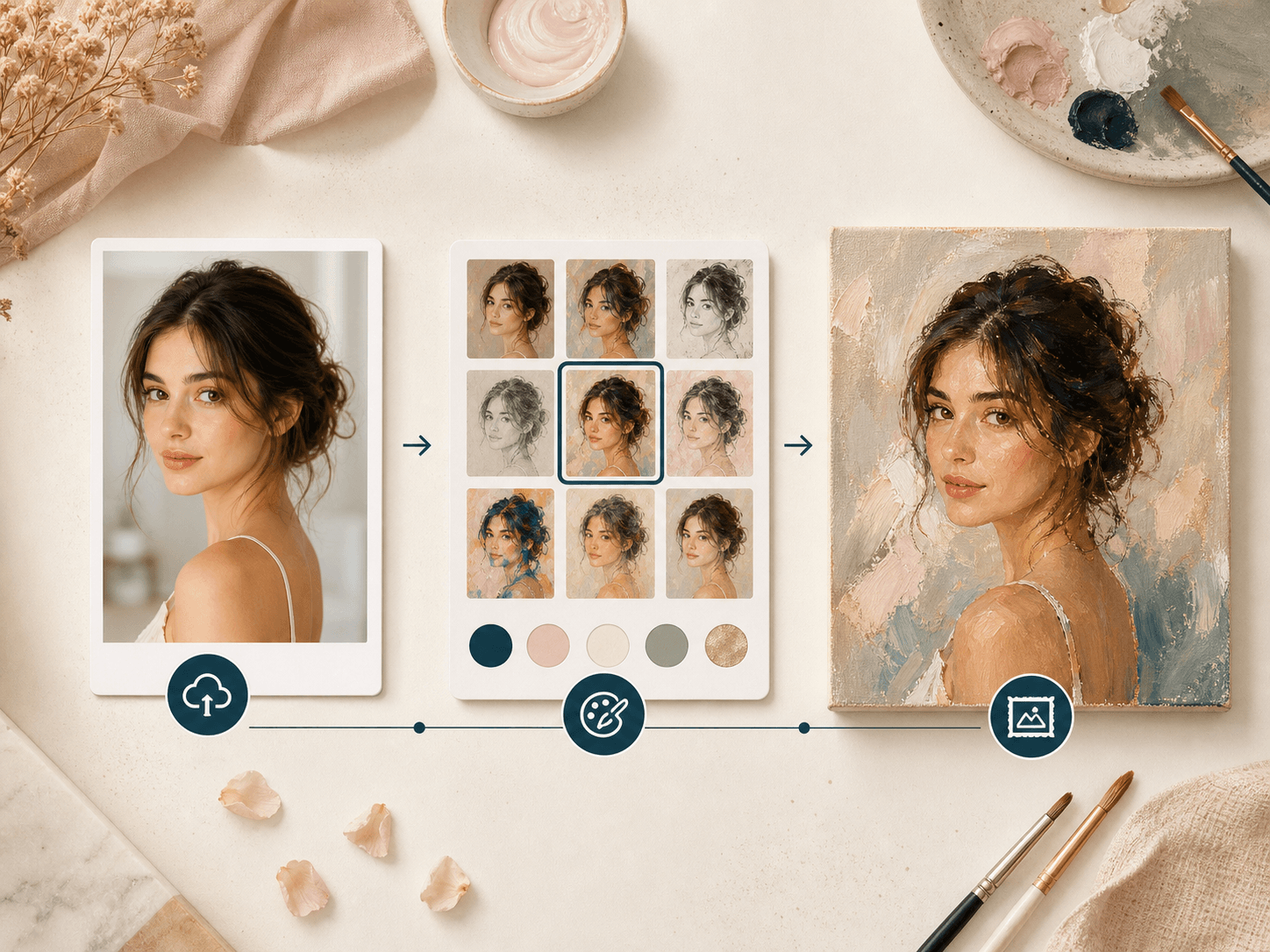
The flow stays simple: choose an art direction, upload one clear portrait, generate, then review the result before saving.
01
Choose a painting style
Pick oil, watercolor, gouache, romantic canvas, acrylic, pastel, colored pencil, fashion illustration, or another portrait art direction before you upload.
02
Upload one clear portrait
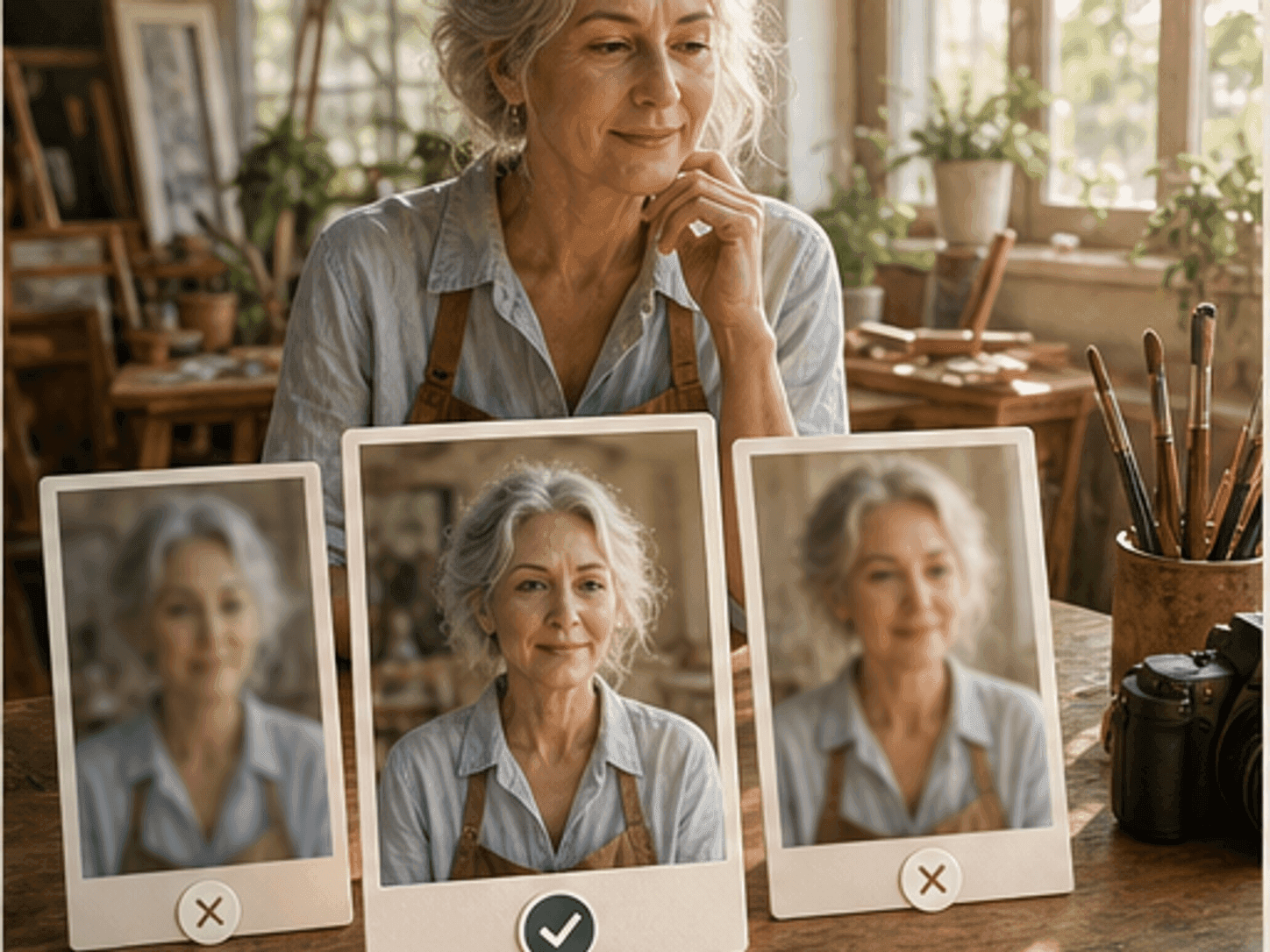
Use a photo where the face, hair, clothing, pose, and background are easy to see. Cleaner inputs usually make the painted result easier to review.
03
Generate the painted version
BeautyLove sends the photo and selected style to the image model, then creates a painterly version with color, brush texture, and canvas like detail.
04
Review and download
Compare the original photo with the painting result. Check the face, pose, background, and style before saving the final image.
Many painting filters focus on the art effect first. BeautyLove keeps the original portrait visible in the decision.
Portrait first conversion
Photo to Painting is tuned for portraits, so the prompt asks the model to keep identity, expression, pose, clothing, and background layout.
Style choices without prompts
Choose from 12 clear presets instead of writing a long prompt. Classic, soft media, and modern illustration styles each set a different portrait mood.
Before and after review
The result page keeps the original and generated image close together, so you can judge likeness and style before you download.
Clear credit use
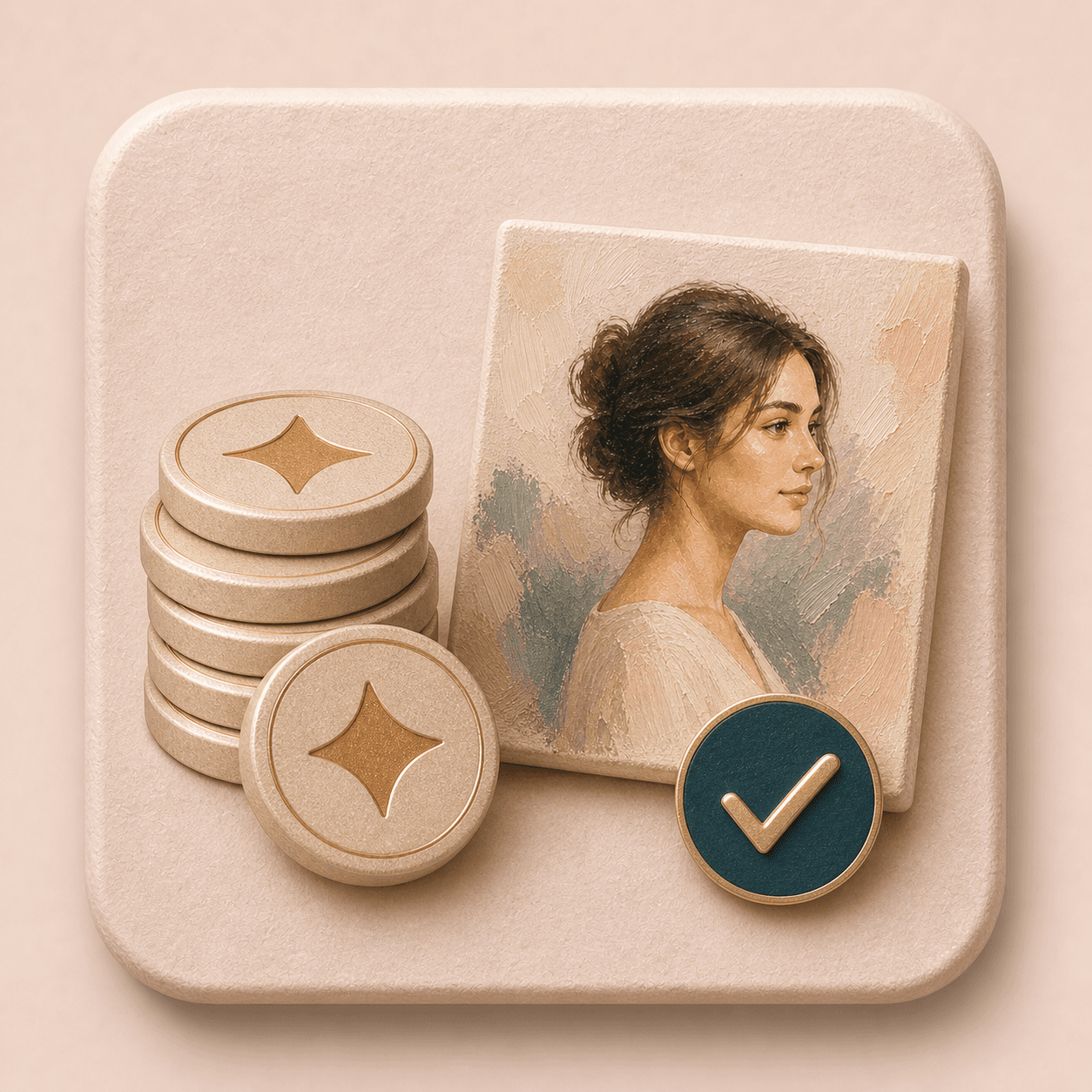
Photo to Painting is an AI Generator tool. A successful run uses 20 credits, while failed requests should not consume credits.
Key features
What your painting can keep and change.
Each feature is meant to make the creative result easier to guide, inspect, and reuse.
Painting style presets
Start with a preset instead of an open prompt box. Soft oil portrait works well for classic canvas texture. Watercolor creates a lighter wash. Gouache gives cleaner color blocks. Romantic canvas leans muted and museum inspired. Pastel, colored pencil, ink wash, fashion illustration, and storybook options add more art directions while keeping the upload flow simple.
Portrait aware generation
The generation prompt asks the model to preserve the person, face shape, facial features, expression, skin tone relationships, hair shape, clothing, pose, and background layout. AI results can still vary, but this portrait aware instruction helps the result feel closer to the original person than a generic painting filter.
Visible brush texture
Photo to Painting is designed to add painterly color, brush texture, and canvas like detail. Use it when you want an image that feels more like portrait art than a simple color filter. The best results usually come from photos with enough face detail for the model to reinterpret.
Complete composition guidance
The tool prompt tells the model not to crop, zoom, or replace the person. It asks for the complete visible composition to stay intact. That matters for portraits where clothing, hands, hair, or background mood are part of the image you want to keep.
Photo quality cues
A clear upload gives the model better information to work with. Choose a photo with a visible face, useful lighting, and little motion blur. If the result changes the face too much, try a sharper portrait or a crop where the person is the main subject.
Result review and download
After generation, the result page lets you compare the original upload with the painting output and download the finished image. This makes the tool useful for profile art tests, creative keepsakes, avatar ideas, social posts, and visual experiments.
Comparison table
Pick the right painting workflow.
The right choice depends on how much control you need over likeness, style, layout, and the final use.
Option
Style control
Workflow
Best for
Photo to Painting by BeautyLove
12 classic, soft media, and modern portrait presets
Upload, choose a style, generate, review, and download
Portrait art that keeps likeness and composition reviewable
Simple painting filters
Usually one tap filters or broad art effects
Fast filter previews with less portrait specific control
Casual edits when exact likeness matters less
Prompt only image generators
Flexible, but style quality depends on prompt writing
Write prompts, test outputs, and refine manually
Custom concept art and experimental image creation
Design editor apps
Art filters plus broader layout and template tools
Edit inside a larger design workspace
Social graphics, posters, and template based designs
Manual digital painting
Artist controlled style, detail, and likeness
Requires drawing skill or hiring an artist
Commissioned artwork and highly controlled portraits
Privacy and responsible use
Upload portraits with permission.
Processing
BeautyLove uses your uploaded image to process the Photo to Painting request through the selected AI image service.
Browser results
Result data and thumbnails may be kept in your browser storage so the result page can display your latest generated painting.
Permission
Upload portraits you own or have permission to use. Be careful with images of other people, especially for public sharing.
Review
AI painting results are creative interpretations. Review identity, style, and context before using the image anywhere important.
FAQ
Common questions.
Styles, likeness, credits, mobile use, downloads, and photo quality.
What is Photo to Painting?
Photo to Painting is an AI tool that turns a portrait photo into a painterly artwork style. You can choose oil, watercolor, gouache, canvas, acrylic, pastel, colored pencil, fashion illustration, and other portrait art directions before generating.
How do I turn a photo into a painting online?
Upload one clear portrait, choose a painting style, and run the generator. Then compare the original photo with the painted result and download it when it looks right.
Which painting styles can I choose?
You can choose soft oil portrait, watercolor portrait, editorial gouache, romantic canvas, modern acrylic, pastel, colored pencil, ink wash, fashion illustration, storybook, and other portrait art presets. Each preset changes texture, color mood, and finish.
Will Photo to Painting keep my face recognizable?
The prompt asks the model to keep your identity, face shape, expression, pose, clothing, and background layout. AI can still vary, so review the result before use.
What photos work best for a painting effect?
Clear portraits work best. Use a photo where the face is visible, lighting is even, and the image is not heavily blurred, blocked, or cropped too tightly.
Can I use Photo to Painting on my phone?
Yes, you can use Photo to Painting in a mobile browser. Upload an image, select a style, generate the result, and open the result page to download.
Is Photo to Painting free?
New users can use welcome credits to try Photo to Painting. A successful AI Generator run uses 20 BeautyLove credits.
Is this the same as Photo to Sketch?
No, Photo to Sketch creates a drawing style. Photo to Painting creates color artwork with painterly texture, brush marks, and canvas inspired detail.
Can I use the result as an avatar or profile picture?
Yes, the result can work for avatars, profile art tests, and social posts. Review likeness and any platform rules before using it publicly.
Do you store my uploaded photo?
BeautyLove uses uploaded images to process the request. Result data and thumbnails may be kept in your browser storage so the result page can show your latest output.
Ready when you are
Turn your portrait into painterly art.
Start with a clear portrait and choose the painting style that fits the mood you want to test.
Loved by 5M+ BeautyLove users for hair, makeup, color, and portrait decisions.