
AI Generator · Headshot Studio

AI Headshot Generator for professional profiles.

Upload one clear selfie and generate a polished headshot for LinkedIn, resumes, portfolios, speaker bios, and personal brand pages while keeping your likeness natural.

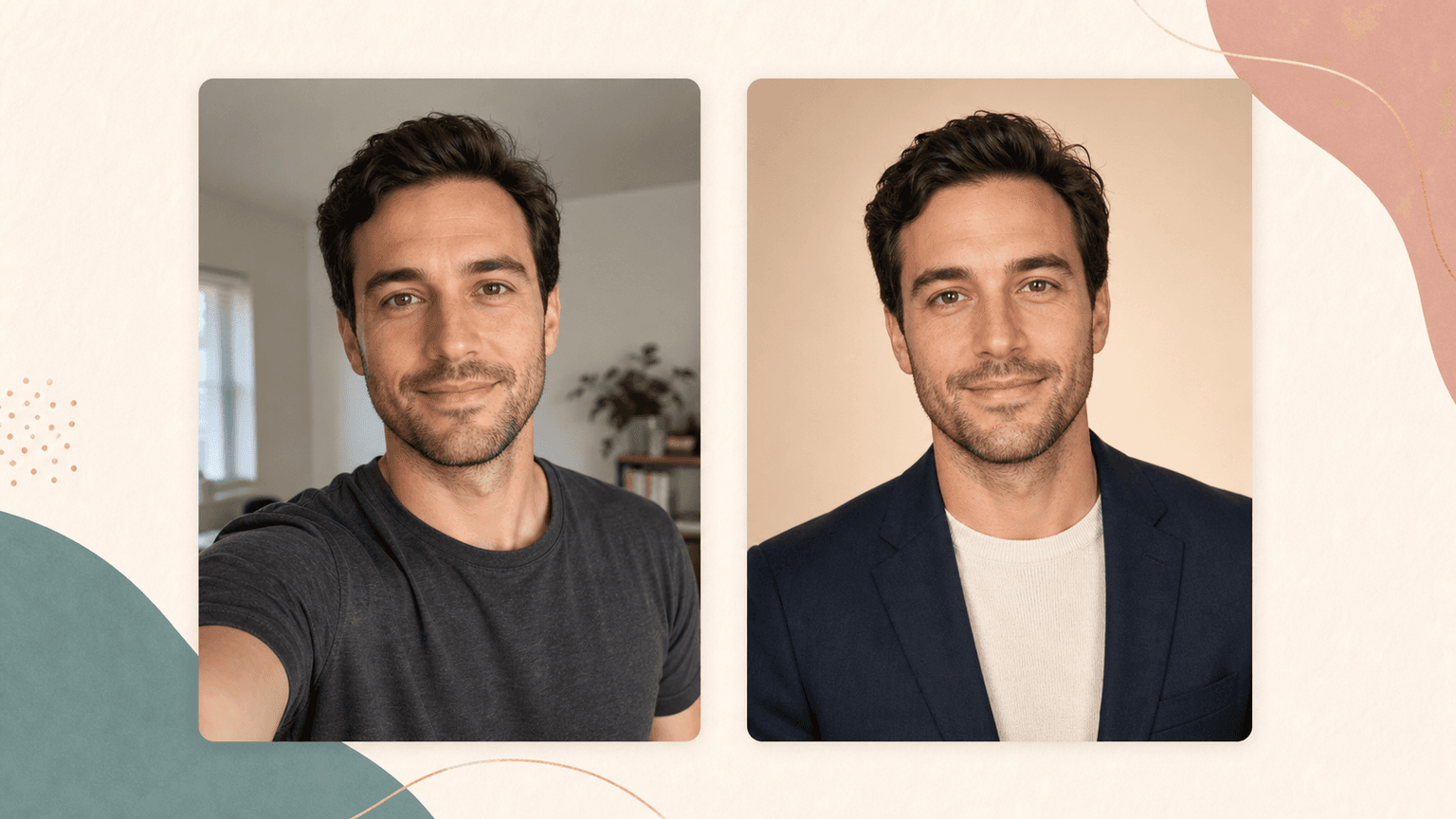
AI Headshot Generator before and after preview from casual selfie to professional profile photo

Loved by 5M+ BeautyLove users for hair, makeup, color, and portrait decisions.

5M+
Users worldwide
4.9 / 5
Average rating
2,689
User reviews

How it works

How to generate
an AI headshot.

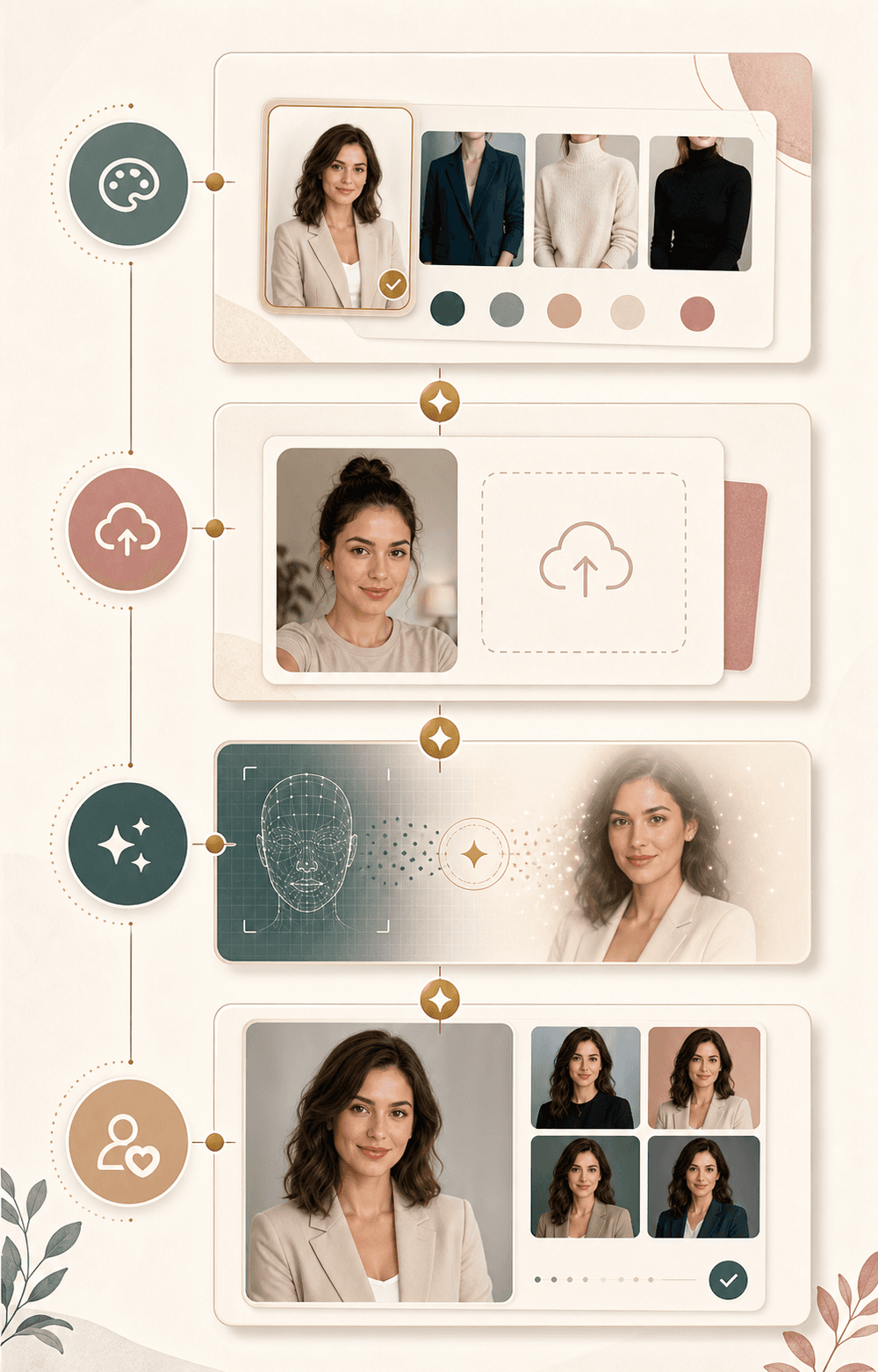
The workflow is simple: choose a profile style, upload a clear portrait, generate, then review the result before you download it.

  1. 01

    Choose a profile style

    Start with the setting that matches your goal, such as LinkedIn, resume, founder, creator, or personal brand.

  2. 02

    Upload one clear selfie

    Use a sharp portrait with your face visible, natural light, and enough shoulder area for a clean headshot crop.

  3. 03

    Generate the headshot

    BeautyLove sends the image to the AI service with your chosen style and asks it to preserve your likeness.

  4. 04

    Review before downloading

    Check the before and after result for face shape, expression, skin texture, clothing, and background before saving.

AI Headshot Generator workflow showing style choice, upload, AI processing, and review

Why choose BeautyLove

Headshots that still
look like you.

People want a professional photo, but they also want the result to feel believable. BeautyLove keeps the flow focused on a natural profile portrait.

Icon showing one portrait upload card for a simple AI headshot workflow

A single selfie workflow

You can start with one clear portrait instead of preparing a large photo set or booking a studio session.

Icon showing a portrait outline for natural likeness preservation

Likeness comes first

The generation prompt asks the AI to keep your age, face shape, features, skin tone, and natural expression.

Icon showing profile cards for resume, website, and professional bio use

Made for profile use

The styles are aimed at LinkedIn, resumes, portfolios, creator bios, booking pages, and personal sites.

Icon showing credits and a check mark for successful AI headshot generation

Credit based access

A successful AI Headshot Generator run uses 20 credits. Failed requests should not consume credits.

Key features

Built for profile
photo decisions.

Use the tool when you need a cleaner profile image, but still want to review the details before you use it publicly.

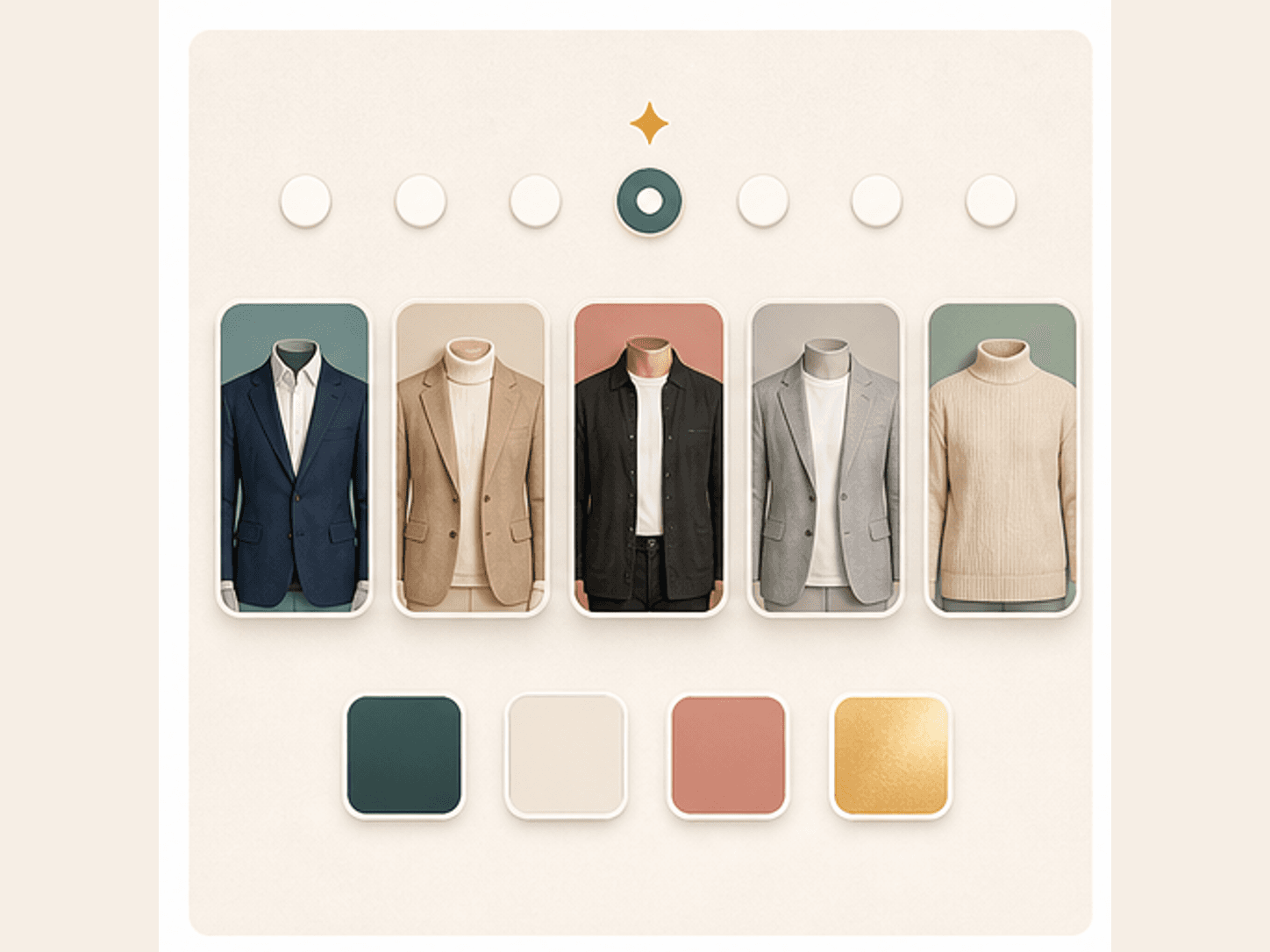
Style preset cards for LinkedIn, founder, creator, resume, and personal brand headshots

Professional style presets

Choose from practical headshot directions instead of writing a prompt from scratch. The presets cover common profile needs, including LinkedIn, resume, founder, creator, and personal brand looks. Each option gives the AI a clearer lighting, background, and wardrobe direction.
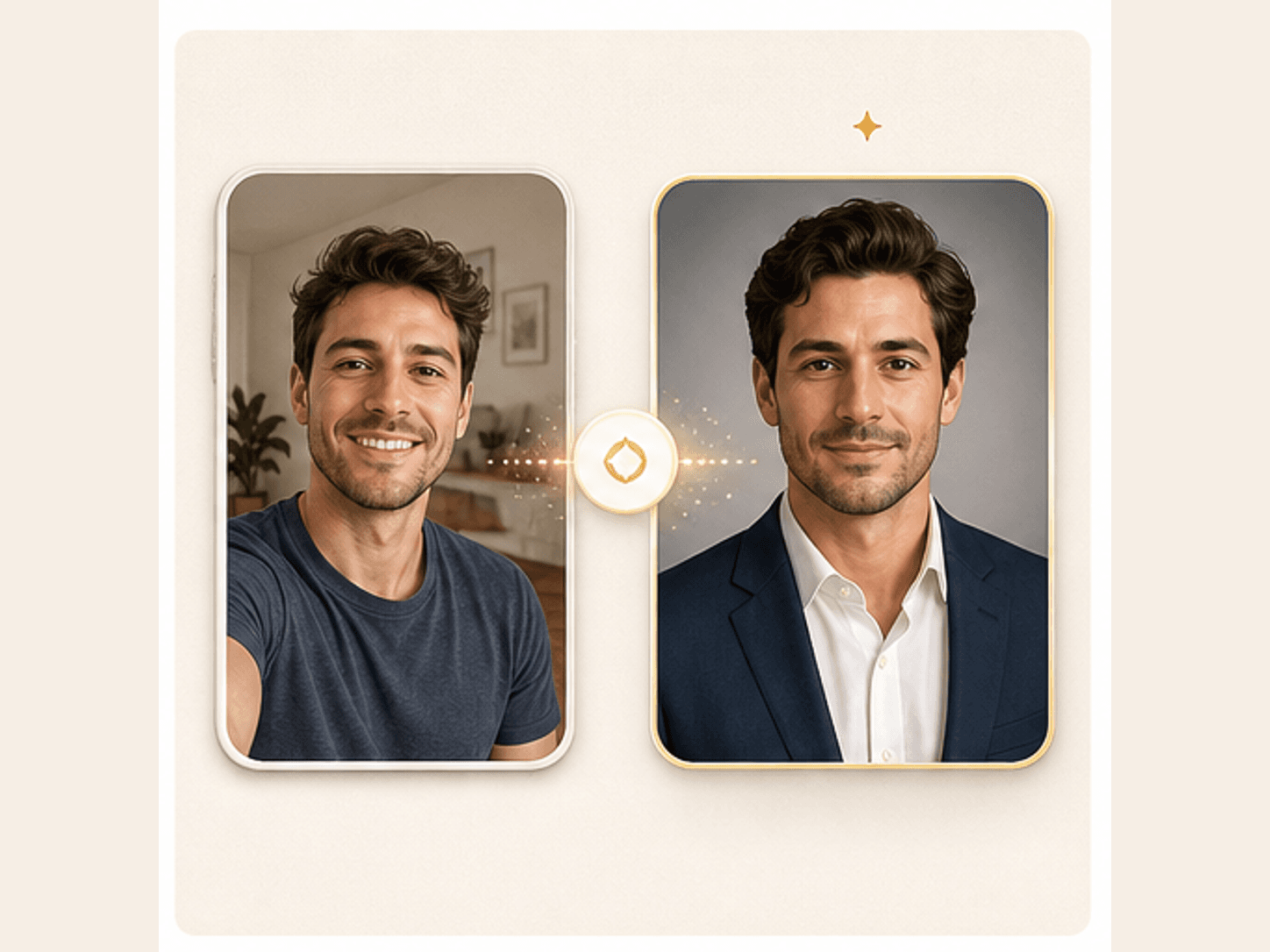
A casual selfie transformed into a polished professional AI headshot preview

Selfie to headshot editing

Upload a clear selfie or portrait, then let the generator improve the profile photo setting around you. It can refine the crop, background, lighting mood, and presentation while keeping the face recognizable and natural.

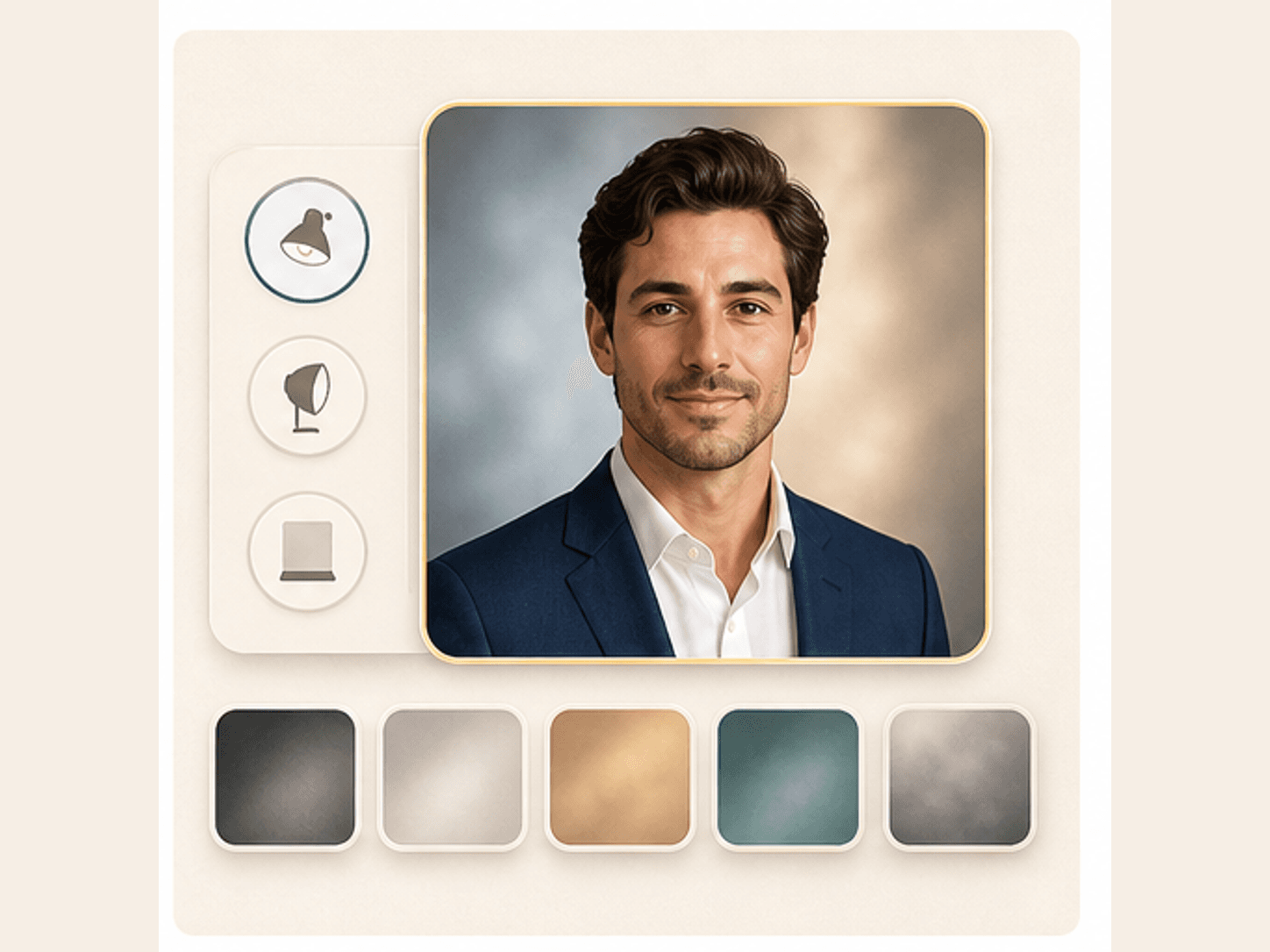
Professional headshot lighting and background options shown as warm studio swatches

Clean lighting and backgrounds

A distracting room or uneven selfie light can make a profile photo feel less prepared. The headshot styles guide the result toward clean studio lighting, warm neutral backgrounds, or simple gray profile setups.

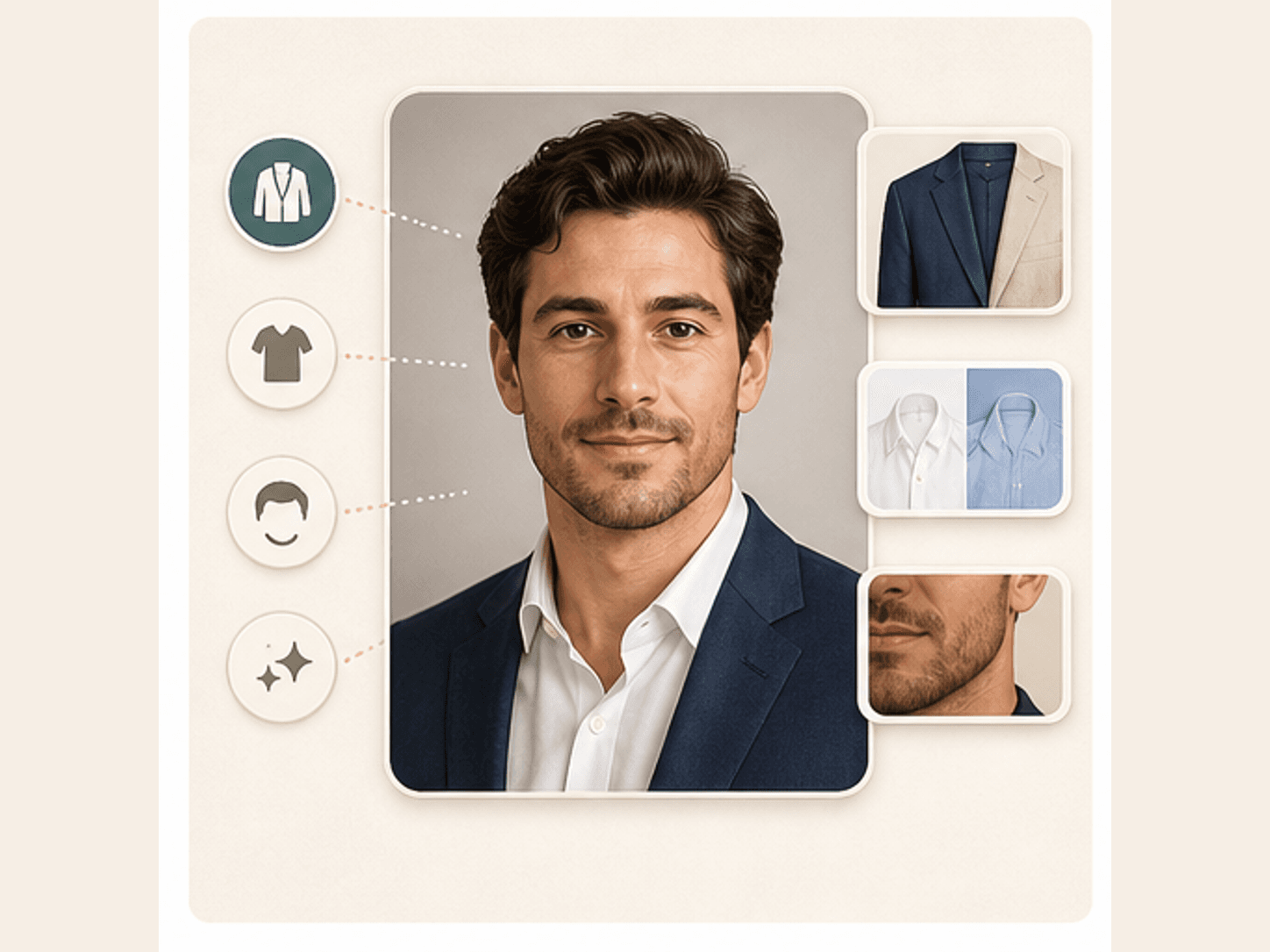
Wardrobe and grooming polish controls for an AI professional headshot

Wardrobe and grooming polish

The tool can shift the visual presentation toward business casual, creator, founder, or resume friendly styling. It is meant to polish the headshot context, not turn you into a different person.

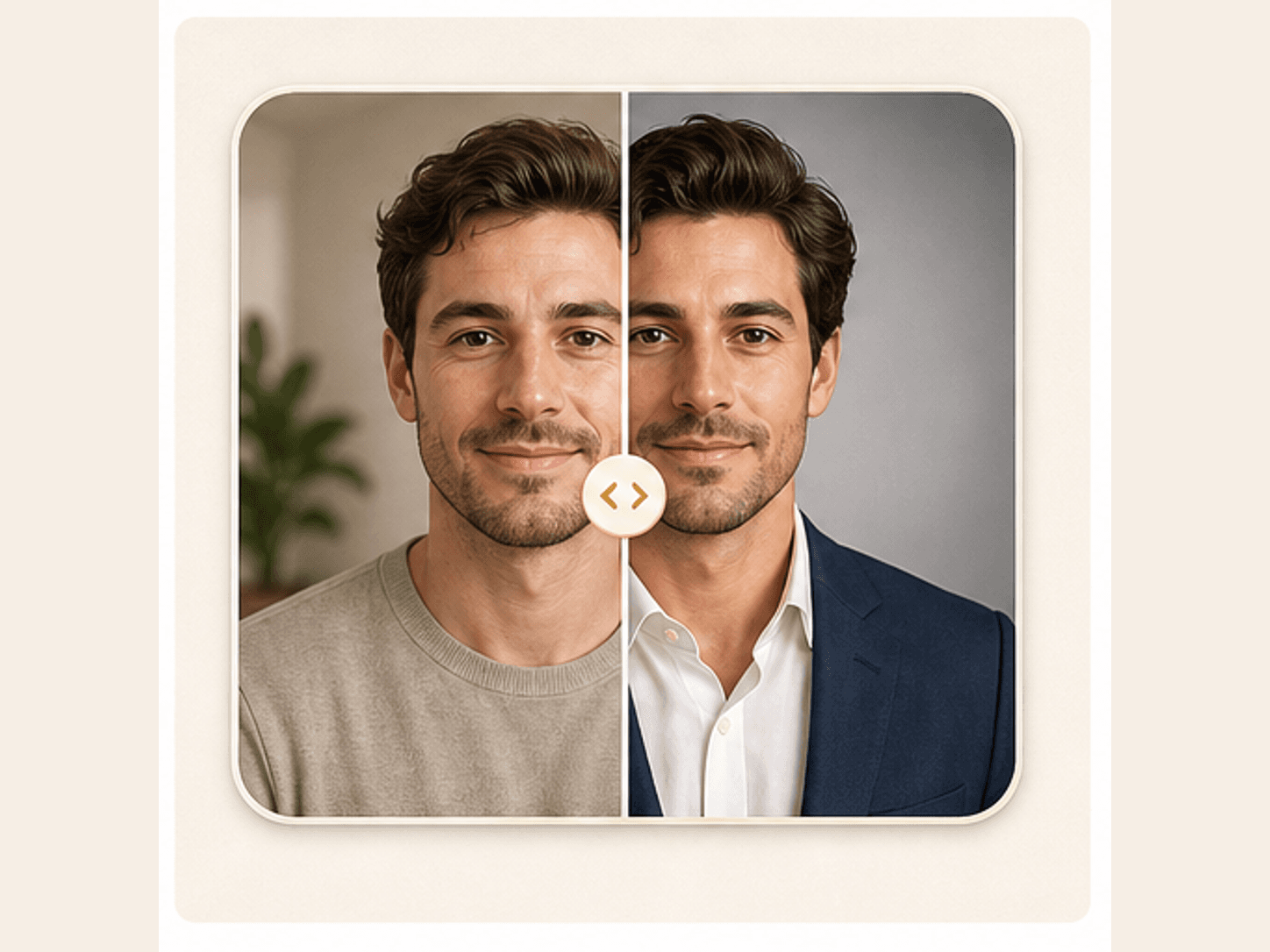
Before and after AI headshot review with a visual comparison slider

Before and after review

After generation, the result page helps you compare the original upload with the edited headshot. This makes it easier to catch over polished skin, changed expression, or a background that does not fit your goal.

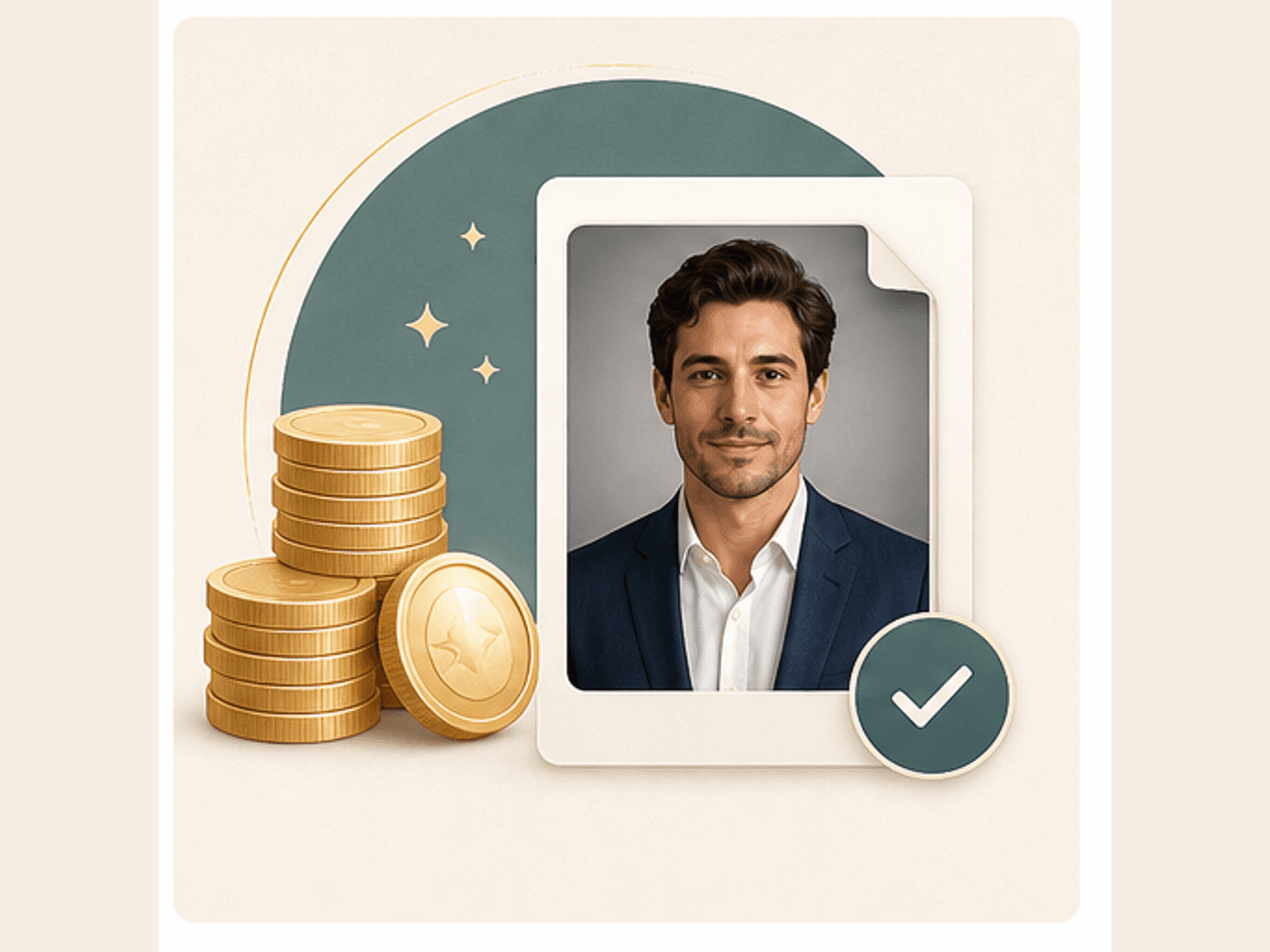
Download ready AI headshot file with credits and a check mark

Download ready result

When the result looks right, download the generated image for your profile workflow. Keep a human check in the loop, especially for hiring, legal, medical, or other high stakes uses.

Comparison table

Choose the right
headshot path.

AI headshot tools vary by input needs, style control, and review depth. Pick the option that fits your use case and risk level.

OptionInputControlBest for
BeautyLove AI Headshot GeneratorOne clear selfie or portraitFive practical profile stylesLinkedIn, resumes, portfolios, bios, and personal brand pages
Multi photo AI headshot studiosOften several selfies or a larger photo setUsually many generated variationsPeople who want a larger gallery and can prepare more source photos
Free one photo generatorsOften one selfieVaries by providerFast previews when you want to test whether AI headshots feel useful
Traditional photographerIn person or remote photo sessionHighest human direction and retouch reviewHigh stakes profiles, team pages, speaking photos, and print use
Manual selfie editingYour existing phone photoDepends on editing skill and appSmall background, crop, color, or lighting fixes

Privacy and responsible use

Use profile photos
with consent.

Processing

Uploaded photos are sent to the selected AI service for generation. This tool does not process the full edit only on your device.

Browser results

The latest generated result and a small upload thumbnail may be kept in browser storage so the result page can load.

Permission

Upload your own photo or a portrait you have permission to edit. Do not use the result to mislead, impersonate, or harass.

Human review

AI portraits can change details. Review the headshot carefully before using it for work, hiring, safety, legal, or official contexts.

FAQ

Common questions.

Likeness, LinkedIn use, credits, privacy, source photo quality, and what to review before download.

What is an AI Headshot Generator?

An AI Headshot Generator is a tool that turns a clear selfie into a polished profile portrait with cleaner lighting, background, crop, and styling.

Can I use the AI headshot for LinkedIn?

Yes. The LinkedIn studio and resume styles are designed for professional profile photos, job searches, portfolios, and business bio pages.

Do I need to upload many photos?

No. BeautyLove AI Headshot Generator is built around one clear upload. A sharper source photo usually gives the AI better material to work from.

Will the AI change my face?

The prompt asks the AI to preserve your identity, age, face shape, facial features, skin tone, expression, and natural likeness.

What photo works best for AI headshots?

A clear front facing portrait works best. Use natural light, avoid heavy filters, keep your face visible, and include some shoulders for a better crop.

How many credits does AI Headshot Generator use?

A successful AI Headshot Generator run uses 20 credits. Failed requests and service errors should not consume credits.

Are my photos processed only in my browser?

No. Uploaded images are sent for AI processing. The latest result and thumbnail may also be kept in browser storage for the result page.

Can I use it for resumes and team bios?

Yes. You can use the professional and resume styles for resumes, team bios, conference bios, booking pages, and personal websites.

What if the result looks too artificial?

Try a clearer source photo and choose a simpler style. Look for natural skin texture, familiar facial details, and an expression that still feels like you.

Ready when you are

Create a profile photo
that feels prepared.

Start with a clear portrait, choose the style that fits your profile, and review the result with care before you use it.