Turn a tight portrait into a social post
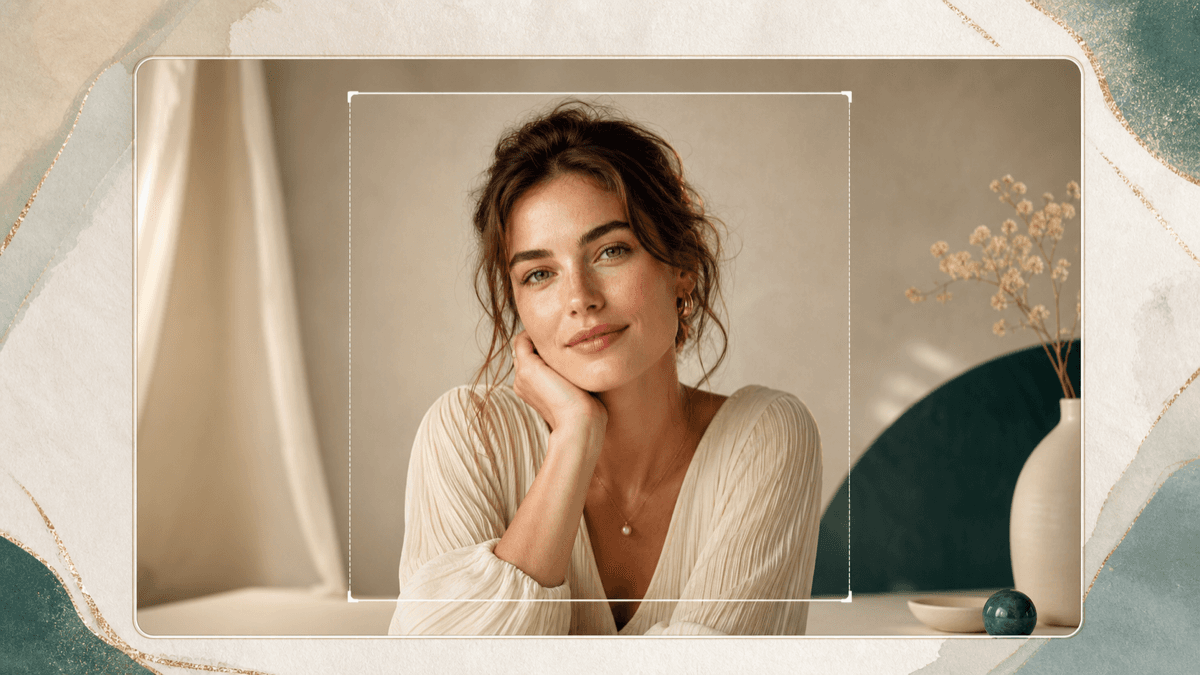
Add space around a selfie or creator photo so it can fit a square post, vertical story, profile banner, or thumbnail crop.
AI Generator | AI Image Extender
Upload a portrait, choose a wider, taller, square, story, banner, campaign, creator, ecommerce, or scene frame, and extend the image with AI while keeping the person visible.
Choose frame direction
12 extension formats across frame, layout, and scene directions. Selected: Wide editorial frame
How it works
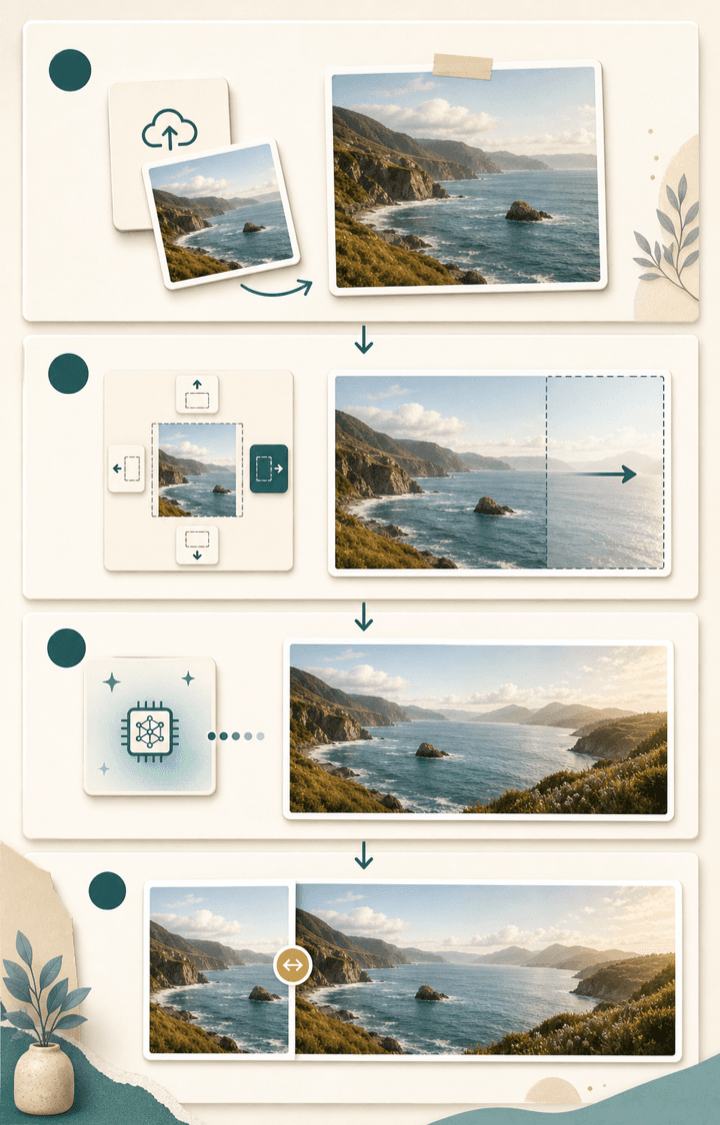
Start with one clear photo and one frame direction. The result page lets you compare the original crop with the extended image before saving.
Pick wide, tall, square, story, banner, campaign, creator, ecommerce, studio, outdoor, lifestyle, or vintage expansion based on where you want to use the final portrait.
Use a portrait where the person, background, and lighting are visible. Extra background detail gives the AI more context to continue.
BeautyLove sends the image for AI generation and asks the model to expand the canvas while preserving the visible person.
Compare the original with the extended result, check the new edges and subject shape, then save the image that feels useful.
Use cases
People search for AI image extension when a useful photo is too tight for the format they need. BeautyLove keeps the workflow centered on portrait based images.
Add space around a selfie or creator photo so it can fit a square post, vertical story, profile banner, or thumbnail crop.
Extend a beauty or profile image when the subject is useful but the frame needs quiet space for a design draft.
Use AI outpainting when a photo feels too close, loses context, or needs more background around hair, shoulders, or styling.
Start with one clear photo and create a wider, taller, square, story, banner, campaign, creator, ecommerce, studio, outdoor, lifestyle, or vintage composition without manually rebuilding the background.
Why choose BeautyLove
BeautyLove is built around face, beauty, and portrait workflows. This tool keeps that same focus when the frame needs more space.
The workflow is built to add space around your photo instead of cutting into the visible person.

The generation request asks the model to preserve the person, face, hair, outfit, pose, and lighting direction.

Choose wide, tall, square, story, banner, campaign, creator, ecommerce, studio, outdoor, lifestyle, or vintage directions for profiles, posts, banners, and creator drafts.
AI Image Extender is a generator tool. A successful run uses 20 credits from your BeautyLove account.
Key features
The tool focuses on frame direction, natural background continuation, subject preservation, and a result you can compare before saving.
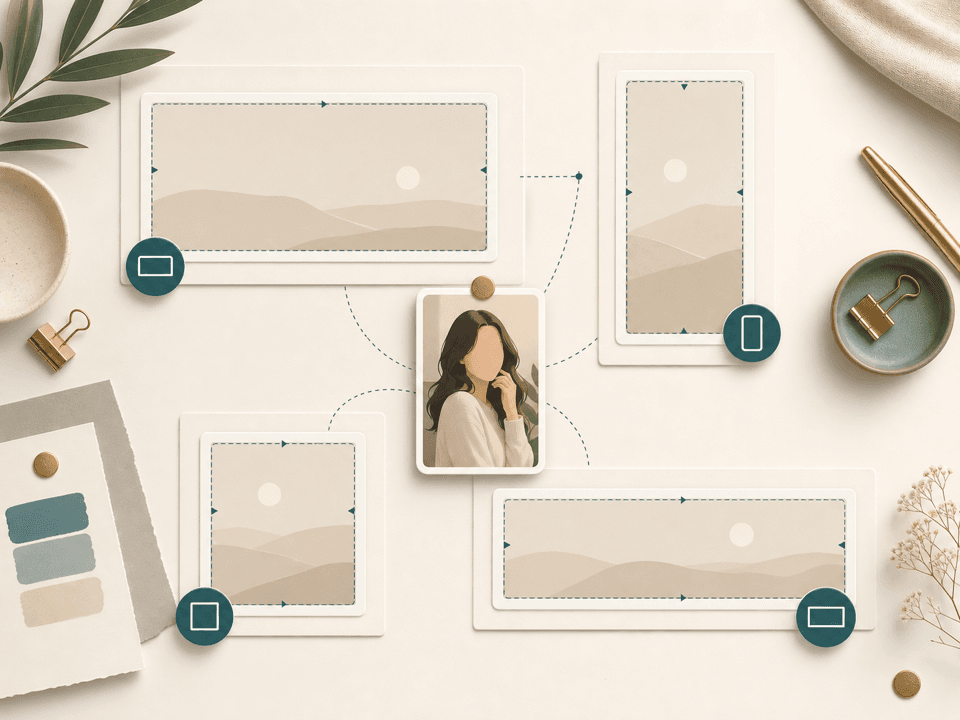
Choose a frame direction before you upload. Wide works for banners and thumbnails, tall helps with story style crops, square is useful for profile grids, campaign space gives a portrait more breathing room, and ecommerce, studio, outdoor, lifestyle, or vintage directions help the expansion match the intended use. Each option gives the AI a clearer target than a plain resize.
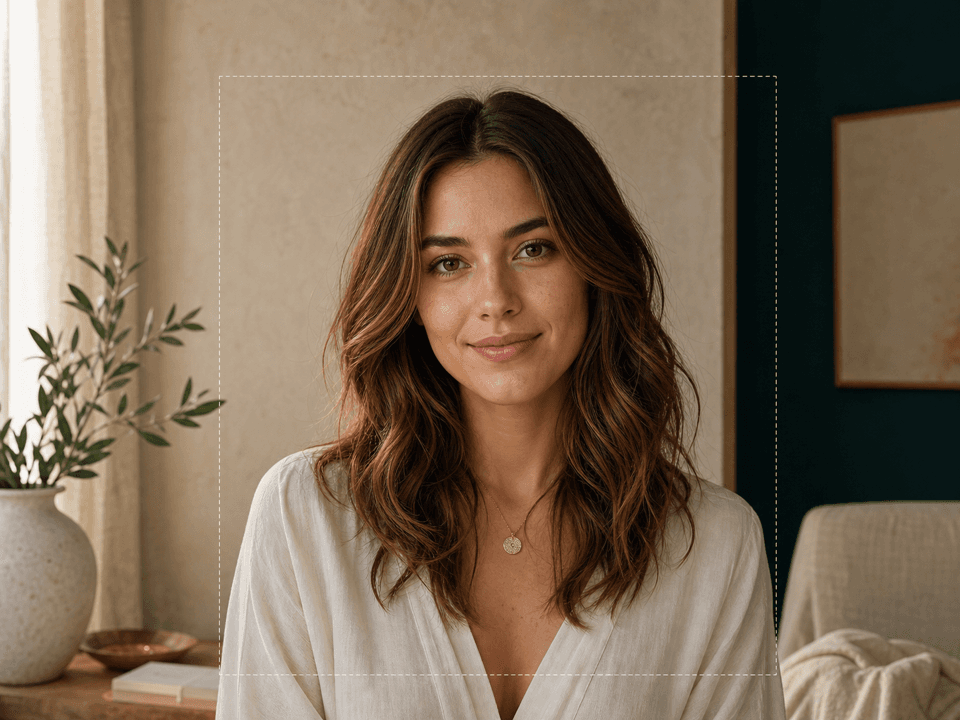
AI Image Extender uses outpainting to create new surrounding content. It tries to match the original background, lighting, color, and perspective instead of stretching pixels. This is most helpful when the photo already has enough scene detail for the model to continue.
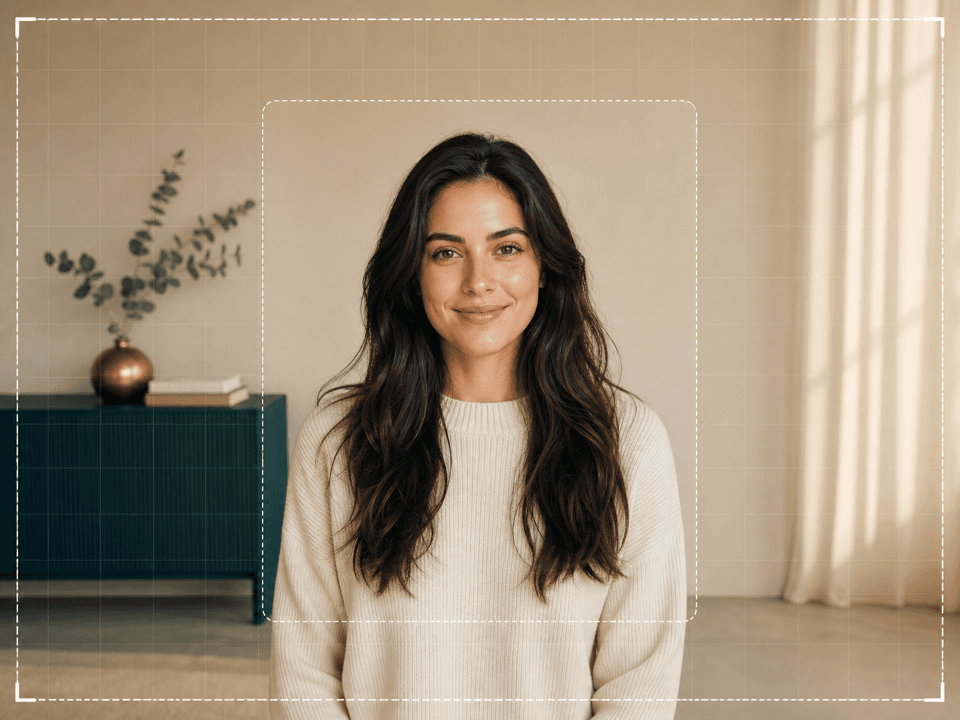
The backend prompt asks the model to keep the visible person, identity, face, hair, clothing, pose, body parts, lighting direction, and colors. It also tells the model not to crop, zoom in, remove body parts, or change facial features.
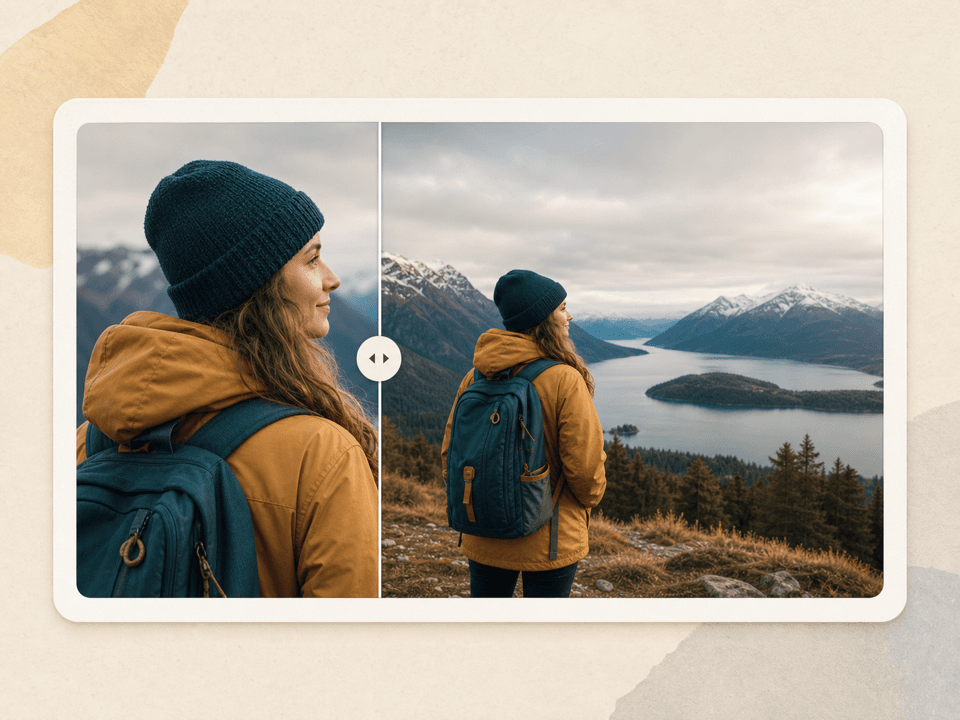
After generation, the result page keeps the original and extended image together. Use the comparison view to inspect the new borders, background continuity, body outline, and overall mood before using the result in a profile, post, or design draft.
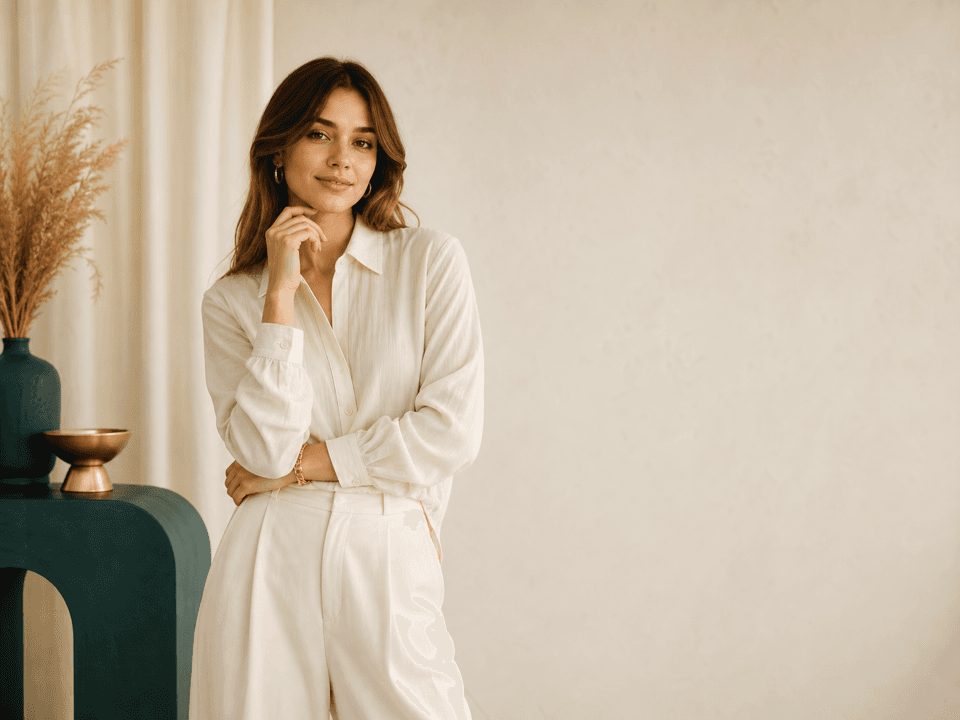
A tight portrait can be hard to use in banners, covers, and thumbnails. Extending the canvas can create calmer negative space while keeping the person visible. This helps one photo adapt to social posts, creator assets, and beauty campaign mockups.
AI Image Extender uses the same BeautyLove credit system as other generator tools. A successful run uses 20 credits, and failed requests or service errors should not consume credits. When the result works, download it from the result page.
Comparison table
Some tools expand canvas space, some resize, and some require manual editing. Choose the workflow that matches the photo and use case.
| Option | Flow | Output | Best for |
|---|---|---|---|
| BeautyLove AI Image Extender | Choose a frame direction, upload a portrait, generate, compare, download | Portrait focused image expansion with before and after review | Profiles, beauty content, creator posts, banners, and campaign drafts |
| General image extender sites | Upload an image and choose a canvas or aspect ratio | Broad outpainting for photos, art, products, or landscapes | Quick uncrop tasks when portrait specific guidance is less important |
| Design suite expand tools | Expand inside a broader editor with templates and manual layout tools | Generated background plus continued design editing | People who want to keep building a full graphic in the same editor |
| Manual photo editors | Extend the canvas, clone or generate edges, then refine by hand | High control when the editor knows masks, layers, and retouching | Production edits that need exact local control |
| Simple crop and resize tools | Crop, pad, or resize without generating new scene content | Fast format changes, often with empty padding or lost image area | Cases where you do not need new background detail |
Privacy and limits
Your image is sent to the selected AI service to generate the extended result. This tool is not processed only on your device.
Result data and thumbnails may stay in your browser storage so the result page can show your latest before and after comparison.
Upload photos you own or have permission to use. Avoid uploading private portraits of other people without consent.
AI outpainting can create imperfect borders, unexpected objects, or changed details. Review the generated edges before sharing or publishing.
FAQ
Credits, upload types, privacy, social formats, portrait preservation, and how to review the output.
AI Image Extender is an online tool that expands a photo beyond its original borders and generates matching surrounding content.
Choose a frame direction, upload one clear image, generate the extension, then compare the original and new version before download.
New users can use welcome credits to try AI Image Extender. A successful generator run uses 20 credits, and failed requests or service errors should not consume credits.
No, the prompt asks the AI to extend the canvas while keeping the full visible subject and original portrait details.
Clear photos with visible background, even lighting, and a main subject that is not already cut off usually work best.
Yes, choose the taller portrait frame, vertical story frame, square social frame, profile banner, or creator thumbnail option before uploading your photo.
Yes, the frame directions are useful for profiles, square posts, story crops, thumbnails, banners, and creator layouts.
Yes, the upload flow checks your BeautyLove account and API token before it runs the generator.
The uploader accepts common image files such as JPG, PNG, and WEBP. Keep uploads under 10 MB for the best experience.
No permanent result gallery is shown on this page. The latest result may stay in browser storage for the result view.
Ready when you are
Choose a frame direction, upload a clear photo, and compare the extended image with the original before download.
Loved by 5M+ BeautyLove users for hair, makeup, color, and portrait decisions.