Before a big haircut
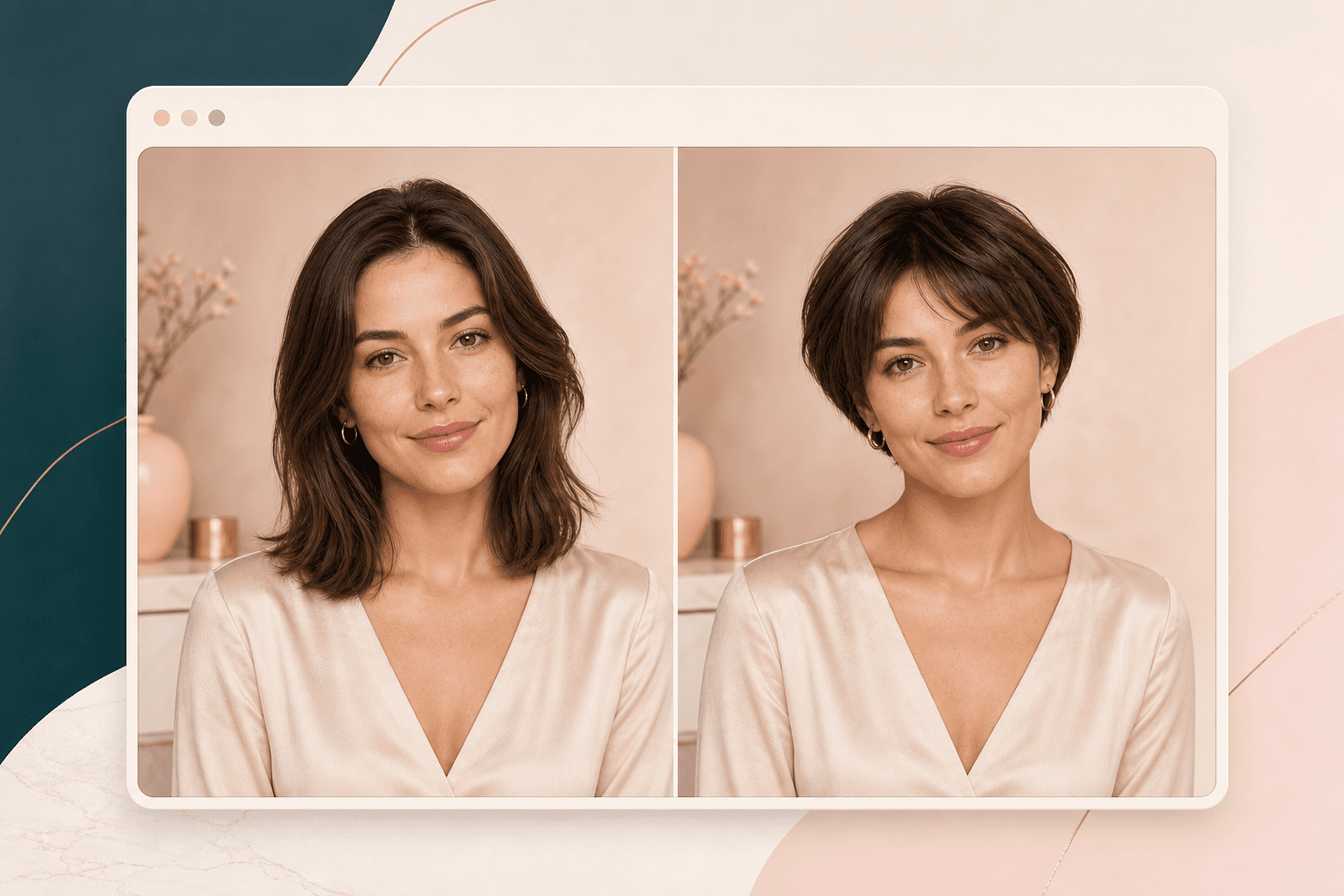
Going from longer hair to a bob or pixie can feel hard to picture. Use the preview to narrow the direction before you book the cut.
AI Generator | Short Hair Filter
Upload a portrait, choose a short haircut, and preview bob, pixie, lob, bixie, shag, or short wolf cut styles before you cut your hair.
Choose short haircut
18 short cut directions across bob, pixie, and lob families. Selected: Soft bob
How it works
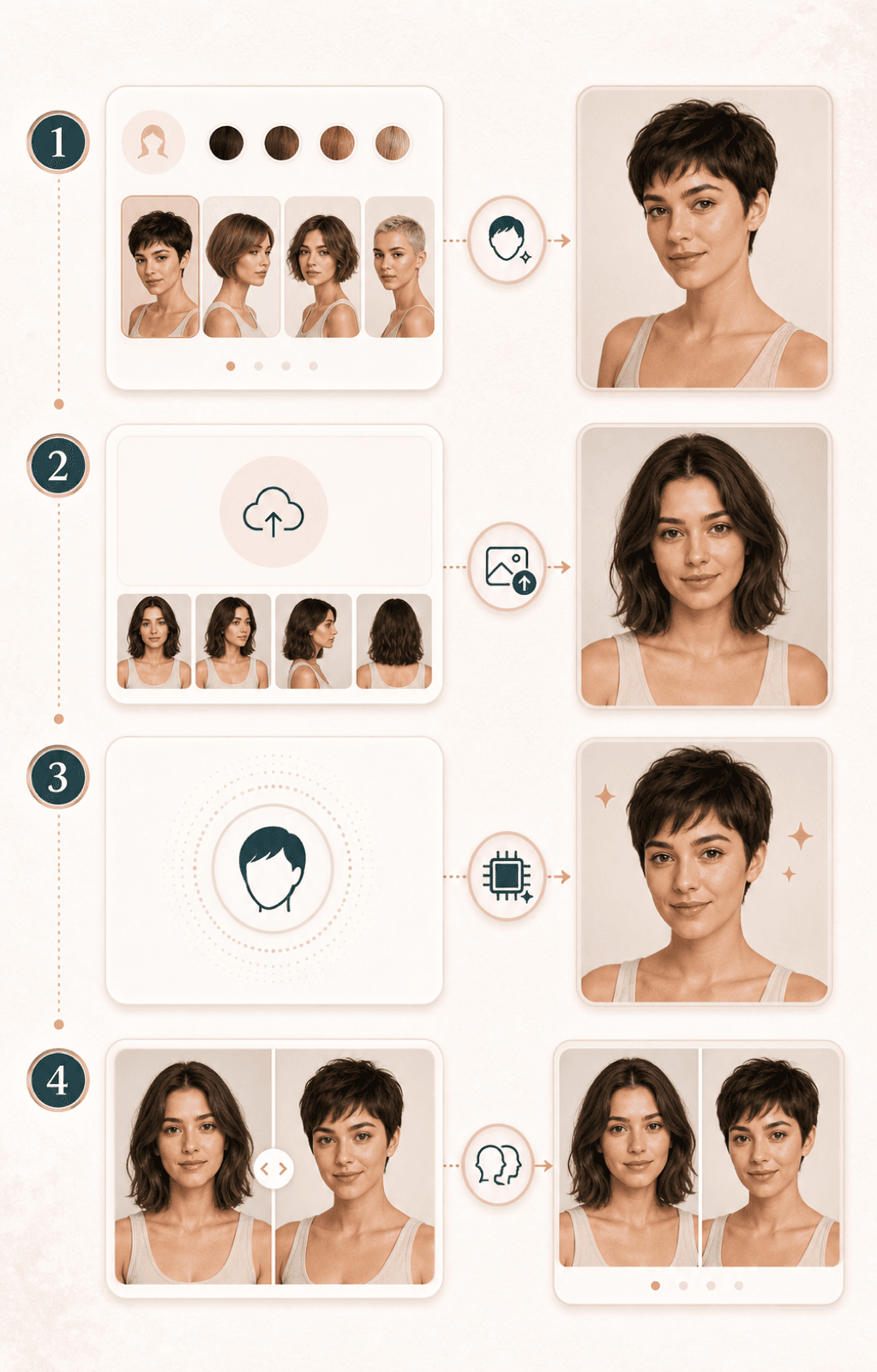
Start with one clear portrait and one short haircut direction. The result gives you a visual reference to review before changing your real hair.
Pick a bob, pixie, lob, bixie, shag, wolf cut, or short textured direction before you upload your photo.
Use a front facing or gentle three quarter photo where your hairline, face shape, shoulders, and current hair are visible.
BeautyLove sends the portrait for AI generation and asks the model to shorten the haircut while keeping your face and photo context stable.
Open the result page, review the before and after view, and save the image when it gives you a useful salon reference.
Use cases
People search for short hair filters when a haircut feels exciting but hard to picture. BeautyLove turns that question into a simple visual test.
Going from longer hair to a bob or pixie can feel hard to picture. Use the preview to narrow the direction before you book the cut.
Compare bob, pixie, lob, bixie, shag, wolf cut, and short textured directions from one portrait so you can see which frame feels closest.
Bring the generated preview as a starting point for a stylist conversation about length, layers, fringe, density, and daily styling.
Test a shorter look for headshots, creator photos, thumbnails, or dating profile updates while keeping your face and outfit recognizable.
Why choose BeautyLove
BeautyLove keeps the workflow practical: choose a short haircut family, upload one portrait, and compare the generated image with your original.
See a shorter shape on your own portrait before you commit to a real cut or collect reference photos.
The request focuses on haircut length, shape, and styling so your face, expression, outfit, and background stay easier to judge.
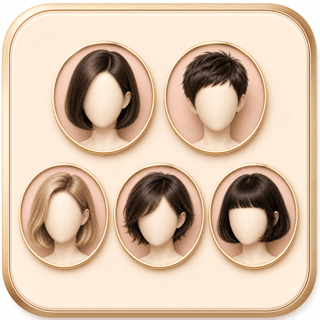
Start with common short haircut directions instead of writing a prompt from scratch or scrolling through unrelated hairstyles.

Save a result you like and use it as a conversation starter. A stylist can still adapt it to your real hair.
Key features
Use the preview to compare short haircut shapes, hairline detail, face framing, and whether a cut feels worth discussing with a stylist.
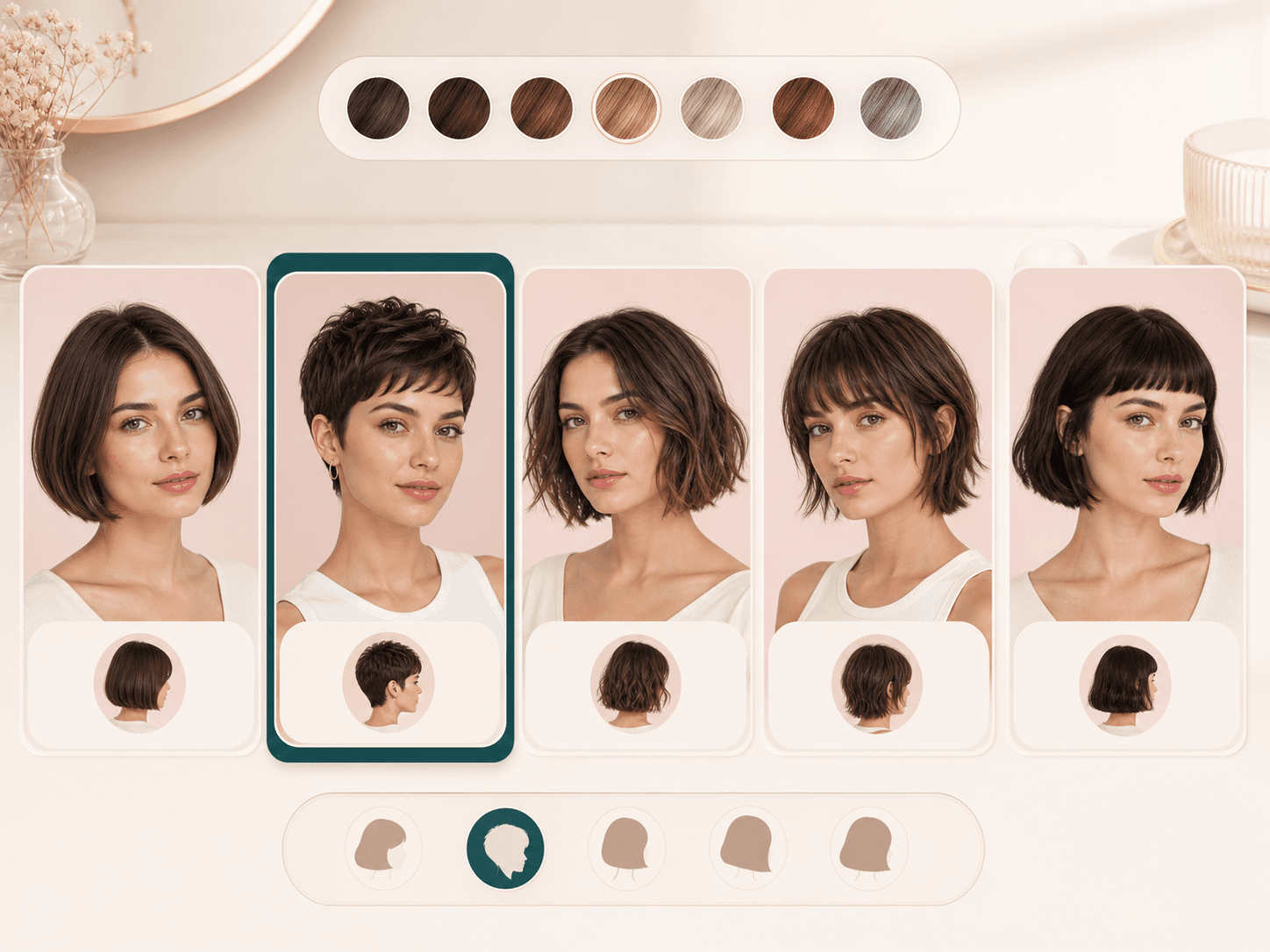
Choose a focused short hair direction before you upload. Bob and lob options keep the change easier to compare, pixie and bixie options feel more dramatic, while shag, wolf cut, and textured short shapes add more movement. This gives you more salon-style starting points without writing a custom prompt.
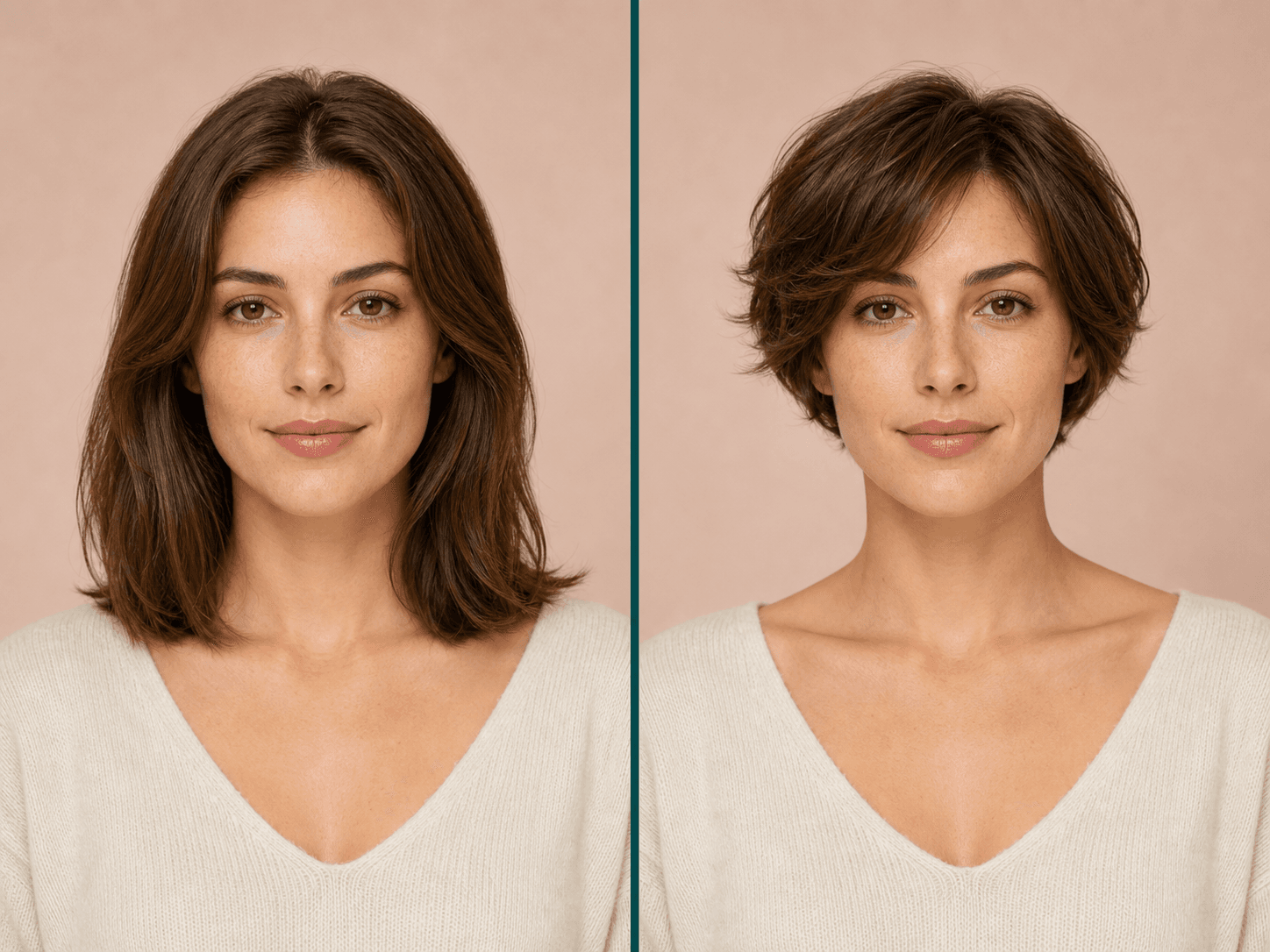
The tool works from your uploaded portrait, so the preview uses your face, current hair color, lighting, and outfit as the base. This is more useful than judging a haircut only from a model or celebrity reference.
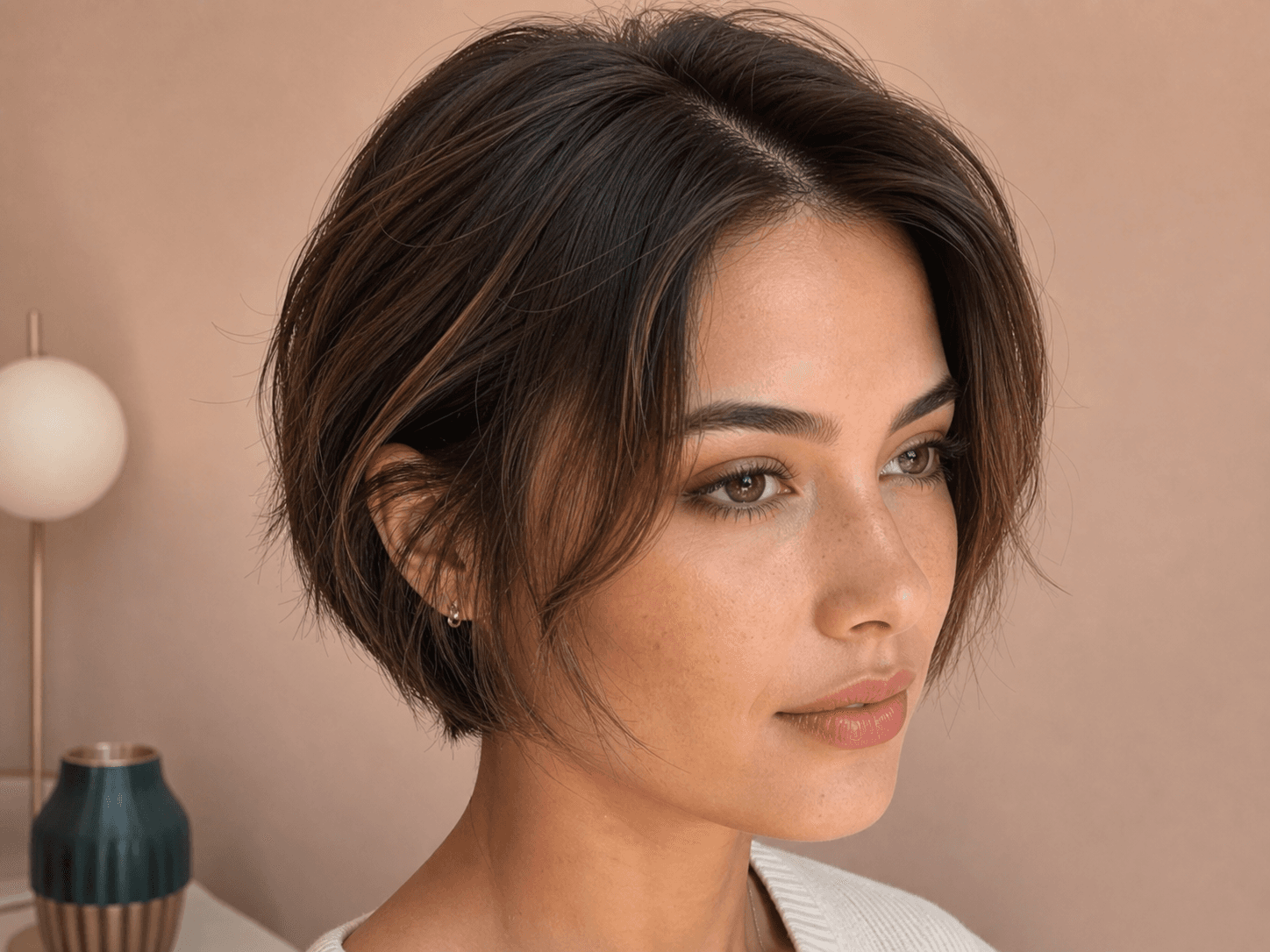
Short hair makes roots, part placement, temples, and face framing more visible. BeautyLove asks the model for natural hairline blending, strand texture, roots, and shadows so you can inspect the areas that matter before a cut.
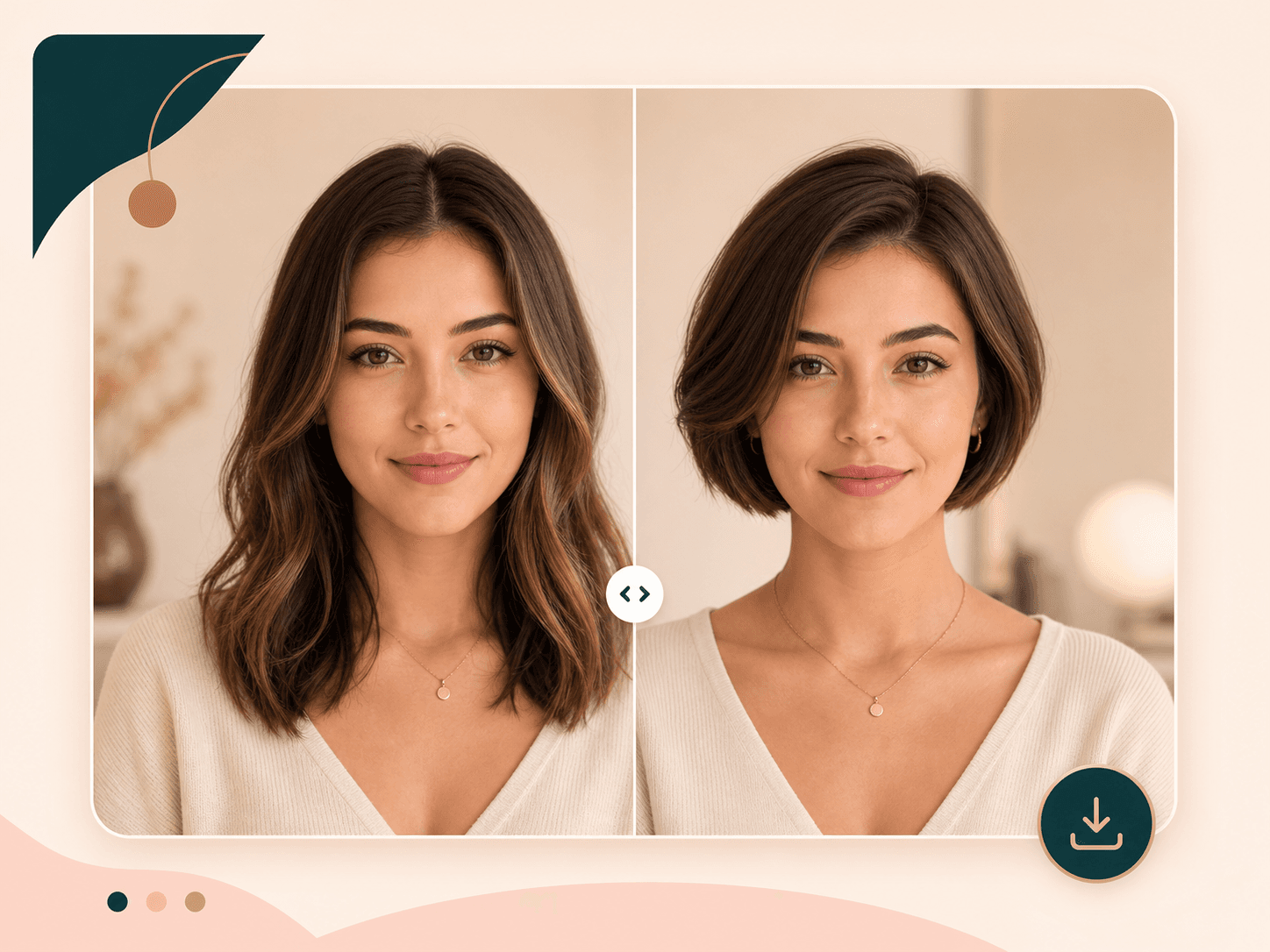
After a successful run, the result page shows your original portrait beside the generated short hair preview. Use the comparison to check face framing, volume, jawline emphasis, and whether the shorter shape changes your overall balance.

A better source photo usually gives a steadier preview. Choose a sharp portrait with even light, a visible hairline, and no hats, sunglasses, hands, or heavy shadows covering the face. Browser uploads support common image files up to 10 MB.
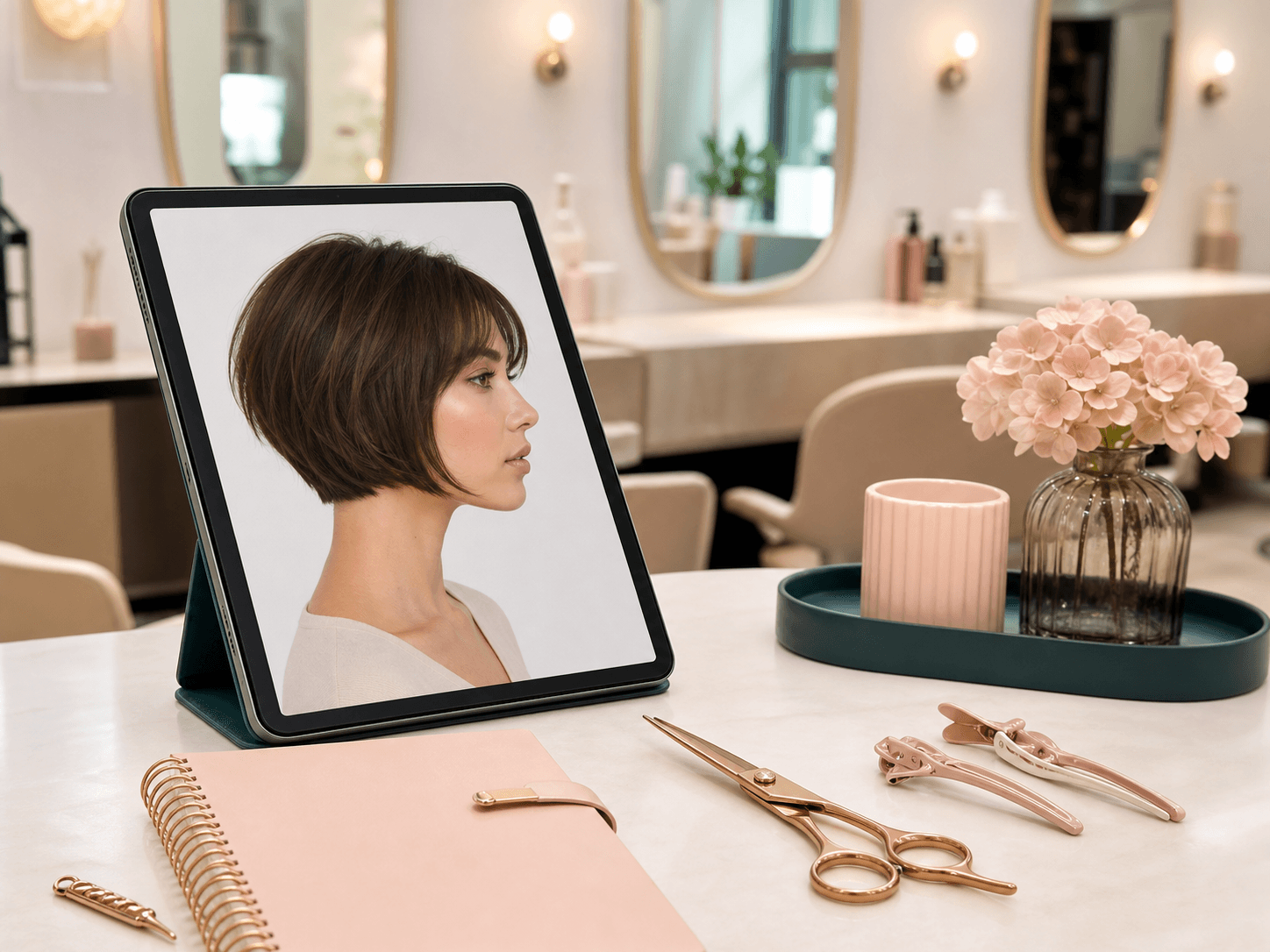
When a result feels useful, save it and compare it with your haircut notes. Treat the preview as a visual direction, then ask a stylist what is realistic for your density, texture, maintenance routine, and current length.
Comparison table
Different options help at different stages. Use BeautyLove when you want a focused online preview on your own portrait.
| Option | Control | Output | Best for |
|---|---|---|---|
| BeautyLove Short Hair Filter | Choose one short haircut preset and upload one portrait | Generated short hair preview with before and after review | People who want to test bob, pixie, lob, bixie, shag, or short wolf cut directions before a haircut |
| Broad hairstyle apps | Browse many mobile templates or filters | Fast style browsing, with realism and detail varying by provider | Casual phone testing across many unrelated looks |
| Prompt based image editors | Describe the haircut in a text prompt | Flexible creative edits, often with more prompt effort | Users who want custom image editing beyond haircut try ons |
| Salon consultation only | Discuss cut, texture, density, and styling with a professional | Human advice rather than an AI preview | Final decisions about real length, layers, upkeep, and feasibility |
| Manual mockups or wigs | Pin hair, tuck hair, or try physical pieces | Real life cues, but often hard to match natural volume and hairline | A second check when you want physical context before the cut |
Privacy and limits
Sign in before generating. A successful Short Hair Filter run uses 20 credits, while failed requests should not use credits.
Your uploaded portrait is sent for AI processing. The short hair preview is not created only inside your browser.
The latest result and thumbnail may stay in browser storage so the result page can show the before and after view.
AI previews can be imperfect. Real short hair depends on density, texture, growth pattern, styling skill, and the final salon cut.
FAQ
Bob and pixie previews, photo quality, face preservation, credits, accounts, and privacy.
A Short Hair Filter is an online AI hairstyle tool that edits a portrait so you can preview bob, pixie, lob, bixie, shag, wolf cut, or other short haircut directions before cutting your hair.
Choose a short haircut preset, upload a clear portrait, generate the preview, then compare your original photo with the short hair result.
You can preview 18 short haircut directions, including bob, French bob, Italian bob, pixie, long pixie, bixie, lob, short shag, short wolf cut, and curly pixie styles.
Yes. Short Hair Filter includes multiple bob and pixie style choices, plus lob, bixie, shag, wolf cut, and curly pixie options for a softer or more structured look.
The tool is instructed to keep your face, expression, skin, makeup, clothing, pose, and background stable while changing the haircut shape.
The prompt asks the AI to preserve your original hair color. It focuses on shorter length, cut shape, hairline blending, and styling.
A sharp portrait with even light works best. Make sure your hairline, face, shoulders, and current hairstyle are visible.
New users can use welcome credits to try Short Hair Filter. A successful AI Generator run uses 20 BeautyLove credits, while failed requests should not consume credits.
Yes, you need to sign in before generating because the tool uses your BeautyLove credits and API token.
Uploaded images are used to process the AI request through the selected service. Result data may also remain in browser storage for the result page.
Ready when you are
Choose a cut, upload a clear portrait, and compare the generated result with your original photo.
Loved by 5M+ BeautyLove users for hair, makeup, color, and portrait decisions.