Refresh profile photos
Upscale a small selfie or profile image before you use it on social pages, creator bios, resumes, or booking profiles.
AI Generator · Image Upscaler
Upload a low resolution portrait, selfie, or beauty photo and create a clearer version with natural detail, edge cleanup, and a reviewable result.
Choose upscale focus
12 upscale focuses across portrait, cleanup, and editorial outputs. Selected: HD portrait
20 credits
charged after success
No charge
when processing fails
Processing
Usually 15–45 seconds
Private result
Workspace: 30 days; browser fallback until cleared
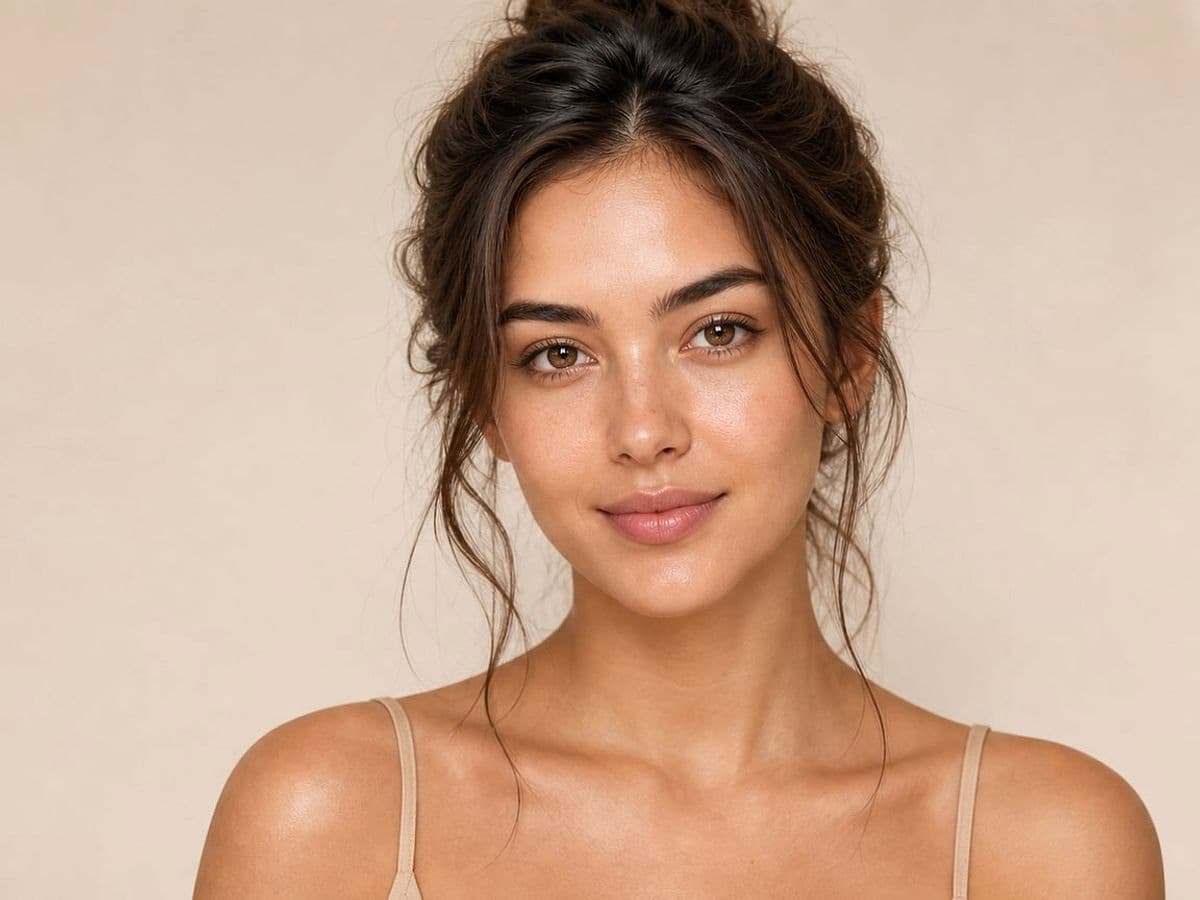
How it works
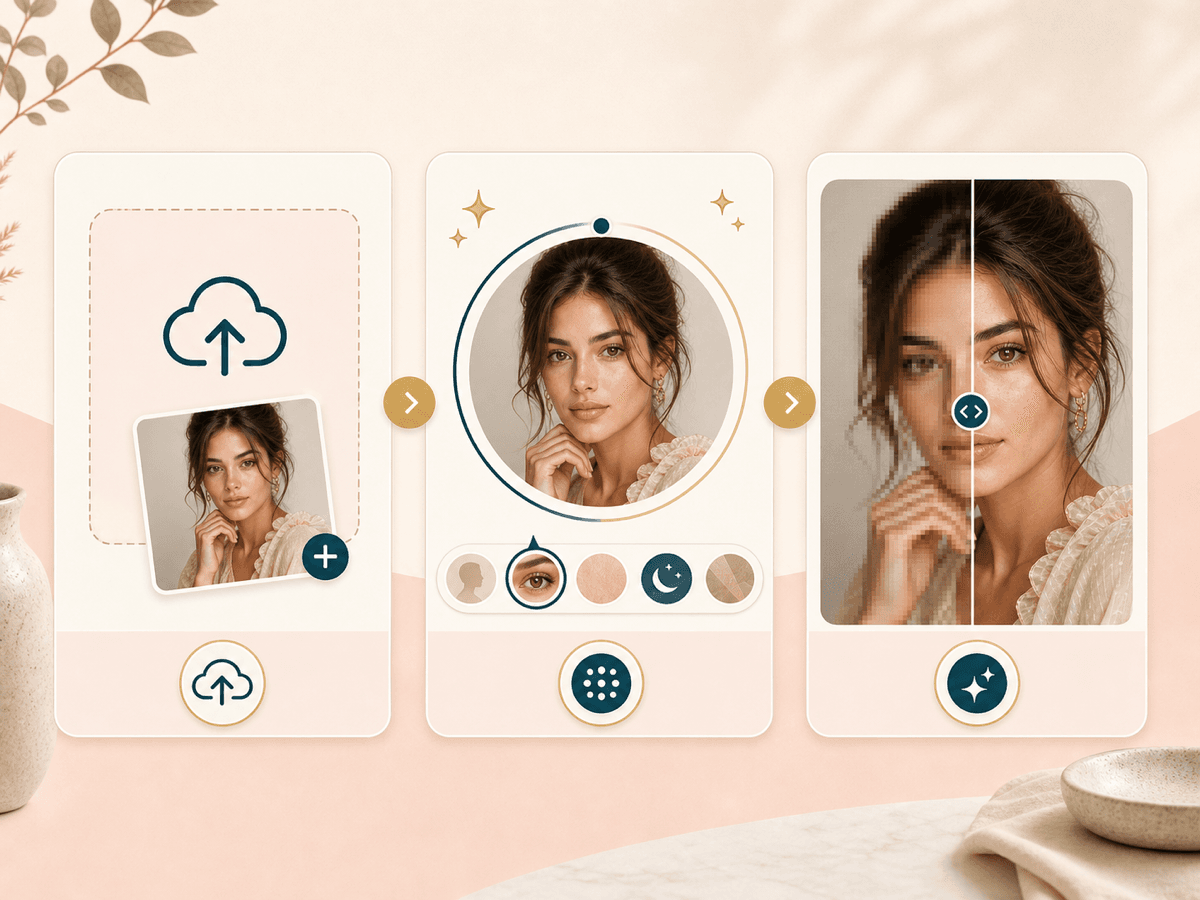
Start with one useful photo, pick the clarity direction, then inspect the generated result before you download it.
Choose a JPEG, PNG, or WebP image where the main subject is visible. Small photos can work, but the AI still needs enough real detail to read.
Choose a portrait, cleanup, screenshot, thumbnail, print, or editorial focus. The setting helps the AI know what kind of clarity matters most.
BeautyLove sends the image through the generator, improves visible detail, reduces mild softness, and asks the model to keep identity and composition intact.
Use the result page to compare the original and upscaled image. Check face detail, hair edges, fabric texture, and realism before saving.
Use cases
People search for image upscalers when a photo is good enough to keep, but too small or soft to share confidently.
Upscale a small selfie or profile image before you use it on social pages, creator bios, resumes, or booking profiles.
Improve makeup, hair, skin texture, and outfit detail when a good beauty photo looks soft after compression.
Give a scanned or saved portrait a clearer look when the face is visible and the original is not heavily damaged.
Use the before and after review to decide whether the upscaled result still feels natural before you post or send it.
Why choose BeautyLove
BeautyLove treats upscaling as a portrait decision. The goal is clearer detail you can review, not a new face or heavy beauty filter.
BeautyLove is tuned for faces, hair, outfits, and beauty photos, not only generic image resizing.
The prompt asks the AI to keep identity, facial features, expression, makeup, outfit, and background content stable.
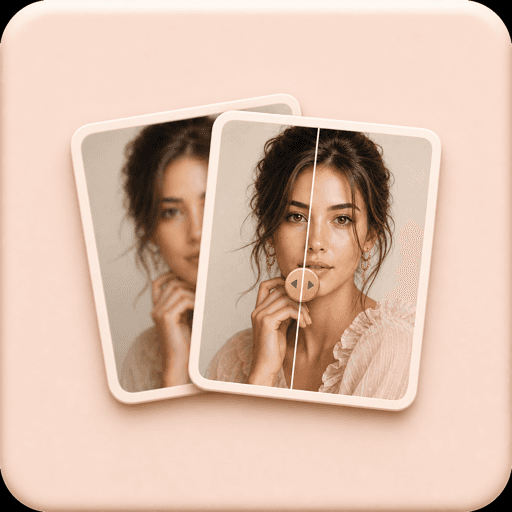
The result page gives you a before and after slider, so you can inspect detail before saving the image.

A successful AI Image Upscaler run uses 20 credits. Failed service requests should not use credits.
Key features
Each feature supports a practical photo job, from improving soft selfies to checking whether a generated result still looks natural.
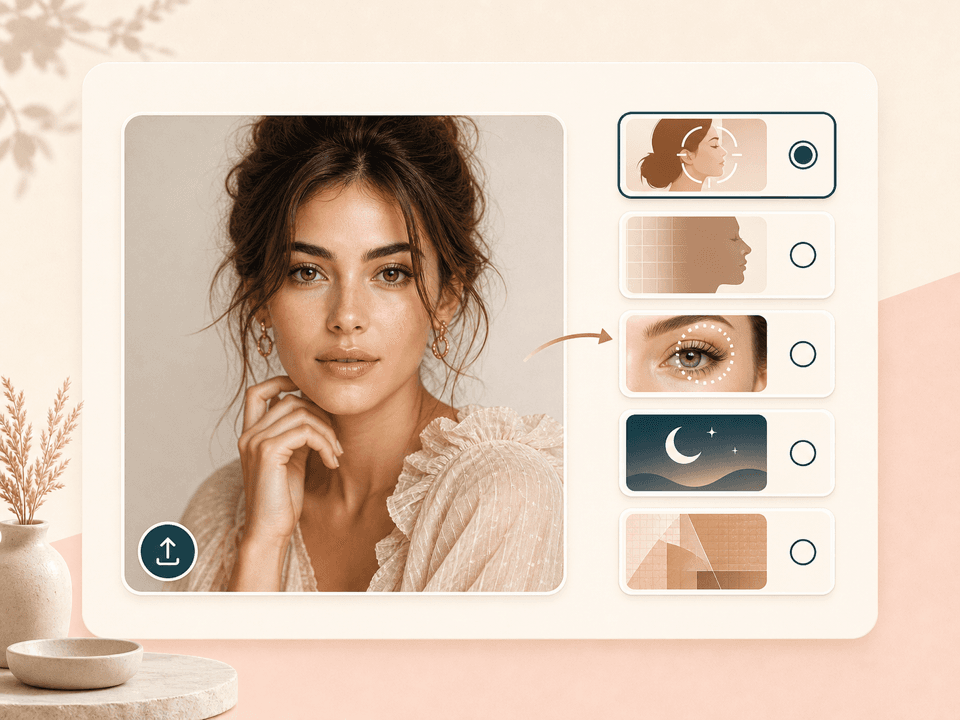
Choose from 12 result directions before you upload. HD portrait is a balanced choice for most selfies, profile photo is good for avatars, beauty detail pays closer attention to makeup and texture, cleanup modes reduce mild grain or compression, and editorial or print options give fabric and hair a cleaner read.
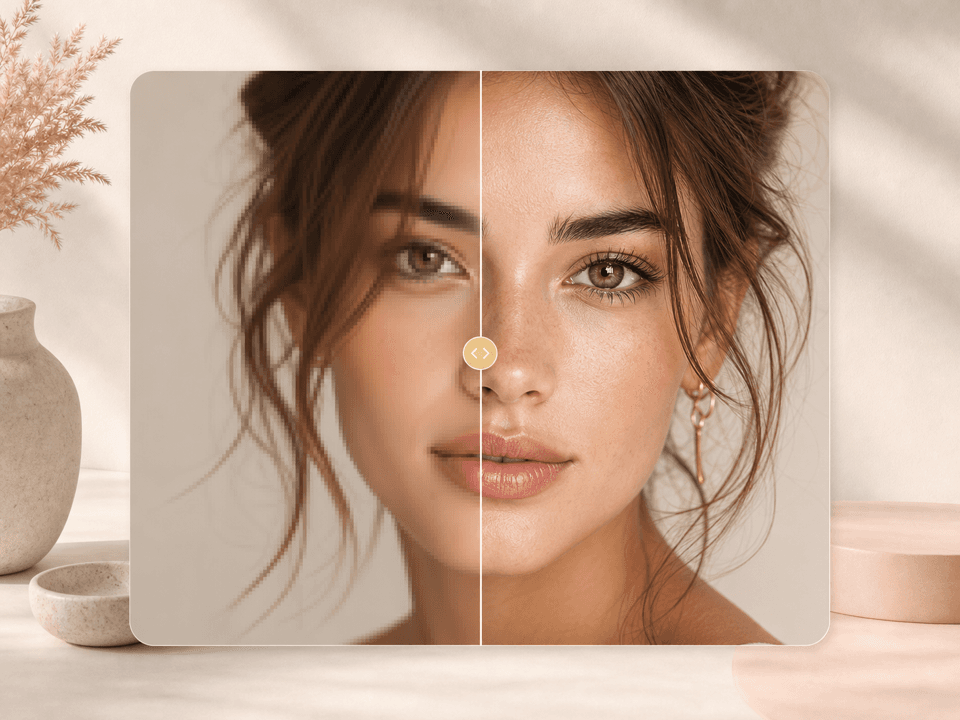
Use AI Image Upscaler when a portrait is small, compressed, or softly focused. The tool can make eyes, lashes, skin texture, and facial edges read clearer. It works best when the original still contains visible detail, not when the face is fully smeared or hidden.
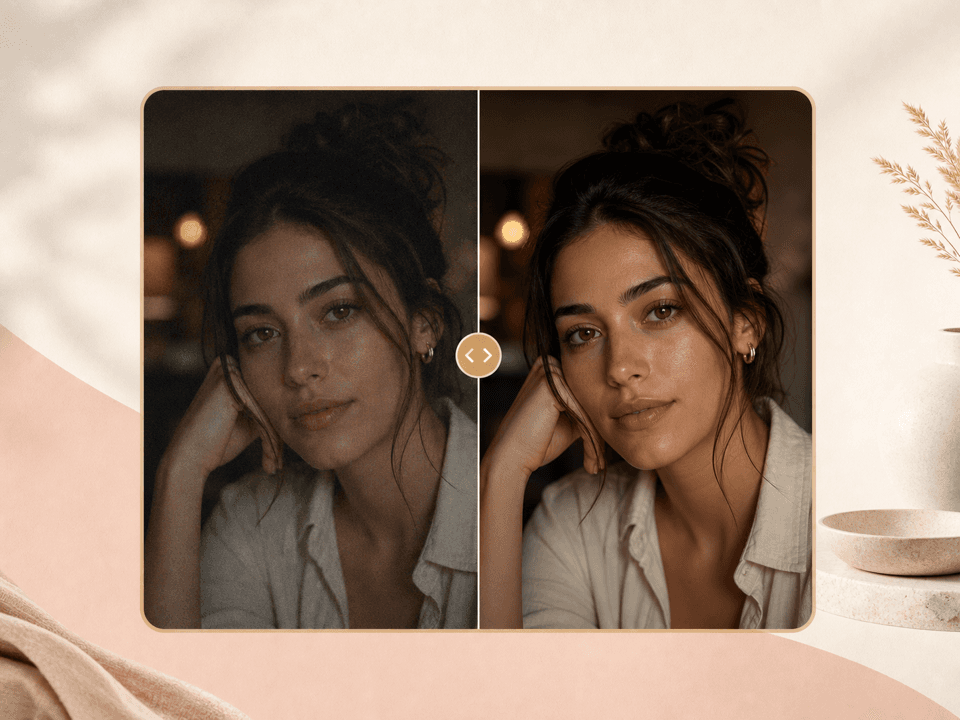
Dim indoor photos often carry grain, color noise, or soft edges. The low light option asks the model to reduce mild noise while keeping the original lighting mood. It is useful for event portraits, mirror photos, and creator shots that need a cleaner final version.
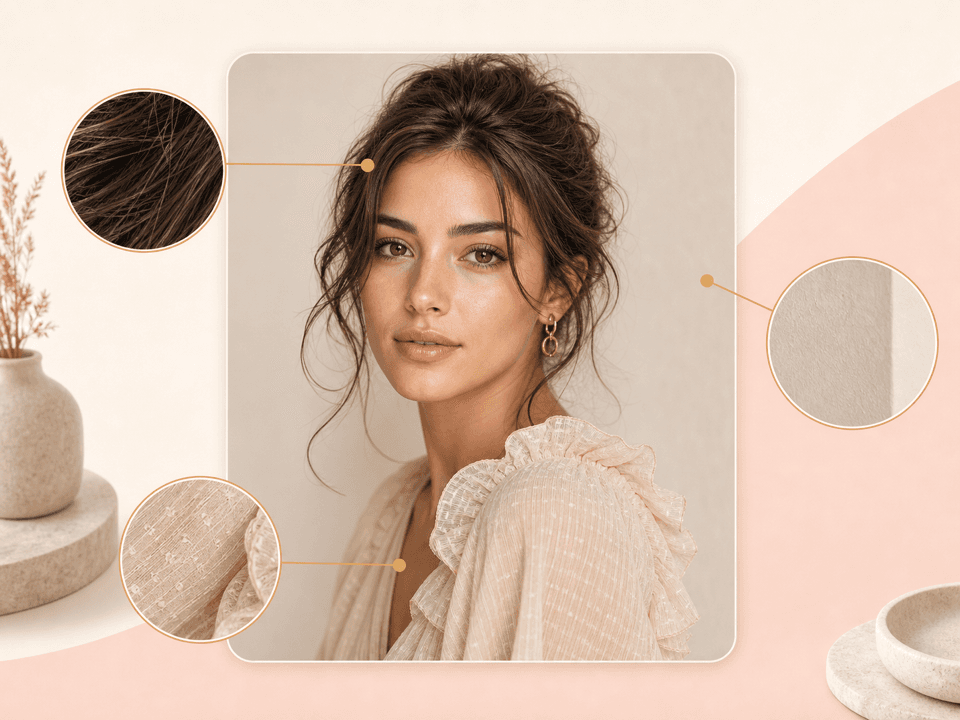
Portrait upscaling is not only about the face. Hair strands, jewelry, fabric, and background edges can decide whether a result feels real. BeautyLove asks the model to clean these areas without changing the person, outfit, pose, or scene.
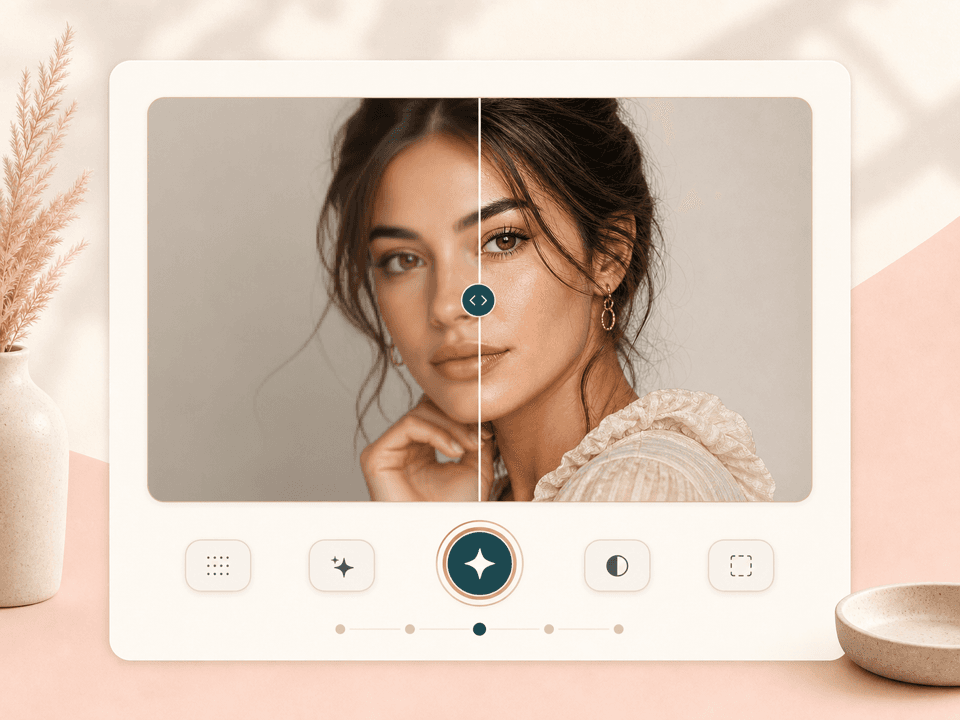
After the run, the result page lets you drag across the original and generated image. This makes it easier to spot over smoothing, odd edge changes, or a result that looks too different. Download only when the clearer version passes your own review.
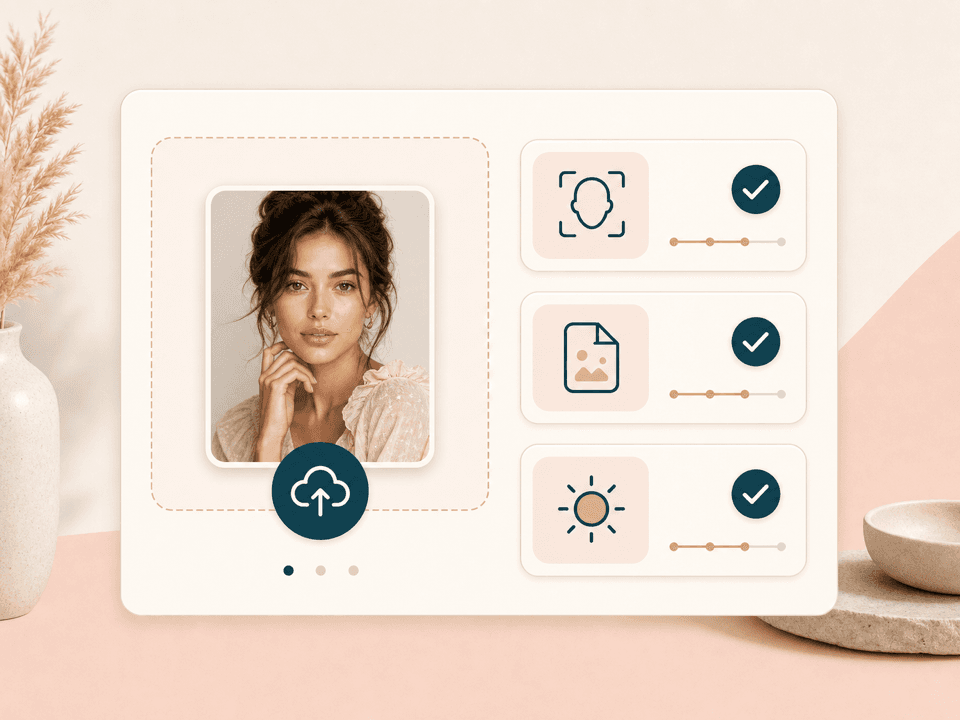
The uploader checks that your file is an image, keeps the front end limit at 10 MB, and compresses large uploads before sending them. The request uses your signed in account token, and a successful generator run uses 20 BeautyLove credits.
Comparison table
Image upscalers can solve different jobs. Use BeautyLove when the photo is face sensitive and review matters.
| Option | Focus | Review | Control | Best for |
|---|---|---|---|---|
| BeautyLove AI Image Upscaler | Portraits, selfies, profile photos, and beauty images | Before and after result slider | 12 upscale focus presets | People who want clearer portrait detail with a natural review step |
| General image upscalers with free tiers | Broad image enlargement for mixed photo types | Usually preview or direct download | Often 2x or 4x size choices | Fast casual enlargement when the subject is not face sensitive |
| Design suite upscalers | Images prepared for posters, social graphics, or templates | Inside a larger editor | More layout tools around the image | Design work where the upscaled image is part of a larger project |
| Desktop photo upscalers | More detailed local editing and batch workflows | Depends on the software | More manual controls | Photo editors who want extra control and can spend more setup time |
| Manual resizing and sharpening | Human controlled edits | Full manual inspection | Highest control, more work | Professional retouching jobs that need precise local decisions |
Privacy and data
Use photos you can upload, and treat the result as an edited image that still deserves review.
BeautyLove sends uploaded images to the selected AI service to run the upscale. The enhancement is not processed only on your device.
Your latest result data and thumbnails may stay in browser storage so the result page can show the before and after view.
The upload request uses your signed in account and API token. Credits are checked before processing and updated after a successful run.
Upload photos you own or have permission to use. Do not use image enhancement to mislead people or change identity context.
FAQ
Quality, blur, credits, privacy, upload limits, and how this compares with Face Enhancer.
An AI Image Upscaler is a tool that improves a small, soft, or compressed image so visible details look clearer and easier to use.
Upload one image, choose an upscale focus, run the generator, then compare the original and upscaled result on the result page.
It can improve mild softness, low resolution, and compression blur. Severe motion blur, hidden faces, or missing detail may still need a better source photo.
Yes. Face Enhancer focuses on face clarity. AI Image Upscaler is broader and also works on hair, clothing, background edges, and overall portrait detail.
Clear portraits, selfies, beauty images, and profile photos work best. Use a file under 10 MB with the main subject visible and not heavily covered.
The prompt asks the AI to preserve identity, facial features, expression, hairstyle, makeup, outfit, and background content while improving clarity.
Yes. It is useful for creator portraits, profile images, small selfies, and beauty content that needs cleaner detail before posting.
AI Image Upscaler is an AI Generator tool. A successful run uses 20 credits. Failed service requests should not use credits.
No. BeautyLove sends uploaded images to the selected AI service for processing, then stores result data in your browser for the result page.
Ready when you are
Start with the clearest version you have. The better the source photo, the more useful the upscale can be.
Loved by 5M+ BeautyLove users for hair, makeup, color, and portrait decisions.