Old photos carry memory, not just pixels. BeautyLove keeps the workflow focused on careful repair and review.
Natural portrait repair
The restoration prompt asks the AI to repair visible damage while keeping the original person and period mood.
Clear repair choices
Choose from 12 restoration focuses that fit the source photo, from faded color and scratches to crease cleanup, soft detail, black and white tones, sepia portraits, family groups, or keepsake cleanup.
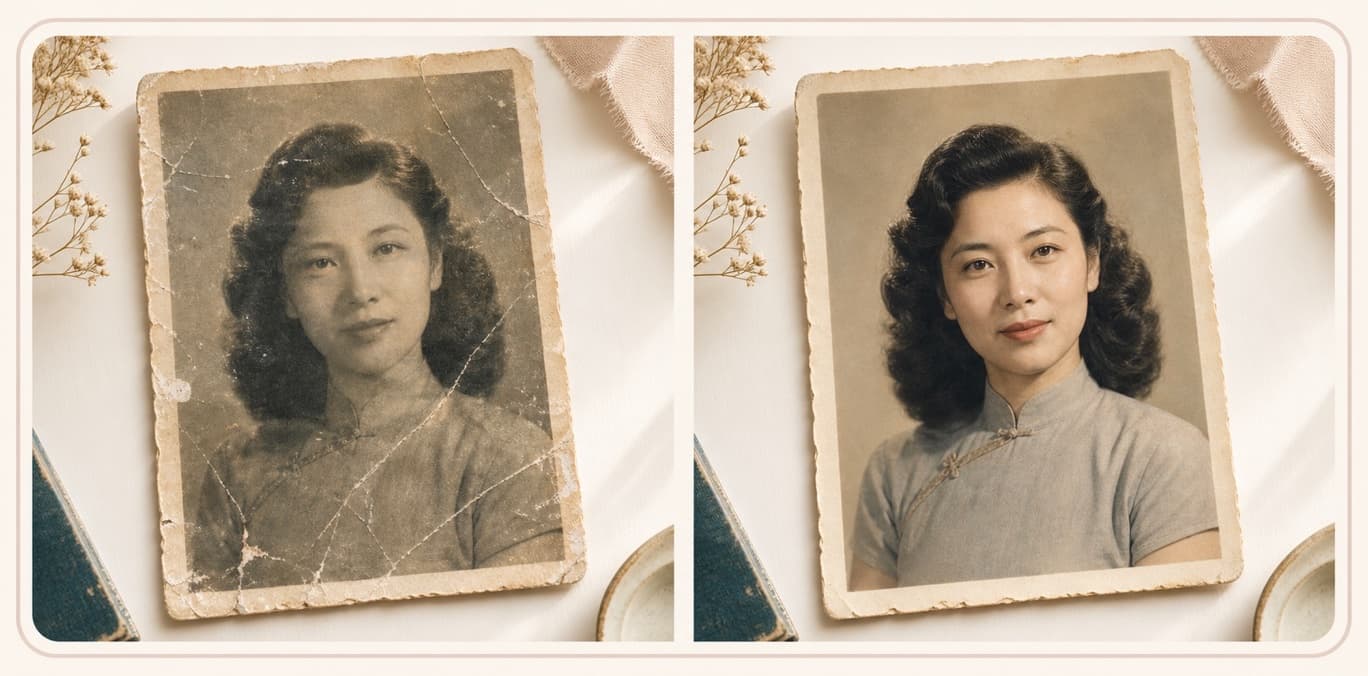
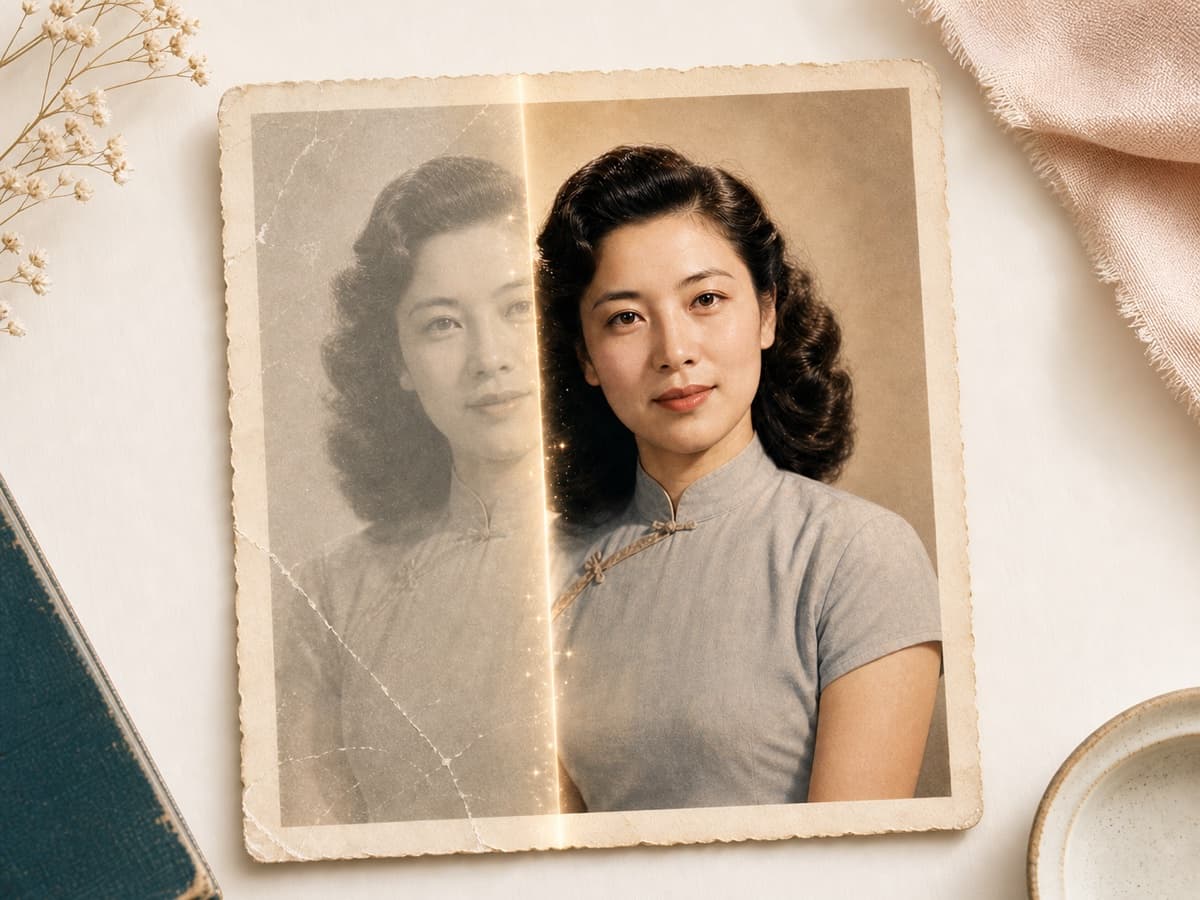
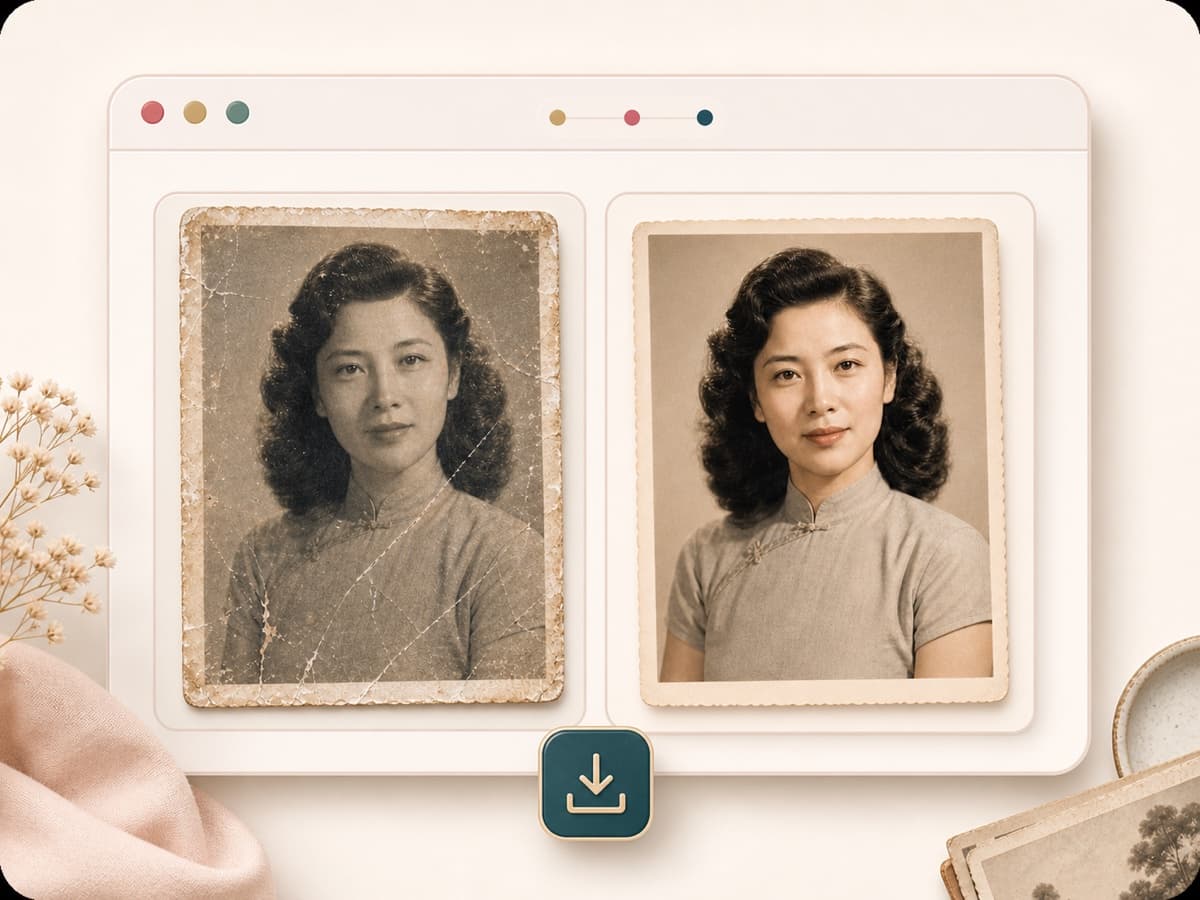
Before and after review
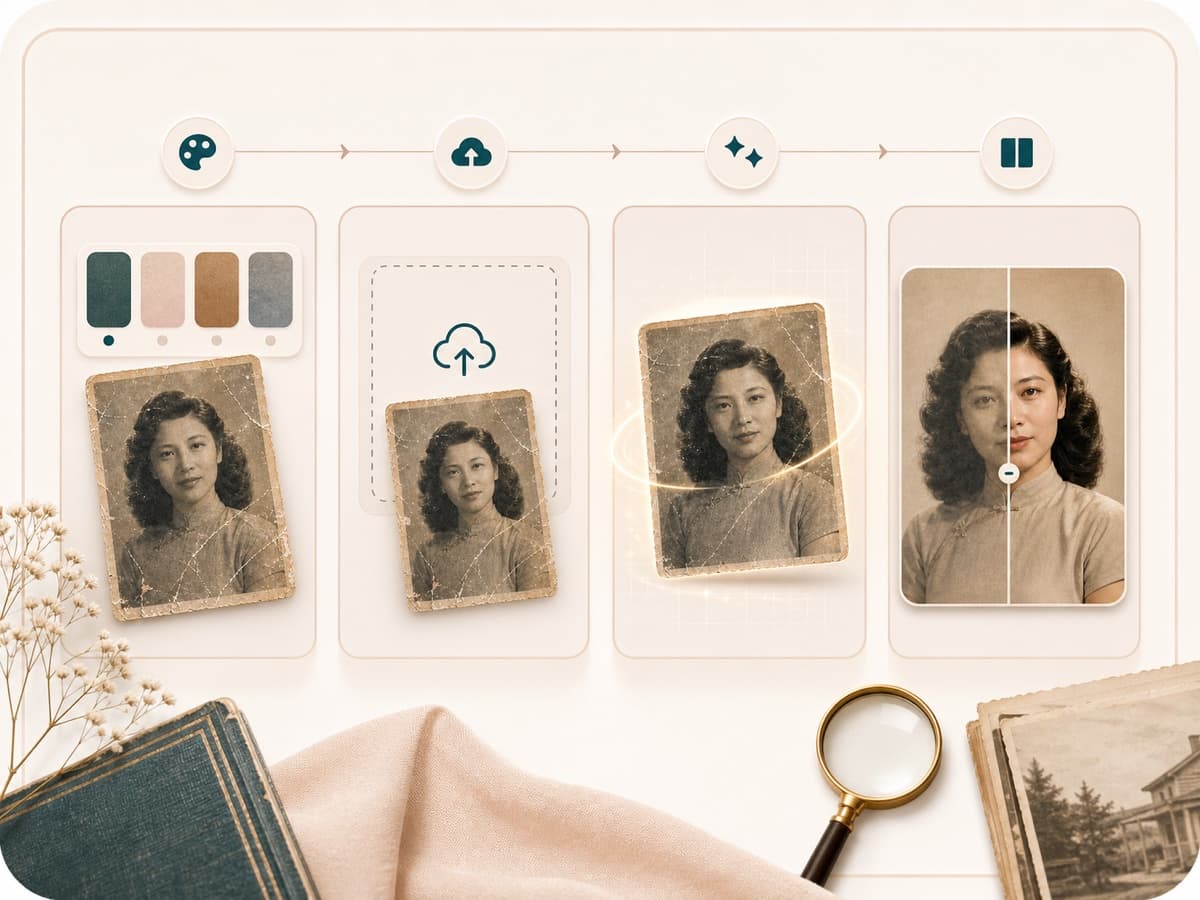
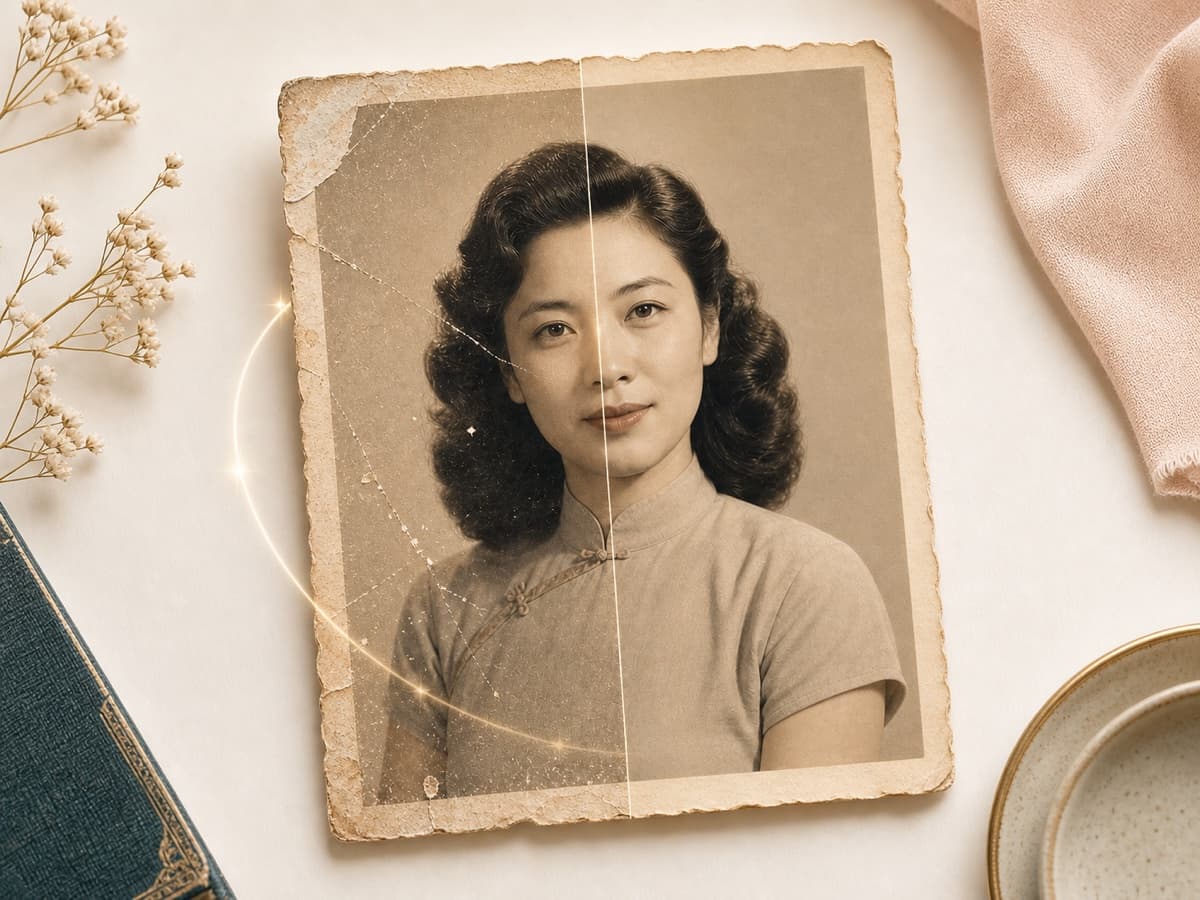
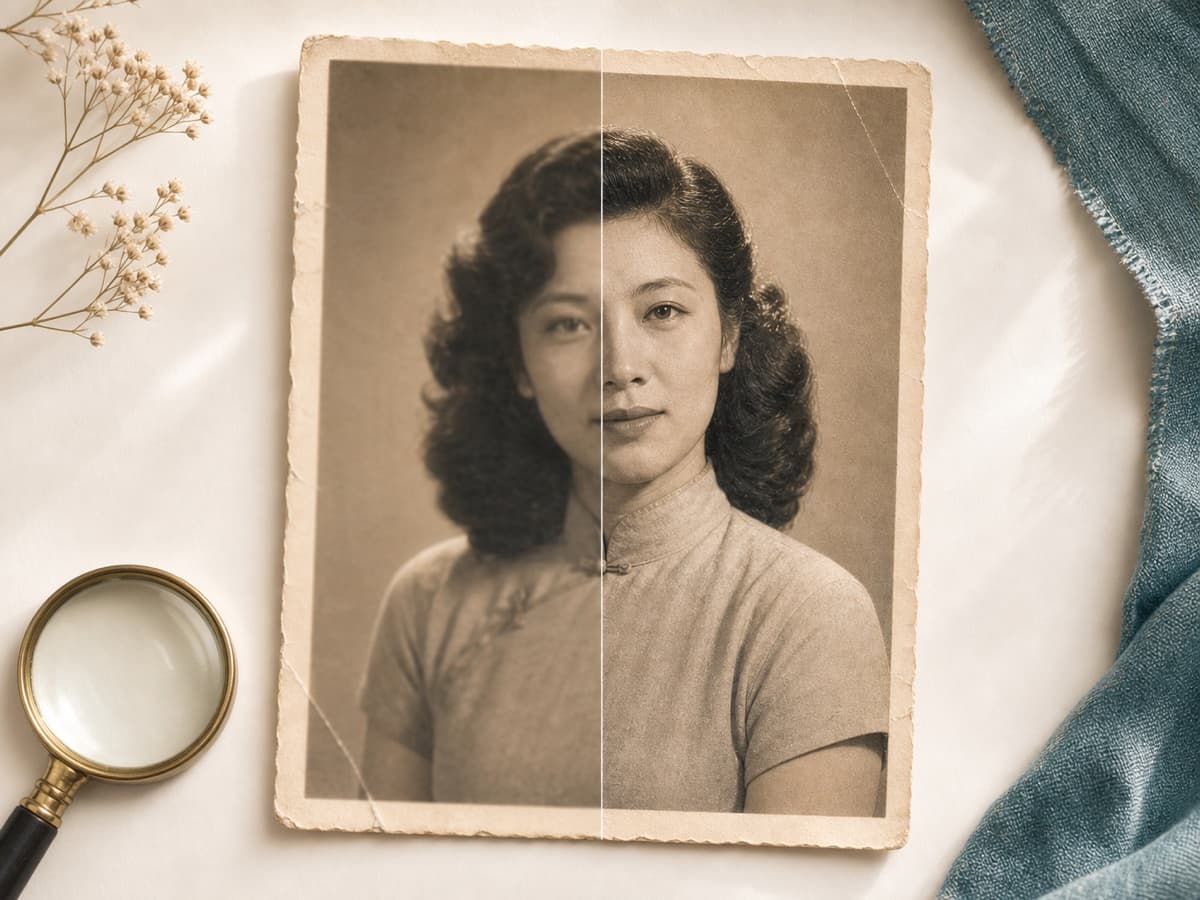
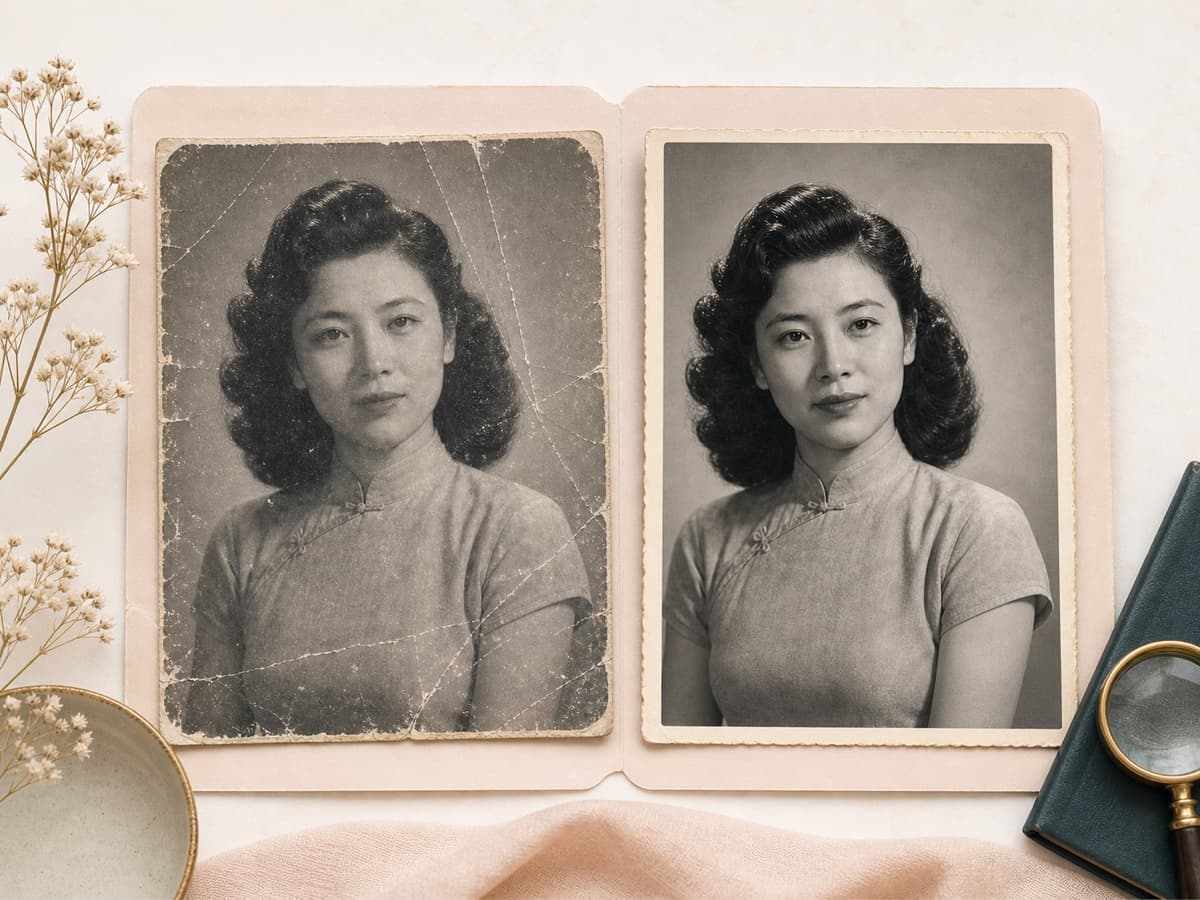
The result page lets you compare the uploaded image with the restored photo before you keep or rerun the output.
Credit based access
AI Photo Restoration is an AI Generator tool. A successful run uses 20 credits, while failed requests should not consume credits.
Key features
Repair old portraits without losing the moment.
Each mode is tuned for a common old photo problem, from faded prints and scratches to group portraits, sepia photos, black and white keepsakes, and light archival cleanup.
Faded color and contrast repair
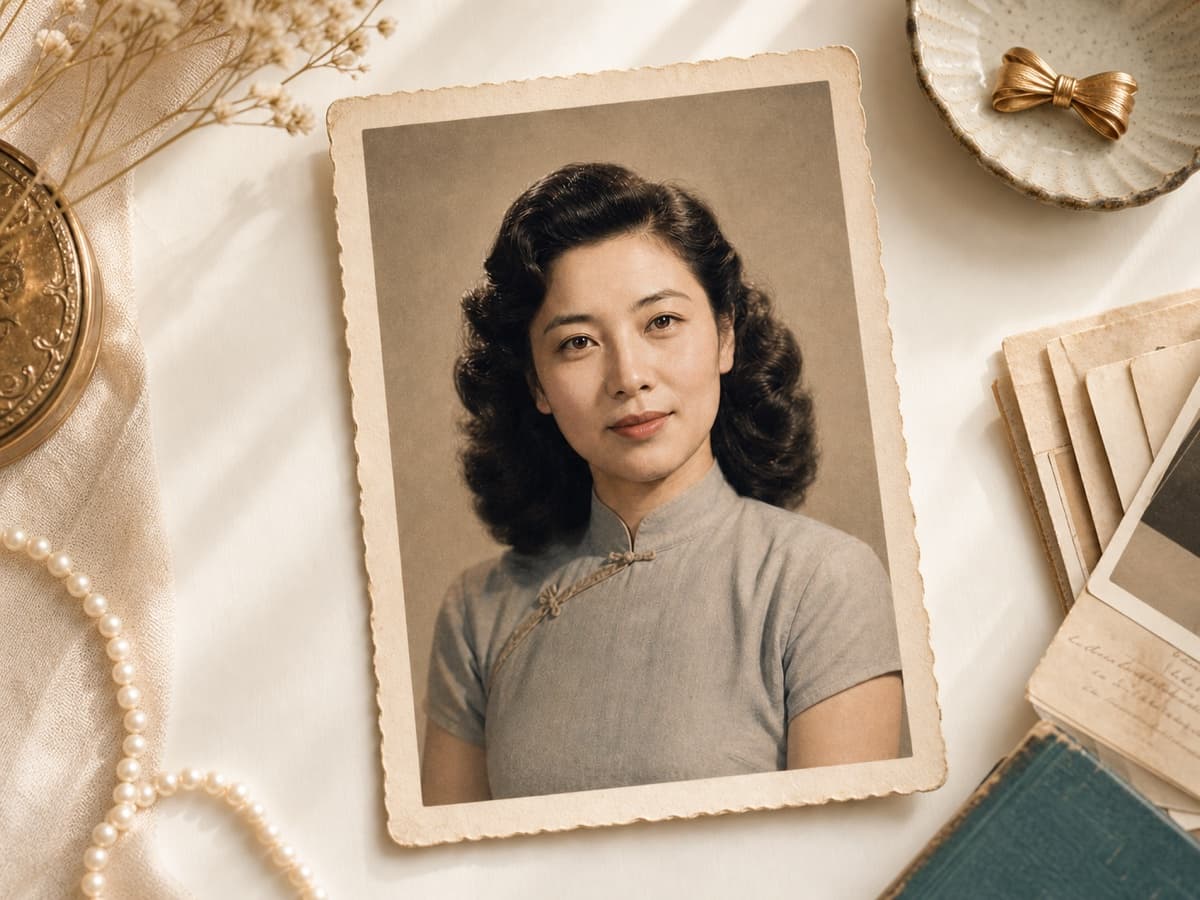
Old portraits often lose contrast, warmth, and readable facial detail. This mode helps restore a pale or yellowed photo into a cleaner keepsake image while keeping the color restrained. It works best when the original scan still shows the face, hair, clothing, and background clearly enough for the AI to read.
Scratch, dust, stain, and tear cleanup
Use the scratch repair focus when the print has surface damage, dust spots, small stains, crease lines, or minor tears. The tool asks Gemini to repair visible defects without changing identity or inventing a new outfit. Large missing areas may still need a better scan or manual review.
Soft portrait sharpening
Some old photos are not badly damaged, they are simply soft. The soft photo restore option aims for clearer eyes, hair, and portrait edges without making skin look plastic. It is useful for family albums, profile archives, and scans that need more definition before sharing.
Black and white photo restoration
Black and white portraits need a different touch than color photos. This restoration focus keeps the monochrome look while improving tonal depth, dust cleanup, and face clarity. Use it when you want a cleaner historical photo without automatic colorization or modern styling.
Identity and era preservation
The backend prompt tells the model not to modernize the person, change identity, crop the image, or turn the photo into illustration. That keeps the tool aligned with keepsake restoration instead of beauty filters. Review the result closely when the source face is damaged or partly missing.
Downloadable before and after result
After generation, the result page shows the original image beside the restored output. You can inspect facial detail, repaired marks, clothing, and the overall vintage feel before saving. A clearer source image usually gives the AI more real information to preserve.
Comparison table
Pick the right repair path.
AI restoration is useful for many old portraits, but severe damage and print projects may still need hands on editing.
Option
Repair focus
Review style
Best for
AI Photo Restoration by BeautyLove
Old portrait repair with selectable restoration focus
Before and after result page
Restoring family portraits, faded scans, and keepsake images online
Simple one click enhancers
Often improves clarity or color broadly
Varies by provider
Fast cleanup when you do not need a portrait specific restoration prompt
Manual photo editors
Brush based control and detailed retouching
Full human control
Severe damage, missing faces, print work, and archive projects
Professional restoration services
Human repair with project review
Depends on the service
High value originals, heavy damage, and prints that need careful approval
Privacy and image care
Restore photos with permission.
Processing
BeautyLove sends uploaded images to the selected AI service for restoration. This tool does not process photos only on your device.
Browser result
Result data and thumbnails may be saved in browser storage so the result page can show your latest restored photo.
Permission first
Upload photos you own or have permission to use, especially when the image shows family members or private keepsakes.
Careful review
AI can repair visible damage, but it can also guess missing details. Check the restored image before you print or share it.
FAQ
Common questions.
Repair quality, credits, privacy, black and white photos, and what to expect from damaged sources.
What is AI Photo Restoration?
AI Photo Restoration is an online tool that helps repair old portrait photos with AI. It can improve faded color, scratches, dust, stains, softness, and black and white tones when the source image is readable.
How do I restore old photos online?
Upload a clear scan or phone photo, choose the repair focus, and run the restoration. After the AI finishes, compare the original with the restored result before saving it.
Can AI Photo Restoration fix scratches and faded color?
Yes, it can help with scratches, dust, stains, faded color, and low contrast. Very heavy damage or missing face areas may produce an approximate repair instead of a perfect reconstruction.
Will AI photo restoration change the person?
The tool is prompted to preserve the original person, age, pose, clothing, hairstyle, and era. You should still review the output closely, especially when the source photo is badly damaged.
Can I restore black and white old photos?
Yes, the black and white restore option is made for monochrome portraits. It focuses on cleaner tones and detail without forcing colorization or a modern look.
What photo quality works best?
A flat, clear scan works best. Phone photos can also work if they are evenly lit, not blurry, and show the main face without glare or heavy shadows.
How many credits does AI Photo Restoration use?
A successful AI Photo Restoration run uses 20 credits. Failed requests and service errors should not consume credits, based on the project credit rules.
Are old photos processed only in my browser?
No, uploaded images are sent for AI processing. Result data and thumbnails may also be kept in your browser storage so the result page can show your latest output.
Can it restore a face that is missing or covered?
It works best when the face is still visible. If a face is missing, covered, or badly torn, the AI may guess details, so use the result with care.
Ready when you are
Restore an old photo with a careful first pass.
Start with the clearest copy you have. If the result feels too strong, try a lighter keepsake cleanup.



Loved by 5M+ BeautyLove users for hair, makeup, color, and portrait decisions.