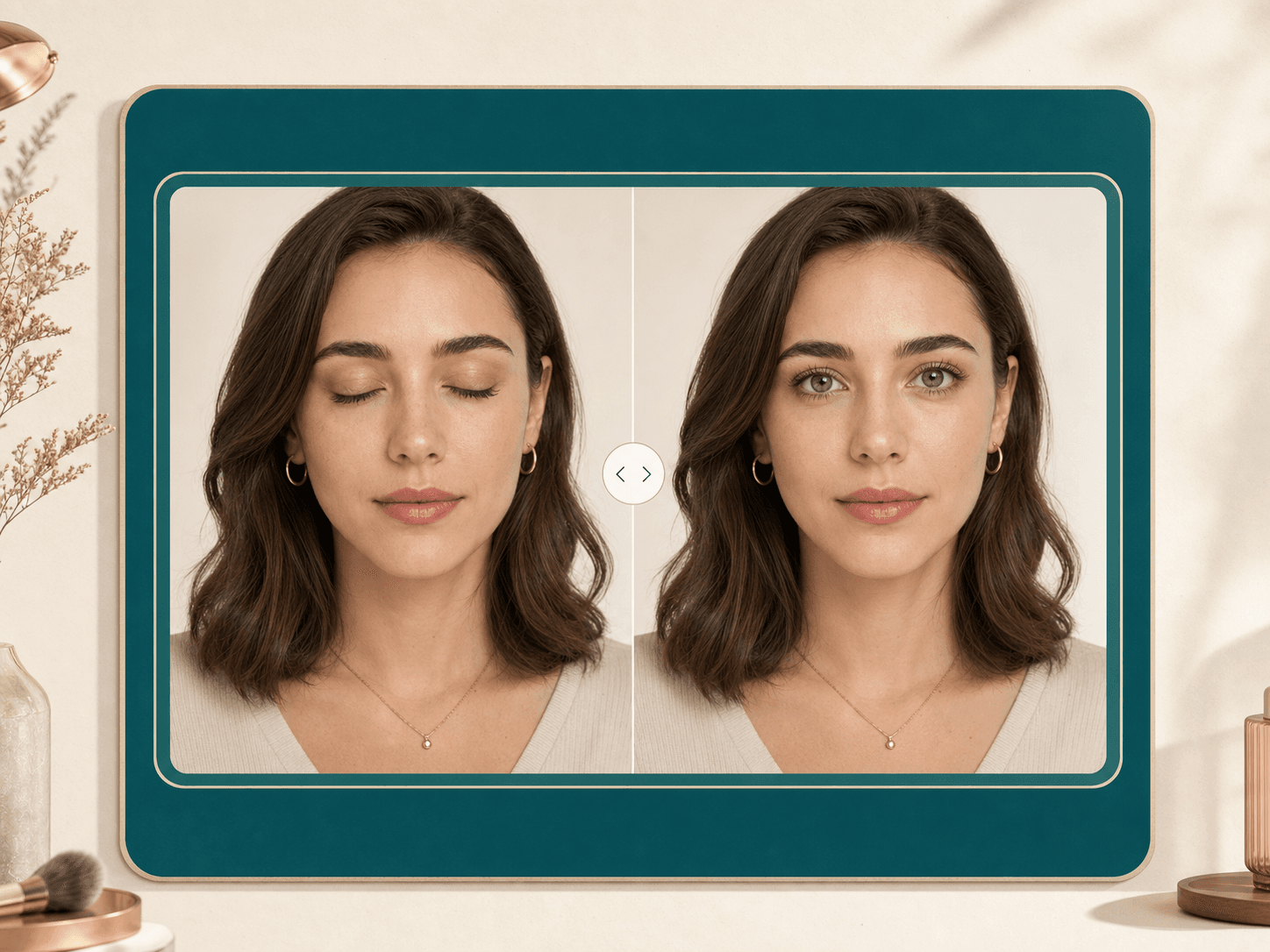
AI Generator · Eye Fix
Open Eyes
in Photos.
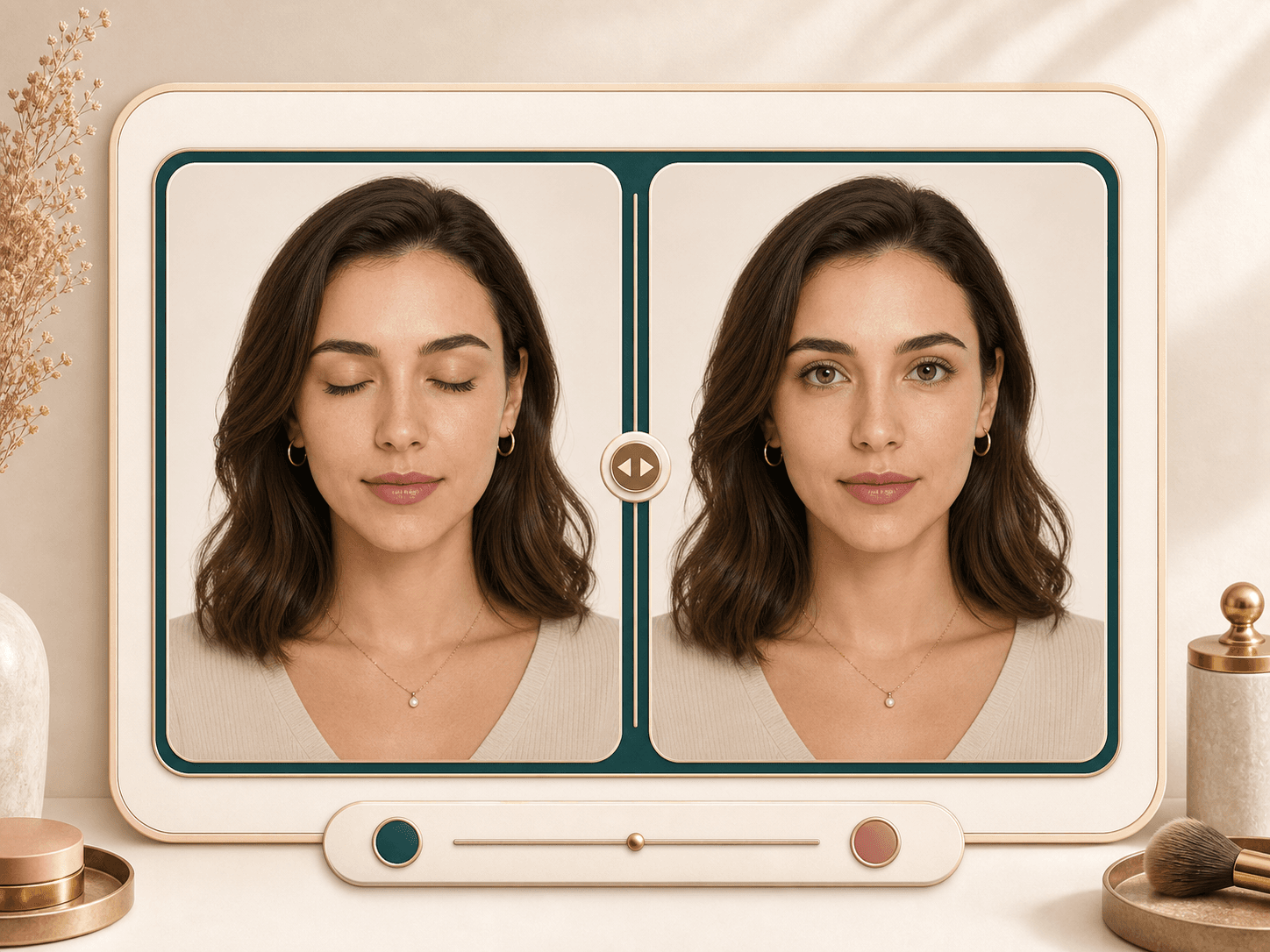
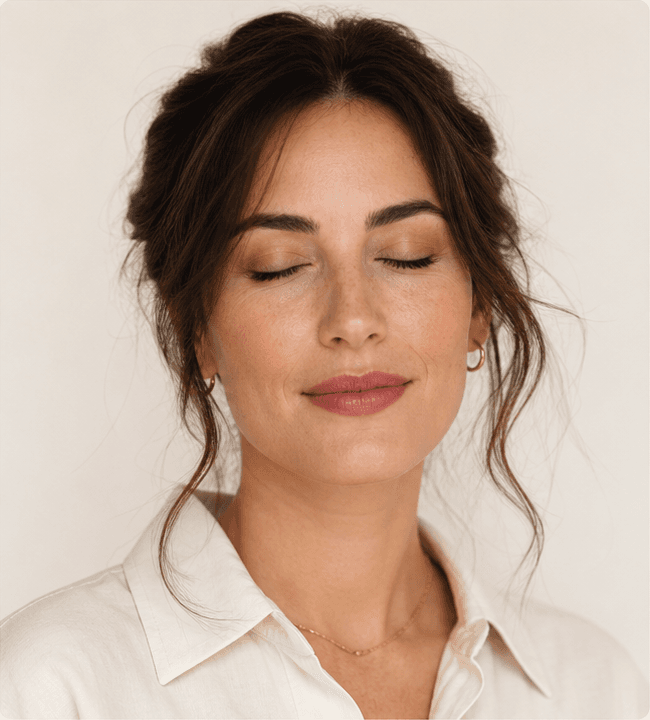
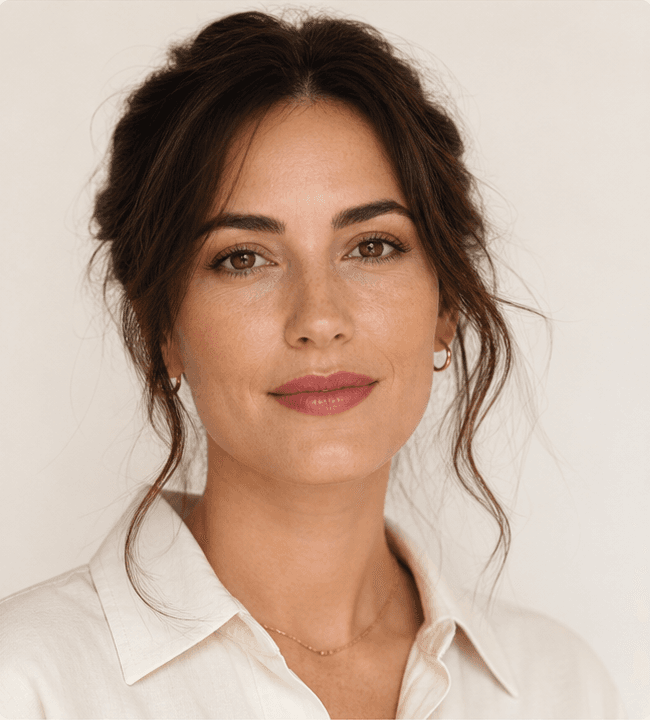
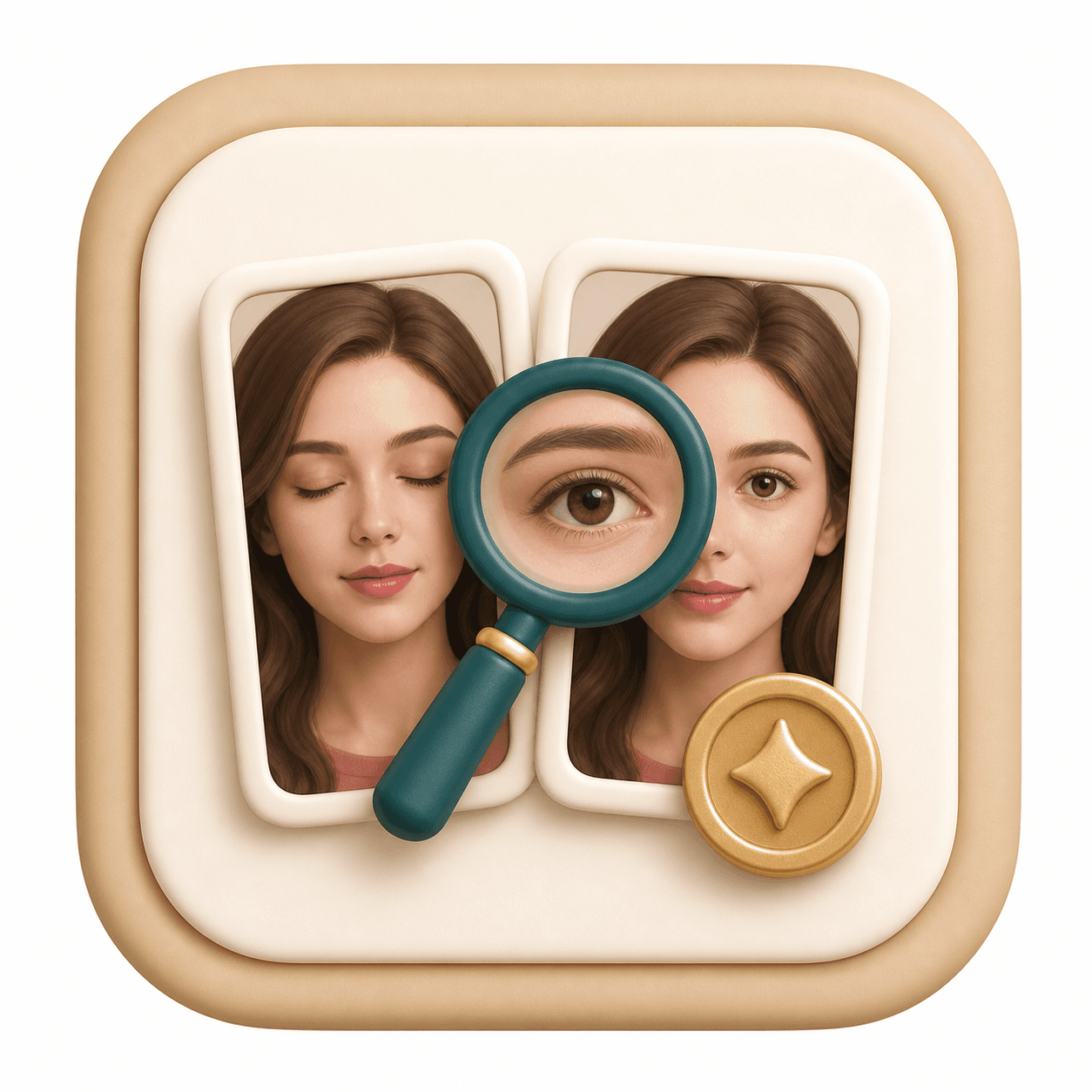
Fix a portrait where someone blinked by naturally opening the eyes while preserving identity, expression, makeup, lighting, and face shape.

How it works
Four steps to
a new look.
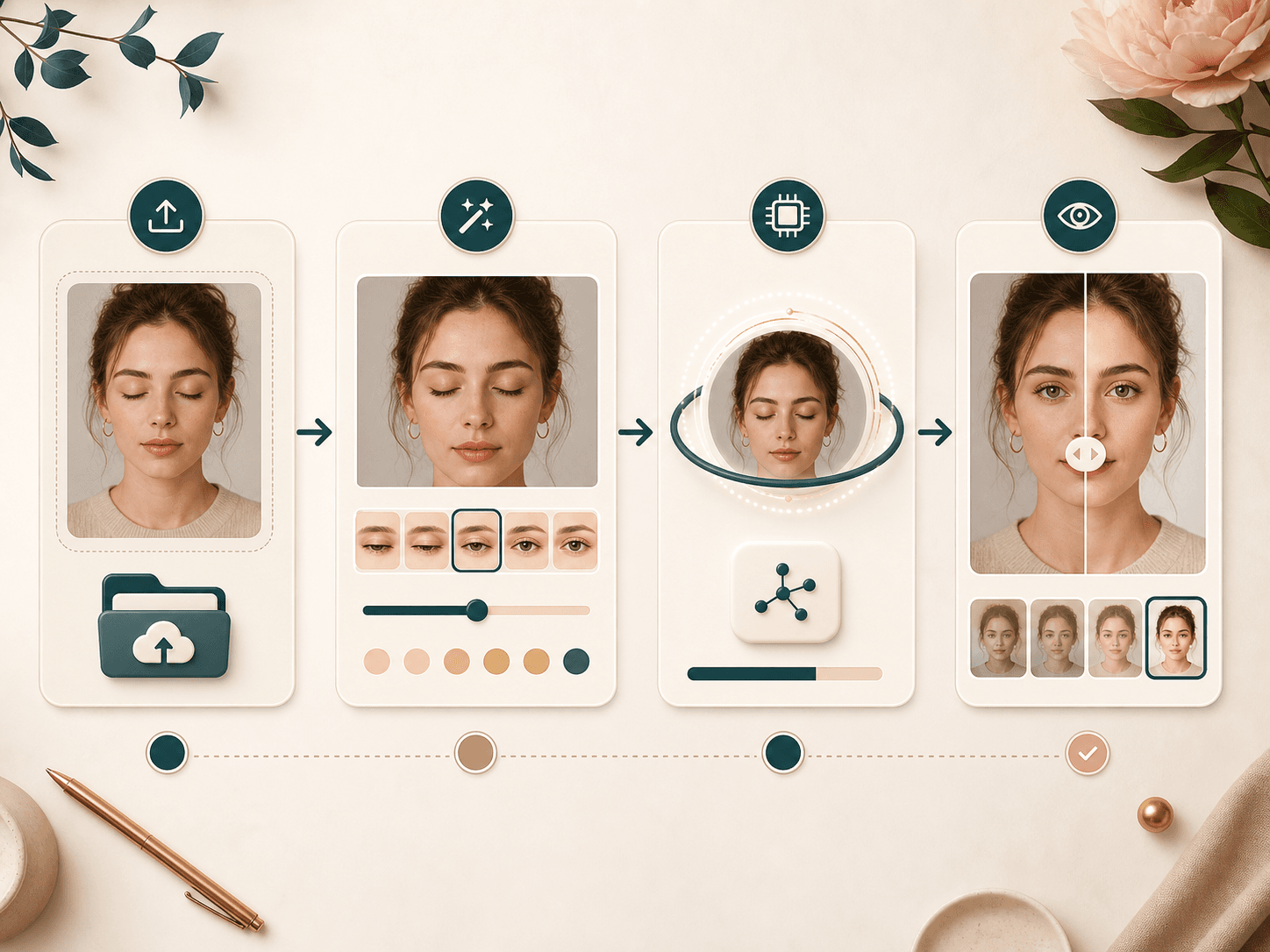
Choose, upload, generate, compare. Keep your original identity and photo context.
- 01
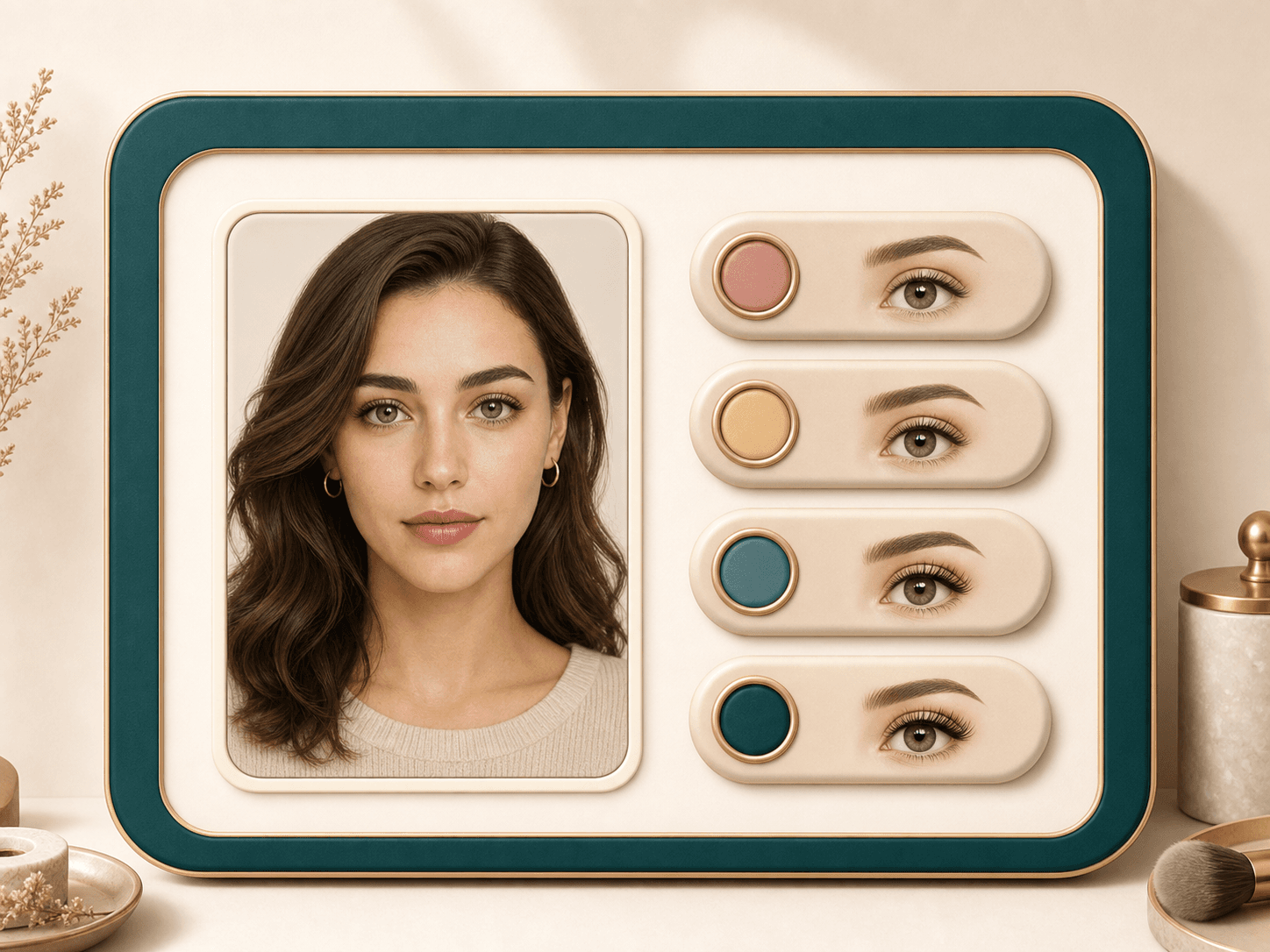
Choose the eye fix
Pick a subtle or brighter correction depending on the original expression.
- 02
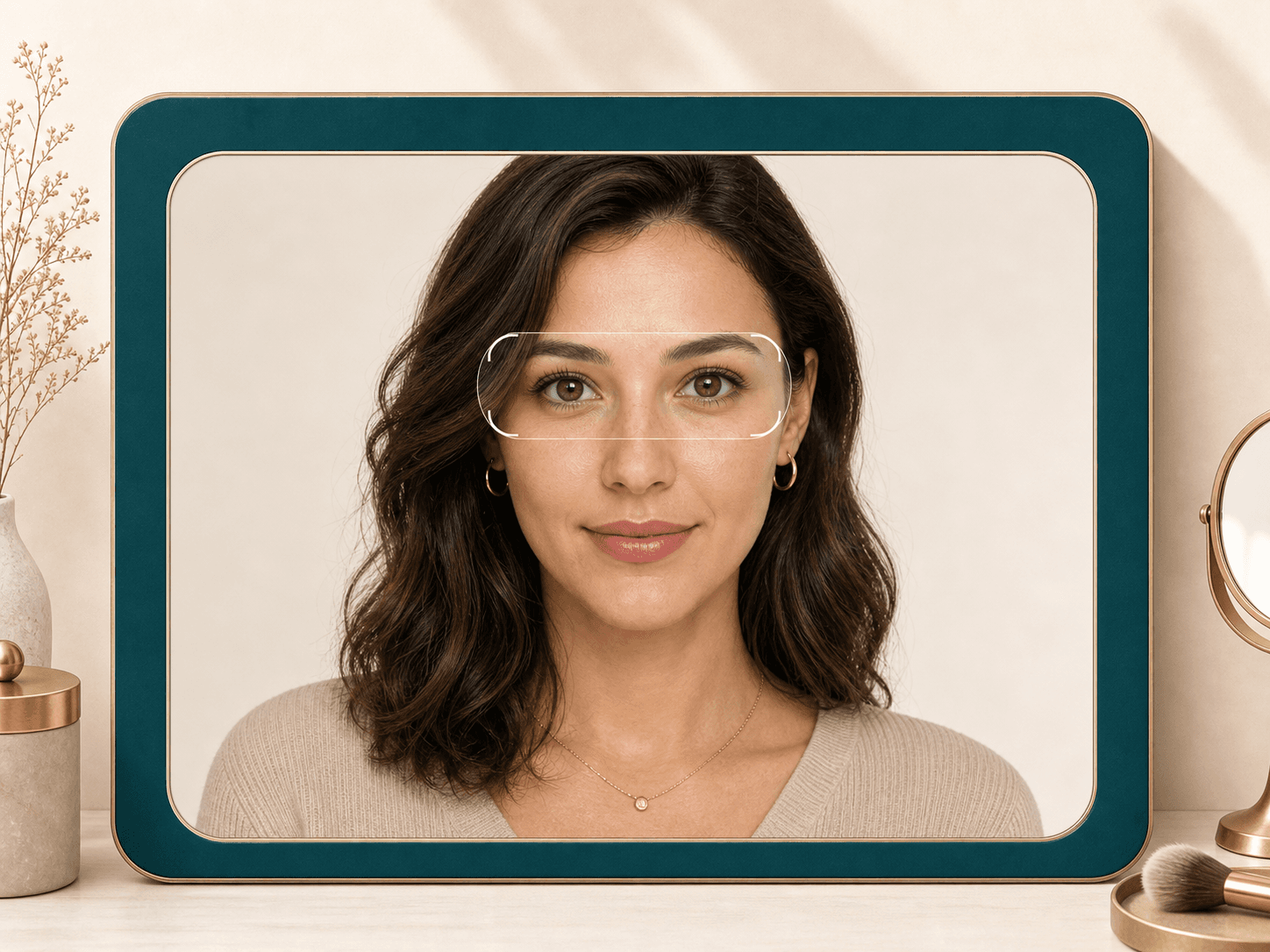
Upload a blink photo
Use the best shot from a set where the face is clear but the eyes are closed or half closed.
- 03
Generate natural eyes
Gemini reconstructs open eyes that match the person, lighting, gaze, and makeup.
- 04
Compare carefully
Check the result for expression, eye direction, and realism before saving.
FAQ
Common questions.
Can AI open closed eyes in a photo?
Yes, it can create a natural open-eye version when the rest of the face is clear enough.
Does it change my expression?
The prompt asks Gemini to keep the original expression and only correct the eyes.
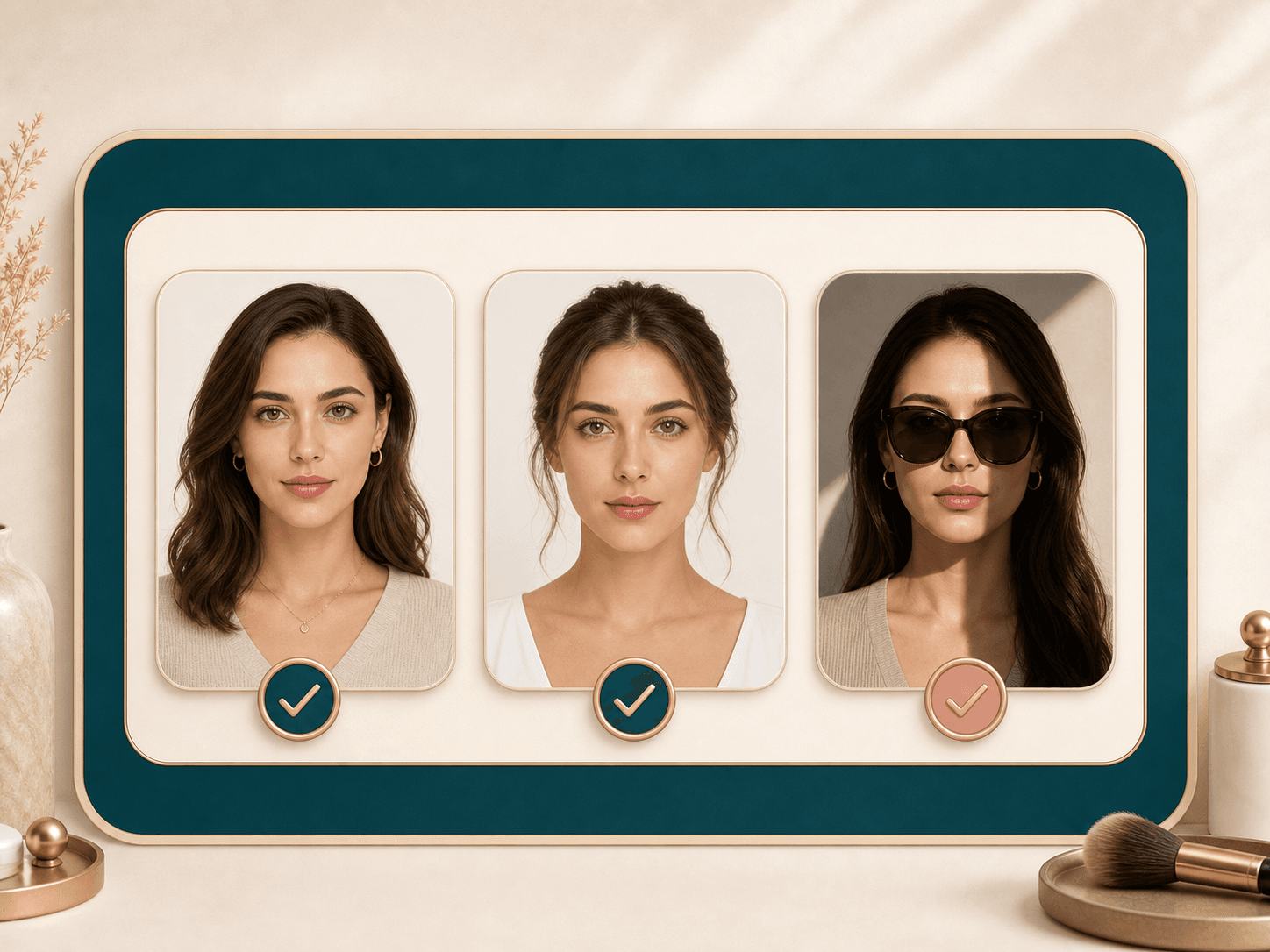
What photo works best?
Use a sharp portrait with one face, visible eyelids, even lighting, and no sunglasses or heavy shadows.
How many credits does it use?
Open Eyes in Photos is an AI Generator tool. A successful run uses 20 credits.
Ready when you are
Loved by 5M+ BeautyLove users for hair, makeup, color, and portrait decisions.