Profile photos that need more focus
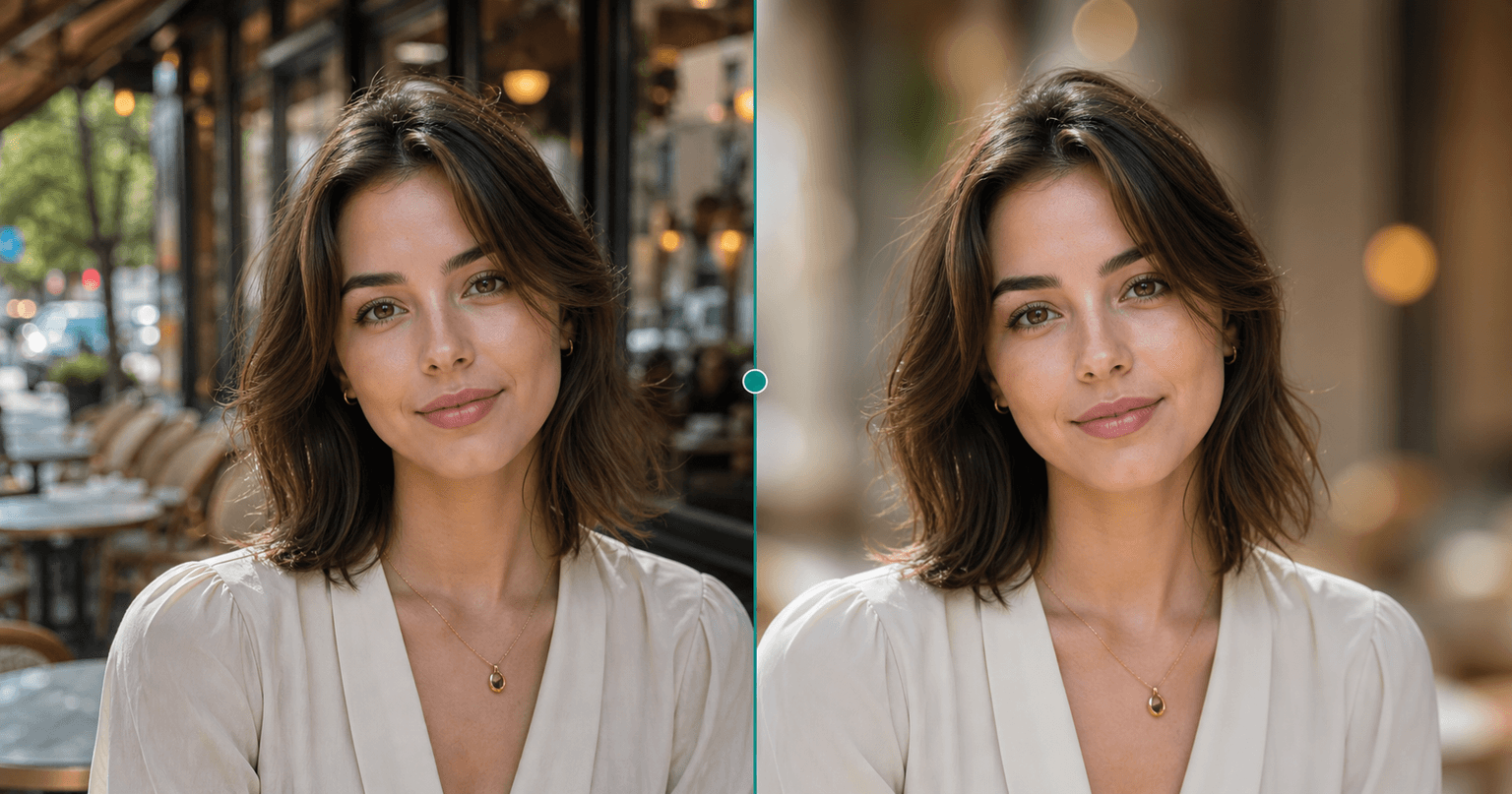
Blur a busy room, street, or cafe behind your face so the portrait reads cleanly on profile pages and creator bios.
AI Generator · Portrait Focus
Upload a portrait, choose a blur style, and soften the original background with AI while face, hair, clothing, and foreground details stay crisp.
Choose blur style
12 blur styles across portrait, scene, and use-case focused bokeh. Selected: Soft bokeh
How it works
Blur Background keeps the original scene, then softens what sits behind the person so the portrait feels calmer and more focused.
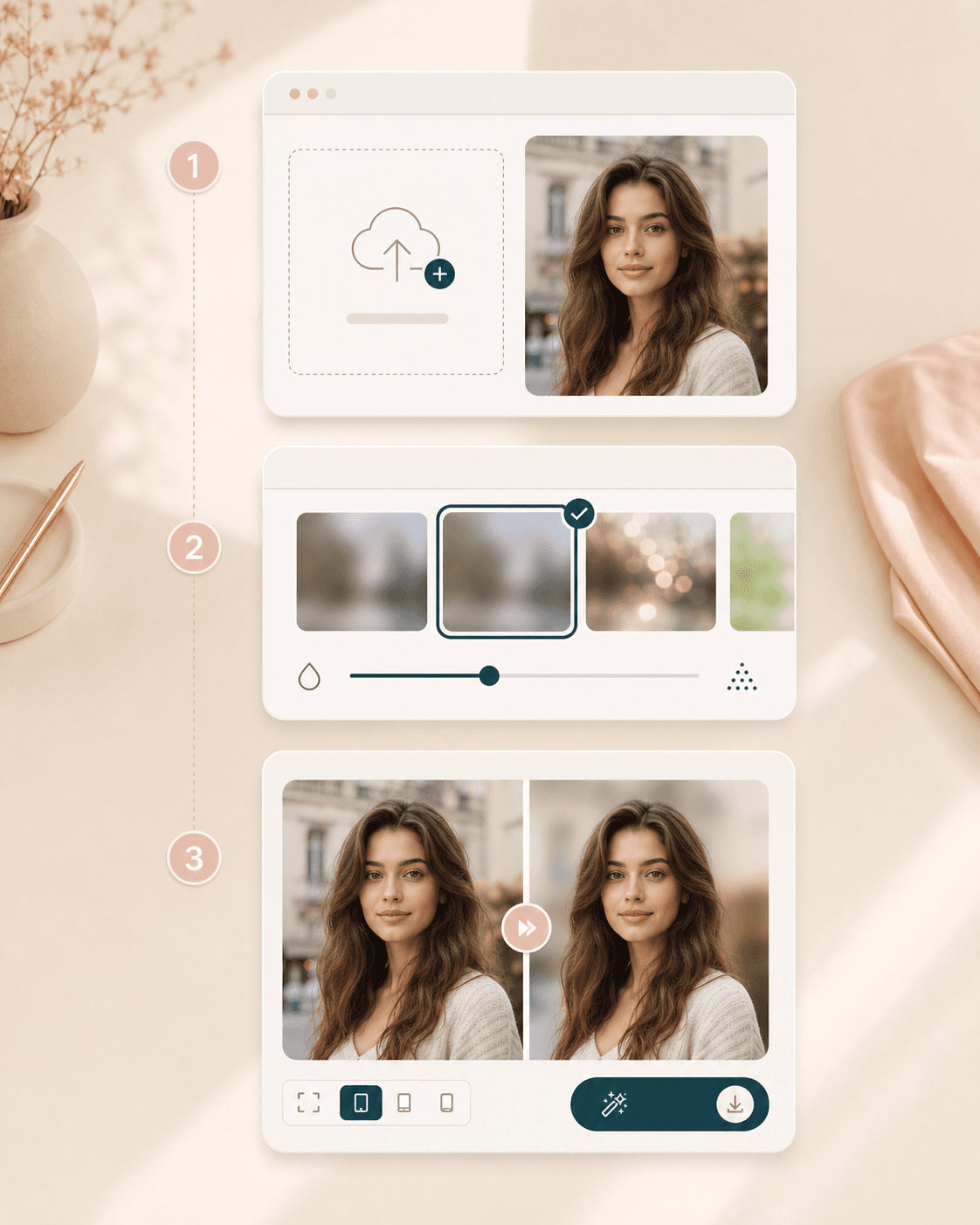
Pick a portrait, scene, creator, dating profile, model, or low-light bokeh direction before you upload your image.
Use a clear JPEG, PNG, or WEBP where the person is visible and the background has enough detail to soften naturally.
BeautyLove sends the photo to the AI service and asks it to keep the person sharp while blurring only the background.
Check hair, shoulders, clothing, and foreground edges on the result page before saving the portrait for your profile or content.
Use cases
People search for blur tools when a good photo feels too busy. A softer background can keep context while guiding attention back to the person.
Blur a busy room, street, or cafe behind your face so the portrait reads cleanly on profile pages and creator bios.
Keep the original scene for context while softening it enough to make your face, outfit, or styling choice easier to see.
Add a shallow depth look after the photo is taken when the camera did not separate the subject from the background.
Use a calmer background when you want viewers to notice makeup, hair, glasses, lipstick, or outfit changes first.
Why choose BeautyLove
BeautyLove treats background blur as a portrait edit. The goal is focus, not a new identity, a new scene, or a heavy filter.
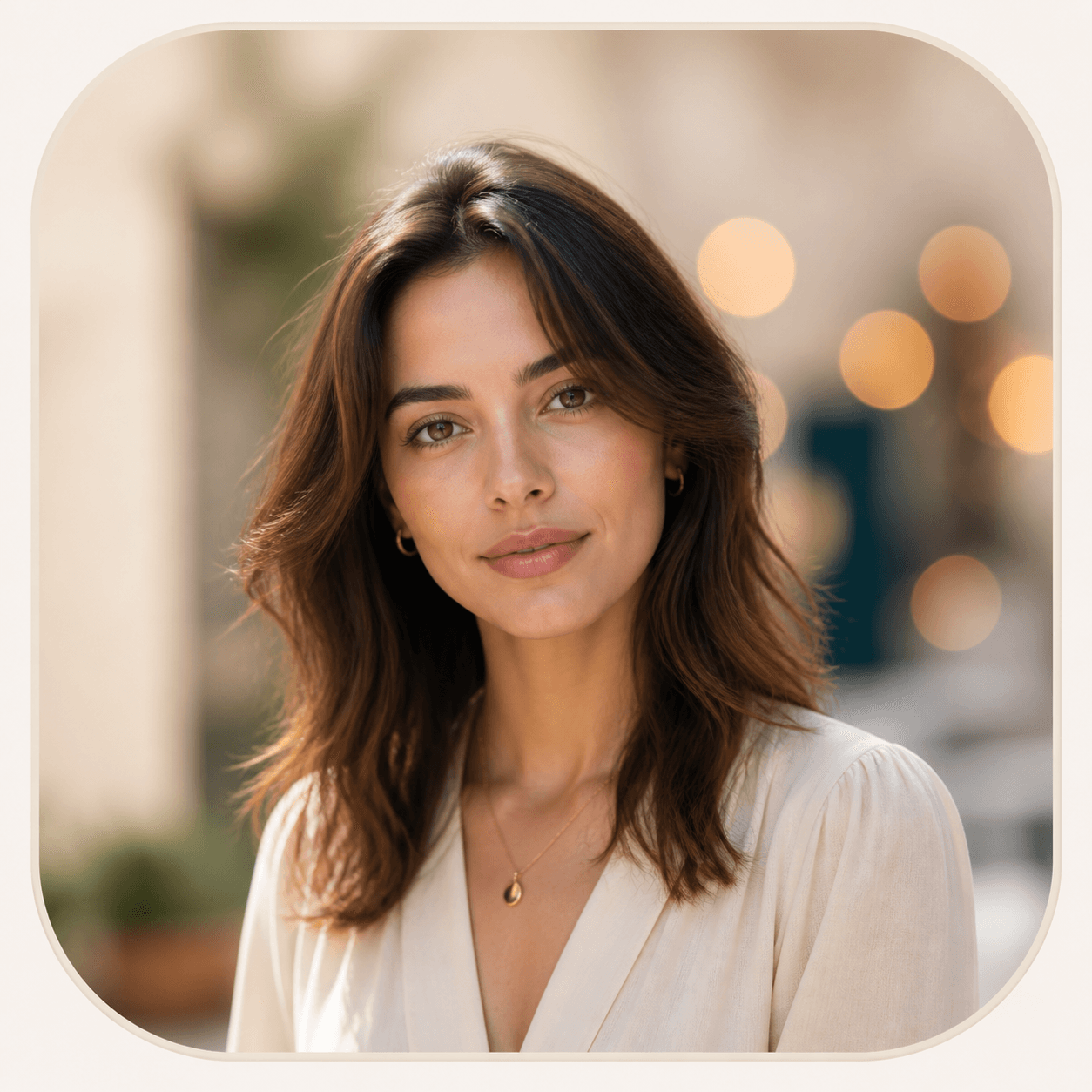
The prompt asks for realistic depth of field and believable bokeh, so the result feels like a focused portrait.
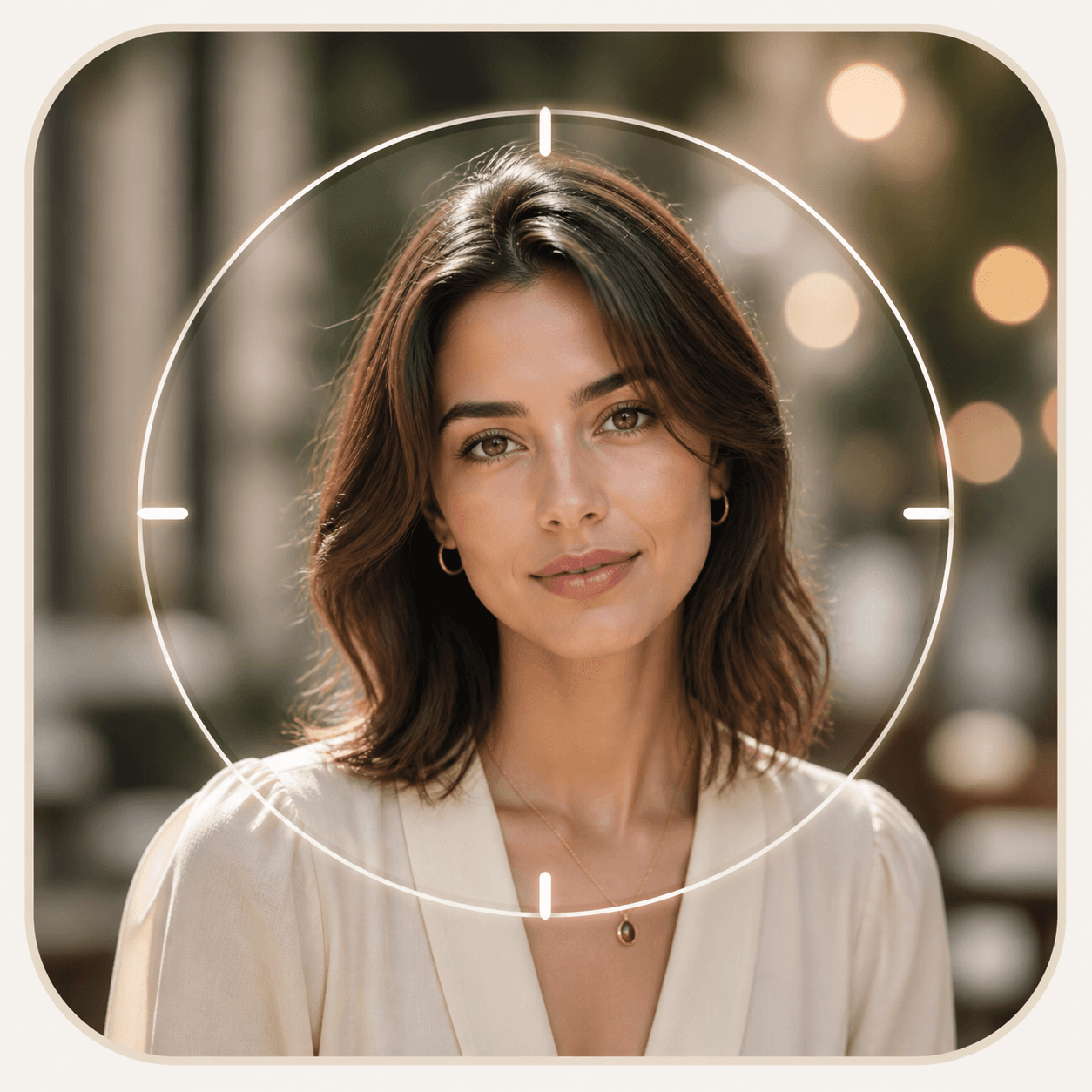
Blur Background is designed to protect the face, hair, clothing, jewelry, pose, and foreground detail.
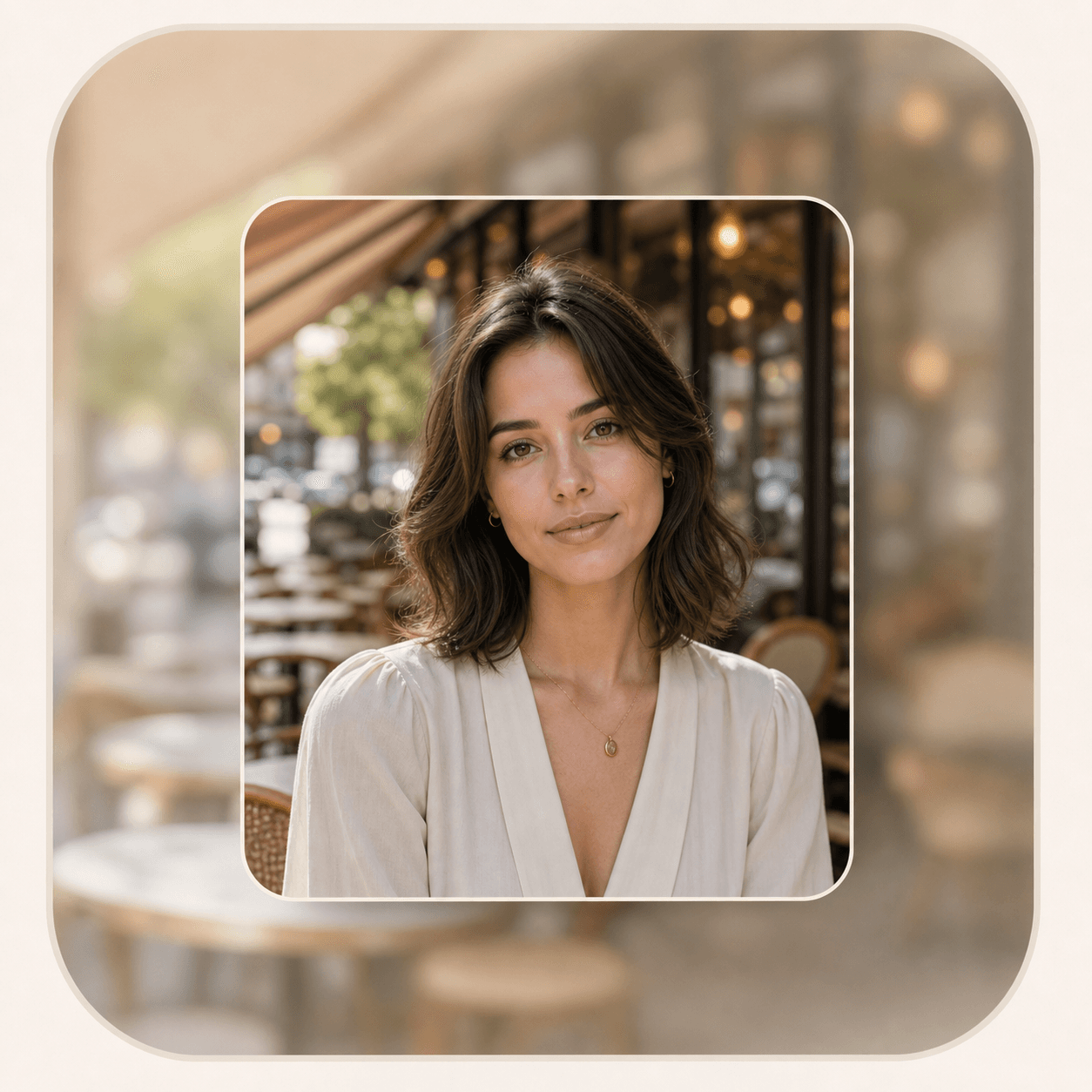
This tool blurs the scene behind you. It does not remove, replace, or invent a different background.
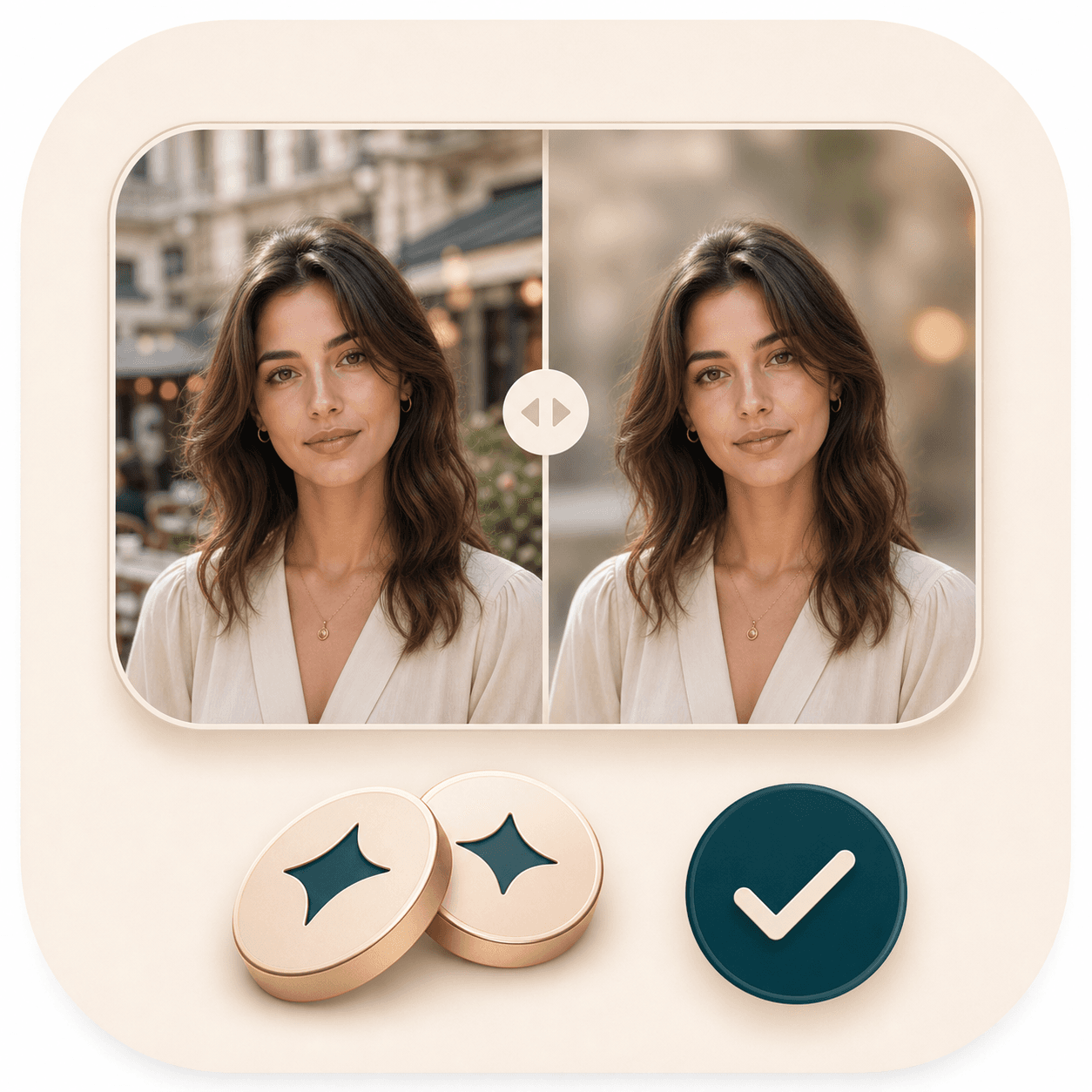
Blur Background is an AI Generator tool. A successful run uses 20 credits, and failed requests should not consume credits.
Key features
The tool focuses on background softness, subject clarity, and a result you can compare before saving.
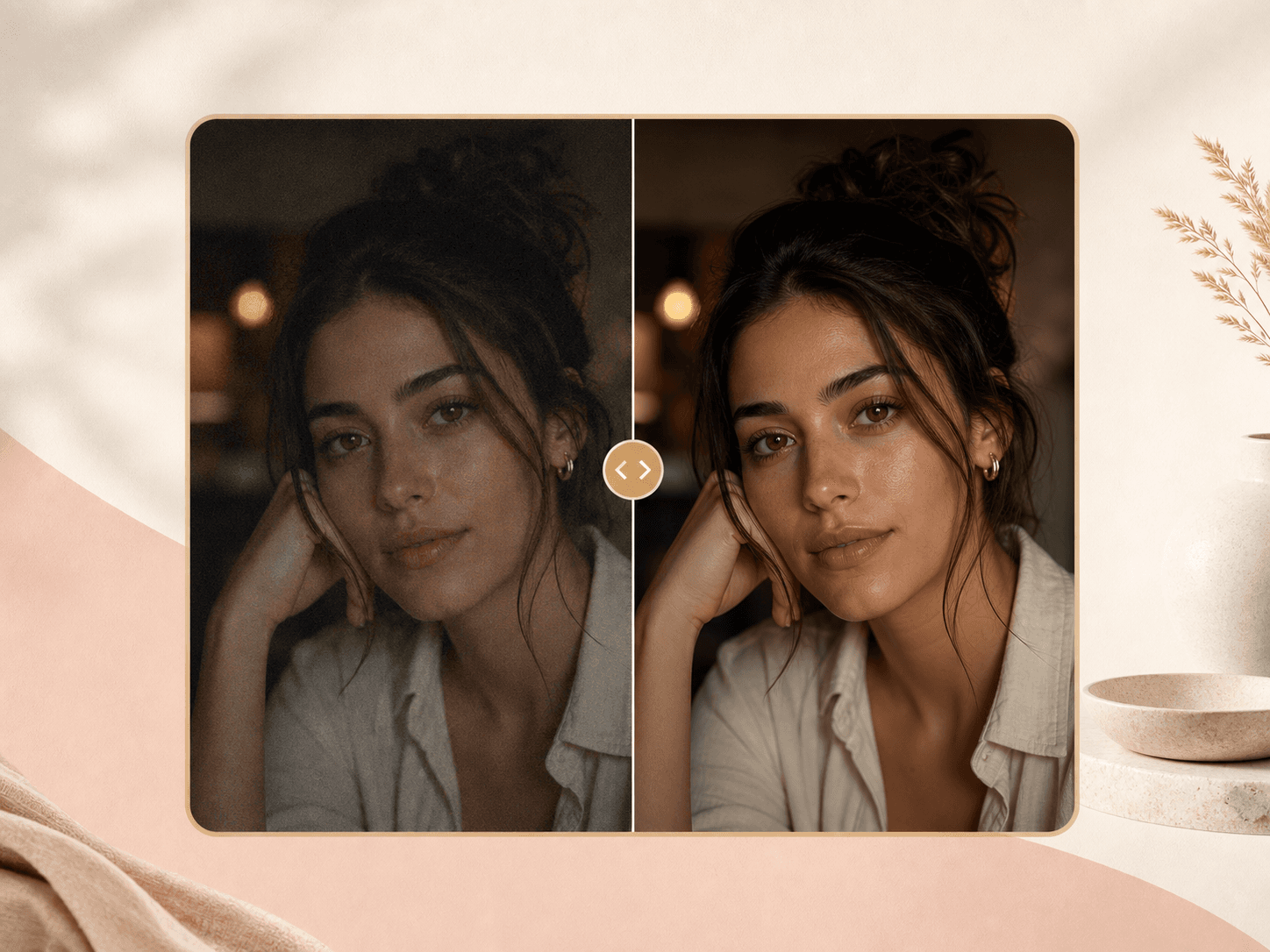
Choose from 12 blur directions before running the tool. Soft bokeh works for warm portraits, profile focus keeps the result quieter, editorial depth gives a stronger camera look, cafe and garden blur keep lifestyle context, and creator or model options help small-screen profile images read clearly.
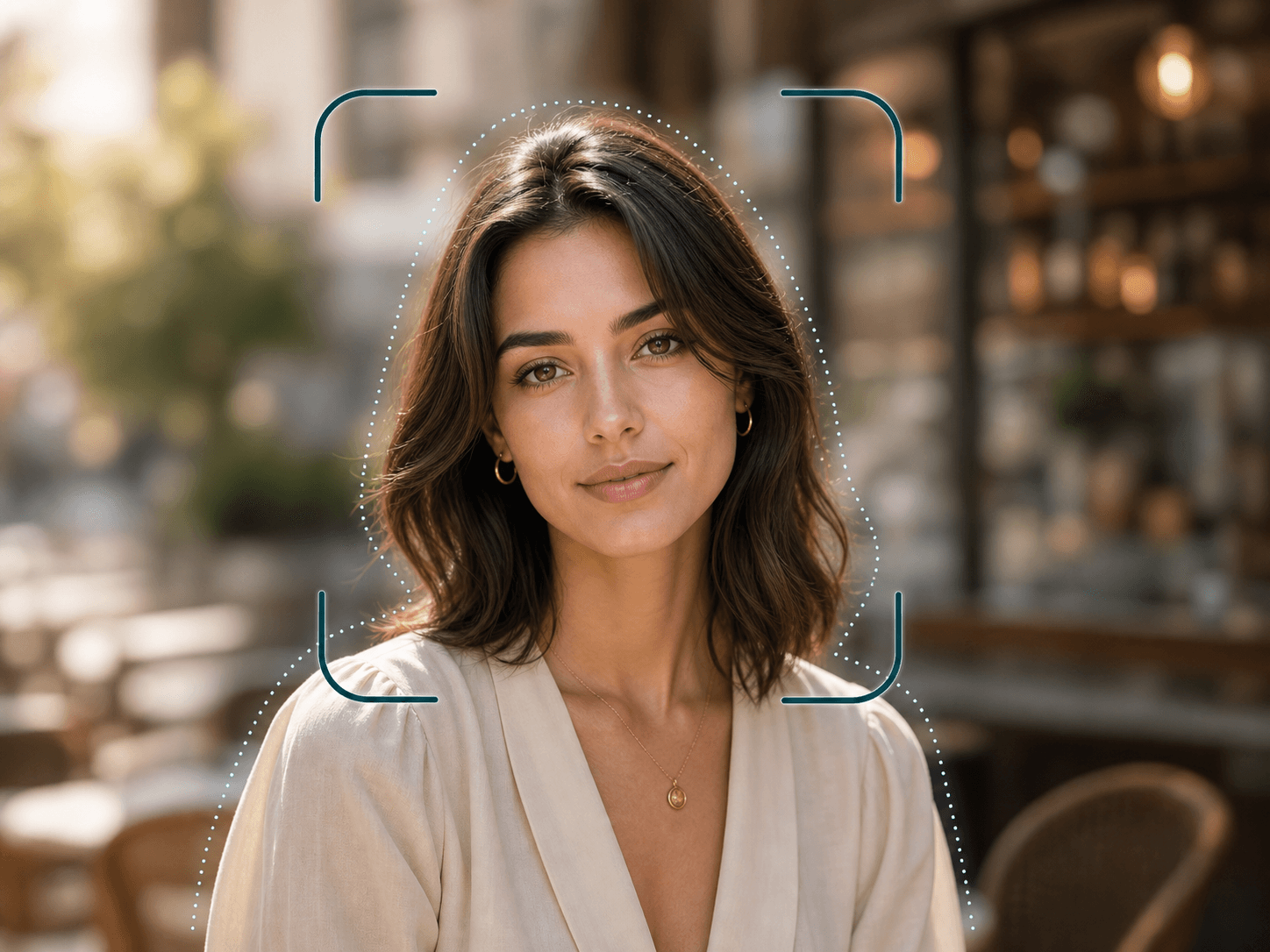
The backend prompt asks the model to keep the person, face, hair, clothing, jewelry, pose, and foreground details sharp and unchanged. This matters when you want a cleaner portrait without accidentally changing identity, styling, or the parts of the image people notice first.
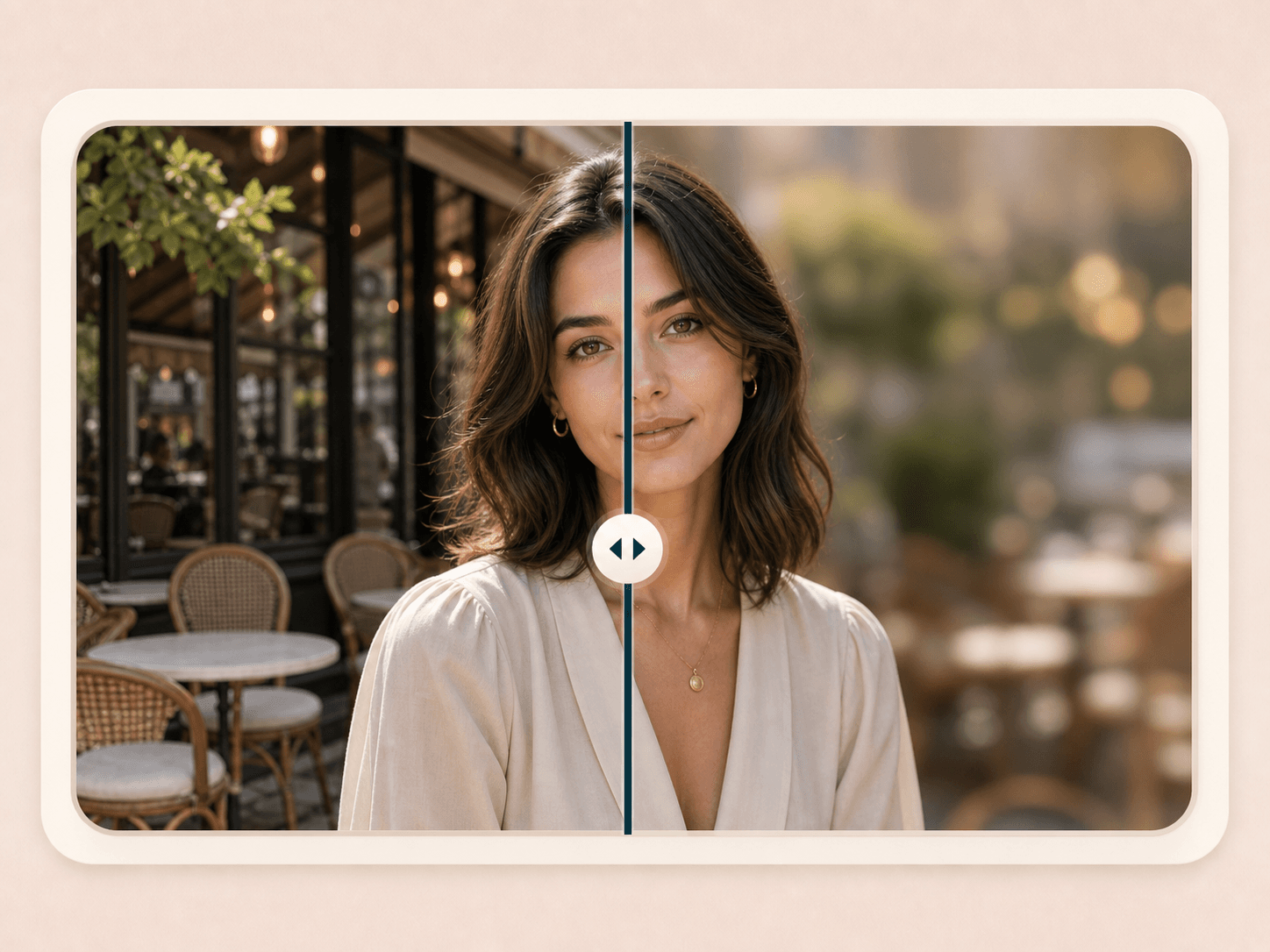
After generation, the result page lets you compare the original and blurred version with a slider. Use it to inspect hair edges, shoulder lines, small accessories, and the level of background softness before you download the finished image.
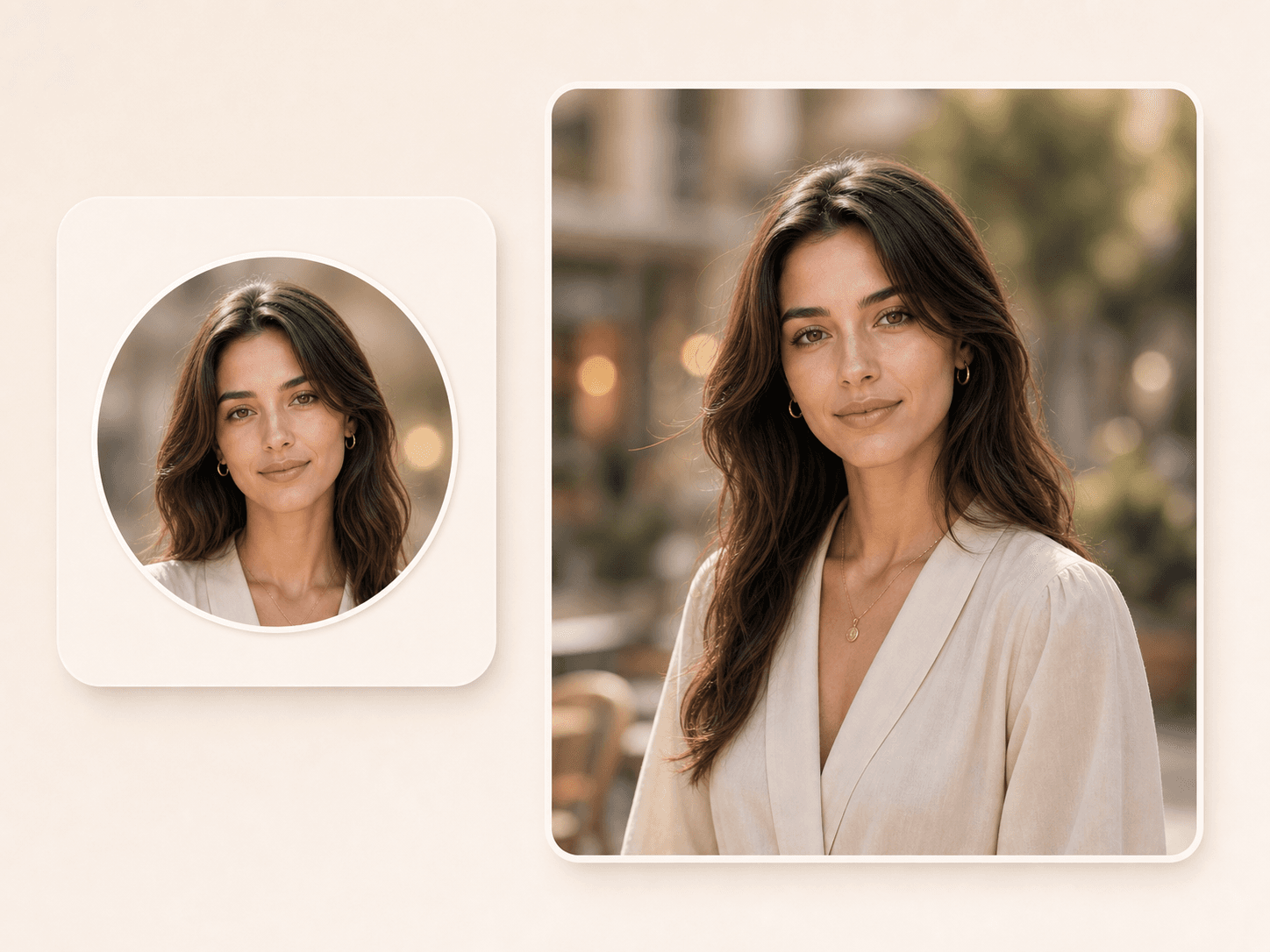
A soft background can make a portrait read better in small spaces like avatars, about pages, creator bios, resumes, and dating profiles. The tool keeps the face readable while reducing the visual pull of chairs, signs, rooms, or street detail behind you.
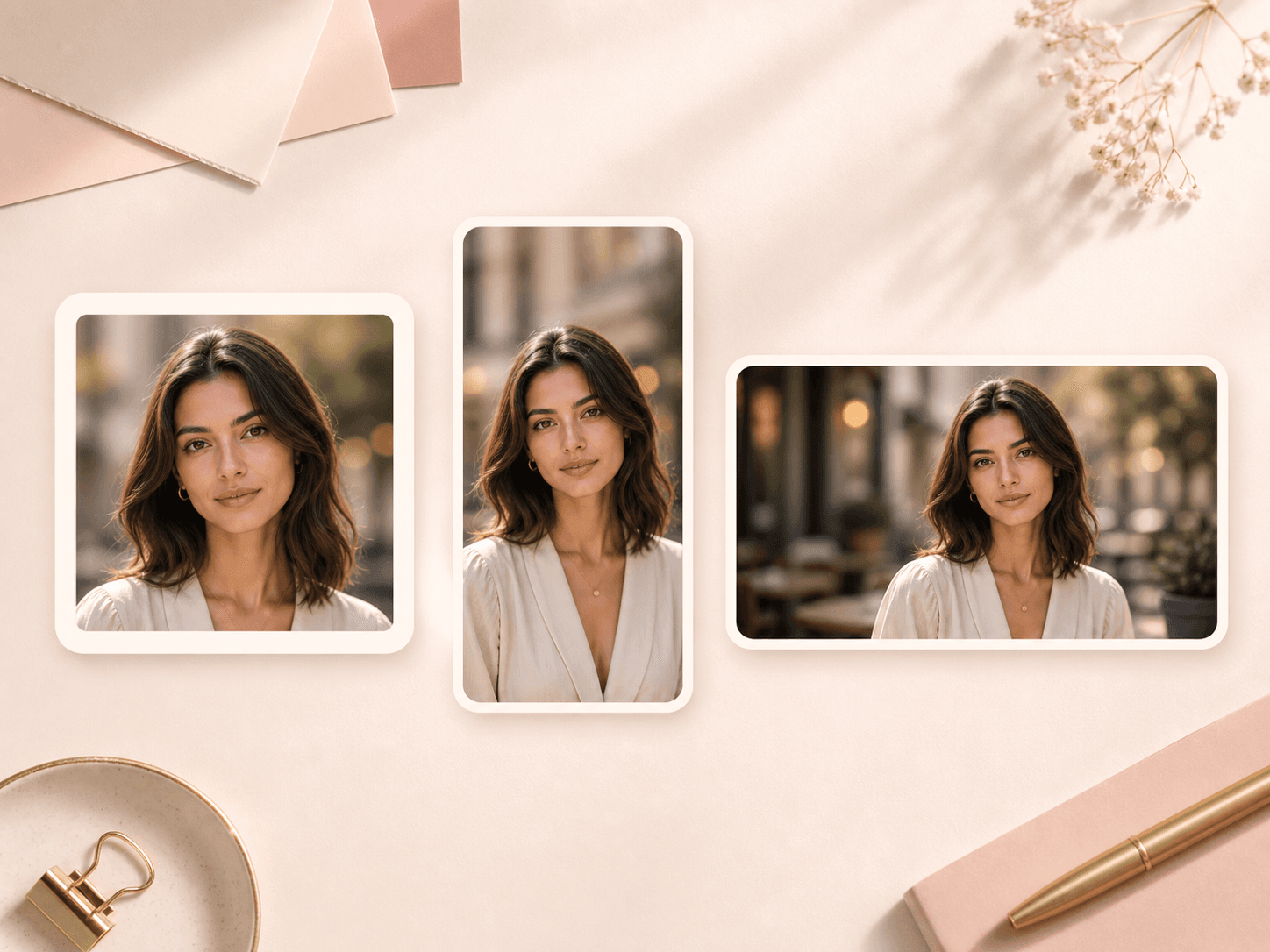
Background blur can help one photo work across square, vertical, and wide content crops. The scene still gives mood and context, but the softened background helps the subject stay clear when the image becomes a thumbnail or story frame.
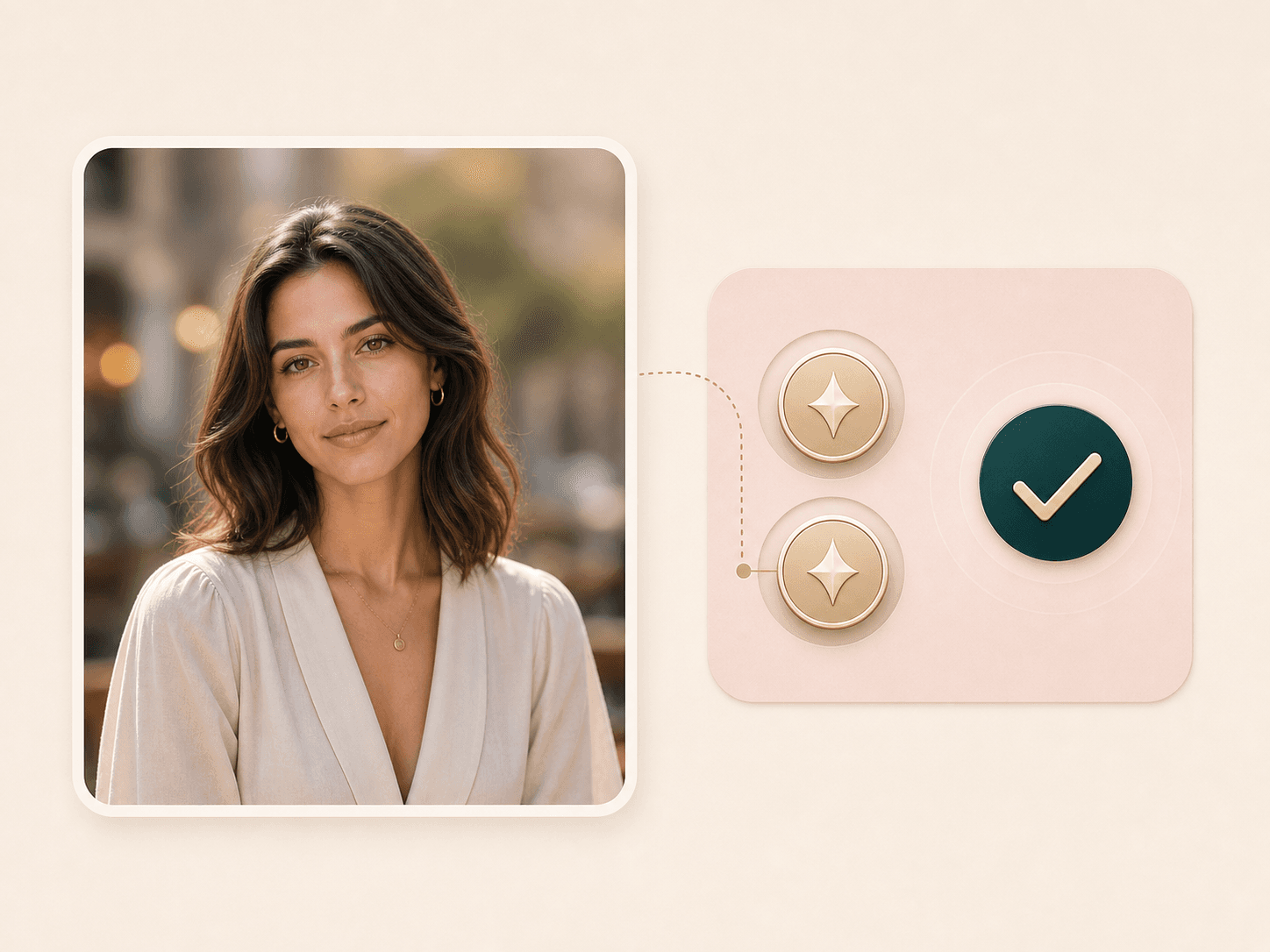
Blur Background uses the same BeautyLove credit system as other image generators. A successful run costs 20 credits. If the request fails because of an upload or service error, the API flow is designed not to charge the run.
Comparison table
Not every background tool solves the same problem. Use this quick comparison to decide whether you need blur, removal, or manual editing.
| Option | Result | Control | Best for |
|---|---|---|---|
| Blur Background by BeautyLove | AI background blur with style choices and before and after review | Prompted to keep the person sharp and the original scene intact | Portraits, profile photos, creator images, and beauty content |
| Background remover tools | Remove or replace the whole background | Better when the original scene is not useful | Product style cutouts, clean profile photos, and studio replacements |
| Full photo editors | Manual blur, masks, layers, and broader editing tools | More control, but more steps and more room for uneven masks | Designers who want detailed local editing |
| Phone portrait mode | Camera based depth blur at capture time | Useful when available, but hard to apply after the shot | New photos taken with supported cameras |
| Simple blur filters | Often blur the full image or require manual brushing | May soften the face if the subject is not protected | Quick casual edits where precision is less important |
Privacy and photo care
BeautyLove sends the uploaded image to the selected AI service to process your Blur Background request. The edit is not processed only on your device.
Result data and thumbnails may be kept in your browser storage so the result page can show your latest before and after comparison.
Upload photos you own or have permission to use. Avoid uploading private images of other people without consent.
AI image edits can miss fine edges. Check hair, shoulders, hands, and accessories before using the result in public profiles or posts.
Portrait focus workflow
Background blur searches often overlap with profile photos, creator thumbnails, LinkedIn portraits, dating profile images, and beauty before-and-afters. BeautyLove should frame this as a focus tool: keep the original scene, soften distractions, and make the face, hair, makeup, outfit, or accessories easier to notice.
Use Blur Background when a room, street, cafe, sign, or clutter pulls attention away from the person. It is strongest when the subject is already clear and the background has visible distance or texture.
This tool keeps the original environment and softens it. If the scene is inappropriate, messy, or private, a background remover or headshot generator is the better next step.
Hair, shoulders, jewelry, glasses, hands, and fabric edges can reveal whether an AI blur looks natural. Review the before and after result before using it publicly.
Tool chain
Use the detector as a starting point, then continue into the tool that matches the next user intent.
Blur when the original scene is useful but distracting. Remove or replace the background when the scene is private, messy, off-brand, or not suitable for the profile.
Use a clear portrait with visible subject edges, some distance from the background, and enough light around hair and shoulders.
It can help a profile image read cleaner in small sizes, but expression, crop, lighting, sharpness, and context still matter. Pair it with photo quality or profile picker tools.
FAQ
Credits, privacy, upload types, face protection, mobile use, and the difference between blur and removal.
Blur Background is an online AI tool that softens the background of a portrait while keeping the person clear and recognizable.
Upload one portrait, choose a blur style, run the generator, and review the before and after result before downloading.
No. Blur Background keeps the original scene and softens it. Background Remover removes or replaces the scene behind the person.
The prompt asks the AI to keep your face, hair, clothing, jewelry, and foreground details sharp while blurring only the background.
A clear portrait works best. Use good light, a visible face, clean hair edges, and some distance between the subject and the background.
Blur Background uses 20 credits for a successful generation. Failed requests and service errors should not consume credits.
Yes. The upload flow checks your BeautyLove account and API token before it runs the generator.
Yes. The page is built for web browsers, so you can upload and review images from a phone, tablet, or desktop browser.
The uploader accepts common image files such as PNG, JPG, and WEBP. Keep uploads under 10 MB for the best experience.
No permanent result gallery is shown on this page. The latest result may be kept in your browser storage for the result view.
Ready when you are
Start with a clear photo and choose a blur style that supports the portrait instead of overpowering it.
Loved by 5M+ BeautyLove users for hair, makeup, color, and portrait decisions.