


AI Generator · Photo Colorizer

Photo Colorizer
for old photos.

Colorize black and white portraits, faded family photos, old scans, and vintage keepsakes with a natural AI color direction you can review.

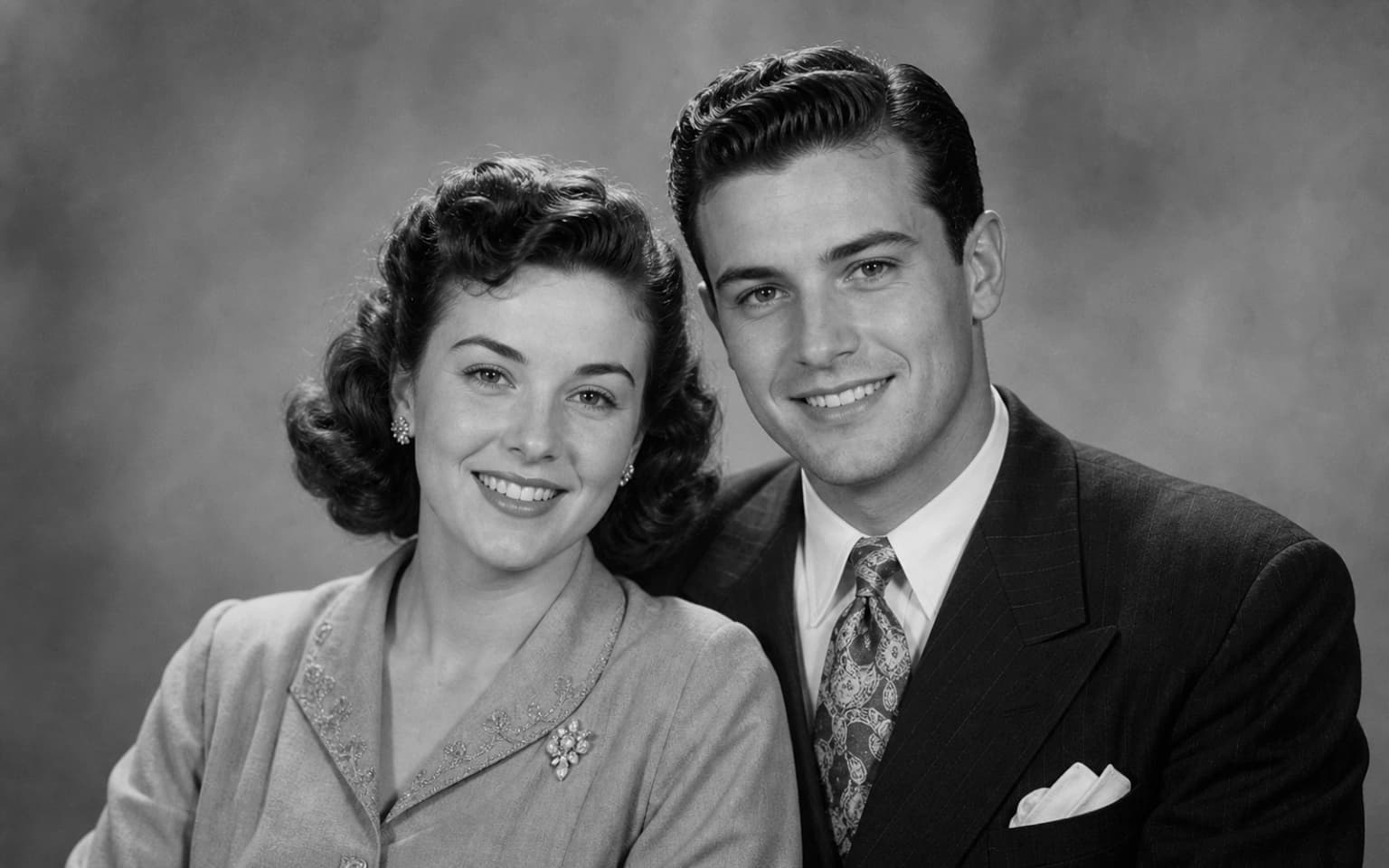
Photo Colorizer demo comparison with a centered black and white vintage couple portrait gaining clear natural color - Before
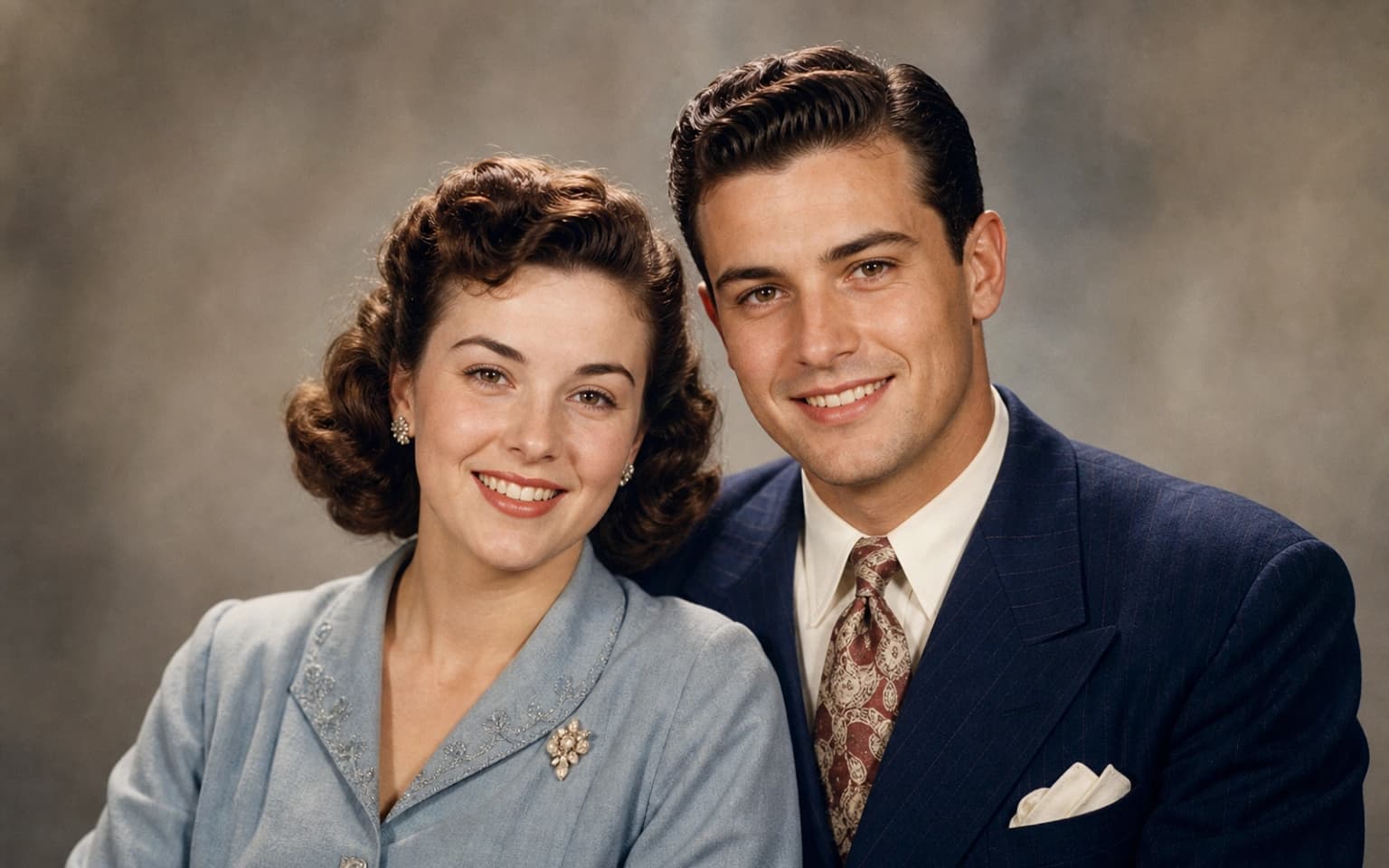
Photo Colorizer demo comparison with a centered black and white vintage couple portrait gaining clear natural color - After
Before
After

Loved by 5M+ BeautyLove users for hair, makeup, color, and portrait decisions.

5M+
Users worldwide
4.9 / 5
Average rating
2,689
User reviews

How it works

How to colorize
old photos.

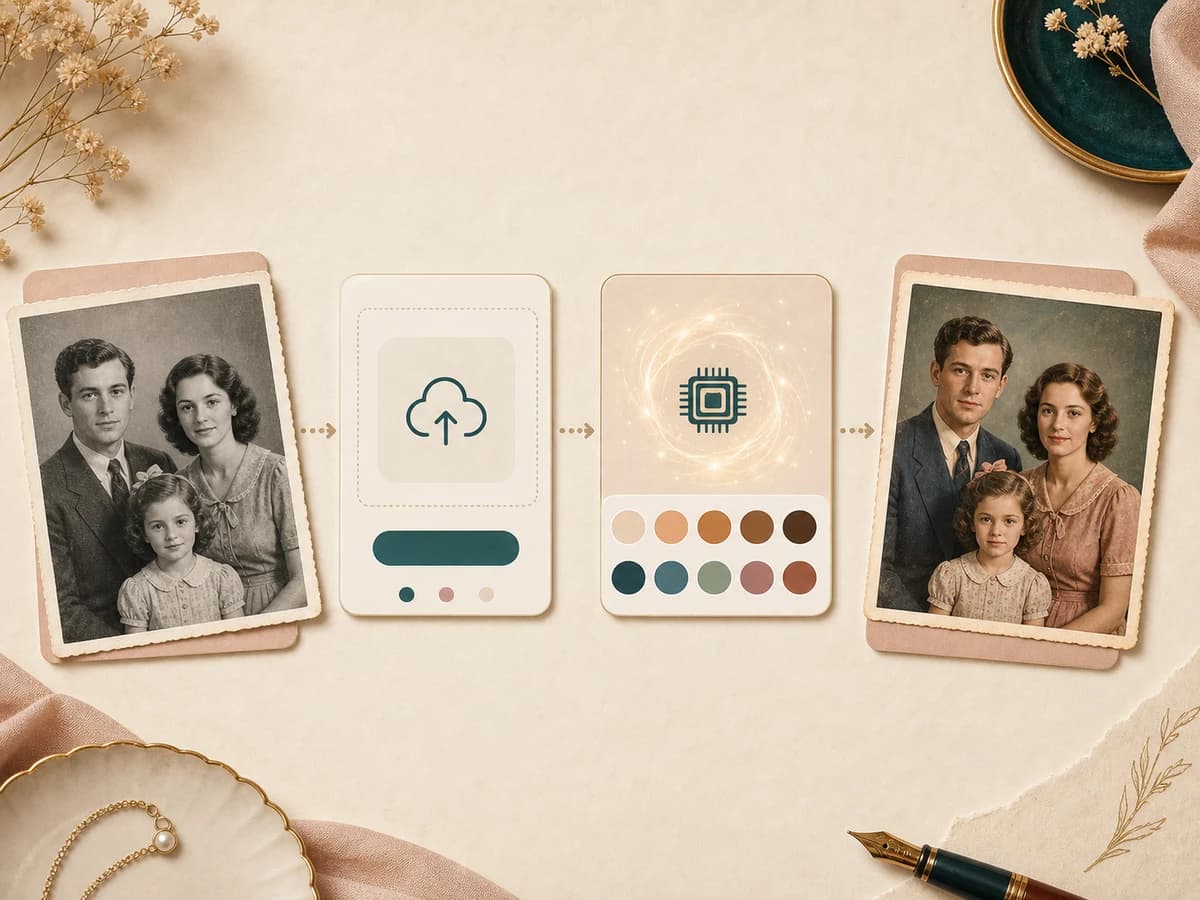
Start with a readable old photo, choose a color mood, and let Photo Colorizer create a reviewable color version.

  1. 01

    Choose a color direction

    Pick natural, warm vintage, modern clean, hand tinted, or keepsake color before you upload. The choice gives the AI a clear color mood.

  2. 02

    Upload an old photo

    Use a black and white portrait, faded scan, or family keepsake where the face, clothing, and main background are still visible.

  3. 03

    Generate the colorized image

    Photo Colorizer adds inferred skin tone, hair color, clothing color, and background color while keeping the original person and composition.

  4. 04

    Review before you save

    Compare the original and generated image, then download the colorized result when the tones feel useful for your keepsake or project.

Workflow showing a black and white photo upload becoming a naturally colorized family portrait

Why choose BeautyLove

Photo Colorizer
with restraint.

Old photos often need care, not spectacle. BeautyLove keeps colorization focused on useful keepsake results and clear review.

Icon showing a grayscale vintage portrait gaining natural color

Natural color over loud filters

BeautyLove keeps color gentle, with realistic skin, hair, clothing, and background tones instead of bright novelty effects.

Icon showing a before and after colorized family portrait slider

A reviewable before and after flow

The result page lets you compare the original photo and colorized image before you decide what to download.

Icon showing an upload tray, credit token, and check mark

Clear credit based generation

Photo Colorizer is an AI Generator tool. A successful run uses 20 credits, while failed requests should not use credits.

Icon showing an archival photo, clock, and muted color swatches

Honest color interpretation

AI colorization is an educated visual guess. BeautyLove presents the result as a useful interpretation, not historical proof.

Key features

What Photo Colorizer
helps you control.

The tool is built around clear choices, careful color, and a result you can inspect before saving.

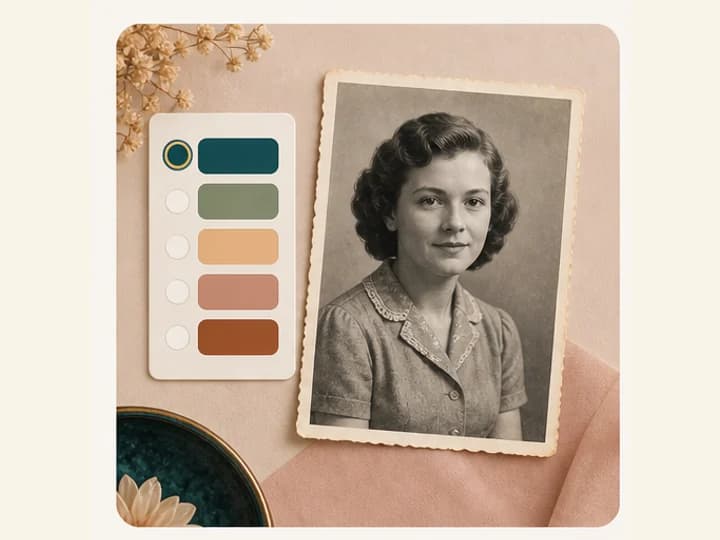
Color direction swatches beside a black and white vintage portrait

Color direction presets

Start with the mood you want instead of writing a prompt. Natural color is a balanced default. Warm vintage adds a softer film feel. Modern clean aims for clearer contrast. Hand tinted and keepsake color work well when you want a gentle family album result.

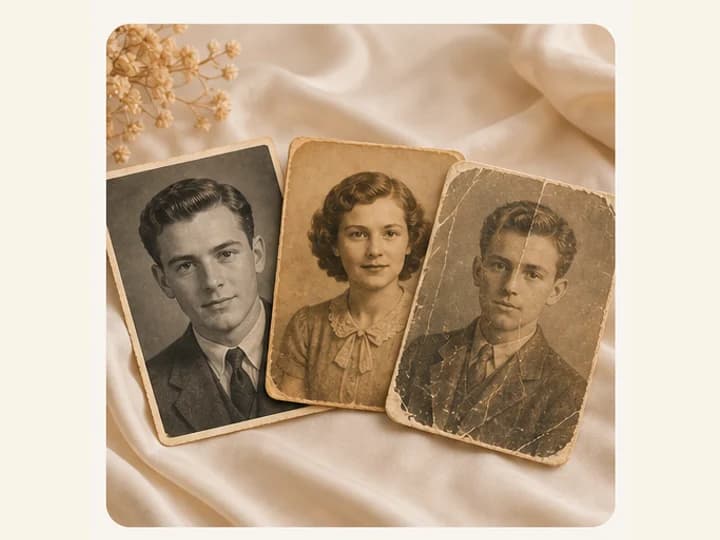
Black and white, faded, and damaged old photo examples for colorization

Built for old photo sources

Photo Colorizer is designed for black and white portraits, faded family photos, old scans, and vintage keepsakes. The tool works best when the main face and clothing are still readable. Heavy blur, missing facial detail, or deep stains can make the color guess less reliable.

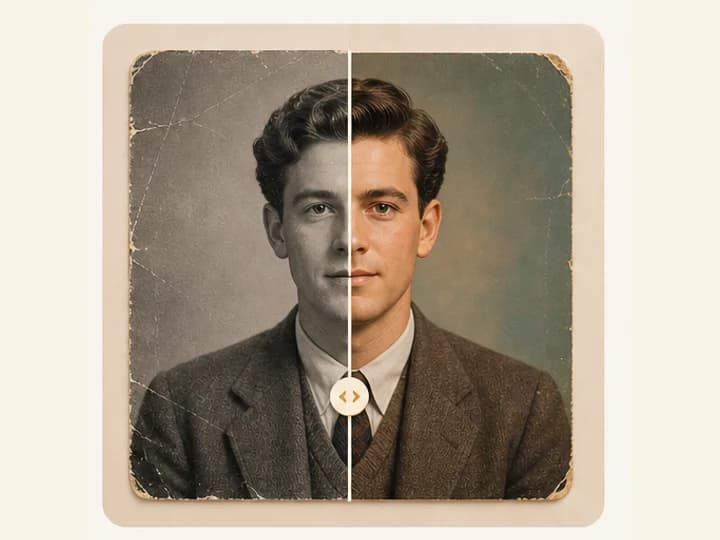
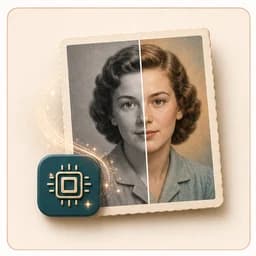
Split portrait showing grayscale input and colorized output with the same face

Portrait preserving generation

The generation prompt asks Gemini to preserve the original person, identity, expression, clothing shapes, background, composition, grain, and complete visible image. The goal is to add color without modernizing the person or changing the photo into a new portrait.

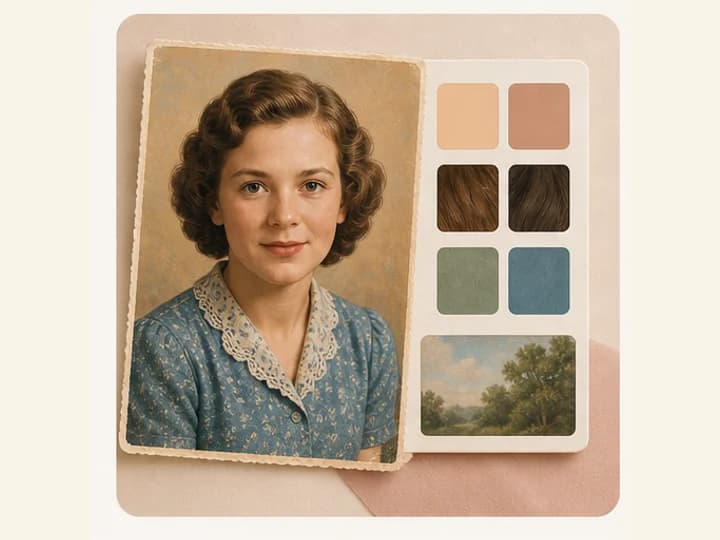
Colorized keepsake portrait with skin, hair, fabric, and background color swatches

Natural palette details

A good colorized photo needs more than skin tone. Photo Colorizer also adds plausible hair, fabric, and background color so the whole image feels balanced. The palette stays muted because old photos usually look better with restrained color and visible archival texture.

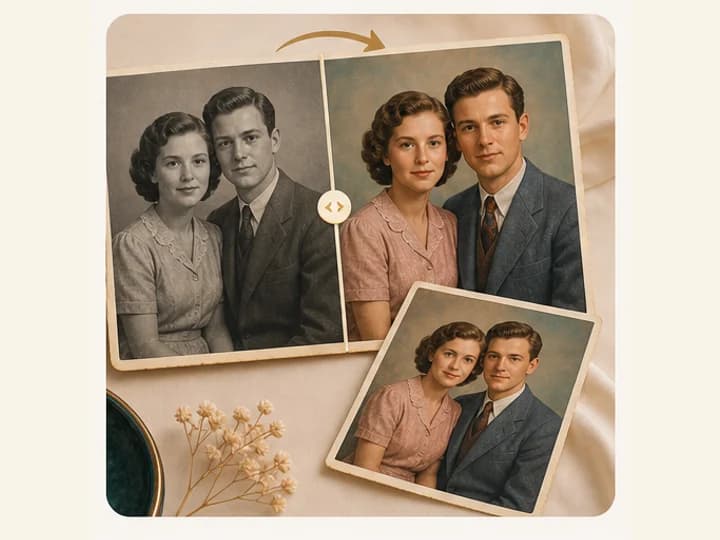
Before and after family photo colorization with a finished print

Before and after result review

After generation, the result page shows the original and colorized image together. You can inspect facial tone, clothing color, background color, and grain before saving. This is especially useful when you are restoring a family image for print or sharing.

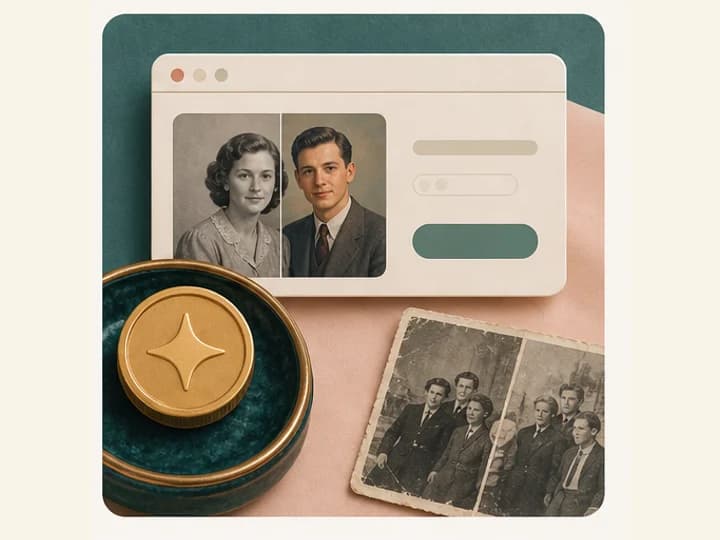
Credit token beside a browser style result card and old photos

Credit access with browser results

Photo Colorizer uses the same BeautyLove credit flow as other AI Generator tools. A successful result uses 20 credits. Result data and thumbnails may be kept in your browser storage so the result page can show your latest colorized image.

Comparison table

Choose the right
color workflow.

Some tools are quick experiments. Others are full restoration suites. Photo Colorizer sits in the middle, focused on color and review.

OptionWorkflowControlBest for
Photo Colorizer by BeautyLovePreset color direction, upload, AI generation, before and after reviewNatural, warm vintage, modern clean, hand tinted, and keepsake color moodsColorizing old portraits and family keepsakes with a restrained visual style
Simple online colorizersUsually upload and automatic colorizationVaries by providerFast experiments when a basic color result is enough
Full photo restoration suitesMay include repair, sharpen, denoise, color, and export toolsOften broader, sometimes more complexPhotos that need scratch repair, cleanup, and several restoration steps
Manual colorizationHuman editing in image softwareHighest control when the editor has reference colorsArchival work where known colors and manual accuracy matter

Privacy and data security

Colorize with
clear limits.

Processing

BeautyLove sends uploaded images to the selected AI service so Photo Colorizer can generate the edited image.

Browser result

Result data and thumbnails may be kept in your browser storage so the result page can show your latest colorized photo.

Permission

Upload photos you own or have permission to use, especially when working with family portraits or images of other people.

Interpretation

AI colorization can be wrong. Use known references or manual review when historical, legal, or archival accuracy matters.

FAQ

Common questions.

Color accuracy, old photo quality, credits, storage, and when to use restoration first.

What is a Photo Colorizer?

A Photo Colorizer is an AI tool that adds color to a black and white or faded photo. BeautyLove focuses on portraits, old scans, and family keepsakes.

Can I colorize black and white photos online?

Yes. Upload a black and white photo, choose a color direction, and run Photo Colorizer to generate a colorized result online.

Are the colors historically accurate?

No AI tool can guarantee exact historical color from a black and white image alone. Treat the result as a plausible interpretation unless you have reference colors.

What photos work best with Photo Colorizer?

Clear portraits, old scans, and faded family photos work best when the face, hair, clothing, and background are visible enough for the AI to read.

Does Photo Colorizer restore scratches too?

Photo Colorizer focuses on adding color. If a photo needs scratch repair, dust cleanup, or sharpness recovery, AI Photo Restoration may be a better first step.

How many credits does Photo Colorizer use?

Photo Colorizer is an AI Generator tool. A successful generation uses 20 credits, and failed requests should not consume credits.

Is my uploaded image processed only on my device?

No. BeautyLove sends uploaded images to the selected AI service for processing. Result data and thumbnails may also be stored in your browser for the result page.

Ready when you are

Bring color back to
an old photo.

Start with the clearest scan or phone capture you have. You can compare the result before downloading.