AI Generator · Hair Try-On
Bangs
Filter.
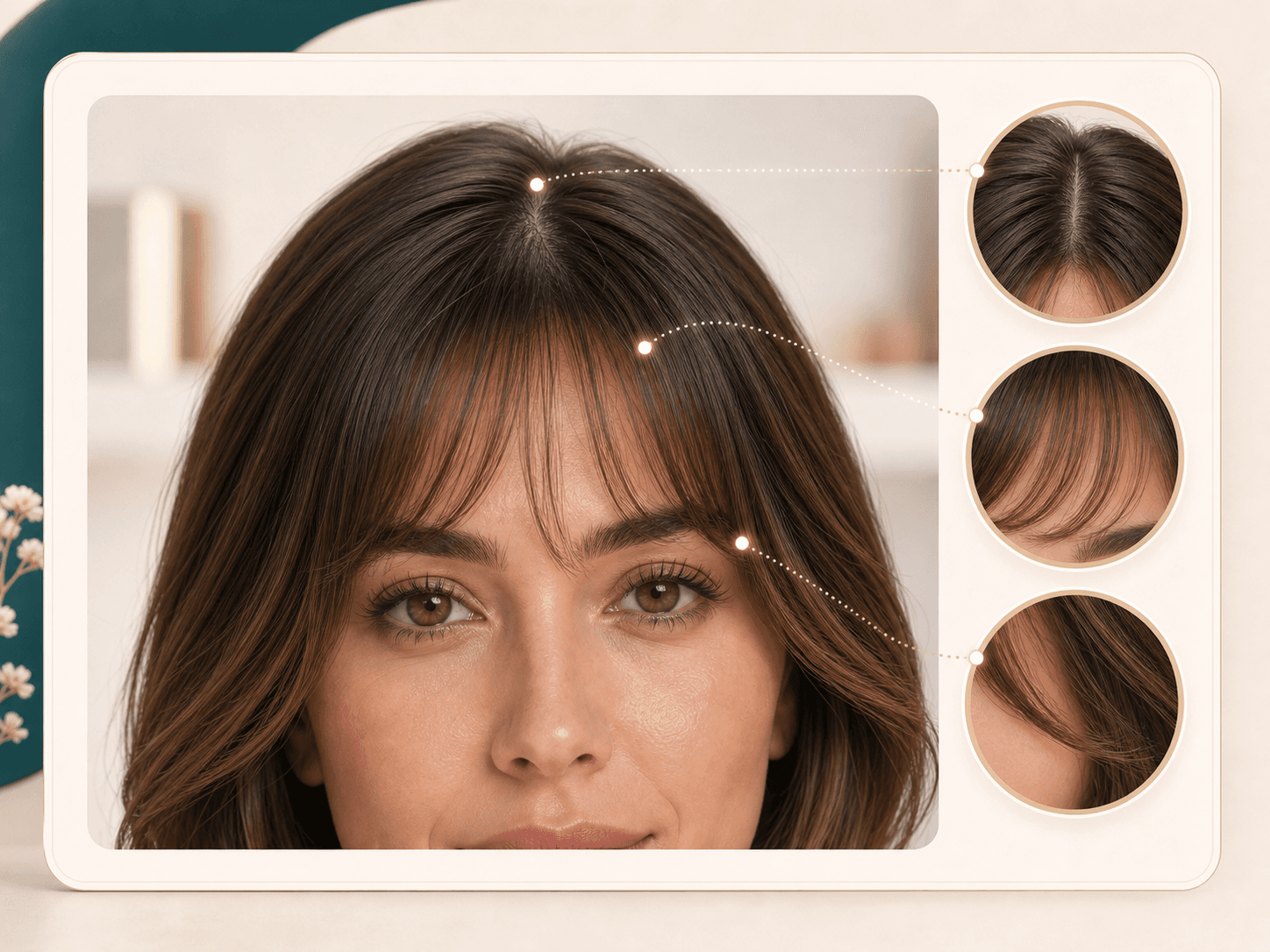
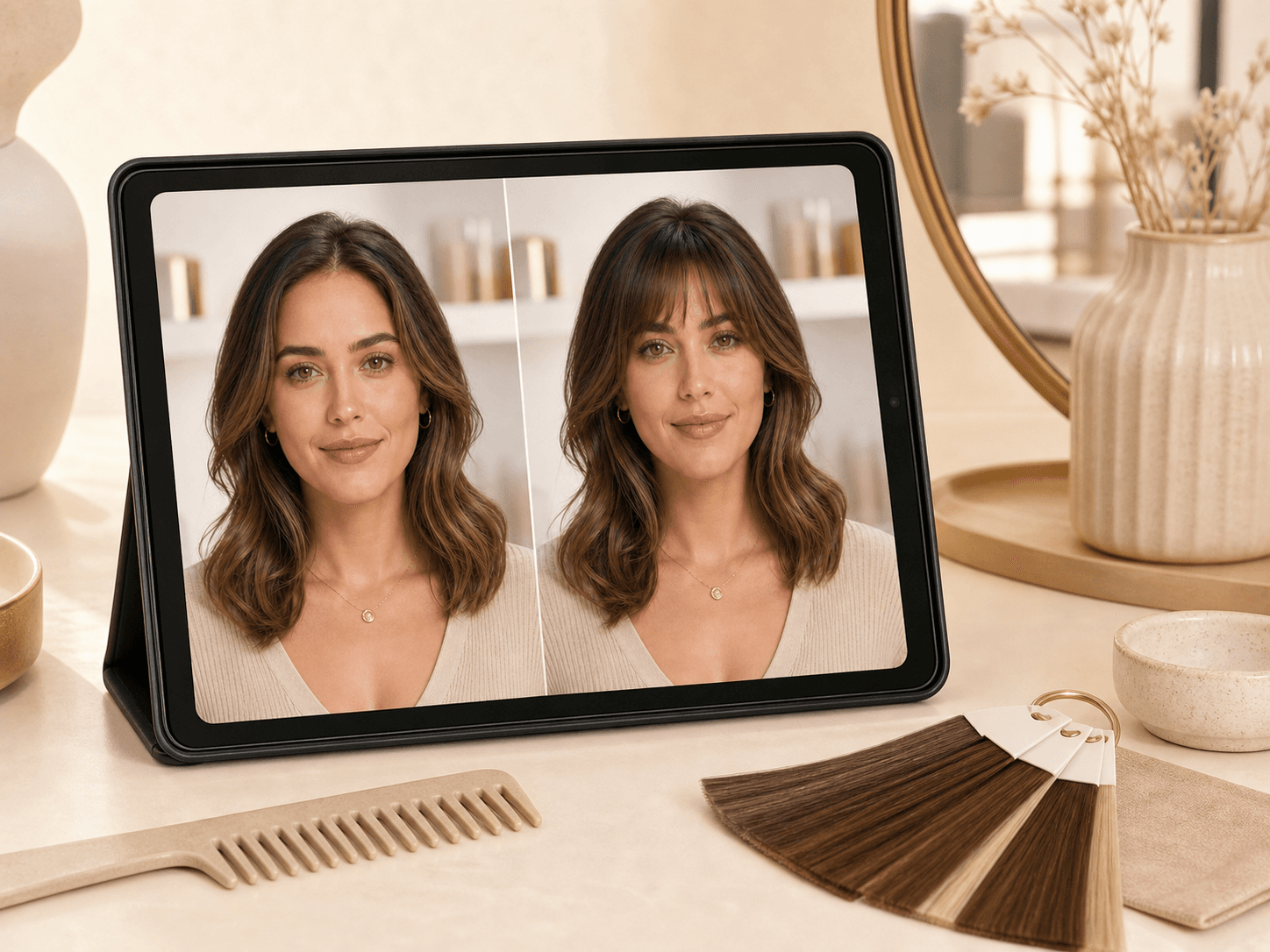
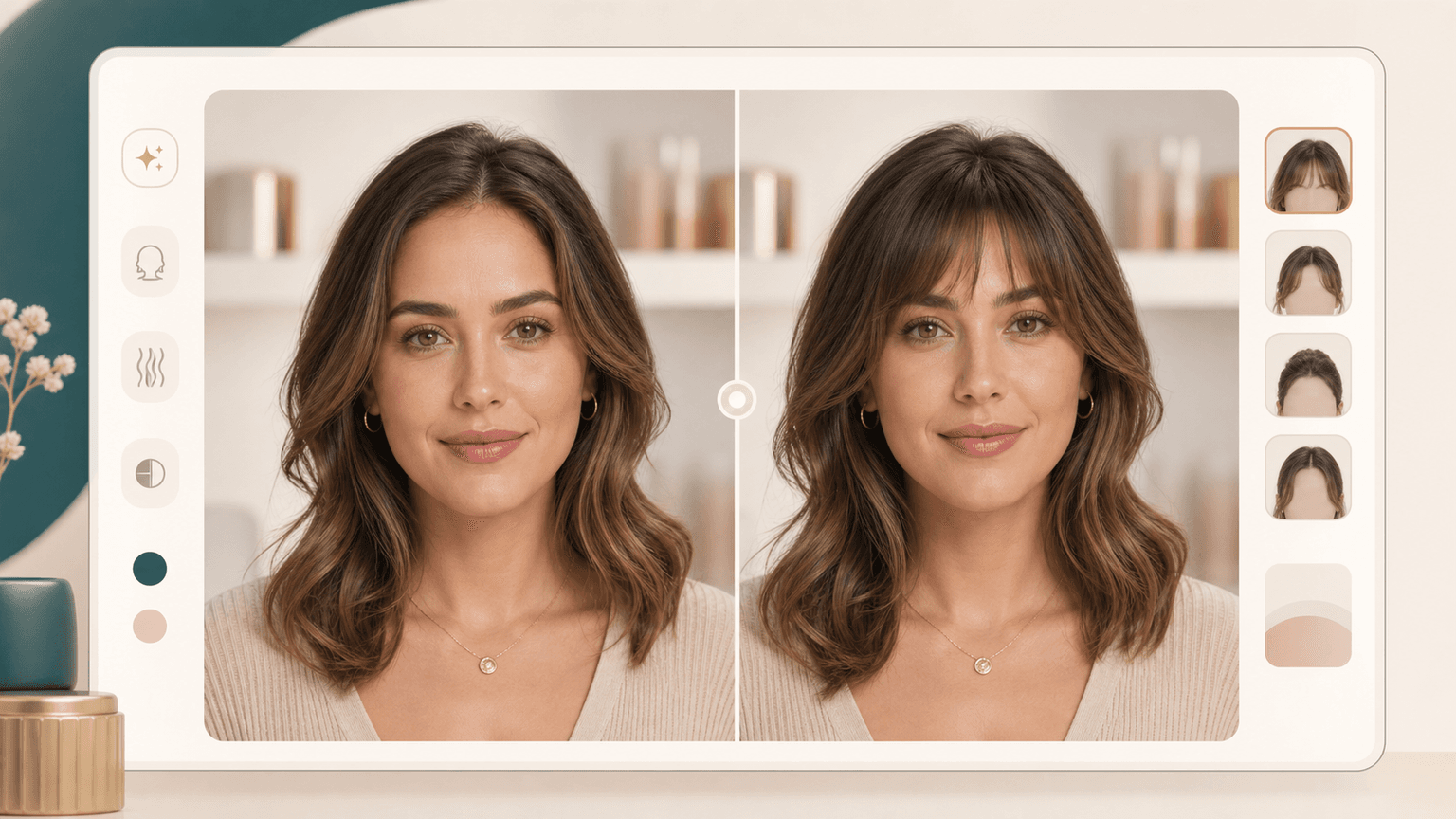
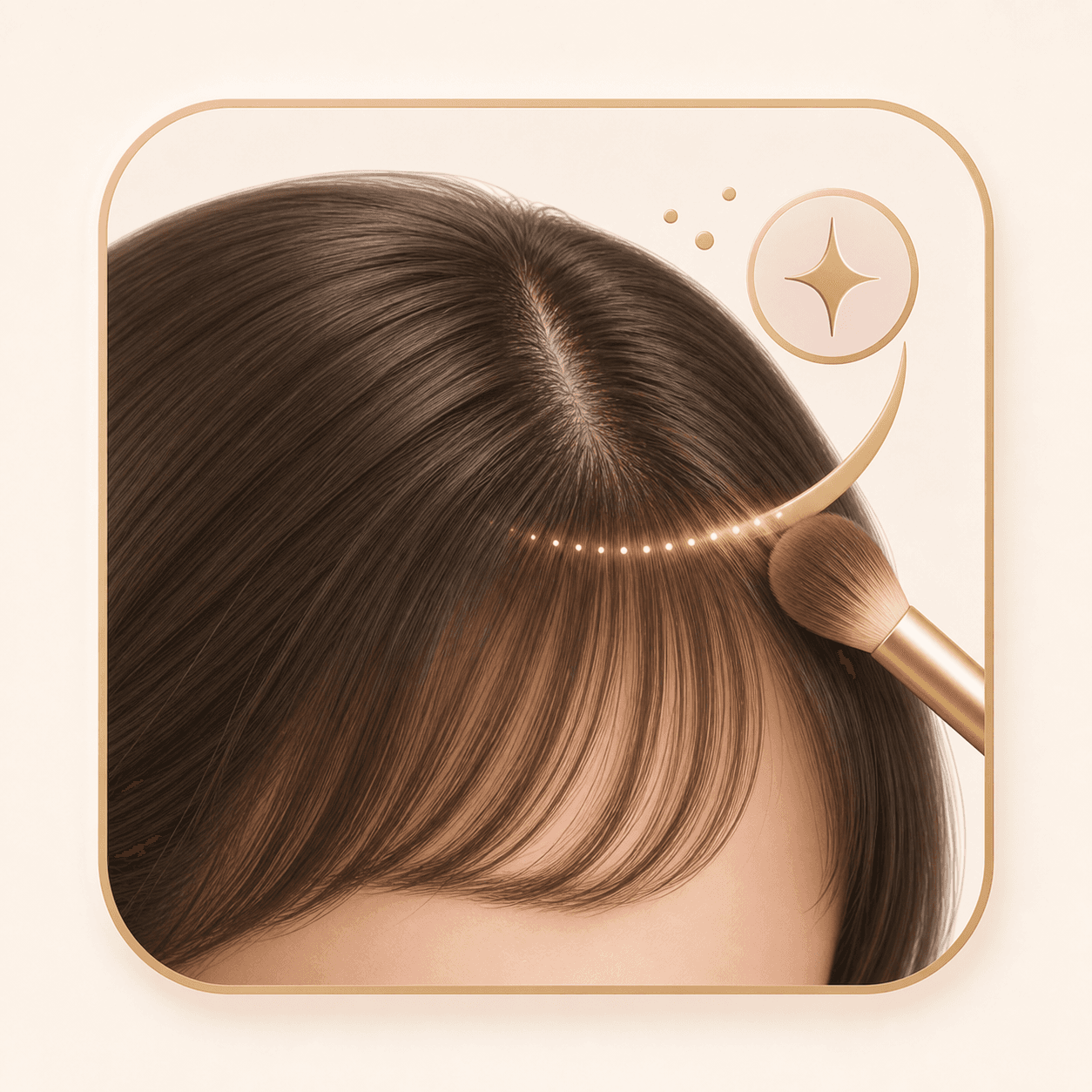
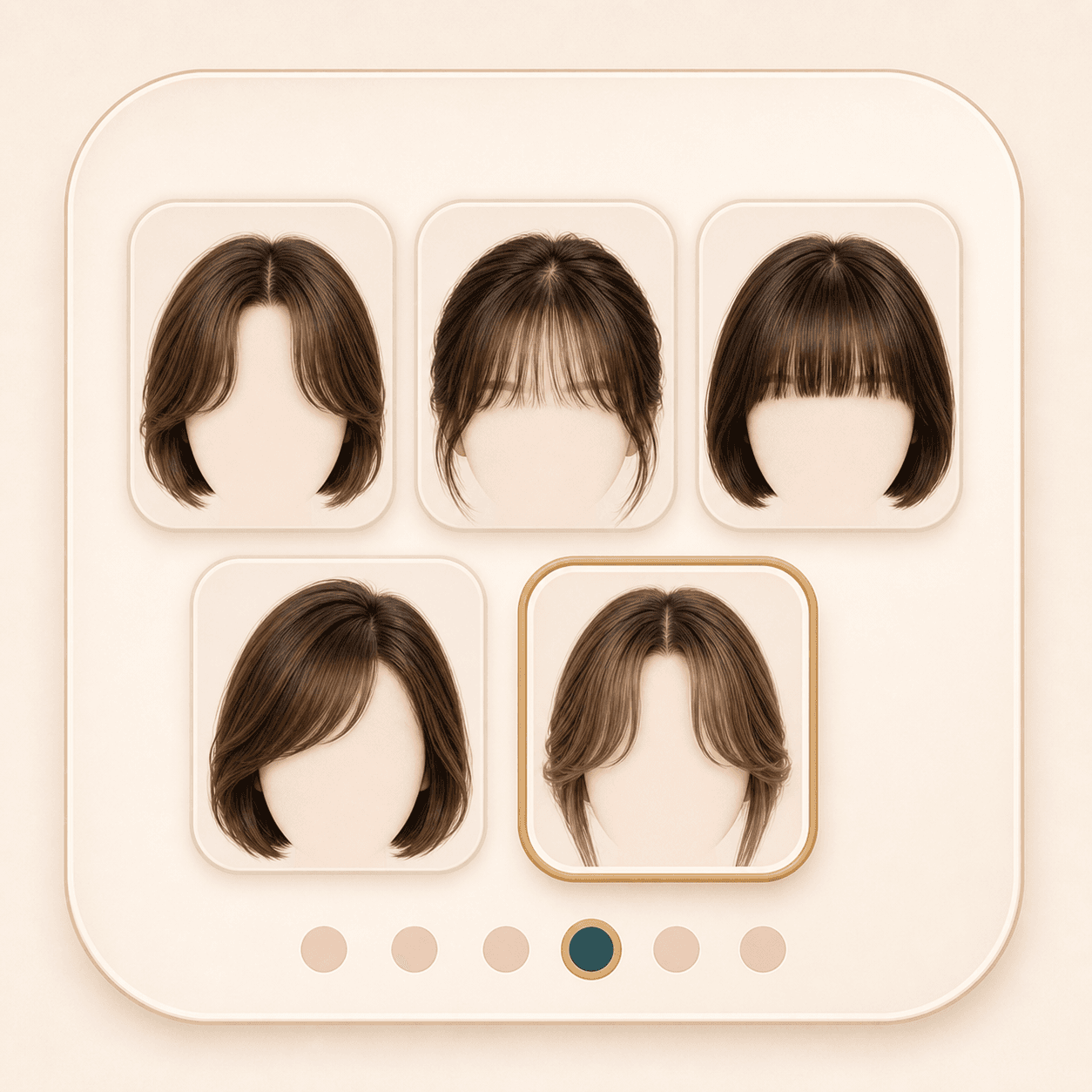
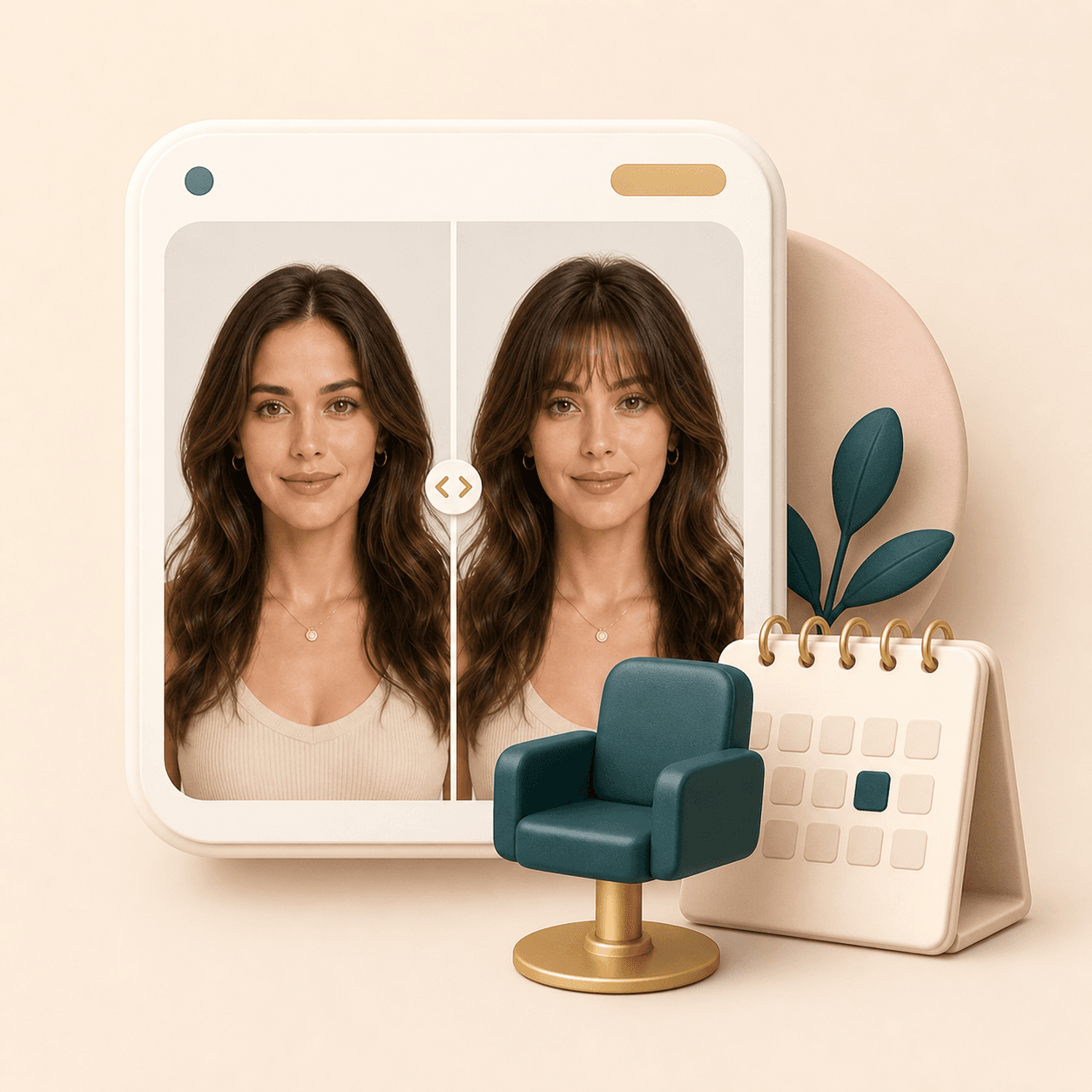
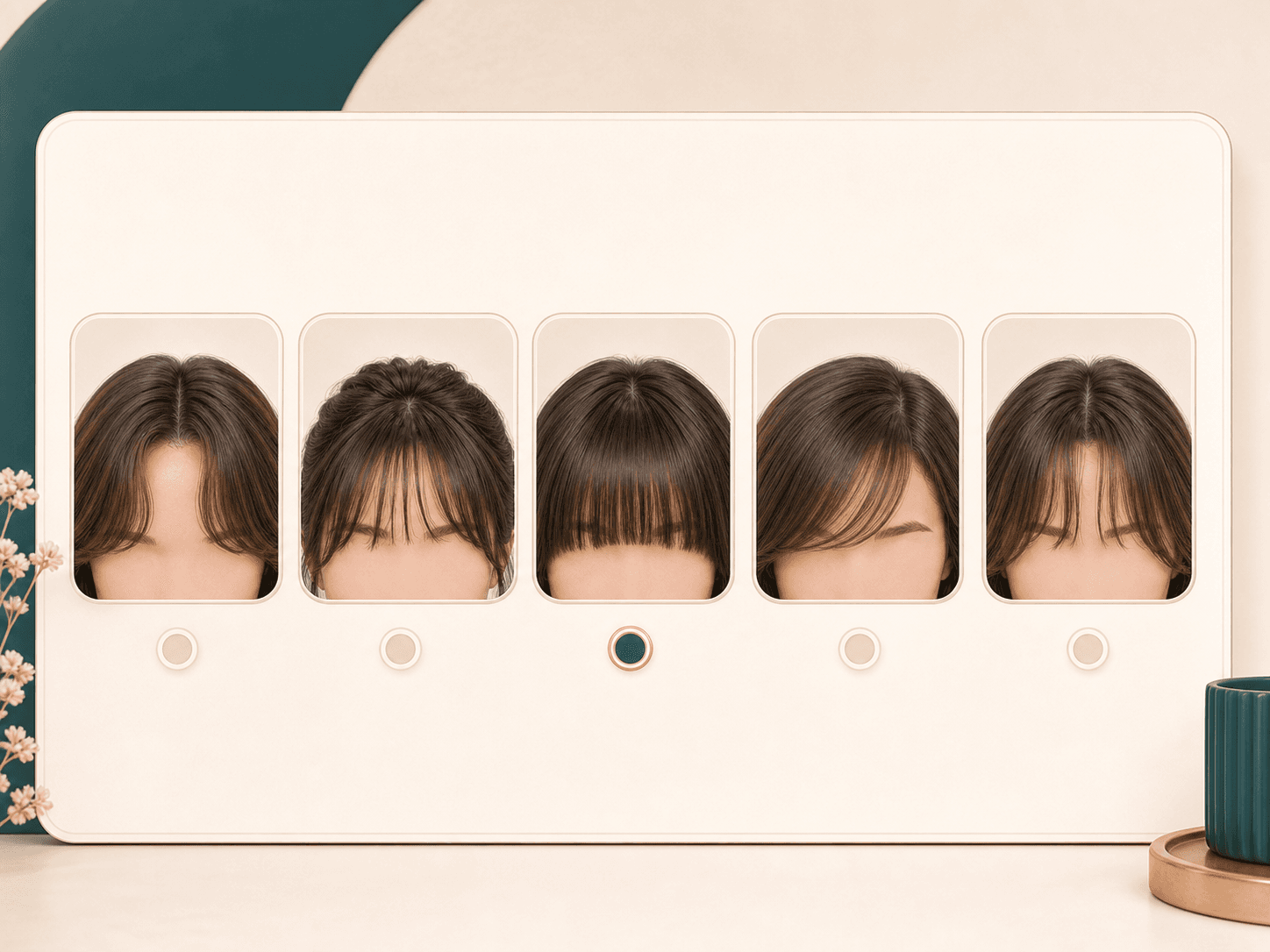
Preview curtain bangs, wispy bangs, blunt bangs, and side-swept fringe on your own portrait before you cut.

How it works
Four steps to
a new look.
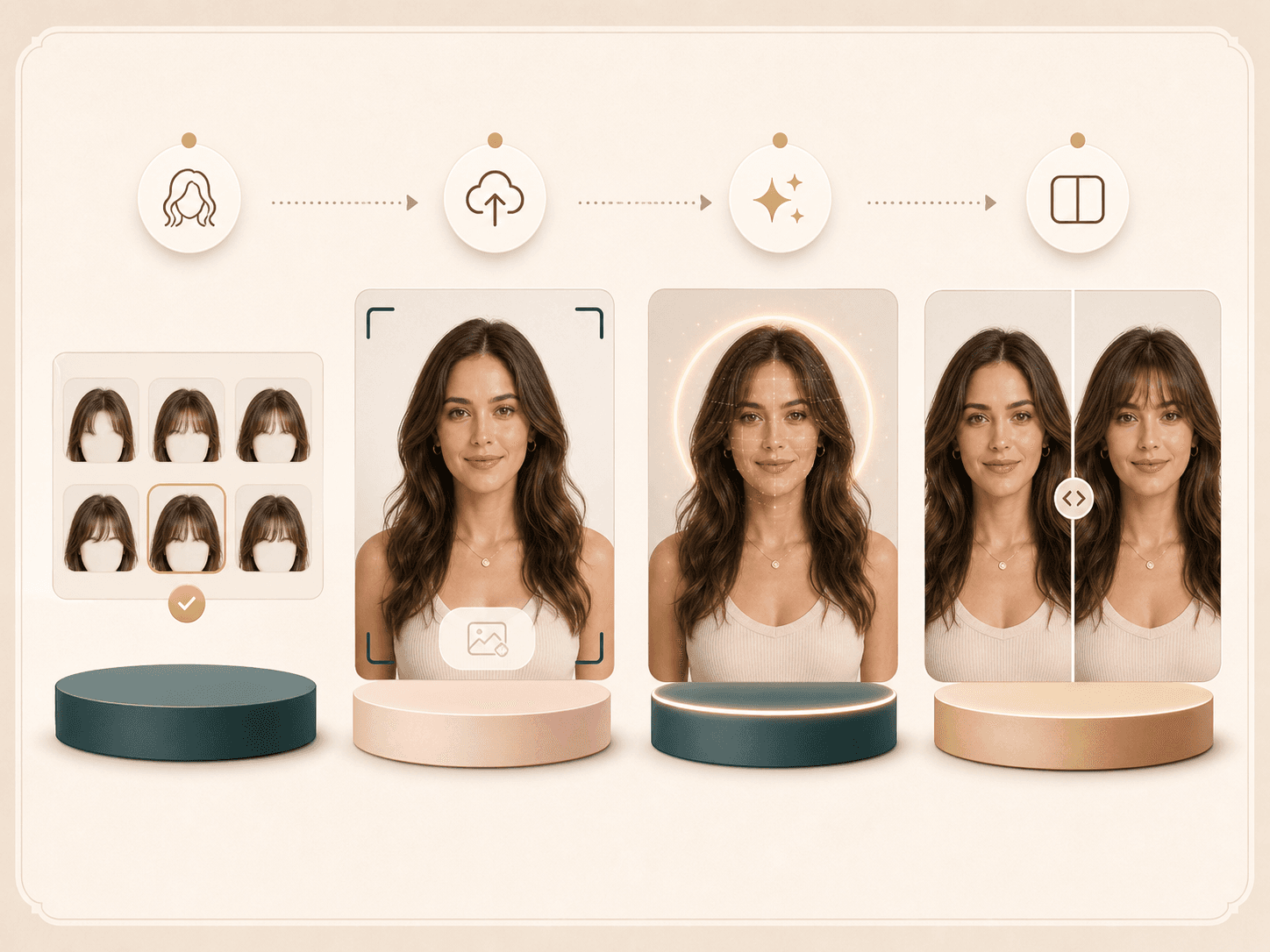
Choose, upload, generate, compare. Keep your original identity and photo context.
- 01
Choose a fringe style
Pick curtain, wispy, blunt, side-swept, or bottleneck bangs as your starting point.
- 02
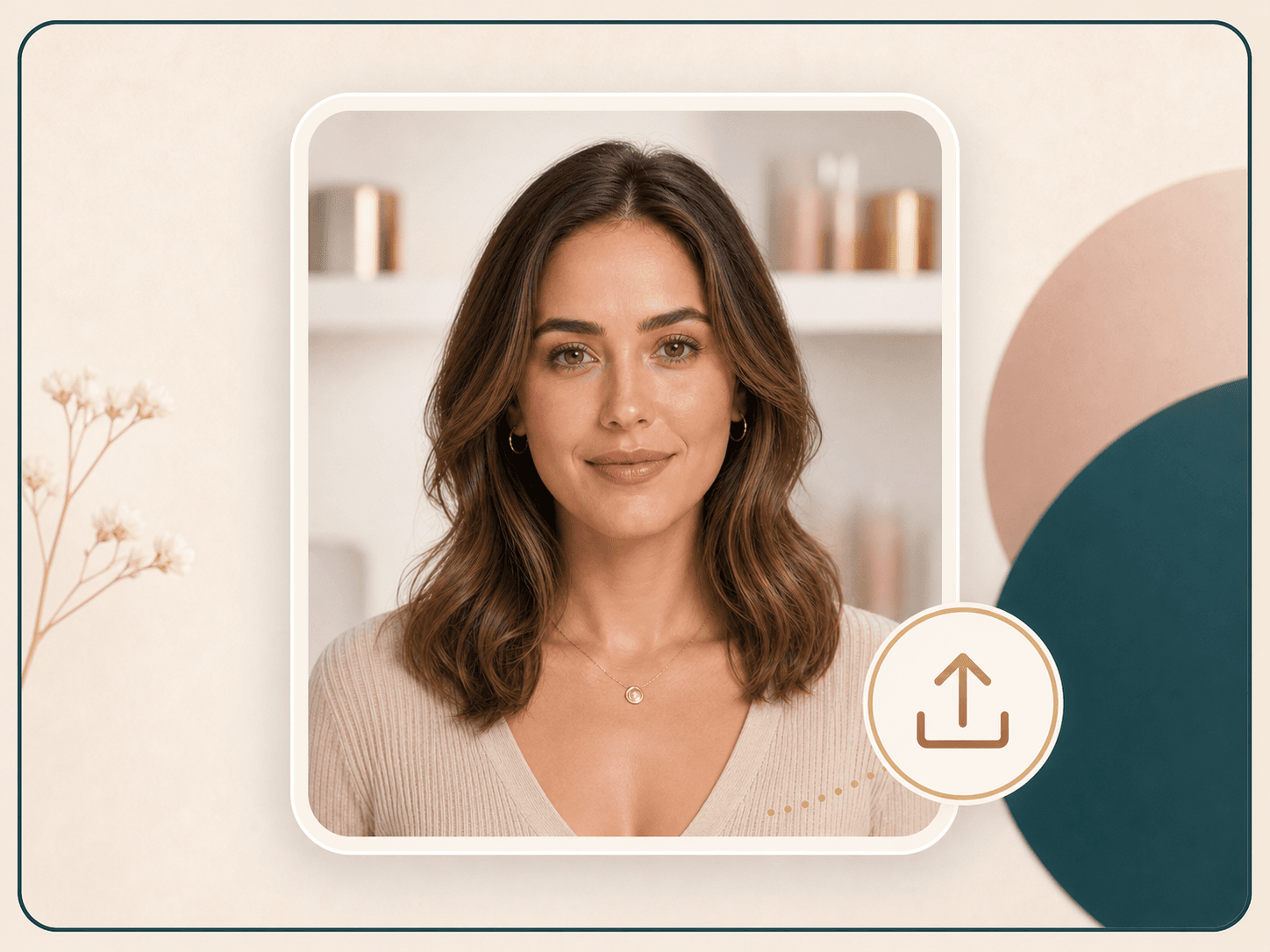
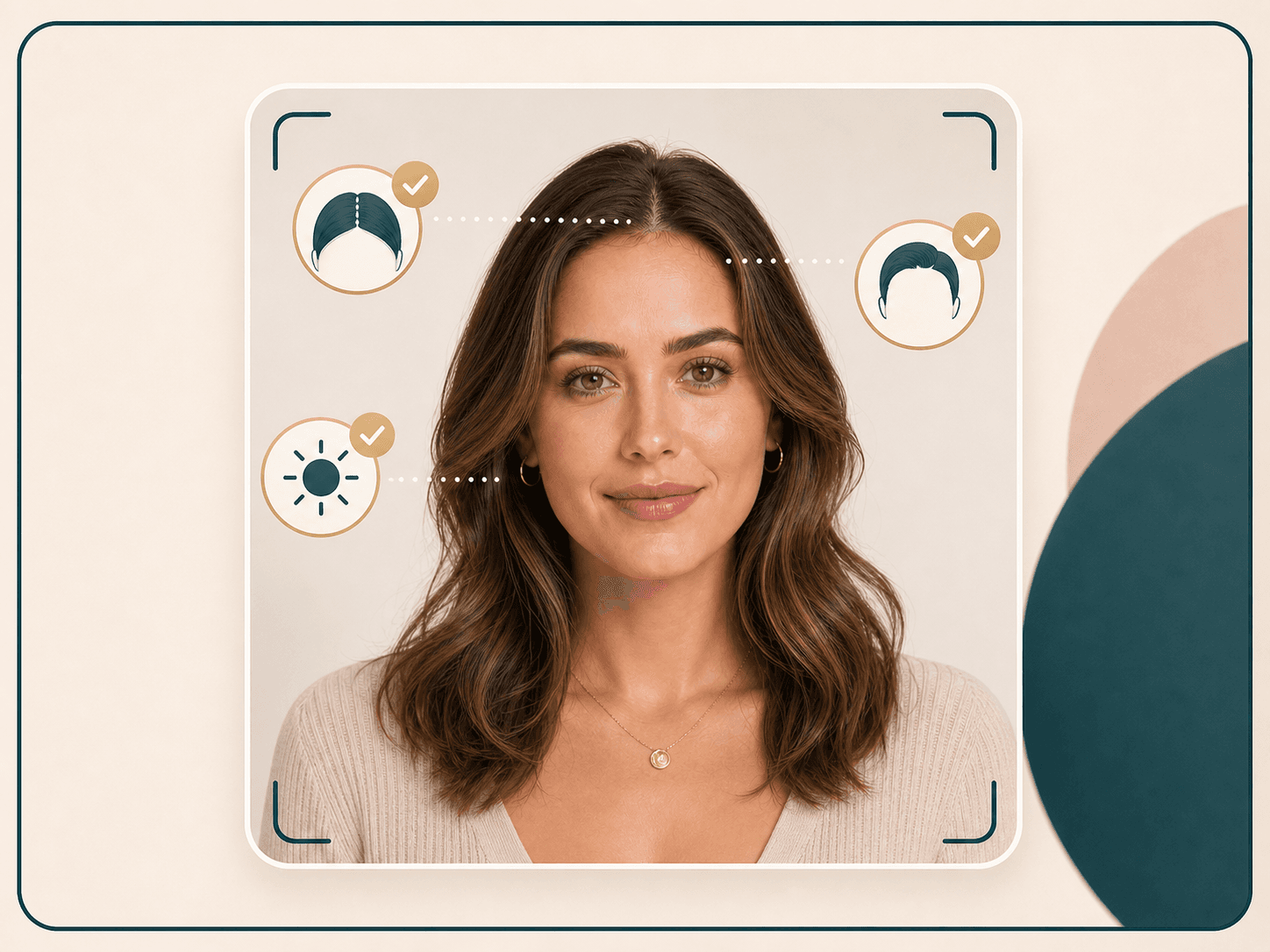
Upload a front portrait
Use a clear photo with visible forehead, hairline, and current hair shape.
- 03
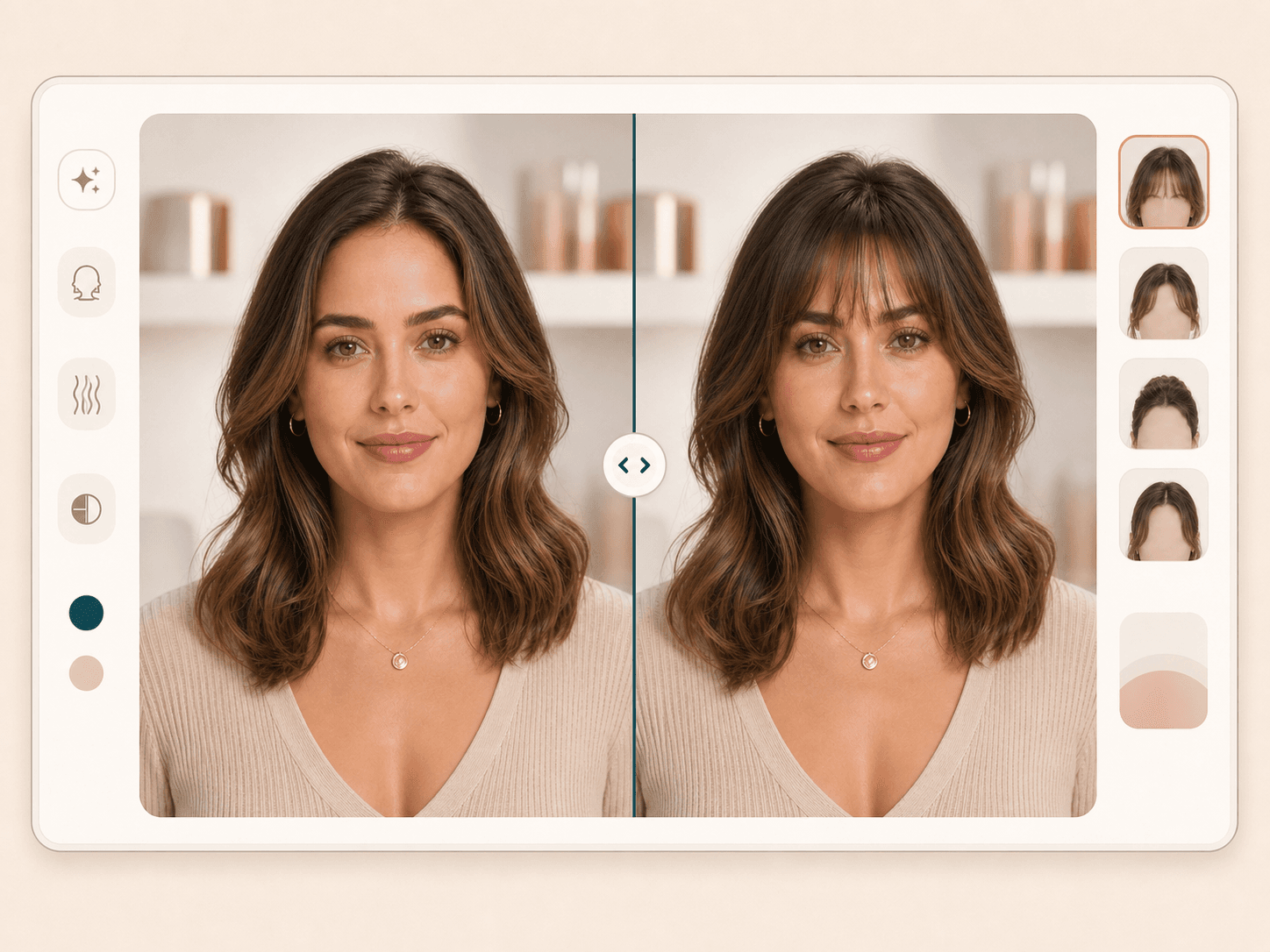
Generate the bangs preview
Gemini adds the selected fringe while preserving the face, hair color, outfit, and background.
- 04
Compare before cutting
Use the result as a visual reference before you ask a stylist for the real change.
FAQ
Common questions.
What is a bangs filter?
A bangs filter is an AI hairstyle try-on tool that adds fringe to your portrait so you can preview the change before cutting your hair.
Can I try curtain bangs online?
Yes. The selector includes curtain bangs, wispy bangs, blunt bangs, side-swept fringe, and bottleneck bangs.
Will it change my hair color?
The prompt asks Gemini to keep your original hair color and only add the selected bangs style.
How many credits does it use?
Bangs Filter is an AI Generator tool. A successful run uses 20 credits.
Ready when you are
Loved by 5M+ BeautyLove users for hair, makeup, color, and portrait decisions.