


AI Background Studio

AI Background
Changer
for portrait
scenes.

Upload one portrait, choose a studio, office, city, or beauty backdrop, and generate a new background while keeping the person recognizable.

AI Background Changer before and after portrait preview with a new editorial studio background

Loved by 5M+ BeautyLove users for hair, makeup, color, and portrait decisions.

5M+
Users worldwide
4.9 / 5
Average rating
2,689
User reviews

How it works

How to change
a photo background.

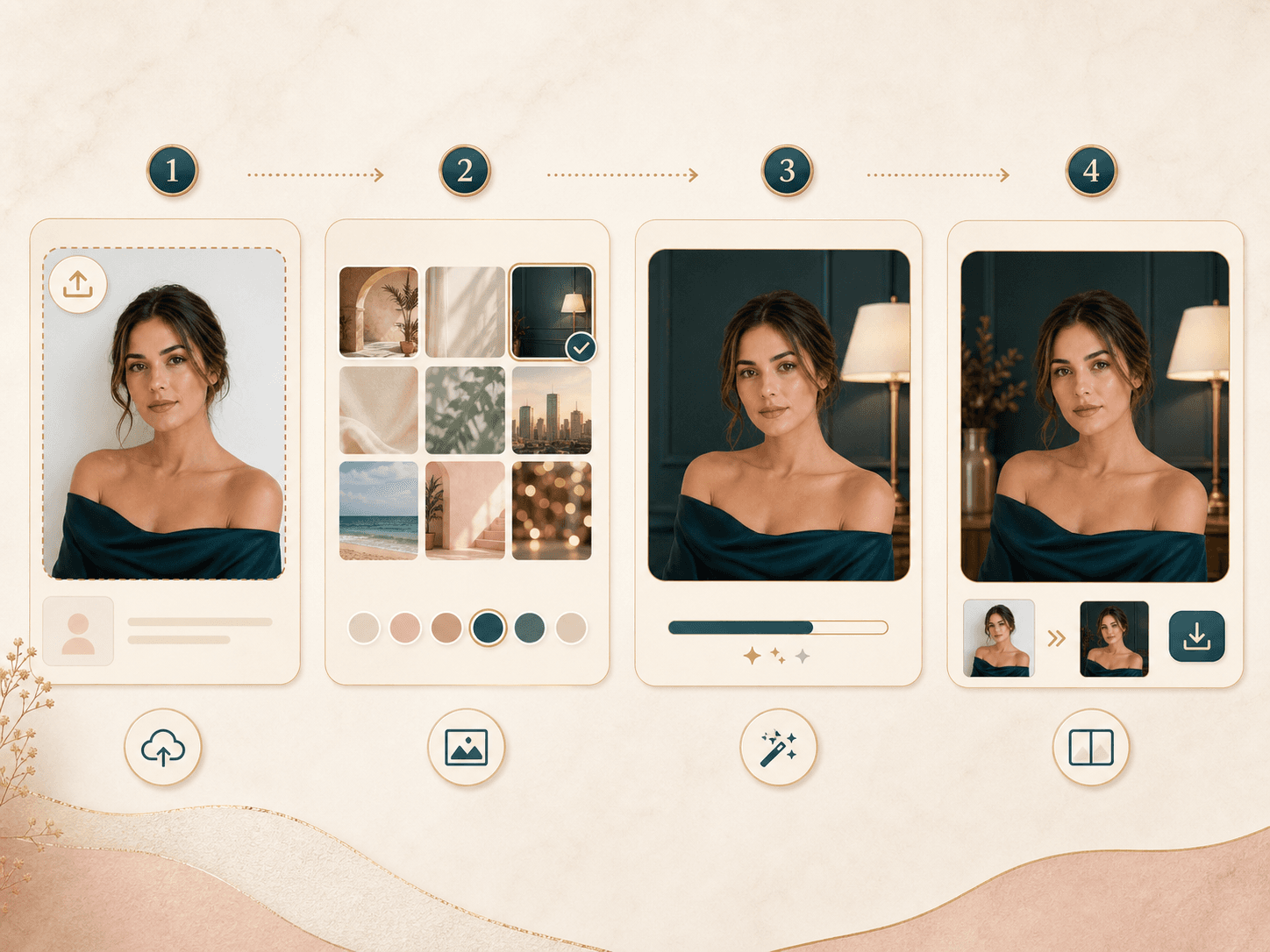
Change a portrait background in a few simple steps. Clear edges and even light give the AI more to preserve.

  1. 01

    Pick a background direction

    Choose a studio, office, city, vanity mirror, or pastel campaign setting before you upload. The preset gives the AI a clear scene target.

  2. 02

    Upload one clear portrait

    Use a photo where the face, hair, shoulders, and outfit are visible. Even light and a little space around the subject help the blend.

  3. 03

    Generate the new scene

    BeautyLove sends the portrait and selected background style to the AI image model. The prompt asks it to keep the person unchanged.

  4. 04

    Review and download

    Check the before and after result for hair edges, shoulders, lighting, and mood. Save the version that fits your profile or content plan.

Workflow image showing how to use an AI background changer for a portrait

Why choose BeautyLove

Background changes
with restraint.

BeautyLove is made for practical portrait edits. The page keeps the tool, result, and review flow close together.

Icon showing a portrait subject kept unchanged while a new background layer slides behind

Built for portrait backgrounds

BeautyLove focuses this AI background changer on people first, so profile, beauty, creator, and professional photos stay the center.

Icon showing curated background scene cards for portrait replacement

Useful scene presets

Start from real portrait needs, including studio, city, vanity, office, and pastel editorial settings.

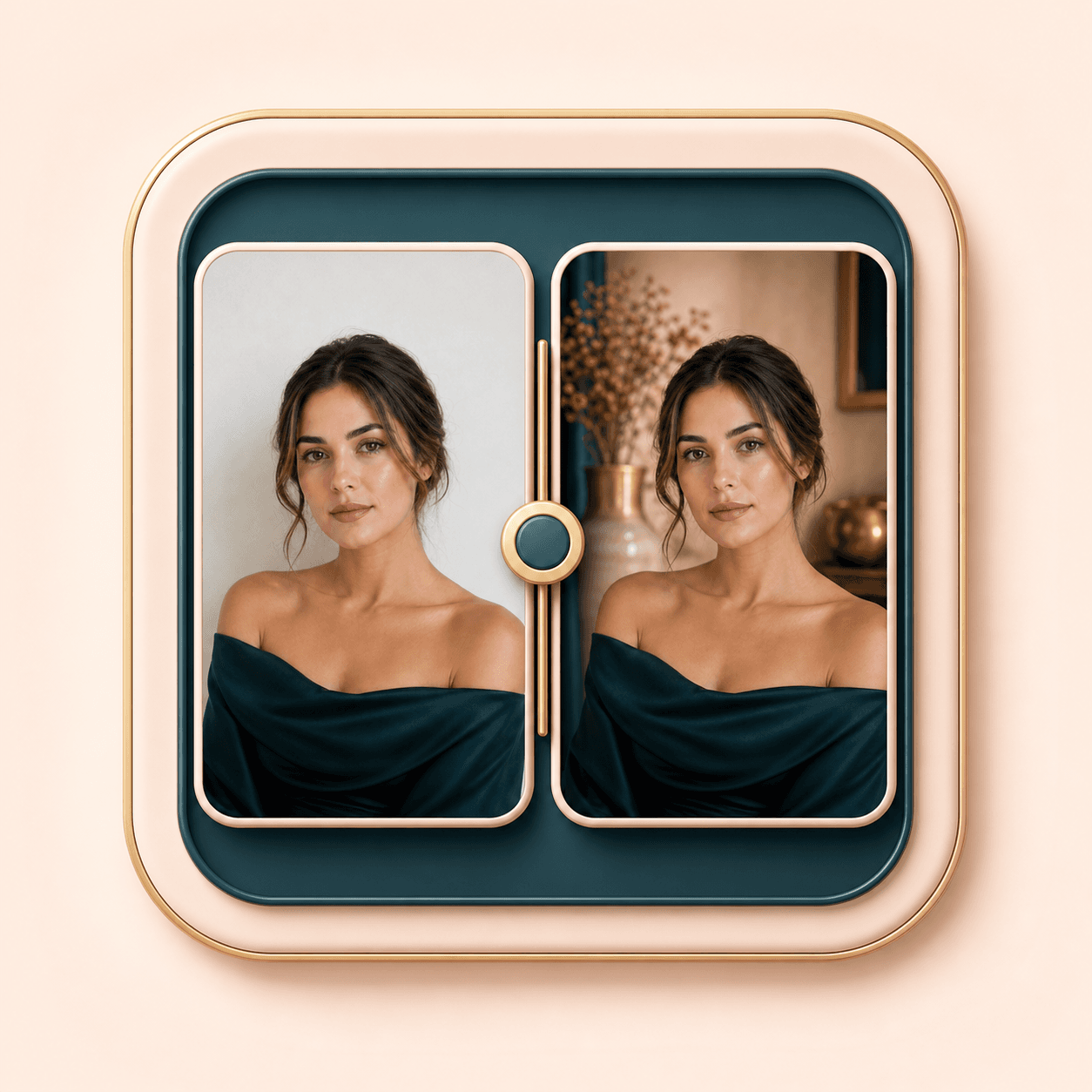
Icon showing before and after portrait cards for background changer review

Before and after review

The result page keeps your original and generated image together so you can inspect the blend before saving.

Icon showing credit tokens beside an AI portrait background changer result

Clear credit logic

A successful AI Generator run uses 20 credits. Failed requests and service errors should not consume credits.

Key features

What this AI background changer
helps you control.

The tool is designed around portrait use cases, visible subject preservation, and a clear before and after review step.

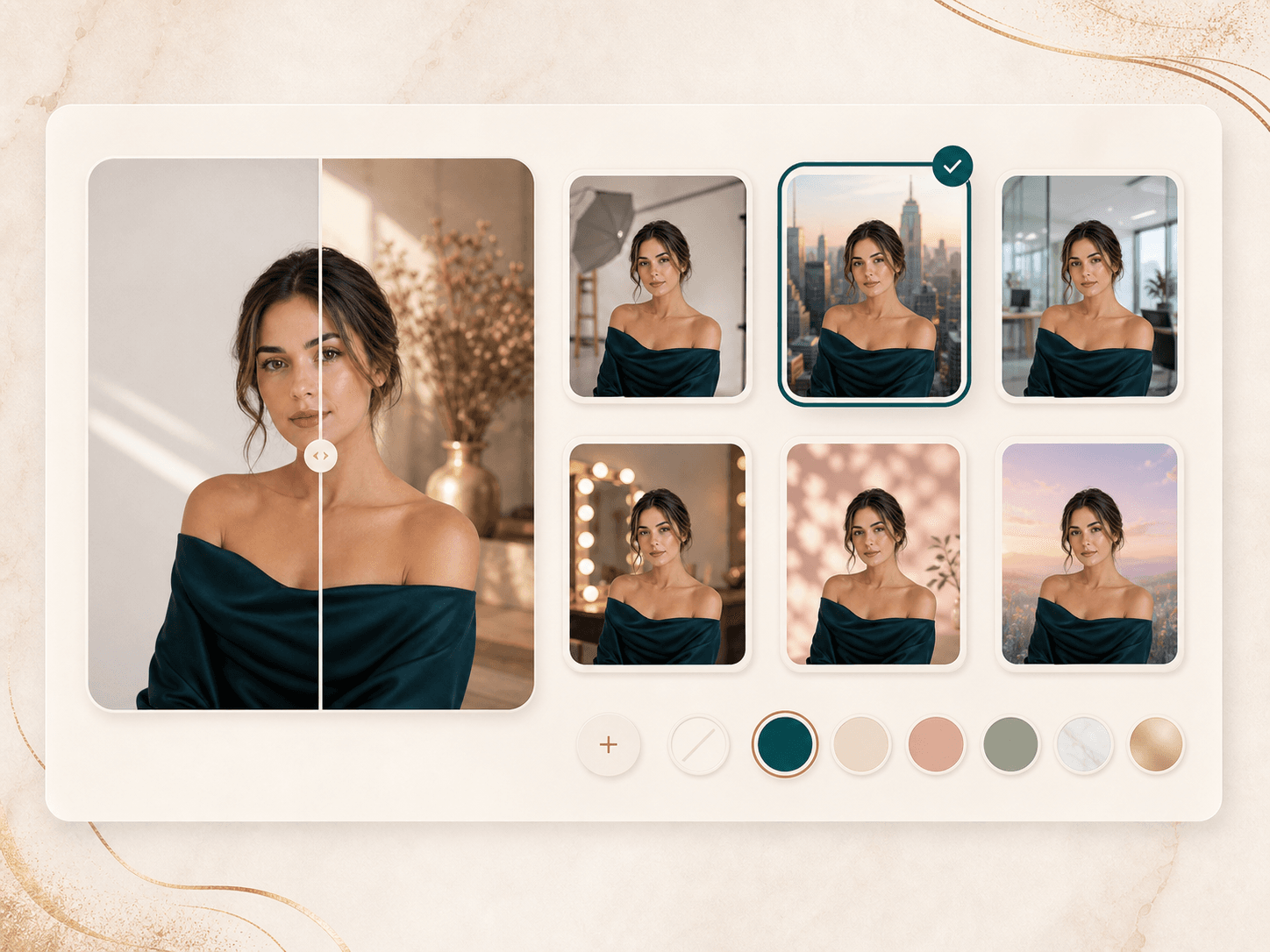
AI background changer preset panel with studio, city, office, beauty mirror, and pastel scenes

Portrait background presets

Choose from background directions that match common portrait jobs: beige editorial studio, sunlit city street, beauty studio mirror, professional office, and clean pastel fashion backdrop. Presets keep the workflow simple when you need a polished image without writing a prompt from scratch.
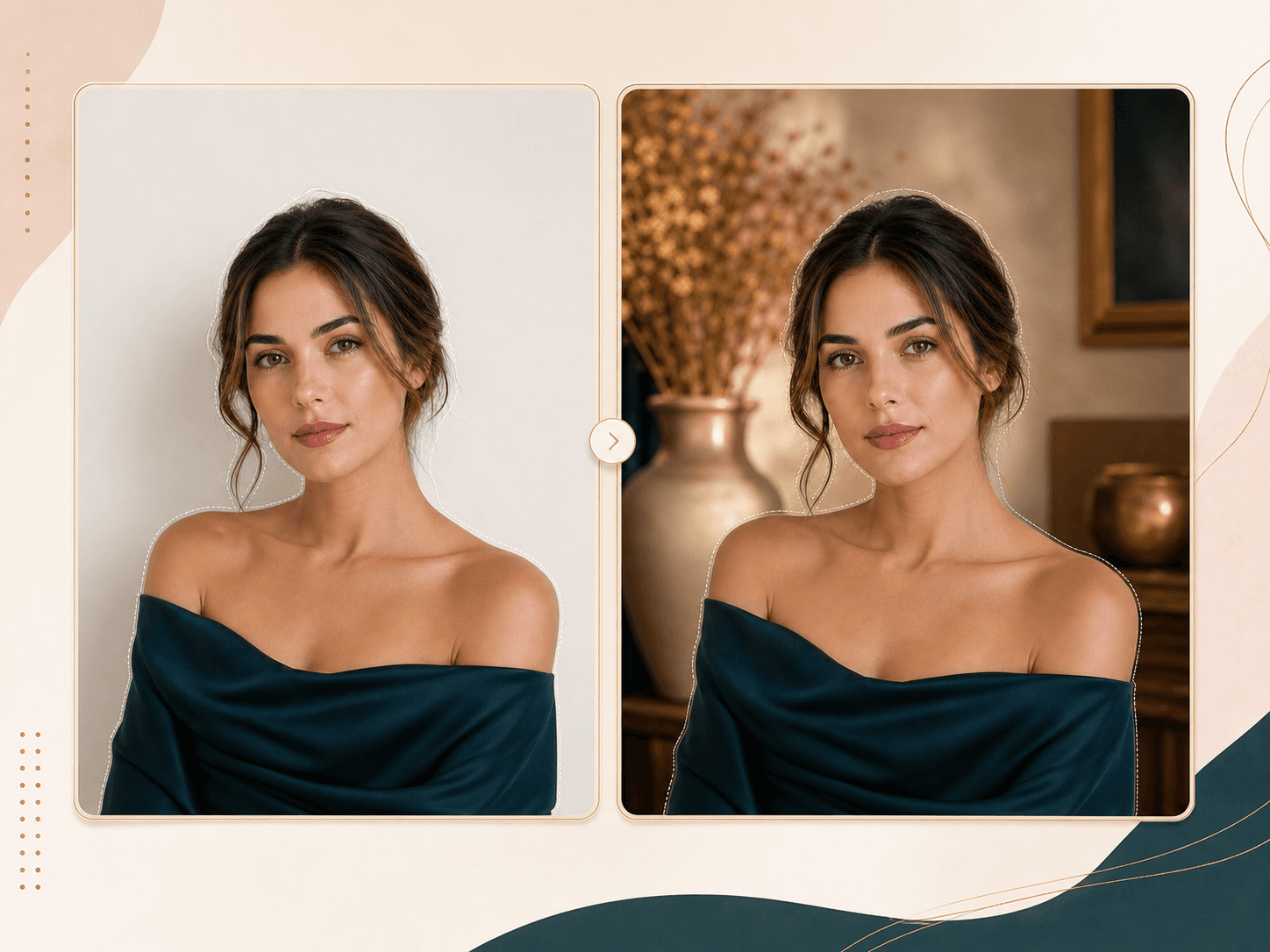
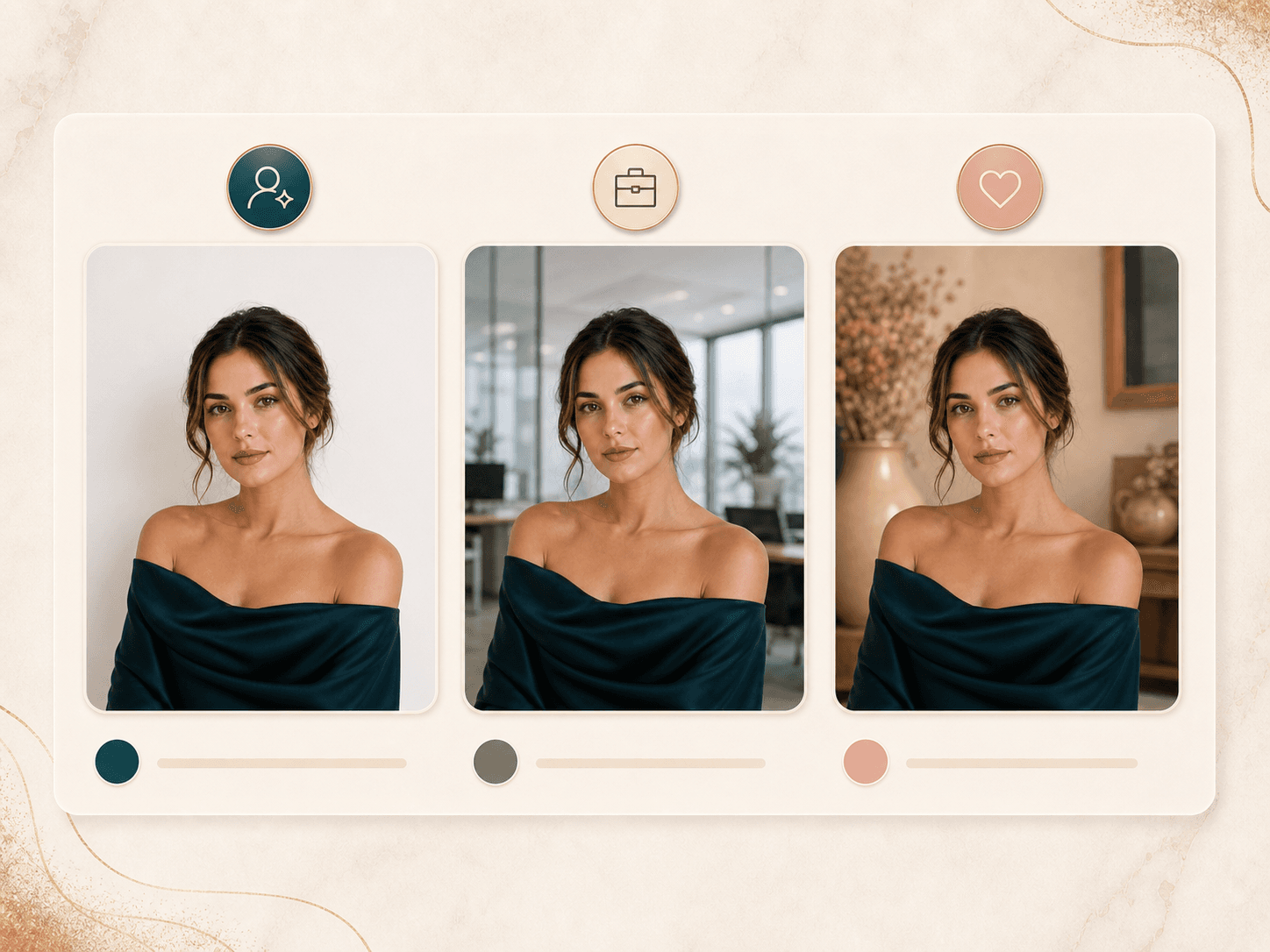
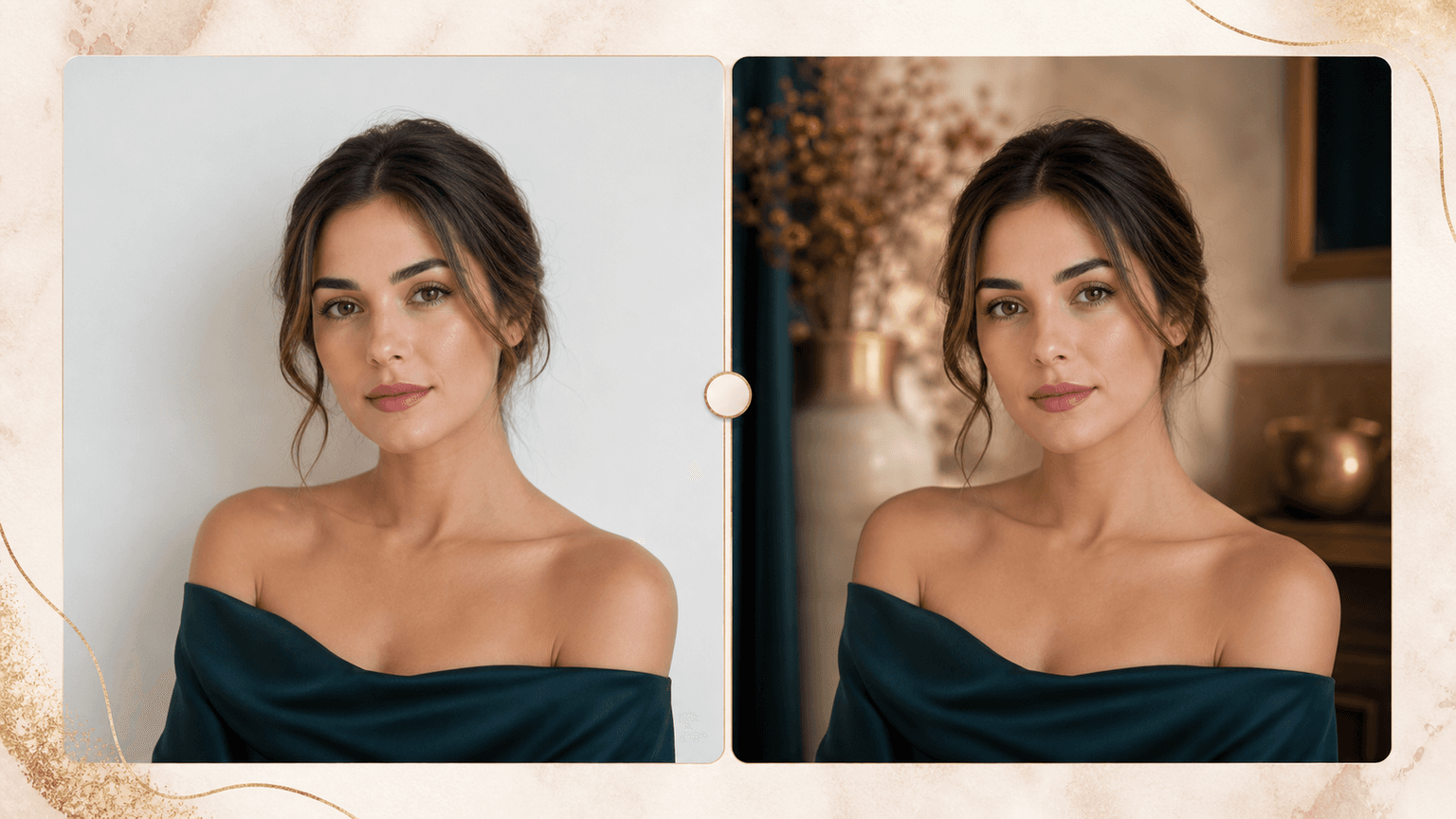
Before and after portrait mockup showing the same person with only the background changed

Person preserving edit prompt

The API prompt asks Gemini to keep identity, face shape, skin, makeup, expression, hairstyle, clothing, jewelry, pose, and body proportions unchanged. That matters when the goal is a new scene, not a new person.

Profile photo background options for creator, office, and beauty portfolio portraits

Profile and creator scene options

Use the tool for profile photos, creator bios, beauty portfolios, campaign references, and quick content variations. A clean background can make a casual portrait feel more intentional while still keeping the original subject visible.

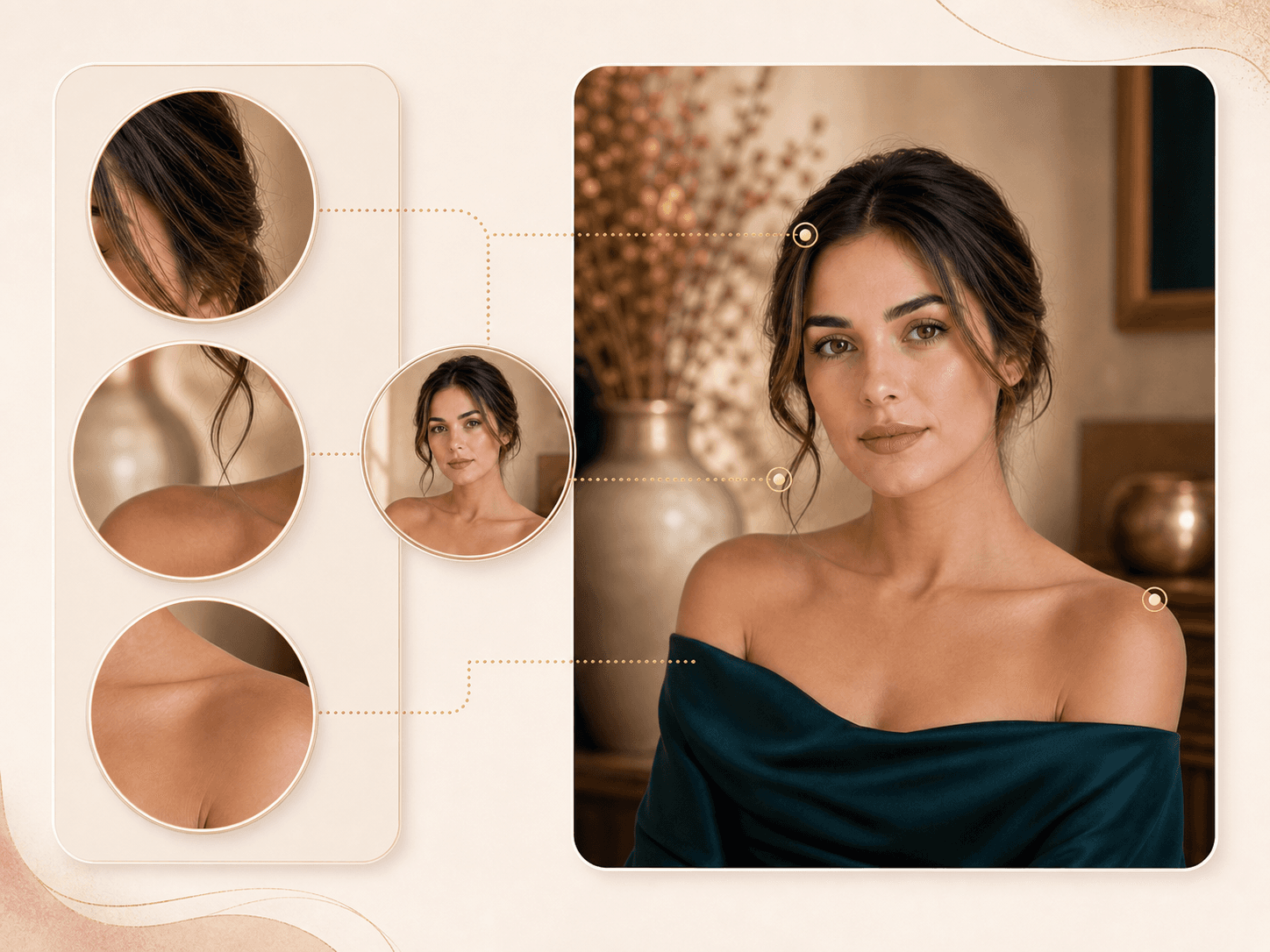
Background replacement review with zoomed hair and shoulder edge details

Edge and lighting blend checks

A believable background change depends on hair edges, shoulder outlines, shadows, and the direction of light. The result should be reviewed like an edit, especially when the source photo has flyaway hair, jewelry, or strong backlight.

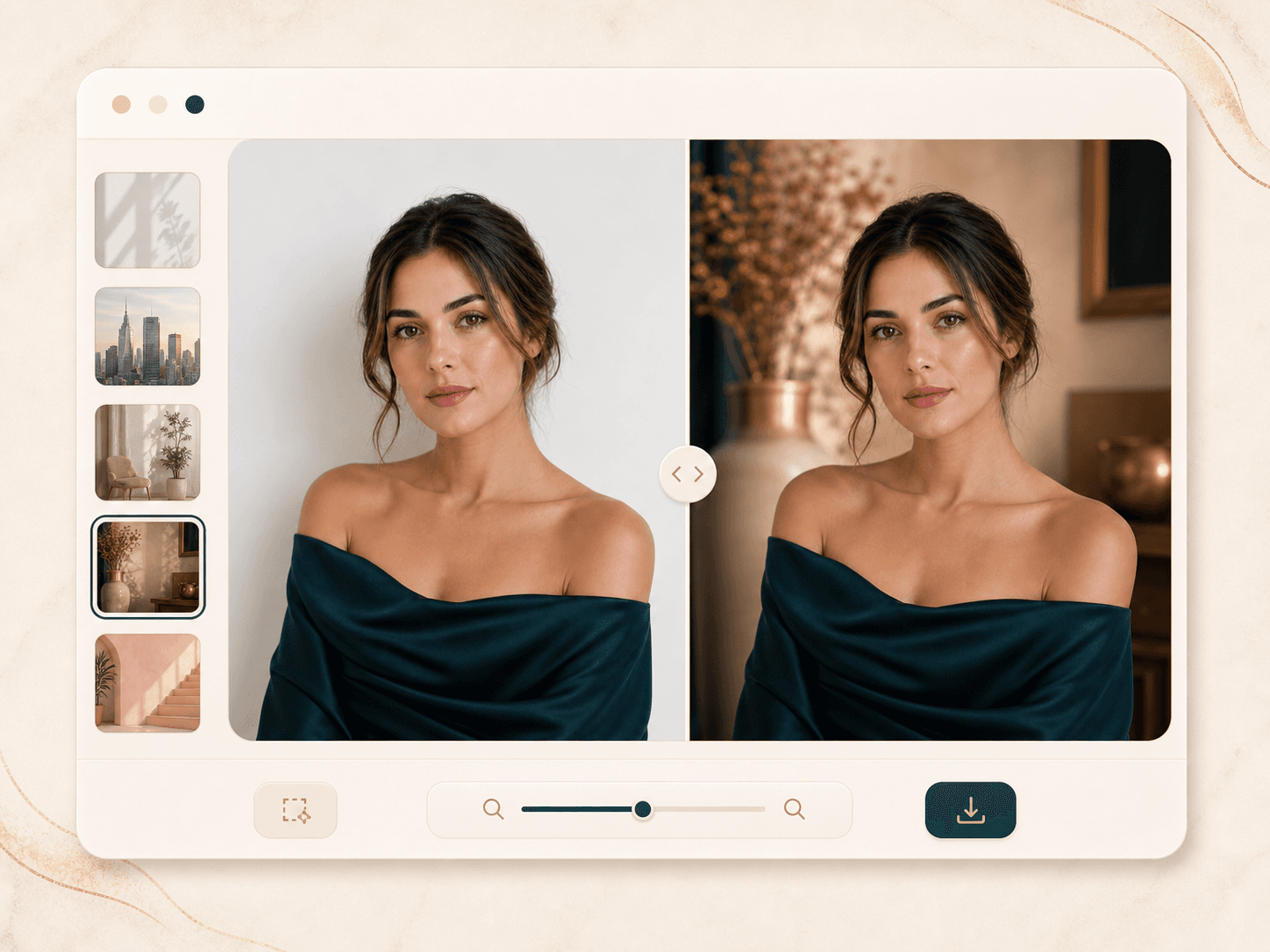
Before and after slider showing an AI changed portrait background before download

Before and after result page

After generation, BeautyLove shows the original and the changed image on the result page. This makes it easier to compare the mood, subject edges, and background fit before you download the final result.

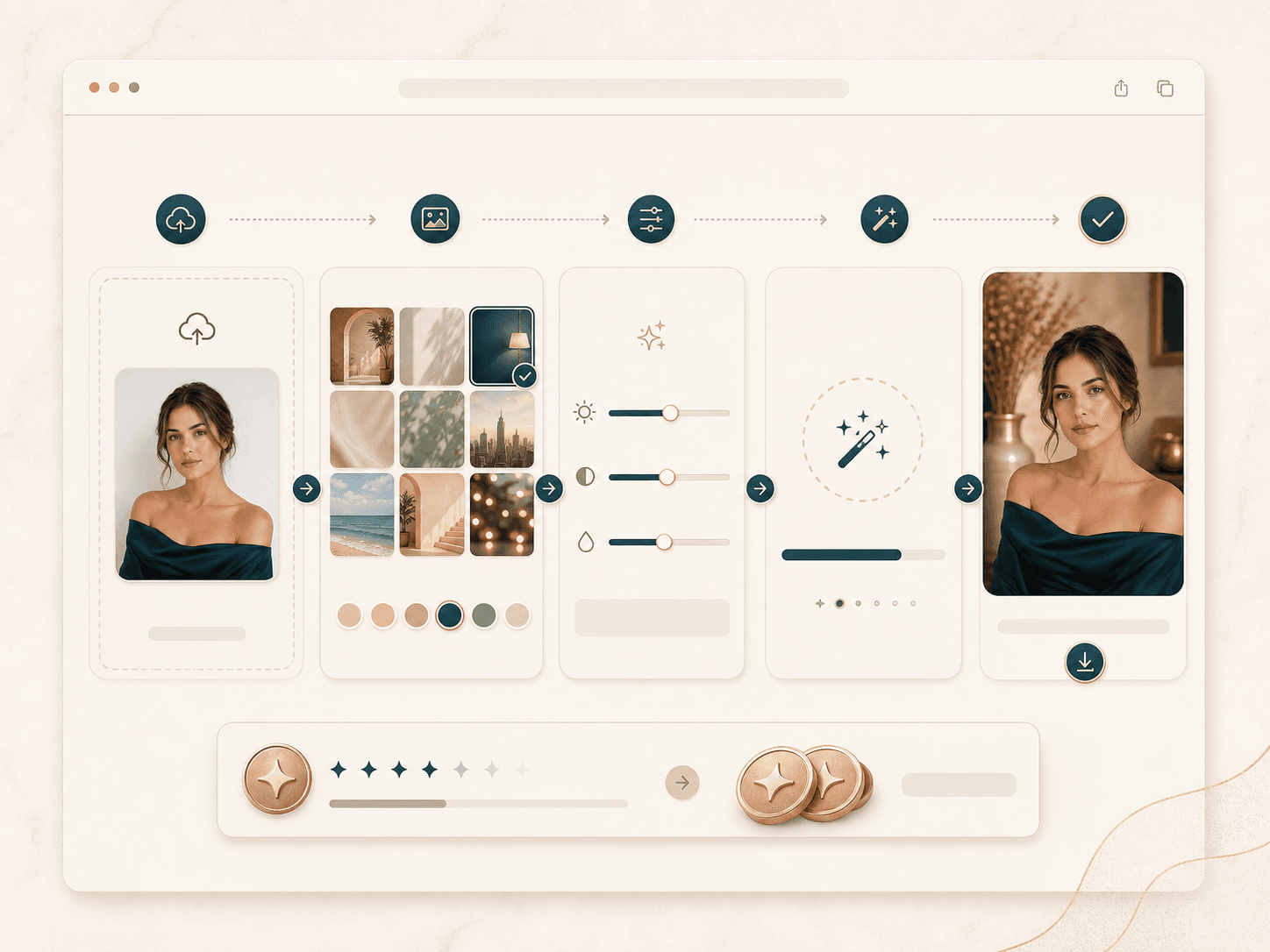
Browser upload workflow for an AI background changer using BeautyLove credits

Credit based access

AI Background Changer uses the same BeautyLove credit system as the rest of the generator tools. A successful run uses 20 credits, and credits can be used across supported BeautyLove tools.

Comparison table

Pick the right
background workflow.

Different tools solve different background problems. Choose based on whether you need a portrait edit, a design workspace, or manual control.

OptionWorkflowControlBest for
AI Background Changer by BeautyLovePortrait upload, preset scene choice, AI generation, before and after resultFocused presets for studio, office, city, beauty, and editorial portraitsPeople who want a new portrait scene while keeping the person recognizable
Broad design editorsRemove or change a background inside a larger design workspaceTemplates, design assets, and manual layout tools vary by platformUsers who also need posters, ads, social graphics, or brand layouts
Product photo background toolsCommonly built around products, sellers, marketplaces, and batch style workflowsOften strong for ecommerce scenes and product templatesShops that need many product images with consistent backgrounds
Prompt based image editorsDescribe a scene and let the editor replace or regenerate the backgroundFlexible, but prompt quality can shape the final resultUsers who want more creative control and are comfortable iterating
Manual photo editingMask the subject, add a scene, match color, refine edges, exportHigh control when the editor has time and skillCommercial retouching, complex hair, and high stakes brand images

Privacy and upload care

Use portraits
with permission.

AI processing

Uploaded images are used to run the selected background changer request. This is not processed only on your device.

Browser result storage

Result data may be kept in your browser storage so the result page can show your latest before and after image.

Consent first

Use photos you own or have permission to upload. Do not upload someone else without a clear right to use the image.

Review before reuse

AI edits can vary. Inspect the result before using it for a public profile, campaign image, or client reference.

FAQ

Common questions.

Background quality, subject preservation, credits, accounts, privacy, and photo tips.

What is an AI background changer?

An AI background changer is a tool that replaces the scene behind a subject in a photo. BeautyLove focuses this workflow on portrait backgrounds for profile, creator, beauty, and professional images.

How do I change a photo background online?

Upload one clear portrait, choose a new background style, run the generator, then review the before and after result. If the edges look natural, download the changed image.

Will the AI background changer change my face?

The prompt asks the AI to keep your face, expression, hair, clothing, pose, and body proportions unchanged. AI results can still vary, so review the output before using it.

What background styles can I choose?

You can choose from portrait friendly presets such as beige editorial studio, sunlit city street, beauty studio mirror, professional office, and pastel fashion backdrop.

Is this the same as an AI background remover?

No. A background remover cuts away or cleans the original scene. AI Background Changer replaces the scene with a new setting while keeping the portrait subject.

What photo works best for changing the background?

A sharp portrait with visible hair, shoulders, and clothing works best. Avoid heavy blur, cropped hair, harsh backlight, and objects covering the subject edge.

Can I use it for profile photos?

Yes. This tool is designed for profile photos, creator bios, beauty content, and professional portrait variations where a cleaner background helps the image feel intentional.

How many credits does AI Background Changer use?

AI Background Changer is an AI Generator tool. A successful run uses 20 credits, while failed requests and service errors should not consume credits.

Do I need an account to use it?

Yes. BeautyLove uses accounts and API tokens to connect tool usage with your credits, orders, and result flow.

Are uploaded photos processed on my device only?

No. Uploaded images are sent for AI processing. Result thumbnails or data may also stay in your browser storage so the result page can display your latest output.

Ready when you are

Give your portrait
a new setting.

Choose a background direction, upload a clear portrait, and compare the generated result before you save.