Profile photos and avatars
Clean up a portrait for social profiles, creator bios, resumes, community pages, or account avatars when the original background feels distracting.
AI Generator | AI Background Remover
Upload a portrait, remove the busy background, and create a transparent style cutout or simple studio image for profiles, shops, and creator content.
Choose output style
12 output styles across cutout, studio, and profile backgrounds. Selected: Transparent cutout
Output preview
Portrait cutout example
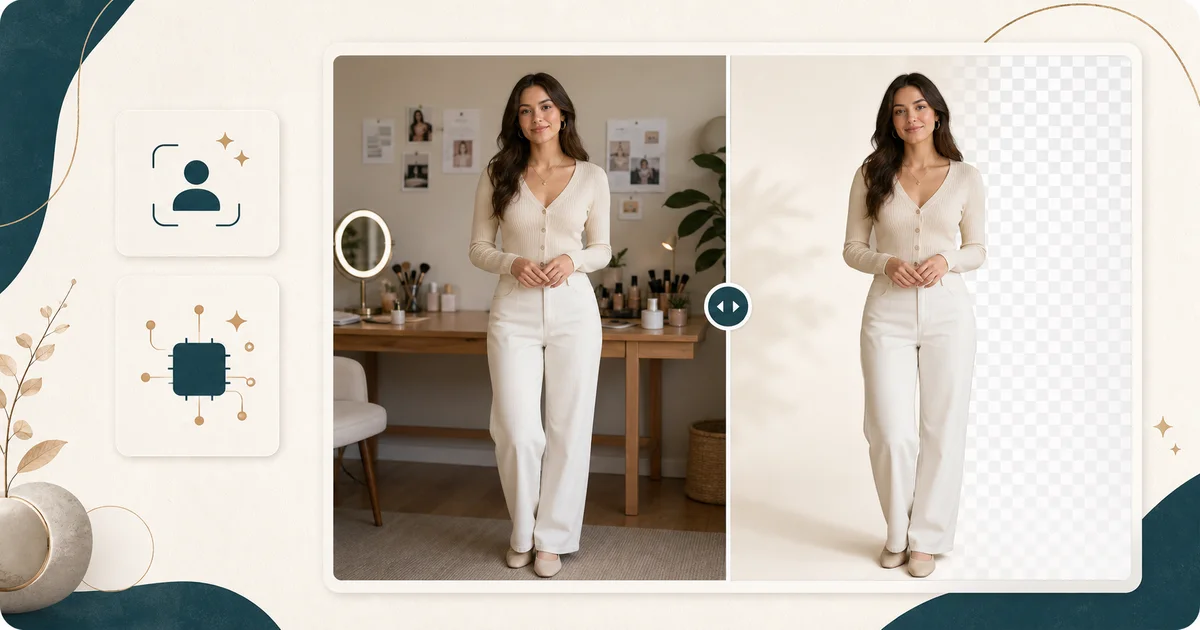
Output preview. Your actual result depends on the uploaded photo and selected settings.
20 credits
charged after success
No charge
when processing fails
Processing
Usually 15–45 seconds
Private result
Workspace: 30 days; browser fallback until cleared
How it works
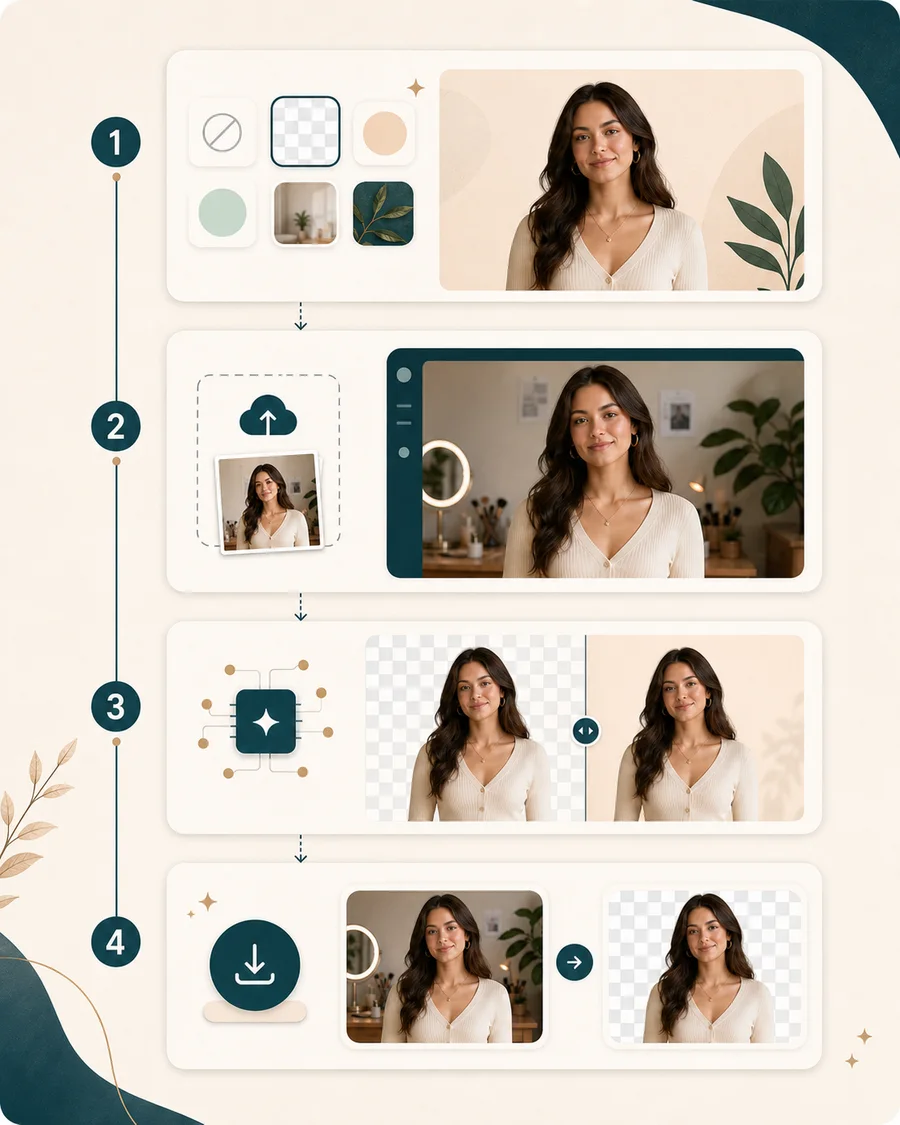
Start with one clear photo and one output choice. The result page lets you compare the original scene with the cleaned image before saving.
Pick a transparent cutout, refined hair-edge cutout, warm studio, profile tone, shop-ready background, or high-contrast studio output before you upload.
Use a photo where the person is visible, hair and shoulders are not heavily hidden, and the background is not too close in color.
BeautyLove sends the image for AI generation and asks the model to remove or simplify the background while keeping the person recognizable.
Open the result page, drag the before and after slider, check hair edges and clothing, then download the image that looks useful.
Use cases
People search for background removers when a photo is useful but the setting is not. BeautyLove keeps the workflow centered on people based images.
Clean up a portrait for social profiles, creator bios, resumes, community pages, or account avatars when the original background feels distracting.
Remove a busy room or vanity scene from a beauty portrait so the person, makeup, hair, or styling reads more clearly in a thumbnail.
Use a simple background when a model, accessory, or outfit photo needs a quieter look for a shop listing or content draft.
Create a transparent style cutout or clean studio image that can be reused in mood boards, banners, social posts, and campaign drafts.
Why choose BeautyLove
BeautyLove is built around face, beauty, and portrait workflows. This tool keeps that same focus when the background is the part you want to change.
BeautyLove focuses this tool on people, hair edges, shoulders, clothing, and profile photo background cleanup.

The generation request asks the model to keep facial features, pose, outfit, jewelry, and body proportions recognizable.

Choose a transparent cutout, refined hair-edge cutout, or quiet studio background when a practical output is more useful than a dramatic scene.

AI Background Remover is a generator tool. A successful run uses 20 credits from your BeautyLove account.
Key features
The page is designed for practical portrait cleanup, with output choices, edge review, upload guidance, and download built into the flow.
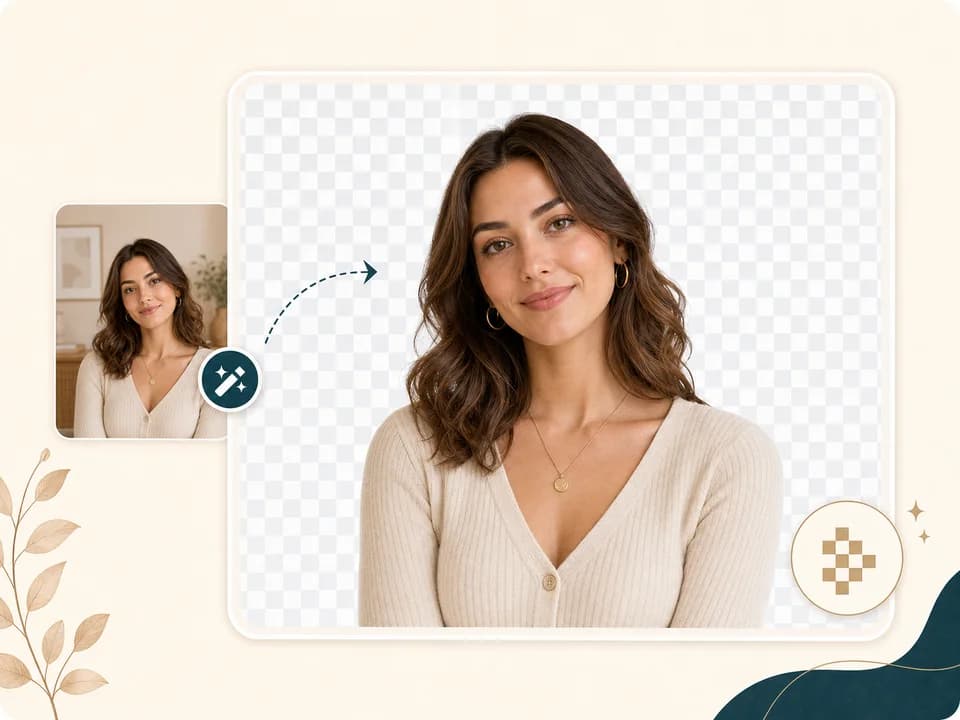
Choose Transparent cutout when you want the person separated from the original scene. The tool asks the image model for clean hair, shoulder, and clothing edges so the result can work as a profile image, design asset, or creator thumbnail. Review the output before download because complex hair, blur, and low contrast backgrounds can still affect the edge.
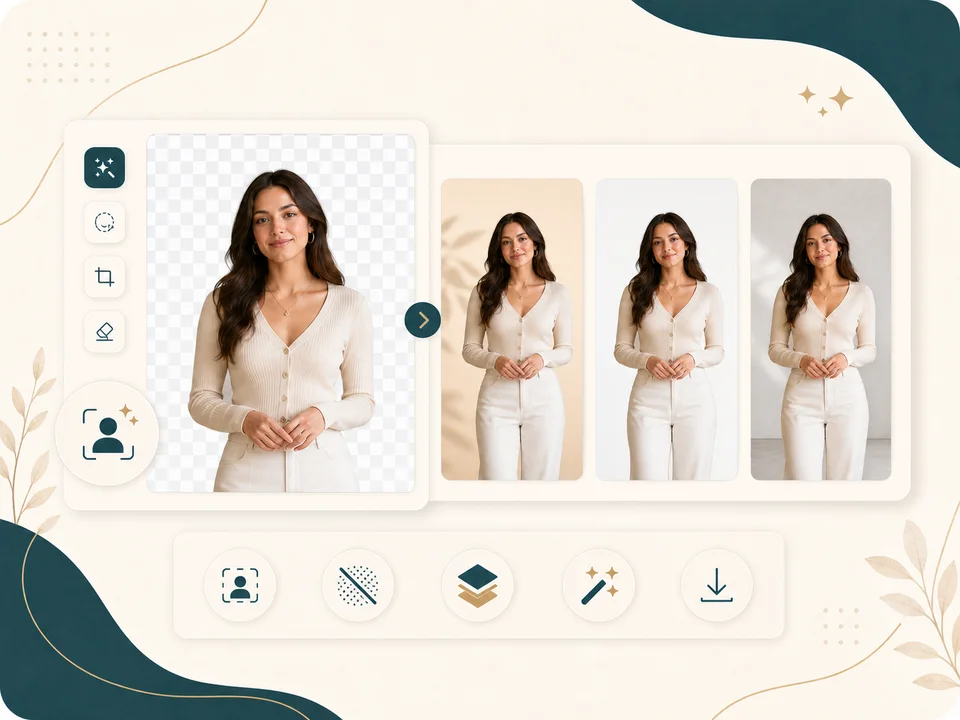
Not every job needs a transparent look. You can also create warm cream, light gray editorial, soft white, beige paper, LinkedIn gray-blue, blush creator, off-white shop, or charcoal studio backgrounds. These quiet presets are useful when you want a clean headshot feel, a shop friendly portrait, or a beauty image that keeps attention on the person instead of the room.
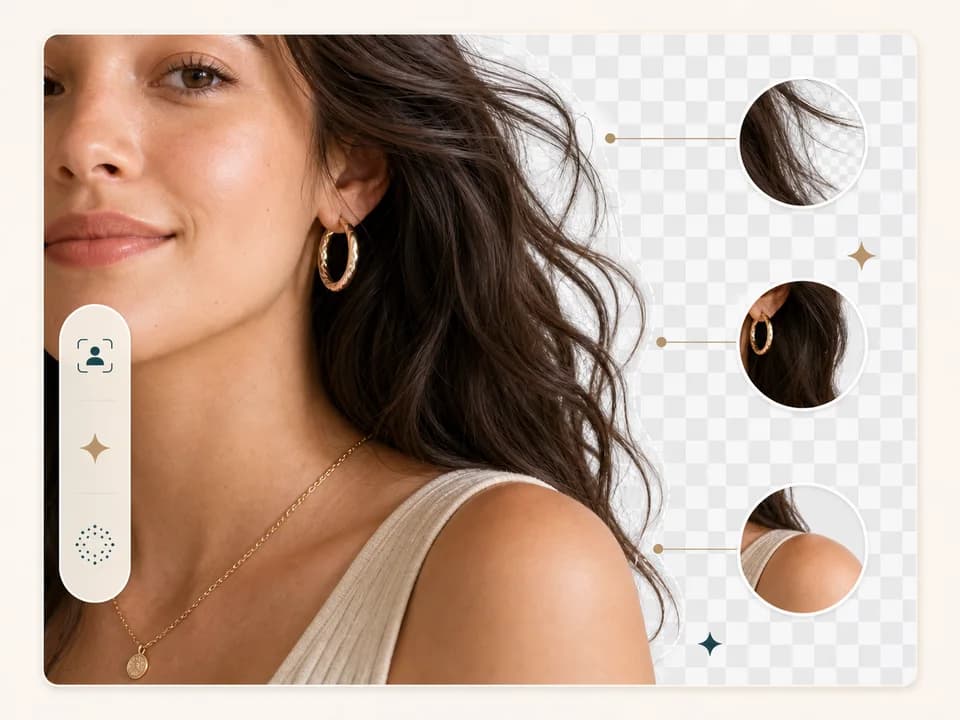
Background removal often succeeds or fails around hair, earrings, necklaces, shoulders, and soft fabric. BeautyLove asks the model to keep these areas natural, then the result page lets you inspect the generated image against the original. If the edge feels rough, try a clearer upload with stronger subject separation.
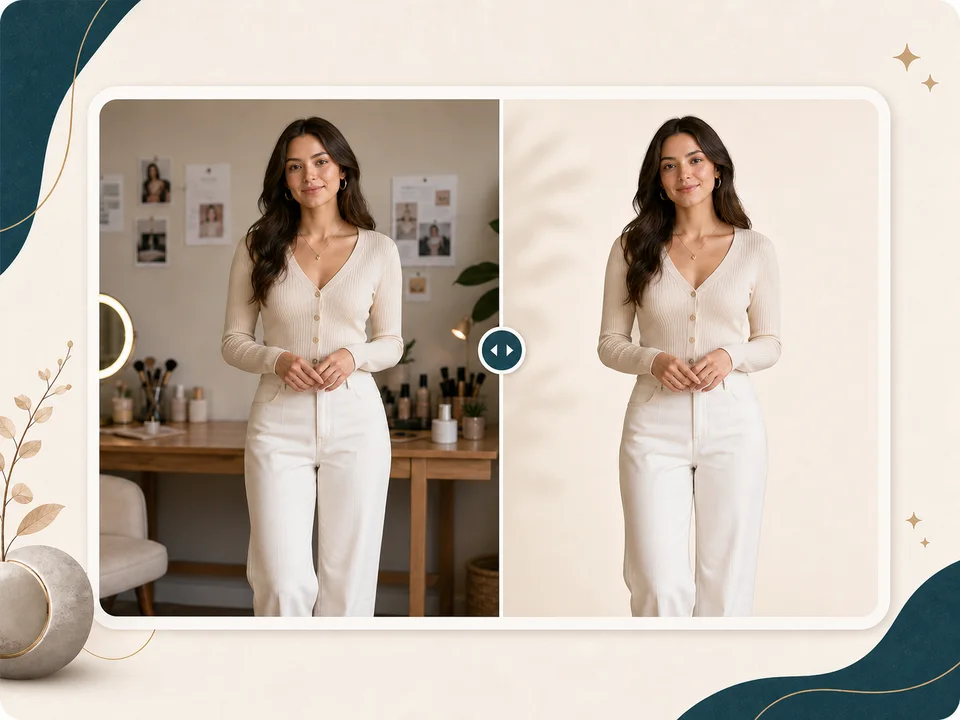
The result page keeps your original and generated image together. Drag the slider to compare the room, background edge, body outline, and overall lighting. This helps you decide whether the cutout is ready to save or whether a sharper, brighter, less cluttered source photo would give a cleaner result.
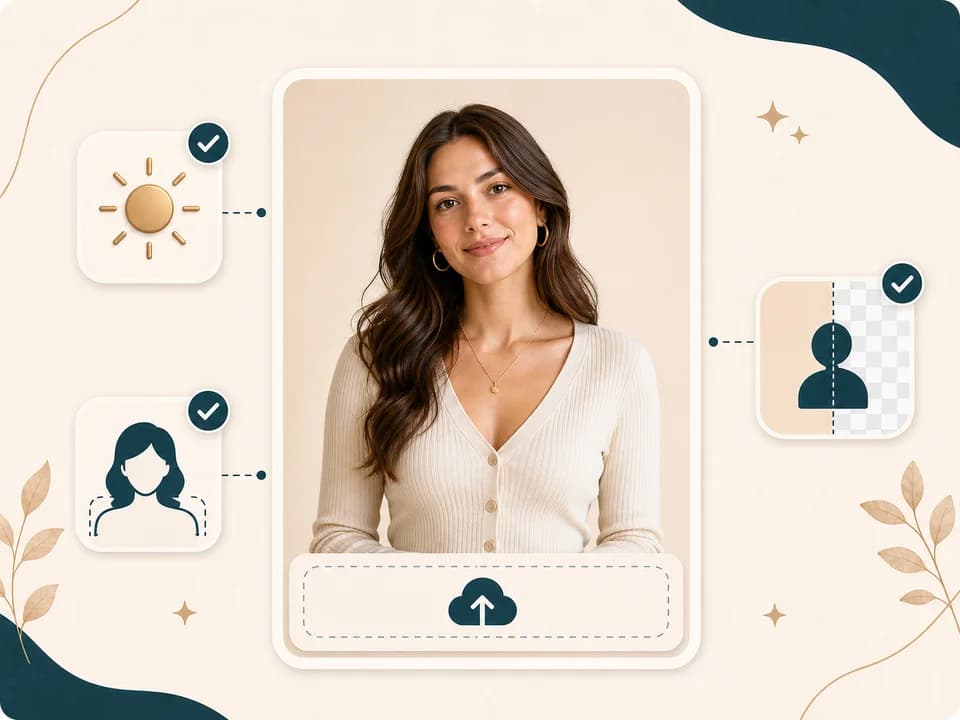
A good upload gives the AI more useful detail. Use a clear portrait with visible hair, face, shoulders, and clothing. Even light, a single main person, and enough contrast between the subject and background usually help. The browser can compress large uploads, but photo quality still matters.

AI Background Remover uses the same credit system as other BeautyLove generator tools. A successful run uses 20 credits, and failed requests or service errors should not consume credits. When a result looks right, download it from the result page and use it in your next profile, listing, or content draft.
Comparison table
Some tools are built for quick cutouts, some for design suites, and some for manual control. Choose the workflow that matches the job.
| Option | Flow | Output | Best for |
|---|---|---|---|
| BeautyLove AI Background Remover | Upload one portrait, choose a cutout or studio style, generate, compare, download | Portrait focused background cleanup with before and after review | Profile photos, beauty content, creator images, and people based cutouts |
| Dedicated background remover sites | Upload an image and receive a removed background result | Often optimized for quick transparent background removal | Fast cutouts when background removal is the only task |
| Design suite background removers | Remove a background inside a broader design editor | Cutout plus templates, canvases, and brand assets | People who want to continue designing in the same editor |
| Manual photo editors | Mask the subject, refine edges, and export by hand | High control when the editor knows layers and edge tools | Precise production edits that need manual control |
| Mobile background remover apps | Edit on phone with app based tools and export options | Fast mobile results that vary by app and subscription | On phone edits, social drafts, and casual image cleanup |
Privacy and limits
Your image is sent to the selected AI service to generate the background removal result. This tool is not processed only on your device.
Result data and thumbnails may stay in your browser storage so the result page can show your latest generated image.
Upload photos you own or have permission to use. Avoid uploading another person without clear consent.
AI background removal can be imperfect around hair, transparent fabric, blur, shadows, and low contrast edges. Review before using the file.
FAQ
Transparent cutouts, upload quality, credits, mobile use, privacy, and how to read the result.
An AI background remover is an online tool that removes or simplifies the scene behind the main subject in an image so the person stands out more clearly.
Choose an output style, upload one clear portrait, generate the background removal result, then compare the original and edited image before download.
Yes, choose Transparent cutout to ask the AI for a clean cutout style. Review the result because complex edges can affect the final image.
Yes, the tool is designed for portraits, avatars, creator images, beauty content, and simple profile photo background cleanup.
The tool is instructed to preserve your face, hair, clothing, pose, jewelry, and body proportions while changing only the background.
A clear portrait works best. Use even light, one main person, visible hair and shoulders, and enough contrast between the subject and background.
New users can use welcome credits to try AI Background Remover. A successful generator run uses 20 credits, and failed requests or service errors should not consume credits.
Yes, you can use the web tool from a mobile browser. A clear upload and stable connection will make the process easier.
Hair can be difficult because thin strands, blur, shadows, and similar background colors reduce edge detail. Try a sharper image with better separation.
Uploaded images are used to process the request through the selected AI service. Result data may also remain in browser storage for the result page.
Ready when you are
Choose a style, upload a clear portrait, and compare the generated result with your original photo.
Loved by 5M+ BeautyLove users for hair, makeup, color, and portrait decisions.