Profile photos with a softer retro mood
Upload a portrait you have permission to use, choose a booth style, and review the generated result before saving or sharing.
AI Generator · Retro Portrait
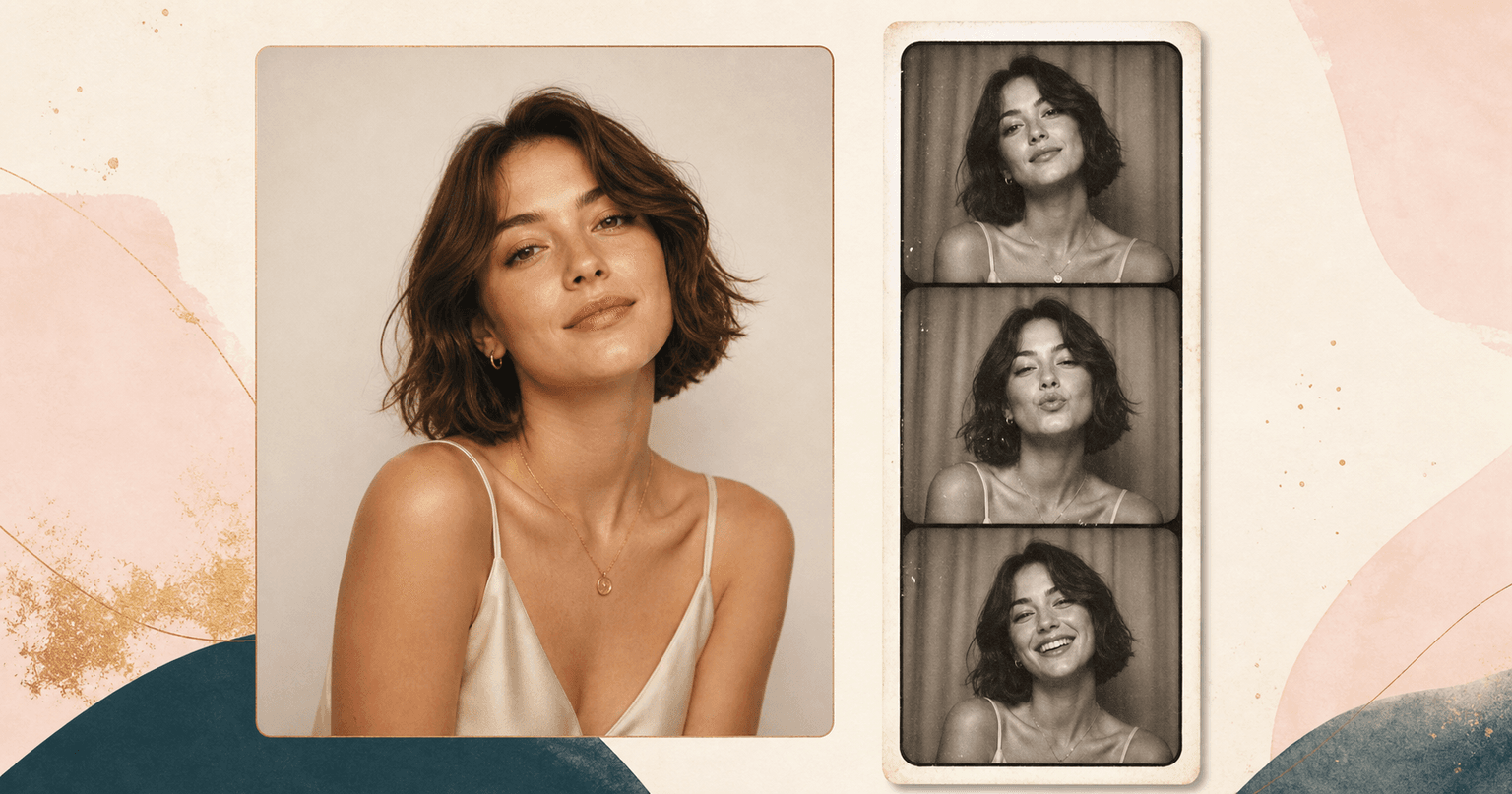
Upload a portrait and create a retro booth strip, warm film photo, passport booth look, or cream bordered vintage portrait.
Choose booth style
12 retro booth looks across booth, film era, and archive treatments. Selected: B&W booth strip
How it works
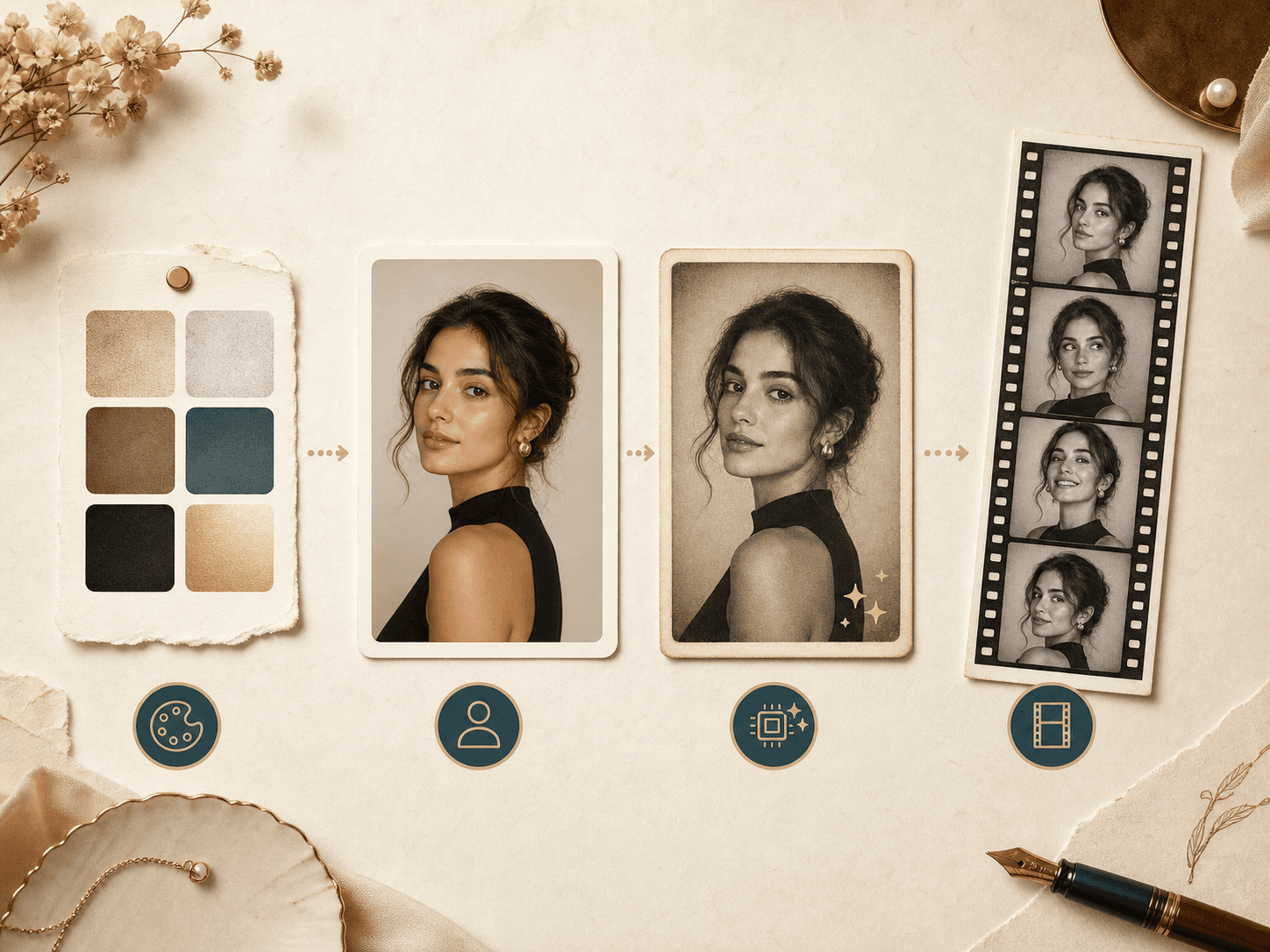
Start with one portrait, choose the booth mood, and let the generator add period color, flash, grain, paper, and framing.
Pick a booth, film era, or archive-style treatment such as black and white strip, 1970s color, 1990s mall booth, passport booth, Polaroid, contact sheet, or soft retro film border before you upload.
Use a photo where your face, hair, shoulders, and outfit are easy to read. A clean portrait gives the AI more real detail to preserve.
The tool applies booth flash, film grain, paper texture, muted color, and period framing while asking the model to keep your likeness intact.
Compare the original upload with the generated booth image on the result page, then save the version that fits your profile, album, or post.
Use cases
Vintage Photo Booth is made for portraits that need a more tactile mood than a normal filter can give.
Upload a portrait you have permission to use, choose a booth style, and review the generated result before saving or sharing.
Upload a portrait you have permission to use, choose a booth style, and review the generated result before saving or sharing.
Upload a portrait you have permission to use, choose a booth style, and review the generated result before saving or sharing.
Upload a portrait you have permission to use, choose a booth style, and review the generated result before saving or sharing.
Why choose BeautyLove
BeautyLove keeps the edit focused on the photo treatment. The result should feel nostalgic without turning your face into a different person.
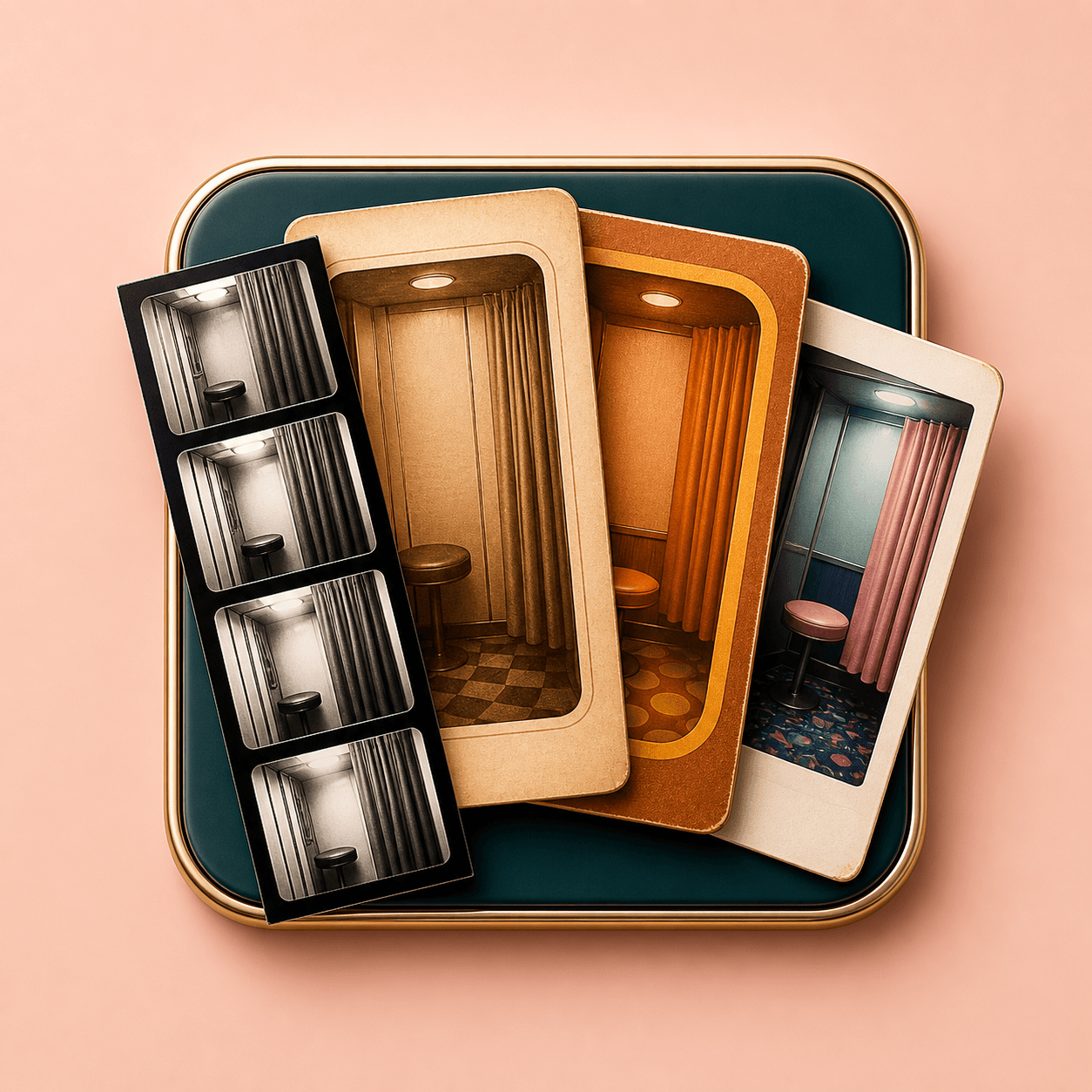
Choose the booth mood first, so the generated image starts with a clear visual direction instead of a generic vintage filter.
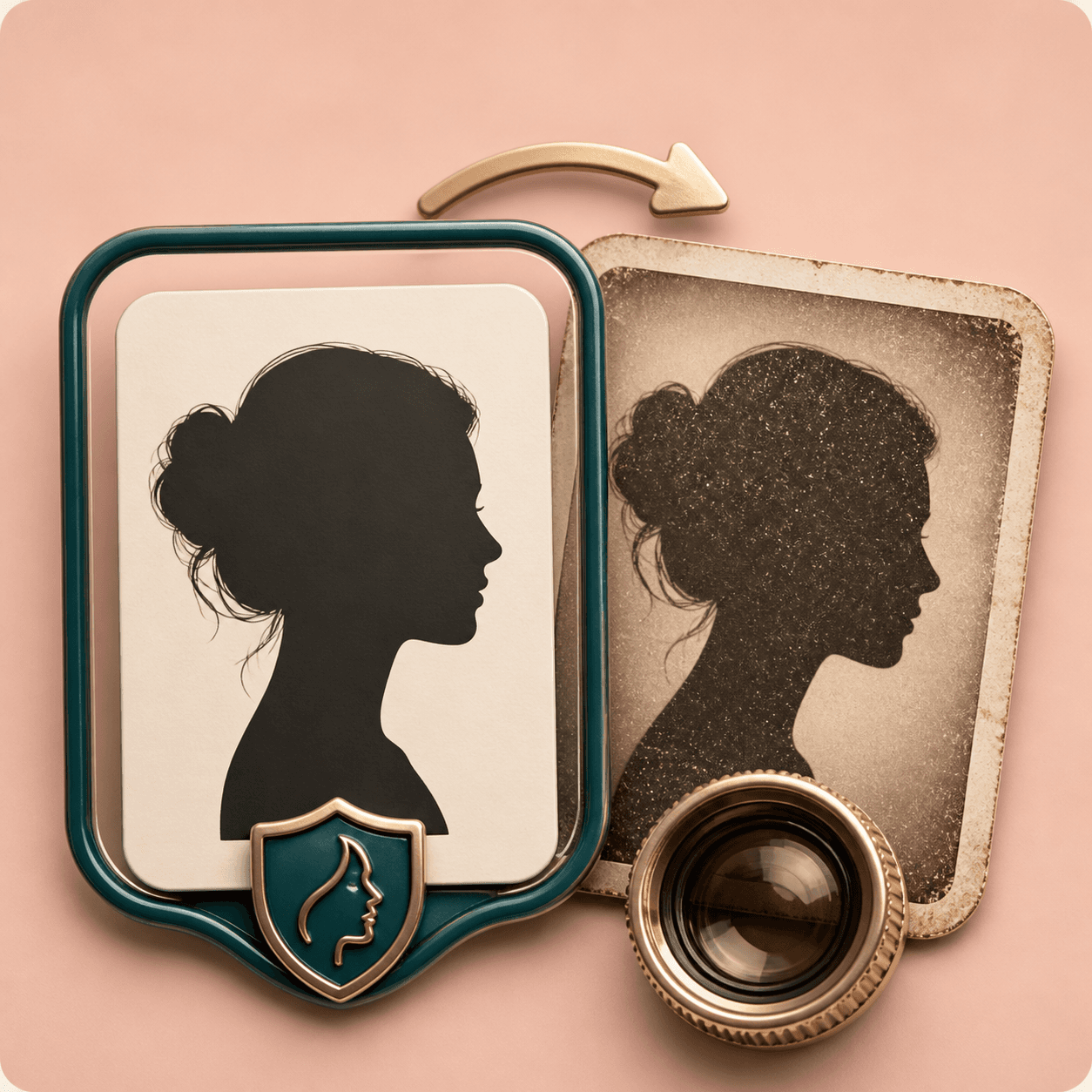
The prompt asks Gemini to preserve face shape, expression, hair, clothing, pose, and the complete visible person.
The finish focuses on booth flash, film grain, paper border, soft contrast, and muted color instead of heavy beauty retouching.
Vintage Photo Booth is an AI Generator tool. A successful run uses 20 credits, while failed requests should not consume credits.
Key features
Each option changes the photo language in a different way while keeping the upload as the source portrait.
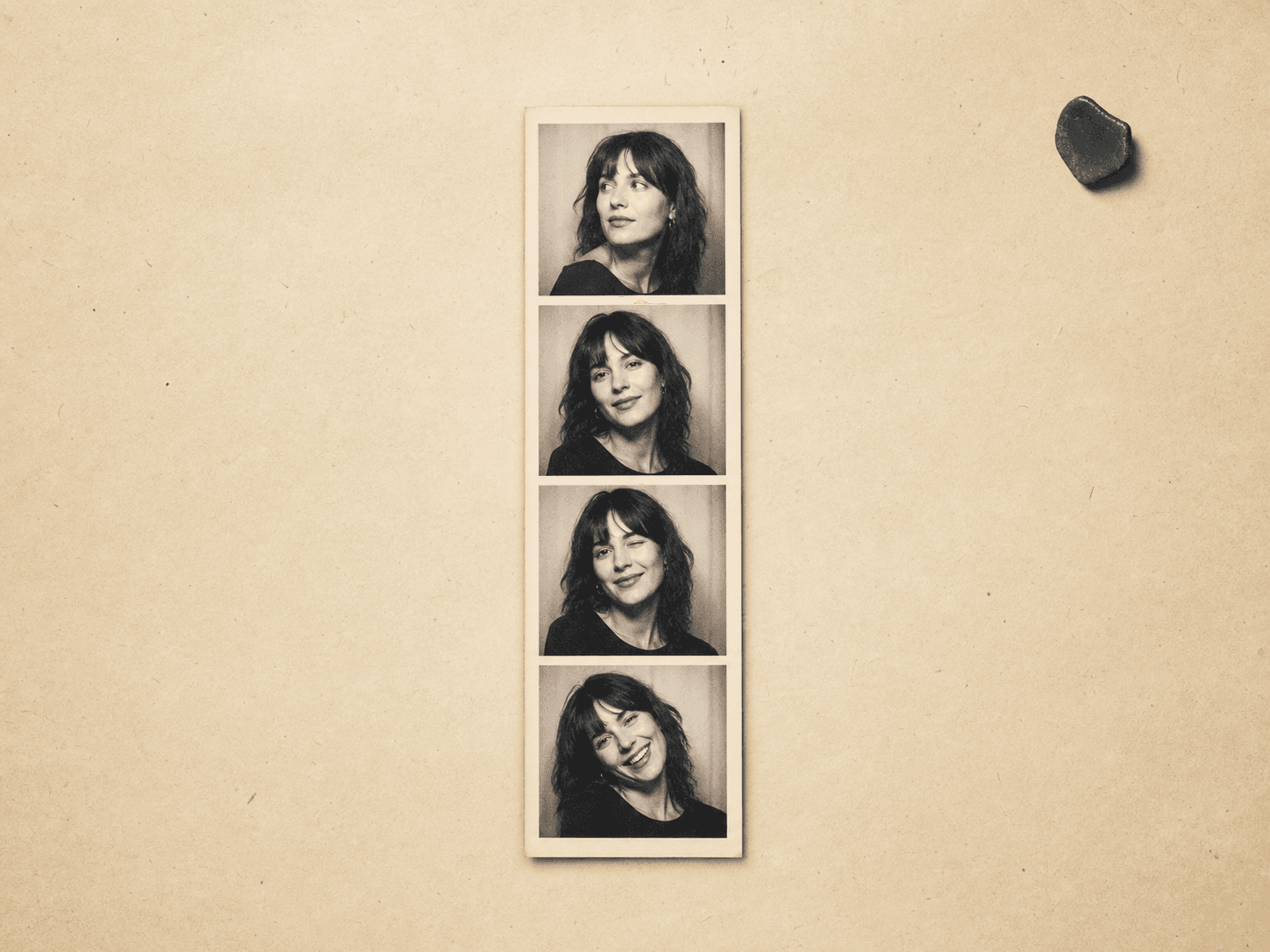
Use this style when you want the clearest photo booth reference. It creates a cream paper strip look with black and white frames, direct flash, visible grain, and simple portrait rhythm. It works well for profile photos, couple keepsakes, mood boards, and social posts where the booth strip itself should be the main visual.
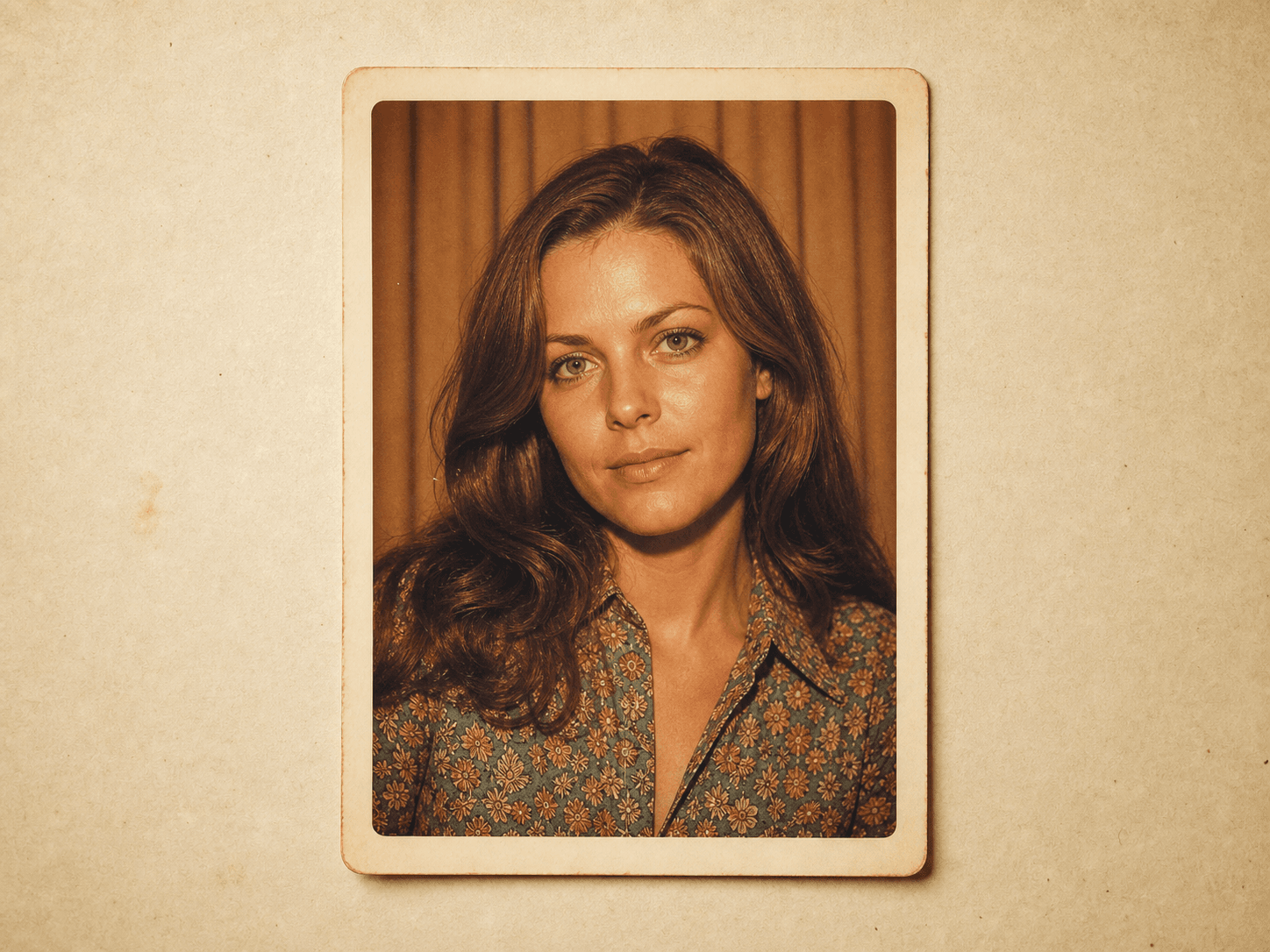
The 1970s option leans into amber color, soft contrast, gentle grain, and a warmer booth mood. It is useful when a modern portrait feels too sharp or digital, but you still want the person, outfit, and pose to stay recognizable. Try it for nostalgic portraits with a softer editorial feel.
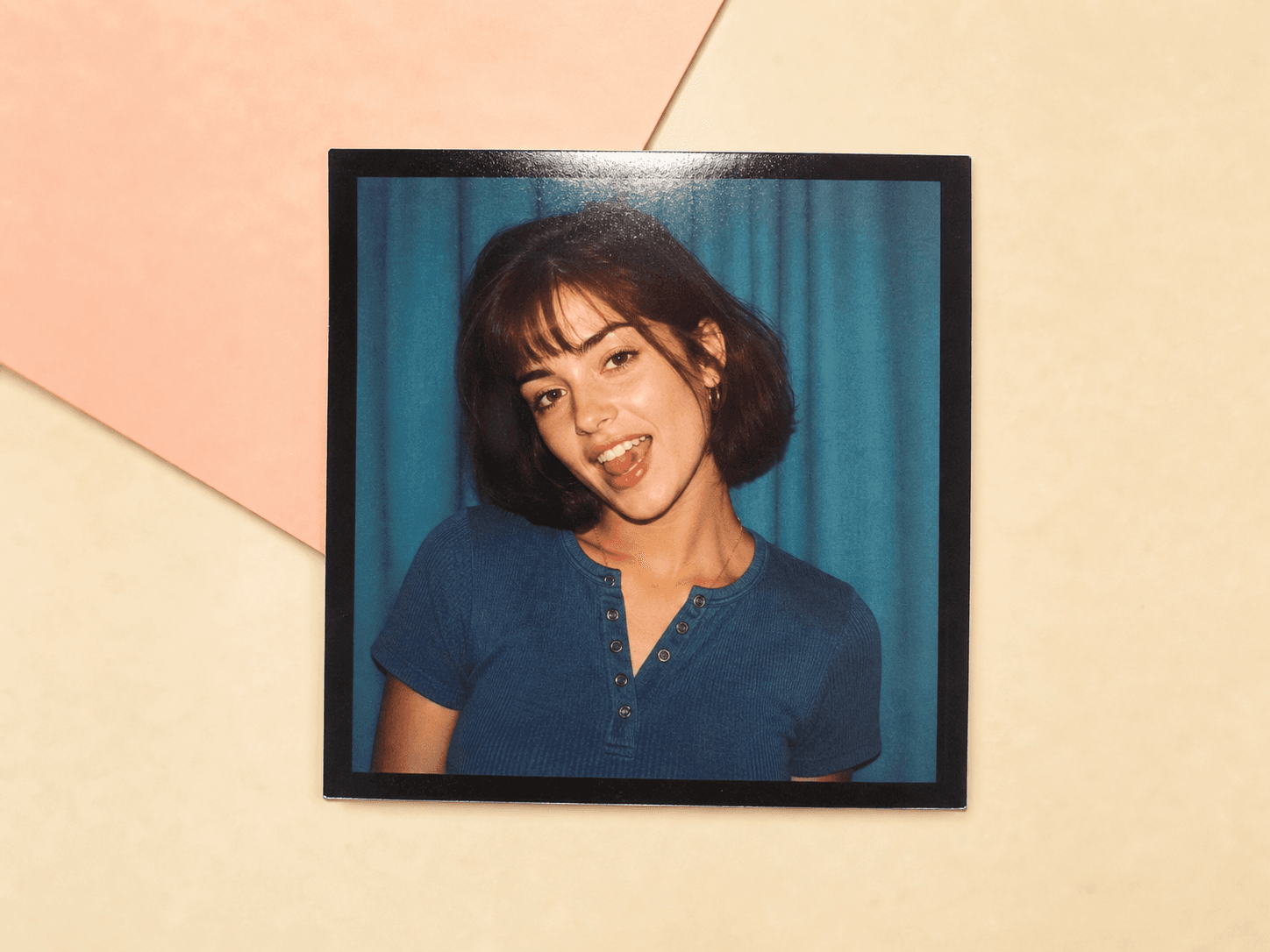
Choose the 1990s booth style for a cleaner flash look with a casual mall photo mood. It is less aged than sepia and more playful than passport booth. This style fits fun avatars, creator posts, friendship images, and portraits that need a direct camera flash effect without looking damaged.
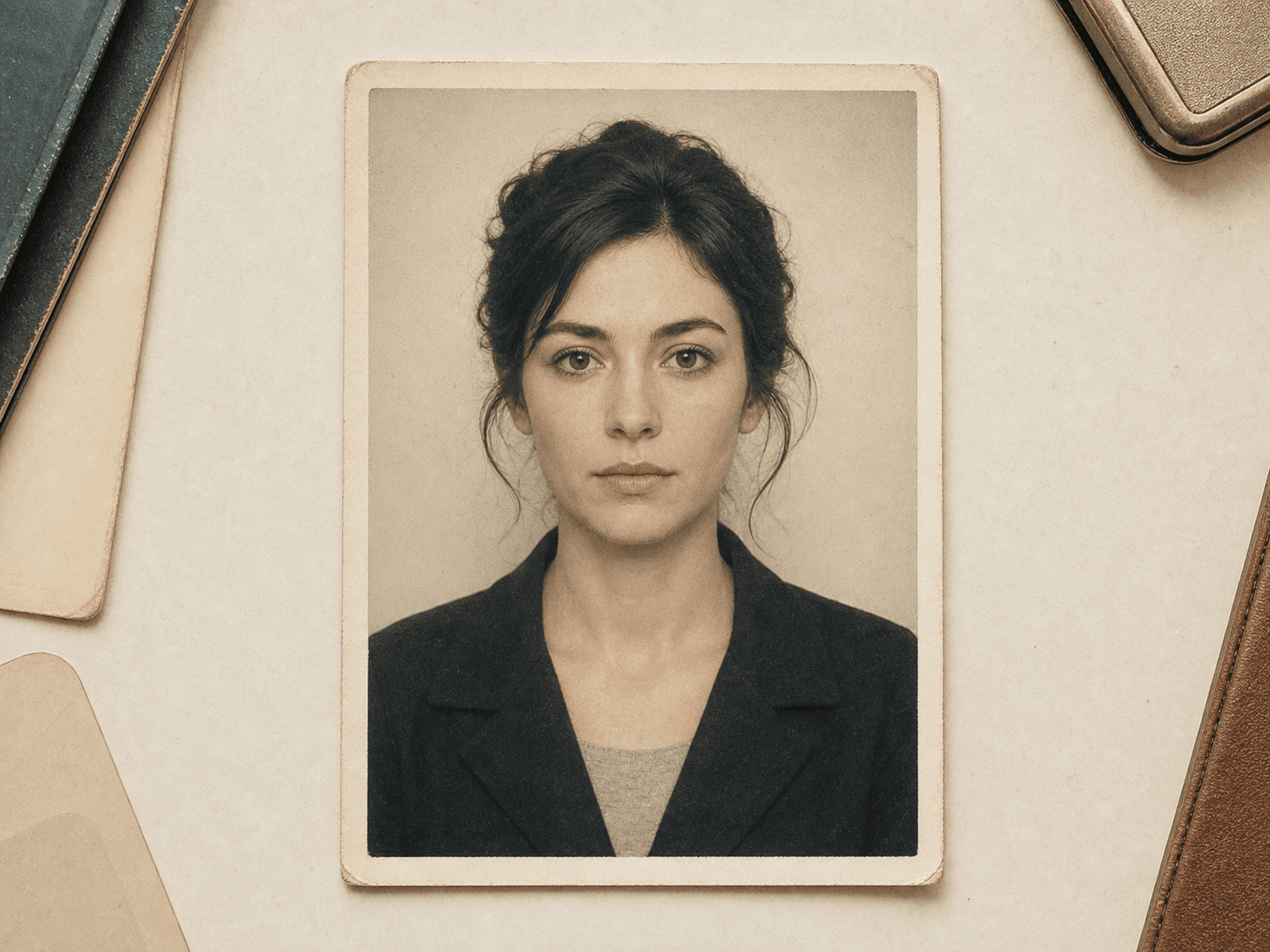
The passport booth option gives a centered, documentary portrait mood with muted tones and paper texture. It is for aesthetic use only, not official document photos. Use it when you want a quiet old school portrait that feels neat, frontal, and lightly aged.
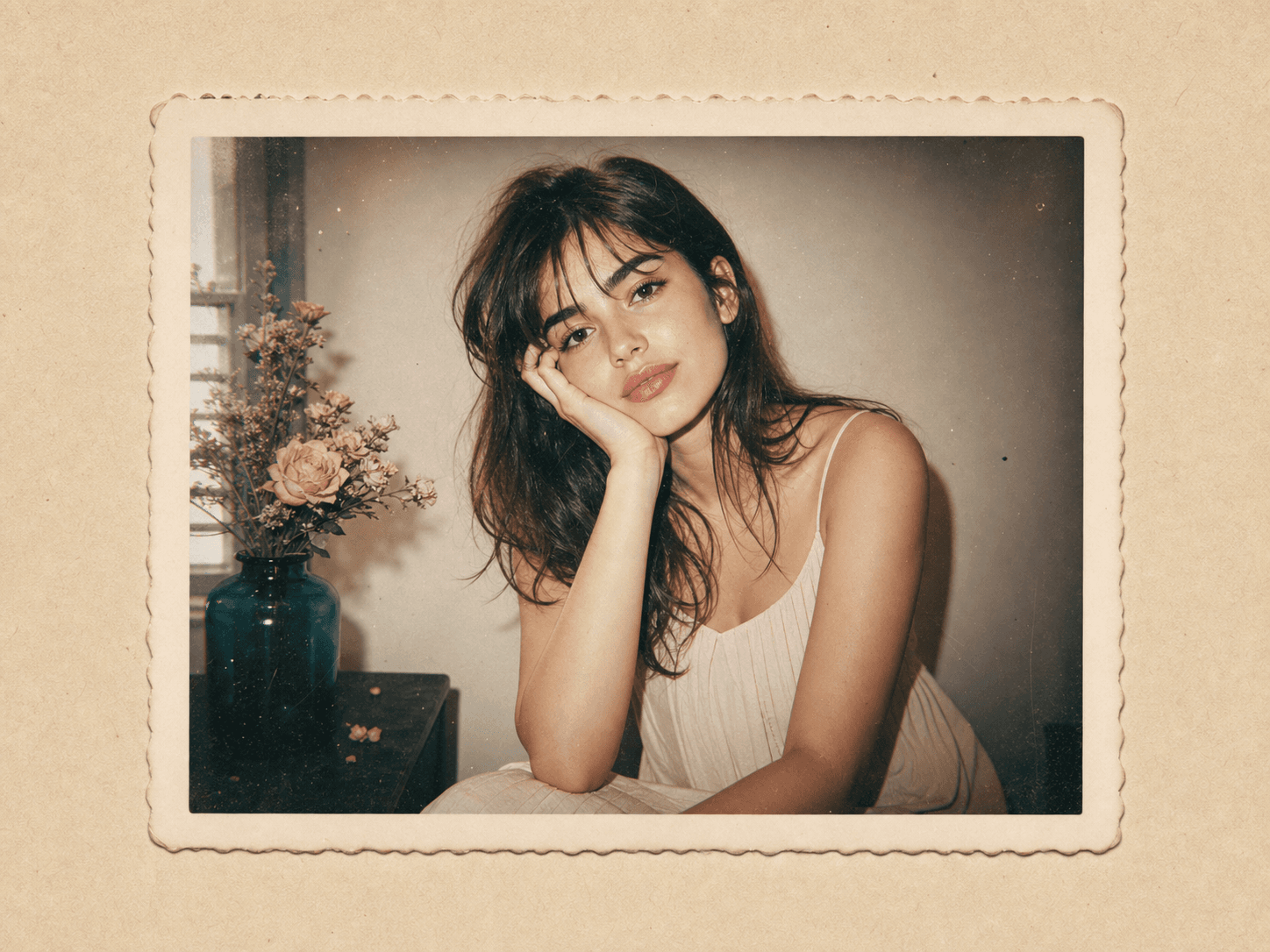
The retro film border style keeps the result as a single portrait with a cream frame, soft contrast, and light film dust. It is a good choice when you want vintage texture but not a full vertical strip. It keeps the composition easy to crop for social profiles or editorial grids.
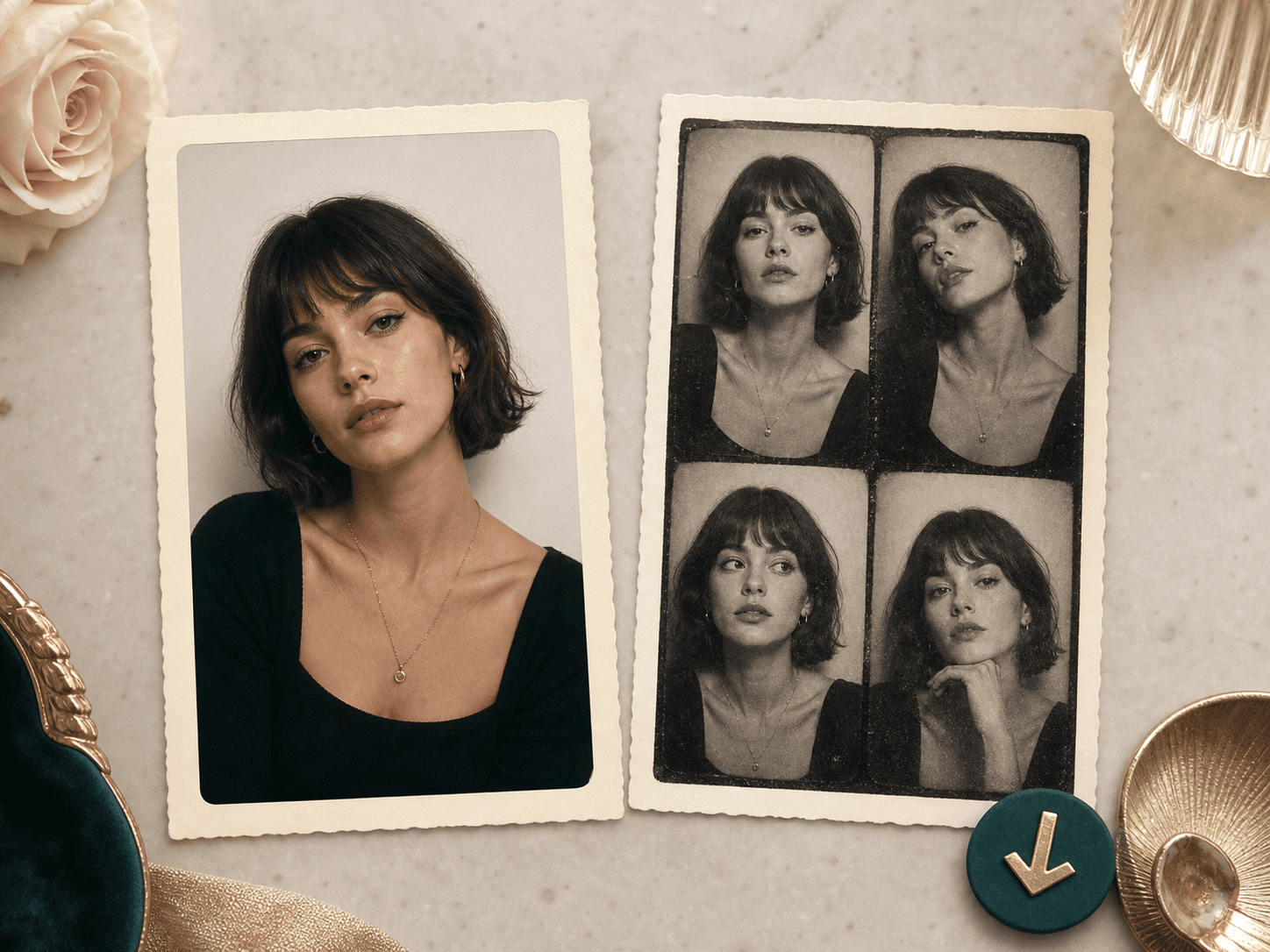
After generation, the result page shows your original upload beside the vintage photo. Review the face, hair, outfit, booth border, and overall crop before saving. If the output feels too stylized, return to the tool and choose another booth style.
Comparison table
Some tools capture live camera strips. Others arrange templates. BeautyLove focuses on transforming one portrait into a retro booth image.
| Option | Focus | Control | Best for |
|---|---|---|---|
| Vintage Photo Booth by BeautyLove | Upload one portrait and generate a retro booth style image | 12 style options before generation | Beauty portraits, avatars, keepsake looks, and social content |
| Browser camera booth sites | Capture fresh webcam frames in a photo strip layout | Often layout and timer focused | Live party booths and quick camera sessions |
| Template photo strip makers | Arrange existing images into a printable strip | Frame, layout, and decoration control | Collages, events, and layouts with several source photos |
| Manual photo editors | Build grain, border, color, and paper effects by hand | Highest manual control | Designers who need precise retouching and print preparation |
| Mobile vintage filters | Apply preset color and grain effects on device | Varies by app | Fast casual edits when a full AI transformation is not needed |
Privacy and consent
BeautyLove sends uploaded images to the selected AI service so the Vintage Photo Booth result can be generated.
Result data may be kept in your browser storage so the result page can show your latest generated booth image.
Upload photos you own or have permission to use. Do not use the tool to impersonate, harass, or shame another person.
Vintage Photo Booth is for creative portrait generation. It is not an official ID, passport, legal, or identity verification tool.
FAQ
Styles, credits, mobile use, image quality, privacy, and responsible portrait use.
Vintage Photo Booth is an online AI generator that turns one portrait into a retro booth style image. You can choose black and white strip, 1970s color, 1990s mall booth, passport booth, Polaroid, contact sheet, ID booth, sepia antique, or film border styles.
Choose a booth style, upload one clear portrait, and run the generator. When the result appears, compare it with your original image and save the version you like.
Yes, Vintage Photo Booth includes a classic black and white booth strip style. It adds soft flash, grain, cream paper, and booth framing to your uploaded portrait.
The tool asks the AI to preserve your identity, face shape, expression, hair, clothing, pose, and the complete visible person. You should still review the result before using it.
A clear portrait works best. Use a photo where the face is visible, lighting is even, and hair or accessories do not cover the main features.
Yes, you can use it in a mobile browser. Upload a portrait from your phone, choose a style, generate the result, and review the before and after page.
New users can use welcome credits to try Vintage Photo Booth. It is an AI Generator tool, so a successful run uses 20 credits. Failed requests and service errors should not consume credits.
No, the passport booth style is only an aesthetic vintage portrait look. Do not use it as an official passport, visa, ID, or legal document photo.
The upload is sent for processing by the selected AI service. Result data may be kept in your browser storage so the result page can show your latest output.
Ready when you are
Choose a style, upload one clear portrait, and review the vintage result before saving.
Loved by 5M+ BeautyLove users for hair, makeup, color, and portrait decisions.