AI Profile Score
LinkedIn Photo
Score.
Check whether a portrait feels ready for LinkedIn, resumes, founder bios, or professional profiles, with feedback on crop, lighting, expression, background, and trust signals.
Overview
What is LinkedIn Photo Score?
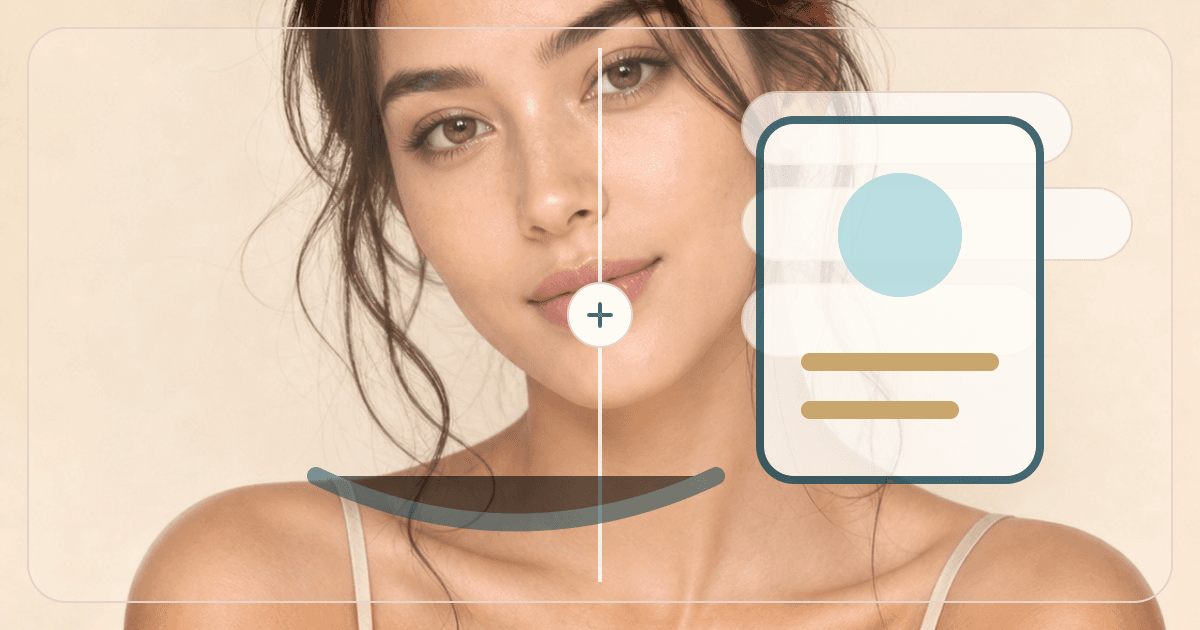
LinkedIn Photo Score is a professional profile photo checker for users who want to know if a headshot feels clear, approachable, and profile-ready. It scores presentation signals rather than attractiveness, making it a better fit for LinkedIn, resumes, founder bios, and portfolio pages.
Cost
10 credits
Charged only after a successful run.
Output
AI report
A structured result with practical notes.
Best photo
Clear portrait
Natural light usually gives the most useful result.
Use cases
When this tool
is worth running.
These examples help searchers and first-time users decide whether LinkedIn Photo Score is the right tool for the photo they have.
Check whether one photo is ready for LinkedIn.
Identify crop, background, expression, and lighting issues.
Decide whether to retake, enhance, or generate a headshot.
Workflow
From one upload to
a useful next move.
Each tool is built for a practical beauty decision: what to try, where to place it, or which direction to choose next.
- 01
Upload a candidate photo
Choose the image you are considering using professionally.
- 02
Review readiness score
Get notes on crop, lighting, background, expression, attire, and trust signals.
- 03
Fix or generate next
Use Headshot Generator, Background Changer, or Photo Quality Score if needed.
Photo tips
Better input,
better output.
- Upload the exact photo you plan to use professionally.
- Use a photo with clear eye contact and enough shoulder framing.
- Avoid party, group, or heavily filtered images for professional checks.
- Use AI Headshot Generator if the photo needs a more formal version.
Next tools
Build a fuller
beauty workflow.
Most users get better results by pairing one focused tool with the next logical analysis, try-on, or portrait polish step.

AI Headshot Generator
Turn one selfie into polished LinkedIn, resume, creator, founder, and personal brand profile photos with AI.
Open tool
AI Photo Quality Score
Score composition, exposure, and sharpness to decide whether a portrait is ready for profiles or social posts.
Open tool
Portrait Color Enhancer
Enhance portrait color and lighting balance for warmer, cleaner, more post-ready images.
Open tool
AI Glow-Up Studio
Combine subtle beauty filter, skin retouching, under-eye brightening, teeth whitening, light correction, and background polish in one edit.
Open toolPrivacy & expectations
Useful guidance,
not overclaiming.
Photo first
Lighting, camera angle, makeup, hair, and filters can change the result. A clear original photo gives the most useful read.
Beauty use
LinkedIn Photo Score is for styling, profile-photo, and creative beauty decisions. It is not medical, biometric, or identity advice.
Next step
Use the output as a practical direction, then compare it with related tools or a real mirror check before committing.
FAQ
Good to know.
Is this the same as Multi-Photo Profile Picker?
No. This scores one LinkedIn candidate photo; Profile Picker compares multiple photos.
Does it judge attractiveness?
No. It focuses on professional presentation, clarity, and profile fit.
How many credits does it use?
A successful LinkedIn Photo Score run uses 10 credits.
Try the tool
Start with one photo,
then refine the whole look.
Upload a clear portrait, review the result, and follow the next-step tools when you want a more complete beauty workflow.
Loved by 5M+ BeautyLove users for hair, makeup, color, and portrait decisions.