Alibaba SegmentHair
AI Hair Mask Extractor.
Upload a clear portrait and isolate the visible hair area as a transparent cutout. Useful before hair color try-on, hairstyle edits, or creator retouch workflows.
Hair-only extraction is temporarily unavailable.
The image provider has not enabled this specific segmentation feature for our account. Please come back after service is restored. No photo or credits are needed right now.
Try hair color preview insteadHair color preview generates a new look; it does not export a hair mask.
Overview
What this tool
is built for.
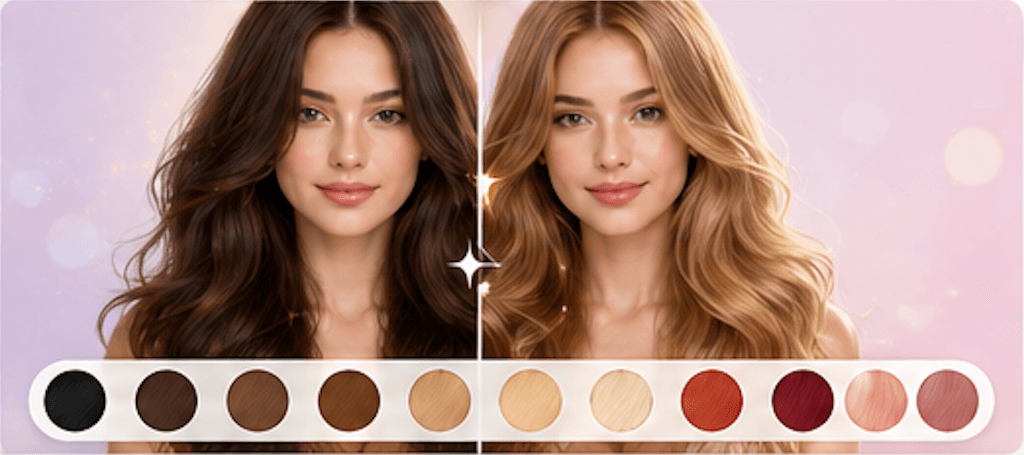
AI Hair Mask Extractor is a preparation tool for hair color previews, hair retouching, salon planning, and creator edits. It does not change the hairstyle itself; it isolates the visible hair area so the next edit has a cleaner starting point.
Cost
20 credits
Charged only after a successful run.
Output
Hair mask
A result image you can review and download.
Best input
Clear portrait
Good lighting and visible edges improve the result.
Use cases
When it helps,
and why.
These tools are most useful as preparation steps: clean the asset, inspect the output, then continue into the next BeautyLove workflow.
Prepare a portrait before hair color testing or style editing.
Create a hair-only cutout for beauty retouching, thumbnails, or creator assets.
Check whether hair edges are clean enough before doing a more complex hair workflow.
Photo tips
Better input,
cleaner result.
- Use a portrait where the full hair outline is visible.
- Avoid hats, heavy motion blur, cropped hair, and very dark backgrounds.
- Choose photos with contrast between hair and background when possible.
- Use Hair Color Changer after extracting a cleaner hair area.
Next tools
Continue the
portrait workflow.
Use the output as a prep asset, then move into editing, scoring, try-on, or profile-photo decisions.

AI Hair Color Changer
Preview blonde, brunette, red, silver, pastel, and fantasy hair colors on your own photo with AI.
Open tool
AI Hairstyle Changer
Preview different hairstyles on your photo with AI before the salon.
Open tool
Hair Quality Analyzer
Analyze visible shine, volume, texture, frizz, and dryness from one photo with care ideas.
Open toolFAQ
Good to
know.
Is this the same as Hair Color Changer?
No. Hair Color Changer generates a new look. Hair Mask Extractor isolates the hair area for editing or prep.
Does it preserve transparent background?
Alibaba returns a temporary result image. When transparency is present, the result page preserves it in the downloadable image.
How many credits does it use?
A successful Hair Mask Extractor run uses 20 credits.