AI Eye Color Preview
Contact Lens
Try-On.
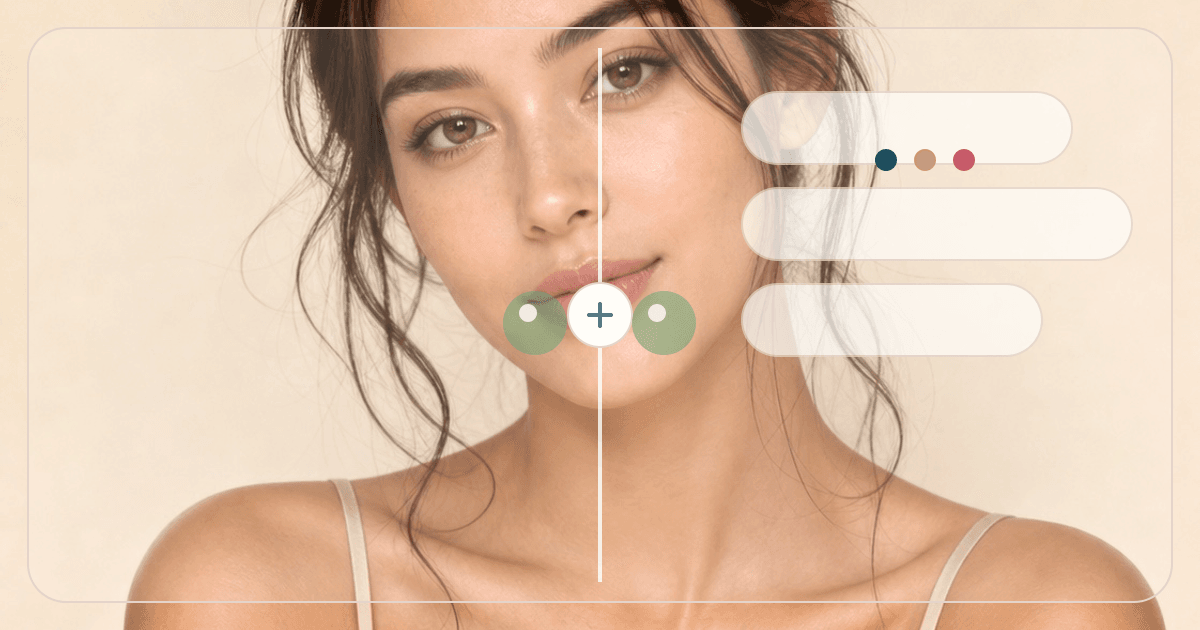
Preview natural-looking contact lens colors on your own eyes before choosing a lens direction.
Choose lens color
12 options available. Selected: Warm brown
Overview
What is Contact Lens Try-On?
Contact Lens Try-On previews natural-looking iris color changes for users searching eye color filter, contact lens try on, hazel eye filter, blue eye filter, or limbal ring contacts. It is a visual beauty tool only, not eye-care or lens-fitting advice.
Cost
20 credits
Charged only after a successful run.
Output
Preview image
A visual before-and-after result.
Best photo
Clear portrait
Natural light usually gives the most useful result.
Use cases
When this tool
is worth running.
These examples help searchers and first-time users decide whether Contact Lens Try-On is the right tool for the photo they have.
Preview brown, hazel, amber, gray, blue, green, violet, or limbal-ring eye color effects.
Coordinate lens color with makeup and color analysis.
Check whether a lens direction looks natural in your portrait lighting.
Workflow
From one upload to
a useful next move.
Each tool is built for a practical beauty decision: what to try, where to place it, or which direction to choose next.
- 01
Choose lens color
Pick a natural, cool, or statement eye color direction.
- 02
Upload a clear portrait
Sharp eyes help the lens preview preserve reflections and detail.
- 03
Compare with makeup
Pair with eyeliner, eyeshadow, or color analysis tools for a full eye look.
Photo tips
Better input,
better output.
- Use a sharp photo where the iris is visible.
- Avoid tiny faces, closed eyes, sunglasses, or colored lighting.
- Choose hazel or warm brown for the most subtle result.
- Pair with Eyeliner & Eyeshadow Placement Guide for a complete eye look.
Next tools
Build a fuller
beauty workflow.
Most users get better results by pairing one focused tool with the next logical analysis, try-on, or portrait polish step.
Eye Shape Detector
Discover your eye shape with AI.
Open tool
Eyeliner & Eyeshadow Placement Guide
Generate a subtle overlay preview for eyeliner lift, eyeshadow zones, lash focus, and eye makeup placement.
Open tool
Eyelash Extension Try-On
Try natural, wispy, cat-eye, doll-eye, wet-look, or soft-volume lash styles on your portrait.
Open tool
Virtual Makeup Try-On
Try natural glow, soft glam, K-beauty, bridal, smoky eye, and red carpet makeup looks on your own photo.
Open toolPrivacy & expectations
Useful guidance,
not overclaiming.
Photo first
Lighting, camera angle, makeup, hair, and filters can change the result. A clear original photo gives the most useful read.
Beauty use
Contact Lens Try-On is for styling, profile-photo, and creative beauty decisions. It is not medical, biometric, or identity advice.
Next step
Use the output as a practical direction, then compare it with related tools or a real mirror check before committing.
FAQ
Good to know.
Is this contact lens medical advice?
No. It is only a visual color preview. Consult an eye-care professional for lens safety.
Will it change eye shape?
No. The prompt asks to change only iris color and keep eye shape intact.
How many credits does it use?
A successful Contact Lens Try-On generation uses 20 credits.
Try the tool
Start with one photo,
then refine the whole look.
Upload a clear portrait, review the result, and follow the next-step tools when you want a more complete beauty workflow.
Loved by 5M+ BeautyLove users for hair, makeup, color, and portrait decisions.