Alibaba Color Enhancement
Portrait Color Enhancer.
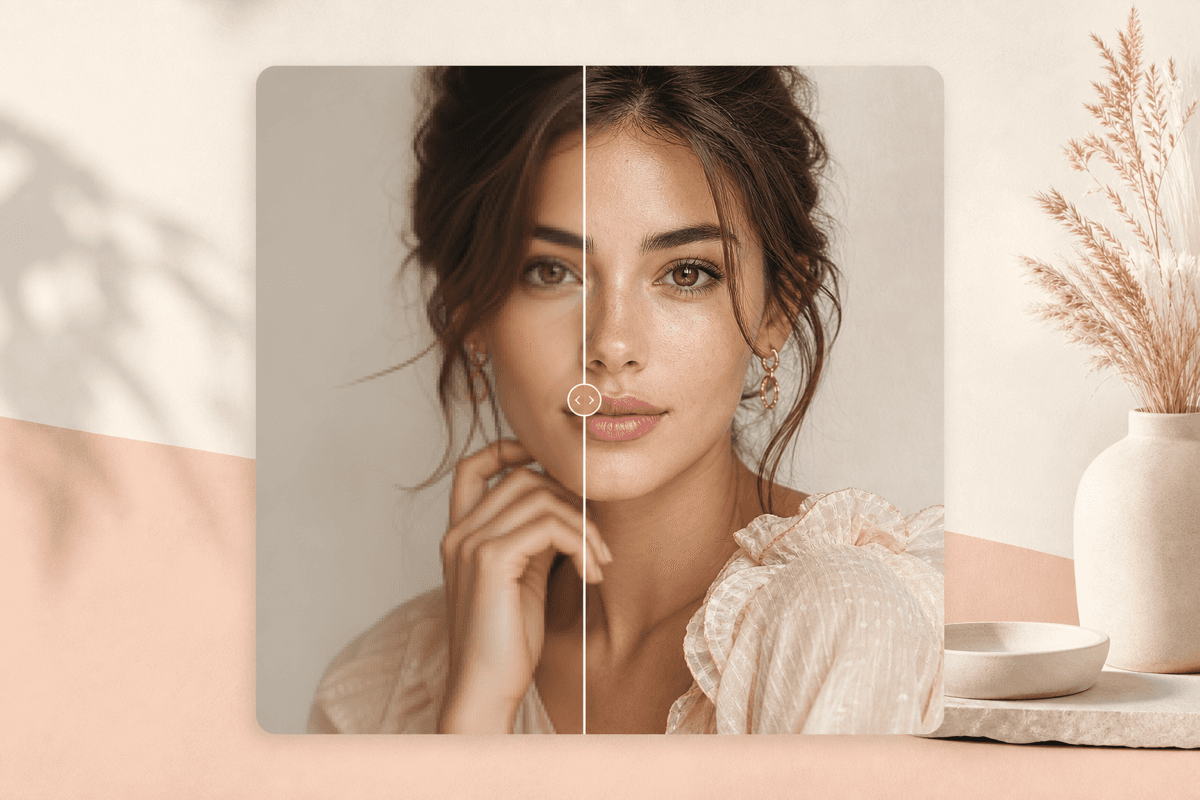
Improve dull, flat, or slightly yellow portrait color while keeping the person, styling, and original composition intact.
Overview
What this tool
is built for.
Portrait Color Enhancer improves tone, exposure, and color balance for portraits that are already worth keeping. It is best after photo quality scoring and before profile publishing, makeup review, or a glow-up workflow.
Cost
20 credits
Charged only after a successful run.
Output
Enhanced color
A result image you can review and download.
Best input
Clear portrait
Good lighting and visible edges improve the result.
Use cases
When it helps,
and why.
These tools are most useful as preparation steps: clean the asset, inspect the output, then continue into the next BeautyLove workflow.
Improve a profile photo that is sharp but slightly dull, yellow, flat, or underexposed.
Clean up color before LinkedIn, dating, creator, or portfolio use.
Polish a portrait before comparing it with other profile photo candidates.
Photo tips
Better input,
cleaner result.
- Start with a sharp portrait where the face is already clear.
- Avoid source images with extreme filters or very low resolution.
- Use Photo Quality Score first if you are unsure whether to edit or retake.
- Use AI Glow-Up Studio when you also want skin, smile, and background polish.
Next tools
Continue the
portrait workflow.
Use the output as a prep asset, then move into editing, scoring, try-on, or profile-photo decisions.

AI Photo Quality Score
Score composition, exposure, and sharpness to decide whether a portrait is ready for profiles or social posts.
Open tool
Photogenic Score Test
AI evaluates camera presence, expression, lighting, angle, and clarity with practical photo tips.
Open tool
Multi-Photo Profile Picker
Upload 3 to 6 selfies and choose the strongest LinkedIn, dating, or creator profile option with rationale.
Open tool
AI Glow-Up Studio
Combine subtle beauty filter, skin retouching, under-eye brightening, teeth whitening, light correction, and background polish in one edit.
Open toolFAQ
Good to
know.
How is this different from Face Enhancer?
Face Enhancer focuses on facial clarity. Portrait Color Enhancer focuses on color, tone, and visual polish.
Will it change my makeup or hair?
It enhances image color globally. It is not a makeup or hair color try-on tool.
How many credits does it use?
A successful Portrait Color Enhancer run uses 20 credits.