Alibaba SegmentHead
AI Head Cutout Maker.
Create a clean head cutout from a portrait. Good for avatar prep, profile edits, thumbnail design, and beauty content assets.
Overview
What this tool
is built for.
AI Head Cutout Maker isolates the head and hair area for avatars, profile graphics, thumbnails, collage assets, and beauty creator workflows. It is narrower than background removal and better when the output needs only the head region.
Cost
20 credits
Charged only after a successful run.
Output
Head cutout
A result image you can review and download.
Best input
Clear portrait
Good lighting and visible edges improve the result.
Use cases
When it helps,
and why.
These tools are most useful as preparation steps: clean the asset, inspect the output, then continue into the next BeautyLove workflow.
Create a head cutout for avatars, thumbnails, or profile layouts.
Prepare a clean face-and-hair asset before background or collage design.
Separate the head from a portrait when a full-body cutout would be unnecessary.
Photo tips
Better input,
cleaner result.
- Use a portrait where the full head and hair outline are visible.
- Avoid cropped foreheads, hats, masks, hands, and extreme side angles.
- Use a simple background when possible for cleaner edges.
- Use AI Background Remover if you need the full person instead.
Next tools
Continue the
portrait workflow.
Use the output as a prep asset, then move into editing, scoring, try-on, or profile-photo decisions.

AI Background Remover
Remove or clean up the background behind a portrait for profile photos, beauty content, and creator images.
Open tool
AI Headshot Generator
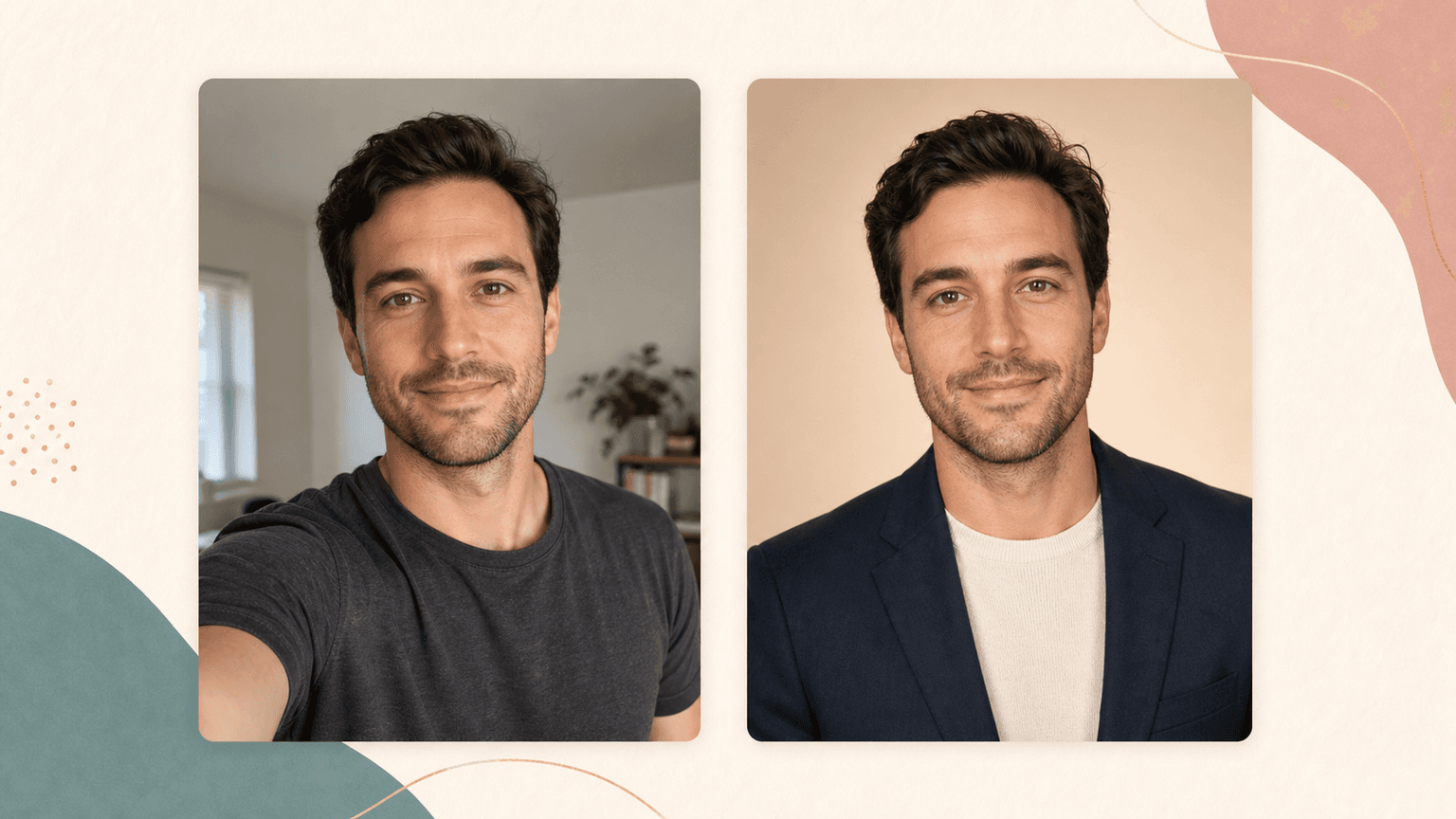
Turn one selfie into polished LinkedIn, resume, creator, founder, and personal brand profile photos with AI.
Open tool
Face Enhancer
Improve soft portrait detail, blend the enhanced face back, and compare before download.
Open toolFAQ
Good to
know.
Is this a full background remover?
No. It focuses on head segmentation. Use AI Background Remover for a full person or portrait background cleanup.
Can it handle hair edges?
It is designed for head and hair outlines, but very messy edges, hats, or motion blur can reduce quality.
How many credits does it use?
A successful Head Cutout Maker run uses 20 credits.