Alibaba SegmentSkin
AI Skin Mask Extractor.
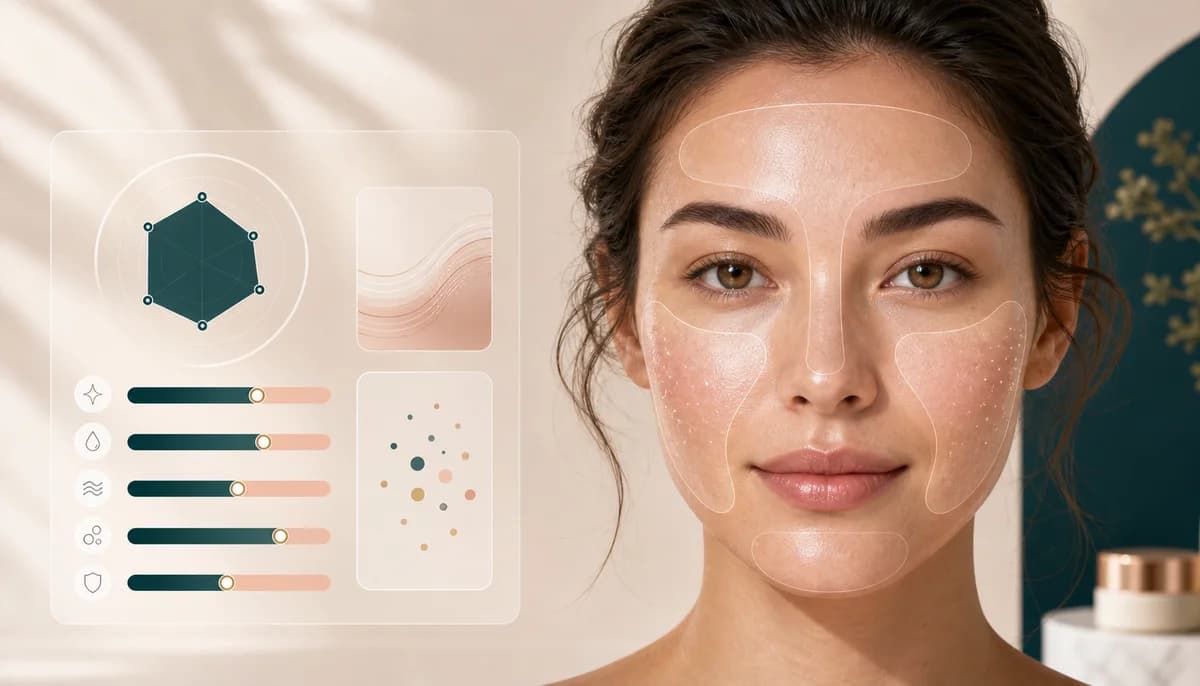
Create a skin-region mask from a beauty portrait so retouching, tone checks, and makeup edits can focus on visible skin areas.
Overview
What this tool
is built for.
AI Skin Mask Extractor creates a visible skin-region mask for beauty retouch preparation and tone-aware editing. It is segmentation, not skin diagnosis, and works best when face and neck skin are clearly visible in even light.
Cost
20 credits
Charged only after a successful run.
Output
Skin mask
A result image you can review and download.
Best input
Clear portrait
Good lighting and visible edges improve the result.
Use cases
When it helps,
and why.
These tools are most useful as preparation steps: clean the asset, inspect the output, then continue into the next BeautyLove workflow.
Prepare a portrait before skin retouching or color correction.
Separate visible skin areas from hair, clothing, and background for editing workflows.
Review whether a photo has enough clean skin visibility before running tone-sensitive tools.
Photo tips
Better input,
cleaner result.
- Use soft, even light with face and neck visible.
- Avoid heavy filters, colored lighting, masks, hands, and strong shadows.
- Do not use the mask as medical or dermatology information.
- Use AI Skin Retouching or AI Skin Analysis after the segmentation step.
Next tools
Continue the
portrait workflow.
Use the output as a prep asset, then move into editing, scoring, try-on, or profile-photo decisions.
AI Skin Retouching
AI skin retouching with adjustable smoothing, tone brightening, before and after review, and result download.
Open tool
AI Skin Analysis
AI skin analysis for visible oil, dryness, texture, pores, and gentle care style tips.
Open tool
Skin Tone Detector
AI skin tone and undertone analysis for foundation, clothing colors, jewelry metals, and lipstick shade ideas.
Open tool
AI Glow-Up Studio
Combine subtle beauty filter, skin retouching, under-eye brightening, teeth whitening, light correction, and background polish in one edit.
Open toolFAQ
Good to
know.
Is this skin diagnosis?
No. It is image segmentation for visible skin regions, not a medical or dermatology assessment.
How is it different from AI Skin Analysis?
AI Skin Analysis gives written beauty guidance. Skin Mask Extractor creates a visual segmentation output.
How many credits does it use?
A successful Skin Mask Extractor run uses 20 credits.